How to resize a widget in Monday.com
Here is how to resize a widget in monday.com
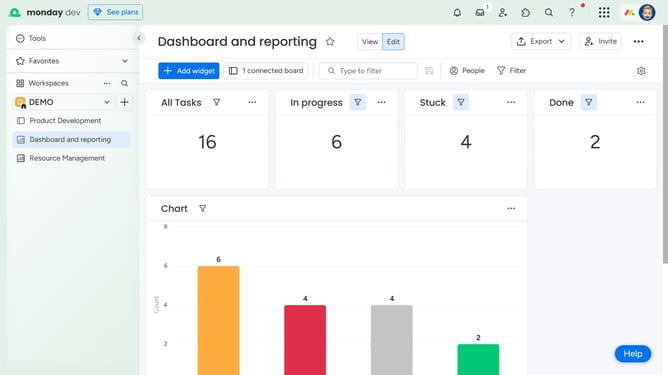
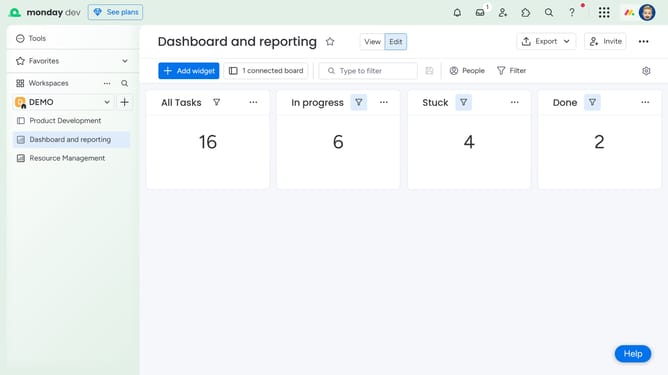
- First in the left sidebar, open the dashboard containing the widget you want to resize
- Next locate and hover over the widget you want to resize on the dashboard
- Then a resize handle will appear. Click and drag it to resize the widget to your desired dimensions
- Finally release the mouse to apply the new size
Why should you resize a widget in Monday.com
Monday.com is an intuitive work operating system that enhances team collaboration and project management.
Among its many features, the ability to resize a widget stands out as a key customization tool for users. This feature allows you to tailor your dashboard to fit the unique needs of your team, offering a more personalized experience.
By resizing widgets, you can prioritize crucial information and streamline workflows, which ultimately leads to increased efficiency and clarity in project management.
Last update