How to switch your theme to dark mode in Monday.com
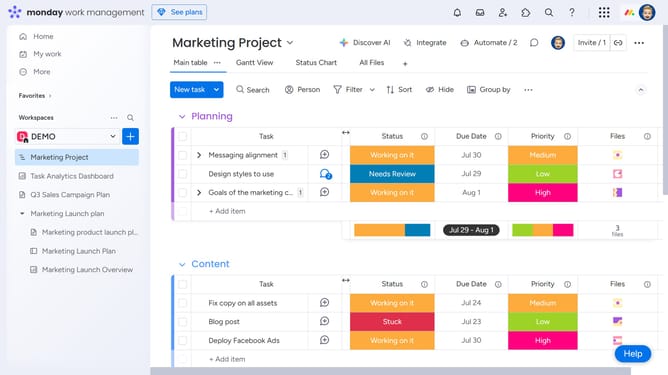
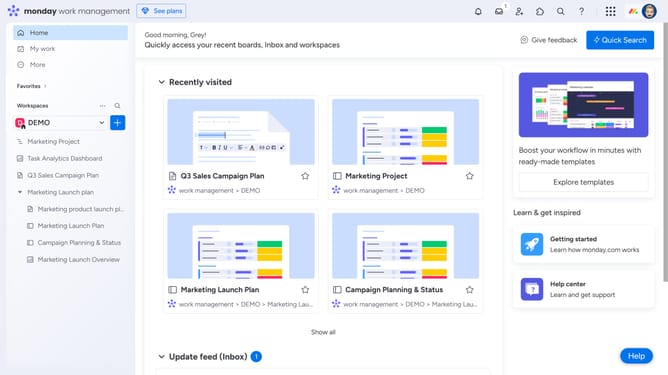
Here is how to switch your theme to dark mode in monday.com
- First click on the profile picture in the top-right corner of the header
- Then click on the "Change theme" option in the user menu dropdown
- Finally select the "Dark" theme from the theme selection submenu
Why should you switch your theme to dark mode in Monday.com
Monday.com is a dynamic work operating system designed to streamline team management and project workflows effortlessly.
Switching your theme to dark mode on Monday.com enhances visual ergonomics, reducing eye strain during extended work periods. This modern feature also helps conserve battery life on devices with OLED screens, keeping your work environment both efficient and stylish.
Adopting dark mode can improve focus by minimizing glare, making it easier to concentrate on tasks, especially in low-light settings. Embrace this feature to optimize your work experience effectively.
Last update