How to disable a shared view in Monday.com
Here is how to disable a shared view in monday.com
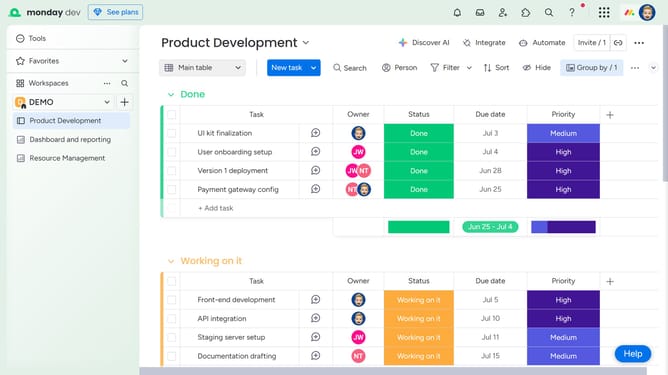
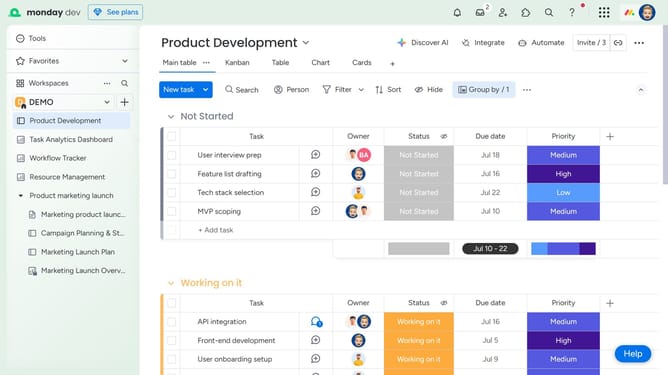
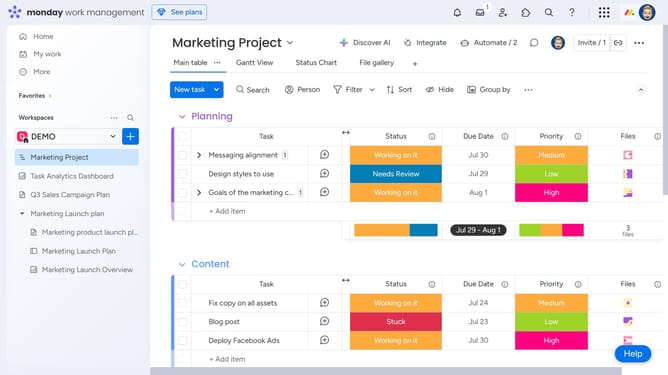
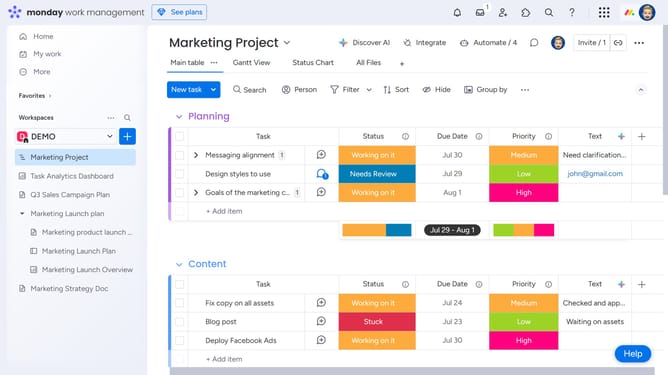
- First open the board and click on the view that is currently being shared
- Next click the more options menu (three dots) to the right of the view name
- Then click on "Share settings" option in the dropdown menu
- Finally, click the “Stop” button in the sharing dialog to disable the shared view
- Once disabled, the shareable link and embed code will be removed and can no longer be accessed or copied
Why should you disable a shared view in Monday.com
Monday.com is a dynamic work operating system designed to streamline team collaboration and project management.
The ability to disable a shared view in Monday.com ensures that only designated users can access sensitive project details, adding a layer of privacy and control over information dissemination.
By utilizing this feature, teams can maintain confidentiality while still benefiting from Monday.com's flexible and collaborative environment, ensuring that the right people have the right access at the right time.
Last update