How to generate text in a Workdoc using AI in Monday.com
Here is how to generate text in a workdoc using ai in monday.com
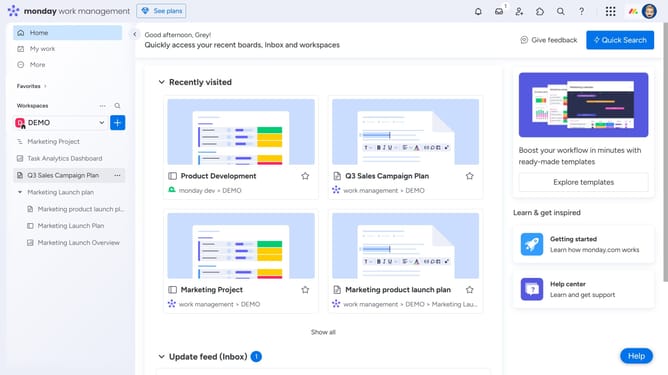
- First open an existing Workdoc from the left sidebar
- Next click where you want the AI-generated text to appear
- Then click the "+" button to the left of the line
- A small block menu will appear with content options
- Select “Write with AI” in the block menu
- Next click in the AI writing prompt text area and type your prompt
- Then click on "Generate" button to create AI-generated content
- Finally the AI will automatically generate the text
- Now choose to copy the text or click "+ Add to doc" to insert it directly into your Workdoc
Why should you generate text in a Workdoc using AI in Monday.com
Monday.com is a versatile work management platform designed to streamline collaboration and productivity.
With its AI-driven text generation in Workdocs, Monday.com empowers users to effortlessly create content with ease and efficiency.
This feature saves time, enhances creativity, and ensures consistency in document creation, allowing teams to focus on what truly matters.
By leveraging this AI capability, organizations can elevate their documentation process, leading to improved communication and a more productive workflow.
Last update