How to resolve an annotation in Monday.com
Here is how to resolve an annotation in monday.com
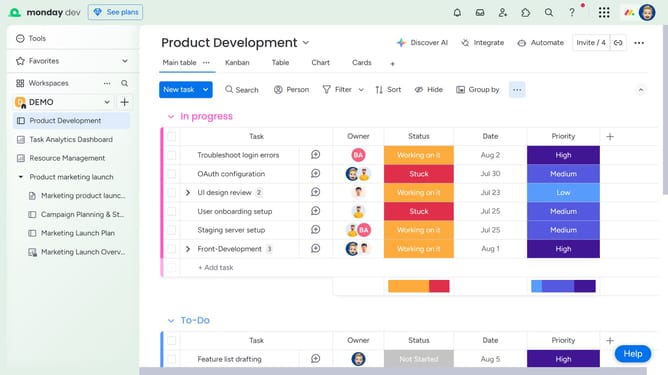
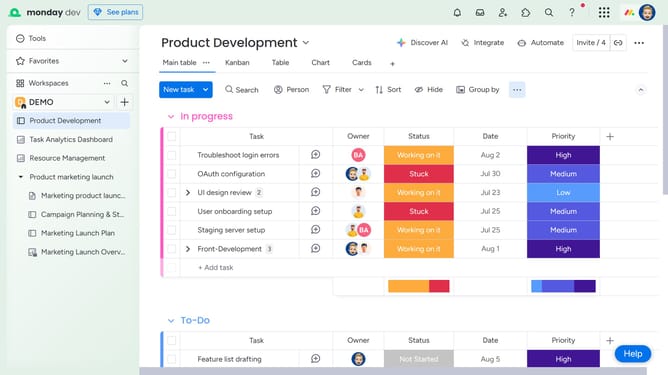
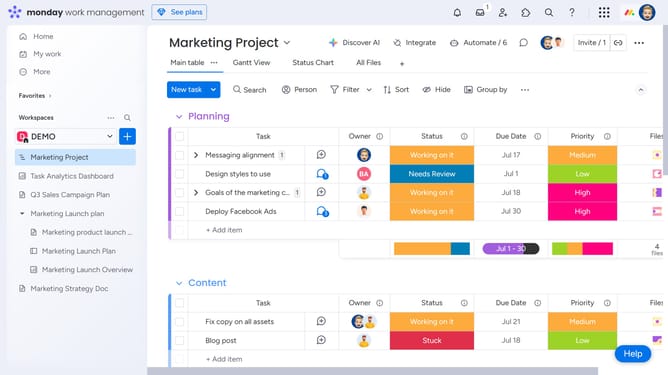
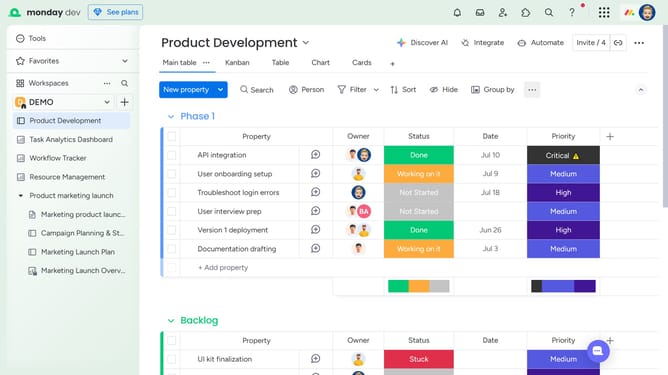
- First open the board and locate the item with the annotated file
- In the Files column, click the file to open it
- Next click on the "Comments" button in the right sidebar of the image viewer
- Then locate the annotation you want to resolve in the comment section
- Finally click on "Resolve" button below the annotation
Why should you resolve an annotation in Monday.com
Monday.com is a versatile work operating system that streamlines team collaboration and project management.
Resolving an annotation in Monday.com is a feature that enhances precision and clarity for project updates and feedback loops. It allows users to interact directly with the specific point in a document or dashboard where attention is required.
This feature promotes effective communication, reducing misunderstandings and ensuring that team members are aligned on project goals and status. Clarifying inquiries and addressing concerns swiftly maintains workflow momentum and drives efficiency.
Last update