How to delete a Workdoc in Monday.com
Here is how to delete a workdoc in monday.com
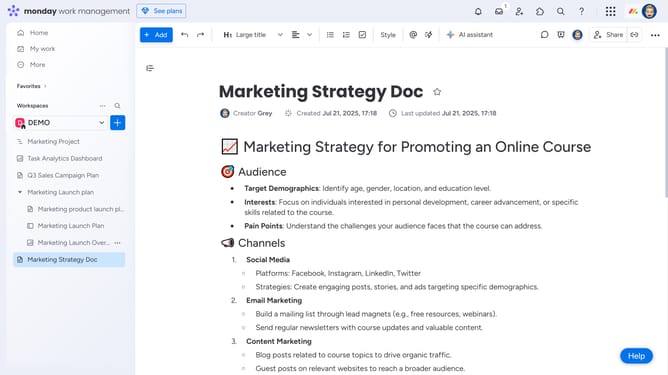
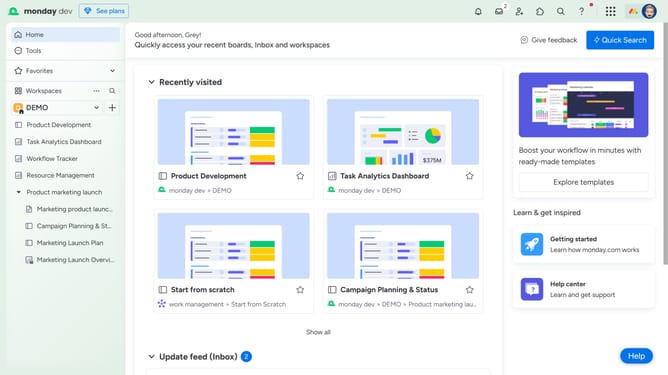
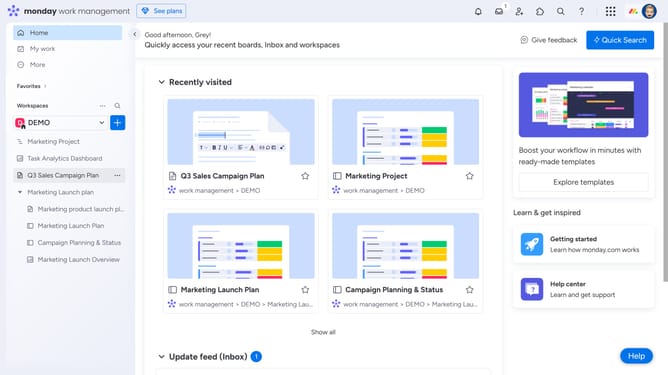
- First open the Workdoc you want to delete from the left sidebar
- Next click on the "more options" button (three dots) in the top-right corner of the document
- Then click on the "Delete / Archive" option in the dropdown menu
- Finally select the "Delete" option from the submenu
Why should you delete a Workdoc in Monday.com
Monday.com is a versatile work operating system that streamlines team collaboration and productivity.
Deleting a Workdoc is a hassle-free process within Monday.com, ensuring your workspace stays organized and efficient. This feature enhances your ability to maintain a clutter-free environment by allowing you to remove outdated or irrelevant documents effortlessly.
By managing your Workdocs efficiently, teams can focus on current tasks and valuable information, ultimately optimizing workflow and boosting productivity.
Last update