How to change your email address in Monday.com
Here is how to change your email address in monday.com
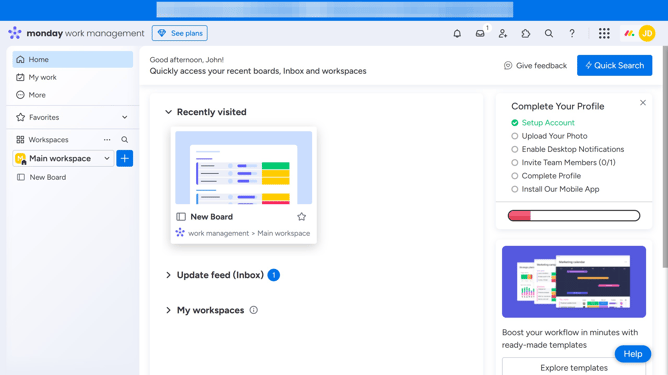
- First click on the profile picture in the top-right corner of the header
- Next click on "My profile" option in the dropdown menu
- From the profile section, click on your current email address
- In the change email dialog, enter your new email address in the "New email" field
- Finally click the "Confirm" button to save the new email address
Why should you change your email address in Monday.com
Monday.com is a dynamic work operating system designed to enhance team collaboration and productivity.
One of its user-friendly features includes the ability to change your email address easily.
Updating your email ensures you never miss crucial updates or notifications, keeping you seamlessly connected with your team activities.
This feature strengthens security and upholds your work account's privacy, letting you efficiently manage your communication preferences while staying organized.
Last update