How to move an item with subitems to another board in Monday.com
Here is how to move an item with subitems to another board in monday.com
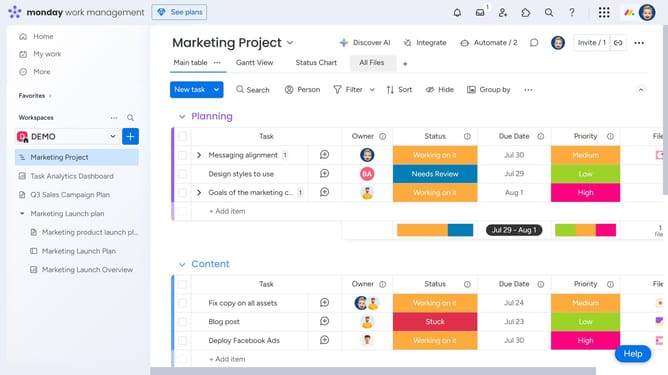
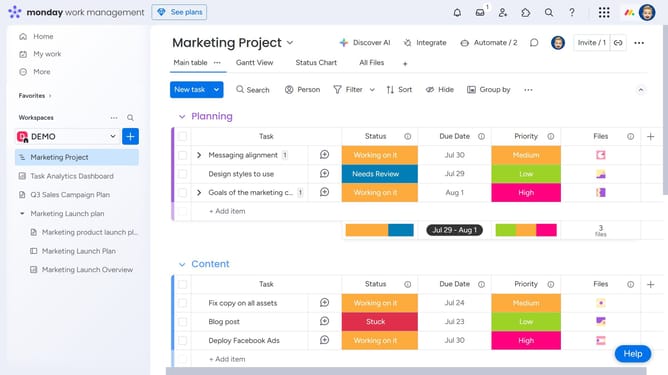
- First locate the item with subitems you want to move
- Next click the checkbox next to the item (with subitems) to select it
- Click on the "Move to" button in the action toolbar
- Then select "Move to board" option from the move menu
- In the board selection dialog, select the destination board from the list
- From the group options, select a group in the destination board
- A column mapping dialog will appear, match the columns from the current board to those on the destination board
- Then click the "Move item" button to confirm the column mapping
- If some columns don’t match, you can choose to return to the column mapping screen
- If you still want to proceed, click "Move items anyway" button
Why should you move an item with subitems to another board in Monday.com
Monday.com is a versatile work operating system designed to streamline workflows and enhance team collaboration.
Moving an item with subitems to another board in Monday.com is simple, allowing for seamless project transitions without losing intricate details or context.
This feature enhances project organization and ensures that all associated subitems travel together, maintaining the integrity of data across boards.
It empowers teams to reorganize projects dynamically and keeps all team members aligned and informed, ensuring efficient workflow management.
Last update