How to delete a view in Monday.com
Here is how to delete a view in monday.com
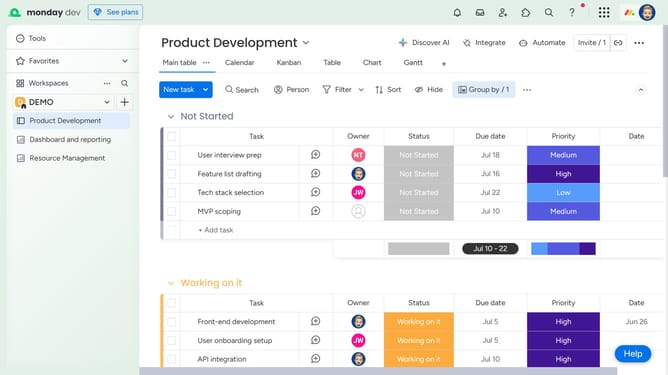
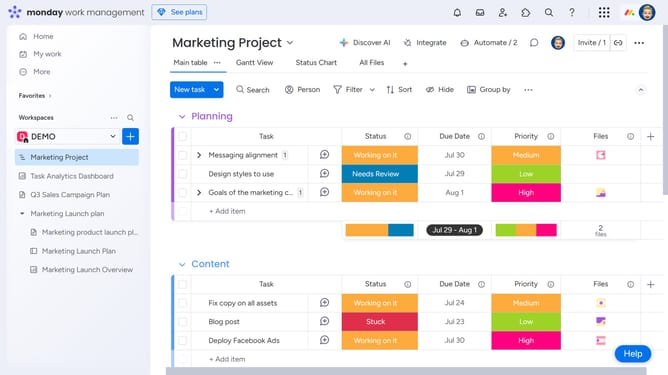
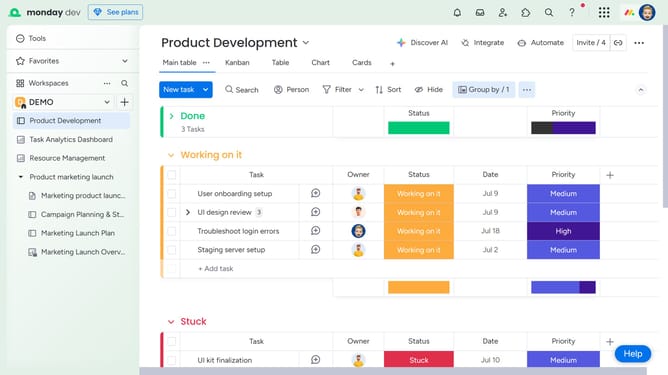
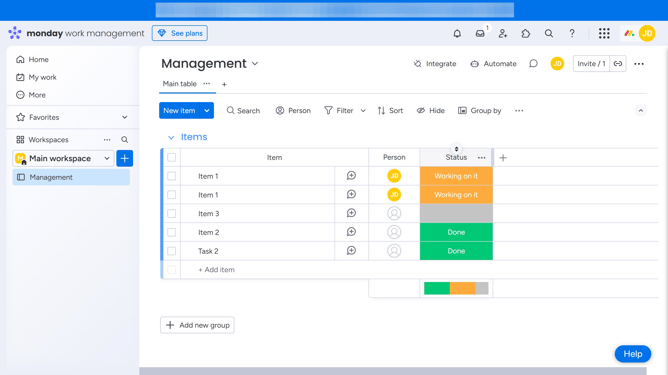
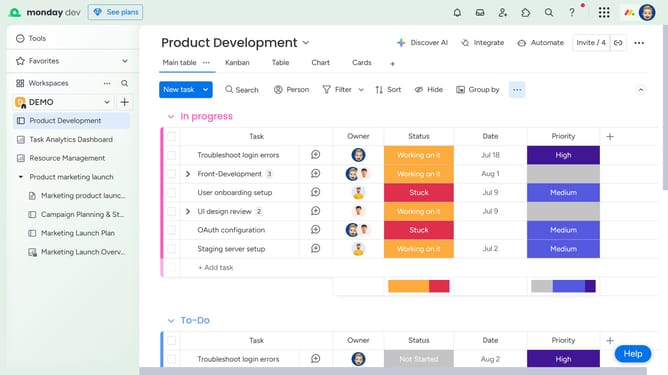
- First open the board and click on the view you want to delete
- Then click the more options menu (three dots) to the right of the view name
- Finally click on "Delete view" option in the dropdown menu to remove the view
Why should you delete a view in Monday.com
Monday.com is a versatile work operating system designed to streamline workflows and enhance team collaboration.
One of its thoughtful features is the ability to delete views, allowing users to maintain a clutter-free workspace.
This feature helps in keeping the focus on relevant data by removing any unnecessary views that might cloud judgment or overwhelm team members.
By having only the needed views accessible, users can optimize their project management efficiency, ensuring that the team stays on track and goal-oriented.
Last update