How to undo in Monday.com
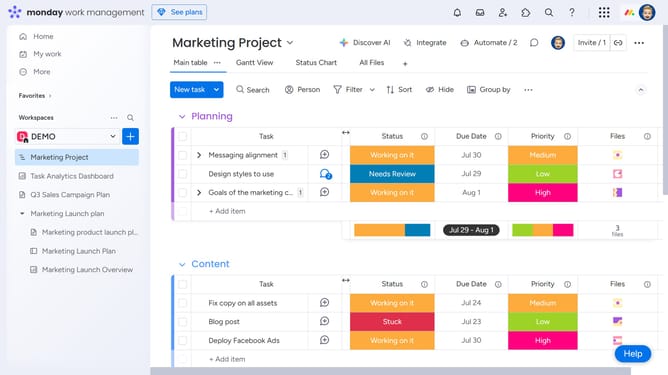
Here is how to undo in monday.com
- First hover your mouse cursor on the column you want to delete
- Then click on the "More options" button (three dots) in the column header
- Next click the "Delete" option from the dropdown menu
- Click the "Delete" button
- Click "Undo" to restore the deleted column
Why should you undo in Monday.com
Monday.com is a versatile work operating system designed to streamline team collaboration and project management.
The undo feature in Monday.com is a powerful tool that enhances workflow efficiency by allowing users to easily revert recent changes. This feature helps maintain data integrity, providing peace of mind for users as they navigate through their daily tasks.
With the ability to quickly correct any mistake, users can work confidently, knowing that any accidental changes can easily be undone without detriment to the project's progress or data accuracy.
Last update