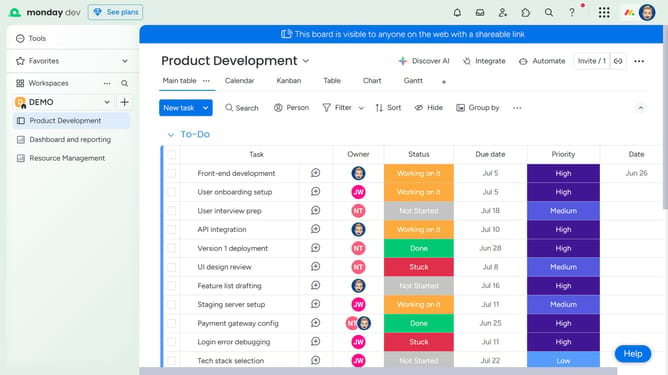
How to share a board view in Monday.com
Here is how to share a board view in monday.com
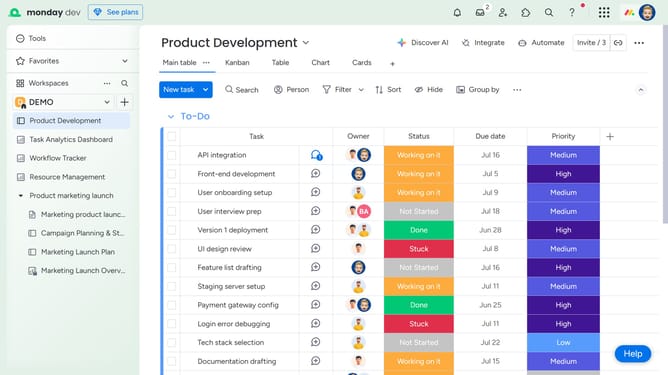
- First navigate to the board and click on the view you want to share
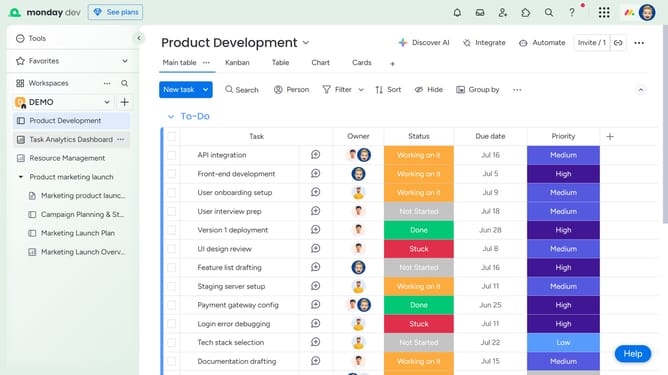
- Next click the more options menu (three dots) to the right of the view name
- From the dropdown menu, click on the "Share view" option
- Then in the popup window, click on the "Start" button
- Finally, you can copy the shareable link or embed code and share it with others
Why should you share a board view in Monday.com
Monday.com is a versatile work operating system designed to boost team productivity and collaboration.
The ability to share a board view in Monday.com allows team members and stakeholders to access precise project overviews, ensuring everyone is on the same page.
This feature fosters transparency and enhances coordination by allowing selective sharing of relevant information. Seamless sharing simplifies feedback processes and decision-making by bringing the right eyes to the right details.
Ultimately, it’s about maximizing efficiency and clarity, empowering teams to achieve their goals effortlessly.
Last update