How to change a dashboard to private in Monday.com
Here is how to change a dashboard to private in monday.com
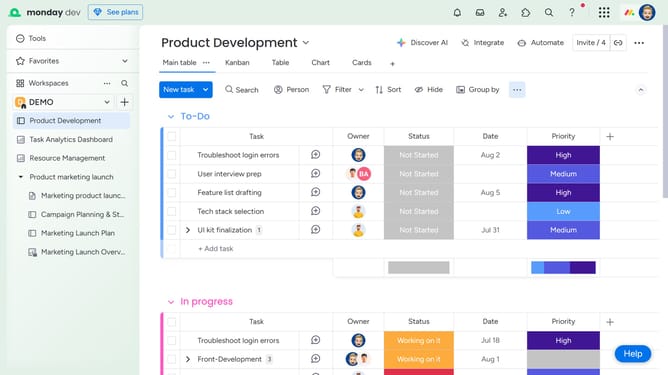
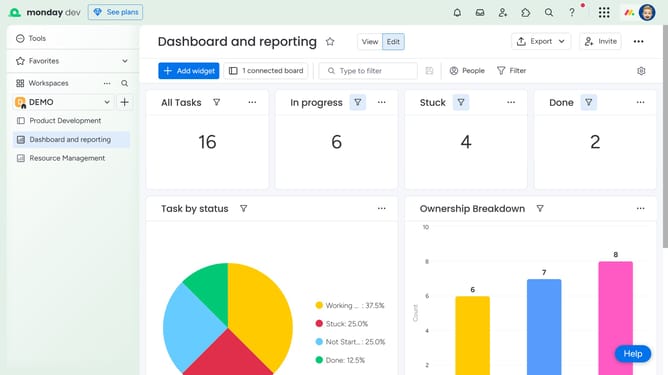
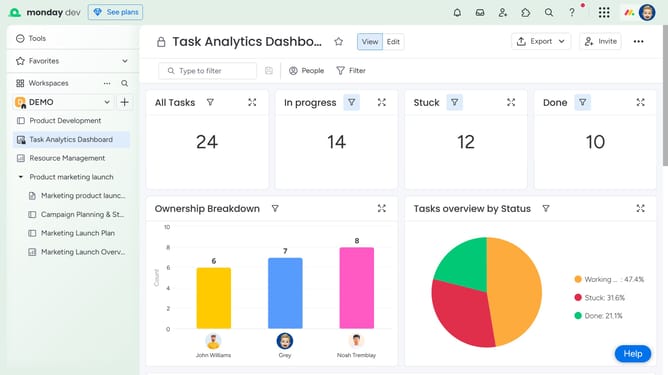
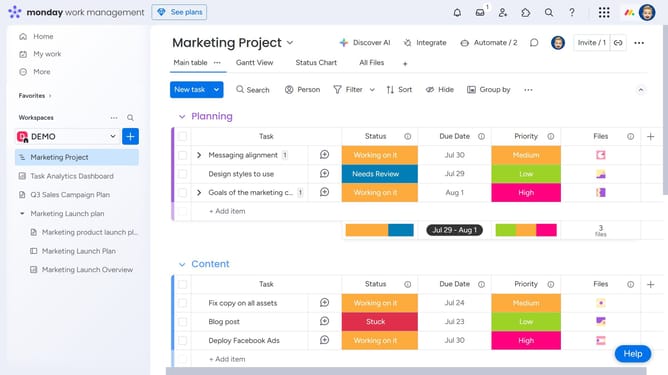
- First open the dashboard you want to convert to private in the left sidebar menu
- Next click on the "More options" button (three dots) next the dashboard name in the sidebar
- Then click on "Change type to private" option in the dropdown menu
- Another option is to click on the options menu (three dots) in the top-right corner of the dashboard
- Then select the "Change type to Private" option in the dashboard menu
- Finally click on "Change dashboard to Private" button in the confirmation dialog
Why should you change a dashboard to private in Monday.com
Monday.com is a highly versatile project management tool designed to streamline team collaboration and workflow efficiency.
One of its standout features is the ability to change a dashboard to private, providing an added layer of control over who can access sensitive project data.
This feature is beneficial for maintaining confidentiality and ensuring that only authorized team members are privy to critical project insights.
Ultimately, it enhances trust and security, promoting a collaborative environment where sensitive information is protected.
Last update