How to delete a column in Monday.com
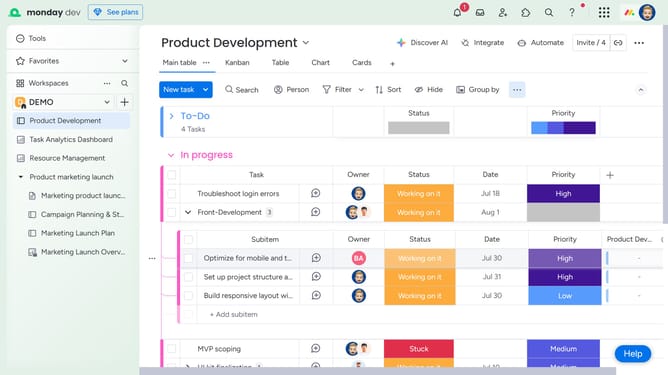
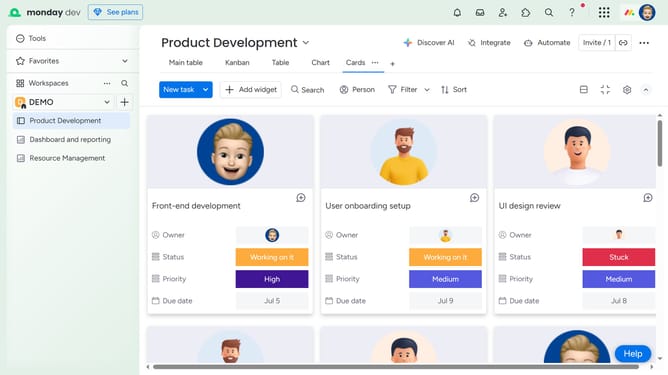
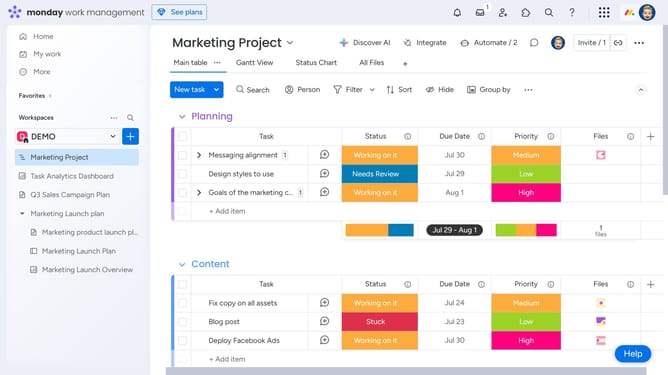
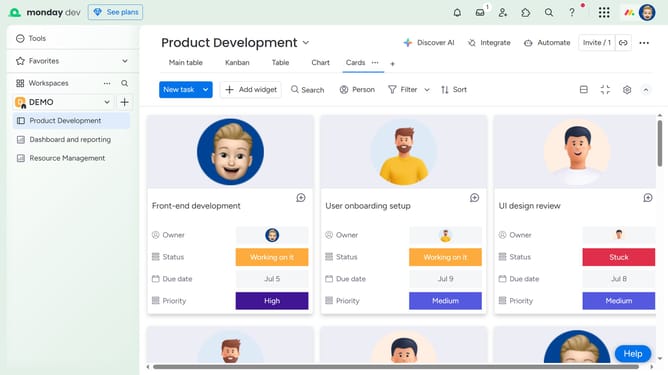
Here is how to delete a column in monday.com
- First locate and hover over the column you want to delete
- Next click on the "More options" button (three dots) next to the column name
- Then click on the "Delete" option in the dropdown menu
- Finally click the "Delete" button in the confirmation dialog to remove the column
Why should you delete a column in Monday.com
Monday.com is a dynamic work operating system designed to simplify team collaboration and workflow management.
One of its useful features is the ability to delete a column effortlessly, allowing for a more streamlined experience.
Removing irrelevant or unnecessary columns helps maintain focus on essential tasks, enhancing productivity and team efficiency.
Furthermore, this feature aids in keeping data organized, ensuring that team members can access information that's pertinent to their specific objectives.
Last update