How to download all files from a board in Monday.com
Here is how to download all files from a board in monday.com
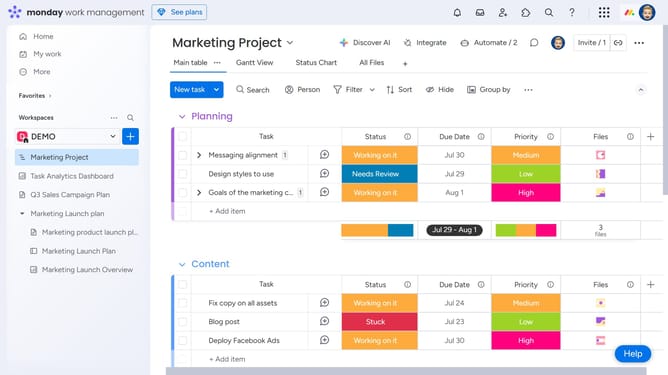
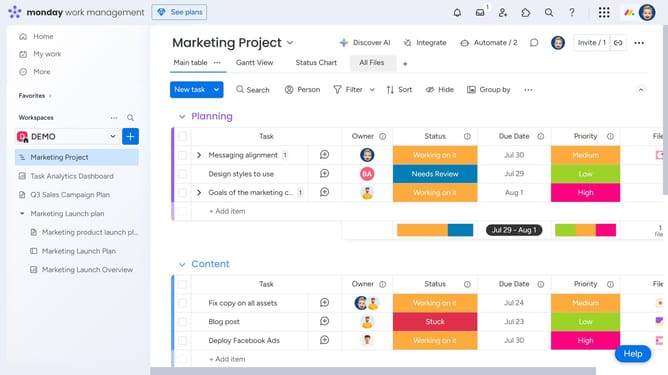
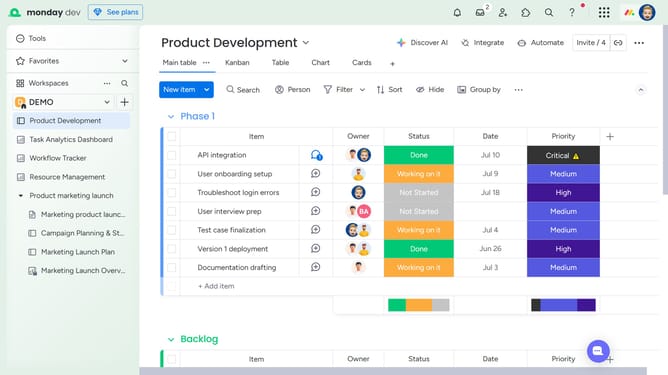
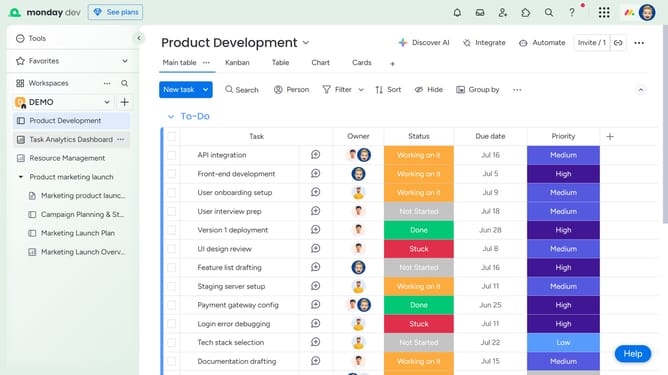
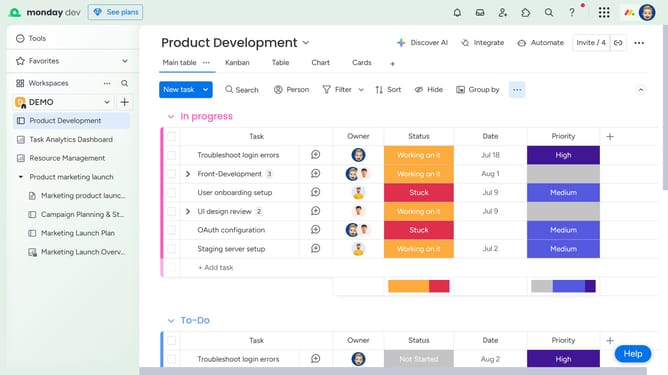
- First open the board containing the files you want to download from the left sidebar
- Next click on the "Files gallery" view in the top navigation menu
- Then click on the "Download" button in the top-right corner of the Files Gallery view
- Finally a ZIP file containing all the uploaded files from that board will begin downloading to your computer
Why should you download all files from a board in Monday.com
Monday.com is a versatile work operating system designed to optimize team workflow and collaboration.
The ability to download all files from a board in Monday.com streamlines the process of accessing essential information in one go.
This feature enhances productivity by gathering your project's resources together, saving valuable time and preventing errors from missing files.
With all documents at hand, teams can maintain momentum and seamlessly drive projects forward.
Last update