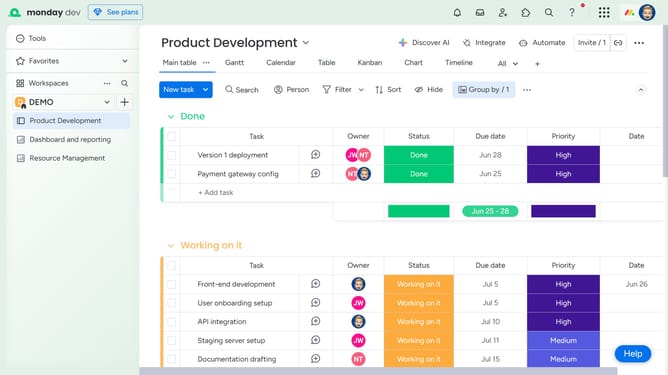
How to deactivate a user in Monday.com
Here is how to deactivate a user in monday.com
- First click on the profile avatar in the top-right corner of the page
- Next click on the "Administration" option in the dropdown menu
- Click on the "Directory" item in the left sidebar menu
- Then click on the "Users" option under the Directory section
- In the User management page, locate the user you want to deactivate from the list
- Next click the actions menu (three dots) next to the user's name
- Select "Deactivate user" option from the dropdown menu
- In the deactivation dialog, click on the owner selection field to choose a new owner for the user's automations
- Click the "Continue" button to proceed
- Then, in the feedback form, select a reason for deactivating the user from the available options
- Click the "Continue" button to move to the final confirmation
- Finally click the "Deactivate user" button in the confirmation dialog to complete the process
Why should you deactivate a user in Monday.com
Monday.com is an innovative work operating system that streamlines team collaboration and task management.
The capability to deactivate a user in Monday.com provides significant advantages in maintaining an organized workspace.
Deactivating users seamlessly manages team size and user access, ensuring only relevant members are active.
This feature enhances focus and data security, creating an efficient and controlled work environment.
Last update