How to rename a dashboard in Monday.com
Here is how to rename a dashboard in monday.com
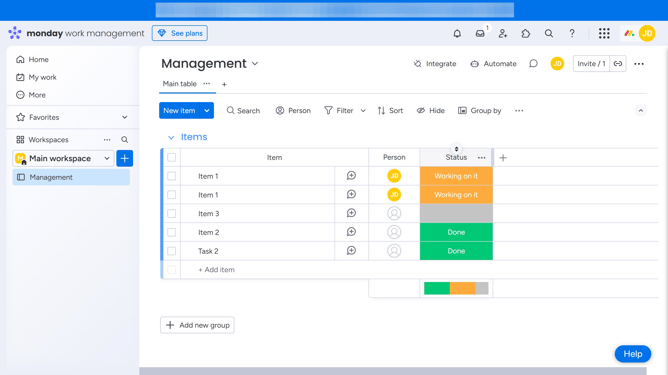
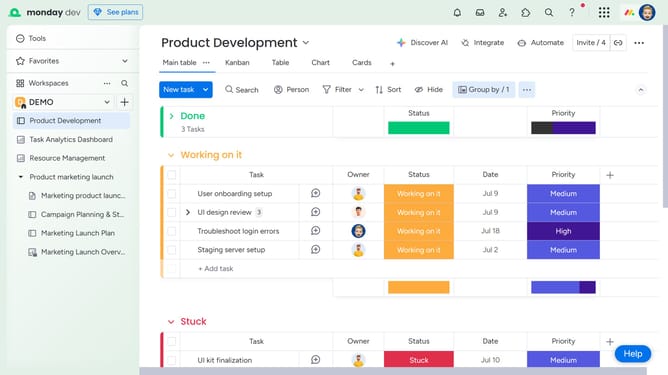
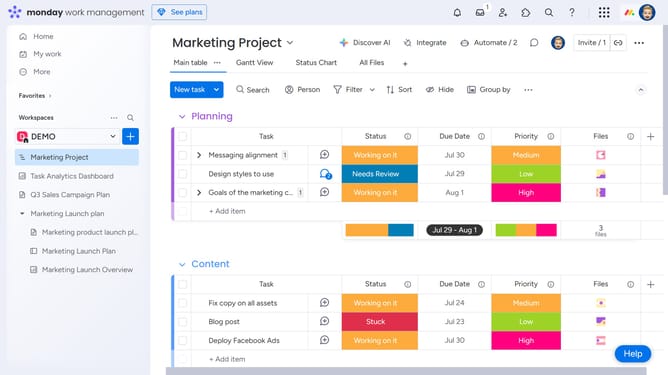
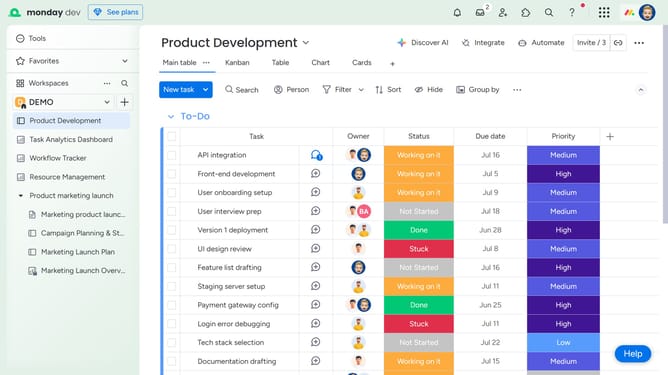
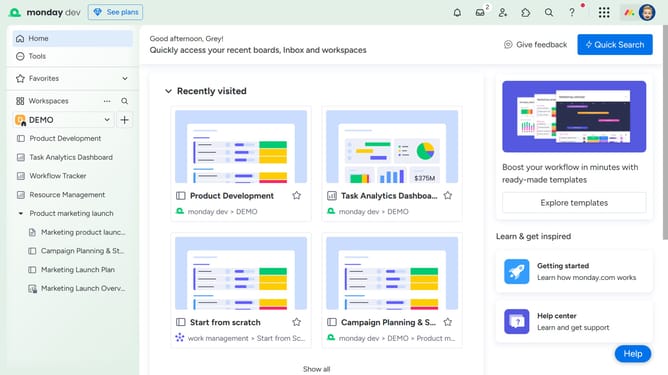
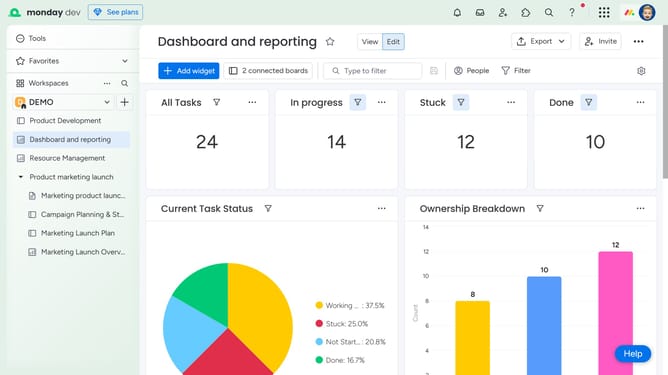
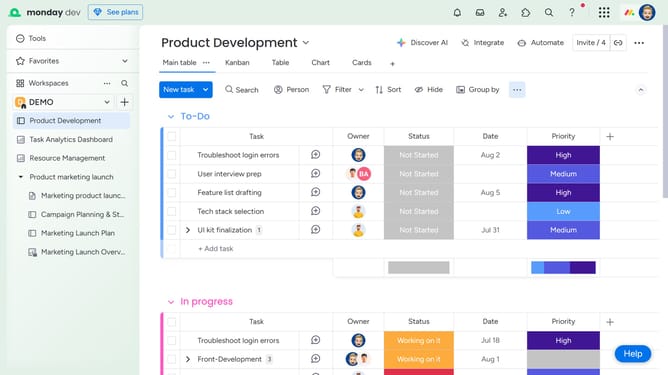
- First click the dashboard you want to rename in the left sidebar menu
- Next click on the options menu (three dots) next to the dashboard name
- Click on the "Rename" option in the dropdown menu
- Then type in the new name for your dashboard in the left sidebar
- Alternatively, click directly on the current dashboard name in the top-left corner of the dashboard
- Finally, type in the new name and press "Enter" or click outside the name field to save the change
Why should you rename a dashboard in Monday.com
Monday.com is an intuitive work operating system designed to streamline team collaboration and project management.
Renaming a dashboard in Monday.com is a simple yet powerful feature that enhances organization and clarity across your projects.
By providing the flexibility to customize dashboard names, users can easily keep track of workflows and ensure everyone on the team is aligned.
This small but impactful feature helps optimize productivity by making dashboards more intuitive and user-friendly.
Last update