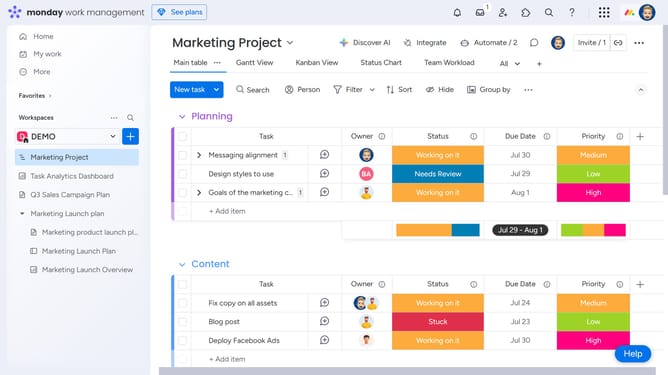
How to summarize text with AI in Monday.com
Here is how to summarize text with ai in monday.com
- First open the Workdoc containing the text you want to summarize
- Next highlight the section of text you want to summarize
- Then click on the "AI assistant" icon in the top toolbar that appears
- Finally the AI will automatically generate a summary into a shortened paragraph
- Now you can copy the text, or click on the "+Add to doc" button to add the summary directly to your workdoc
Why should you summarize text with AI in Monday.com
Monday.com is a versatile platform designed to enhance team productivity and project management effortlessly.
Within its innovative features, Monday.com offers an AI-powered text summarization tool for efficient data management and communication.
This feature condenses lengthy documents into digestible summaries, enabling teams to grasp key information swiftly and make informed decisions.
By eliminating information overload, it ensures clarity and boosts productivity, saving valuable time and energy in your daily workflows.
Last update