How to collapse a column in Monday.com
Here is how to collapse a column in monday.com
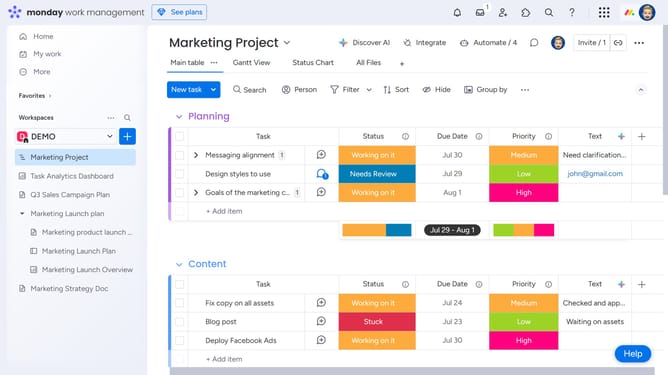
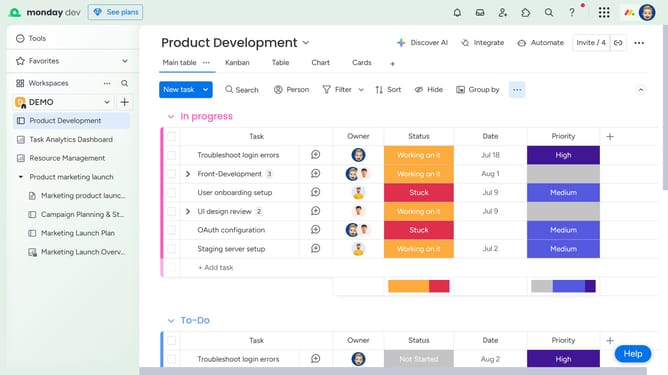
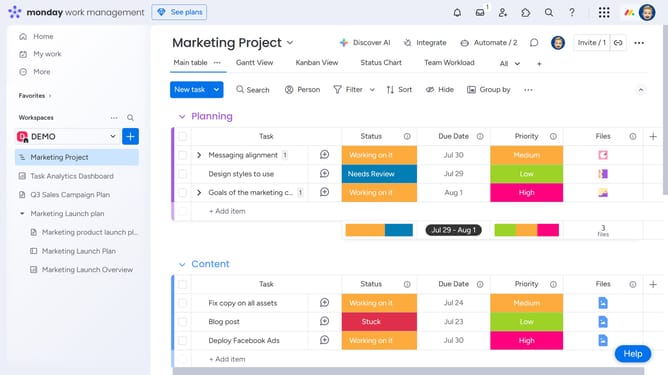
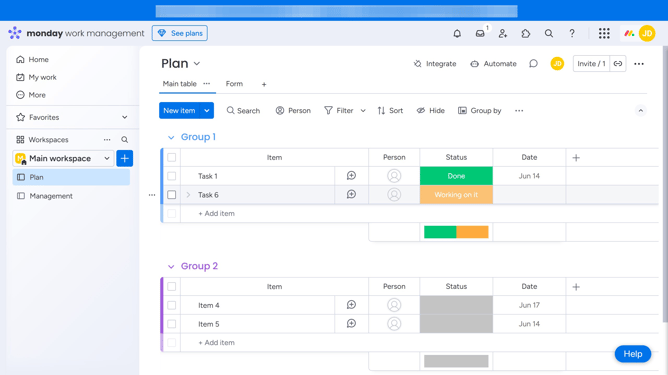
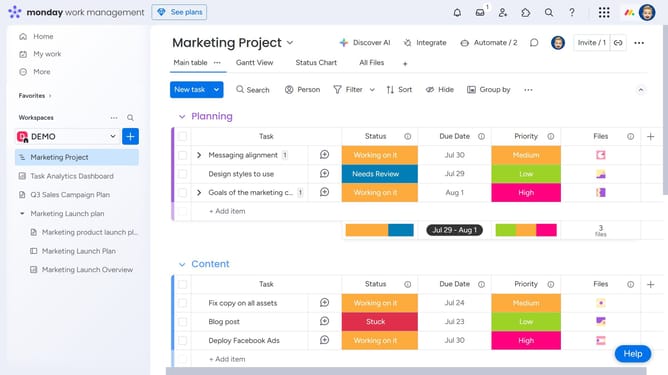
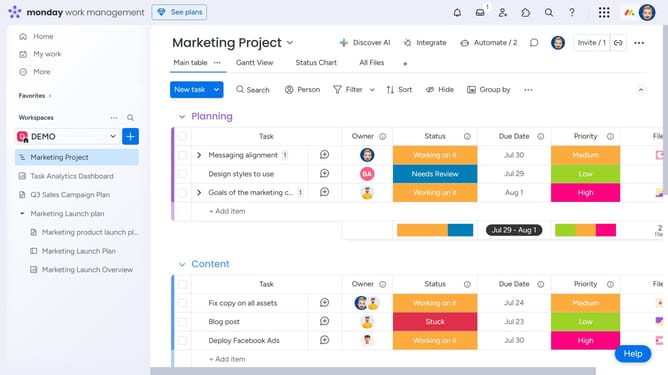
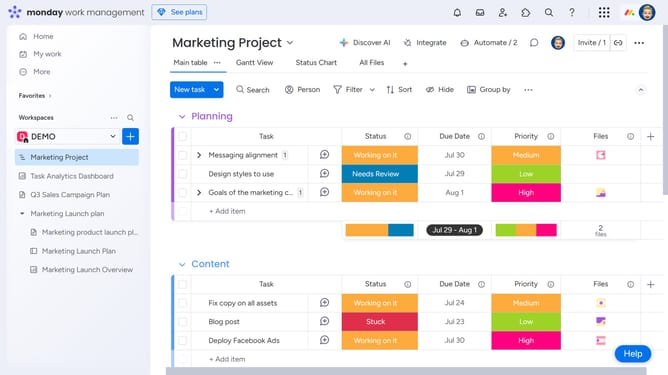
- First, navigate to the "Main table" view on your board
- Then hover over the column name you want to collapse and click on the options menu (three dots)
- Finally click on "Collapse" option in the column menu dropdown
Why should you collapse a column in Monday.com
Monday.com is a dynamic work operating system designed to streamline and enhance team collaboration and project management.
One of its key features is the ability to collapse columns, allowing users to declutter their workspace effortlessly.
This feature helps users focus on the most relevant information without distractions, enabling a cleaner and more concentrated view on critical data.
By collapsing columns, teams can maintain an organized dashboard, improving overall efficiency and productivity.
Last update