How to restore a deleted dashboard in Monday.com
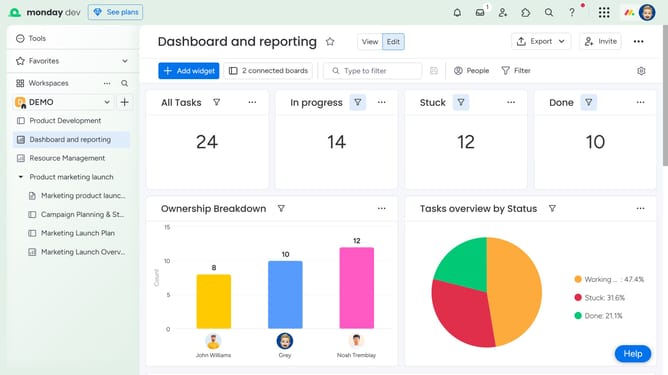
Here is how to restore a deleted dashboard in monday.com
- First click on the profile icon in the top-right corner of the main header
- Next click on the "Trash" option in the dropdown menu
- In the trash section, use the search bar or scroll to find the deleted dashboard you want to restore
- Then click on the option menu (three dots) next to the dashboard name
- Finally select the "Restore" option from the action menu
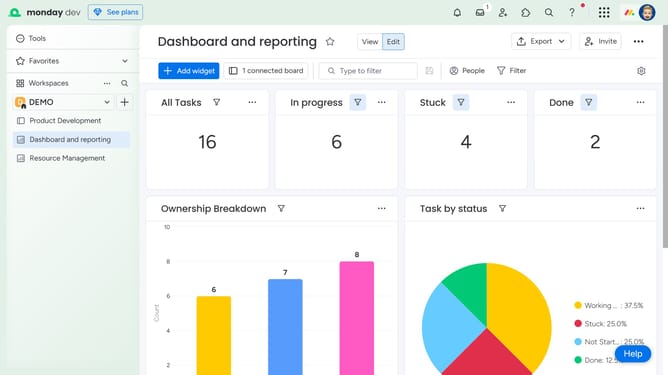
- The dashboard will be restored to its original location in the sidebar
Why should you restore a deleted dashboard in Monday.com
Monday.com is a versatile work operating system that empowers teams to run projects and workflows with confidence.
If you accidentally delete a dashboard, the platform offers a reliable way to restore it effortlessly. This feature ensures that your valuable insights and data aren't lost forever.
Utilizing this function can save time and prevent potential project setbacks. It allows users to maintain their workflow seamlessly, underscoring Monday.com's commitment to user-centric functionality.
Last update