How to sort the Cards View in Monday.com
Here is how to sort the cards view in monday.com
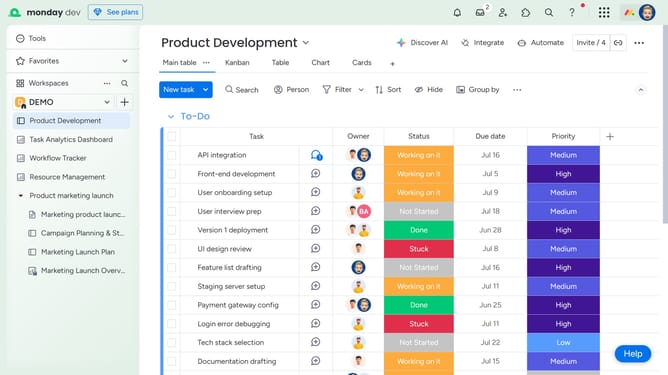
- First click on the "Cards" view option at the top of the board to open it
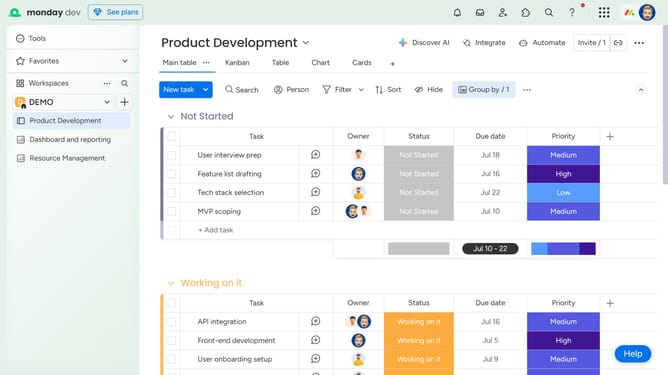
- Next click on the "Sort" button in the top toolbar
- Click on the "Choose column" dropdown menu in the sort dialog
- Then select an option from the column dropdown list
- Next click on the "Ascending" dropdown menu
- Finally select the sorting order option from dropdown
- You can click on "+ New sort" to add another sorting criteria if needed
Why should you sort the Cards View in Monday.com
Monday.com is a dynamic work operating system designed to simplify managing workflows, projects, and teamwork in one place.
The Cards View is a feature of Monday.com that visually organizes tasks, making them easy to access and manage. Sorting the Cards View allows users to prioritize tasks efficiently by adjusting the order based on various fields such as due dates, statuses, or assignees.
This custom ordering enhances clarity and focus, leading to improved team productivity and ensuring that the most critical tasks are always front and center. Embracing this feature means maintaining a well-structured and productive work environment.
Last update