How to switch between accounts on the browser in Monday.com
Here is how to switch between accounts on the browser in monday.com
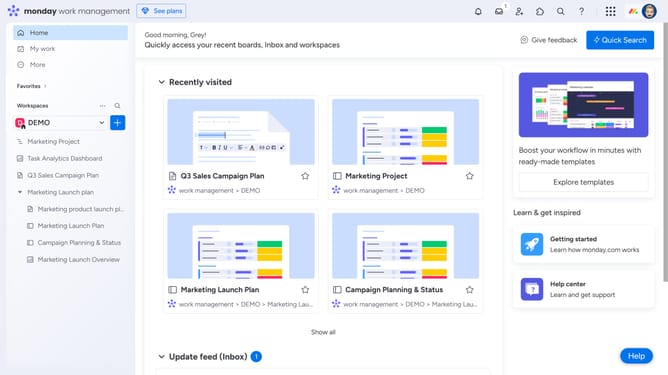
- First click on the profile picture in the top-right corner of the header
- Then click on the "Switch accounts" option in the dropdown menu
- Finally select the account you want to switch to from the options
Why should you switch between accounts on the browser in Monday.com
Monday.com is a dynamic work operating system designed to streamline team collaboration and project management.
Switching between accounts on the browser in Monday.com enhances user flexibility and productivity. This feature allows seamless transitions between different projects or departments, maintaining workflow momentum.
By easily navigating through multiple accounts, teams can efficiently allocate resources and maintain focus. This ensures continuity and clarity across various tasks and responsibilities, making teamwork more effective and harmonious.
Last update