How to share a dashboard in Monday.com
Here is how to share a dashboard in monday.com
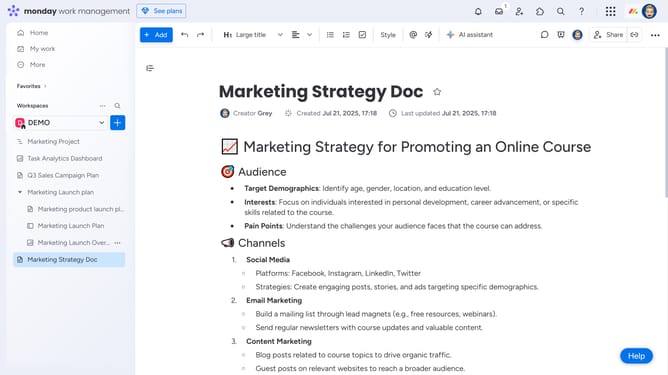
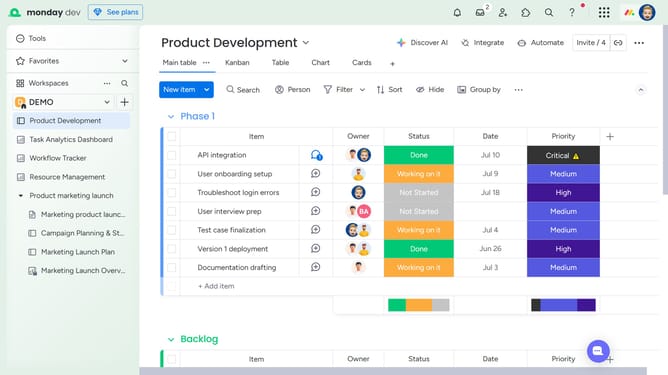
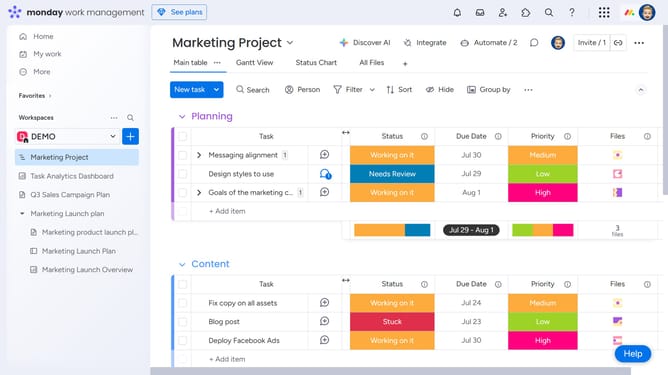
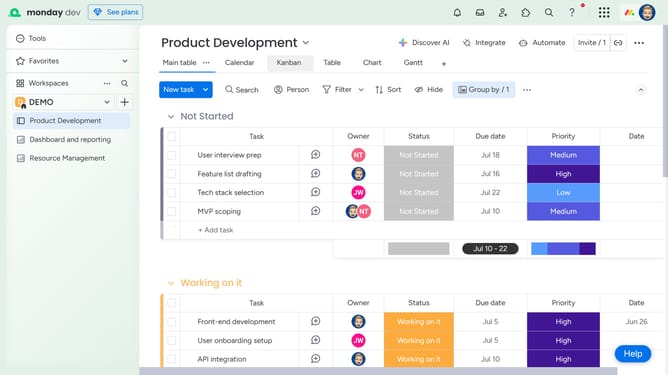
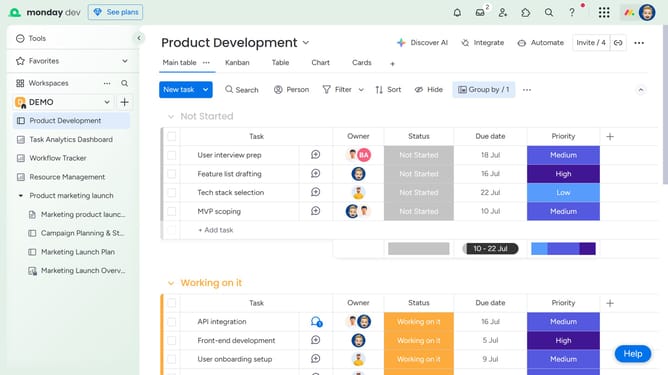
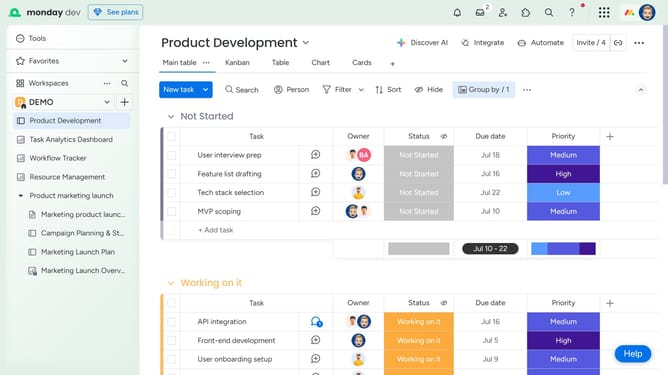
- First, click on the dashboard you want to share in the left sidebar
- Next click on the "Invite" button in the top-right corner of the dashboard
- Click on "Invite by email or link" option in the dropdown menu
- Then click the "Copy" button next to the invite link to copy it to clipboard
- Now share the link with your team to invite them and allow access to the dashboard
- Alternatively, enter their email addresses in the email input field
- Finally click on the "Send" button to invite and share the dashboard with them
Why should you share a dashboard in Monday.com
Monday.com is a versatile work operating system that boosts teamwork and project management efficiency.
One outstanding feature is the ability to share dashboards effortlessly, enhancing collaboration and transparency across teams.
Sharing dashboards allows team members to access real-time data, empowering informed decision-making and promoting cohesive efforts towards common goals.
This feature ensures everyone is aligned, streamlining communication and maximizing productivity within any organization.
Last update