How to translate text using Autofill with AI in Monday.com
Here is how to translate text using autofill with ai in monday.com
- First open to your board containing the text you want to translate
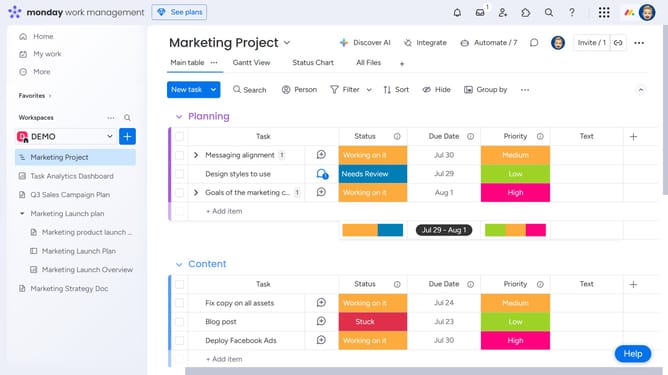
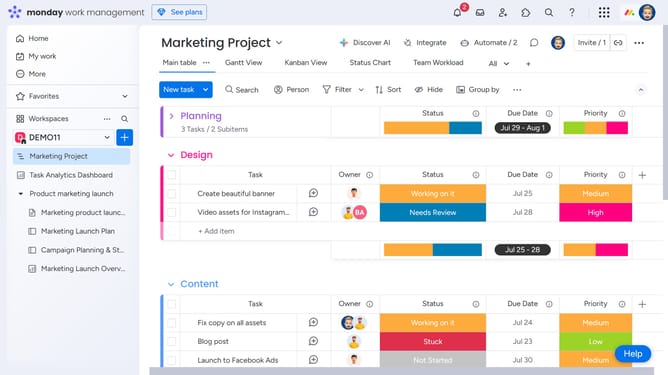
- Next locate the "Text" column
- Click the "More options" button (three dots) in the top-right corner of the column
- Then select "Autofill with AI" from the dropdown menu
- Click on "Translate" option in the AI actions menu
- Next click on the "Text to translate" dropdown menu
- Select the column with the text to translate from the dropdown menu
- Click on the "Choose language" dropdown menu
- Then select the target language from the language selection dropdown
- Finally click the "Save & apply" button to generate the translation
- The translated version of the text has now been successfully applied to the column
Why should you translate text using Autofill with AI in Monday.com
Monday.com is a versatile work operating system designed to enhance teamwork and streamline project management.
With the Autofill AI translation feature in Monday.com, language barriers become a thing of the past, enhancing global collaboration effortlessly.
Using AI-driven translation, it automatically converts text across various languages, fostering inclusive communication among diverse teams.
This feature not only saves time but also maximizes productivity, enabling seamless interactions without linguistic hurdles.
Last update