Your team is distributed across four time zones. Your VP of Sales runs a standup at 8am. Your head of engineering ships features from Lisbon. Your new CS lead is still figuring out where to find the quarterly deck.
The coordination overhead is real. According to Gitnux (2026), 85% of remote workers rely on collaboration tools for daily check-ins. That number reflects an operational shift, not a preference. Distributed teams simply cannot function without a shared layer for communication, decisions, and execution.
The harder problem is not whether to adopt remote collaboration software. It is which combination of tools actually reduces bottlenecks without adding a new layer of management overhead. The team collaboration software market reached USD 36.1 billion in 2024 and is projected to hit USD 57.4 billion by 2030, according to Grand View Research (2026). That growth means more options, not clearer answers.
This guide cuts through the noise by separating messaging, meetings, docs, and workflow coordination, then evaluating each tool by where it genuinely reduces friction for a growing team.
What's inside
This guide covers seven remote collaboration tools evaluated for distributed SaaS teams at the 30 to 150-person stage. Tools were selected based on:
- Use case clarity: Does it solve messaging, meetings, docs, or project coordination?
- Pricing transparency: Are plans publicly available at each tier?
- Stack fit: Does it connect with CRM, calendars, and the tools teams already run?
- Founder handoff: Can a new VP pick it up without founder involvement on day one?
TL;DR
- Best for team messaging: Slack handles channels, search, and async communication at scale
- Best for all-in-one collaboration: Microsoft Teams fits organizations already running Microsoft 365
- Best for video meetings: Zoom remains the default for meetings-first distributed teams
- Best for docs and shared knowledge: Google Workspace covers email, file storage, live co-editing, and video in one suite
- Best for structured work hubs: Notion centralizes operating docs, wikis, and lightweight project tracking
- Best for project coordination: Asana owns task assignment, dependencies, and cross-functional accountability
- Best for visual collaboration: Miro covers whiteboarding, planning sessions, and cross-functional workshops
What is remote collaboration software
Remote collaboration software is a category of cloud-based tools that helps distributed teams communicate, coordinate, and execute shared work across locations and time zones.
These platforms typically cover one or more of the following capabilities:
- Team messaging and channels: Persistent chat organized by topic, project, or function
- Video conferencing: Scheduled and ad-hoc meetings with screen sharing and recording
- Document co-editing: Real-time collaboration on written content, spreadsheets, and presentations
- File storage and search: Centralized asset libraries accessible from anywhere
- Task and project tracking: Structured work management with owners, due dates, and status visibility
- Whiteboards and visual planning: Shared canvases for brainstorms, diagrams, and async workshops
- Searchable knowledge bases: Team wikis and documentation accessible without a ticket
Most teams use a combination of two or three platforms rather than a single tool. The right stack depends on whether your operating rhythm is chat-heavy, meeting-heavy, or document-heavy, and how much you need those layers to talk to each other.
The category spans tools from lightweight messaging apps to full productivity suites. Pricing ranges from free tiers to enterprise contracts, and integration depth varies significantly across options.
When to use remote collaboration software
Keep context out of inboxes
When your team's decisions, approvals, and institutional knowledge live in email threads, new hires spend their first two weeks asking questions that were already answered six months ago. Persistent channels and searchable message history solve this directly. The right tool creates a record that travels with the team, not with the individual.
Run meetings that produce decisions, not summaries
Async-first teams still need synchronous moments for complex decisions and cross-functional alignment. The question is whether your video tool actually reduces meeting overhead or just moves it. Calendar integration, reliable recording, and structured follow-up are the difference between a meeting that resolves something and one that schedules another meeting.
Coordinate execution across functions
Chat tells people what is happening. Project tracking tells people what needs to happen, who owns it, and whether it is blocked. As soon as your team grows past ten people, the handoff between messaging and execution becomes the bottleneck. Dedicated workflow coordination tools close that gap with assignment, dependencies, and status visibility built into the work itself.
Remote collaboration software comparison
The table below separates each tool by its primary job. Most teams will combine two or three of these rather than choosing just one.
| # | Product | Best for | Key differentiator | Pricing | G2 rating |
|---|---|---|---|---|---|
| 1 | Slack | Team messaging and async communication | Channel-based OS with deep integrations | Free; paid from ~$7.25/user/month | 4.5/5 |
| 2 | Microsoft Teams | All-in-one for Microsoft 365 orgs | Native integration across the Microsoft stack | Free; paid from $4/user/month | 4.4/5 |
| 3 | Zoom | Video meetings and webinars | Reliable, purpose-built video with broad integrations | Free; paid plans available | 4.5/5 |
| 4 | Google Workspace | Docs, email, and live co-editing | Browser-native productivity suite with Meet built in | From $7/user/month | 4.6/5 |
| 5 | Notion | Structured docs and team wikis | Flexible all-in-one workspace for knowledge and projects | Free; paid from $10/member/month | 4.6/5 |
| 6 | Asana | Task tracking and project coordination | Cross-functional work management with timeline and goal tracking | Free; paid from $10.99/user/month | 4.4/5 |
| 7 | Miro | Visual collaboration and workshops | Infinite canvas for brainstorms, diagrams, and planning | Free; paid from $8/member/month | 4.6/5 |
Best remote collaboration software for 2026
1. Slack
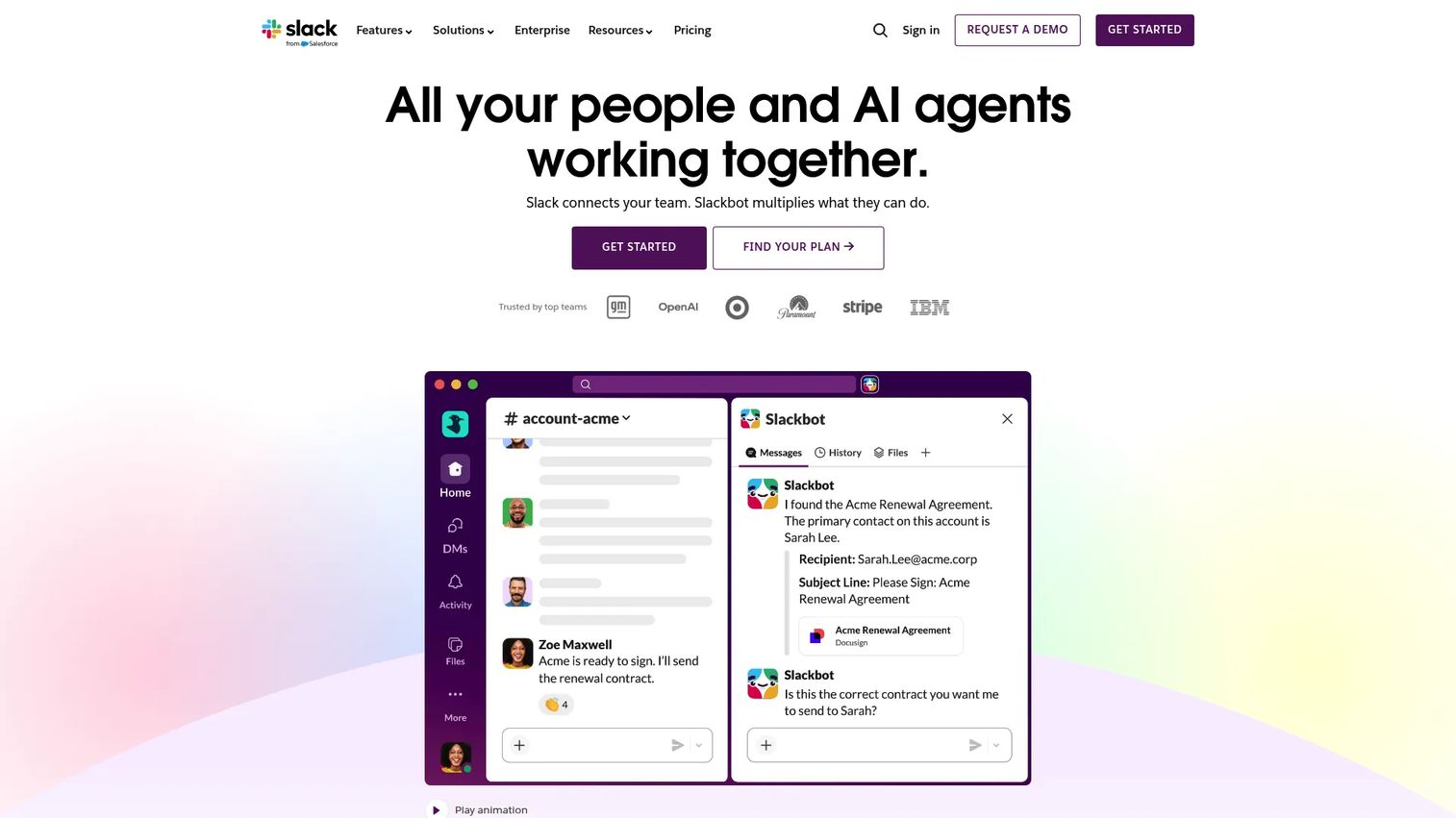
Slack is a channel-based messaging platform built for team communication, workflow automation, and async collaboration. It organizes conversations by topic, project, or function, and connects to hundreds of third-party tools through its integration marketplace. For many SaaS teams, Slack becomes the de facto operating layer where decisions, updates, and alerts from other systems all converge.
Best for: Teams that treat messaging as the primary coordination layer and need rich integrations with their existing GTM and product stack.
Key features
- Channels and direct messages: Organized by team, project, or topic with persistent search
- Huddles and clips: Lightweight audio or video check-ins without scheduling overhead
- Canvases and lists: Structured docs and task lists embedded directly in channels
- AI summaries and recaps: Catch up on missed conversations without scrolling through history
- Slack Connect: Secure channels for collaboration with external partners or customers
Why choose Slack: Slack works best when your team already has strong async discipline and needs a communication layer that connects tightly to your existing tools. If your developers, marketers, and sales team all run different systems, Slack's integration depth keeps the signal flowing without context switching.
Slack pricing: Slack offers a free plan with 90-day message history. Paid plans start at Pro, which runs around $7.25 per user per month billed annually (pricing shown in EUR on the Slack site; USD equivalent may vary). Business+ runs higher for advanced admin and compliance features. Enterprise Grid is custom.
Slack holds a 4.5/5 rating on G2 based on thousands of reviews, making it one of the most consistently reviewed collaboration tools in the category.
2. Microsoft Teams
Microsoft Teams is Microsoft's collaboration platform covering chat, video meetings, file sharing, and calendar coordination. It sits inside the Microsoft 365 suite, which means organizations already using Outlook, SharePoint, and Office apps get a collaboration layer that connects natively to those tools without additional integration work.
Best for: Organizations running Microsoft 365 that want a single platform for meetings, messaging, and document collaboration without managing a separate tool stack.
Key features
- Chat and threaded conversations: Organized by team and channel with persistent history
- Video meetings: Built-in conferencing with recording, transcription, and breakout rooms
- File sharing with Office integration: Real-time co-editing of Word, Excel, and PowerPoint files inside the platform
- Tasks and polling: Lightweight project tracking and quick team pulse checks
- AI-powered meetings (Teams Premium): Summaries, intelligent recap, and advanced security controls
Why choose Microsoft Teams: If your organization is already committed to the Microsoft stack, Teams eliminates the integration overhead that comes with running Slack alongside SharePoint or Outlook. The upgrade path from free to paid is straightforward, and governance controls satisfy most enterprise security requirements.
Microsoft Teams pricing: Teams offers a free plan with core chat and meeting features. Teams Essentials runs $4 per user per month billed annually. Teams Premium adds AI meeting features and advanced security at $10 per user per month billed annually. Microsoft 365 Business plans bundle Teams with the full Office suite.
Teams holds a 4.4/5 rating on G2 across a large reviewer base, with strong scores for organizations already in the Microsoft environment.
3. Zoom
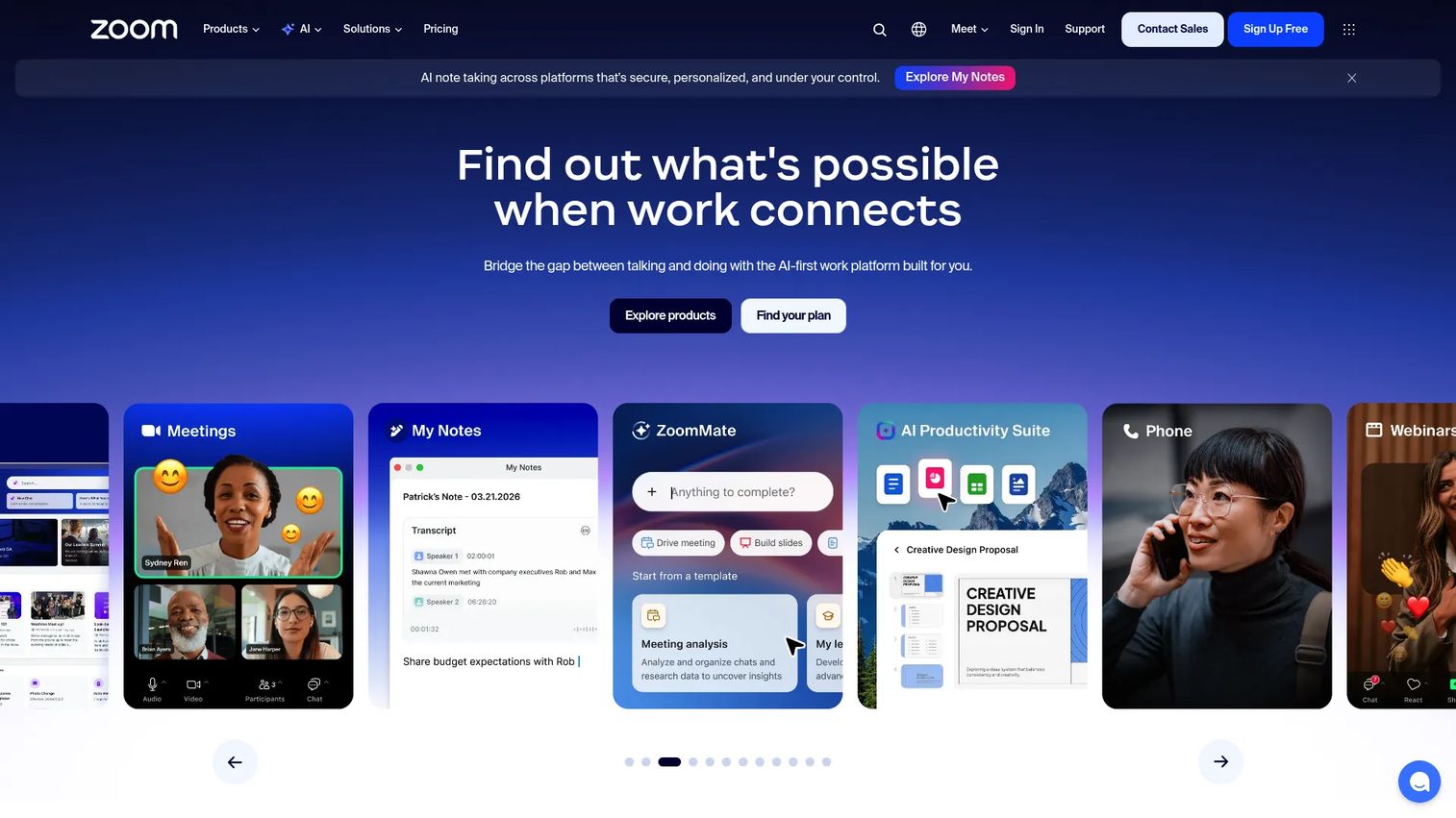
Zoom is a cloud-based communications platform built primarily around video meetings, with chat, scheduling, whiteboards, and webinar capabilities layered on top. It became the default video conferencing tool for distributed teams and remains widely adopted for its reliability and low barrier to joining a call, regardless of whether the attendee has an account.
Best for: Teams where video meetings are the core operating rhythm and reliability across devices and network conditions is non-negotiable.
Key features
- Video meetings: HD video with screen sharing, recording, and breakout rooms
- Team chat: Persistent messaging organized by channel, integrated alongside meetings
- Scheduling and calendar integration: Native sync with Google Calendar and Outlook
- Whiteboards: Collaborative visual workspace for brainstorming within or outside meetings
- Webinar and event tools: Larger-audience sessions with registration, Q&A, and polling
Why choose Zoom: Zoom's advantage is ubiquity. External stakeholders, customers, and candidates rarely need to create an account or install software to join. For teams running frequent external calls, that friction reduction matters more than deep internal integration.
Zoom pricing: Zoom offers a free Basic plan with 40-minute meeting limits for groups. Pro, Business, and Enterprise paid tiers are available; paid pricing details were not fully displayed during verification. Check the Zoom pricing page directly at zoom.us/pricing for current per-user rates before purchasing.
Zoom holds a 4.5/5 rating on G2, with consistent praise for call quality and ease of use across devices.
4. Google Workspace
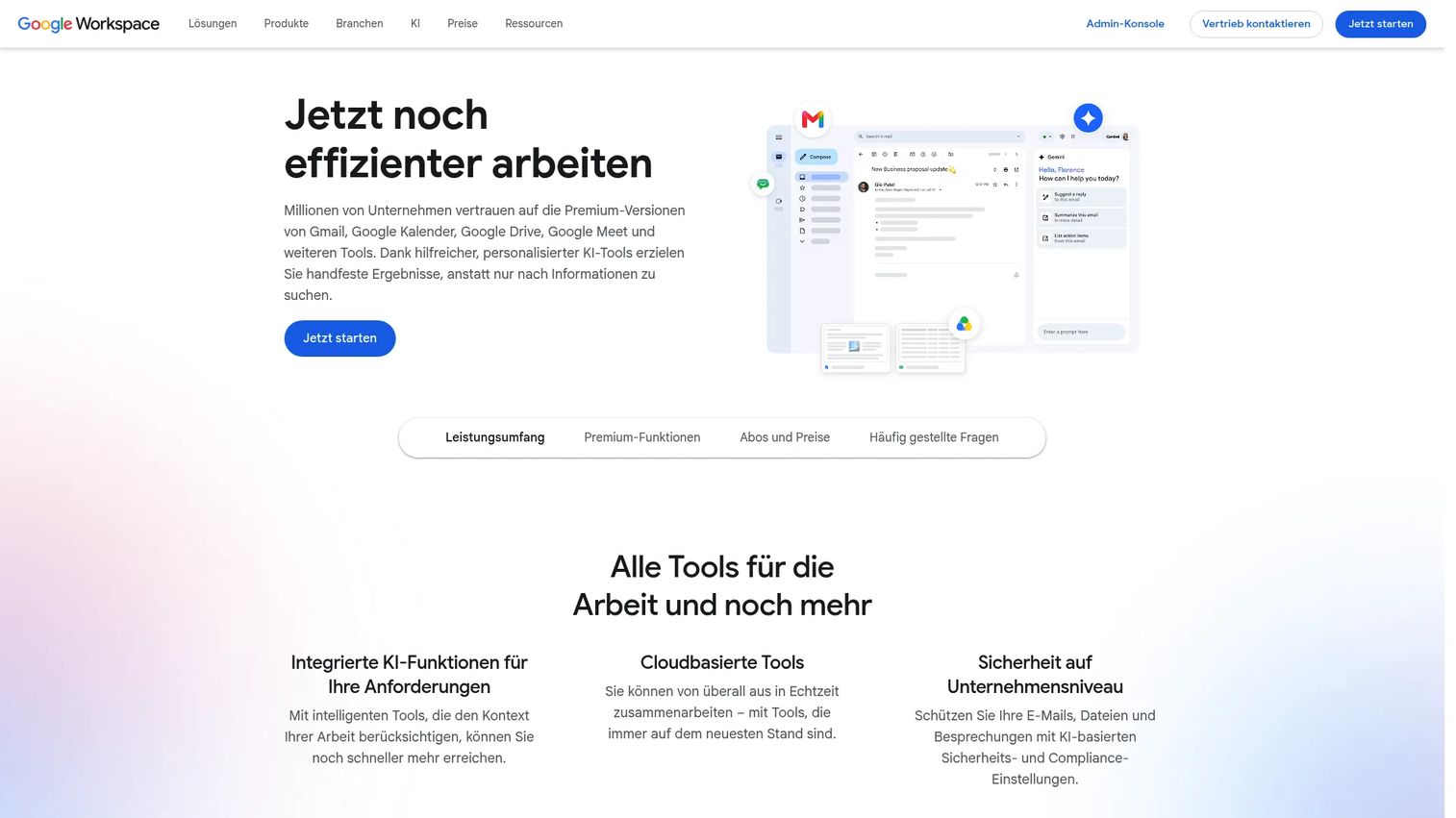
Google Workspace is Google's cloud-based productivity suite that bundles Gmail, Drive, Docs, Sheets, Slides, Meet, and Chat into a single subscription. Every application runs in the browser, which means real-time co-editing and file access without version conflicts or local software dependencies.
Best for: Teams that do most of their work in documents and spreadsheets and want file storage, email, and video meetings bundled without separate licensing.
Key features
- Gmail with custom business email: Inbox with full calendar integration built in
- Drive and shared storage: Centralized file access with permission controls by folder or file
- Docs, Sheets, and Slides: Real-time collaborative editing with comment threads and version history
- Google Meet: Video conferencing built directly into Calendar and Gmail
- Gemini AI assistance: Writing, summarization, and analysis across Workspace apps
Why choose Google Workspace: Google Workspace removes the friction of sending attachments. Everyone edits the same file, comments are threaded in context, and history is automatic. For a team that grew up on Google tools, switching cost is low and the learning curve is minimal.
Google Workspace pricing: There is no permanent free tier for business plans. Starter runs $7 per user per month billed with an annual commitment. Standard costs $14 per user per month, and Plus is $22 per user per month, both on annual commitment. Enterprise pricing requires contacting sales. A 14-day free trial is available.
Google Workspace earns a 4.6/5 rating on G2, with strong marks for document collaboration and suite cohesion.
5. Notion
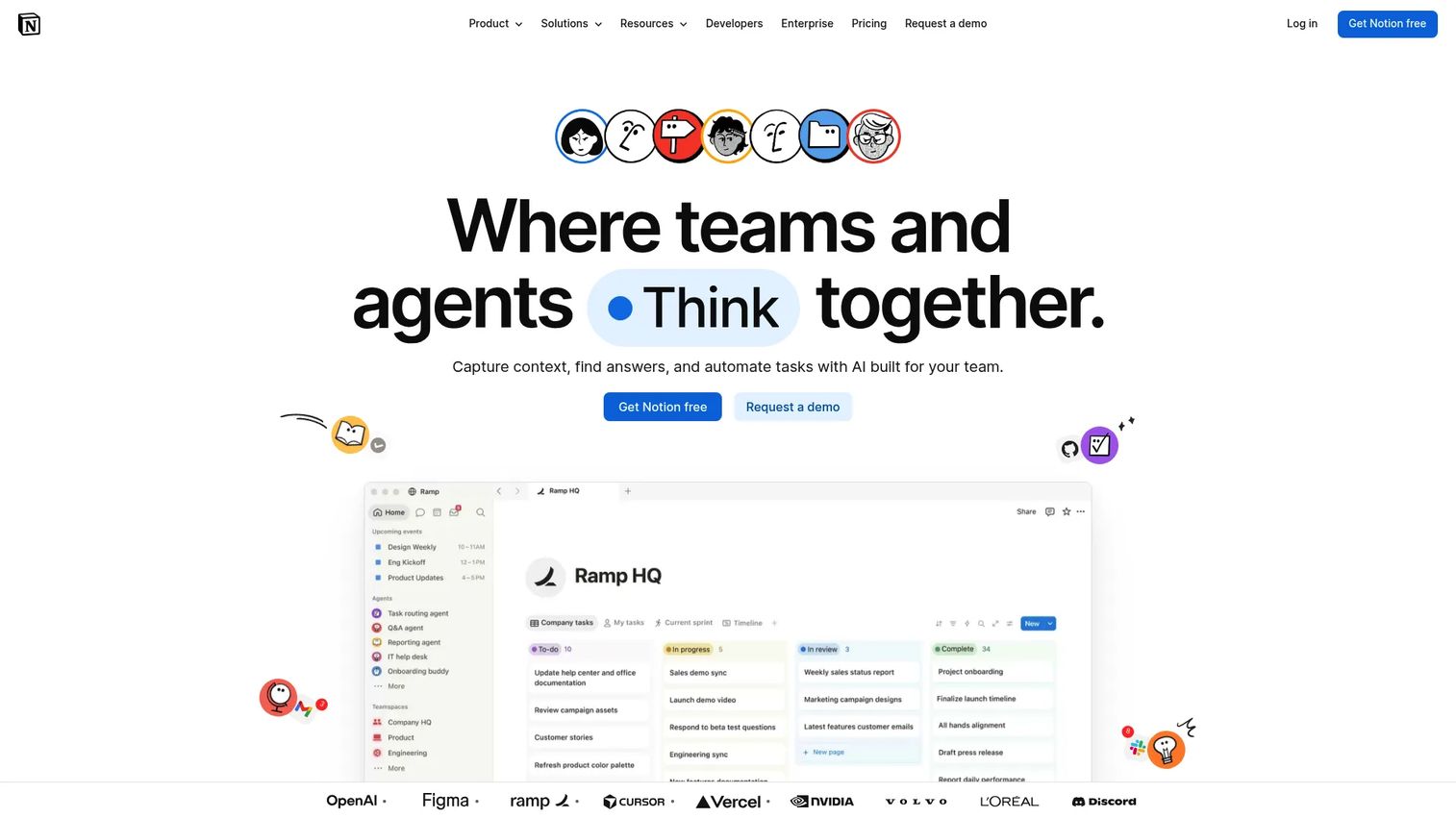
Notion is a flexible workspace that combines docs, wikis, databases, and lightweight project tracking into a single environment. Teams use it to centralize operating knowledge, build internal handbooks, manage meeting notes, and run simple project pipelines without switching between multiple tools.
Best for: Founders and operators who want one place for team knowledge, SOPs, meeting notes, and lightweight project coordination, without the overhead of a dedicated project management platform.
Key features
- Docs and wiki-style pages: Nested pages for structured knowledge organization
- Databases and views: Tables, boards, calendars, and gallery views on the same dataset
- Lightweight task tracking: Checklists and project databases with status, owner, and due date fields
- Notion AI and Agent: Writing assistance, summarization, and AI-driven task execution
- AI meeting notes: Automatic transcription and summary of meetings connected to Notion
Why choose Notion: Notion works well when the team's primary need is a structured knowledge layer rather than a full project management system. Founders frequently use it to centralize operating context, onboarding docs, and strategic planning in a format that a new VP can navigate without a guided tour.
Notion pricing: Notion's free plan supports unlimited pages for individuals. Plus runs $10 per member per month billed monthly (annual billing saves up to 20%). Business costs $20 per member per month. Enterprise is custom pricing from the sales team.
Notion holds a 4.6/5 rating on G2, with reviewers frequently citing flexibility and knowledge organization as primary strengths.
6. Asana
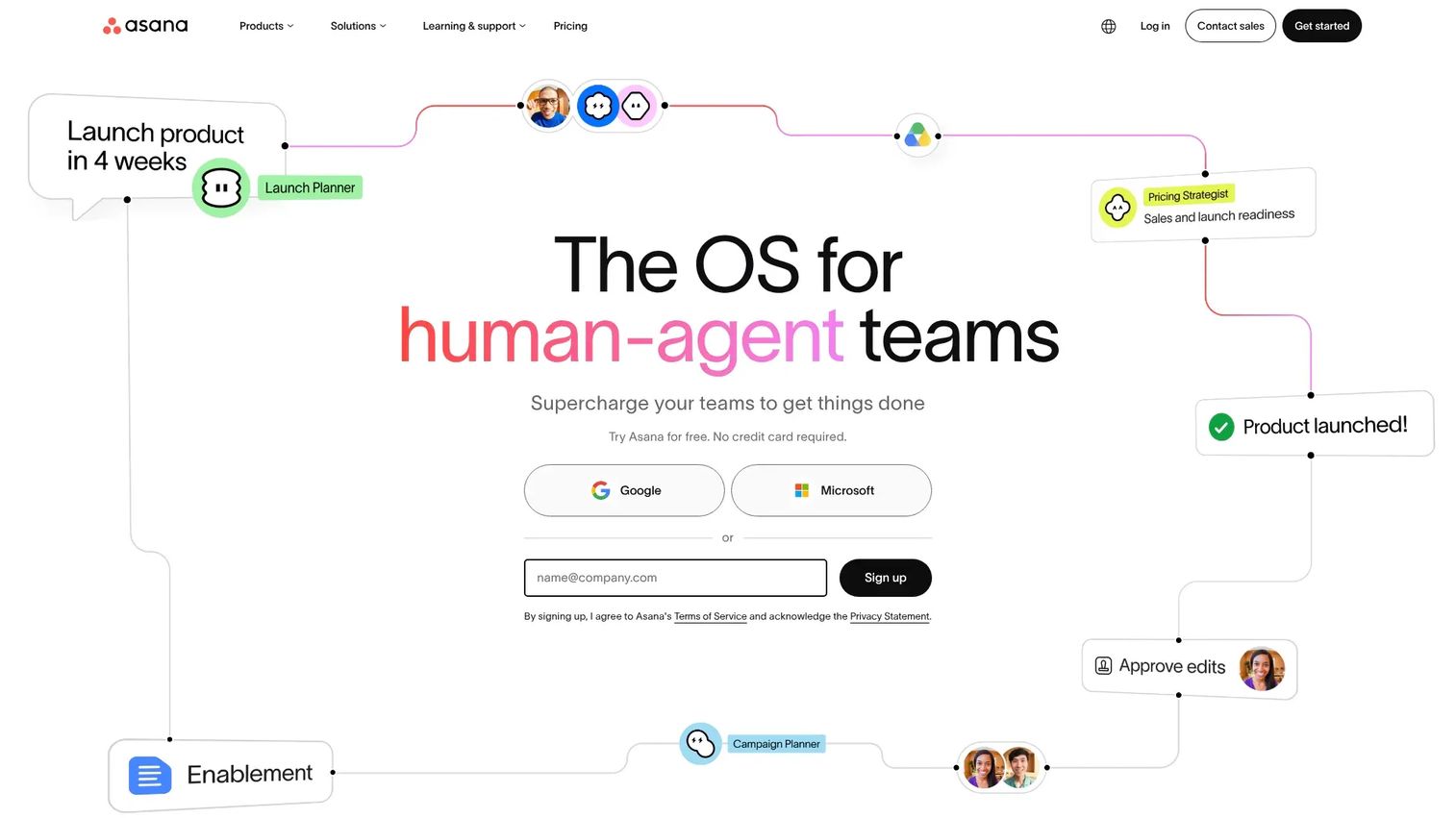
Asana is a work management platform built for teams that need structured task ownership, project timelines, dependencies, and cross-functional accountability. It goes beyond a basic to-do list by connecting individual tasks to project milestones and company goals, giving leaders visibility into execution without needing to attend every standup.
Best for: Execution-heavy teams that need clear ownership, deadline tracking, and cross-functional status visibility across multiple projects simultaneously.
Key features
- Task and project management: Assignees, due dates, subtasks, and priority levels on every item
- Multiple project views: List, board, calendar, timeline, and Gantt chart for different planning needs
- Dependencies and blocking tasks: Flag when one task must complete before another can start
- Goals and portfolios: Connect team tasks to company-level objectives with progress tracking
- Workflow automation and AI: Rules-based task routing and AI-assisted workload management
Why choose Asana: Asana earns its place when chat-based coordination stops scaling. Once your team has more than two or three functions running parallel projects, the accountability layer that Asana provides reduces the need for status-update meetings and founder check-ins.
Asana pricing: Personal plan is free for up to two users. Starter runs $10.99 per user per month billed annually ($13.49 billed monthly). Advanced is $24.99 per user per month billed annually ($30.49 billed monthly). Enterprise and Enterprise+ require contacting sales.
Asana earns a 4.4/5 rating on G2, with reviewers consistently noting strong project visibility and reporting as primary reasons for adoption.
7. Miro
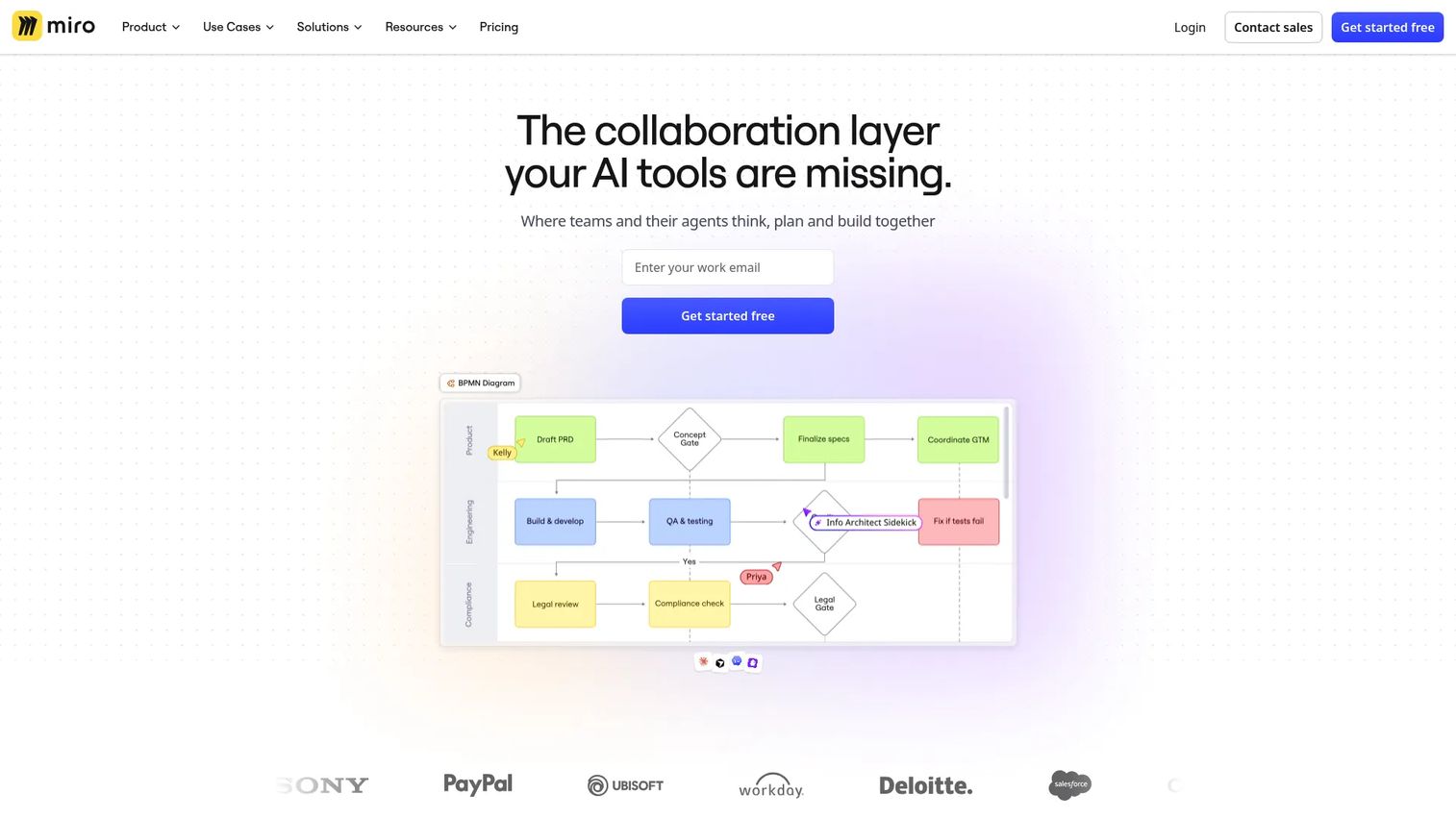
Miro is a visual collaboration platform built around an infinite shared canvas. Teams use it for product planning, design thinking workshops, retrospectives, customer journey mapping, and any collaborative work that benefits from a visual rather than a written format.
Best for: Distributed teams that run regular planning sessions, design reviews, or cross-functional workshops where a whiteboard would otherwise be necessary.
Key features
- Infinite intelligent canvas: Real-time multi-user whiteboard with sticky notes, shapes, and connectors
- Templates: Pre-built frameworks for retrospectives, user story mapping, OKR planning, and more
- Docs, tables, and Kanban: Structured content formats embedded directly on the canvas
- AI features: Diagram generation, content summarization, and workflow synthesis
- Integrations: Connects with Jira, Asana, Slack, Google Workspace, and other tools teams already run
Why choose Miro: Video calls with screen-shared slide decks don't replicate the spatial thinking of an in-person whiteboard session. Miro does. For teams running quarterly planning, product roadmap reviews, or cross-functional brainstorms, it creates a shared visual artifact that participants can return to asynchronously.
Miro pricing: Free plan available with three editable boards. Starter runs $8 per member per month billed annually. Business costs $20 per member per month billed annually. Enterprise is custom pricing for teams of 30 or more members.
Miro holds a 4.6/5 rating on G2, with strong reviewer sentiment around ease of use and visual collaboration depth.
Considerations
Evaluate communication depth
Check whether the tool handles async channels, message search, and notification control well enough for your team's size. A free Slack tier with 90-day history works for a 10-person team; a 100-person team losing context after three months pays a real operational cost.
Evaluate meeting reliability
Test call stability across the locations your team actually operates from. Participant limits, recording storage, and calendar sync matter more than feature lists. A meeting tool that drops calls during a board prep session is not a minor inconvenience.
Evaluate workflow fit
Ask whether task assignment and status tracking actually live where the work happens. If your team closes tasks in one tool and reports status in another, the gap between those systems is where accountability breaks down.
Evaluate governance and security
Check admin controls, data retention policies, and permission scoping before purchase. A growing SaaS company facing its first enterprise customer audit or SOC 2 review needs a collaboration stack that can answer basic data governance questions without custom engineering.
Evaluate stack integration
Verify that the tool connects to your CRM, calendar, and project systems before committing. A collaboration platform that requires manual data entry to stay current with Salesforce or HubSpot adds overhead rather than removing it.
Conclusion
The right collaboration stack for a distributed SaaS team usually combines two or three tools rather than one platform that tries to cover everything.
For messaging, Slack remains the most integration-rich option for teams where channels are the operating layer. Teams on Microsoft 365 will find it simpler to extend with Teams rather than run a parallel messaging tool.
For meetings, Zoom's reliability and external-facing accessibility make it the default for most teams, particularly those with frequent customer calls. Google Meet works well if your team already lives in Workspace.
Notion fits best as a knowledge and operating layer, not as a replacement for structured project management. If execution visibility is the gap, Asana solves it more precisely. Miro fills a specific need for teams running workshops, roadmap planning, or design reviews.
Start with the area where coordination is currently breaking down most visibly. Messaging chaos, meeting overload, and execution drift are distinct problems with distinct tools.
Once your internal collaboration stack is running well, the next layer is how you communicate your product externally. Start your journey with Guideflow today!
FAQs
For teams under 15 people, the free tiers of Slack, Notion, and Asana cover most collaboration needs without a paid commitment. Google Workspace is worth the $7 per user per month cost if your team needs a shared inbox and professional email alongside docs. Start with one messaging tool and one knowledge tool before adding project management.
Most distributed SaaS teams at the 30 to 150-person stage run Slack for messaging, Notion or Google Workspace for docs and knowledge, and Asana or Linear for project coordination. The combination depends on whether the team's operating rhythm is more chat-driven or document-driven. There is no single platform that optimally covers all three layers for every team.
Search quality and notification control matter more than most teams expect. A tool where important context gets buried or where notification volume leads people to mute channels reduces effectiveness faster than any missing feature. After that, integration depth with your CRM and calendar determines whether the tool fits into daily workflow or becomes a separate tab nobody checks.
The answer depends almost entirely on your existing stack. Teams already running Microsoft 365 gain more from Teams because the integration with Outlook, SharePoint, and Office is native. Teams building on Google Workspace or running a heterogeneous stack typically get more value from Slack's integration marketplace and channel structure. Running both simultaneously creates unnecessary overhead.
Collaboration software covers communication, document sharing, and real-time coordination. Project management software focuses on task ownership, timelines, dependencies, and accountability. Tools like Slack and Zoom solve the first problem. Asana and Notion's database features solve the second. Many teams confuse them because project updates often happen in chat, but using a messaging tool to manage tasks at scale creates visibility problems that dedicated project software resolves.
Identify where coordination is currently breaking down before evaluating tools. If context lives in inboxes, a shared messaging platform solves it. If meetings produce no decisions, look at how you run video calls and follow-ups. If nobody knows who owns what, project coordination software closes that gap. Choosing tools by feature list rather than by the specific failure mode the team is experiencing leads to adoption problems.
For chat: Slack or Microsoft Teams. For meetings: Zoom or Google Meet. For docs: Google Workspace or Notion. These categories overlap, and most platforms try to cover more than one. The practical question is which tool your team will actually use for each job, not which platform claims to do all three.
Most platforms offer free tiers with meaningful limitations. Paid plans for chat and meetings tools typically range from $4 to $20 per user per month, depending on the tier and billing frequency. Google Workspace starts at $7 per user per month. Asana's Starter tier runs $10.99 per user per month billed annually. A 50-person team running Slack Pro, Asana Starter, and Google Workspace Starter would spend approximately $1,400 to $1,600 per month before any discounts.