Paper work instructions get stale the moment a process changes. PDFs get skipped. Tribal knowledge evaporates at shift change, and the next operator starts from scratch. The real cost shows up in defects, rework loops, and audit findings that could have been avoided.
The connected worker platform market tells the story clearly: MarketsandMarkets projected it at USD 8.62 billion in 2025, growing to USD 20.18 billion by 2030 at an 18.5% CAGR. That growth is almost entirely driven by manufacturers replacing paper-based guidance with digital systems that operators actually use on the floor.
The hard part is not recognizing that digital work instructions matter. It is choosing a tool that fits your release cadence, integrates with your existing ERP or MES, and does not create a maintenance burden every time a process changes. This guide is built to help you make that call.
What's inside
This guide covers seven manufacturing work instruction software platforms evaluated for shop-floor teams replacing paper, spreadsheets, or static PDFs with digital operator guidance. Tools were selected based on:
- Visual authoring and ease of updating instructions without engineering
- Traceability, versioning, and governance for regulated or audit-heavy environments
- Integrations with ERP, MES, barcode scanners, and shop-floor devices
- Operator usability across workstations and mobile devices
- Scalability across multiple plants or production lines
The guide is aimed at operations, product, and engineering leaders evaluating standard work, operator enablement, and shop-floor digitization.
TL;DR
- Best for visual and governed shop-floor guidance: VKS
- Best for no-code app workflows and connected frontline operations: Tulip
- Best for free entry tier and fast MES-adjacent setup: PICO MES
- Best for frontline teams needing inspections alongside work instructions: SafetyCulture
- Best for structured knowledge management and operator training: Dozuki
- Best for mobile-first guided work instructions across distributed sites: SwipeGuide
- Best for smart workstation execution and Andon escalation: Andonix Smart Work Station
What is manufacturing work instruction software
Manufacturing work instruction software is a digital platform that standardizes, distributes, and tracks step-by-step operator guidance on the shop floor, replacing paper SOPs and static documents with interactive, updatable instructions.
The category covers a wide range of capabilities depending on the vendor:
- Visual step guidance: Images, videos, annotations, and diagrams delivered at each step
- Version control and approvals: Controlled authoring with revision history and sign-off workflows
- Data capture and traceability: Scan inputs, user signatures, completion records, and quality data tied to each build or batch
- Error-proofing: Mandatory checks, validation rules, and conditional logic that prevent operators from skipping steps
- Integrations: Connectivity to ERP systems, MES platforms, barcode scanners, IoT devices, and LDAP directories
- Analytics and dashboards: Completion rates, time-on-step, deviation tracking, and production visibility
- Multi-device delivery: Workstation screens, tablets, mobile phones, and dedicated hardware terminals
Teams use these systems to reduce operator errors, standardize work across shifts and plants, accelerate onboarding, and maintain audit-ready records without manual paper trails.
The category sits at the intersection of MES functionality and connected-worker platforms. Some tools focus narrowly on instruction authoring and delivery. Others extend into workflow apps, training pathways, and real-time production dashboards. Choosing between them depends on how much of that adjacent functionality you need and how tightly it must connect to your existing stack.
When to use
Replace paper standard work
Paper instructions become a liability the moment a process updates. If your operations team is printing revision packets, manually distributing them to each station, and hoping operators throw away the old version, you are managing a version control problem, not a documentation problem. Digital work instruction software lets you push updates centrally so every station reflects the current revision the moment it is approved.
Reduce operator mistakes and rework
When defects trace back to skipped steps or inconsistent execution, the fix is rarely retraining. It is removing ambiguity at the point of work. Tools in this category enforce step completion, capture scan data, and surface deviations in real time before they become a quality escape. For regulated environments, that data also becomes the audit record.
Connect instructions to production systems
Instructions that exist in isolation from your ERP or MES create double-entry work and data gaps. The strongest use case for this software category is when instructions trigger or consume data from adjacent systems: Pulling build orders, capturing lot numbers, recording completion against a work order, or pushing quality data downstream. When that connection works, instructions become part of the production system rather than a separate layer sitting beside it.
Manufacturing work instruction software comparison
The table below gives a fast reference for use case, key differentiator, pricing, and G2 rating across all seven tools. Detailed breakdowns follow in the tool sections.
| # | Product | Best for | Key differentiator | Pricing | G2 rating |
|---|---|---|---|---|---|
| 1 | VKS | Visual governed work instructions | Rich media instructions with audit logs, SSO, and API | Free (Lite); Pro/Enterprise: Contact for pricing | 4.7/5 |
| 2 | Tulip | No-code frontline app workflows | Per-interface pricing with AI, edge connectivity, and GxP support | From $100/mo per interface (billed annually) | 4.5/5 |
| 3 | PICO MES | Free entry tier with MES-adjacent data capture | Modular MES with traceability and ERP integrations | Free (Basic); from $100/user/mo (Essential) | N/A |
| 4 | SafetyCulture | Inspections and work instructions combined | Broad frontline ops platform with checklists and audit trails | Free; Premium $24/seat/mo | 4.6/5 |
| 5 | Dozuki | Structured standard work and operator training | Knowledge management with learning pathways and workflow integrations | Custom pricing | 4.4/5 |
| 6 | SwipeGuide | Mobile-first guidance across distributed sites | Auto-translate, checklists, and sign-off capture | Custom pricing | N/A |
| 7 | Andonix Smart Work Station | Workstation-level execution with Andon escalation | Digital work instructions plus in-app chat and Andon cord | Custom pricing | 4.8/5 |
Best 7 manufacturing work instruction software for 2026
1. VKS
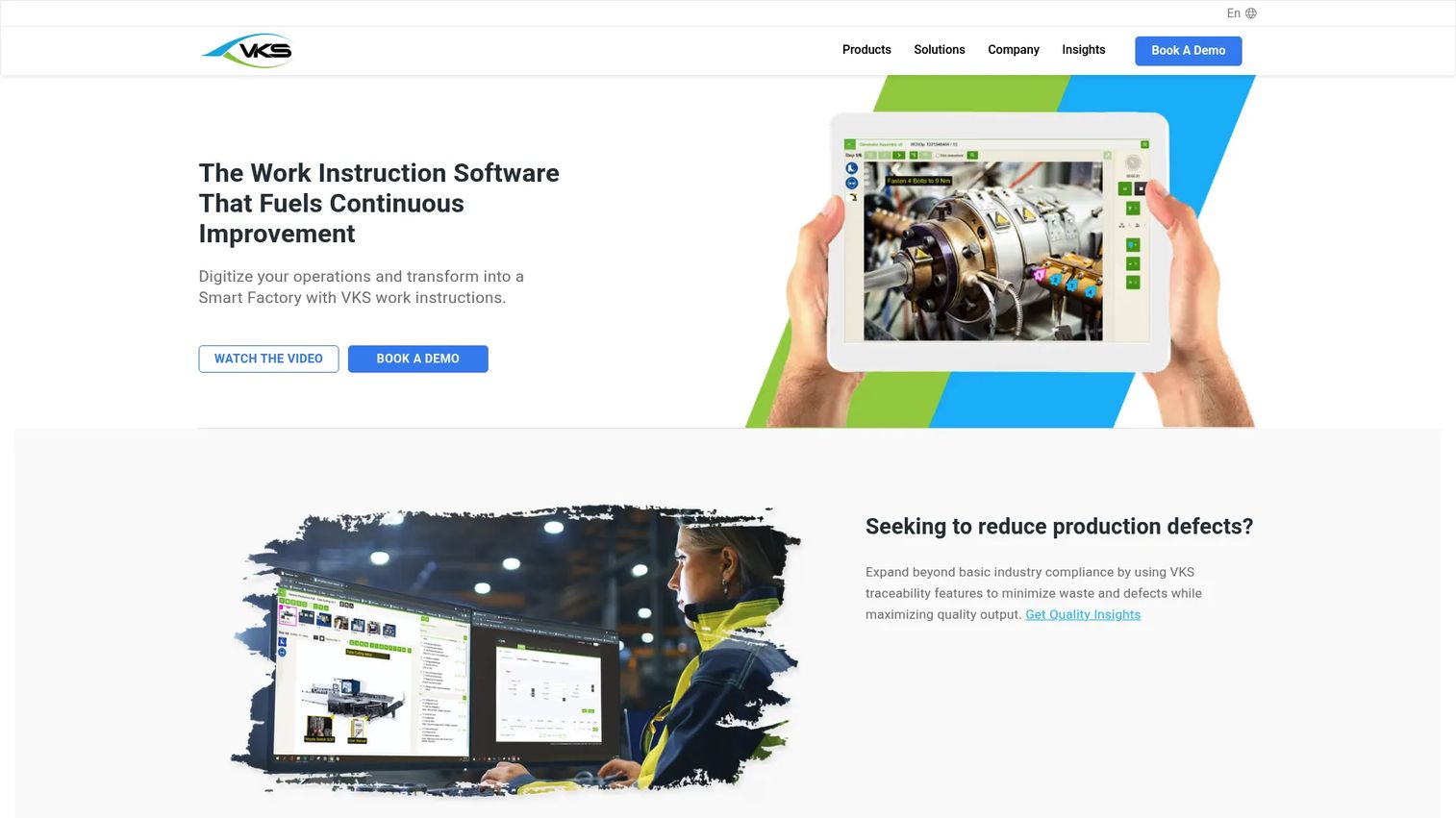
VKS is a work instruction platform built specifically for discrete manufacturers. It digitizes, standardizes, and connects shop-floor processes through rich visual instructions paired with a governance layer that covers revisions, approvals, user signatures, and audit logs. Teams author instructions once and deploy them to any workstation or device, with every completion event recorded and traceable.
Best for: Manufacturers that need governed visual work instructions with full traceability and connected-worker data capture.
Key strengths
- Visual instructions: Pictures, videos, PDFs, and annotations at each step
- Rule engine and smart forms: Conditional logic, user signatures, and productivity monitoring
- API connectivity and access control: SSO, LDAP, and audit logs for enterprise governance
- VKS Edge: Hardware connectivity layer for shop-floor device integration
Why choose VKS: VKS is the right pick when your governance requirements are strict and your instructions need to carry proof of completion all the way to an audit record. Teams that only need lightweight checklists or do not require revision-controlled content will find it more than they need.
VKS pricing: The Lite plan is free and covers basic work instruction functionality. Pro and Enterprise plans carry contact-only pricing, so reach out to VKS directly for a quote based on seat count and deployment scope.
VKS G2 rating: 4.7/5
2. Tulip
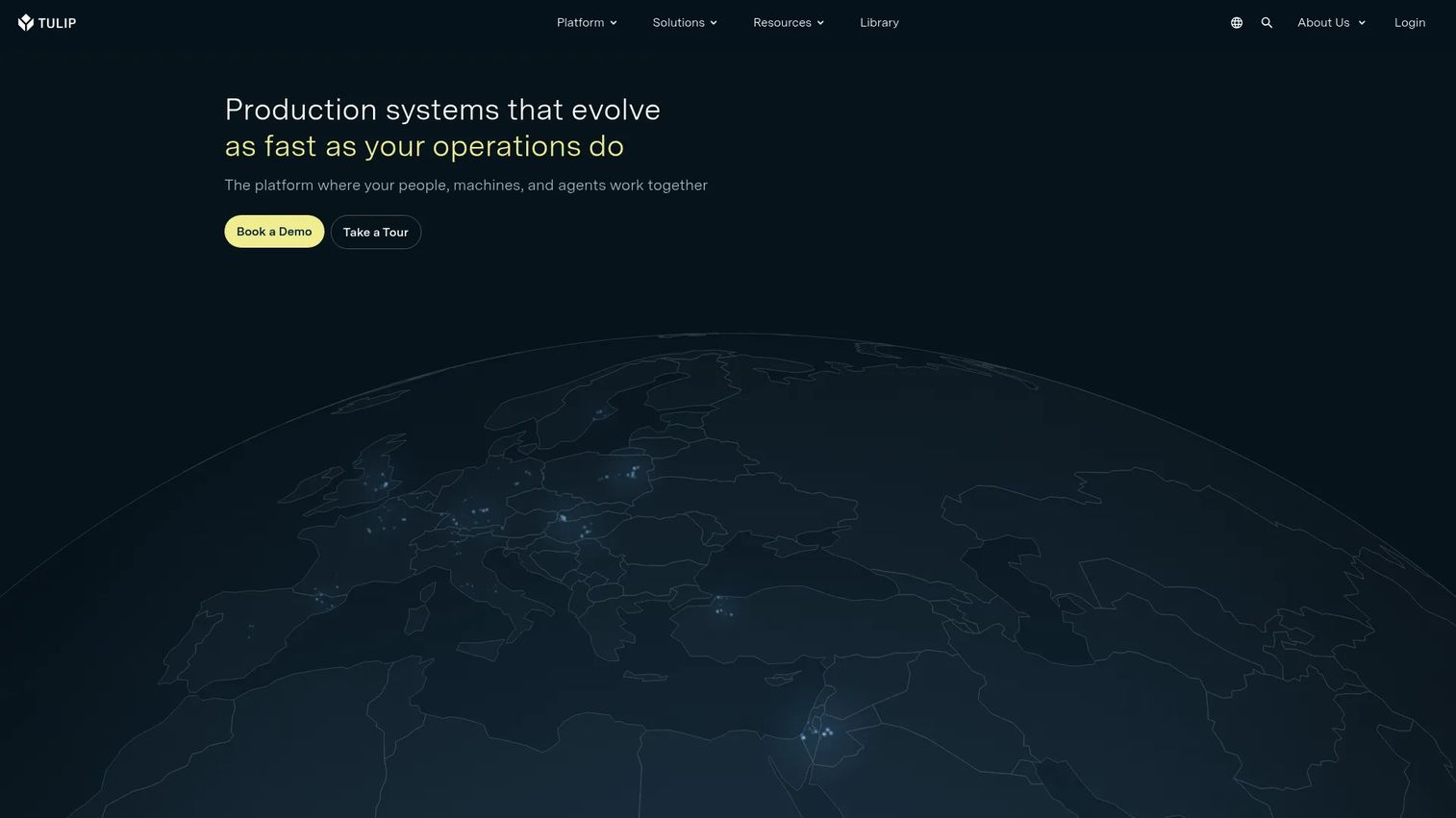
Tulip is a frontline operations platform that goes beyond static work instructions. Its no-code app editor lets operations teams build interactive apps for any process, connecting instructions to machine data, barcode scanners, vision systems, and enterprise systems. The platform includes native AI and ML capabilities, eSignature support, and a GxP-ready tier for regulated industries including life sciences and medical devices.
Best for: Manufacturers that want configurable frontline workflow apps rather than a standalone work instruction tool, especially in regulated industries.
Key strengths
- No-code app editor: Build process apps without engineering involvement
- Native AI and ML: AI-assisted instruction creation and real-time analytics
- Edge and open connectivity: Connect to machines, sensors, and ERP systems natively
- GxP-ready tier: eSignatures and compliance support for regulated manufacturing
Why choose Tulip: Tulip fits teams that expect their work instruction system to grow into a broader operational platform. If your current priority is getting instructions authored and deployed quickly with minimal configuration, the per-interface pricing model may add up faster than a more focused tool.
Tulip pricing: Essentials starts at $100 per interface per month, billed annually. Professional is $250 per interface per month, also billed annually. Enterprise and Regulated Industries plans are contact-sales. No free tier is available.
Tulip G2 rating: 4.5/5
3. PICO MES
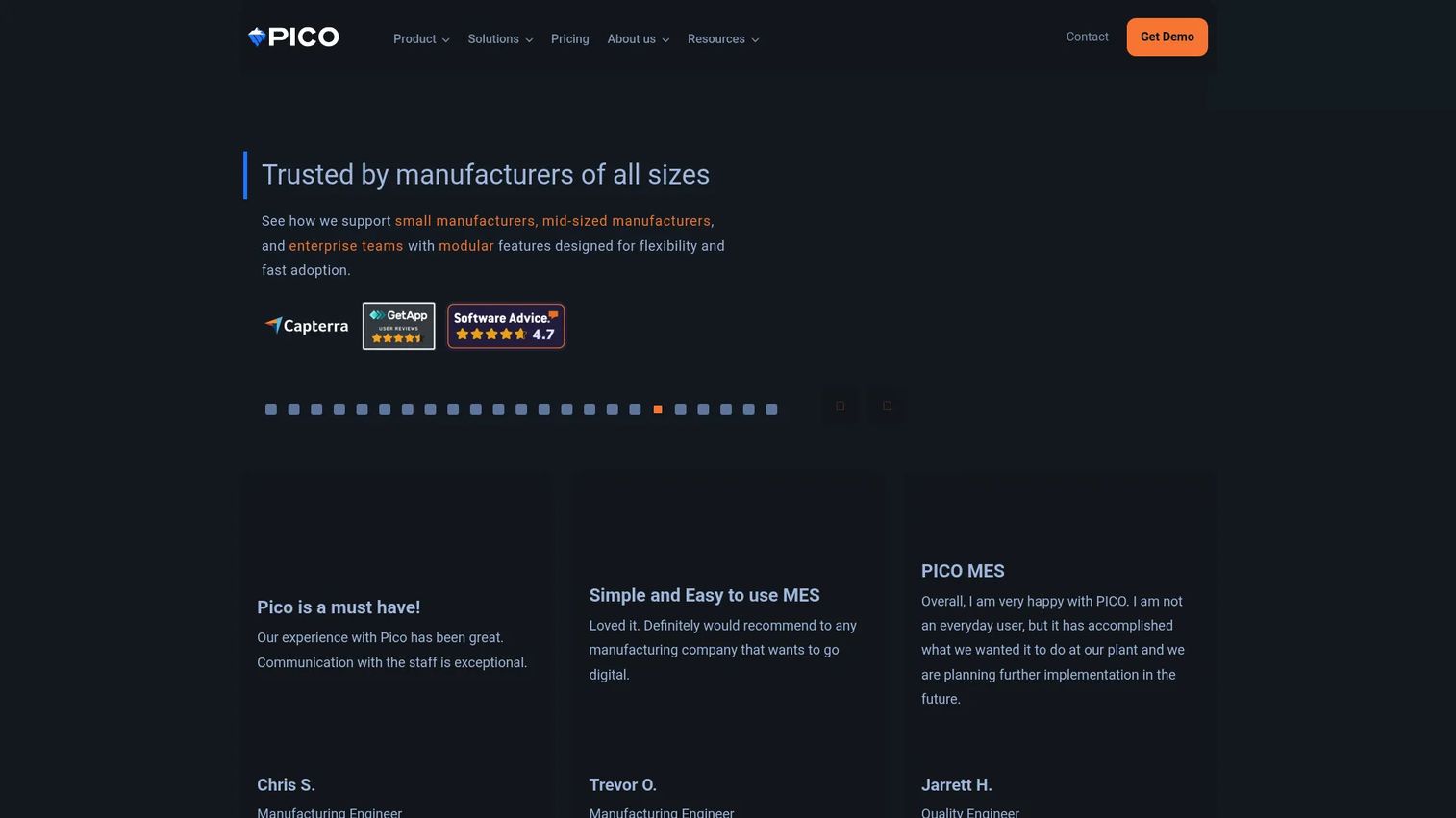
PICO MES is a modular manufacturing execution system designed for discrete manufacturers that want digital work instructions, traceability, and production data capture without the implementation overhead of a full-scale MES. The platform covers digital work instructions, barcode scanner integration, lot and serial traceability, analytics dashboards, and ERP connectivity. A free Basic tier makes it accessible for teams that want to validate the approach before committing budget.
Best for: Manufacturers that want a free starting point and a clear path to MES-adjacent traceability and production data capture.
Key strengths
- Free Basic tier: Full access to core digital work instruction features at no cost
- Traceability: Lot and serial number tracking tied to each build record
- ERP and device integrations: Barcode scanners, manufacturing system connections, and open API
- Analytics and dashboards: Production visibility and completion reporting
Why choose PICO MES: PICO MES is the practical choice when you want to move off paper quickly without a long procurement cycle. The modular pricing also means you pay for connected-station capabilities only when you need them, which keeps early rollout costs predictable.
PICO MES pricing: Basic is free. Essential is $100 per user per month or $1,000 per site per month. Professional adds $100 per connected station per month on top of Essential. Enterprise is contact-sales for custom requirements.
PICO MES G2 rating: Not verified at time of publication. Check the G2 listing directly for current reviewer ratings.
4. SafetyCulture
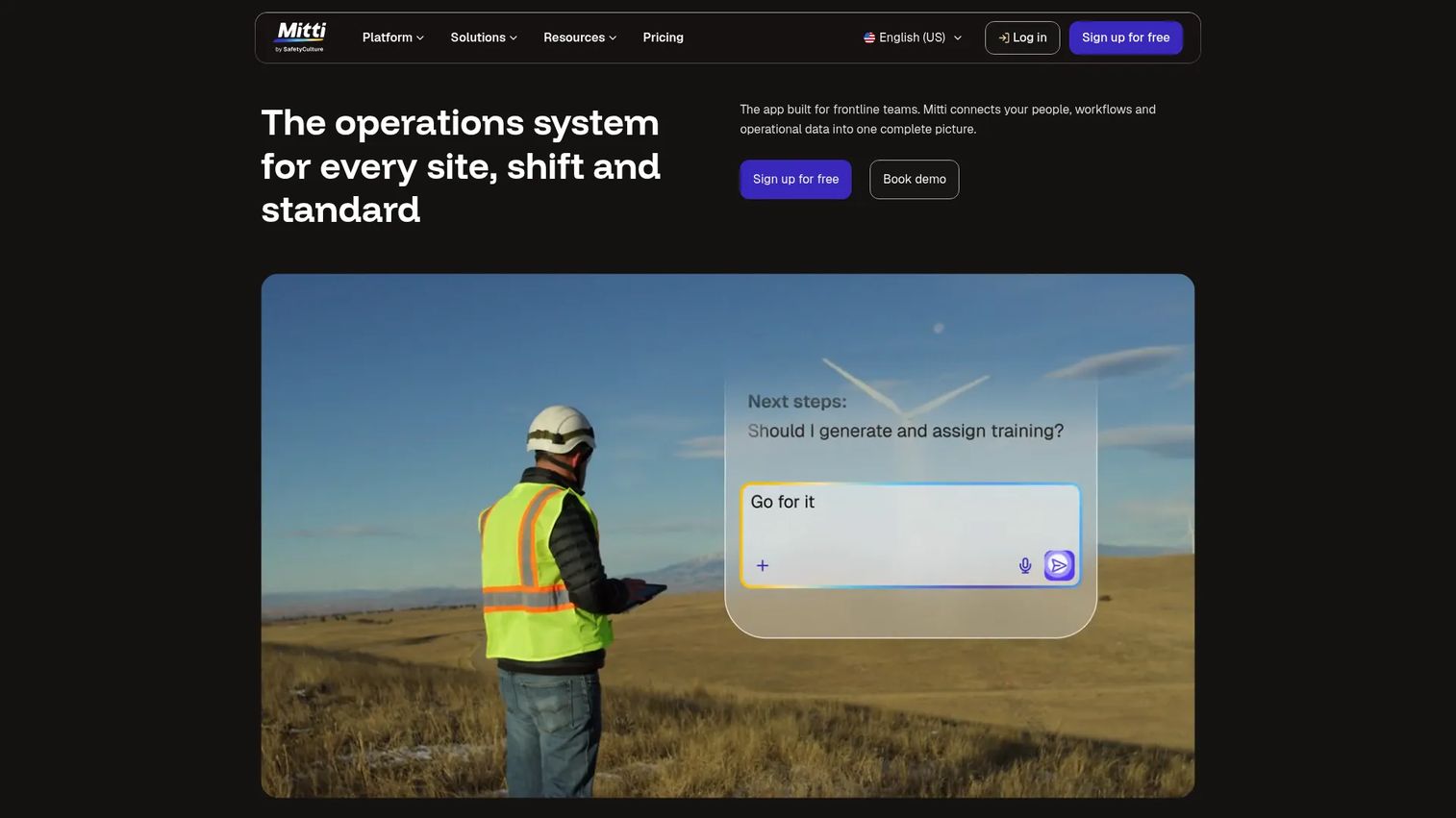
SafetyCulture is a workplace operations platform built around inspections, checklists, task management, and training. Work instructions sit within a broader frontline operations suite that also covers safety audits, issue reporting, and corrective action workflows. For manufacturing teams that need work instructions alongside quality inspections and compliance documentation, SafetyCulture covers both without requiring a second tool.
Best for: Frontline operations teams that need work instructions and inspection or audit workflows running on the same platform.
Key strengths
- Digital inspections and checklists: Structured execution with mandatory fields and photo capture
- Tasks and issue reporting: Assign and track corrective actions from the floor
- Training module: Deliver and track operator training alongside live instructions
- Mobile-first: Designed for use on phones and tablets in any location
Why choose SafetyCulture: If your primary need is narrow, focused shop-floor work instructions with revision control and MES integration, a more manufacturing-specific tool will serve you better. SafetyCulture earns its place when inspections and safety workflows are equally important alongside standard work.
SafetyCulture pricing: Free plan available. Premium is $24 per seat per month. Enterprise pricing is custom. Lite seats start from $5 per seat per month billed annually. A 30-day free trial is available on the Premium plan.
SafetyCulture G2 rating: 4.6/5
5. Dozuki
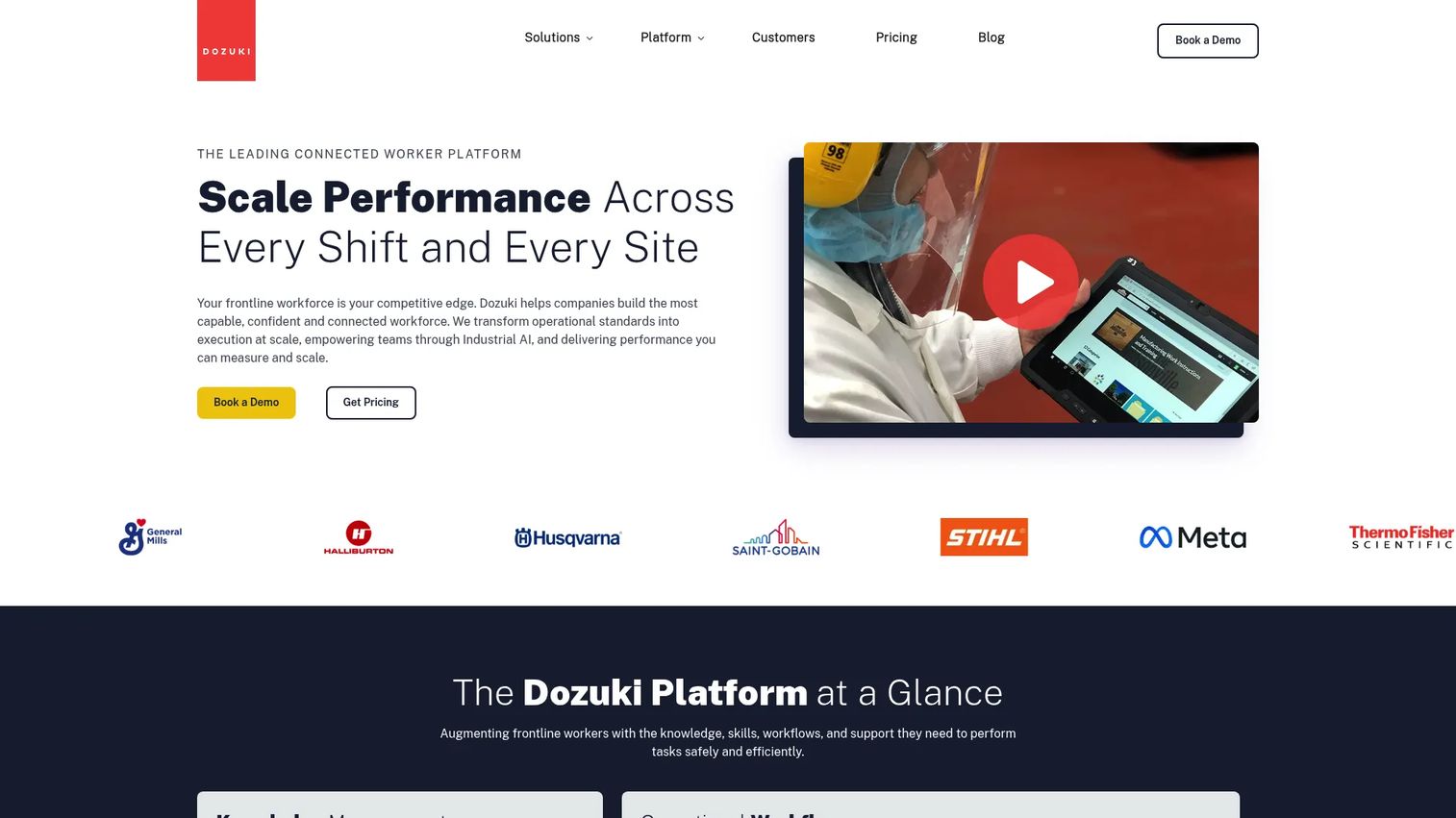
Dozuki positions itself as a connected worker platform with a strong emphasis on knowledge management, operator training, and structured standard work. The platform lets teams author step-by-step work instructions, create learning pathways for job-specific training, and track operational workflows with task assignments and integrations. It is designed for industrial teams where documentation and training are tightly linked.
Best for: Manufacturers that want work instructions and operator training managed in a single system with structured learning pathways.
Key strengths
- Knowledge management: Centralized standard work instructions with versioning
- Learning pathways: Job-specific training tied directly to work instructions
- Operational workflows: Task tracking, integrations, and frontline collaboration tools
- Visual authoring: Rich media content with controlled approval workflows
Why choose Dozuki: Dozuki works well when your biggest gap is not just instruction delivery but also ensuring operators can be certified on the procedures they follow. Teams that need a narrow work instruction tool without the broader knowledge management layer may find more direct options.
Dozuki pricing: Pricing is not shown on the Dozuki website. The pricing page is a contact form. Reach out to Dozuki directly for a quote; reviewer context suggests enterprise-oriented packaging.
Dozuki G2 rating: 4.4/5
6. SwipeGuide
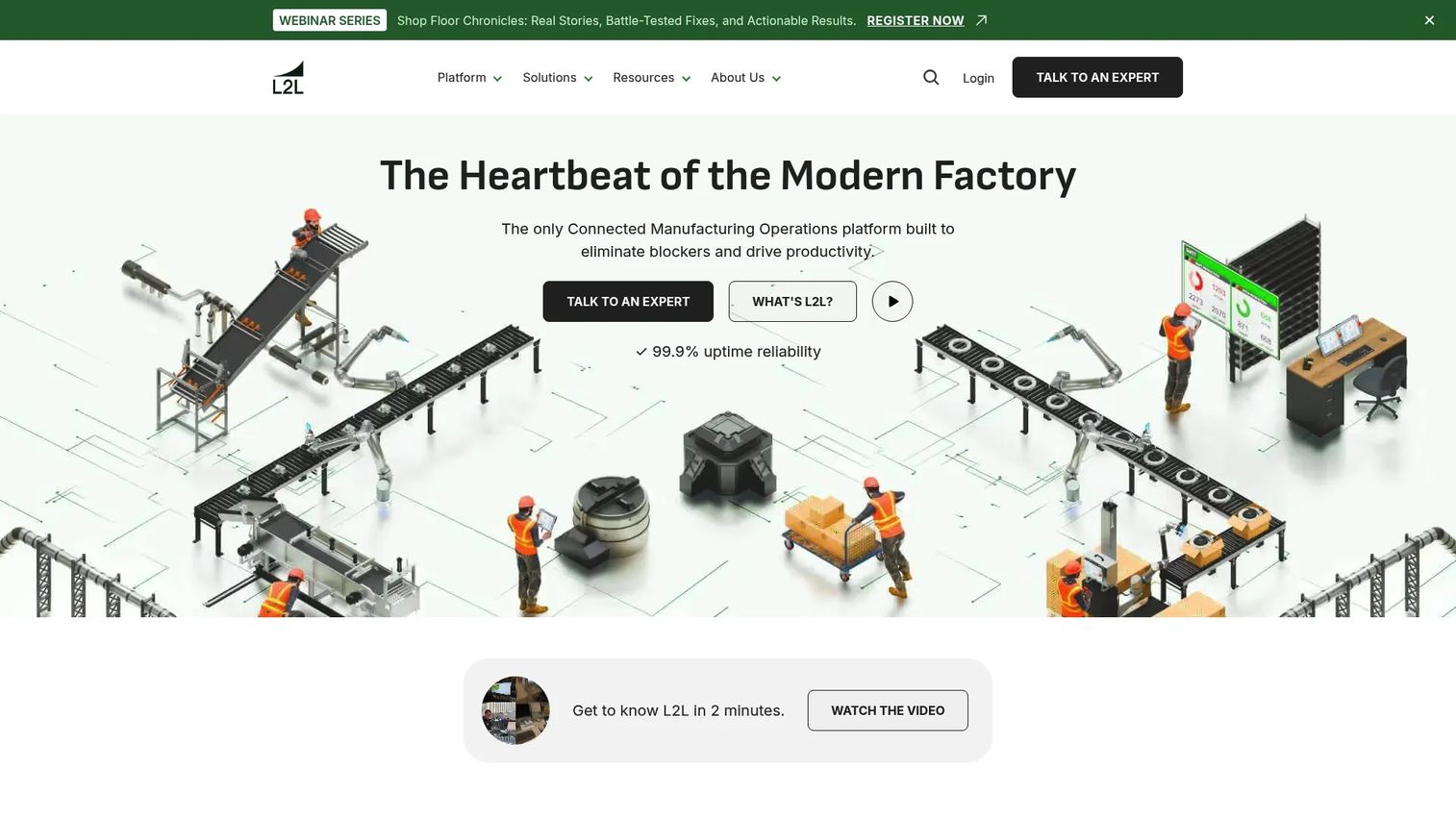
SwipeGuide is a frontline operations platform focused on creating and sharing digital work instructions, SOPs, and checklists. The platform is designed with operator usability at the center: Step-by-step guidance is simple to follow on any device, authoring is built for non-technical content owners, and auto-translate handles multilingual teams without manual rework. Checklists and sign-off capture give teams a lightweight compliance layer alongside the instructions themselves.
Best for: Manufacturing and operations teams standardizing frontline work across multiple sites, especially where multilingual support or fast operator adoption matters.
Key strengths
- Digital work instructions and SOPs: Step-by-step mobile-friendly guidance
- Auto-translate: Multilingual support without manual content duplication
- Checklists and sign-off capture: Lightweight compliance and completion records
- Analytics and data API: Engagement data and integration options for reporting
Why choose SwipeGuide: SwipeGuide is the right fit when your priority is fast operator adoption and content teams need to author and update without technical support. Teams that need deep MES integration, complex revision governance, or real-time production dashboards will want to evaluate more manufacturing-focused platforms alongside it.
SwipeGuide pricing: Pricing is not displayed on the SwipeGuide website. A first-party blog post referenced Smart Skills starting at $825 per month per site for that specific module, but general tier pricing requires direct contact. Reach out to SwipeGuide for a quote.
SwipeGuide G2 rating: Not verified at time of publication. Check the G2 listing directly for current reviewer ratings.
7. Andonix Smart Work Station
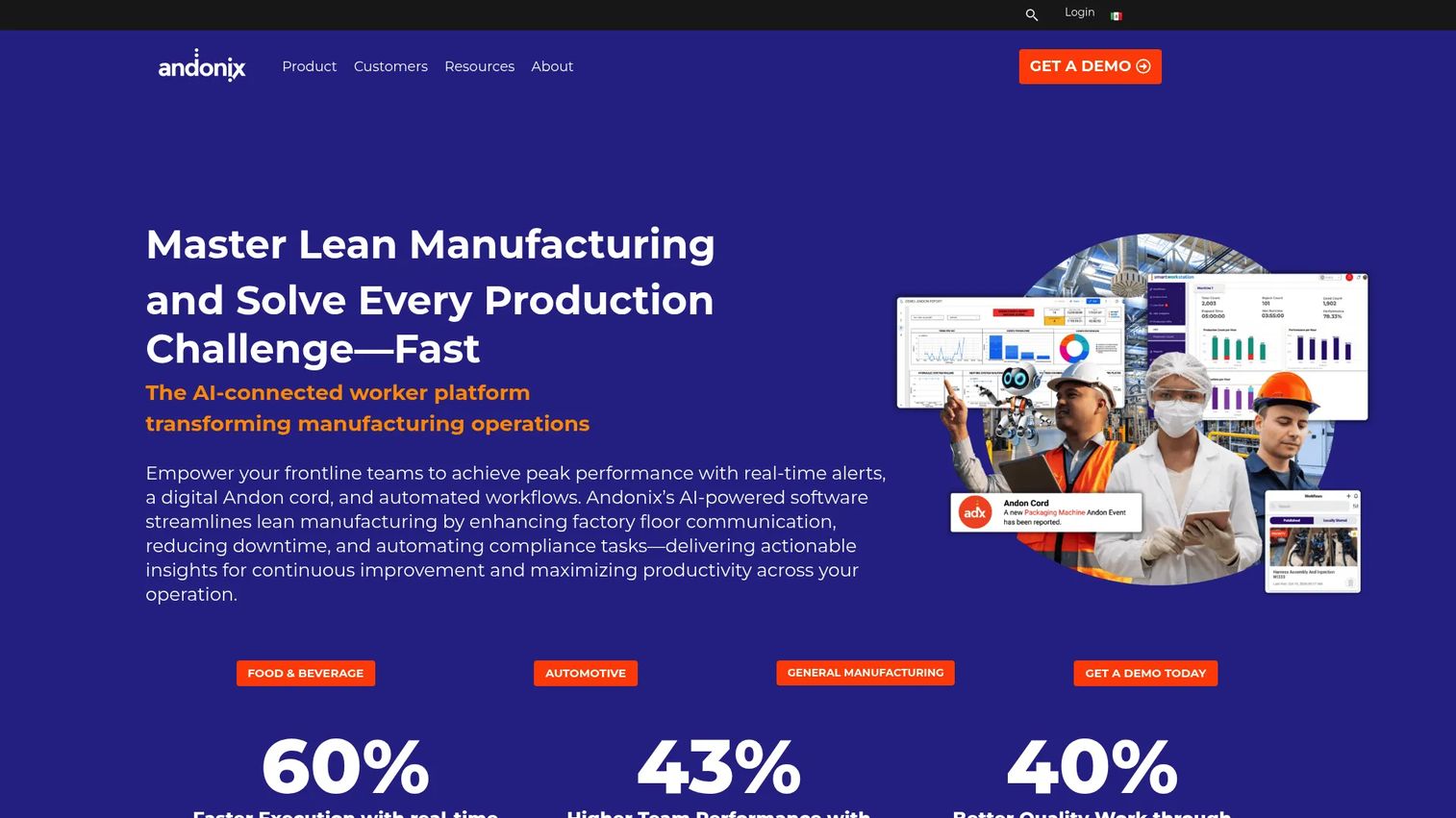
Andonix is a connected worker platform designed around the workstation. Its Smart Work Station product combines digital work instructions, checklists, in-app team communication, and a digital Andon cord into a single operator-facing interface. When something goes wrong on the line, operators can escalate immediately without leaving the station. Intelligent dashboards give supervisors real-time visibility into production status and open issues.
Best for: Plant teams that want workstation-level execution guidance paired with real-time escalation and supervisor visibility.
Key strengths
- Digital work instructions and checklists: Step-level guidance at every station
- In-app chat and communication: Operator-to-supervisor messaging without leaving the workstation
- Digital Andon cord: Escalation and alert workflows built into the operator interface
- Intelligent dashboards: Real-time production visibility and issue tracking
Why choose Andonix: Andonix earns its place when communication and escalation are as important as instruction delivery. Plants where supervisors respond to paper-based Andon systems or walk the floor to collect status updates will see the clearest immediate value. Teams that primarily need rich content authoring or deep revision governance may find narrower manufacturing documentation tools a better starting point.
Andonix pricing: Pricing is not shown on the Andonix website. Contact Andonix directly for a quote based on station count and deployment scope.
Andonix G2 rating: 4.8/5
Considerations
Visual authoring and ease of updates
The content team or operations engineer who maintains work instructions is rarely a developer. Evaluate how quickly a non-technical user can add a step, swap an image, or publish a revision. If every update requires a ticket to engineering, your instructions will lag behind your processes. Look for WYSIWYG editors, drag-and-drop step builders, and approval workflows that do not require IT involvement.
Traceability and audit readiness
In regulated manufacturing environments, instructions must carry a full history: Who authored each version, who approved it, and who completed each step on the floor. Evaluate whether the tool produces records that survive an audit without manual reconstruction. This means checking for digital signatures, revision logs, and completion timestamps tied to individual operators and work orders.
Integrations with ERP, MES, and shop-floor devices
Work instructions that cannot talk to your ERP or MES create duplicate data entry and reduce adoption. Before shortlisting, map your existing stack: Which systems generate work orders, track lot numbers, or consume quality data? A tool with native connectors to your ERP saves significant integration effort. Equally important is hardware compatibility, including barcode scanners, label printers, and workstation terminals.
Operator usability on the floor
A tool that passes every technical requirement and fails adoption is worse than paper. Evaluate the operator-facing interface under real conditions: Fast steps, interruptions, small screens, and operators who did not choose the software. Mobile-first design, offline capability, and instruction clarity under cognitive load all matter more than the authoring-side feature list.
Scalability across plants and lines
Rolling out to one line is different from deploying across ten plants in three countries. For multi-site teams, evaluate template reuse, centralized content governance, role-based access, and how updates propagate across sites without requiring site-by-site edits. Pricing models matter here too, since per-seat costs can grow quickly when frontline headcount is high.
Conclusion
The right manufacturing work instruction software depends on where your biggest current gap sits.
Choose VKS if governance and rich visual instructions are your primary requirement, and traceability to an audit record is non-negotiable. Tulip fits teams that want work instructions as one component of a broader no-code frontline app platform, particularly in regulated industries. PICO MES is the pragmatic entry point when you need MES-adjacent traceability and want to start without a large upfront commitment.
SafetyCulture belongs on the shortlist when inspections and safety workflows need to run alongside standard work on the same platform. Dozuki is the better fit when operator certification and structured knowledge management matter as much as instruction delivery. SwipeGuide works well for distributed teams where multilingual support and fast mobile adoption drive the decision. Andonix earns its place in plants where workstation communication and real-time escalation are as operationally critical as the instructions themselves.
Whichever tool you choose, the goal is the same: Operators who follow the right process every time, and managers who can prove it.
Start your journey with Guideflow today!
FAQs
Work instruction software focuses on authoring, delivering, and tracking step-by-step operator guidance at the point of work. MES software manages the broader production execution layer, covering scheduling, inventory, work orders, and production tracking. Many manufacturers run both: Work instruction software handles what the operator sees and does, while the MES records what was built and when. Some tools in this category, like PICO MES, overlap both functions.
Yes, and the mechanism is specific. When instructions include mandatory scans, validation checks, and conditional logic that prevent step completion without required inputs, operators cannot skip critical actions. The reduction comes from removing ambiguity at the decision point, not from training alone. Tools with built-in rule engines and smart forms deliver the most direct error-proofing at the step level.
The features that drive measurable outcomes are version control, visual step guidance, completion tracking tied to individual operators, and integration with the systems that generate work orders. Governance and approval workflows matter when you operate in a regulated environment. Offline capability matters when your floor has unreliable connectivity. Prioritize based on where your current paper-based process breaks down most often.
Centralized authoring with role-based publishing is the key requirement. Instructions authored once and distributed through a central library propagate updates to every site without manual redistribution. The tools that handle this well use template inheritance, approval gates, and notification workflows so site-level teams know when content has changed. The discipline of keeping a short, modular instruction structure also reduces update cost, since a three-step instruction is faster to recapture than a twenty-step one.
Most of the tools in this guide offer ERP and MES connectivity, though the depth varies. VKS and PICO MES include explicit ERP integration capabilities. Tulip's edge connectivity layer supports machine and system connections broadly. For any tool on your shortlist, verify the specific ERP or MES you run (SAP, Oracle, Epicor, or others) is supported natively or via API, and clarify whether integration requires professional services or can be configured by your operations team.
It depends on your station setup. Facilities with dedicated workstation screens may not prioritize mobile. Plants where operators move between stations, work in assembly areas without fixed terminals, or need instructions on handheld devices require mobile-first design. SafetyCulture and SwipeGuide are built with mobile as the primary surface. Other tools in this list support mobile as a secondary interface. Validate this against your actual floor layout before shortlisting.
Focus on four factors: Maintenance overhead, integration depth, scalability, and measurability. Maintenance overhead tells you how much effort each process change creates after go-live. Integration depth tells you whether the tool fits your existing ERP and MES stack or creates a new data silo. Scalability tells you whether the pricing and governance model holds up across multiple plants and shifts. Measurability tells you whether the tool produces analytics you can use to track adoption and prove operational impact. A tool that scores well on all four is worth a longer evaluation cycle. One that fails on maintenance or integration is unlikely to sustain adoption past the initial rollout.