Your test suite is growing. Your release cadence is accelerating. And somewhere in that gap, a flaky regression test that nobody trusts is blocking a deployment that should have shipped two days ago.
The global automation testing market reached USD 32.7 billion in 2025 and is projected to hit USD 89.0 billion by 2033, according to Grand View Research (2026). That growth reflects a real shift: 62% of organizations increased investment in automation and testing tools to launch software faster, per the Testing in DevOps Report (2025). The pressure is not going away.
For presales and sales engineering teams, this matters beyond internal QA. Buyers increasingly ask about testing posture, CI/CD integration, browser coverage, and regression risk during technical diligence. Understanding how these ai software testing tools stack up helps you evaluate prospects' environments, answer their questions, and support POC cycles with confidence.
The right automation testing tool depends less on the feature list and more on who owns the tests, what applications you test, and where failures need to surface.
What's inside
This guide covers 16 automation testing tools across open-source frameworks, low-code platforms, cloud testing grids, and AI-assisted QA. Items were selected based on:
- Application coverage: Web, mobile, API, desktop, and enterprise app support
- Skill fit: Code-first versus low-code versus codeless authoring
- CI/CD integration: Pull request checks, nightly suites, and release gates
- Pricing model: Free and open-source options versus commercial tiers
- G2 rating: Verified live ratings at the time of writing
The guide is built for QA managers, engineering leaders, DevOps teams, and presales teams supporting technical validation conversations.
TL;DR
- Best for modern web apps: Playwright, with cross-browser coverage across Chromium, Firefox, and WebKit
- Best for legacy ecosystem compatibility: Selenium, with the deepest hiring pool and plugin depth
- Best for front-end developers: Cypress, built tightly around JavaScript workflows
- Best for mobile automation: Appium, the open-source standard for iOS and Android
- Best for mixed-skill QA teams: Katalon, with web, API, mobile, and test management in one platform
- Best for AI-assisted maintenance: Testim and ACCELQ for self-healing locators; testRigor for plain-English authoring; Mabl for low-code with auto-healing
- Best for visual regression: Applitools, the specialist visual AI layer that complements any framework
What is automation testing software?
Automation testing software is a category of tools that executes software tests through scripts, models, recorded flows, cloud environments, or AI-assisted instructions, replacing manual repetition with repeatable, measurable processes.
The category spans several distinct disciplines:
Test types covered:
- Functional and end-to-end testing of user flows
- Regression testing to catch regressions across releases
- Cross-browser and cross-device testing for compatibility
- Mobile app testing on iOS and Android
- API testing for backend and integration validation
- Visual regression testing for UI changes
- Accessibility and performance testing on supported platforms
Core capabilities to evaluate:
- Test authoring: Code-first, low-code, codeless, or natural-language
- Execution: Local, cloud grid, parallel, real-device, or headless
- Maintenance: Self-healing locators, reusable components, stable selectors
- Reporting: Failure screenshots, videos, logs, coverage trends, and dashboards
- Integrations: CI/CD tools, issue trackers, test management systems, and source control
Where automation fits in the buying process:
Automation testing tools are not the same as manual test management platforms. Manual test management organizes test cases, plans, and results. Automation tools execute or orchestrate those tests. Many modern platforms blend both, but the distinction matters when building a stack. A team that buys an execution framework still needs a reporting layer, a device grid, and a CI/CD connector. The "free" cost of an open-source framework often understates the real investment once infrastructure, maintenance, and engineering time are included.
When to use automation testing tools
Reduce repetitive regression testing
Regression suites protect your highest-value workflows: Checkout, authentication, permissions, admin settings, and integration touchpoints. Manual checks on these flows before every release are expensive and inconsistent. Automation keeps that coverage reliable without burning QA cycles on repetitive clicks.
Scale cross-browser and mobile coverage
Manual device and browser checks break down as soon as you add a second mobile platform or a third supported browser. Cloud grids and real-device services let teams run the same test suite across dozens of configurations in parallel. For presales teams, this directly answers buyer questions about browser support and mobile compatibility during technical evaluation.
Build release confidence into CI/CD
Automation testing tools fit into pull requests, staging checks, nightly suites, and release gates. The goal is trustworthy signals before code reaches production. A failing test that nobody investigates is worse than no test at all: It creates noise, erodes trust, and slows releases. Good automation strategy means fewer tests that everyone believes, not more tests that everyone ignores.
Automation testing tools comparison
The table below covers 16 automation testing tools with verified pricing and G2 ratings. Open-source tools are listed as "Free" for the software itself, but teams should budget for CI infrastructure, device grids, reporting, and engineering maintenance. For quote-based commercial tools, the pricing column reflects what the vendor publicly states.
| # | Product | Best for | Key differentiator | Pricing | G2 rating |
|---|---|---|---|---|---|
| 1 | Playwright | Modern web end-to-end testing | Cross-browser, multi-language, parallel execution | Free | 4.8/5 |
| 2 | Selenium | Legacy browser coverage and ecosystem depth | WebDriver standard, Selenium Grid | Free | 4.5/5 |
| 3 | Cypress | JavaScript front-end developer testing | Time-travel debugging, component testing | Free / $67/mo | 4.7/5 |
| 4 | Appium | Mobile app automation (iOS, Android) | Open-source mobile WebDriver standard | Free | N/A |
| 5 | Katalon | Mixed-skill QA teams | Web, API, mobile, desktop in one platform | Free / $84/seat/mo | 4.4/5 |
| 6 | Testim | AI-assisted UI test maintenance | Smart locators, self-healing, Salesforce support | Free (Community) / Contact sales | N/A |
| 7 | Mabl | Low-code automation with auto-healing | Agentic AI testing across web, API, mobile | Custom pricing | 4.4/5 |
| 8 | ACCELQ | Enterprise codeless automation | AI self-healing, 160+ technology support | Custom pricing | 4.8/5 |
| 9 | LambdaTest | Cloud cross-browser and real-device grids | KaneAI, HyperExecute, free tier available | Free / $139/mo | N/A |
| 10 | BrowserStack Automate | Reliable browser and device infrastructure | 3,000+ browser/device combinations | From $59/mo | N/A |
| 11 | TestComplete | Desktop and UI-heavy application testing | GUI object recognition, record-and-replay | Contact sales | 4.2/5 |
| 12 | Tricentis Tosca | Enterprise business-process automation | Model-based, risk-based, 160+ tech coverage | Custom pricing | 4.3/5 |
| 13 | testRigor | Plain-English, low-code automation | Natural-language test creation | Free (public) / from $300/mo | 4.6/5 |
| 14 | Robot Framework | Keyword-driven open-source automation | Human-readable syntax, extensible libraries | Free | N/A |
| 15 | Puppeteer | Chromium-specific developer automation | Chrome DevTools Protocol control | Free | 5.0/5 |
| 16 | Applitools | Visual AI regression testing | Visual AI layer for any framework | From $667/mo | 4.3/5 |
Best 16 automation testing tools for 2026
1. Playwright
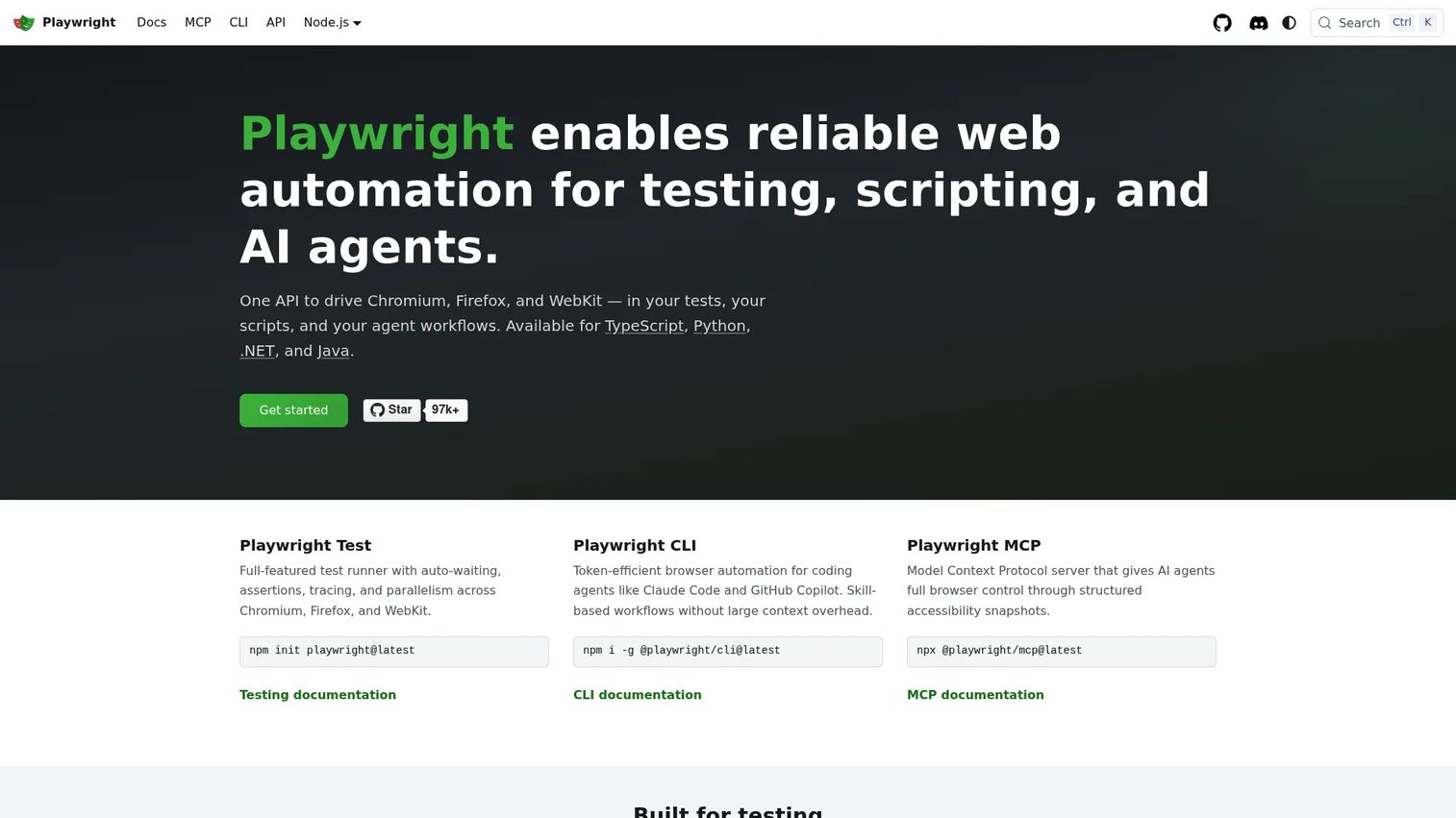
Playwright is an open-source end-to-end testing framework built by Microsoft. It supports automated browser testing across Chromium, Firefox, and WebKit from a single API, with multi-language bindings for TypeScript, JavaScript, Python, Java, and .NET. The framework includes auto-waiting, parallel execution, and a Trace Viewer for debugging failures without rebuilding the test run.
Best for: Engineering and QA teams building reliable cross-browser end-to-end tests for modern web applications.
Key features
- Cross-browser testing: Chromium, Firefox, and WebKit
- Auto-waiting assertions that reduce flaky failures
- Parallel execution and test sharding
- Trace Viewer for step-level debugging
- Test generation via Codegen
Why choose Playwright: Playwright fits teams that want code-first control with modern debugging tools. The trade-off is ownership: Teams must design the framework, manage reporting, maintain CI infrastructure, and enforce discipline as the suite grows.
Playwright pricing: Playwright is free and open source. Budget for CI execution minutes, cloud browser grid access if needed, and the engineering time to build and maintain the framework.
G2 rating: 4.8/5
2. Selenium
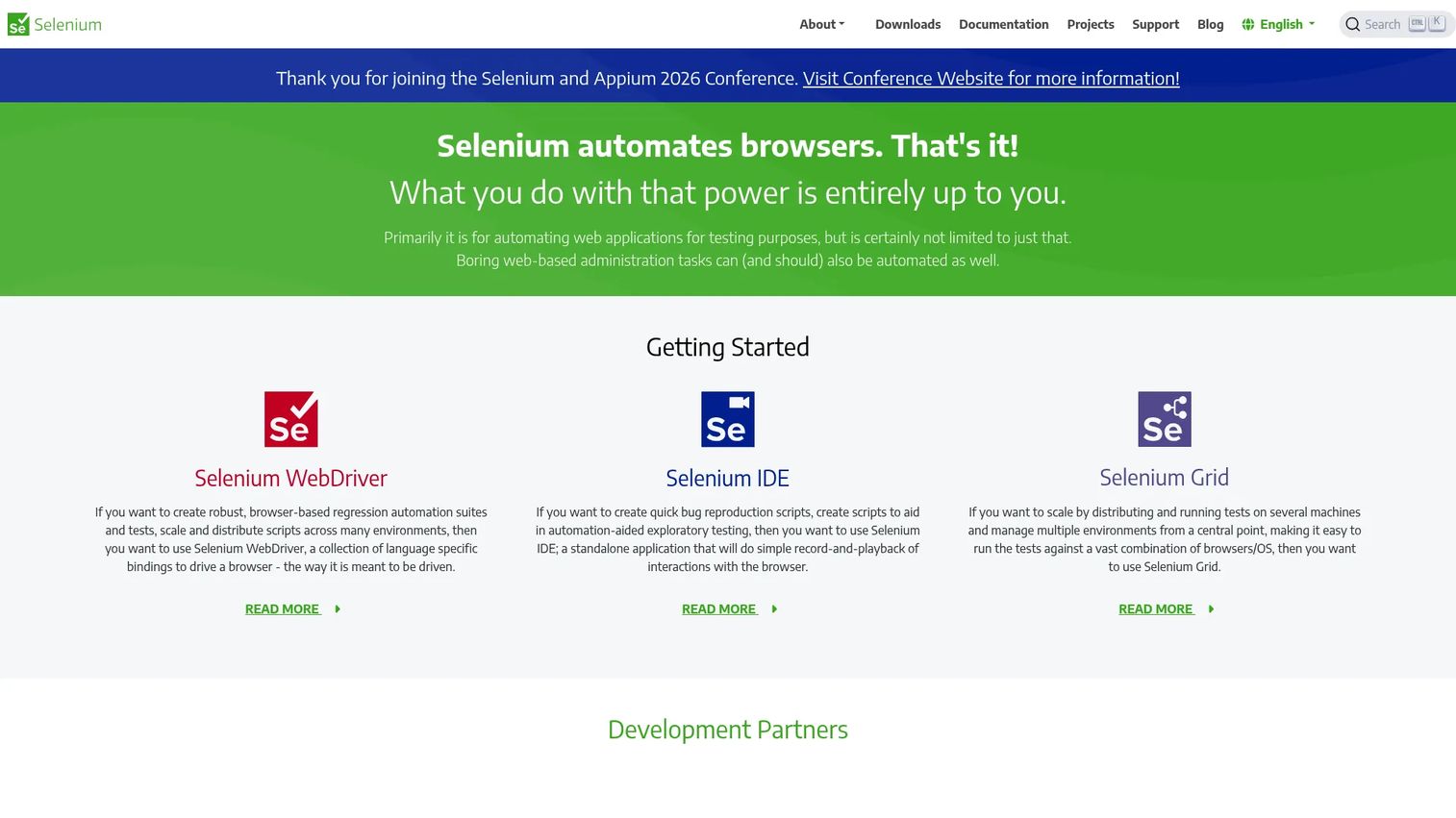
Selenium is the long-running open-source standard for browser automation. WebDriver, Selenium IDE, and Selenium Grid make up the core toolset. The ecosystem includes bindings across most major programming languages, a broad plugin library, and years of community-built patterns and integrations. Many enterprise QA organizations built their automation foundation on Selenium and continue to maintain it today.
Best for: Teams with existing Selenium skills, legacy browser coverage requirements, or a need to hire from the deepest available talent pool.
Key features
- WebDriver browser automation across major browsers
- Selenium Grid for distributed parallel execution
- Selenium IDE for record-and-playback prototyping
- Multi-language support across Python, Java, JavaScript, and others
- Large plugin and integration ecosystem
Why choose Selenium: Choose Selenium when hiring availability, ecosystem familiarity, and legacy compatibility outweigh a polished developer experience. Newer frameworks often provide a smoother setup, but Selenium's depth remains hard to match for teams with complex browser requirements.
Selenium pricing: Selenium is free and open source. Real costs come from CI infrastructure, browser grid capacity, and the engineering overhead of framework design and maintenance.
G2 rating: 4.5/5
3. Cypress
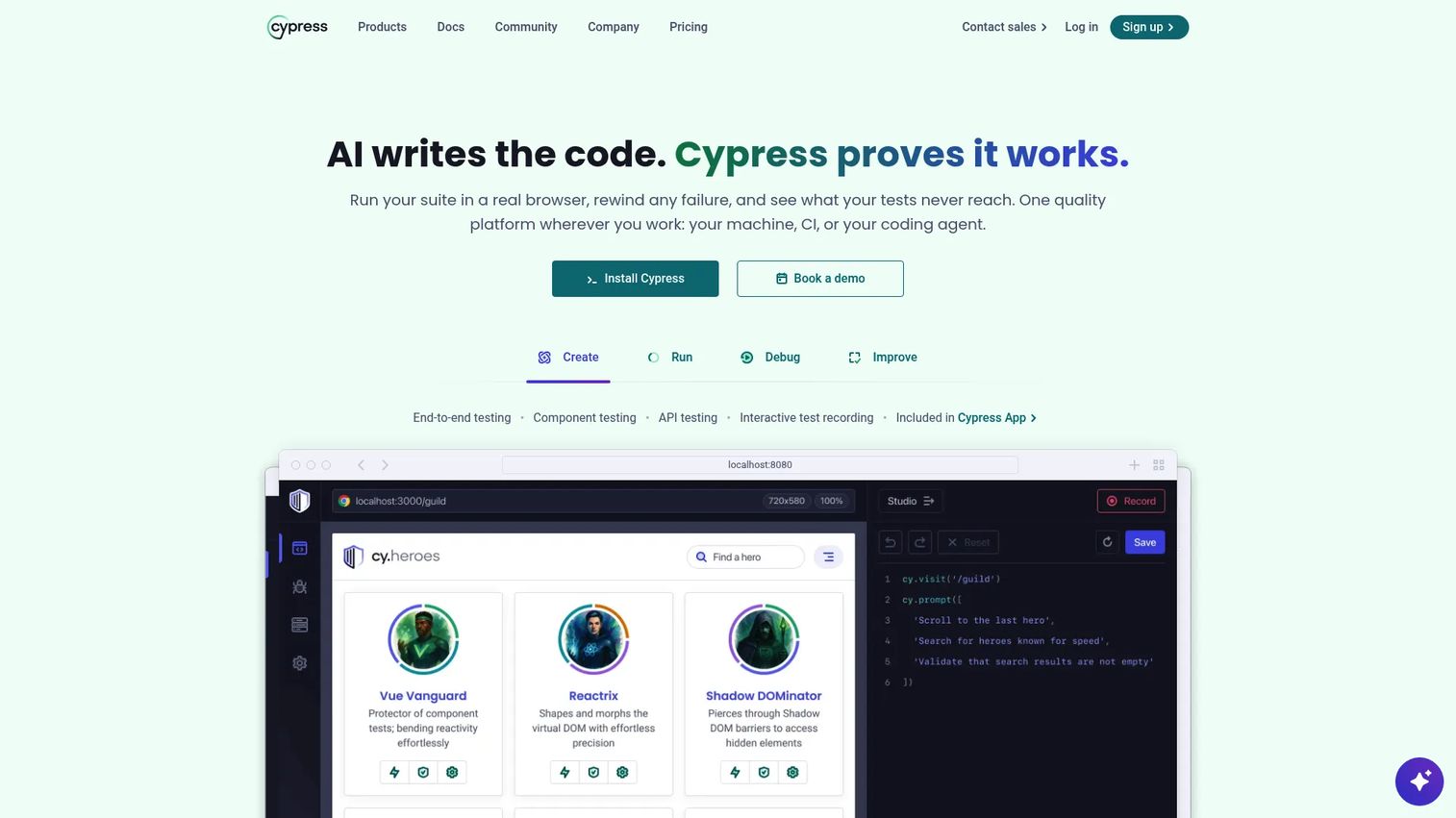
Cypress is a web testing platform designed around developer workflows. It supports end-to-end and component testing for JavaScript-heavy applications, with an interactive test runner, time-travel debugging, and network stubbing. Cypress Cloud adds parallelization, test replay with DOM snapshots and videos, flake detection, and analytics.
Best for: Front-end development teams that want fast test feedback tightly integrated into JavaScript workflows.
Key features
- End-to-end and component testing
- Time-travel debugging with DOM snapshots
- Network request stubbing and interception
- Parallelization and load balancing on Cypress Cloud
- Flake detection and project analytics
Why choose Cypress: Cypress works best when developers own the tests and the application is JavaScript-centric. Teams that need broad mobile coverage or non-browser testing will need supplemental tooling alongside it.
Cypress pricing: The Cypress framework is free. Cypress Cloud starts at $67/month (billed annually at $799) for the Team plan. Business is $267/month (billed annually at $3,199). Enterprise pricing requires contacting sales.
G2 rating: 4.7/5
4. Appium
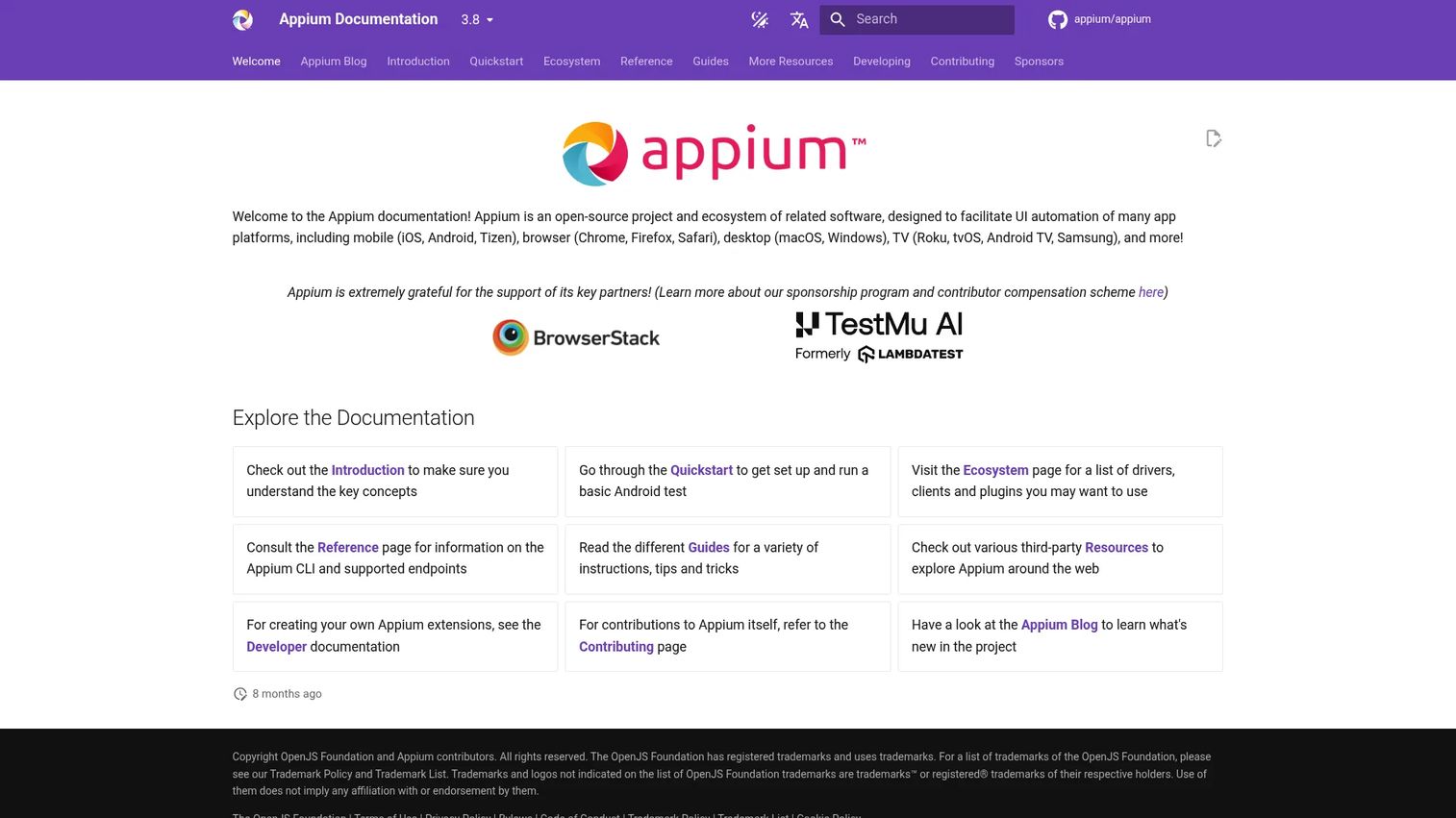
Appium is the open-source standard for mobile app test automation. It supports iOS, Android, and hybrid applications through a unified API that extends WebDriver concepts. Appium's extensible architecture lets teams add drivers and plugins for different platforms, and Appium Inspector provides a visual tool for inspecting app screens and element hierarchies.
Best for: Teams automating native, hybrid, or mobile web applications who want open-source flexibility and multi-language support.
Key features
- iOS and Android native app automation
- Hybrid and mobile web app support
- Cross-platform API using WebDriver concepts
- Extensible driver and plugin architecture
- Appium Inspector for screen and element inspection
Why choose Appium: Appium is the practical starting point for mobile automation, with no license cost and broad community support. Teams still need to plan their real-device strategy, CI integration, and test design discipline to get reliable results.
Appium pricing: Appium is free and open source. Operational costs include device labs or cloud device services, CI pipeline configuration, and the engineering time for framework setup.
5. Katalon
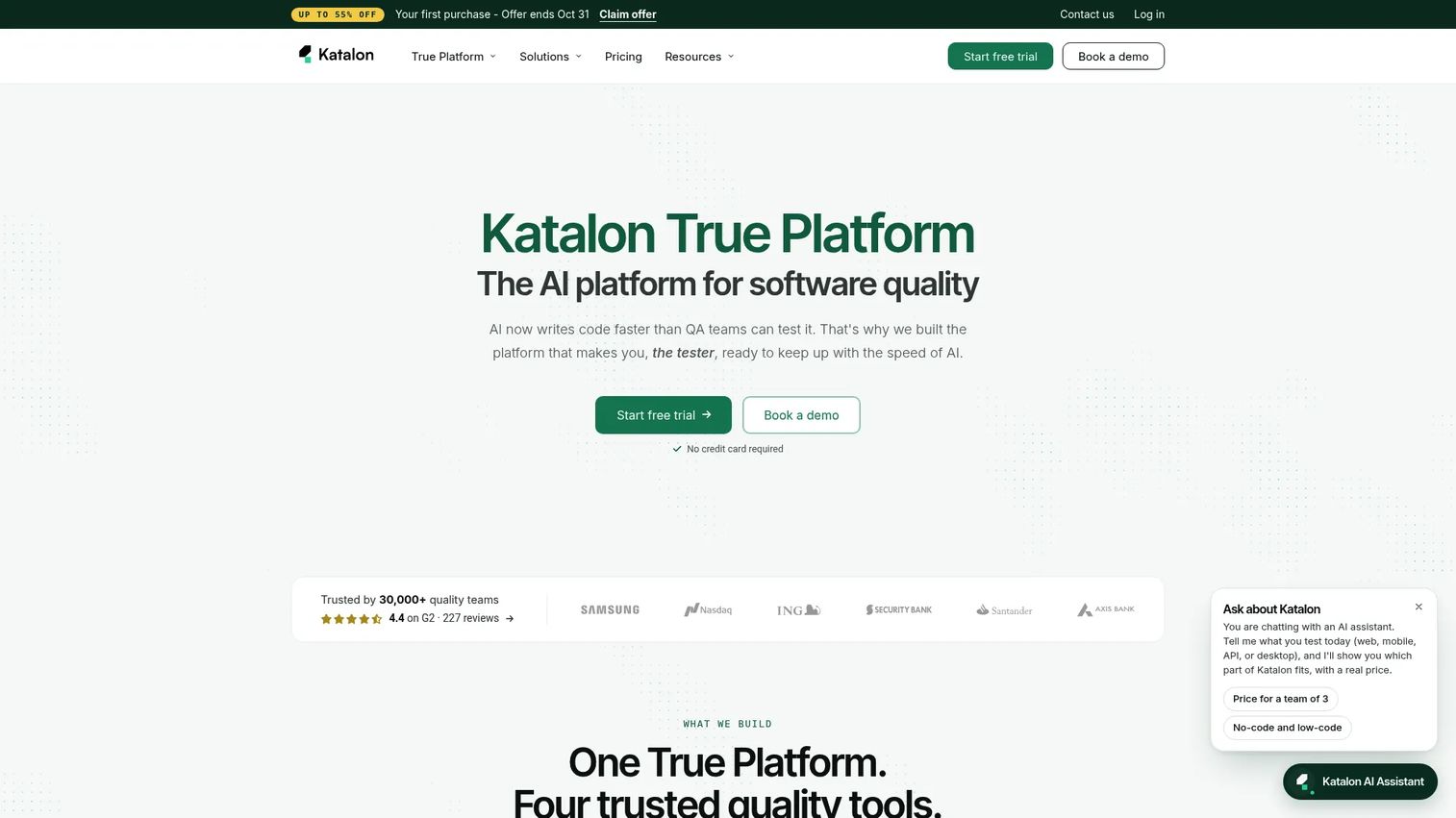
Katalon is an AI-augmented quality management platform that covers web, API, mobile, and desktop testing. It combines low-code test creation with scripting flexibility, so manual testers and automation engineers can work in the same platform. Built-in test management, analytics, and CI/CD integrations reduce the tool sprawl that often comes with stitching together separate frameworks, reporting systems, and test managers.
Best for: Mixed-skill QA teams that need one platform spanning multiple application types, from functional testing to test analytics.
Key features
- Web, API, mobile, and desktop test automation
- Low-code authoring alongside scripting
- AI-assisted test generation and self-healing
- Built-in test management and analytics
- CI/CD integrations
Why choose Katalon: Katalon fits teams where QA engineers and manual testers collaborate and where reducing tool sprawl is a priority. It is more opinionated than a raw framework, which speeds up initial setup but means less flexibility for highly custom automation architectures.
Katalon pricing: A free local authoring and execution plan is available. The Professional plan is $1,000/seat/year (billed annually). Katalon Studio runs $180/seat/month and True Automation is $200/seat/month. Enterprise pricing is custom.
G2 rating: 4.4/5
6. Testim
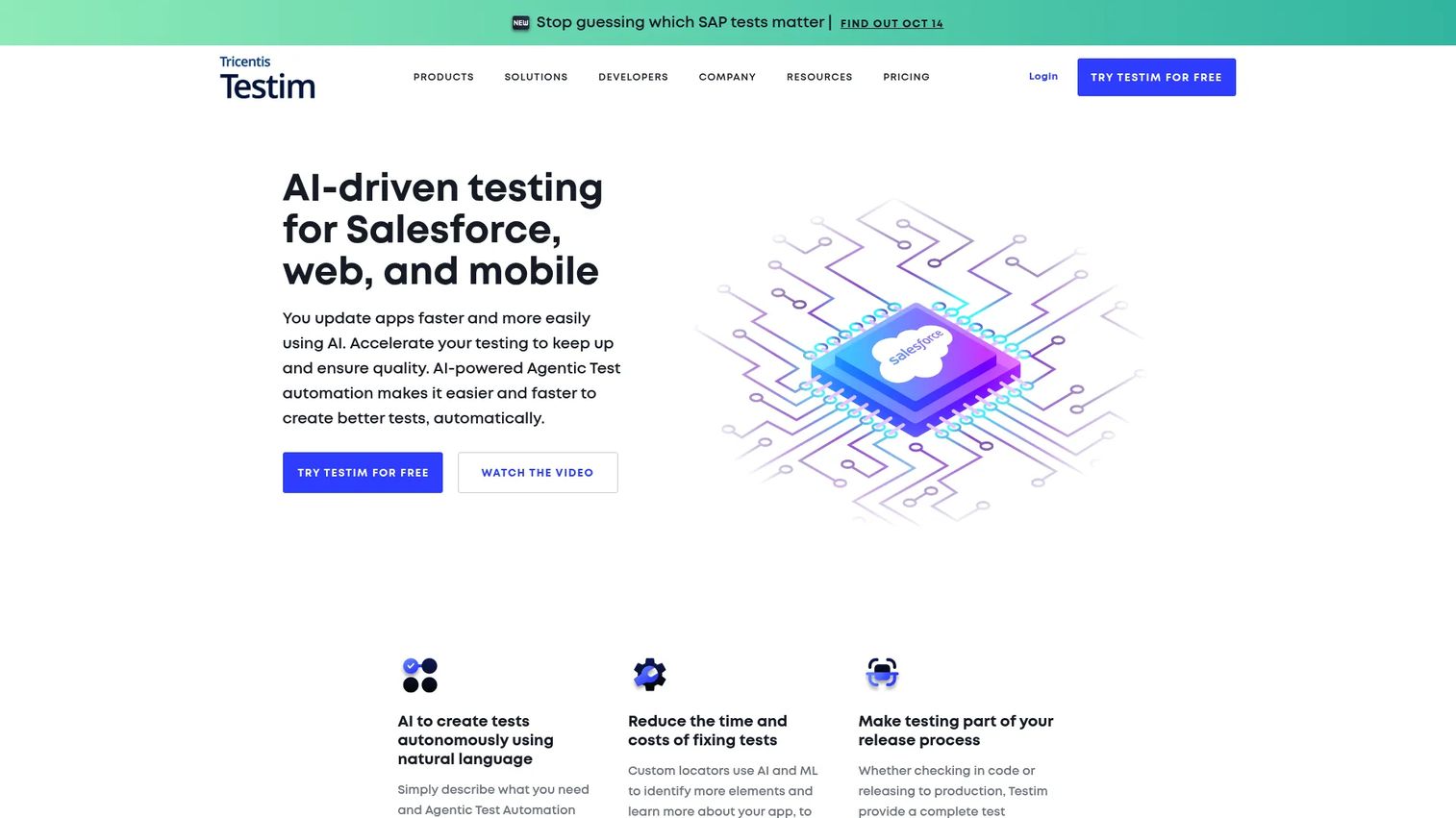
Testim is an AI-powered test automation platform with a strong focus on UI and Salesforce testing. Its smart locator technology uses AI to identify and stabilize element selectors, reducing test breakage when the UI changes. The platform supports natural-language agentic test automation, codeless recorder-based authoring, root-cause analysis, and cross-browser execution on Testim Cloud or Selenium Grid.
Best for: Teams whose test suites break frequently due to UI element changes, particularly those testing Salesforce applications.
Key features
- AI smart locators that adapt to UI changes
- Codeless recorder-based test authoring
- Cross-browser execution on cloud or Selenium Grid
- Root-cause analysis and failure debugging
- Native Salesforce testing support
Why choose Testim: Testim's maintenance reduction story is its strongest differentiator. Teams spending significant engineering time fixing broken selectors after UI updates are the clearest fit. It handles the reliability problem, not the strategy problem.
Testim pricing: A free Community plan is available after the trial period. Paid plans (Essentials, Pro, Mobile) require contacting sales for pricing. Reviewer-reported context on G2 suggests commercial plans are priced based on test volume and seat count.
7. Mabl
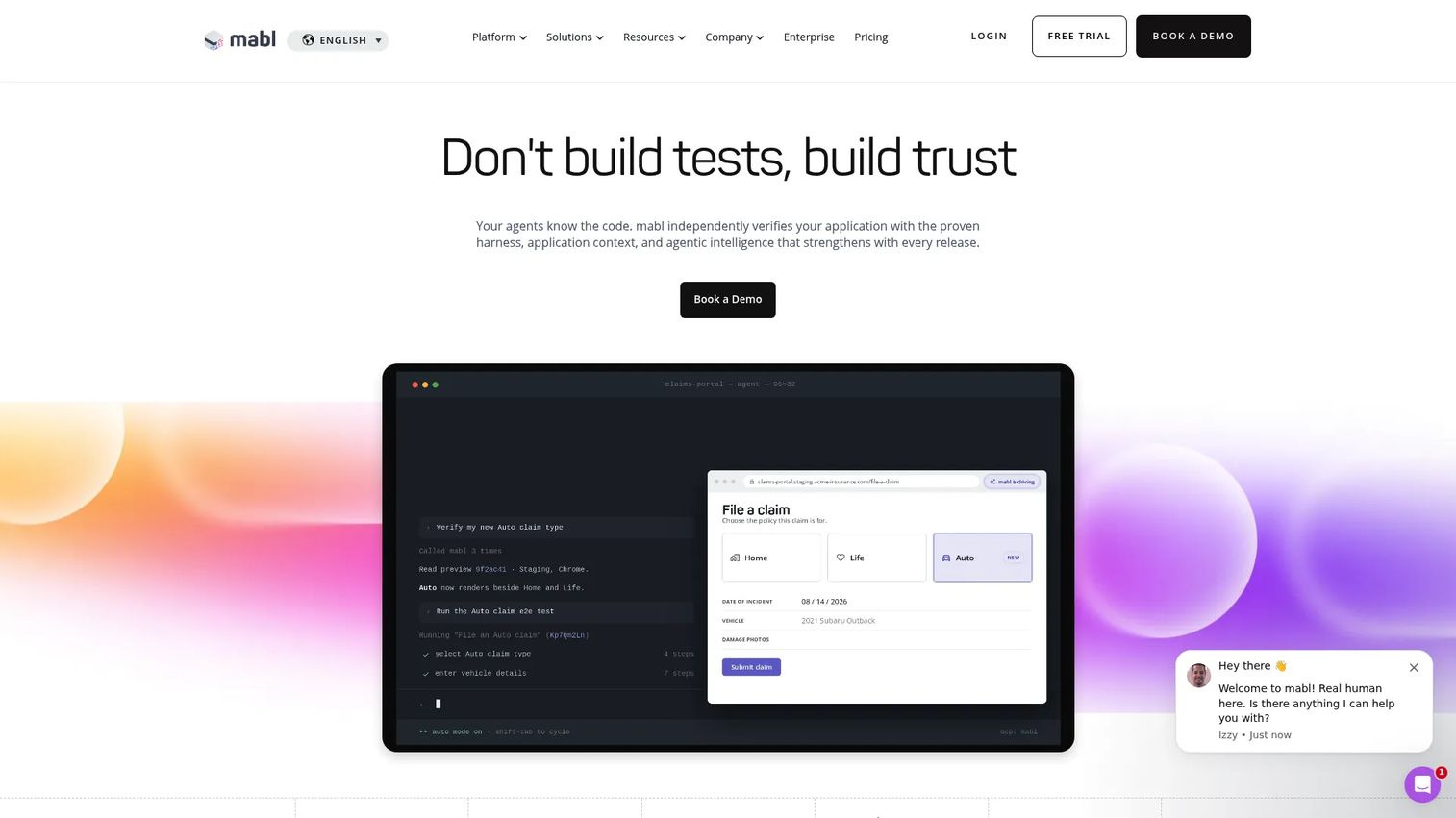
Mabl is an agentic software testing platform covering web, mobile, AI application testing, and API validation. It combines low-code test creation with auto-healing, visual change detection, accessibility testing, and CI/CD integrations. The platform targets QA teams that need broader coverage without writing every test from scratch.
Best for: QA teams that want low-code test authoring with maintenance support, particularly for web and user journey testing.
Key features
- Low-code test creation for web, mobile, and APIs
- Auto-healing tests that adapt to application changes
- Visual change detection for UI regression
- Accessibility, performance, and email testing
- Integrations with Jira, GitHub, Jenkins, and Slack
Why choose Mabl: Mabl fits teams that want coverage without heavy scripting and need the auto-healing layer to keep that coverage trustworthy as the application evolves. Evaluate it carefully against usage-based pricing drivers and how those scale with your test volume.
Mabl pricing: Mabl uses custom pricing with no public plan prices. A 14-day free trial is available. Pricing is usage-based and driven by cloud test-run credits, environments, and organizational requirements. Contact Mabl for a quote.
G2 rating: 4.4/5
8. ACCELQ
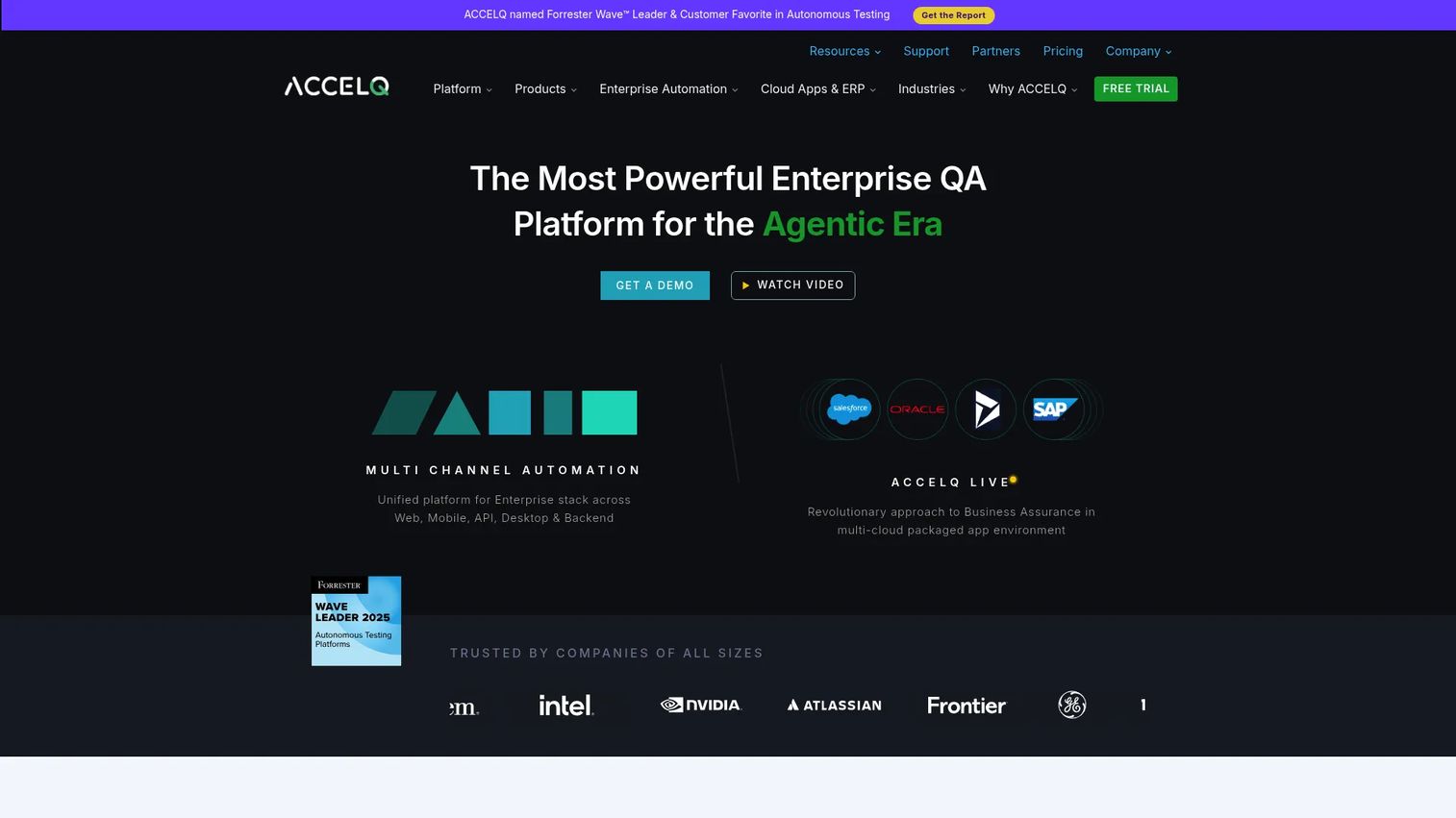
ACCELQ is a cloud-based, codeless continuous testing and quality management platform. It supports web, API, mobile, desktop, mainframe, and backend testing through natural-language test automation and AI-powered self-healing. The platform includes integrated test management, planning, and governance tools, making it a fit for larger QA organizations that need business-readable automation at scale.
Best for: Enterprise QA teams that need governed, codeless automation across web, API, mobile, and enterprise applications.
Key features
- Codeless natural-language test automation
- AI-powered self-healing and autonomic element identification
- Web, API, mobile, desktop, and mainframe coverage
- Integrated test management and planning
- CI/CD integrations including Jira and Jenkins
Why choose ACCELQ: ACCELQ fits organizations standardizing QA process across multiple teams and application types. It is a stronger choice for teams that need governance and business-readable automation than for engineering teams seeking a lightweight code-first framework.
ACCELQ pricing: ACCELQ offers free trials for several products. Professional, Teams, Individuals, and Enterprise plans are available. Numeric pricing is not displayed on the pricing page and requires contacting sales. G2 reviewers report enterprise contracts vary significantly based on scope.
G2 rating: 4.8/5
9. LambdaTest
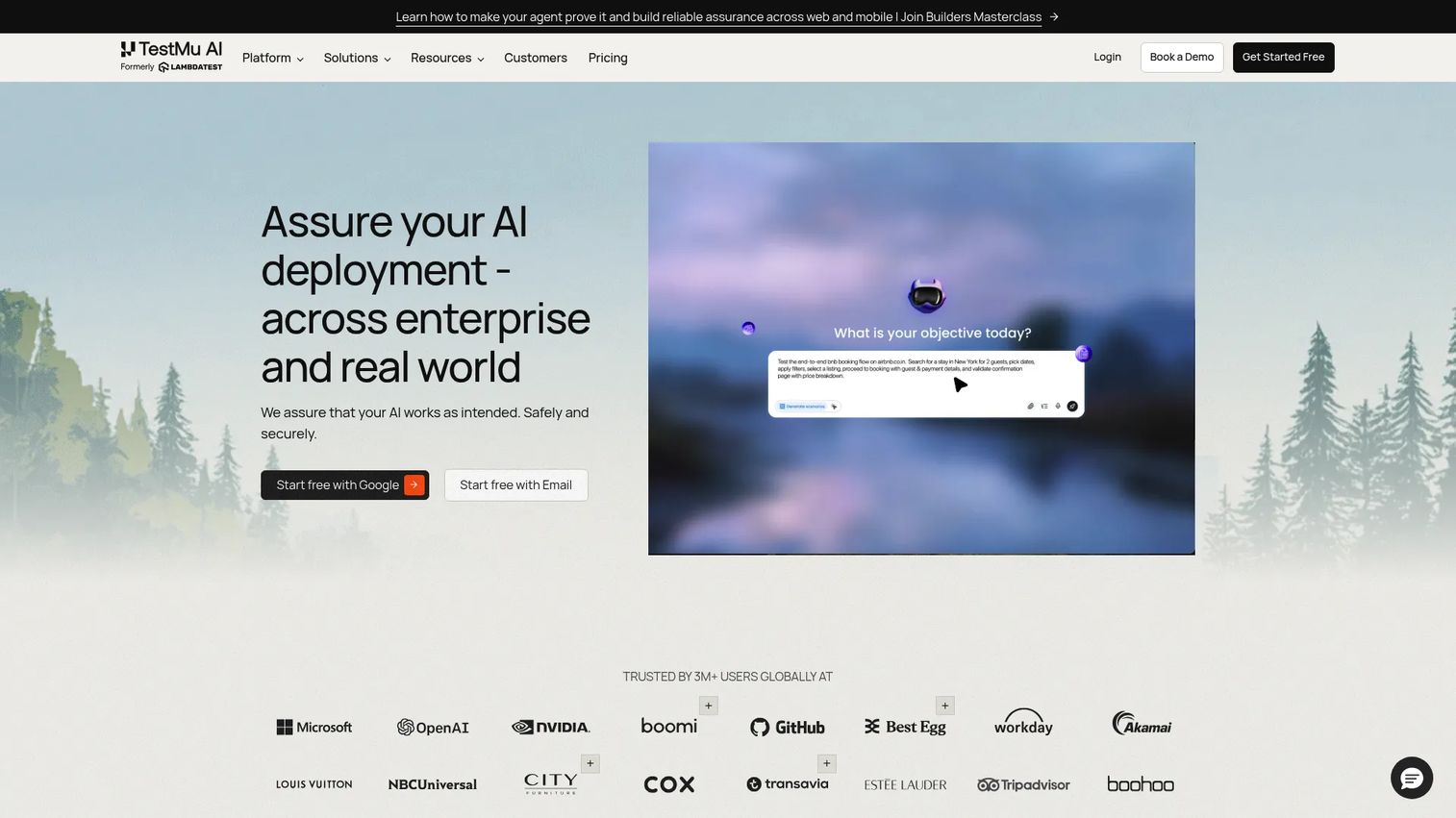
LambdaTest is an AI-powered cloud software testing platform (now also branded TestMu AI) covering web testing, real-device mobile testing, AI-assisted test generation, performance testing, and test orchestration. Its HyperExecute product handles intelligent test distribution, and KaneAI provides AI-native test case generation and automation.
Best for: Teams scaling cross-browser and real-device test execution, particularly those using frameworks like Selenium or Playwright that need a cloud grid.
Key features
- Cloud browser grid for cross-browser web testing
- Real iOS and Android device testing
- KaneAI for AI-native test generation
- HyperExecute for intelligent test orchestration
- JMeter-based performance testing
Why choose LambdaTest: LambdaTest is most useful when test execution infrastructure is the bottleneck. It pairs cleanly with frameworks teams already use and adds real-device coverage without managing physical device labs.
LambdaTest pricing: A free plan is available. Virtual automation cloud plans start at $139/month (billed annually). Real device automation starts at $199/month. Enterprise pricing requires contacting sales.
10. BrowserStack Automate
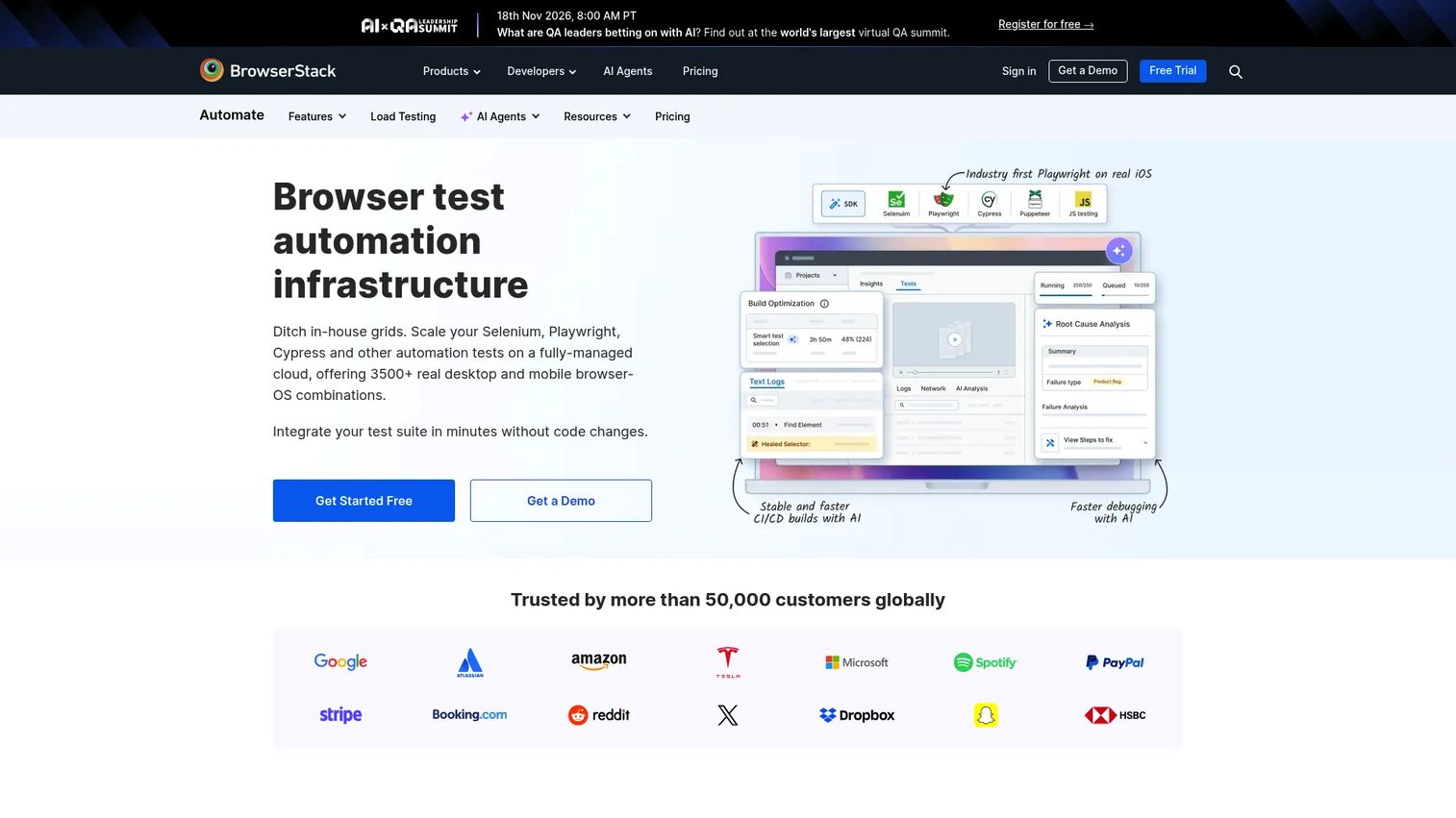
BrowserStack Automate is a cloud testing grid for running automated tests across more than 3,000 browser and device combinations. It supports Selenium, Playwright, Cypress, and Puppeteer, with parallel execution, local testing for internally hosted apps, and debugging artifacts including logs, screenshots, videos, and network traces.
Best for: Teams that need reliable browser and device infrastructure for automated test execution without managing their own grid.
Key features
- Automated testing across 3,000+ browser and device configurations
- Parallel execution across multiple sessions
- Support for Selenium, Playwright, Cypress, and Puppeteer
- Local testing for staging and internal environments
- Debugging artifacts: Logs, screenshots, video, and network data
Why choose BrowserStack Automate: BrowserStack Automate addresses the infrastructure problem, not the test design problem. Teams still need a solid framework; BrowserStack gives that framework a reliable place to run at scale.
BrowserStack Automate pricing: Chrome automation plans start at $59/month (billed annually). Desktop and mobile automation is $175/month. The Device Cloud plan is $199/month. Larger teams require contacting sales.
11. TestComplete
TestComplete from SmartBear is an automated UI testing platform for desktop, web, and mobile applications. It supports record-and-replay, keyword-driven testing, data-driven testing, and GUI object recognition including AI-powered visual recognition. The platform is designed for teams that need broad application type coverage without requiring deep scripting expertise for every test.
Best for: QA teams automating functional UI and regression testing across desktop applications, web browsers, and mobile.
Key features
- Desktop, web, and mobile UI test automation
- Record-and-replay and keyword-driven authoring
- Data-driven testing
- GUI object recognition with AI-powered visual detection
- Integration with CI/CD pipelines and test management tools
Why choose TestComplete: TestComplete is a practical fit when desktop application coverage matters or when teams need a platform-level tool rather than a lightweight framework. Evaluate the setup effort and module pricing before committing.
TestComplete pricing: A free 14-day trial is available. Pricing is not listed and requires contacting SmartBear directly. Reviewers on G2 report that pricing is module-based and quote-driven.
G2 rating: 4.2/5
12. Tricentis Tosca
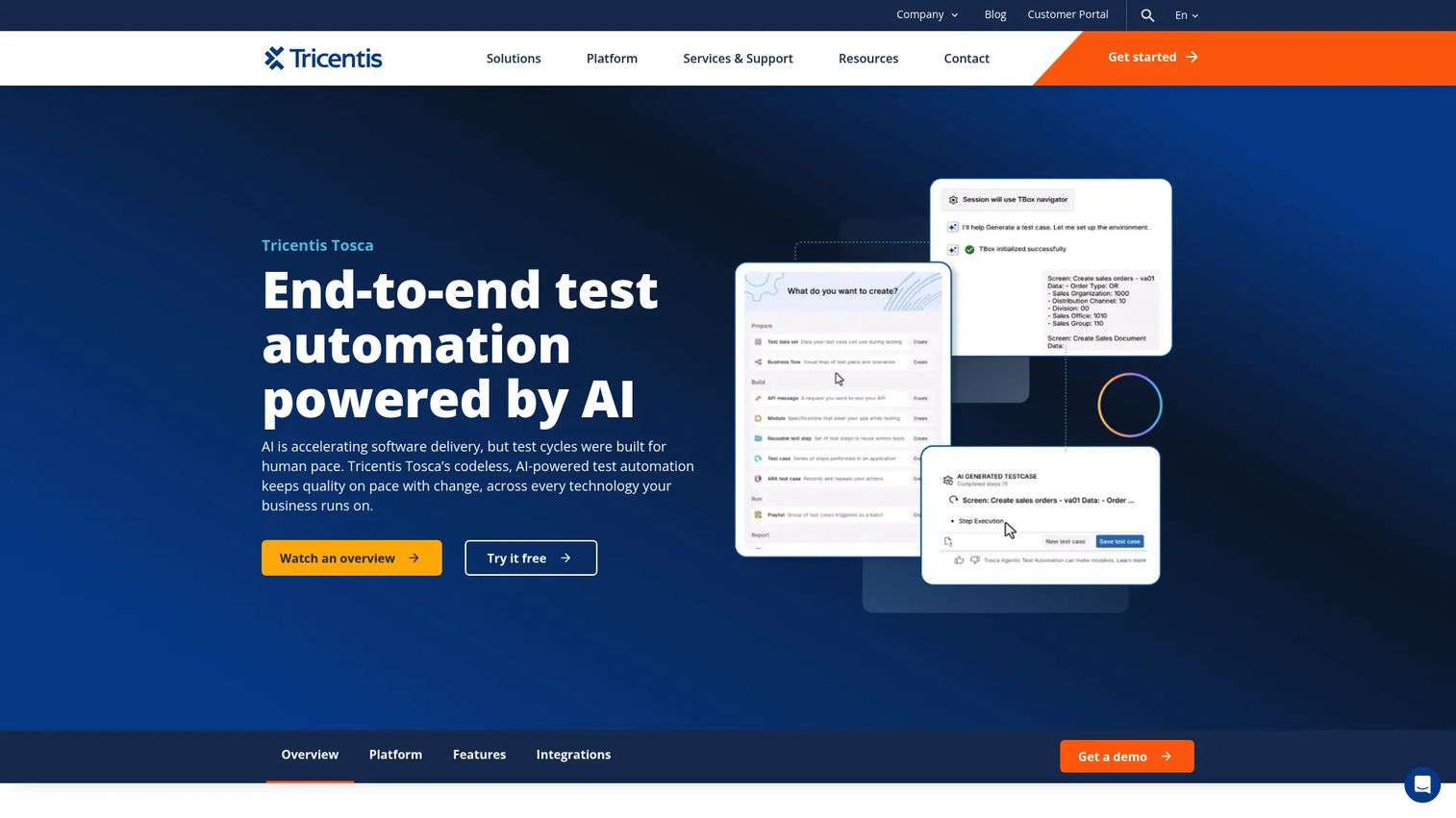
Tricentis Tosca is an enterprise-grade, model-based continuous test automation platform. It supports over 160 technologies, including SAP, Salesforce, web, mobile, mainframe, and API testing. Risk-based intelligence helps teams prioritize test coverage. The Elastic Execution Grid provides cloud-based parallel test execution, and the platform includes test data management and API simulation.
Best for: Large enterprises testing complex, multi-system business processes across SAP, Salesforce, and other enterprise applications.
Key features
- Model-based and codeless test automation
- Support for 160+ technologies including SAP and Salesforce
- Risk-based intelligence for test prioritization
- Elastic Execution Grid for scalable cloud test runs
- Test data management and API simulation
Why choose Tricentis Tosca: Tosca fits organizations with complex enterprise systems, formal QA governance requirements, and multi-system business process validation needs. Teams running a simple web app will find it more than required.
Tricentis Tosca pricing: Pricing is not displayed and requires contacting Tricentis. G2 reviewers report enterprise contracts that vary based on the number of technologies covered, team size, and execution volume.
G2 rating: 4.3/5
13. testRigor
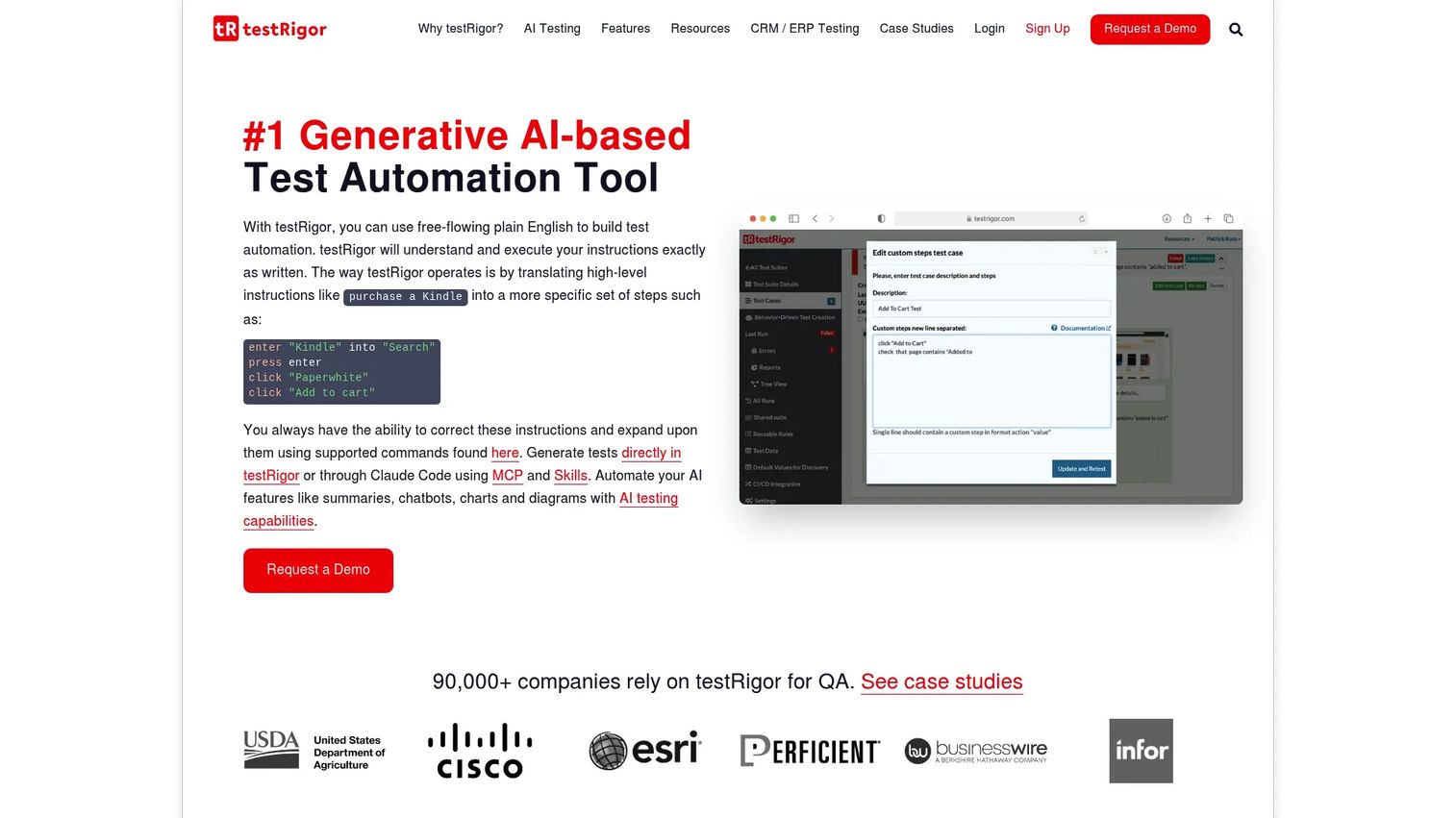
testRigor is an AI-based platform for plain-English test automation. Tests are written in natural language rather than code, and the platform uses generative AI for test generation, maintenance, and failure analysis. Coverage spans web, mobile, desktop, API, email, SMS, database, and mainframe testing.
Best for: QA teams that want business-readable test cases and minimal coding dependency for non-engineers contributing to automation.
Key features
- Plain-English test creation and execution
- Generative AI test generation
- Web, mobile, desktop, API, and email testing
- CI/CD, test management, and device farm integrations
- Visual, accessibility, and 2FA testing support
Why choose testRigor: testRigor opens automation contribution to non-engineers, which makes it useful for teams where QA analysts or product owners need to write and maintain tests. Evaluate it carefully on your most complex application flows before replacing code-based suites.
testRigor pricing: A free public plan is available (tests and results are publicly accessible). Private plans start at $300/month for Linux Chrome. Other configurations use custom pricing.
G2 rating: 4.6/5
14. Robot Framework
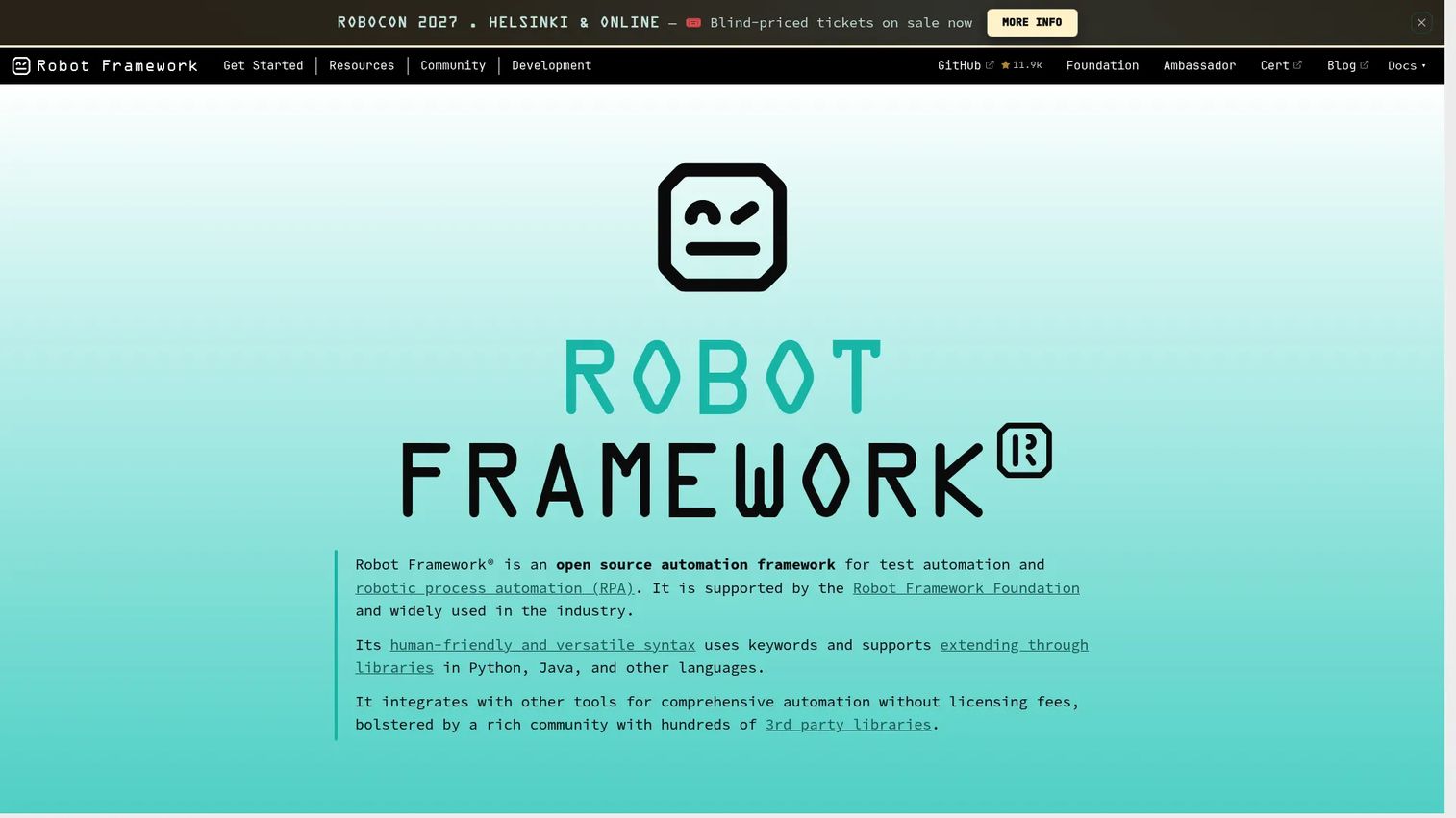
Robot Framework is an open-source automation framework using keyword-driven, human-readable syntax for test automation and robotic process automation. Teams extend it through libraries written in Python, Java, or other languages, covering web, API, acceptance testing, and RPA workflows. HTML reports and logs are generated by default.
Best for: Teams that want readable, extensible open-source automation with strong community library support.
Key features
- Keyword-driven syntax readable by non-developers
- Extensible library architecture in Python and Java
- Built-in HTML reports and logs
- Acceptance testing and RPA support
- Active community with broad library coverage
Why choose Robot Framework: Robot Framework works when test readability and extensibility matter. Teams need technical ownership to design libraries, set naming conventions, and integrate the framework into CI/CD pipelines. See also our roundup of api development tools for stack context.
Robot Framework pricing: Robot Framework is free and open source. Teams pay through infrastructure costs, library maintenance, and engineering time.
15. Puppeteer
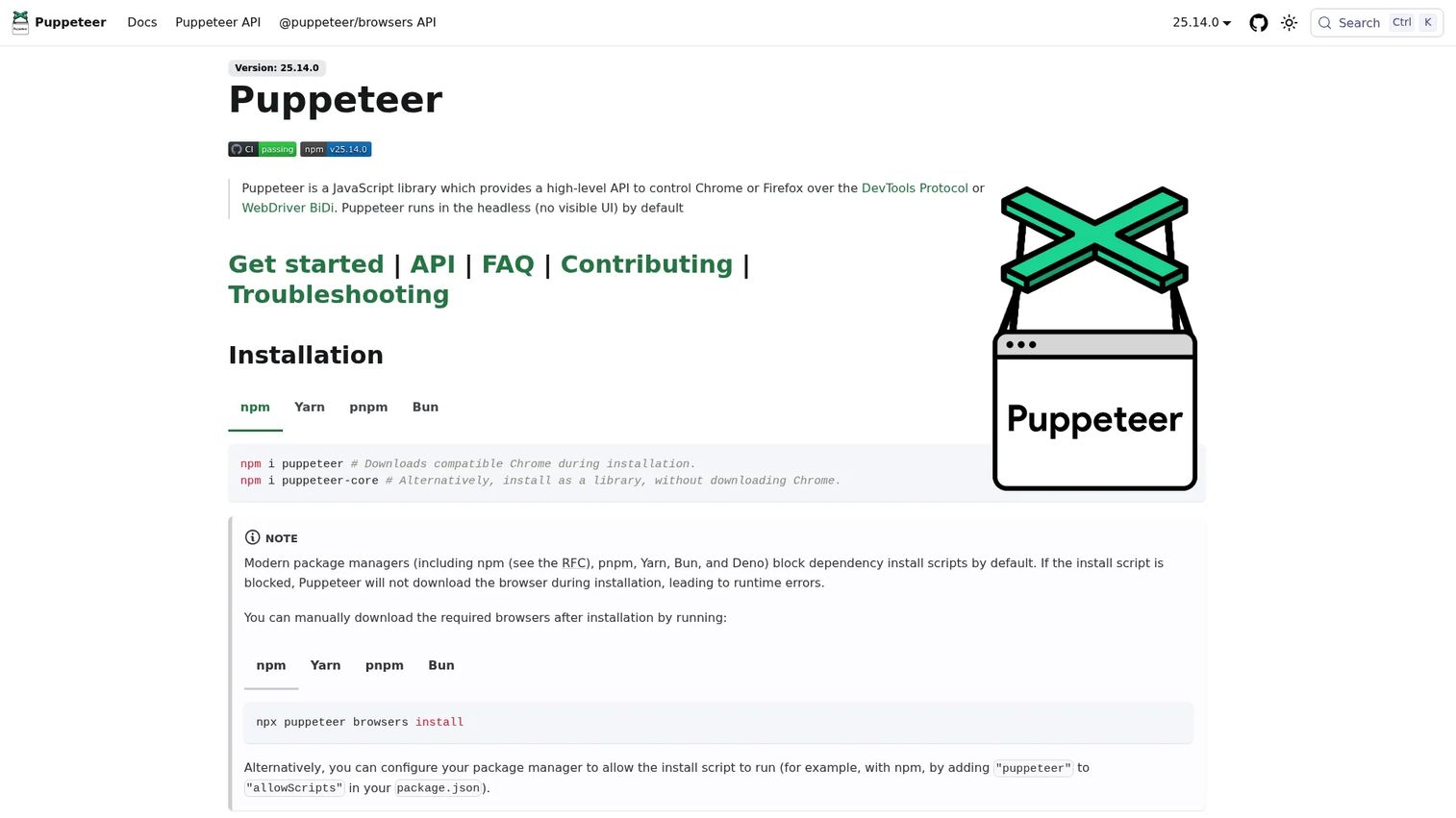
Puppeteer is a JavaScript library that provides a high-level API for controlling Chrome and Firefox via Chrome DevTools Protocol and WebDriver BiDi. It supports headless and headful execution, UI interaction, form submission, screenshot capture, PDF generation, and network monitoring. It is primarily a browser control library rather than a full QA platform.
Best for: Developer teams automating Chromium-specific workflows: UI testing, web scraping-adjacent tasks, screenshots, PDFs, and prerendering.
Key features
- Chrome and Firefox automation via DevTools Protocol
- Headless and headful execution modes
- Screenshot and PDF generation
- Network monitoring and interception
- UI interaction and form submission testing
Why choose Puppeteer: Puppeteer is the right tool for teams already working in Node.js who need focused Chromium control. It is narrower than a full QA platform and should be chosen for specific browser automation tasks rather than broad regression coverage. For broader best-ai-code-generation-tools context, that article covers adjacent developer tooling.
Puppeteer pricing: Puppeteer is free and open source. Budget for CI execution, debugging tooling, reporting, and test maintenance.
G2 rating: 5.0/5 (from a small review set; treat cautiously)
16. Applitools
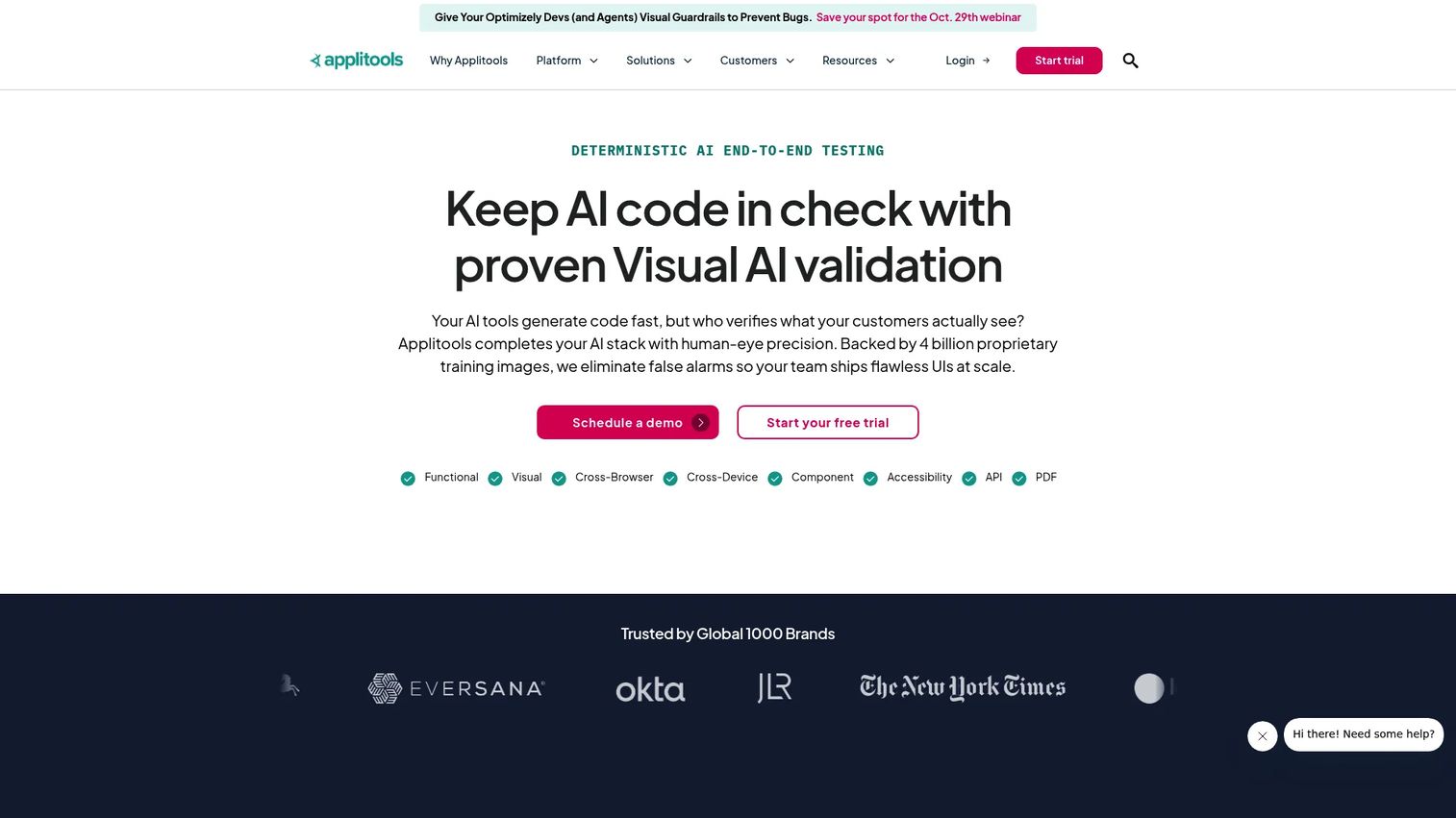
Applitools is a visual AI testing platform. Rather than replacing functional automation frameworks, it layers visual intelligence on top of Selenium, Playwright, Cypress, Appium, and others. Its Visual AI engine detects rendering differences across browsers, devices, and screen sizes, going beyond pixel comparison to identify meaningful visual regressions.
Best for: Engineering and QA teams where visual quality is a release risk, especially across many browser and device configurations.
Key features
- Visual AI testing that identifies meaningful rendering differences
- Cross-browser and cross-device visual checks
- Layout, element, and content comparison modes
- Integration with Selenium, Playwright, Cypress, and Appium
- Automated test maintenance and root-cause analysis
Why choose Applitools: Applitools fills a gap that functional automation leaves open: Tests can pass while the UI looks wrong. It is best deployed as a complement to functional coverage, not a replacement. See our guide on ab testing tools for adjacent experimentation context.
Applitools pricing: The Starter plan is $667/month (billed annually) and includes visual AI testing, CI/CD integrations, cross-browser and device coverage, and standard support. Professional and Enterprise plans use custom pricing and add higher scale, advanced testing capabilities, security options, and dedicated support.
G2 rating: 4.3/5
Considerations when choosing automation testing tools
Match the tool to what you test
Web apps, native mobile apps, desktop applications, API layers, and enterprise systems don't share testing requirements. Map your critical workflows before comparing feature lists. A team that only tests web applications has different tool criteria than a team validating SAP integrations alongside a mobile companion app.
Decide who will own automation
Developer-owned automation favors code-first frameworks where tests live close to the codebase. QA-led or mixed-skill automation often fits low-code and codeless platforms better. The honest question is who will write, fix, and maintain tests when the product ships a breaking change next month. Choose based on that reality, not the demo day experience.
Price the whole system
Open-source tools cost nothing to install and significant money to operate. Factor in CI minutes, cloud device grid capacity, reporting dashboards, test data management, debugging time, and the engineering overhead of framework design. A commercial platform with a $1,000/seat/year price may be cheaper than a "free" framework plus the headcount to maintain it.
Evaluate maintenance, not just authoring
Fast test creation is encouraging for the first sprint. The real measure is whether the suite stays trustworthy after six months of UI changes, selector updates, release pressure, and flaky failure investigations. Self-healing locators, reusable components, and stable selector strategies matter more over time than authoring speed.
Check governance and reporting
Enterprise teams need permissions, audit trails, test history, dashboards, and integration with CI/CD and issue trackers. A tool that works for one squad may not support a regulated release process at 50 engineers. Evaluate governance and reporting requirements before pricing becomes the only decision driver.
Conclusion
The automation testing tools landscape spans open-source frameworks, cloud grids, AI-assisted platforms, and enterprise governance suites. No single tool wins every context.
For modern web testing, Playwright gives engineering teams code-first control with strong browser coverage. Selenium remains the choice when ecosystem depth and hiring pool matter more than a polished setup experience. Cypress fits JavaScript-focused teams who want developers to own tests close to the code. Appium is the open-source starting point for mobile.
Mixed-skill QA teams covering multiple application types get the most from Katalon's unified platform. LambdaTest and BrowserStack Automate solve infrastructure scale without replacing framework logic. Applitools adds visual intelligence where functional tests alone won't catch rendering failures.
For teams where maintenance is the primary pain, Testim, Mabl, ACCELQ, and testRigor each take a different angle: Smart locators, auto-healing, enterprise codeless governance, and plain-English authoring respectively.
The best choice comes down to application type, team skill, and where failures need to surface. Start with those constraints, then evaluate pricing and AI claims against your specific workflows.
Start your journey with Guideflow today!
FAQs
Automation testing tools execute repeatable software tests through scripts, recorded flows, models, cloud grids, or AI-assisted instructions, replacing manual repetition with consistent, measurable processes. They cover functional testing, regression testing, cross-browser and mobile testing, visual validation, and API testing depending on the platform. Most tools integrate with CI/CD pipelines to provide test results at pull requests, staging deployments, or release gates.
Beginners without coding background typically do best with low-code or codeless tools like Katalon (which has a free tier), testRigor (plain-English authoring from $300/month), or ACCELQ (codeless with a free trial). Developer beginners who already know JavaScript or TypeScript often find Cypress or Playwright more natural, since tests are written in the language they already use.
Playwright generally provides a better developer experience for modern web applications, with built-in auto-waiting, multi-browser support from a single API, and a Trace Viewer for debugging. Selenium has broader ecosystem depth, a larger hiring pool, and longer production history in enterprise environments. Teams starting fresh on web automation often choose Playwright; teams with existing Selenium investment and legacy browser requirements often stay with it.
Appium is the open-source standard for mobile automation across iOS and Android, covering native, hybrid, and mobile web applications. Cloud services like BrowserStack Automate and LambdaTest add real-device execution infrastructure on top of Appium and other frameworks. Katalon and TestComplete include mobile testing within broader multi-platform coverage. The right choice depends on whether teams need the flexibility of an open-source framework or the managed infrastructure of a commercial cloud grid.
The software is free to download and use. Running it at scale is not. Open-source tools like Playwright, Selenium, Appium, Robot Framework, and Puppeteer require CI infrastructure, cloud browser grids or real device labs, reporting systems, and ongoing engineering maintenance. A team spending 20% of one engineer's time maintaining a Selenium suite is spending real money, even if the license cost is zero.
AI testing tools use machine learning and generative AI for test creation, locator self-healing, visual comparison, failure analysis, or natural-language test authoring. According to the Testing in DevOps Report (2025), 55% of companies use AI when developing and testing software, and 73% of enterprise QA teams have introduced AI-based testing tools, per Grand View Research (2026). The practical categories include self-healing locators (Testim, Mabl, ACCELQ), visual AI (Applitools), natural-language authoring (testRigor), and agentic test generation (Mabl, ACCELQ). Validate AI feature claims on your own application before purchasing; behavior varies significantly across application types. For broader context, see our guide to ai software testing tools.
CI/CD pipelines trigger test runs at pull requests, staging deployments, nightly jobs, and release gates. The goal is a trustworthy signal before code reaches production. Tools need to integrate with your pipeline (GitHub Actions, Jenkins, GitLab CI, and others), report failures clearly, and complete fast enough to not block the deployment flow. For a broader look at pipeline tooling, see our ci cd tools roundup.
Code-first tools (Playwright, Cypress, Selenium, Appium, Puppeteer) suit engineering-owned test suites where developers write and maintain tests alongside the product code. They offer more flexibility and are easier to version control but require scripting skills. Low-code and codeless tools (Katalon, Mabl, ACCELQ, testRigor, Tricentis Tosca) suit QA-led teams where test coverage needs to grow faster than scripting capacity, or where non-engineers need to contribute. The decision comes down to who will own the tests long-term, not which interface looks simpler in a trial.