You just ran the same product walkthrough for the third time this week. Different account, same questions, same 30-minute call that could have been a two-minute guided tour.
When you're managing 40+ accounts, running live onboarding tours for every new user or stakeholder burns time that should go toward strategic work. The result: longer time-to-value, more support tickets, and churn risk that builds silently while you're stuck in screen-share mode.
According to Wyzowl's 2024 research on onboarding and customer loyalty, 86% of users say they're more likely to stay loyal to a product that invests in onboarding content. Yet most CS teams still rely on live calls and static docs to get customers up to speed. That approach breaks somewhere between account 20 and account 50.
The tools in this guide exist to fix that gap. They range from in-app tooltip builders to interactive demo platforms that work outside the product entirely, and each one is evaluated through the lens of a CSM who needs to scale onboarding without adding headcount.
What's inside
This guide covers 15 onboarding tour tools evaluated specifically for customer success use cases. Tools were selected based on G2 ratings, real user feedback, hands-on testing, and fit for CS workflows like onboarding, feature adoption, and self-serve education. You'll find a comparison table, individual reviews with honest trade-offs, and a buying criteria checklist built for CSMs.
TL;DR
- Onboarding tour tools reduce time-to-value and cut repetitive support work. The best ones pay for themselves in ticket deflection alone.
- Guideflow stands out for CS teams that need interactive, self-serve walkthroughs shareable outside the product (emails, help centers, Notion).
- In-app tools like Appcues, Userpilot, and Chameleon are strongest when users are already logged in and need contextual guidance.
- Enterprise teams with complex onboarding should evaluate Pendo, WalkMe, or Whatfix for depth of analytics and digital adoption.
- Free tiers exist on most platforms. Test before committing budget.
What are onboarding tour tools?
Onboarding tour tools are software platforms that guide new users through a product's key features and workflows using in-app tooltips, modals, checklists, hotspots, and interactive walkthroughs. They're the difference between a customer figuring things out alone and a customer reaching their first win in minutes.
The category splits into two main types. The first is in-app tour tools (sometimes called product tour software or product walkthrough software) that overlay guidance on the live product while the user is logged in. The second is interactive product tour platforms that create standalone, clickable replicas of the product experience, shareable via link, email, or embed.
Both types serve the same goal: helping users reach value faster without a CSM on every call. The terminology overlaps considerably. "Product tour tools," "user onboarding software," "website guided tour tools," and "application tour" platforms all describe variations of the same category.
Core components you'll find across most tools:
- Step-by-step guided tours (tooltips, modals, spotlights)
- Onboarding checklists and progress tracking
- Segmentation and targeting (by role, plan, lifecycle stage)
- Analytics (completion rates, drop-off points, engagement)
- No-code builders for non-technical teams
- Integrations with CRM, CS platforms, and analytics tools
When to use onboarding tour tools
New customer onboarding at scale
When you're running 30+ accounts through onboarding simultaneously, live walkthroughs for each one aren't sustainable. Onboarding tours let you create a guided path once and deploy it across every account, with segmentation for different user roles or plan types.
Stakeholder turnover on customer accounts
A new champion joins an existing account. They need to get up to speed without a dedicated call. A self-serve onboarding tour gives them the context they need on their own schedule, without you blocking out 30 minutes you don't have.
Feature adoption campaigns
You launch a new feature and need customers to discover and use it. Instead of nudging every account individually, a targeted in-app tour or an interactive walkthrough embedded in your release notes does the work for you. Boosting product adoption with interactive demos is one of the most effective strategies for scaling these campaigns.
Self-serve support deflection
Your support queue is full of "how do I do X?" tickets. A guided tour answering that exact question can intercept those tickets before they're submitted. Teams using onboarding tours commonly report 20-40% reductions in basic how-to tickets. Pairing tours with a solid knowledge base amplifies this effect.
Reducing time-to-value for trial users
Prospects or new users need to reach their first win before they lose interest. A product tour SaaS tool can compress that journey from days to minutes, improving activation rates and giving your CS team a stronger starting position.
Best onboarding tour tools comparison table
| # | Product | Intent | Key use case | Pricing | G2 rating |
|---|---|---|---|---|---|
| 1 | Guideflow | Interactive product demos | Self-serve walkthroughs across channels | From $49/mo | 5.0/5 |
| 2 | Appcues | In-app guided tours | No-code onboarding flows | From $249/mo | 4.6/5 |
| 3 | Userpilot | In-app tours + analytics | Onboarding with product analytics | From $249/mo | 4.6/5 |
| 4 | Pendo | Product experience platform | Analytics-driven in-app guidance | Free tier; custom paid | 4.4/5 |
| 5 | Chameleon | Targeted in-app experiences | Segmented tours by persona | From $279/mo | 4.4/5 |
| 6 | UserGuiding | Budget in-app onboarding | Core tour functionality, low cost | From $69/mo | 4.7/5 |
| 7 | Userflow | Modern onboarding builder | Fast tour creation, clean UI | From $240/mo | 4.8/5 |
| 8 | WalkMe | Enterprise digital adoption | Complex, multi-app onboarding | Custom ($10K+/yr) | 4.5/5 |
| 9 | Whatfix | Enterprise digital adoption | Ongoing contextual help | Custom pricing | 4.6/5 |
| 10 | Product Fruits | All-in-one onboarding toolkit | Tours + KB + surveys in one | From $79/mo | 4.7/5 |
| 11 | Intercom | Customer messaging + tours | Tours inside Intercom’s platform | Add-on pricing | 4.5/5 |
| 12 | ChurnZero | CS platform with in-app comms | Tours tied to health scores | Custom pricing | 4.7/5 |
| 13 | Frigade | Developer-first onboarding | Native-feeling React components | Free tier; from $250/mo | 4.7/5 |
| 14 | Usetiful | Lightweight onboarding | Basic tours on a tight budget | Free tier; from $29/mo | 4.7/5 |
| 15 | Usertour | Open-source onboarding | Self-hosted, full data control | Free (self-hosted); cloud available | 4.8/5 |
1. Guideflow
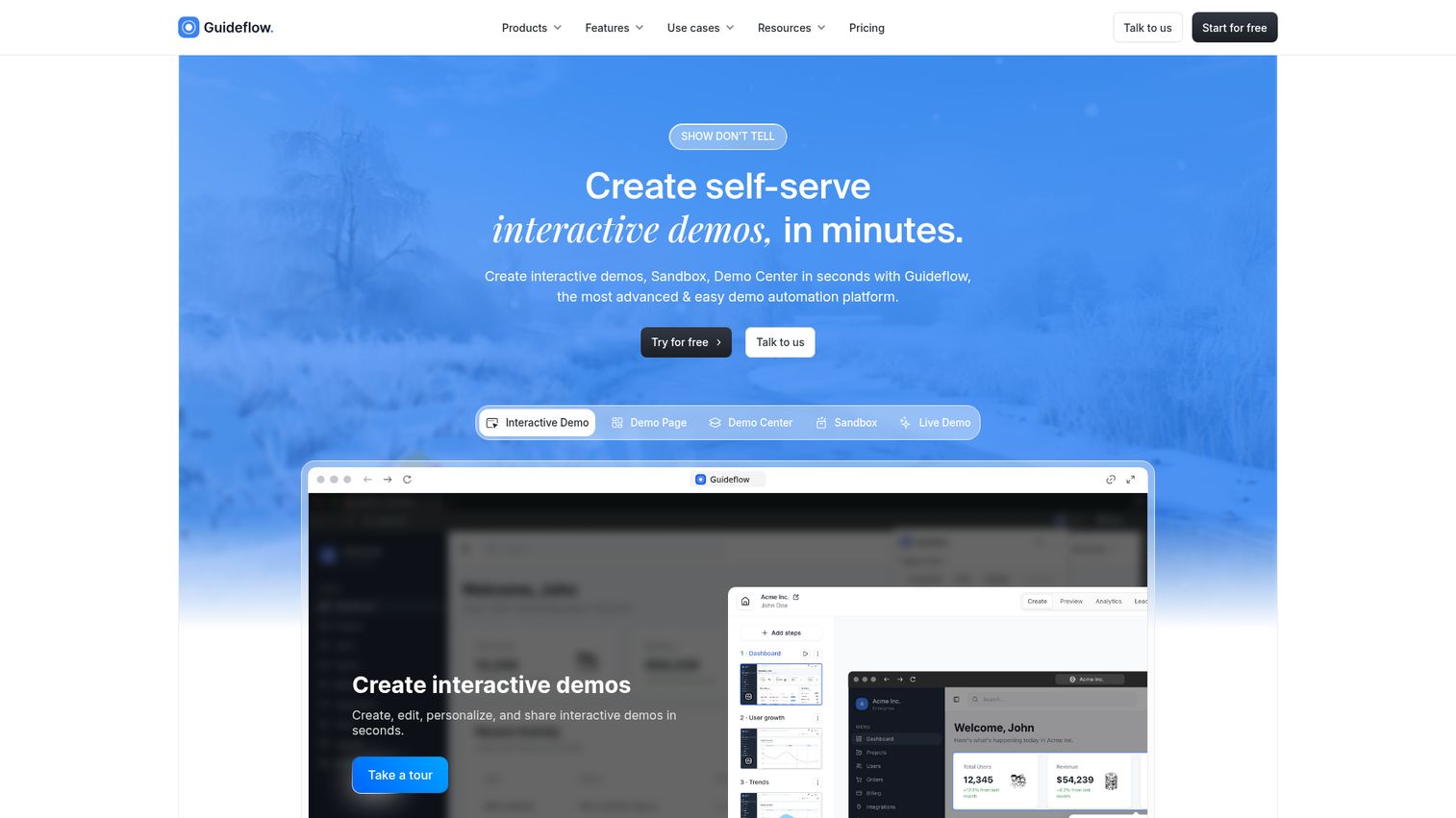
Guideflow is an interactive demo platform that CS teams use to create self-serve product walkthroughs shareable anywhere, not just inside the product.
Instead of overlaying tooltips on the live product, Guideflow lets you capture your actual product and turn it into a clickable, guided experience. You can share it via email, embed it in help centers or Notion, or drop it into onboarding sequences. This makes it particularly useful when the onboarding problem isn't just "users don't know where to click" but "users aren't even logged in yet" or "new stakeholders need to get up to speed without a live call."
The capture workflow is fast. Record your product flow in a few clicks, and the step-by-step interactive guide generates automatically. From there, you can edit text, images, and data per account or segment using CRM variables, making personalization at scale practical rather than theoretical.
Where Guideflow differs from in-app onboarding tools is distribution. Your walkthroughs aren't trapped inside the product. They work in emails, help docs, Notion pages, websites, and social channels. For CSMs managing self-serve onboarding across async channels, that's a meaningful distinction.
Best for: CS teams that need to scale onboarding beyond the product itself, sharing guided walkthroughs via email, help centers, and async channels.
Key strengths
- No-code capture creates guided walkthroughs in minutes
- CRM-driven personalization for account-specific demos
- Multi-channel distribution (email, help center, Notion, web)
- AI-powered steps, translations, voiceovers, and avatars
- Session-level analytics tracking completion and drop-offs
Pricing: Free tier available. Paid plans from $49/month. See full pricing details.
Start your journey with Guideflow today!
2. Appcues
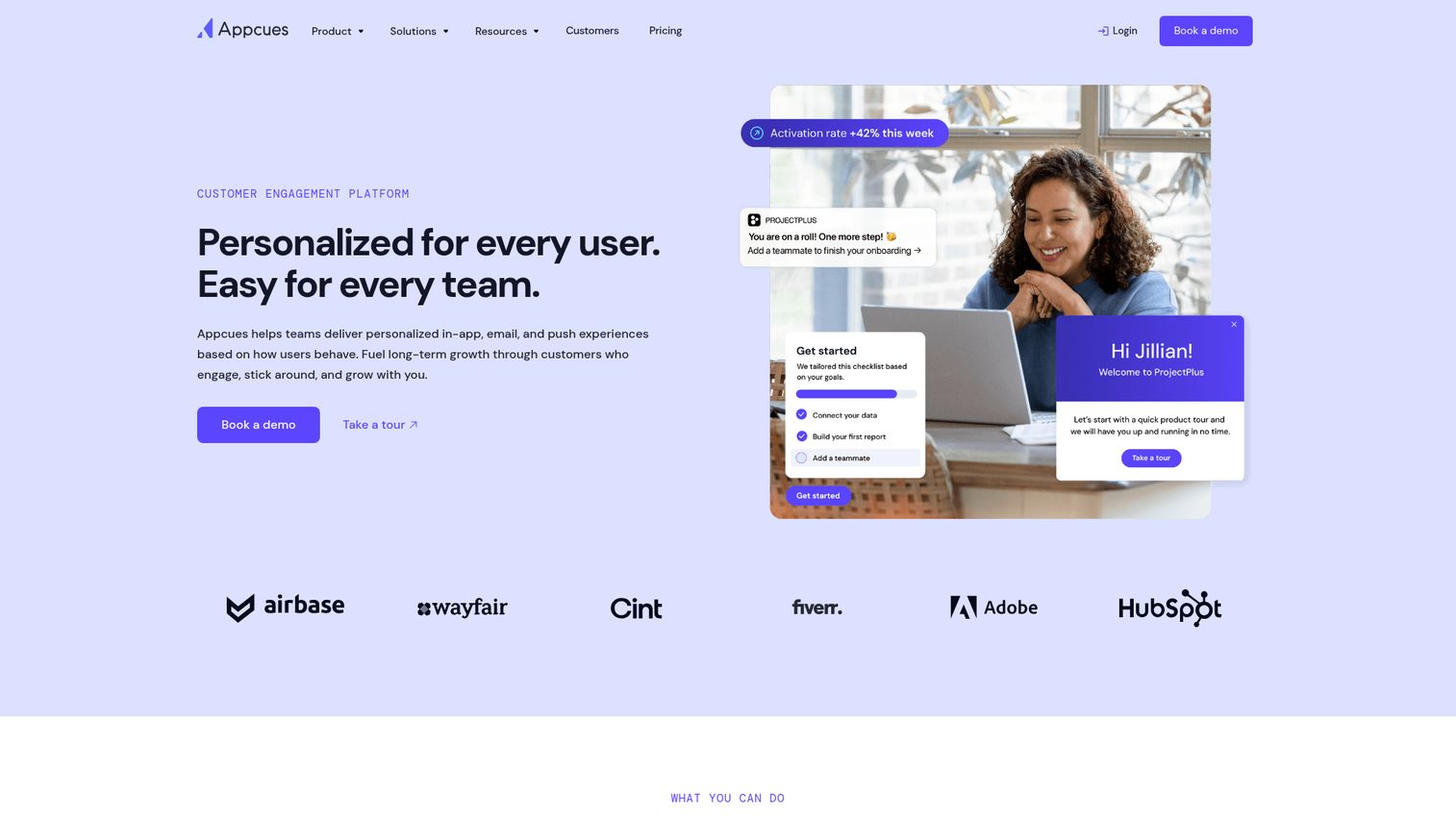
Appcues is one of the most established in-app onboarding platforms, and for good reason. The no-code flow builder is genuinely easy to use, even for CSMs with zero technical background.
You can build in-app tours, onboarding checklists, NPS surveys, and feature announcements without pinging engineering. The visual builder lets you point, click, and publish. For CS teams that want polished in-app experiences up and running in hours rather than weeks, Appcues delivers.
The segmentation is solid. You can target tours based on user properties, events, and plan types, which means different onboarding paths for admins versus end users, or enterprise accounts versus SMB. Event-based targeting lets you trigger tours when users take (or don't take) specific actions, so guidance shows up at the right moment.
The limitation for CS teams: Appcues only works inside your product. If you need to guide users before they log in, or share walkthroughs via email or help docs, you'll need a second tool. It also doesn't connect natively to most CS platforms like Gainsight or Totango, though Zapier bridges some of those gaps.
Best for: SaaS teams that want polished in-app onboarding flows with minimal engineering involvement.
Key strengths
- Intuitive no-code flow builder with visual editor
- Onboarding checklists with progress tracking
- NPS surveys and in-app announcements built in
- Event-based targeting for contextual guidance
- Segmentation by user properties and behavior
Pricing: From $249/month (Essentials plan).
3. Userpilot
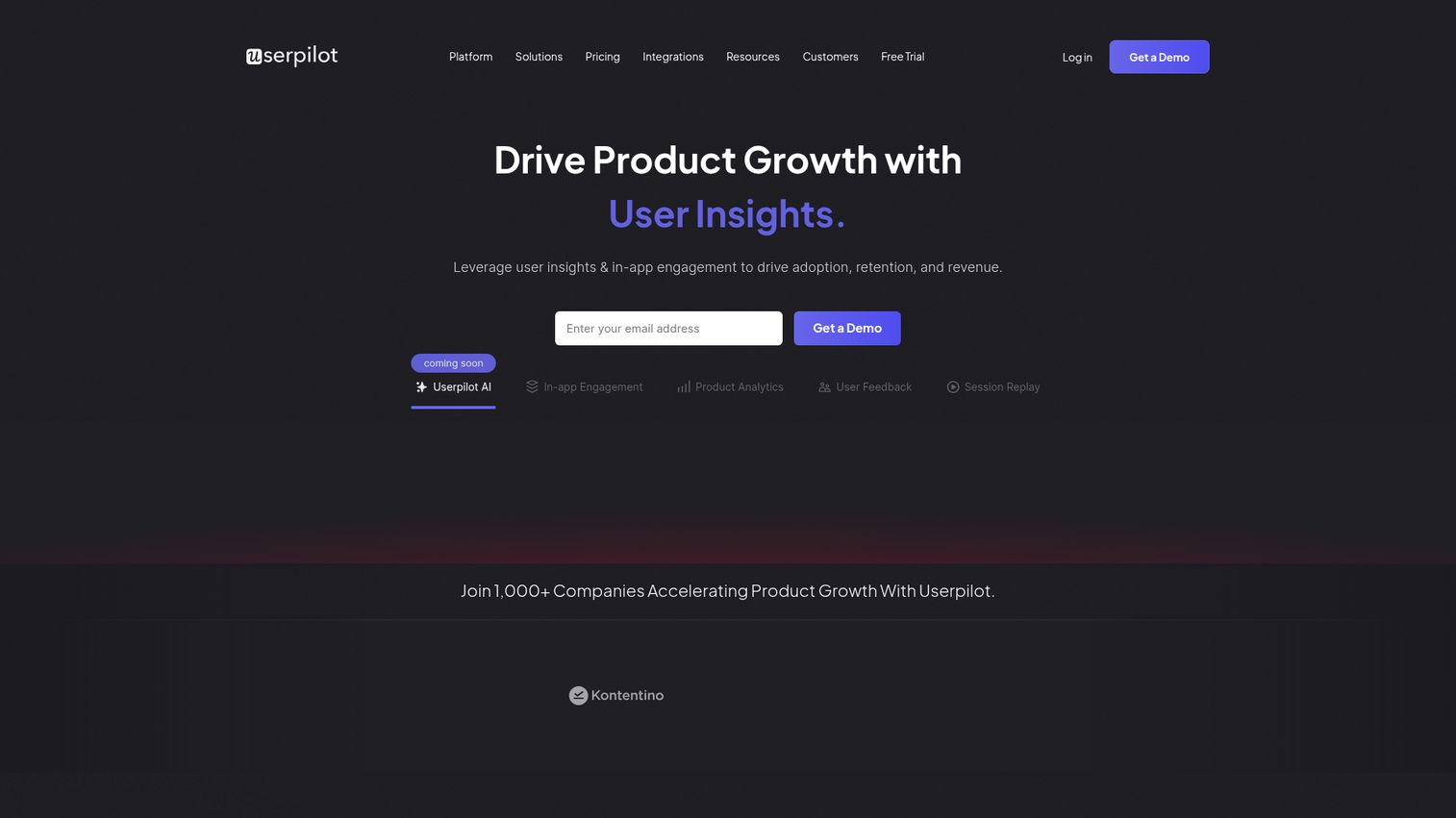
Userpilot combines in-app guidance with product analytics in a single platform. For CS teams, the appeal is straightforward: you can build onboarding tours and see how users engage with features without switching between tools.
The analytics depth is what sets Userpilot apart from simpler tour tools. You get feature adoption tracking, user behavior funnels, and retention analysis alongside your onboarding flows. This means you can spot where users drop off during onboarding, build a targeted tour to address that specific gap, and measure the impact, all in one place.
The resource center feature is useful for CS teams. It creates an in-app help widget where users can access guides, videos, and documentation without leaving the product. A/B testing for onboarding flows lets you experiment with different approaches and pick what works based on data, not gut feel.
The trade-off: the analytics capabilities add complexity. If your team just needs simple tours and checklists, Userpilot might feel heavier than necessary. The learning curve is steeper than Appcues or UserGuiding, especially for the analytics features.
Best for: CS and product teams that want onboarding tours combined with product analytics and feature adoption tracking.
Key strengths
- In-app flows with advanced segmentation options
- Built-in resource center for self-serve help
- Product analytics and feature adoption tracking
- A/B testing for onboarding flow optimization
- User behavior funnels and retention analysis
Pricing: From $249/month (Starter plan).
4. Pendo
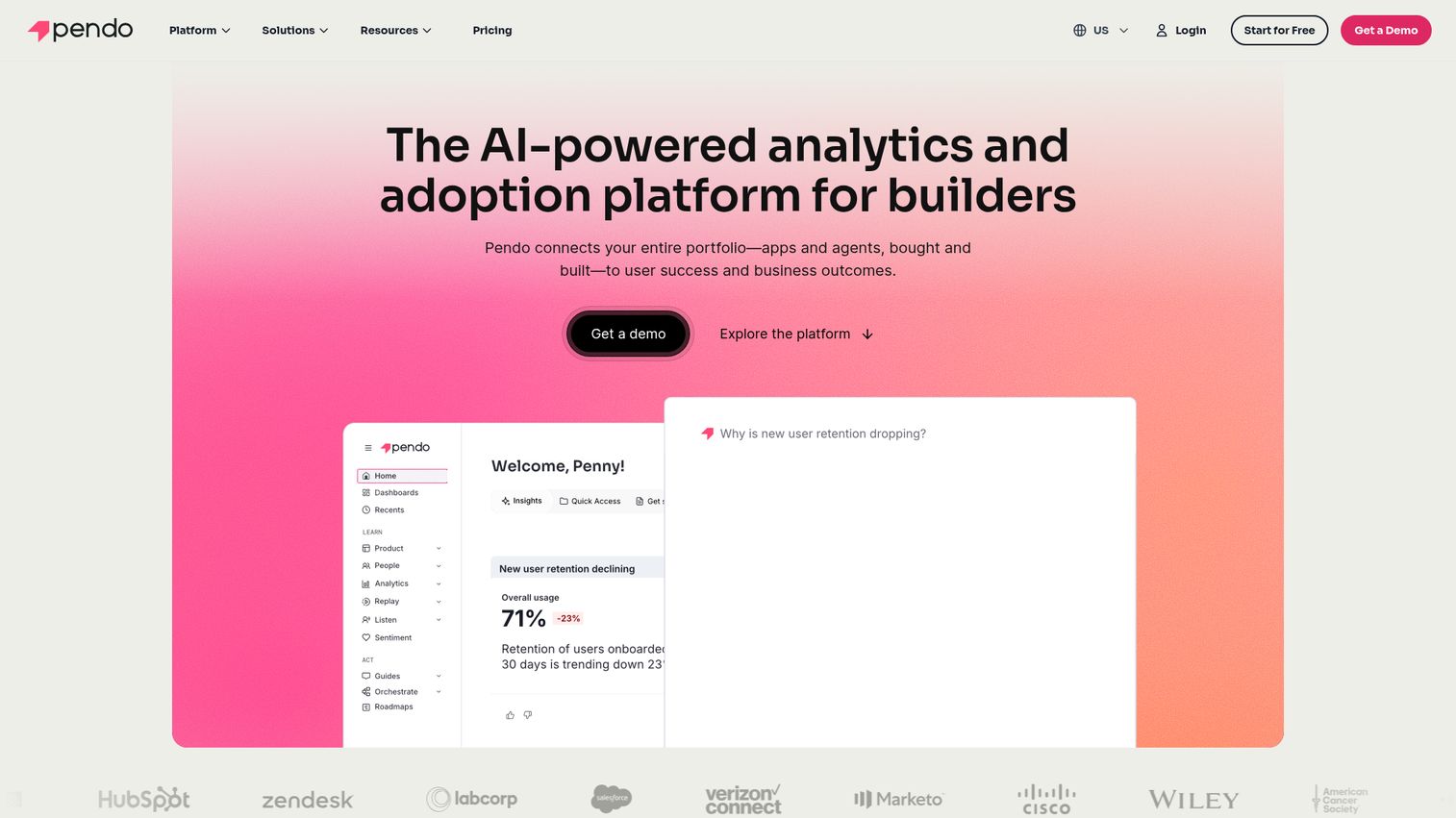
Pendo is a product experience platform where analytics are the main event and in-app guides are a strong supporting act.
For CSMs, Pendo's real value is visibility into what customers actually do inside the product. You can see exactly which features each account uses (or ignores), then build targeted in-app guides to close the gaps. The retroactive analytics feature is notable: Pendo tracks user behavior data before you define specific events, so you can analyze historical patterns without needing to instrument everything upfront.
The guide builder is capable but secondary to the analytics engine. You can create tooltips, modals, and walkthroughs, but the builder isn't as polished or fast as dedicated tools like Appcues or Userflow. Where Pendo wins is the feedback loop: see the data, build the guide, measure the result.
Pendo is often used by CS teams alongside Gainsight, and the integration between the two is well-established. If your CS stack already includes Gainsight, Pendo fits naturally as the product analytics layer.
The trade-off: Pendo's paid plans are custom-quoted and tend to run higher than mid-market alternatives. The free tier (up to 500 MAU) is useful for testing but limited for real CS workloads.
Best for: CS teams that need deep product usage analytics paired with targeted in-app guidance.
Key strengths
- Retroactive product analytics (no pre-defined events needed)
- In-app guides, tooltips, and resource center
- NPS and feedback collection built in
- Strong Gainsight and CRM integrations
- Feature adoption and retention reporting
Pricing: Free tier (up to 500 MAU). Paid plans are custom-quoted.
5. Chameleon
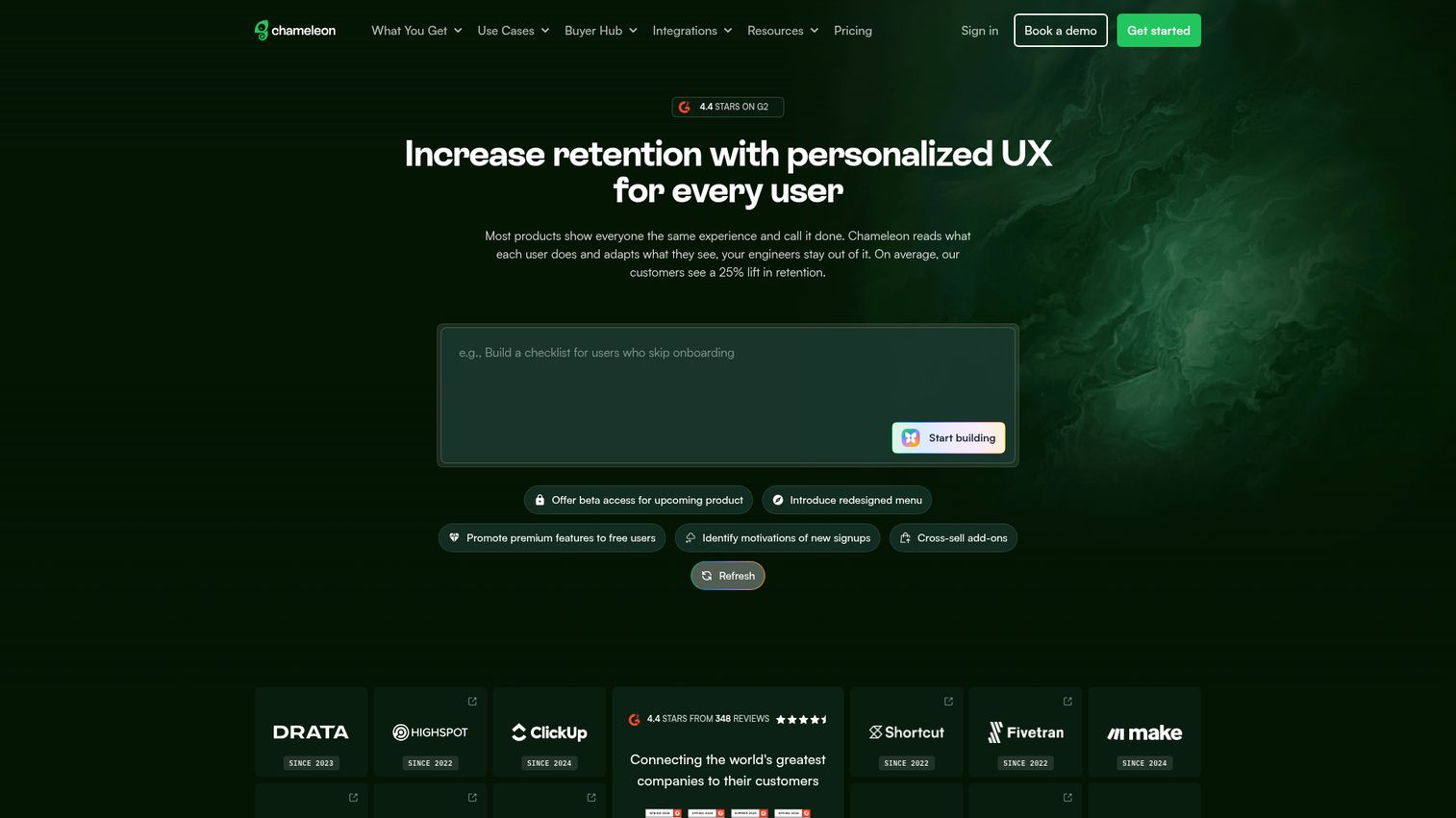
Chameleon focuses on highly targeted, contextual in-app experiences, and its targeting engine is among the strongest in this category.
For CS teams managing accounts across different segments, Chameleon's granular targeting rules are the draw. You can build tours that trigger based on specific user behavior, plan type, lifecycle stage, company size, or any combination. This means you can create distinct onboarding paths for different customer personas without building separate flows from scratch.
The A/B testing capability lets you test different tour versions against each other, which is useful when you're trying to optimize onboarding completion rates. Launchers (in-app widgets that users can open on demand) give customers access to tours and resources without interrupting their workflow.
Chameleon also offers native Salesforce and HubSpot integrations, which means your CRM data can drive tour targeting directly. For CSMs who want to trigger specific onboarding content based on account health or lifecycle stage stored in the CRM, this is practical.
The trade-off: Chameleon's pricing starts higher than several competitors, and the depth of targeting options can feel overwhelming if your needs are simple. If you just need basic tours and checklists, you're paying for capability you won't use.
Best for: Teams that need granular targeting and segmentation for in-app tours across different user personas.
Key strengths
- Advanced targeting rules with multiple condition types
- A/B testing for tour optimization
- Launchers for on-demand in-app help widgets
- Native Salesforce and HubSpot integrations
- Microsurveys for in-context feedback collection
Pricing: From $279/month (Startup plan).
6. UserGuiding
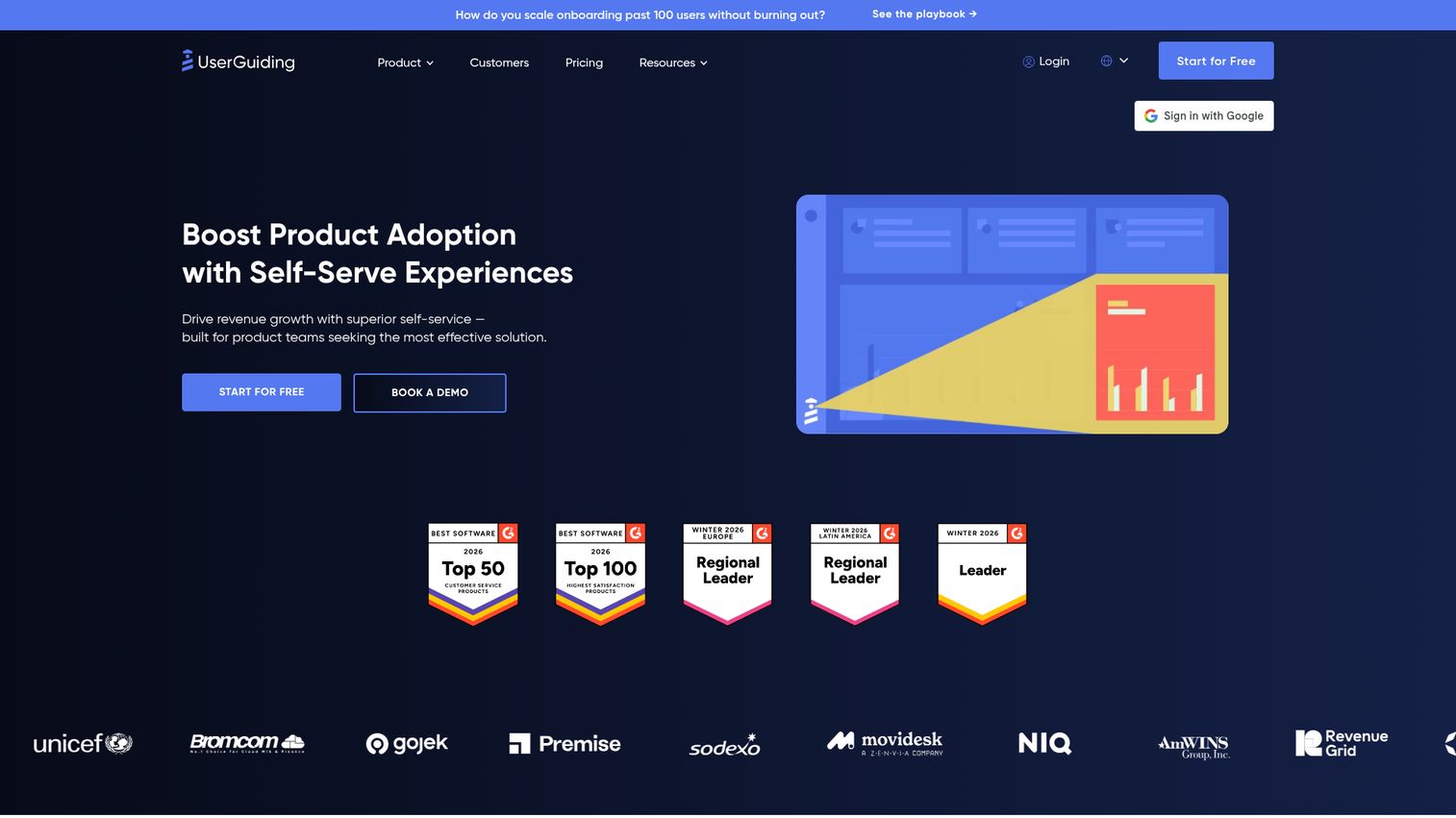
UserGuiding is the budget-friendly option that doesn't feel like a budget option. It delivers core onboarding tour functionality (guides, checklists, resource centers, NPS surveys) at a fraction of what Appcues or Userpilot charge.
For smaller CS teams or startups without a big tooling budget, UserGuiding covers the essentials. The no-code guide builder works well for creating step-by-step tours, and the onboarding checklists help users track their progress through setup. The resource center gives users a self-serve help hub inside the product.
Segmentation is available but less granular than Chameleon or Userpilot. You can target by user properties and basic events, which covers most standard onboarding scenarios. For CS teams that need "good enough" targeting without enterprise-level complexity, it works.
The trade-off: analytics and targeting depth don't match the more expensive tools. If you need detailed funnel analysis, A/B testing, or complex multi-condition targeting, you'll outgrow UserGuiding. But for teams just starting with in-app onboarding tools, the low price point makes it a low-risk entry.
Best for: Small to mid-size CS teams that need core onboarding tour functionality without enterprise pricing.
Key strengths
- No-code guide builder with quick setup
- Onboarding checklists and resource centers
- NPS surveys and user segmentation
- Affordable pricing starting at $69/month
- Multi-language support for global teams
Pricing: From $69/month (Basic plan).
7. Userflow
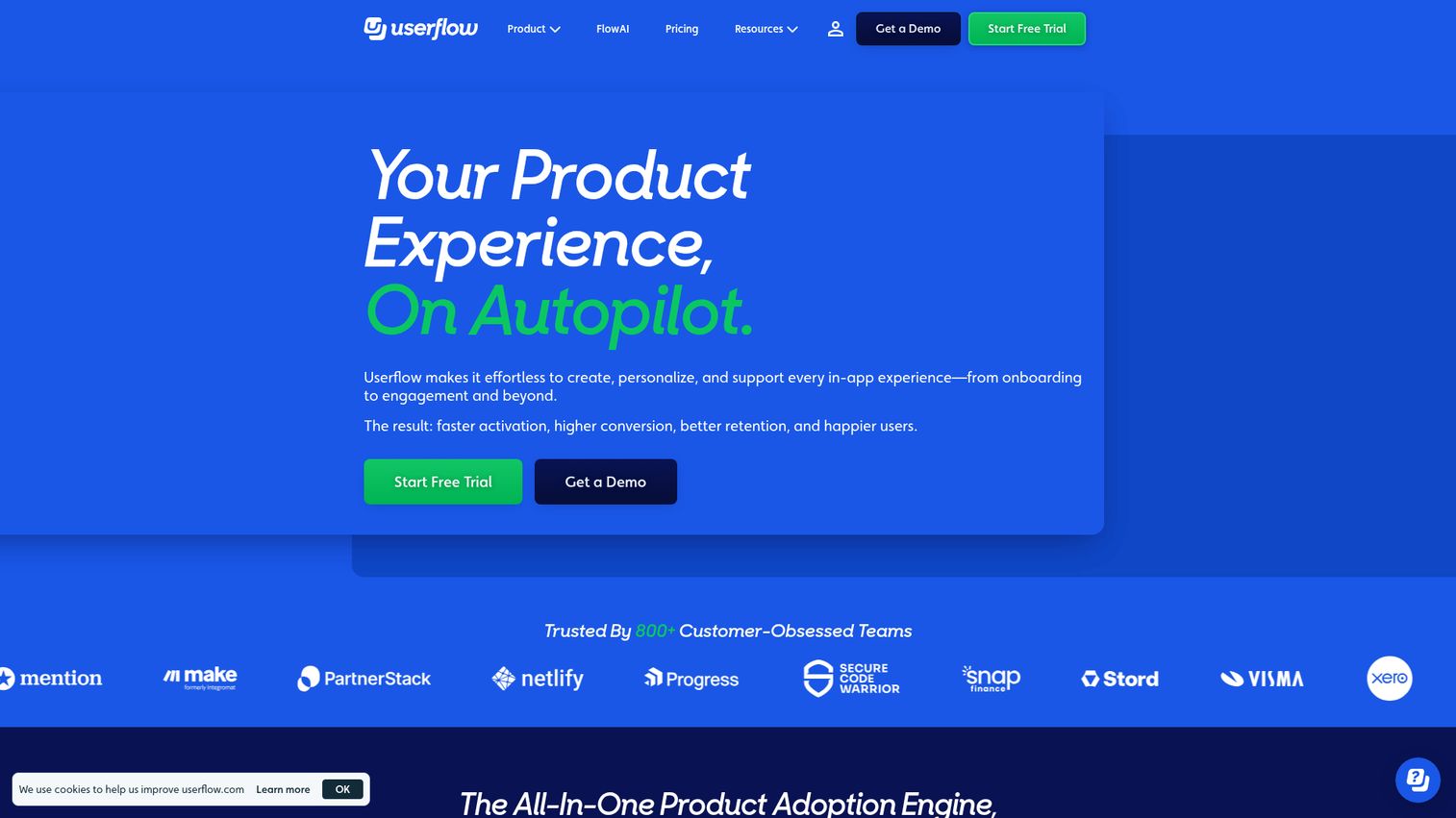
Userflow is a modern onboarding tool with one of the fastest flow builders in the category. If speed of creation matters to your CS team, Userflow is worth a close look.
The builder is intuitive and clean. Non-technical CSMs can create and update tours quickly without a learning curve. The checklist and resource center features are well-designed, and multi-language support is built in, which helps CS teams managing international accounts.
Event tracking is included, so you can see how users interact with your tours and where they drop off. The UI is noticeably cleaner than some of the older tools in this space, which matters when your team is building and editing tours daily.
The trade-off: Userflow is newer and has a smaller community than Appcues or Pendo. The integration library is growing but not as deep as more established platforms. If you need native connections to specific CS tools like Gainsight or Totango, check the integration list before committing.
Best for: Teams that prioritize fast tour creation with a modern, intuitive builder.
Key strengths
- Fast, intuitive visual flow builder
- Onboarding checklists and resource centers
- Built-in event tracking and analytics
- Multi-language support out of the box
- Clean, modern UI for daily use
Pricing: From $240/month (Startup plan).
8. WalkMe
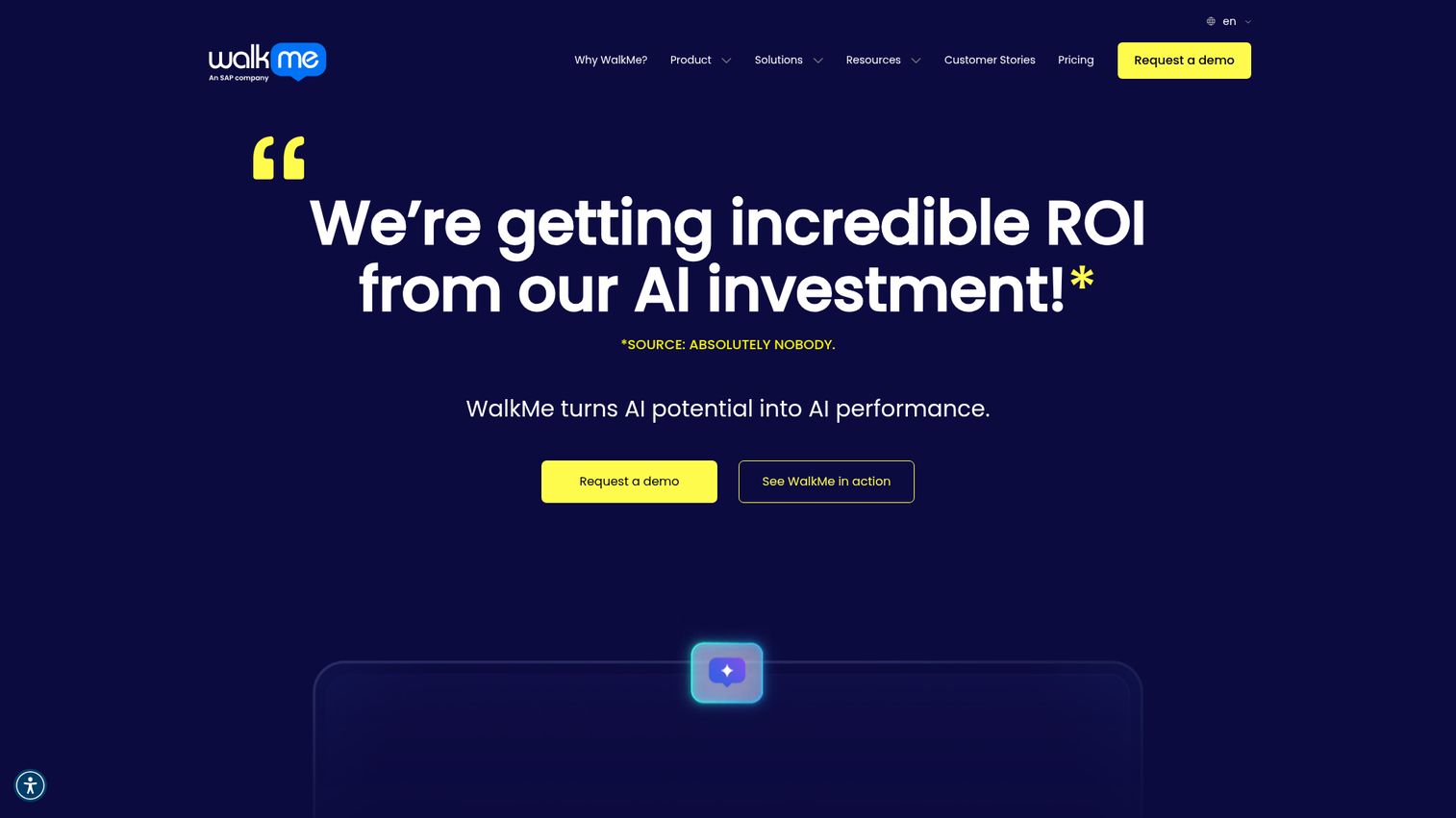
WalkMe is an enterprise digital adoption platform. It's built for large, complex organizations with multi-application environments, and it shows in both the capability and the price tag.
For enterprise CS teams managing onboarding across large accounts where users interact with multiple applications, WalkMe provides cross-application guidance that simpler tools can't match. The analytics are deep, the automation workflows are extensive, and the AI-powered insights help identify where users struggle across complex product suites.
WalkMe also includes compliance and governance features, which matter for CS teams in regulated industries where onboarding documentation and audit trails are requirements, not nice-to-haves.
The trade-off is significant for most CS teams: implementation is heavy (measured in months, not days), pricing is enterprise-level (typically $10K+/year), and the platform's complexity means your team will need dedicated time to learn and maintain it. For startups and mid-market SaaS companies, WalkMe is overkill. For enterprise CS organizations with the budget and the complexity to justify it, it's a serious contender.
Best for: Enterprise CS teams managing complex, multi-application onboarding for large accounts.
Key strengths
- Cross-application guidance across product suites
- Enterprise-grade analytics and reporting
- Automation workflows for scaled onboarding
- AI-powered user behavior insights
- Compliance and governance features
Pricing: Custom pricing (enterprise). Typically $10K+/year.
9. Whatfix
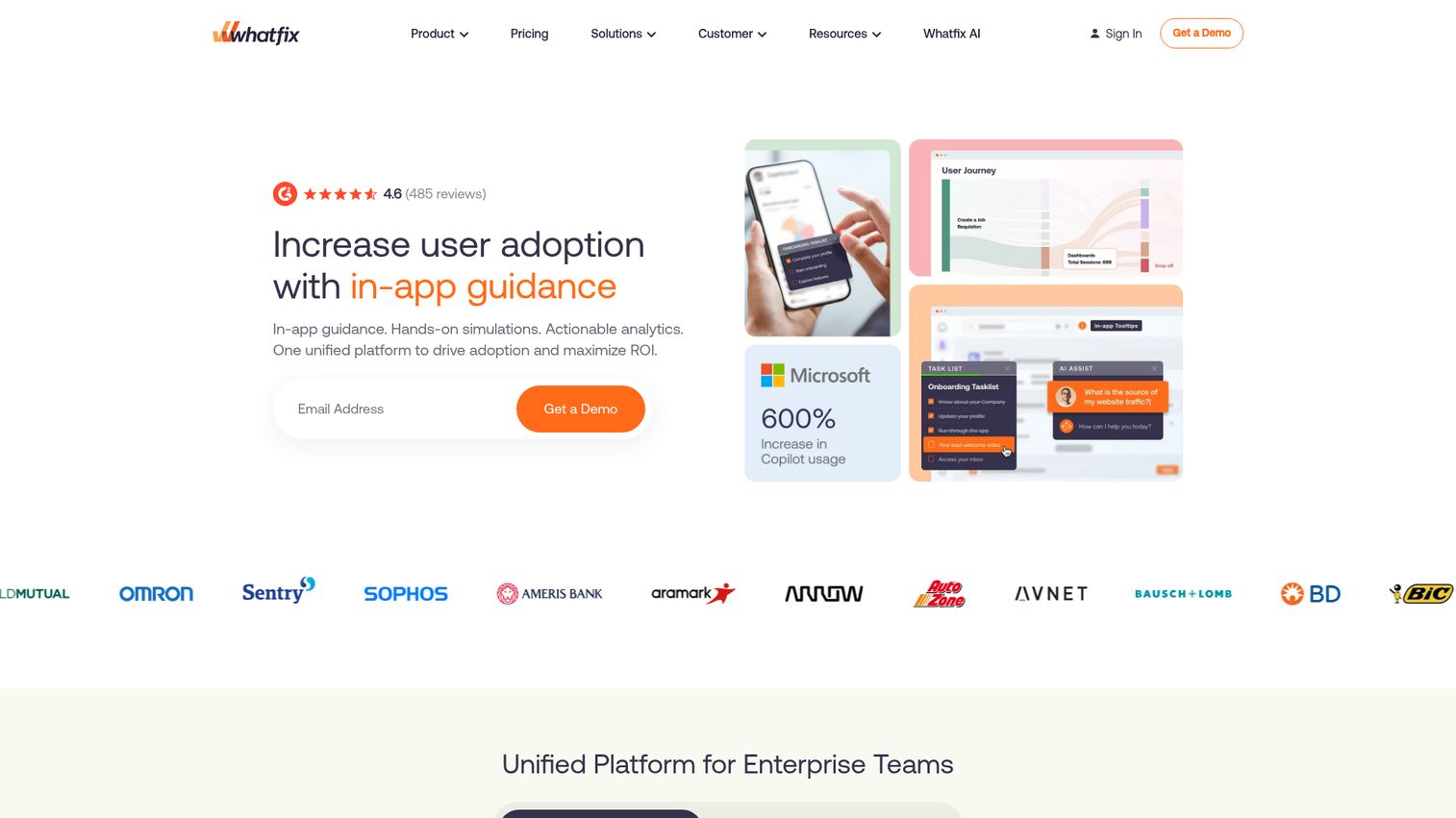
Whatfix is another enterprise digital adoption platform, competing directly with WalkMe but tending to be more accessible for mid-market teams.
The self-help widget is Whatfix's standout feature for CS use cases. It sits inside the product and lets users search for help, access guided tours, and find documentation without leaving their workflow. For CS teams where the product is complex and customers need ongoing contextual help (not just initial onboarding), this is the right model.
Whatfix also offers multi-format content creation: you can build a guided tour once and export it as a video, article, or interactive walkthrough. This saves CS teams from recreating the same content in multiple formats for different channels.
Task lists help users track their progress through multi-step processes, and smart tips provide contextual hints on specific UI elements without launching a full tour.
The trade-off: like WalkMe, Whatfix requires a longer implementation cycle than SaaS-native tools. Custom pricing means you'll need to go through a sales process to get numbers. For mid-market teams that need more than basic tours but less than WalkMe's full enterprise suite, Whatfix often hits the right balance.
Best for: Mid-market to enterprise teams that need ongoing digital adoption support beyond initial onboarding.
Key strengths
- Self-help widget for in-app contextual support
- Multi-format content (tours, videos, articles from one source)
- Task lists for multi-step process tracking
- Smart tips for contextual UI guidance
- Analytics on user engagement and content effectiveness
Pricing: Custom pricing. Contact Whatfix for a quote.
10. Product Fruits
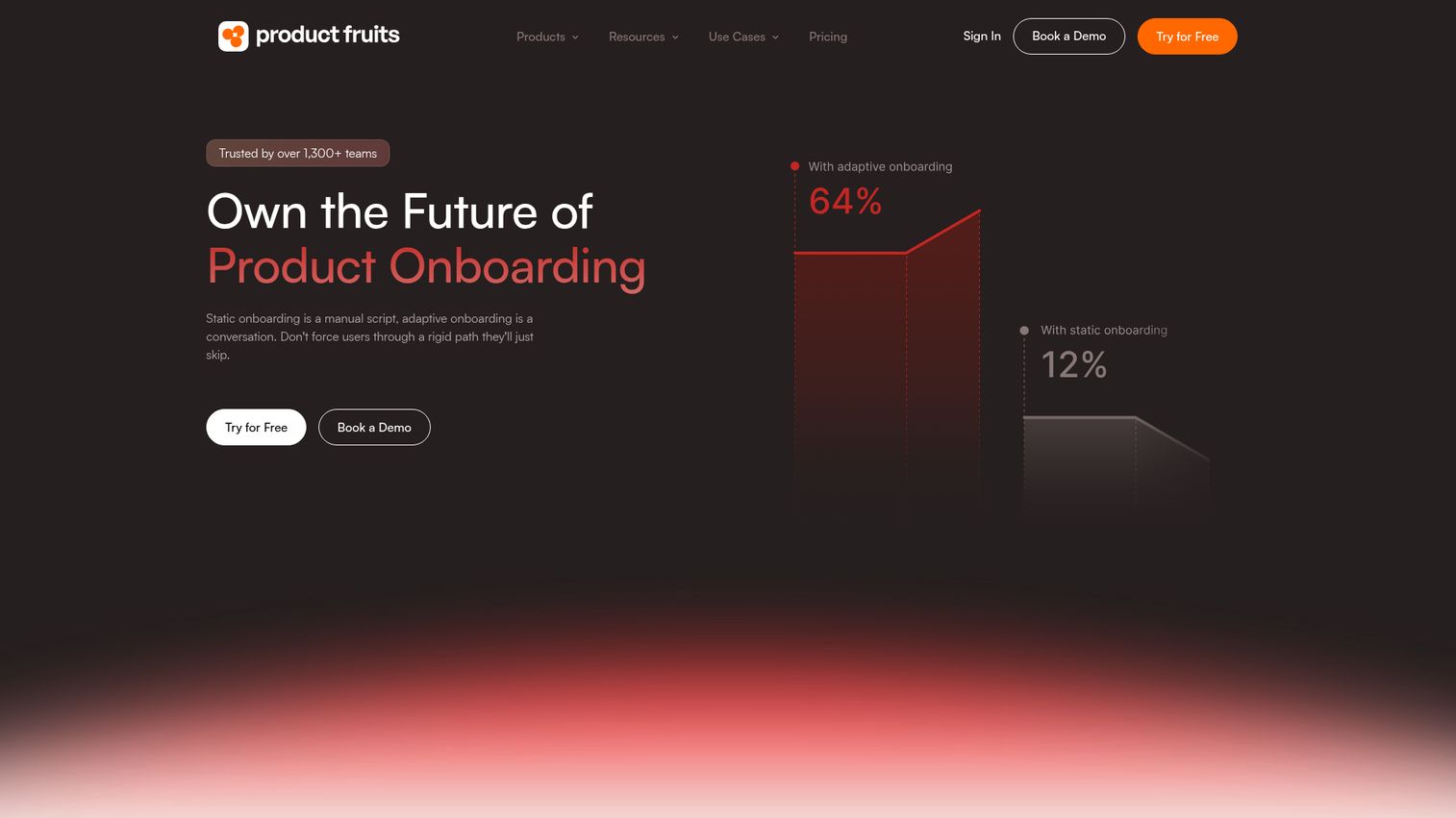
Product Fruits is a mid-range onboarding tool that packs a lot of functionality into a single package. Tours, checklists, an in-app knowledge base, NPS surveys, and a feedback widget, all included.
For CS teams that want multiple onboarding capabilities without paying for separate tools, Product Fruits offers strong value. The "life ring" feature (a contextual help widget) gives users access to relevant guides and documentation based on where they are in the product. This works well for self-serve support deflection.
The feedback collection widget lets you gather user input directly inside the product, which helps CS teams identify onboarding friction points without scheduling separate feedback calls.
The trade-off: Product Fruits doesn't go as deep in any single area as specialized tools. The analytics aren't as robust as Pendo's, the targeting isn't as granular as Chameleon's, and the builder isn't as fast as Userflow's. But if you need a solid all-in-one toolkit at a mid-range price, it covers the bases.
Best for: CS teams that want an all-in-one onboarding toolkit (tours, checklists, knowledge base, surveys) at a mid-range price.
Key strengths
- In-app tours with no-code builder
- Onboarding checklists with progress tracking
- Life ring contextual help widget
- NPS surveys and feedback collection
- Built-in in-app knowledge base
Pricing: From $79/month (Core plan).
11. Intercom
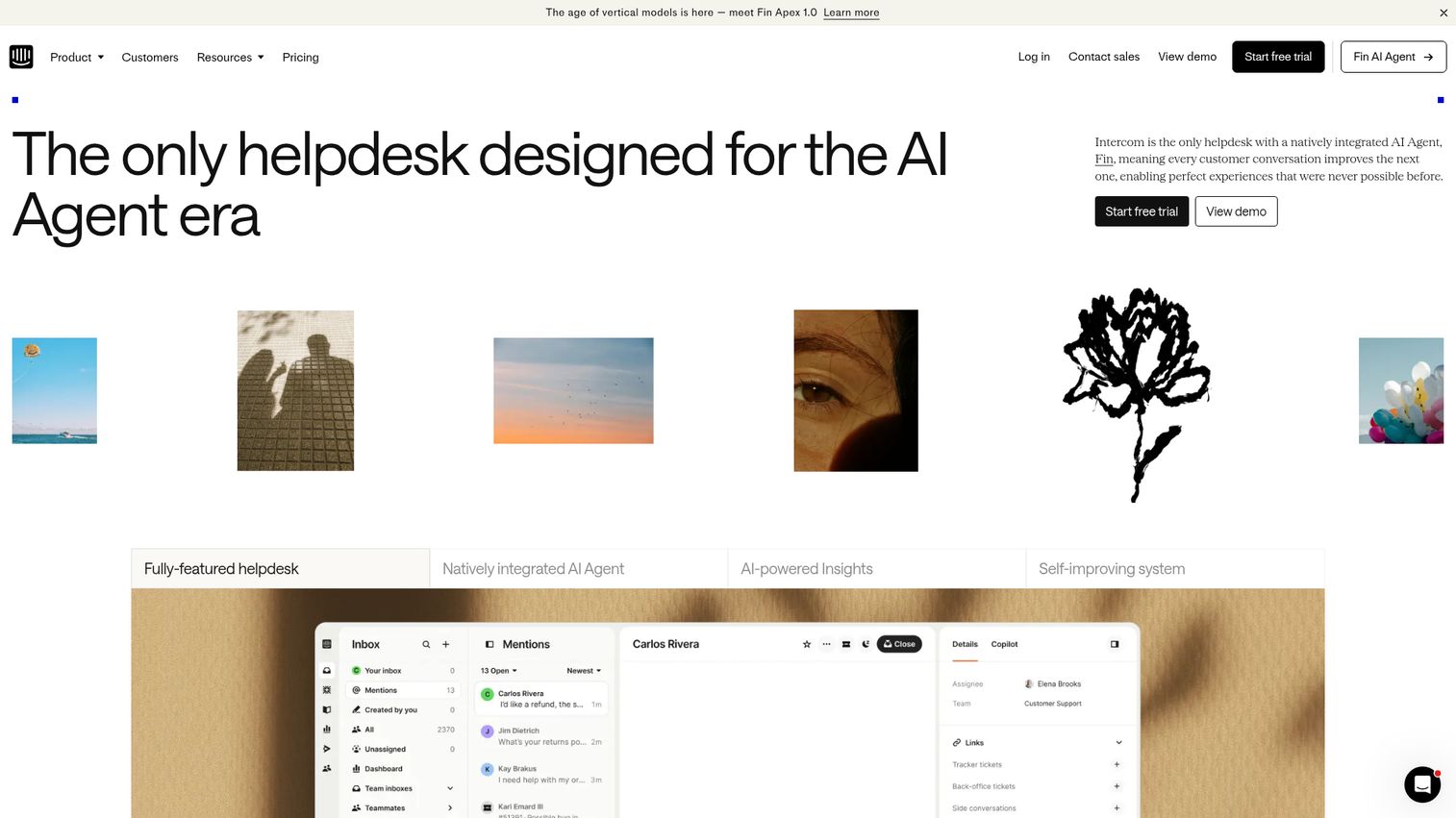
Intercom is primarily a customer messaging platform, but its Product Tours add-on makes it relevant for onboarding. The key question: does your CS team already live in Intercom?
If the answer is yes, adding Product Tours keeps everything in one platform. You can build guided tours that integrate with Intercom's messaging, bots, and help center. Series (multi-step campaigns) let you combine tours with emails and in-app messages into coordinated onboarding sequences. That's powerful for CS teams running structured onboarding programs.
The tour builder itself is simpler than dedicated tools like Appcues or Userpilot. You won't get the same depth of targeting, A/B testing, or analytics. But the integration with Intercom's broader platform, where your support conversations, help docs, and customer data already live, is the real value.
The trade-off: if you're not already using Intercom, adding it just for product tours doesn't make sense. The tour functionality alone doesn't justify the platform cost. And for CS teams that need advanced tour capabilities, the builder feels limited compared to specialized in-app onboarding tools.
Best for: CS teams already using Intercom for support who want to add basic onboarding tours without another tool.
Key strengths
- Native integration with Intercom messaging and help center
- Series combining tours, emails, and messages
- Targeted tours based on user data and behavior
- Simple builder for quick tour creation
- Unified platform for support and onboarding
Pricing: Product Tours is an add-on to Intercom plans. Pricing varies by plan.
12. ChurnZero
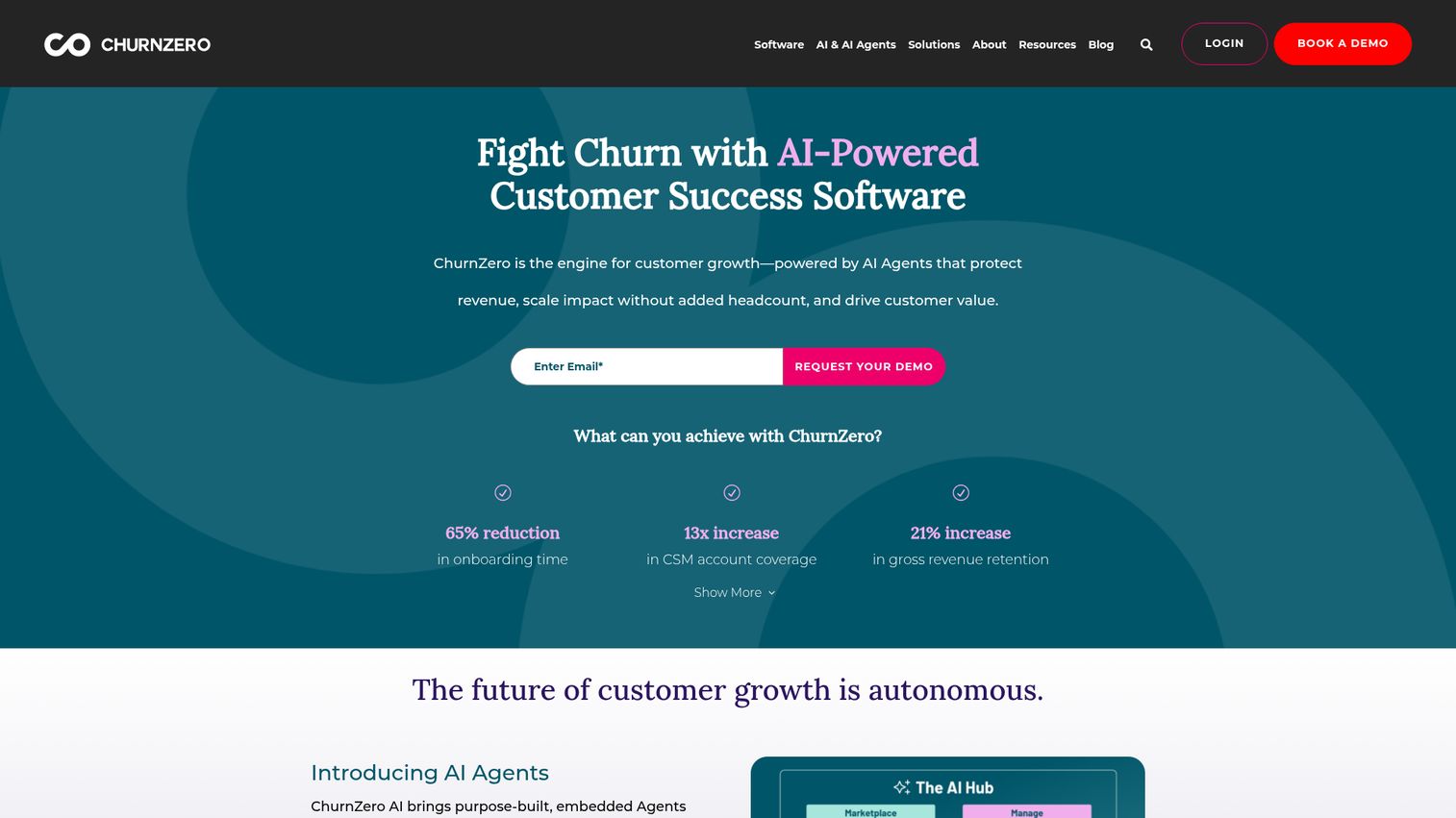
ChurnZero is the only tool on this list built specifically for customer success teams. Its walkthroughs and in-app messaging are part of a broader CS platform that includes health scores, playbooks, renewal management, and usage tracking.
For CS teams already using ChurnZero, the built-in in-app communication features eliminate the need for a separate onboarding tour tool. You can trigger walkthroughs and announcements based on customer health scores, lifecycle stage, or usage patterns, all within the same platform where you manage your book of business.
The real value is the connection between onboarding activity and CS outcomes. When a customer completes an onboarding tour, that data feeds directly into their health score. When usage drops, you can trigger a targeted walkthrough automatically. This closed loop between onboarding and retention metrics is something standalone tour tools can't replicate without custom integrations.
The trade-off: ChurnZero's in-app walkthrough builder is not as polished or feature-rich as dedicated tools like Appcues or Userpilot. If onboarding tours are your primary need and you're not using ChurnZero for CS operations, a dedicated tour tool will serve you better.
Best for: CS teams already using ChurnZero who want onboarding tours integrated with their health scores and playbooks.
Key strengths
- In-app walkthroughs tied to customer health scores
- Automated playbooks triggering tours based on usage
- Customer health scoring and renewal management
- Usage tracking with CS-specific analytics
- Built for CS workflows, not adapted from product or marketing
Pricing: Custom pricing. Contact ChurnZero for a quote.
13. Frigade
Frigade is a developer-first onboarding tool built with React components. The tours look native because they're built with your product's component library, not overlaid as a separate layer.
For product-led SaaS teams where engineering is involved in onboarding, Frigade produces onboarding experiences that feel like part of the product rather than an add-on. The checklists, tours, and announcements match your product's design system, which creates a more cohesive user experience.
The developer-friendly API and React-based architecture make Frigade flexible for custom onboarding flows. If your product has unique UI patterns that standard tour builders can't handle, Frigade gives engineering the control to build exactly what's needed.
The trade-off is clear: CSMs can't build or edit tours without developer help. Every change requires a code update. This limits the speed of iteration and makes Frigade a poor fit for CS teams that need to create and update tours independently. If your engineering team has bandwidth and your product demands native-feeling onboarding, Frigade works well. If your CS team needs autonomy, look elsewhere.
Best for: Product-led SaaS teams with engineering resources who want onboarding tours that look and feel native to the product.
Key strengths
- React-based components matching your design system
- Native look and feel, not a tooltip overlay
- Developer-friendly API for custom flows
- Checklists, tours, and announcement components
- Customizable UI with full code control
Pricing: Free tier available. Paid plans from $250/month.
14. Usetiful
Usetiful is a lightweight, affordable onboarding tool that covers the essentials without complexity. If your budget is tight and you need basic tour functionality, Usetiful is the lowest-risk entry point on this list.
The tool delivers product tours, smart tips (contextual tooltips), onboarding checklists, and an assistant widget. Setup is no-code and fast. For CS teams just starting with onboarding tours, or teams at early-stage companies where every dollar is watched, Usetiful gets you from zero to functional tours quickly.
The free tier is usable for testing and small-scale deployment. Paid plans start at $29/month, making Usetiful the most affordable paid option in this roundup.
The trade-off: you get what you pay for. Analytics are basic. Targeting and segmentation are limited compared to Appcues or Chameleon. The builder is functional but not as polished as Userflow. If you need advanced capabilities, you'll outgrow Usetiful. But as a starting point or for teams with simple onboarding needs, it delivers.
Best for: Teams on a tight budget that need basic onboarding tour functionality without complexity.
Key strengths
- Product tours with no-code setup
- Smart tips for contextual tooltips
- Onboarding checklists for user progress
- Assistant widget for self-serve help
- Most affordable paid option at $29/month
Pricing: Free tier available. Paid plans from $29/month.
15. Usertour
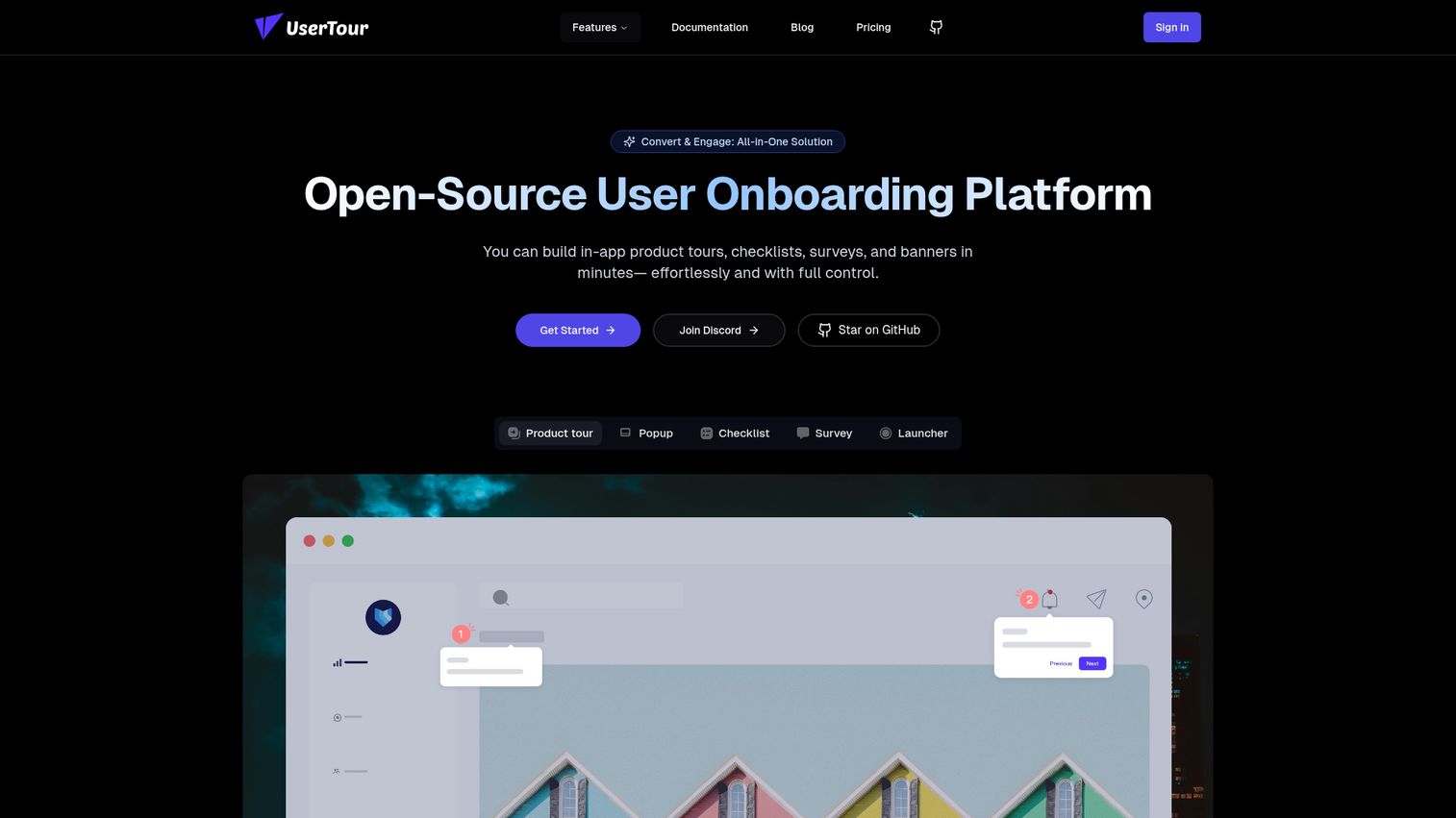
Usertour is an open-source user onboarding platform for teams that want full control over their onboarding infrastructure. Self-hosted deployment means your data stays on your servers, with no vendor lock-in.
For technical teams in regulated industries or organizations with strict data residency requirements, Usertour solves a problem that SaaS-hosted tools can't: complete data control. The customizable themes let you match onboarding tours to your product's design, and the analytics track engagement and completion.
Personalized onboarding flows let you tailor the experience by user segment, and the modern tech stack makes it approachable for engineering teams familiar with current development frameworks.
The trade-off: Usertour requires more technical setup and ongoing maintenance than any SaaS alternative on this list. Your CS team will need engineering support for both initial deployment and ongoing updates. Cloud-hosted plans are available if self-hosting isn't a requirement, but the primary value proposition is the open-source, self-hosted model.
Best for: Technical teams that want an open-source, self-hosted onboarding tour platform with full data control.
Key strengths
- Open-source with self-hosted deployment option
- Customizable themes matching your product design
- Built-in analytics for engagement tracking
- Personalized onboarding flows by segment
- No vendor lock-in with modern tech stack
Pricing: Free (open-source, self-hosted). Cloud-hosted plans available.
How to choose the right onboarding tour tool
In-app only, or multi-channel?
If your onboarding happens entirely inside the product, in-app tools (Appcues, Userpilot, Chameleon) are the right fit. If you need to guide users before they log in or via email, help docs, or Notion, look at interactive demo tools like Guideflow.
Does it integrate with your CS stack?
Check for native integrations with your CRM (Salesforce, HubSpot), CS platform (Gainsight, ChurnZero, Totango), and communication tools (Intercom, Slack). A tour tool that doesn't connect to your existing stack creates data silos.
Can your team build and update tours without engineering?
No-code is table stakes. But "no-code" varies widely. Test the builder yourself during a trial. If updating a single step takes 15 minutes, your team won't maintain the tours.
What analytics does it provide?
Completion rates and drop-off points are the minimum. Segmented analytics by user role, plan, or account are what actually help you improve onboarding. Ask whether you can see analytics at the account level, not just aggregate.
What's the real implementation timeline?
Ask for specifics. "Quick setup" means different things to different vendors. Get a concrete answer: days, weeks, or months. SaaS tools like Appcues or UserGuiding typically take hours to days. Enterprise platforms like WalkMe or Whatfix often require 1-3 months.
Does pricing scale with your growth?
Check per-MAU or per-seat pricing models against your projected user growth. A tool that's affordable at 1,000 MAU might be painful at 10,000. Model the cost at 3x your current usage before signing.
Pick the right tool, then test it
The right onboarding tour tool depends on where your onboarding happens (in-app vs. multi-channel), your team's technical resources, and your CS stack. For CSMs managing 30+ accounts, manual walkthroughs don't scale, and the tools in this list represent the strongest options for 2026.
Pick 2-3 tools from this list, sign up for free trials, and test them with one real onboarding flow before making a decision. You can also explore our broader guide to the best onboarding flow software for additional options beyond this CS-focused list.
Start your journey with Guideflow today!
FAQs about onboarding tour tools
An onboarding tour tool is software that creates guided, step-by-step walkthroughs inside (or outside) your product to help new users reach their first meaningful outcome faster. The category includes in-app guidance tools that overlay tooltips on your live product and interactive demo platforms that create standalone, clickable walkthroughs shareable via link or embed. Both types fall under the broader umbrella of user onboarding software.
When users can follow a guided tour to complete a task, they don’t submit a “how do I do X?” ticket. The mechanism is simple: proactive guidance replaces reactive support. Teams using onboarding tours commonly report 20-40% reductions in basic how-to tickets, with the biggest impact on repetitive questions about setup, configuration, and core workflows.
In-app tours overlay guidance (tooltips, modals, spotlights) on your live product while the user is logged in. Interactive demos create a standalone, clickable replica of your product that can be shared via link, email, or embed. In-app tours are better for contextual guidance during active use. Interactive demos are better for async onboarding, pre-login education, and sharing with stakeholders who aren’t product users yet.
Yes, with most modern tools. No-code builders are standard in tools like Appcues, Userpilot, UserGuiding, and Guideflow. The exception is developer-first tools like Frigade, which require engineering involvement for every change. Always test the builder yourself during a trial to confirm your team can create and update tours independently.
Track three metrics. First, time-to-value: are new users reaching their first meaningful outcome faster? Second, support ticket volume: are “how do I?” tickets decreasing? Third, onboarding completion rate: are more users finishing the onboarding flow? Map these directly to retention and churn rates over 90 days to connect onboarding improvements to revenue outcomes.
Some do, some don’t. ChurnZero has built-in tours as part of its CS platform. Pendo and Userpilot integrate with most CS platforms. Guideflow syncs engagement data to CRMs and Slack. Always check the specific integration before committing. If the integration doesn’t exist natively, ask about Zapier or API options as a workaround.
For most SaaS tools, initial setup takes hours to a few days (installing a code snippet, building your first tour). Building a useful library of tours takes 2-4 weeks. Enterprise platforms like WalkMe or Whatfix require longer implementation cycles, often 1-3 months, with dedicated onboarding support from the vendor.
Free tiers are good for testing and for teams with fewer than 10 accounts. Most free plans limit the number of active tours, monthly active users, or analytics depth. For CS teams managing 20+ accounts, you’ll likely outgrow a free tier within the first month. Use free tiers to validate the tool fits your workflow, then budget for a paid plan.