You closed the deal. Now you're chasing the payment.
For most early-stage SaaS teams, billing lives in spreadsheets, a free invoice tool, or a manual renewal process that breaks the moment a contract goes annual. The cost is not just time. It's cash flow visibility, revenue recognition accuracy, and the board conversation where someone asks why ARR and collections don't match.
According to The Business Research Company (2026), the global billing market is projected to reach $42.59 billion by 2030, and that growth reflects how many companies are finally replacing ad hoc billing with systems built to scale. Meanwhile, a 2025 BillingPlatform survey found only 3% of organizations had fully automated their accounts receivable workflows, which means the gap between billing potential and billing reality is still enormous for most teams.
The right billing software is not just about sending invoices faster. It's about building a revenue operations layer your Head of Finance can own, your board can read, and your team can run without you.
What's inside
This guide covers 12 billing and invoicing software options for 2026, evaluated across five criteria:
- Invoice creation and payment collection: Can it send branded invoices and collect online payments reliably?
- Recurring billing and automation: Does it handle subscriptions, payment reminders, and failed payment recovery?
- Accounting integrations: How cleanly does billing data flow to your finance and reporting stack?
- Reporting and cash-flow visibility: Can finance and RevOps get the numbers they need without manual exports?
- Stage and model fit: Is this tool right for your billing model, whether that's SaaS subscriptions, project billing, service invoicing, or medical claims?
This guide is for founders, finance leads, and RevOps owners who need to choose the right system before the next fundraise or headcount jump.
TL;DR
- Best free invoicing pick: Zoho Invoice offers a permanently free plan for small teams managing straightforward invoicing
- Best for service businesses collecting payments: Square Invoices connects invoices directly to payment processing for local and service-based businesses
- Best for accounting-first teams: QuickBooks Online or Xero when you want invoicing and bookkeeping in the same system
- Best for SaaS recurring revenue: Stripe Billing handles subscriptions, usage-based billing, and failed payment recovery at the infrastructure level
- Best for CRM-led billing: HubSpot Payments when deals and payments need to live inside the same customer record
- Best for healthcare billing: PracticeSuite for practices that need claims, denials, and revenue cycle management
What is billing software?
Billing software is a system that helps businesses create invoices, collect payments, automate recurring charges, track payment status, and connect billing data to accounting software or finance workflows.
Core billing software functions
Most billing platforms cover some combination of the following:
- Invoice creation and delivery: Branded templates, line items, taxes, and delivery by email or customer portal
- Online payment collection: Cards, ACH, digital wallets, and bank transfers accepted through the tool or a connected processor
- Recurring billing and subscriptions: Automated charge schedules, dunning, and failed payment retries
- Payment reminders and collections tracking: Automated follow-ups, overdue flags, and invoice status dashboards
- Taxes, discounts, and credits: Line-level adjustments, tax rules, and credit note management
- Customer portals: Self-serve access for clients to view invoices, download receipts, and pay online
- Accounting integrations: Sync to QuickBooks, Xero, Salesforce, and similar finance or CRM platforms
- Reporting and cash-flow visibility: Aging reports, revenue summaries, and collections dashboards
Billing software vs. invoicing software
Invoicing software handles creating and sending invoices. Billing software goes further: It includes recurring payment logic, subscription management, collections workflows, customer portals, and financial reporting. Many buyers conflate the two, but the distinction matters when you're evaluating tools for a SaaS model or a business with contracts that auto-renew.
Billing software vs. accounting software
Accounting software manages the financial record: The general ledger, bank reconciliation, tax filings, and financial statements. Billing software manages the customer-facing payment workflow: Invoices, collections, and payment status. Many platforms combine both, which is why QuickBooks and Xero appear in billing listicles even though their primary identity is accounting.
When to use billing software
Automate recurring payments
If your revenue model repeats on monthly or annual cycles, manual renewal billing creates unnecessary overhead and missed payment risk. Recurring billing software handles charge schedules, payment retries, and subscription changes automatically. For SaaS founders, this is the capability that matters most for clean ARR reporting and predictable cash flow.
Collect payments faster
Automated payment reminders, online payment links, and invoice tracking reduce the time between invoice sent and cash received. Teams that previously chased payments over email can redirect that effort once a billing tool handles follow-ups. The accounts receivable software layer is where many companies still operate manually.
Clean up finance handoffs
Billing data that doesn't move cleanly into accounting, CRM, and reporting tools creates board reporting pain later. A founder who has hired a Head of Finance needs billing configured as a system, not a workaround. The right tool connects invoice data to the ledger, customer records, and revenue dashboards without requiring manual reconciliation each month.
Billing software comparison
The 12 tools below cover different billing models: Free invoicing, local service payments, accounting-led billing, project billing, SaaS subscription billing, CRM-led payments, spend management, and medical claims. Pricing and G2 ratings are pulled from each vendor's official pricing page and live G2 listings.
| # | Product | Best for | Key differentiator | Pricing | G2 rating |
|---|---|---|---|---|---|
| 1 | Zoho Invoice | Free small business invoicing | Permanently free with reminders and client portal | Free | 4.7/5 |
| 2 | Square Invoices | Service businesses with payments | Invoices connected to Square commerce tools | Free / $49/mo | 4.7/5 |
| 3 | QuickBooks Online | Accounting-first billing | Invoicing inside a complete accounting platform | From $19/mo | 4.0/5 |
| 4 | Xero | Finance teams wanting cloud accounting | Billing, reconciliation, and reporting in one | From $2.70/mo | 4.4/5 |
| 5 | FreshBooks | Freelancers and service teams | Invoicing with time tracking and project billing | From $4.60/mo | 4.5/5 |
| 6 | Stripe Billing | SaaS recurring revenue | Subscription and usage-based billing infrastructure | 0.7% of billing volume | N/A |
| 7 | HubSpot Payments | CRM-led sales teams | Quotes and payments tied to CRM records | Free / $85/mo/seat | N/A |
| 8 | Invoice Ninja | Cost-conscious invoicing | Open-source invoicing with client portal | Free / $14/mo | 4.3/5 |
| 9 | Harvest | Time-based billing | Time tracking that generates invoices directly | Free / $11/seat/mo | 4.3/5 |
| 10 | Paymo | Project billing | Project management with integrated invoicing | Free / $5.90/mo | 4.6/5 |
| 11 | Rippling Spend | Vendor bill and spend management | Corporate cards, bill pay, and spend controls | From $8/employee/mo | 4.8/5 |
| 12 | PracticeSuite | Healthcare billing | Medical claims, denials, and revenue cycle | Quote-based | 4.3/5 |
Best 12 billing software tools for 2026
1. Zoho Invoice
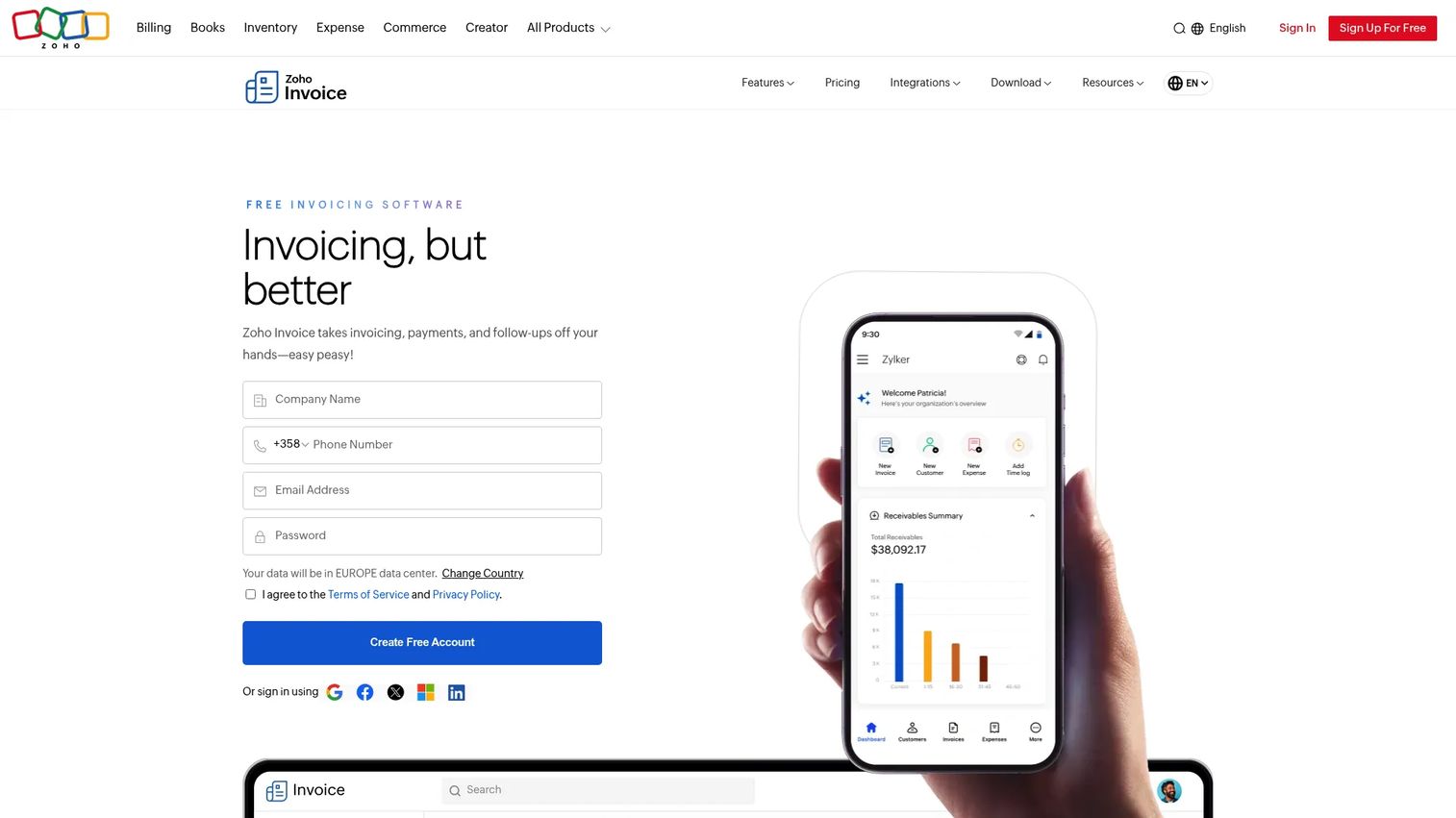
Zoho Invoice is a permanently free invoicing tool for small businesses that need to create invoices, send estimates, automate payment reminders, collect online payments, and give clients a self-serve portal. It supports up to two users, three active projects, and 500 invoices per year on the free plan. For teams that have outgrown a spreadsheet but don't yet need a full accounting suite, it covers the basics cleanly.
Best for: Small businesses and early-stage teams that need structured invoicing without paying for it.
Key features
- Custom invoices and estimates with tax support
- Recurring invoice automation
- Payment reminders and online payment collection
- Client portal for invoice access and payments
- Expense and time tracking
Why choose Zoho Invoice: The free tier is real and permanent, not a trial. If your billing volume or team size grows past the plan limits, you'll need to evaluate a paid tool, but for founders testing a billing workflow before committing to a larger stack, it's a low-risk starting point.
Zoho Invoice pricing: Zoho Invoice is free forever, with limits of two users and 500 invoices per year. Zoho's pricing page confirms no paid tiers exist for Invoice specifically; the app is supported by Zoho's broader product ecosystem.
G2 rating: 4.7/5
2. Square Invoices
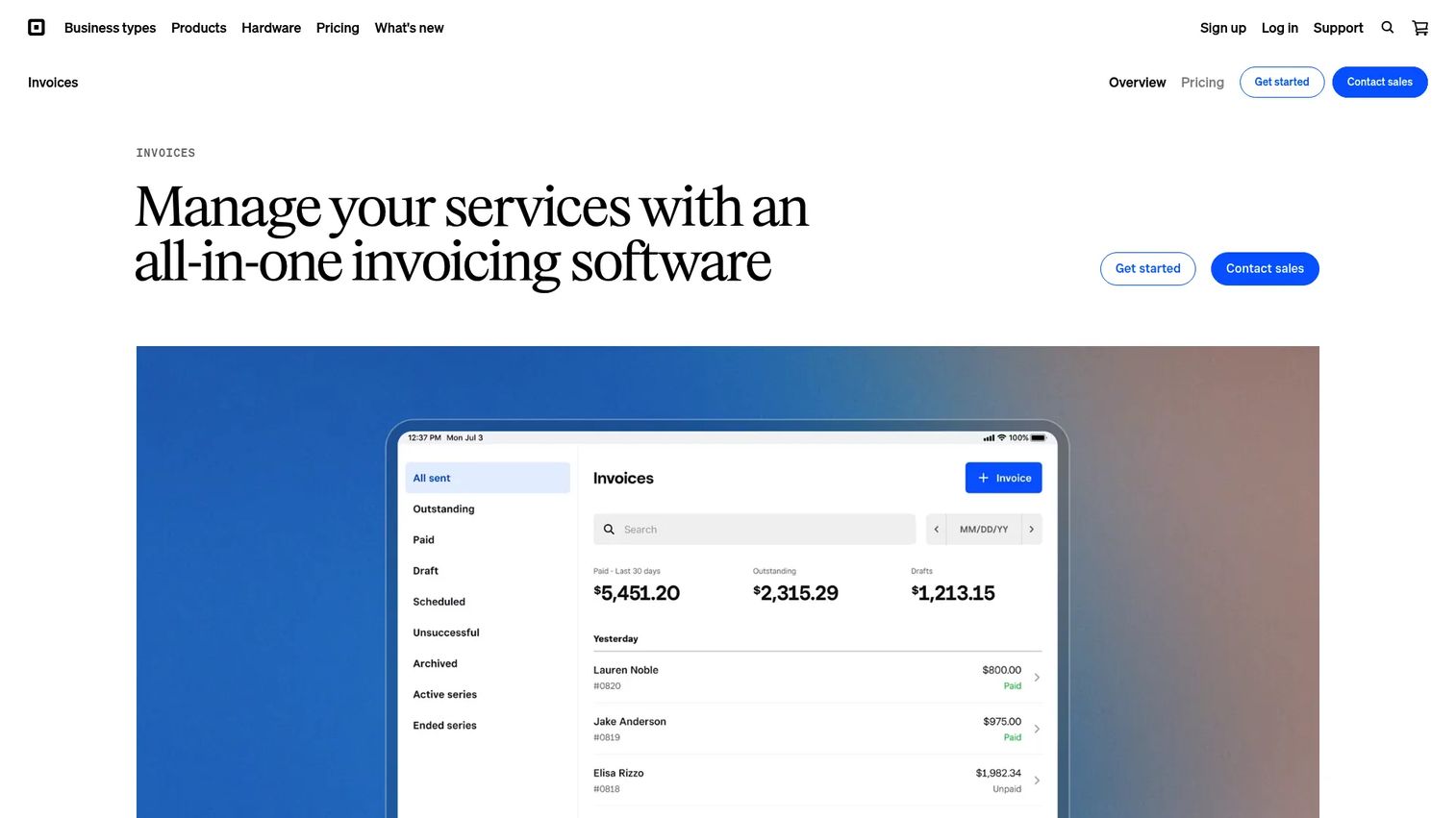
Square Invoices ties invoice creation directly to Square's payment infrastructure, making it the natural choice when billing and payment collection need to work together. You can send batch invoices to multiple customers at once, convert accepted estimates into invoices, request deposits, and set up recurring billing with flexible payment schedules. Square handles cards, ACH, Apple Pay, and Google Pay out of the box.
Best for: Service businesses, contractors, and local operators that already use Square or want invoices connected to in-person and online payments.
Key features
- Recurring invoices and automatic payment reminders
- Batch invoicing for multiple customers simultaneously
- Flexible payment schedules and deposit requests
- Estimates and contracts with conversion to invoices
- Customer directory with payment history
Why choose Square Invoices: It's the right choice when the billing workflow is tied to jobs, deposits, and appointments rather than SaaS subscriptions or complex accounts receivable. Teams with no existing payment processor will also benefit from not needing a separate one.
Square Invoices pricing: The free Square plan has no monthly subscription and charges 3.3% + 30¢ per invoice payment. Square Plus costs $49/month per location and reduces invoice payment processing to 2.9% + 30¢. Square Premium is $149/month per location with the same processing rate.
G2 rating: 4.7/5
3. QuickBooks Online
QuickBooks Online is accounting software with invoicing built in, which means billing and bookkeeping live in the same system. For founders who want their Head of Finance to own both invoice delivery and financial reporting without stitching tools together, QuickBooks is the familiar default. It handles automated bank feeds, expense tracking, payment links, recurring invoices, and sales tax alongside full financial reporting.
Best for: Teams that want invoicing, accounting, and tax reporting in a single system, particularly those with an accountant or finance hire already comfortable in QuickBooks.
Key features
- Custom invoices with payment links
- Automated bank feeds and transaction categorization
- Expense and receipt management
- Sales tax tracking and reporting
- Project profitability and inventory tracking
Why choose QuickBooks Online: Choose it when accounting accuracy matters as much as invoice delivery. SaaS teams with complex usage-based billing may eventually pair it with a dedicated billing platform upstream, but for straightforward invoicing tied to clean books, QuickBooks holds.
QuickBooks Online pricing: Simple Start starts at $19/month (currently 50% off for 3 months). Essentials is $42.50/month, Plus is $70/month, and Advanced is $170/month at current promotional rates. A free plan is also available with limited features.
G2 rating: 4.0/5
4. Xero
Xero is cloud accounting software built around invoicing, bank reconciliation, bill management, and financial reporting. Its app marketplace gives finance teams a broad set of integration options, and multi-currency support makes it a practical choice for companies billing international customers. Xero's Starter plan limits invoices and bills per month, so fast-growing teams should verify the Growing or Established tier fits their volume.
Best for: Growing businesses that want invoicing tightly integrated with accounting, reconciliation, and multi-currency financial reporting.
Key features
- Online invoicing with payment reminders
- Bank transaction reconciliation
- Bill management and online bill payments
- Multi-currency support
- Cash-flow forecasting and real-time reporting
Why choose Xero: Strong fit for finance teams that want accounting workflow depth and broad app connectivity. The Starter plan's invoice limits mean fast-moving teams should verify volume requirements before committing.
Xero pricing: The Early plan starts at $2.70/month for the first 6 months (then $27/month). Growing is $5.90/month promotional (then $59/month). Established is $9.70/month promotional (then $97/month). No permanent free tier is offered.
G2 rating: 4.4/5
5. FreshBooks
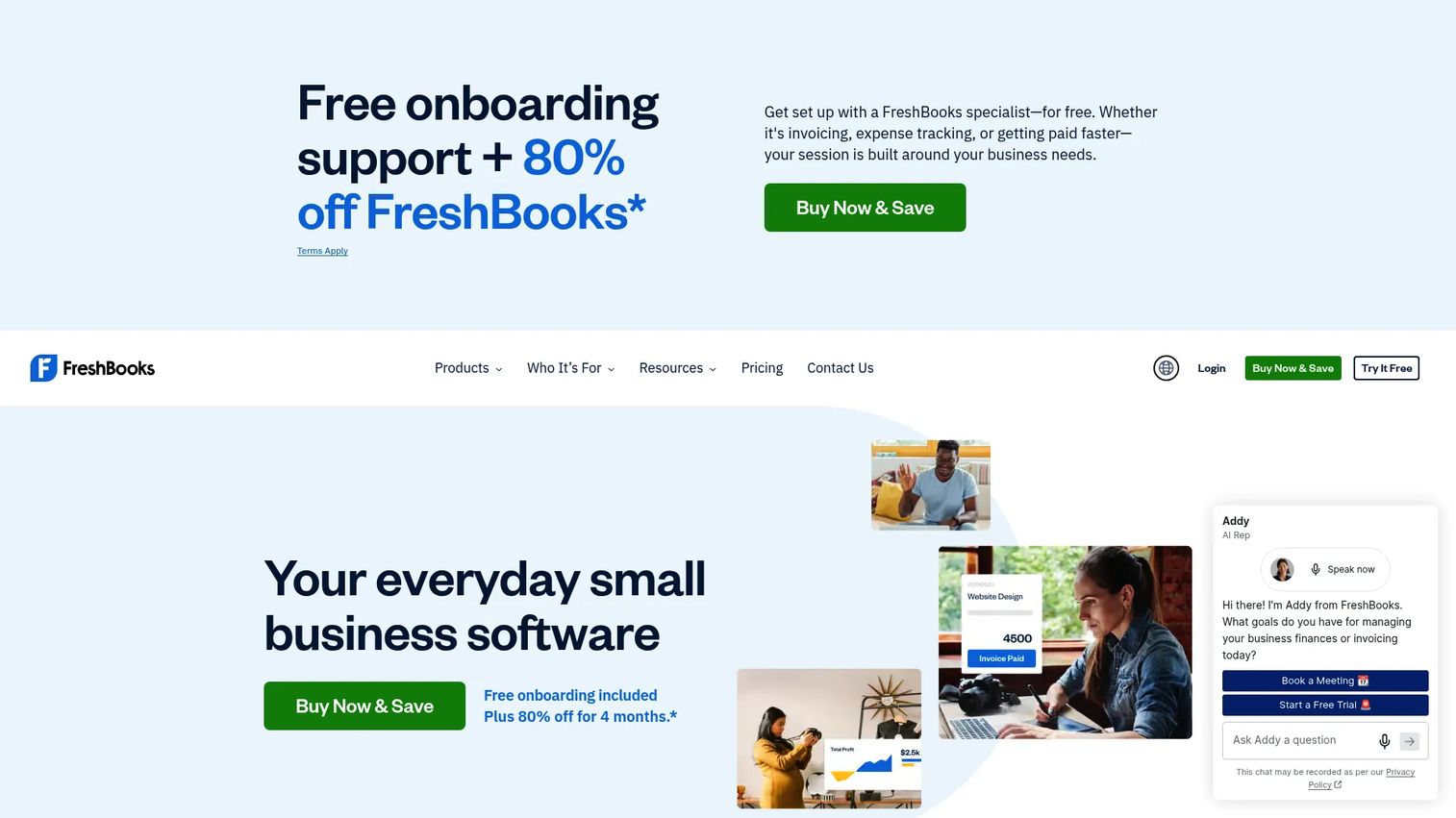
FreshBooks combines invoicing, expense tracking, time tracking, online payments, and project billing in one platform designed for client service businesses. It's particularly strong for teams that bill by hours or project deliverables, where time logged and invoices sent need to come from the same workflow. The client-facing invoice experience is polished, and project profitability reporting helps teams understand where money is actually made.
Best for: Freelancers, consultants, agencies, and service teams that bill clients by project or billable hours.
Key features
- Professional invoices and estimates
- Time tracking tied to client invoices
- Expense capture and receipt scanning
- Online payment collection
- Project profitability reporting
Why choose FreshBooks: Choose it when the billing workflow starts from tracked time or project deliverables rather than subscription schedules. High-volume SaaS subscription billing is not its primary strength.
FreshBooks pricing: The Lite plan starts at $4.60/month (promotional for 4 months, then $23/month) and supports up to 5 clients. Plus is $8.60/month promotional (then $43/month) for up to 50 clients. Premium is $14/month promotional (then $70/month) for unlimited clients. A 30-day free trial is available; there is no permanent free plan.
G2 rating: 4.5/5
6. Stripe Billing
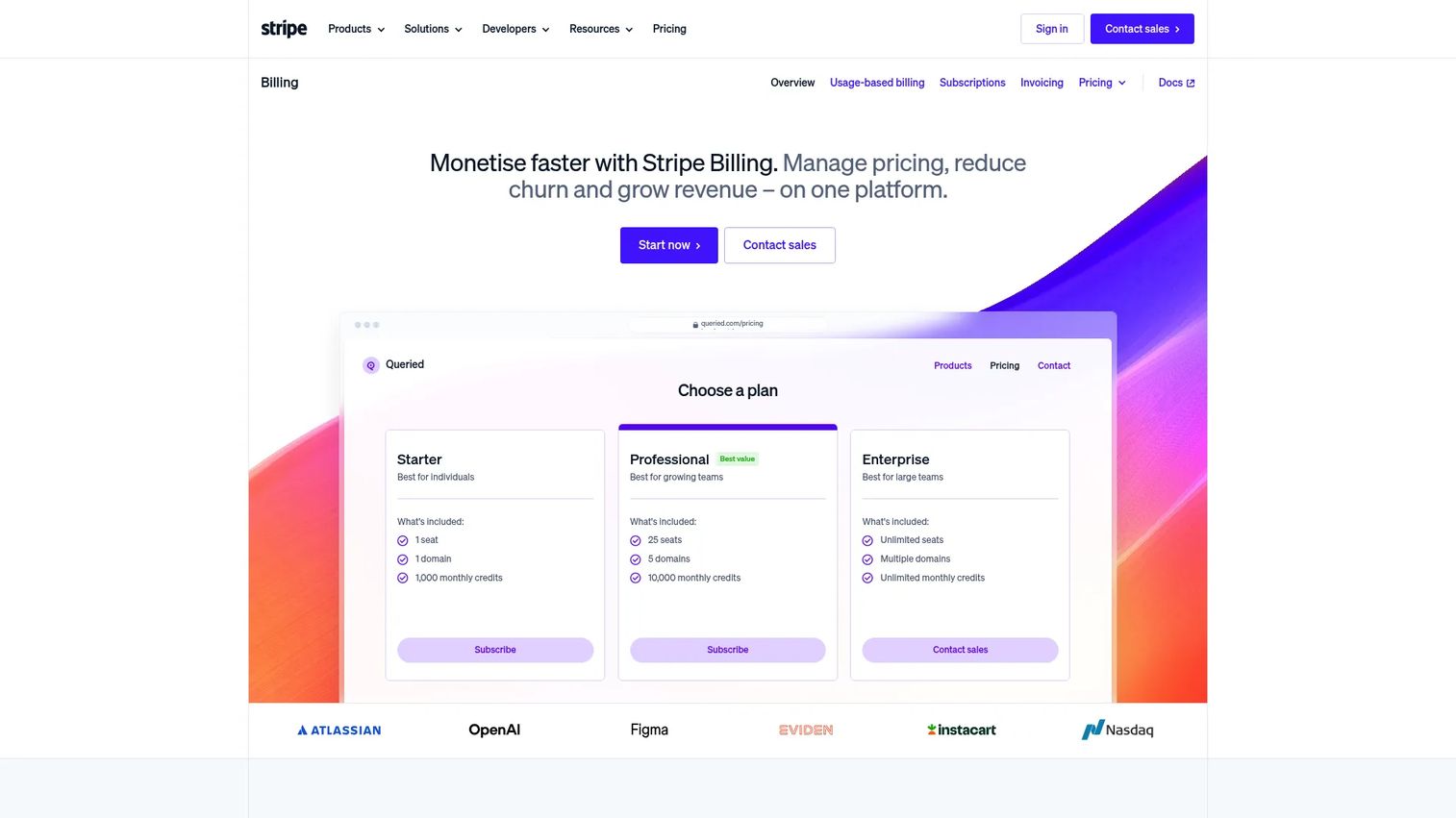
Stripe Billing is built for companies whose billing logic is part of the product. It handles recurring subscriptions, usage-based pricing, hosted invoices, customer portals, and revenue recovery through Smart Retries and automated dunning. For SaaS founders, Stripe Billing is the most natural fit when you need subscription billing tied directly to payment infrastructure rather than a standalone invoicing tool.
Best for: SaaS companies and subscription businesses that need recurring billing, usage-based pricing, and failed payment recovery connected to their payments stack.
Key features
- Subscription billing and lifecycle management
- Usage-based and metered pricing models
- Hosted invoices and customer portal
- Smart Retries for revenue recovery
- Billing analytics and reporting
Why choose Stripe Billing: Choose it when billing logic is core to the product and revenue model. Finance teams should evaluate Stripe Tax, revenue recognition add-ons, and accounting integrations during procurement to confirm the full cost picture.
Stripe Billing pricing: Pay-as-you-go pricing is 0.7% of billing volume with no recurring fees. The Pay Monthly plan starts at $620/month under a 1-year contract. Custom pricing is available for high volumes or complex models.
G2 rating: Not currently listed on G2
7. HubSpot Payments
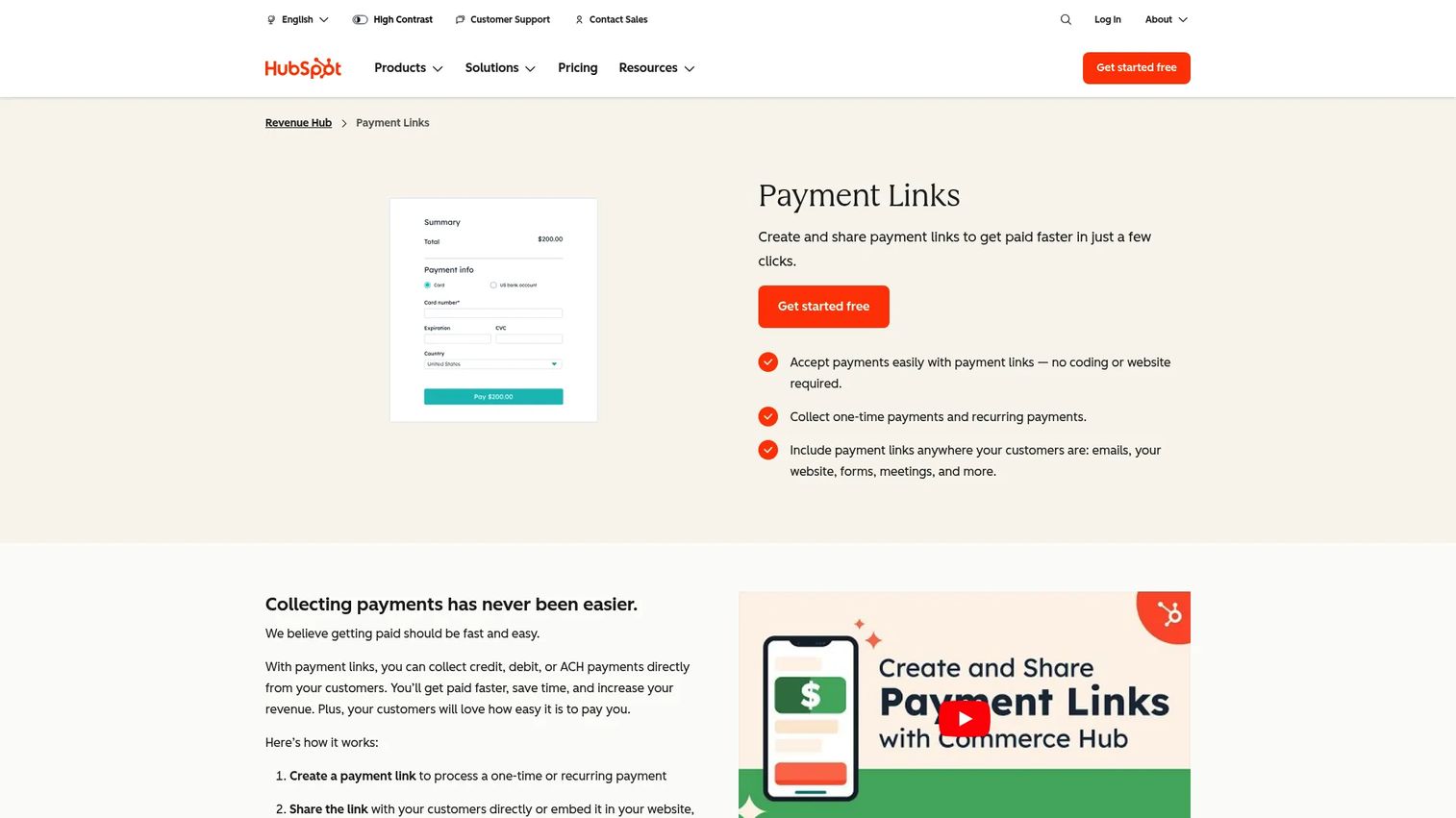
HubSpot Payments connects payment collection to HubSpot's CRM, meaning quotes, invoices, subscriptions, and payment links all live alongside the customer record. For teams running sales from HubSpot, it removes the step of exporting data to a separate billing tool after a deal closes. It supports one-time and recurring payments, and accepts cards, ACH, Apple Pay, Google Pay, and buy-now-pay-later options.
Best for: CRM-led companies that want payments connected to deals, quotes, and customer records inside HubSpot.
Key features
- Payment links for one-time or recurring collection
- Payments through invoices, quotes, contracts, and subscriptions
- CRM-native payment and customer data storage
- ACH, card, Apple Pay, Google Pay, and buy-now-pay-later support
- Real-time fraud screening
Why choose HubSpot Payments: Strong fit when the billing workflow starts from a CRM deal or quote rather than a standalone finance system. Teams that need a full accounting layer alongside payments will still need a separate accounting tool.
HubSpot Payments pricing: The Revenue Hub free plan covers up to two users at $0/month. Professional is $85/seat/month (billed annually at $95/seat/month). Enterprise is $140/seat/month. Transaction fees apply separately: Platform fee is free for one year then 0.5% per transaction; credit/debit processing is 2.9%; ACH is 0.8% capped at $10.
G2 rating: Not currently listed as a standalone product on G2
8. Invoice Ninja
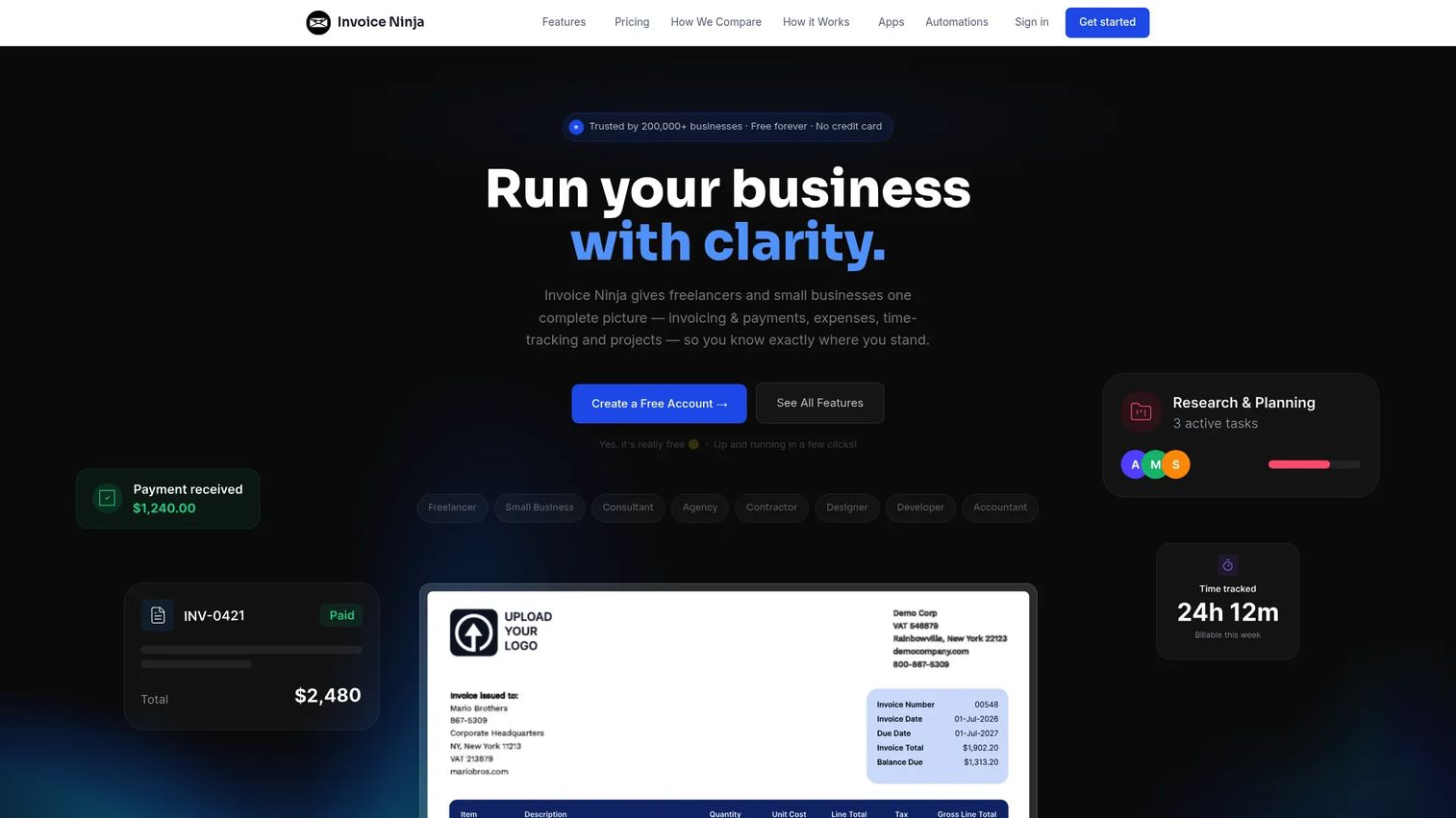
Invoice Ninja offers invoicing, quotes, expenses, time tracking, recurring billing, and a client portal with an open-source foundation that appeals to cost-conscious teams and technical buyers. The free plan supports up to 5 clients, which covers freelancers and small agencies. Self-hosted deployments give teams full control over data and infrastructure, though they require technical ownership to maintain.
Best for: Freelancers, small businesses, and technically capable teams that want affordable invoicing with flexible hosting options.
Key features
- Invoices and quotes with customizable templates
- Recurring billing and automatic payment reminders
- Client portal for invoice access and payments
- Multiple payment gateway integrations
- Time tracking and expense management
Why choose Invoice Ninja: The combination of a real free plan and self-hosting options makes it competitive for teams where cost and data control are the primary drivers. Flag that self-hosted setups carry ongoing maintenance responsibility.
Invoice Ninja pricing: Free plan is permanently free for up to 5 clients. Ninja Pro is $14/month (billed monthly) or $140/year. Enterprise plans start at $18/month and scale by user count. Premium Business plans start from $280/year.
G2 rating: 4.3/5
9. Harvest
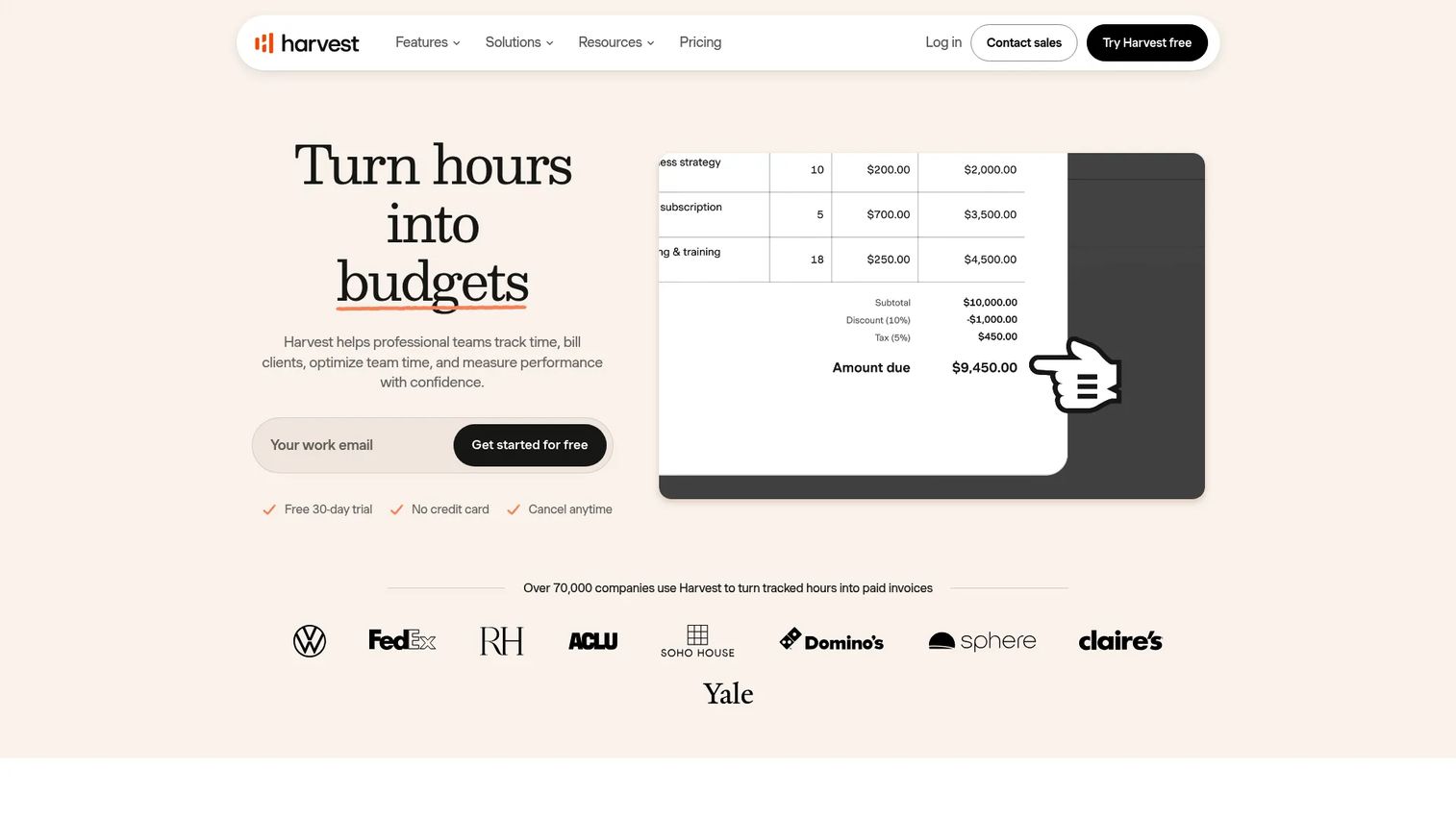
Harvest is primarily a time-tracking platform that generates invoices directly from logged hours and project work. For teams where time is the source of billing truth, this removes the manual step of exporting hours into a separate invoice tool. It also handles expense tracking, project budgets, team approvals, and accounting integrations with QuickBooks and Xero.
Best for: Consulting firms, agencies, and professional services teams that bill clients based on tracked time.
Key features
- Time tracking across desktop and mobile
- Invoice creation from tracked hours
- Expense tracking and reporting
- Project budgets and profitability analysis
- Team management and approval workflows
Why choose Harvest: Choose it when invoices are a direct output of billable time rather than subscription schedules or statement periods. It's not the first choice for complex accounts receivable or subscription billing.
Harvest pricing: Free plan supports one seat and two projects. Teams plan is $11/seat/month billed monthly ($9/seat/month billed annually). Enterprise is $17.50/seat/month ($14/seat/month annually). Enterprise Plus uses custom pricing.
G2 rating: 4.3/5
10. Paymo
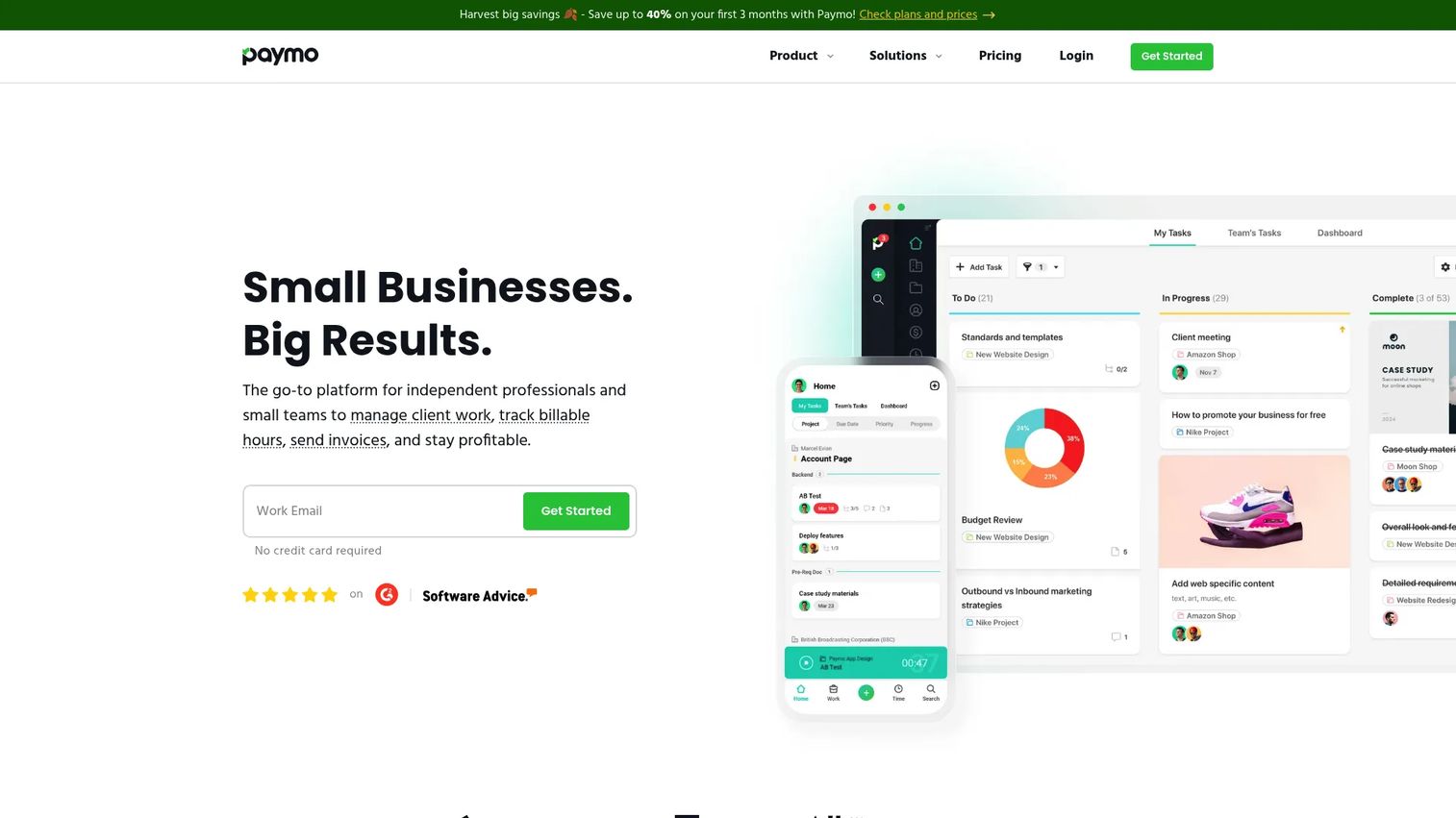
Paymo combines project management, time tracking, invoicing, estimates, expense tracking, and team scheduling in a single platform. For agencies and project-based teams, it reduces handoffs between delivery and billing by keeping task completion and client invoicing in the same workflow. It supports list, board, Gantt, and calendar views alongside file proofing and resource management.
Best for: Project-based agencies and service teams that want to manage delivery and bill clients from the same system.
Key features
- Task management with multiple project views
- Time tracking with desktop and mobile apps
- Estimates, invoices, and online payments
- Expense tracking and project profitability
- Team scheduling and resource management
Why choose Paymo: Strong for teams where project delivery and client billing are the same workflow. It's not designed for healthcare claims or SaaS subscription infrastructure.
Paymo pricing: Free plan is available. Solo starts at $5.90/month (promotional, then $9.90/month, billed annually). Plus is $10.90/user/month promotional (then $15.90). Pro is $16.90/user/month promotional (then $23.90). A 15-day free trial is available.
G2 rating: 4.6/5
11. Rippling Spend
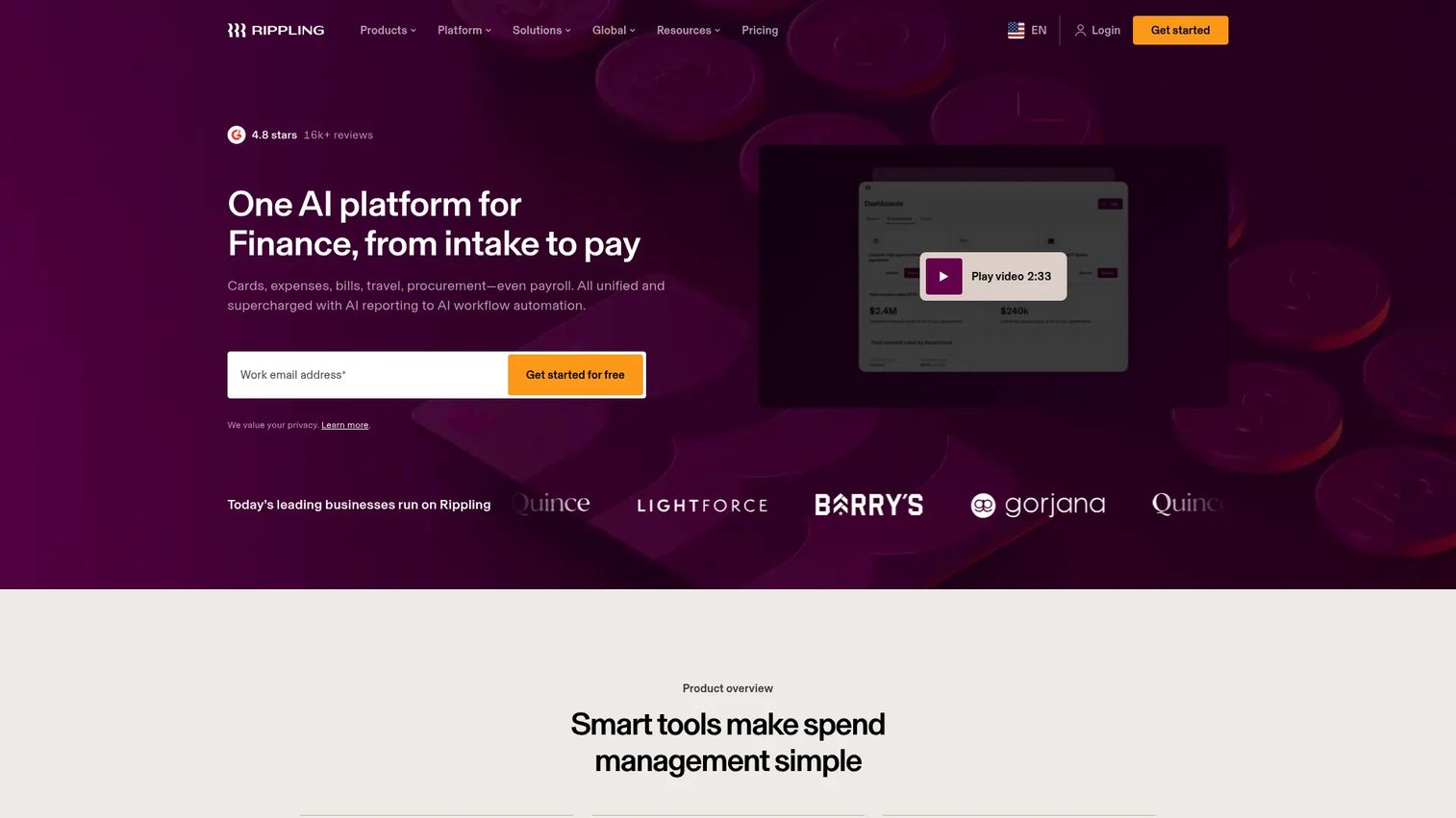
Rippling Spend is spend management software rather than customer invoicing software. It's included here because billing software searches frequently overlap with vendor bill management, accounts payable software, and spend controls. Rippling Spend unifies corporate cards, expense reimbursements, bill pay, procurement, and travel into a single system that connects to Rippling's broader HR and payroll platform.
Best for: Growing companies that need vendor bill management, spend controls, and corporate cards integrated with employee and payroll data.
Key features
- Real-time spend visibility and reporting
- Custom approval workflows and spend policies
- Corporate cards with transaction controls
- Automated expense approvals and receipt requests
- General-ledger synchronization
Why choose Rippling Spend: Choose it when the billing problem is paying vendor bills and controlling internal spend, not sending customer invoices. The distinction matters: Rippling Spend is an accounts payable software and spend management tool, not a customer billing platform.
Rippling Spend pricing: Rippling's pricing is modular and starts at $8/employee/month plus a monthly base fee, with Spend as an add-on module. Exact module pricing requires a quote from Rippling sales.
G2 rating: 4.8/5 (for Rippling overall)
12. PracticeSuite
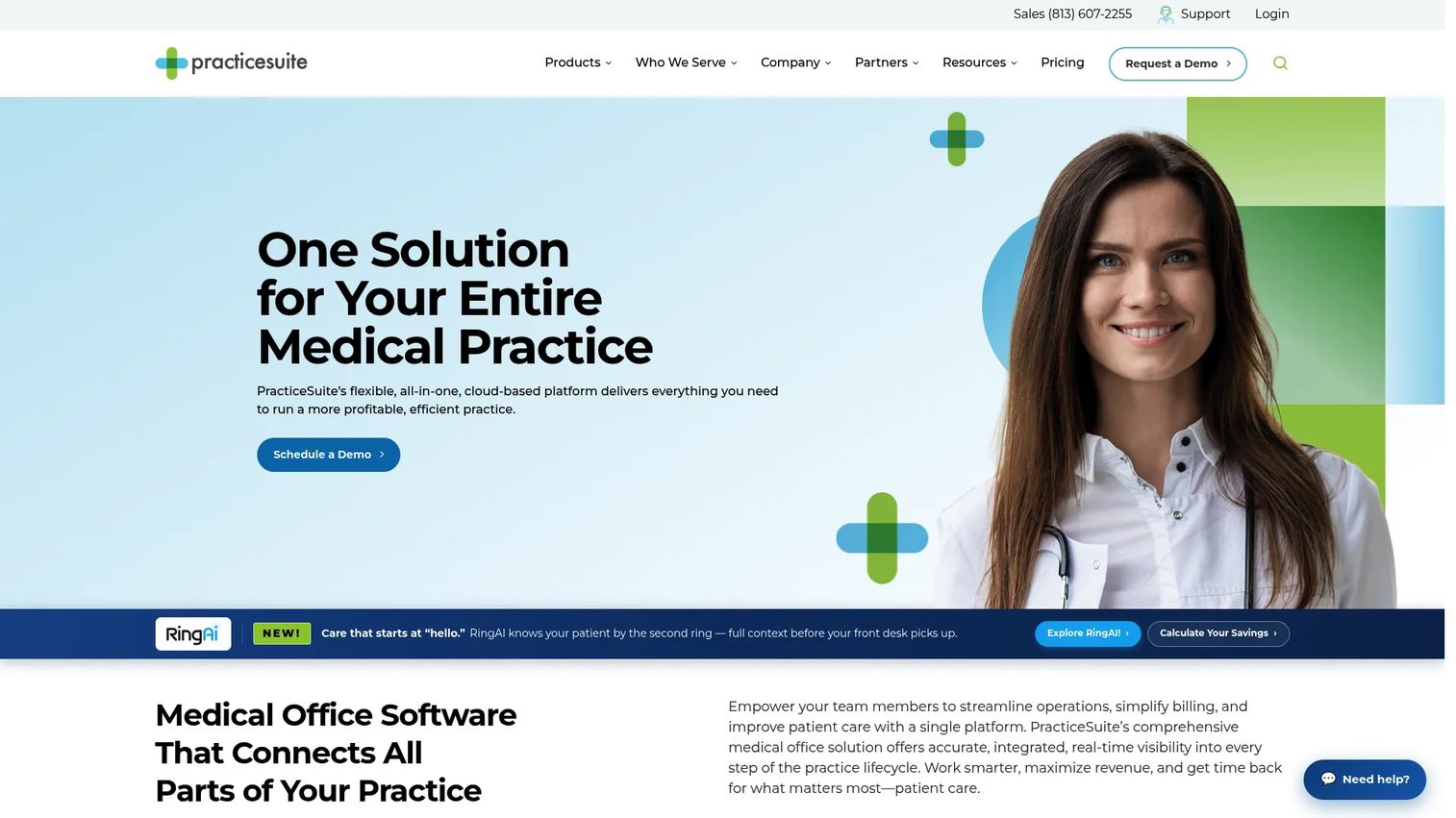
PracticeSuite is a cloud-based medical practice management platform with integrated billing, claims processing, denial management, electronic health records, and patient engagement. It's built for healthcare practices and medical billing organizations that need to manage insurance eligibility verification, claims submission, payment posting, and revenue cycle reporting in one system.
Best for: Healthcare practices and medical billing companies that need claims-focused workflows and revenue cycle management.
Key features
- Medical billing, claims processing, and denial management
- Automated insurance eligibility verification
- Patient portal with online scheduling and payments
- ONC-certified EHR with customizable templates
- HIPAA-compliant telehealth support
Why choose PracticeSuite: Choose it only when the billing problem is healthcare-specific. SaaS founders, agencies, and small-business operators should select a general billing or invoicing platform instead. PracticeSuite's feature depth is purpose-built for the clinical and payer environment, not general business billing.
PracticeSuite pricing: PracticeSuite uses quote-based pricing based on practice specialty, provider count, and required modules. Contact their sales team for a personalized quote. G2 lists 4.3/5 from 11 reviews but does not show reviewer-reported pricing ranges.
G2 rating: 4.3/5
Considerations when choosing billing software
Match the tool to your billing model
Service invoices, SaaS subscriptions, project billing, medical claims, and vendor bill management are fundamentally different workflows. Start by identifying which model your business runs before comparing feature lists. A team billing monthly subscriptions needs dunning logic and subscription lifecycle management; a consulting firm billing by hours needs time tracking that feeds invoices directly.
Check accounting and CRM handoffs
Billing data that doesn't move cleanly into your accounting system creates reconciliation debt and board reporting friction. Verify that your chosen tool integrates with QuickBooks, Xero, your CRM, or your data warehouse at a level that matches your finance team's actual workflow. Vague "integration support" that requires manual CSV exports doesn't count.
Understand payment fees fully
Subscription cost is not the full picture. Payment processing fees, ACH fees, chargeback fees, and currency conversion costs can meaningfully affect total cost at scale. Stripe Billing charges 0.7% of billing volume; Square adds percentage plus flat fees per invoice; HubSpot Payments adds transaction fees on top of seat pricing. Model the real cost against your expected payment volume before deciding.
Review automation depth
Recurring invoices alone are not dunning. Evaluate what happens when a payment fails: Does the tool retry automatically, notify the customer, pause the subscription, and flag the account for your team? The difference between a tool with reminders and one with full revenue recovery logic is significant for SaaS ARR protection.
Plan migration before signing
Moving billing data is not just exporting invoices. Customer records, open invoices, historical billing schedules, stored payment tokens, tax settings, and accounting mappings all need to transfer cleanly. Ask vendors specifically about migration support and what data formats they accept before committing.
Conclusion
The right billing software depends on the billing model you're trying to scale, not on which tool has the longest feature list.
Zoho Invoice is the clean free starting point for early-stage teams that need structured invoicing without a monthly cost. Square Invoices is the natural fit when billing is tied to payment collection for service and local businesses. QuickBooks Online and Xero are the choices when accounting and invoicing need to live in the same system. FreshBooks and Harvest are purpose-built for project and time-based billing. Stripe Billing is the SaaS recurring revenue pick for teams that need subscription and usage-based billing at the infrastructure level. HubSpot Payments works when billing starts from a CRM deal. Invoice Ninja and Paymo serve cost-conscious and project-based teams respectively. Rippling Spend solves vendor bill management, not customer billing. PracticeSuite belongs in healthcare billing workflows and nowhere else.
Choose based on your billing model first. Then verify the integrations your finance team needs, model the total cost including payment fees, and make sure the tool your Head of Finance will own is one they can operate independently.
Start your journey with Guideflow today!
FAQs
Billing software is a system that helps businesses create invoices, collect payments, automate recurring charges, track payment status, and connect billing data to accounting or finance workflows. It ranges from simple invoice tools to full subscription billing and revenue cycle management platforms.
Invoicing software typically handles creating and sending invoices. Billing software is broader: It may include recurring payment schedules, subscription management, dunning and failed payment recovery, customer portals, collections workflows, and financial reporting. Many tools are marketed interchangeably, so check the specific capabilities rather than the label.
Zoho Invoice is a strong free starting point for small businesses that need invoicing, payment reminders, and a client portal without a monthly subscription. FreshBooks and Invoice Ninja are solid paid options when you need time tracking or lower cost with flexibility. For teams that also need bookkeeping, QuickBooks Online Simple Start or Xero Early bring accounting into the same workflow.
SaaS companies typically need recurring billing, subscription lifecycle management, usage-based pricing, failed payment recovery, and clean reporting for ARR and MRR. Stripe Billing is the most capable option at the infrastructure level. For teams that want subscription billing without deep API integration, FreshBooks and Zoho Invoice handle recurring invoices but lack the full dunning and usage metering of Stripe.
Yes, though payment methods vary by product. Most tools support credit and debit cards. ACH bank transfers are common but not universal. Digital wallets like Apple Pay and Google Pay are available on Square, HubSpot Payments, and some others. Verify the specific payment methods and processing fees for each tool before selecting, since fees vary significantly by method and plan tier.
Not always. Some tools like QuickBooks Online and Xero include both invoicing and accounting in the same platform. Many billing tools handle only the customer-facing payment workflow and require a separate accounting system for the general ledger, bank reconciliation, and financial statements. If you're evaluating a billing tool that doesn't include accounting, confirm the integration with your existing accounting platform before committing.
Costs vary widely by model and scale. Free plans exist for Zoho Invoice, Invoice Ninja, Harvest, Paymo, and the basic Square plan. Subscription-based tools range from a few dollars per month for early plans to $170/month for QuickBooks Advanced. Stripe Billing charges 0.7% of billing volume rather than a flat monthly fee. Payment processing fees add cost on top of subscription pricing for most tools. Healthcare-focused tools like PracticeSuite use quote-based pricing based on practice size and modules.
Start with billing model fit: Does the tool handle subscriptions, usage-based pricing, and failed payment recovery at the level your revenue model requires? Then verify accounting integrations with your finance stack, confirm total cost including processing fees at your expected volume, understand what migration involves for customer records and payment tokens, and confirm that your Head of Finance can operate the system independently without needing you involved in the workflow.