Your team needs to onboard 40 contractors next week. Shipping laptops is slow. Giving them unmanaged local access is worse. A cloud desktop looks like the obvious answer until licensing, latency, graphics workloads, and identity controls turn a simple procurement decision into an architecture project.
Desktop as a service (DaaS) solves the endpoint provisioning problem by hosting Windows desktops and applications in the cloud, so users access a governed environment from any device without waiting for hardware. The DaaS market reached $4.5 billion in 2025 and is projected to grow at 17.6% CAGR through 2032, according to Research and Markets (2026). Gartner projected that virtual desktops would be cost-effective for 95% of workers by 2027, up from 40% in 2019. Still, provider fit depends heavily on your cloud estate, workload profile, and who will own the operating model. This guide cuts through the category noise and gives you a defensible shortlist.
What's inside
This guide is for IT leaders, product managers, infrastructure architects, and anyone evaluating cloud desktop delivery for distributed teams, contractors, or regulated workflows. Providers were selected based on:
- Cloud ecosystem alignment and architecture flexibility
- Workload fit across knowledge workers, shift workers, and high-performance users
- Pricing model transparency and total cost predictability
- Operational ownership clarity, from self-managed to fully managed
TL;DR
- Best for Microsoft and Azure environments: Azure Virtual Desktop gives Azure-native organizations maximum architecture flexibility and Windows multisession support
- Best for fixed Cloud PC simplicity: Windows 365 suits teams that want assigned, per-user Cloud PCs with standard Microsoft administration
- Best for AWS-native teams: Amazon WorkSpaces fits when identity, networking, and governance already run inside AWS
- Best for complex enterprise delivery: Citrix DaaS handles hybrid, multi-cloud app and desktop delivery with deep policy controls
- Best for global Azure-based operations: Workspot fits enterprises standardizing Cloud PC delivery across regions
- Best for pooled desktops and MSP-led deployments: Parallels DaaS starts at $9/user/month and suits application publishing with multi-tenant management
- Best for managed, governed desktops: Dizzion Cloud PC works for teams that want a fully managed operating model without the DIY infrastructure build
What is desktop as a service?
Desktop as a service, or DaaS, is a cloud computing model where a provider delivers virtual desktops and applications over the internet while managing much of the underlying desktop infrastructure.
In a DaaS deployment, virtual machines run in cloud infrastructure rather than on-premises hardware. Users connect through a supported client or browser, and IT manages identity, applications, policies, and updates centrally. Compute and storage are allocated by user type, session pool, or workload profile, and the operating cost follows usage rather than hardware refresh cycles.
DaaS vs VDI
Traditional virtual desktop infrastructure (VDI) and DaaS both deliver hosted desktops, but the operational model differs materially:
| Dimension | DaaS | Traditional VDI |
|---|---|---|
| Infrastructure ownership | Cloud provider or platform | Customer-owned or customer-managed |
| Provisioning model | Subscription or consumption-based | Capital investment plus ongoing operations |
| Scaling | Add capacity through cloud resources | Add, size, and maintain infrastructure |
| IT operating model | More managed services | More internal control and administration |
| Best fit | Distributed teams and variable demand | Highly customized, tightly controlled environments |
Key features to look for
- Persistent and nonpersistent (pooled) desktop options
- Identity, MFA, and Zero Trust integrations
- Application delivery and user profile management
- Regional availability and latency controls
- GPU and high-performance workstation configurations
- Monitoring, session analytics, and policy enforcement
- Windows and productivity application licensing support
- APIs or infrastructure-as-code support for repeatable provisioning
When to use desktop as a service
Provision secure desktops for remote and hybrid teams
Employees working across unmanaged or mixed-device environments need consistent access to applications, data, and policies. DaaS centralizes control while reducing the data exposure risk that comes with local storage. Product managers evaluating this scenario should focus on provisioning speed and the engineering overhead required to maintain image consistency across user segments.
Support contractors, seasonal workers, and shared shifts
Nonpersistent or pooled desktops can reduce per-user cost for roles that share shifts, run call centers, or access university labs. Rather than assigning every temporary worker a persistent Cloud PC, concurrent-user pooling allocates resources only during active sessions. The tradeoff is that application state does not persist between sessions, which matters for some workflows.
Maintain continuity during hardware or office disruptions
Browser-accessible desktops let teams continue working after a hardware failure, office closure, or device loss without waiting for a replacement endpoint. That continuity depends on tested identity access, sufficient internet connectivity, regional cloud capacity, and validated endpoint readiness well before an incident occurs.
Desktop as a service provider comparison
No single provider wins across every scenario. The right fit depends on your existing cloud environment, workload type, user personas, geographic distribution, and who will own the day-to-day operating model. Use this table as a starting shortlist, then validate against your specific network regions, application requirements, and licensing position.
| # | Product | Best for | Key differentiator | Pricing | G2 rating |
|---|---|---|---|---|---|
| 1 | Azure Virtual Desktop | Azure-native organizations needing architecture flexibility | Windows multisession and flexible host pool design | Azure infrastructure plus eligible user licensing | 4.2/5 |
| 2 | Windows 365 | Teams wanting fixed, assigned Cloud PCs | Per-user Cloud PC model with Microsoft administration | From $28/user/month (Enterprise) | Not verified |
| 3 | Amazon WorkSpaces | AWS-native desktop delivery | Monthly and hourly billing with multiple OS options | Usage-based; from $7.25/month + $0.66/hr (AutoStop) | 4.2/5 |
| 4 | Citrix DaaS | Complex hybrid and multi-cloud delivery | HDX experience optimization and advanced policy control | Custom pricing (contact sales) | 4.1/5 |
| 5 | Workspot | Enterprise global Cloud PC operations on Azure | Multi-cloud management with up to 99.99% uptime | Custom pricing (contact sales) | 4.8/5 |
| 6 | Parallels DaaS | Pooled desktops and MSP-managed deployments | Browser-based access with multi-tenant management | From $9/user/month (annual, 15-user minimum) | Not verified |
| 7 | Dizzion Cloud PC | Managed desktops with strong governance | Fully managed OS, applications, and monitoring options | Custom pricing (contact sales) | Not verified |
Best desktop as a service providers for 2026
1. Azure Virtual Desktop
Azure Virtual Desktop is Microsoft's cloud virtual desktop infrastructure platform, delivering Windows desktops and RemoteApp sessions from Azure. It fits organizations that already run Azure networking, Microsoft Entra ID, and Microsoft 365, and want architectural control over how desktops are pooled, scaled, and governed. Implementation ownership can sit with internal IT or a managed service partner, which matters when evaluating engineering opportunity cost.
Best for: Organizations that need flexible virtual desktop architecture inside an existing Azure environment.
Key features
- Windows 11 and Windows 10 multisession support
- Azure-native networking with Private Link and RDP Shortpath
- RemoteApp and full desktop delivery
- Microsoft Entra ID integration
- Flexible host pool configurations (persistent, pooled, multisession)
Why choose Azure Virtual Desktop: Choose this platform when your team already manages Azure networking and identity, and needs to mix persistent desktops for power users with pooled multisession desktops for knowledge workers. It rewards teams with cloud operations maturity and punishes those who underestimate image management overhead.
Azure Virtual Desktop pricing: Costs combine Azure infrastructure consumption (compute, storage, networking) with eligible user-access licensing. Microsoft shows no flat starting price because total cost depends on host pool design, VM size, region, and user hours. Request an estimate through the Azure pricing calculator before modeling a business case.
G2 rating: 4.2/5
2. Windows 365
Windows 365 assigns a dedicated, cloud-hosted Windows desktop to each user, accessed from Windows, Mac, iOS, or Android devices through a browser or client. Microsoft manages the underlying infrastructure; IT administers Cloud PCs through Microsoft Intune and the Microsoft 365 admin center. The fixed per-user model simplifies budget conversations but removes the consumption flexibility that Azure Virtual Desktop provides.
Best for: Organizations that want assigned Cloud PCs with predictable costs and familiar Microsoft administration patterns.
Key features
- Dedicated Cloud PC per user with persistent personal settings
- Microsoft Intune centralized management
- Microsoft Entra ID and Zero Trust architecture support
- Browser and native client access across platforms
- Elastic Cloud PC scaling and Flex licensing options
Why choose Windows 365: The fixed-configuration model suits teams with standard knowledge-worker profiles where per-user predictability matters more than granular resource tuning. Teams with highly variable or GPU-heavy workloads should compare the total cost against Azure Virtual Desktop's consumption model before committing.
Windows 365 pricing: Enterprise plans start at $28/user/month for a 2 vCPU, 4 GB RAM, 64 GB storage configuration, billed monthly with auto-renewal. Higher-capacity configurations run to $66/user/month (4 vCPU, 16 GB, 128 GB) and beyond. Verify current tiers and licensing prerequisites on Microsoft's pricing page before procurement.
3. Amazon WorkSpaces
Amazon WorkSpaces is AWS's managed desktop as a service offering, providing persistent personal desktops and non-persistent pooled desktops across Windows and Linux operating systems. It integrates with AWS identity, networking, and governance tooling, making it a natural fit when the organization's control plane already runs in AWS. The platform supports Active Directory, Microsoft Entra ID, Intune, MFA, and encrypted storage out of the box.
Best for: AWS-native teams that want cloud desktop delivery aligned with existing AWS operations.
Key features
- WorkSpaces Personal (persistent) and WorkSpaces Pools (non-persistent)
- Windows, Ubuntu, Rocky Linux, Red Hat Enterprise Linux, and Amazon Linux support
- Monthly and hourly AutoStop billing modes
- Active Directory and Microsoft Entra ID integrations
- Amazon DCV streaming protocol with configurable hardware bundles
Why choose Amazon WorkSpaces: The hourly AutoStop model is worth evaluating for contractors and part-time workers whose usage patterns don't justify a full monthly allocation. Full-time employees on always-on desktops will typically pay more on hourly metering than on a monthly plan, so model utilization carefully before choosing a billing mode.
Amazon WorkSpaces pricing: WorkSpaces Personal runs approximately $44/machine/month on the monthly plan for a standard Windows bundle. The AutoStop mode starts at roughly $7.25/month plus $0.66/hour of active use. WorkSpaces Pools charge approximately $0.10/hour plus a $4.19/user/month RDS SAL fee for Windows. A free tier covers qualifying configurations for up to three months. Verify current region-specific rates on the AWS pricing page.
G2 rating: 4.2/5
4. Citrix DaaS
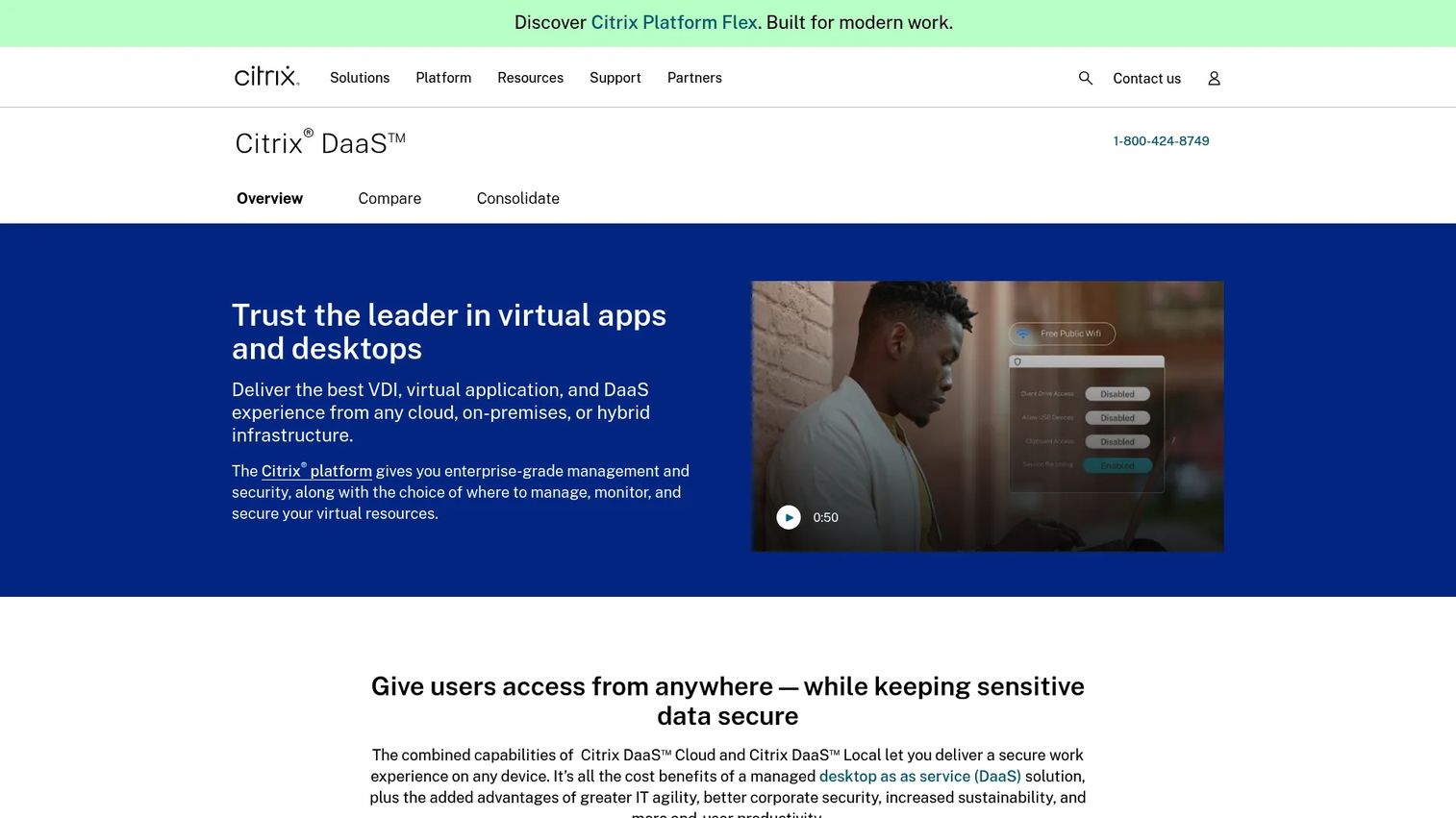
Citrix DaaS is an enterprise virtual application and desktop delivery platform with broad deployment flexibility across Azure, AWS, Google Cloud, and on-premises hypervisors. It suits organizations with complex application portfolios, hybrid infrastructure requirements, or established end-user computing (EUC) operations that need granular policy and session controls. HDX protocol optimization differentiates the user experience on high-latency or bandwidth-constrained networks.
Best for: Large organizations managing complex desktop, application, security, or hybrid infrastructure requirements.
Key features
- Virtual app and desktop delivery to any device
- Hybrid and multi-cloud support (Azure, AWS, Google Cloud, on-premises)
- HDX user-experience optimization
- Centralized monitoring, troubleshooting, and policy controls
- Autoscale and machine provisioning
Why choose Citrix DaaS: The relevant question is not whether Citrix has the features you need. It almost certainly does. The question is whether your organization needs the operational depth it provides, or whether a simpler platform covers the actual workload. A complex desktop estate benefits from a specialist partner or an established internal EUC team.
Citrix DaaS pricing: Citrix offers Advanced, Advanced Plus, Premium, and Premium Plus editions. Pricing requires a personalized estimate or direct sales engagement. Cost drivers include user count, deployment model, cloud infrastructure, support tier, and licensing structure. Contact Citrix or an authorized reseller for a current quote.
G2 rating: 4.1/5
5. Workspot
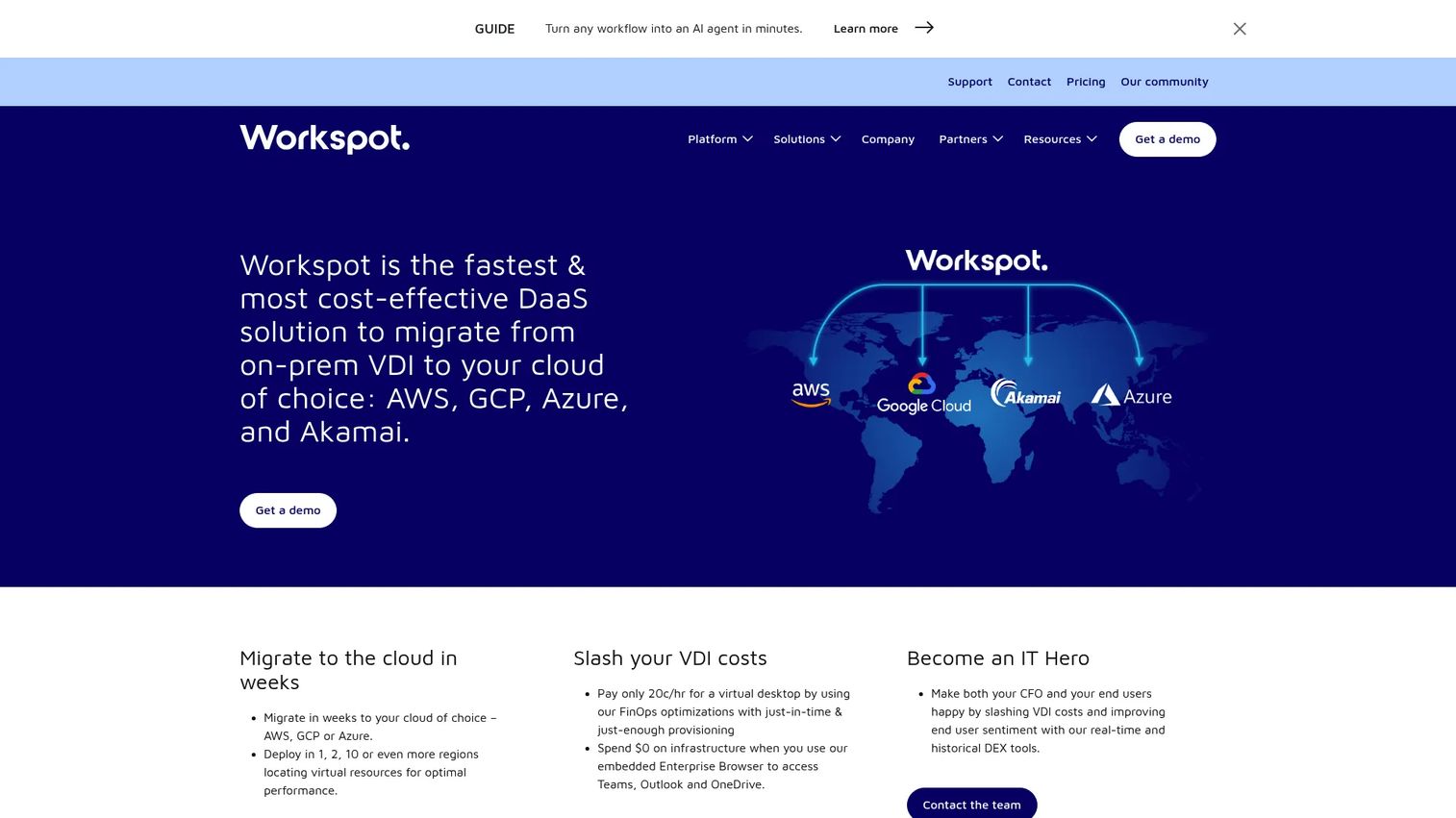
Workspot is a unified digital workplace platform for delivering and managing virtual desktops, virtual applications, and secure browser access across cloud and on-premises environments, with strong Azure alignment. Its Workspot Control console manages multi-cloud desktop operations from a single dashboard, while Workspot Watch and Trends provide real-time and historical end-user observability. The platform's Global Desktop feature provides seamless failover with up to 99.99% uptime across regions.
Best for: Enterprises standardizing global Cloud PC operations on Azure, including teams with GPU-enabled or high-performance workstation requirements.
Key features
- Unified multi-cloud management through Workspot Control
- Secure access with device posture checks, encryption, and event logging
- Real-time and historical observability through Workspot Watch and Trends
- Global Desktop failover with up to 99.99% uptime
- Support for Azure, Google Cloud, AWS, and on-premises data centers
Why choose Workspot: Workspot fits organizations that need cloud desktop operations across multiple regions without building every operational layer internally. It's particularly relevant for design, engineering, or call-center teams where GPU workloads and high availability requirements rule out simpler Cloud PC configurations.
Workspot pricing: Workspot sells through tailored enterprise packages. Cost drivers include desktop profile (standard vs GPU-enabled), region, storage, support level, and user volume. Submit a pricing request through Workspot's website for a current estimate.
G2 rating: 4.8/5 from 19 reviews
6. Parallels DaaS
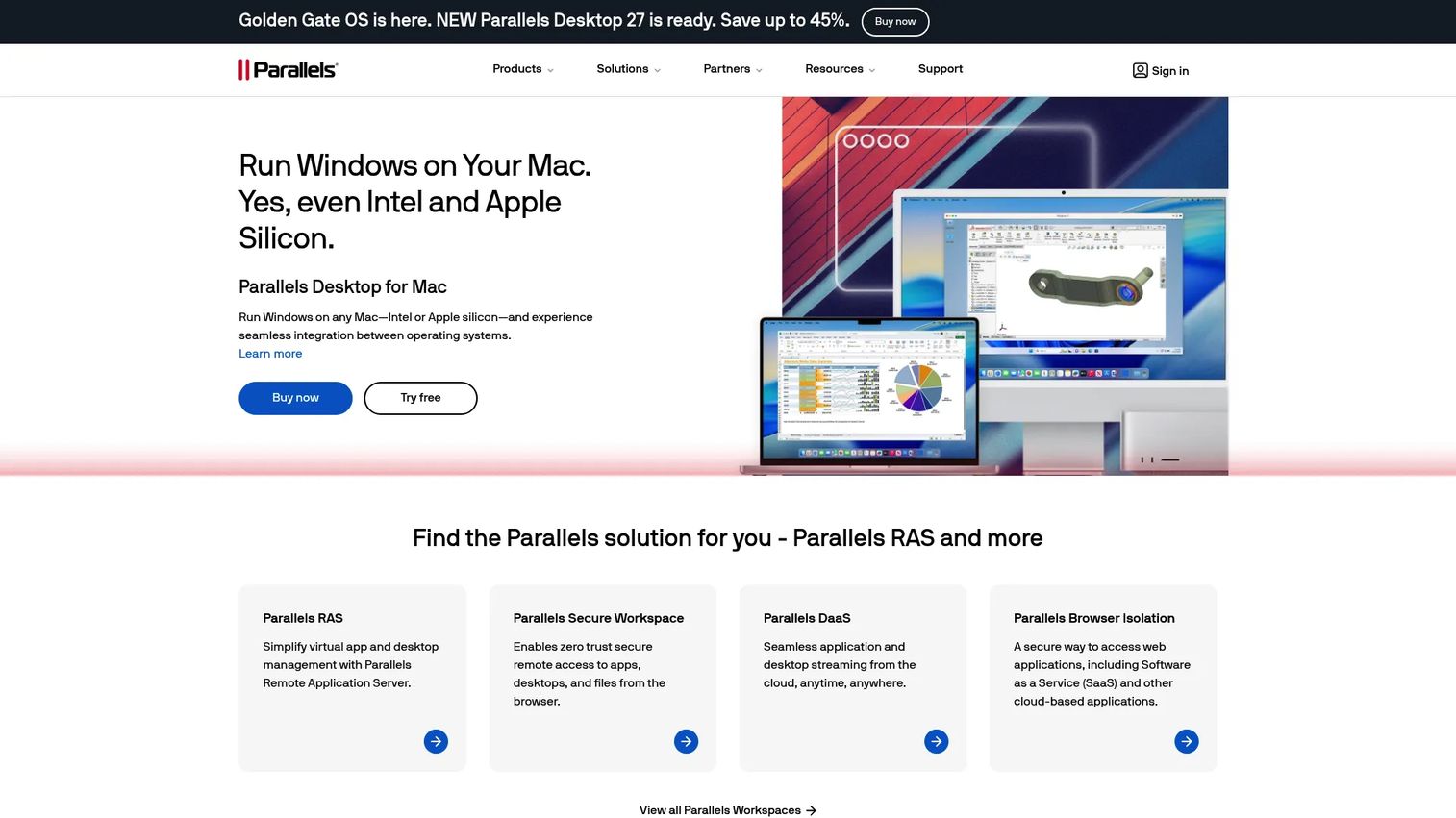
Parallels DaaS is a cloud-native virtual application and desktop delivery platform built on Microsoft Azure. Users access published applications and desktops through a browser on any device, without installing a thick client. The platform's bring-your-own-Azure-subscription model means compute and storage costs appear directly in the organization's Azure billing rather than in an opaque service fee, which suits IT teams that want cost visibility and operational control.
Best for: Teams that want virtual desktop and application publishing with MSP-friendly multi-tenant management or pooled desktop options.
Key features
- Browser-based access to virtual apps and desktops
- Bring-your-own Azure subscription model
- Web-based management portal with user, profile, and session management
- Dynamic VM autoscaling
- Microsoft Entra ID integration and MFA support
Why choose Parallels DaaS: Before shortlisting Parallels DaaS, clarify whether users need a full persistent desktop, published applications only, or a pooled non-persistent desktop. The platform's strength is application publishing and multi-tenant management. Organizations that need deep persistent-desktop customization per user may find other platforms a closer fit.
Parallels DaaS pricing: The documented MSRP is $9/user/month on an annual subscription, with a 15-user minimum. Azure infrastructure and applicable Microsoft licensing are separate costs managed in the customer's own Azure account. Verify current pricing and minimum commitments on the Parallels website.
7. Dizzion Cloud PC
Dizzion Cloud PC delivers persistent, dedicated virtual desktops through private or public cloud environments, with a managed service model that covers OS and application management, monitoring, and optional Overwatch analytics. Two documented tiers separate organizations that want to retain internal operational control (Cloud PC Core) from those that want fully managed operations including OS patching, application delivery, and remote monitoring (Cloud PC Complete). GPU-enabled configurations are available for workloads that require them.
Best for: Organizations that want managed cloud desktops with strong operational support and governance, without building the infrastructure layer themselves.
Key features
- Persistent Windows desktops with personal settings across sessions
- Browser-based access without complex endpoint setup
- Flat-rate per-VM monthly pricing model
- Optional fully managed OS, application management, and Overwatch analytics
- GPU-enabled workload configurations
Why choose Dizzion Cloud PC: Dizzion fits teams that need a managed operating model rather than a self-service infrastructure build. The distinction between Core (you manage operations) and Complete (Dizzion manages operations) lets buyers match the product to their internal IT capacity. Note that describing a provider as supporting governed workflows reflects their deployment capabilities, not a guarantee of any specific regulatory compliance outcome.
Dizzion Cloud PC pricing: Both tiers use flat-rate per-VM monthly pricing. No numeric price appears on the current Dizzion website. Cost drivers include desktop profile, cloud region, support tier, and user volume. Contact Dizzion for a current quote.
Considerations when choosing desktop as a service
Match the platform to your existing cloud estate
Azure-focused organizations should begin evaluation with Azure-native options before adding a separate control plane. AWS-first teams should model AWS-native delivery before introducing another system for identity, networking, and billing. Adding a third cloud management layer tends to increase operational fragmentation rather than reduce it.
Model user personas before comparing prices
Create at least four user segments before opening a pricing calculator: Full-time knowledge workers, contractors and seasonal staff, shared-shift or call-center users, and high-performance users with GPU requirements. A fixed Cloud PC at $28/user/month makes sense for the first group and is wasteful for the third. Non-persistent pooled desktops change the cost profile substantially for temporary or concurrent users.
Test network performance before a full rollout
Run a pilot from the actual locations, networks, and endpoints your users will use. Measure latency, packet loss, application responsiveness, collaboration tool performance, and graphics behavior. A successful headquarters test does not prove the experience works from a regional office on a corporate VPN, or from a contractor's home network.
Decide who owns the desktop operating model
Clarify before signing whether internal IT, an MSP, or the vendor handles image management, application updates, security policy, capacity planning, and incident response. Platform subscription cost is only part of the operating cost. Underestimating the staffing required to maintain the environment is the most common source of post-purchase regret in DaaS deployments.
Validate licensing and application compatibility early
Confirm Windows, Microsoft 365, third-party application, GPU driver, and regional licensing requirements before finalizing a platform design. Late-stage licensing discoveries are a primary cause of delayed rollouts and unexpected cost increases. Your licensing specialist or vendor account team should sign off on the design before you start building.
Conclusion
The DaaS market offers a mature set of options across every workload type and cloud ecosystem. The right shortlist depends on where your infrastructure already sits and who will operate the environment day to day.
Azure Virtual Desktop suits Azure-native teams that need architectural flexibility and multisession economics. Windows 365 works for standardized knowledge-worker deployments where fixed costs and Microsoft administration patterns fit the organization. Amazon WorkSpaces is the logical starting point for AWS-native desktop delivery, particularly for variable usage patterns. Citrix DaaS belongs in the evaluation when the desktop estate is complex, hybrid, or requires deep policy governance. Workspot is worth reviewing for global Cloud PC operations with high-availability and GPU requirements. Parallels DaaS earns consideration for application publishing and pooled desktops at a transparent per-user price. Dizzion Cloud PC suits teams that want a managed operating model without building the infrastructure layer themselves.
Start with a 30-day pilot that includes your highest-risk workload, your weakest network region, and at least one short-term worker persona. The provider that performs best in a feature comparison may not be the one that holds up under your real operating conditions.
For tooling that helps product and go-to-market teams show distributed users how to navigate new environments and workflows, explore what Guideflow builds for interactive product experiences alongside your DaaS rollout.
FAQs
Desktop as a service (DaaS) is a cloud delivery model where virtual Windows desktops and applications run in cloud infrastructure and users connect over the internet through a browser or client. The provider or the customer's IT team manages the control plane, depending on the platform and operating model chosen. DaaS removes the need to ship, image, and maintain physical endpoints for every user.
Traditional VDI typically runs on customer-owned or customer-managed infrastructure, with the organization responsible for hardware, capacity, and operations. DaaS uses cloud-hosted infrastructure and subscription or consumption-based pricing, shifting more operational responsibility to the provider or cloud platform. The practical difference for most teams is who handles infrastructure scaling and what the cost model looks like at variable user counts.
The answer depends on user hours, desktop performance requirements, storage, licensing, support, cloud egress costs, and how many users need persistent vs shared desktops. DaaS can reduce endpoint procurement and provisioning time materially for temporary workforces and distributed teams. For full-time employees on always-on persistent desktops, the total cost of a DaaS subscription plus licensing often runs comparable to or higher than a well-managed device fleet. Model both scenarios with your specific user counts and usage patterns before deciding.
Pooled, non-persistent, or hourly-priced desktop models typically fit temporary workforces better than assigned Cloud PCs. Amazon WorkSpaces AutoStop charges only during active sessions. Parallels DaaS and Citrix DaaS both support non-persistent pooled desktops. The access duration, application requirements, and security policies for those user groups determine which model and which platform fits.
Yes, but the provider and desktop configuration must match the CPU, memory, GPU, graphics protocol, storage throughput, and regional network conditions the workload requires. Azure Virtual Desktop, Workspot, and Dizzion Cloud PC all document GPU-enabled configurations. Validate workload performance during a pilot on the actual VM type, in the target region, before committing to a design.
Many DaaS platforms support Microsoft productivity workloads, but licensing rights depend on the deployment method, operating system configuration, and the specific Microsoft 365 plan the organization holds. The rules around Windows multisession licensing and Microsoft 365 in hosted environments change periodically. Verify the current Microsoft licensing terms with your vendor or a licensing specialist before finalizing the platform design.
Choose Windows 365 when assigned Cloud PCs with fixed configurations and straightforward Microsoft Intune administration fit your user profile. Evaluate Azure Virtual Desktop when the team needs more control over architecture, pooled or multisession desktop designs, or cost optimization through variable VM sizing and reserved instances. The two products are complementary: Some organizations run Windows 365 for standard knowledge workers and Azure Virtual Desktop for workloads that need custom host pool configurations.
Test identity and MFA provisioning, user onboarding speed, core application performance, latency from real user locations (not just headquarters), printing and peripheral behavior if relevant, collaboration tool audio and video quality, security policy enforcement, support escalation workflows, and cost tracking under realistic daily usage. Include at least one user from the weakest-connectivity location in your deployment. The pilot should simulate your operational steady state, not a controlled demo environment.
Compute VM size and usage hours, storage per user, operating system licensing, Microsoft 365 licensing for hosted environments, network egress, and management or support tier are the primary cost drivers. Persistent desktops that run 24 hours a day cost more than AutoStop or pooled configurations for infrequent users. Cloud region and reserved-instance discounts also affect the number materially. Build a cost model by user segment before selecting a provider.
DaaS environments are subject to the same cloud cost disciplines that apply to any cloud workload: Right-sizing VMs, using reserved or committed-use pricing for predictable workloads, enabling autoscale for pooled desktops, and auditing idle sessions. Organizations evaluating cloud compliance tools alongside their DaaS rollout should confirm that cost governance policies extend to desktop infrastructure, not only application workloads. Teams running call center software or call center infrastructure on cloud desktops should also model concurrent-session peaks against hourly vs monthly billing to avoid cost overruns during high-volume periods.