Last updated: October 2026
Your backup dashboard shows green. Every job completed last night. But here is the question no one has answered yet: When did someone last restore a production workload, validate the application, and document exactly how long it took?
A completed backup job is a storage event. A working recovery is a business outcome. These two things are not the same, and the gap between them is where companies get hurt. According to Unitrends' State of Backup and Recovery Report (2025), over 60% of organizations believe they can recover from downtime within hours. Only 35% actually can.
At Series B, that gap carries real weight. Enterprise customers ask about your recovery plan. Security questionnaires require documented retention and restore procedures. Your VP Engineering needs a tested system they can own, not a manual process that routes back to you.
Two terms anchor every backup decision. RPO (recovery point objective) is how much data you can afford to lose. RTO (recovery time objective) is how long the business can operate without a given workload. Which platform can restore the server that matters most, within the time you have promised?
This guide gives you a shortlist to answer that question.
What's inside
This guide is for SaaS founders and the technical leaders they delegate to: VP Engineering, IT leads, and MSP partners evaluating a server backup and disaster recovery stack. Sixteen tools are covered, selected against four criteria:
- Recovery quality: Does the platform prove restore success, not just backup completion?
- Security and ransomware resilience: Immutable copies, access controls, and threat detection
- Workload coverage: Windows, Linux, virtual machines, databases, and cloud server backup targets
- Operational fit: Pricing model, storage control, and the administrative load the team can carry
TL;DR
- Best for enterprise virtualization and recovery depth: Veeam Data Platform, with deep controls across virtual, physical, and cloud workloads
- Best for backup plus integrated cyber protection: Acronis Cyber Protect, combining data protection with anti-ransomware and endpoint controls
- Best for bring your own cloud storage: MSP360 Backup, starting at $109.99/year for Windows Server with full storage destination flexibility
- Best for RMM-led IT operations: NinjaOne Backup, keeping backup inside endpoint management workflows
- Best for managed backup through an MSP: N-able Cove Data Protection, cloud-first with multitenant management included
- Best open source option: UrBackup, free and self-hosted with file and image backup support
Founder rule: Choose the platform that can prove a successful application restore against your RPO and RTO targets, not the one with the longest feature list.
What is server backup software?
Server backup software creates recoverable copies of server data, operating systems, applications, and configurations so a business can restore workloads after deletion, hardware failure, ransomware, or an outage.
Types of backup to understand
| Backup type | What it captures | Best for |
|---|---|---|
| File-level backup | Selected files and folders | Lightweight workloads, document stores |
| Image-based backup | Full disk image and system configuration | Entire server recovery |
| System state backup | Directory and system configuration | Windows Server roles, Active Directory |
| Application-aware backup | Application-consistent data | SQL Server, Exchange, transactional databases |
| Bare metal recovery | OS, boot data, applications, and all data | Hardware loss or full system failure |
| Disaster recovery replication | Recoverable copy in a separate environment | Critical production workloads with tight RTO |
Key capabilities to look for
- Scheduled full and incremental backups with configurable retention policies
- Immutable recovery points that ransomware cannot overwrite
- Encryption in transit and at rest
- Support for local, NAS, cloud, and object storage destinations
- Centralized backup monitoring and alerting
- Recovery testing and restore verification workflows
- Deduplication and compression to control storage costs
- Coverage across Windows Server, Linux, VMs, and production databases
What this means for a SaaS founder
A mature backup program protects revenue continuity and customer trust. The tool choice matters. The recovery owner, the tested runbook, and the quarterly test cadence matter just as much. Set the objectives, delegate the architecture, and require restore evidence.
When to use server backup software
Protect production servers before an outage tests you
Cloud snapshots, database replication, and SaaS vendor retention settings may cover only part of your environment. Map every critical asset first: Production databases, application servers, identity systems, build infrastructure, configuration repositories. Then select a tool that matches that inventory, not the other way around.
Meet customer and security review requirements
Enterprise buyers ask for documented backup retention, restore testing records, encryption standards, and disaster recovery procedures. Having backup software running is not the same as having documentation your VP can hand to a security team. Build the evidence before the questionnaire arrives.
Reduce engineering dependency during incidents
When recovery depends on one infrastructure engineer remembering a manual process, you have a people risk, not a backup risk. Centralized policies, monitoring dashboards, and written runbooks are what make a backup program something the team can own without the founder in the loop.
Minimum viable recovery plan checklist:
- Named recovery owner per critical system
- Documented RPO and RTO per workload
- Immutable or isolated backup copy
- Tested restore procedure with elapsed time recorded
- Incident communications owner
- Quarterly recovery exercise on the calendar
Server backup software comparison
Pricing and G2 ratings below reflect verified values from each vendor's live pricing page and current G2 listing as of October 2026. Where no numeric price appears, the vendor requires a quote. See individual tool sections for detail.
| # | Product | Best for | Key differentiator | Pricing | G2 rating |
|---|---|---|---|---|---|
| 1 | Veeam Data Platform | Enterprise virtual and hybrid recovery | Recovery orchestration across VM, physical, and cloud | Custom pricing | Not listed on G2 |
| 2 | Acronis Cyber Protect | Backup plus cyber protection in one platform | Integrated anti-ransomware and endpoint controls | Custom pricing | 4.3/5 |
| 3 | MSP360 Backup | Bring your own cloud storage | Flexible storage destination with published per-server pricing | From $109.99/year (Windows Server) | 4.5/5 |
| 4 | N-able Cove Data Protection | MSP-managed backup | Cloud-first multitenant protection, storage included | Custom pricing | 4.5/5 |
| 5 | Datto BCDR | Managed disaster recovery | Appliance-based backup with instant virtualization | Custom pricing | Not listed on G2 |
| 6 | NinjaOne Backup | RMM-integrated IT teams | Backup inside endpoint management workflows | Custom pricing | 4.7/5 |
| 7 | IDrive Server Backup | Cost-conscious small teams | Cloud backup add-on at $5/server/month | From $5/server/month | 4.5/5 |
| 8 | NAKIVO Backup and Replication | VMware and Hyper-V environments | VM backup, replication, and failover in one platform | Custom pricing | 4.7/5 |
| 9 | BDRSuite Backup and Replication | Mixed virtual and physical environments | Modular workload pricing with a free edition | From $1.20/user/month | Not listed on G2 |
| 10 | Commvault Cloud | Complex hybrid and SaaS estates | AI-enabled policy-driven protection at enterprise scale | From $1.70/user/month (M365) | 4.4/5 |
| 11 | Rubrik Security Cloud | Ransomware-led recovery programs | Security-first immutable architecture with threat hunting | Custom pricing | 4.6/5 |
| 12 | Cohesity DataProtect | High-volume hybrid environments | Scale-out backup with unified data management | Custom pricing | 4.4/5 |
| 13 | Veritas NetBackup | Large regulated enterprise estates | Broad workload coverage with governance controls | Custom pricing | 4.0/5 |
| 14 | Barracuda Backup | Appliance-based backup buyers | All-in-one appliance with cloud replication and immutability | Custom pricing | 4.3/5 |
| 15 | Unitrends | Hybrid backup with recovery assurance | Automated recovery testing and SLA-based policy automation | Custom pricing | 4.2/5 |
| 16 | UrBackup | Self-hosted open source backup | Free core software with file and image backup under AGPLv3 | Free (open source) | 4.0/5 |
Best 16 server backup software tools for 2026
1. Veeam Data Platform
Veeam Data Platform is an enterprise data protection and cyber-resilience platform covering backup, recovery, security, and compliance across virtual, physical, cloud, and SaaS workloads. Three editions are available: Foundation for backup and recovery, Advanced adding observability and AI-powered threat detection, and Premium adding recovery orchestration and compliance reporting. For SaaS companies with VMware, Hyper-V, or a formal disaster recovery requirement, it is one of the more complete options on this list.
Best for: SaaS companies with virtual infrastructure and a technical owner who needs detailed recovery controls and recovery verification.
Key features
- Instant recovery and continuous data protection
- AI-powered malware and anomaly detection with YARA scanning
- Immutable backups and cleanroom recovery workflows
- Recovery orchestration and validation testing
- Portable, self-describing backups with universal licensing
Why choose Veeam: It fits teams where recovery confidence, virtual workload protection, and granular administration matter more than a lightweight setup. The tradeoff is that it needs an owner who can configure policies, test restores, and read the reporting.
Veeam Data Platform pricing: Veeam prices by edition through resellers and requires a direct quote. No numeric starting price is shown on the vendor site. Contact Veeam or a partner for workload-based pricing across Foundation, Advanced, and Premium tiers.
2. Acronis Cyber Protect
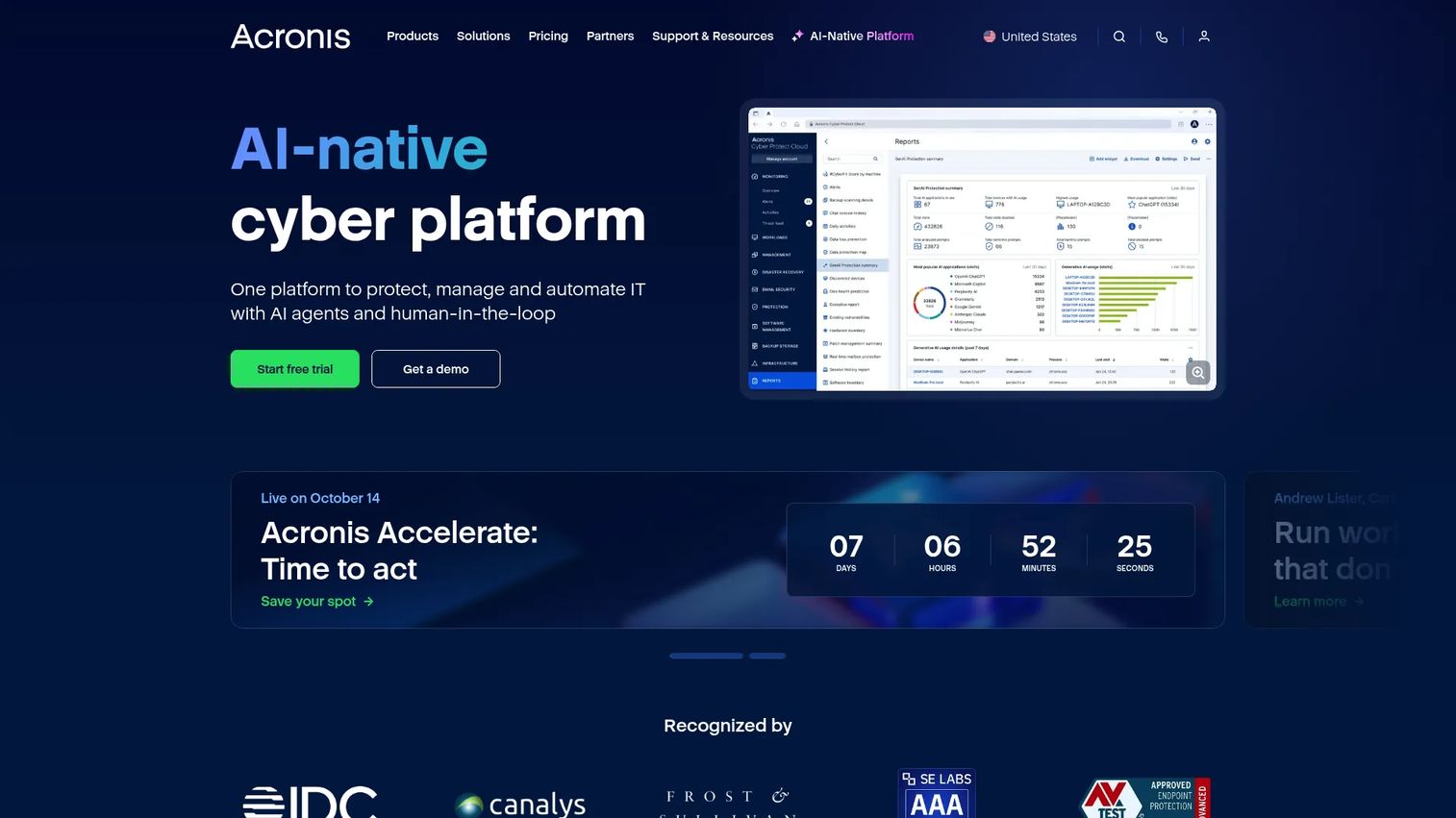
Acronis Cyber Protect integrates backup, cybersecurity, disaster recovery, and endpoint management in a single platform. It covers physical servers, virtual machines, cloud workloads, Microsoft 365, and mobile endpoints. For teams that want to consolidate backup administration with anti-malware, vulnerability assessment, and patch management, it reduces the number of vendors involved in a security incident response.
Best for: Teams that want backup and security operations managed in one product, particularly where endpoint and server protection need to stay coordinated.
Key features
- Image-based backup across physical, virtual, and cloud workloads
- AI-powered anti-ransomware and malware scanning during recovery
- Instant failover, failback, and automated disaster recovery
- Microsoft 365 protection and email archiving
- Patch management and remote desktop included
Why choose Acronis Cyber Protect: The integrated protection model is the core argument. When you want backup administration to sit close to endpoint and security controls, the consolidation pays off. Teams buying separate backup and security tools often pay more and coordinate less.
Acronis Cyber Protect pricing: Acronis prices by region, workload type, and deployment model and requires a quote. The brief referenced an indicative figure around $85 per protected workload annually for business editions, but the vendor's pricing page requires contact. Reach out to Acronis or an authorized partner for your specific configuration.
G2 rating: 4.3/5 (verified October 2026 from G2).
3. MSP360 Backup
MSP360 Backup is a cloud backup platform for Windows, Linux, macOS, virtual machines, Microsoft 365, and Google Workspace, sold as annual per-device subscriptions. The defining feature is storage flexibility: The team selects the storage destination, whether that is Amazon S3, Backblaze B2, Wasabi, Azure, or a local target. Cloud storage costs are separate from the software license. For teams that already run object storage and want to keep control of retention and egress, this model gives more predictability than bundled cloud storage plans.
Best for: Small to mid-size SaaS teams that already use object storage and want explicit control over storage location, cost, and retention policy.
Key features
- Bring your own cloud storage to any major object storage provider
- Windows and Linux server support with bare metal recovery
- SQL Server backup and system state protection
- Object-lock immutability and GFS retention policies
- Client-side encryption and compression
Why choose MSP360 Backup: Storage flexibility is the main reason to choose it. The tradeoff is that the team must make deliberate decisions about storage provider, retention duration, egress costs, and recovery architecture. That suits an infrastructure-literate team; it can create gaps for a team without dedicated IT ownership.
MSP360 Backup pricing: Windows Server license starts at $109.99/year. Linux Server is $59.99/year. A free edition and a VMware/Hyper-V/Proxmox plan at $379.99/year are also available. Cloud storage is purchased separately from the license. Verified from MSP360's pricing page, October 2026.
G2 rating: 4.5/5 (verified October 2026 from G2).
4. N-able Cove Data Protection
N-able Cove Data Protection is a cloud-first backup and disaster recovery platform designed for managed service providers and the organizations they support. Cloud storage is included in the subscription rather than billed separately. The multitenant management console lets an MSP or internal IT team monitor backup status across servers, workstations, and Microsoft 365 from one dashboard. A founder may encounter Cove through their outsourced IT partner rather than buying it directly.
Best for: Companies using a managed service provider for infrastructure operations, where the MSP needs a scalable multitenant backup platform.
Key features
- Encrypted, immutable, isolated cloud backups with storage included
- Backup for physical servers, virtual servers, workstations, and Microsoft 365
- File-level, bare metal, virtual, and cloud disaster recovery
- Automated recovery testing and centralized monitoring alerts
- Multitenant management console for MSP operations
Why choose N-able Cove: It suits teams that want an MSP to own daily backup operations without a separate storage billing line. Before signing a service agreement, require documented restore evidence, defined recovery ownership, and a test frequency commitment from the MSP.
N-able Cove Data Protection pricing: N-able describes flat per-server, per-workstation, and per-user pricing with cloud storage included, but the vendor pricing page requires a quote. Contact N-able or your MSP partner for current rates.
G2 rating: 4.5/5 (verified October 2026 from G2).
5. Datto BCDR
Datto BCDR provides managed service providers with business continuity and disaster recovery through backup appliances, local and cloud recovery, instant virtualization, and ransomware protection. Datto sells exclusively through MSPs rather than directly to end organizations. Backup verification runs as automated screenshots and application checks after each job. Immutable backups and built-in ransomware detection are part of the core offering.
Best for: Organizations that prefer a managed recovery package through an MSP, with local and cloud recovery paths and appliance-based deployment.
Key features
- Instant virtualization locally or in Datto Cloud
- Automated screenshot and application verification per backup job
- Immutable backups and built-in ransomware detection
- Flexible file, volume, full-system, and bare metal recovery
- Centralized multi-client management for MSPs
Why choose Datto BCDR: Operational predictability through a managed delivery model is the primary argument. Before committing, validate contract terms with your MSP, including recovery ownership, retention limits, and how often they run restore tests on your behalf.
Datto BCDR pricing: Pricing is not shown on the Datto site. Contact a Datto MSP partner for appliance, software, storage, and managed service pricing.
6. NinjaOne Backup
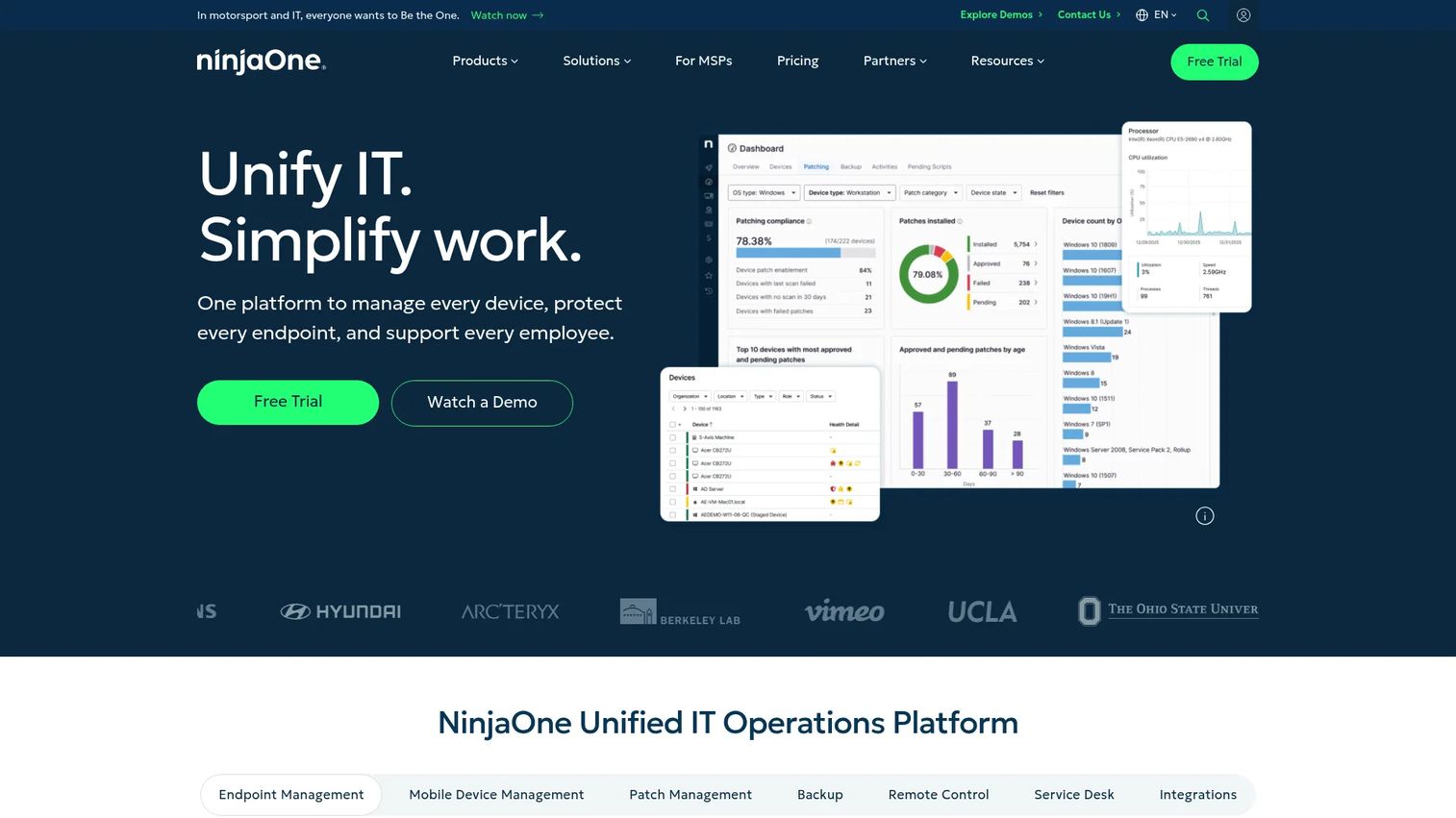
NinjaOne Backup sits inside the NinjaOne remote monitoring and management platform, so backup tasks live alongside patching, monitoring, and device administration in one console. IT teams that already use NinjaOne for endpoint management can add server backup without switching tools. The platform supports image-based and file/folder backups with incremental block-level transfers, deduplication, and centralized alerting. Cloud, local, and hybrid storage options are configurable per policy.
Best for: Lean IT teams and MSPs that want server backup managed within the same platform they use for endpoint visibility and routine administration.
Key features
- Image-based and file/folder backups with incremental block-level transfers
- Cloud, local, and hybrid storage destination options
- Deduplication and bare metal restore support
- Centralized backup monitoring, alerting, and policy management
- Granular file restores alongside full machine recovery
Why choose NinjaOne Backup: Console consolidation is the argument: One tool for patching, monitoring, and backup reduces context-switching for a lean IT team. Evaluate workload coverage depth, recovery verification, and storage pricing against your specific server inventory before committing.
NinjaOne Backup pricing: NinjaOne prices by deployed agent count and functionality. No numeric starting price appears on the vendor site. Request a quote directly from NinjaOne.
G2 rating: 4.7/5 (verified October 2026 from G2, rating applies to NinjaOne overall).
7. IDrive Server Backup
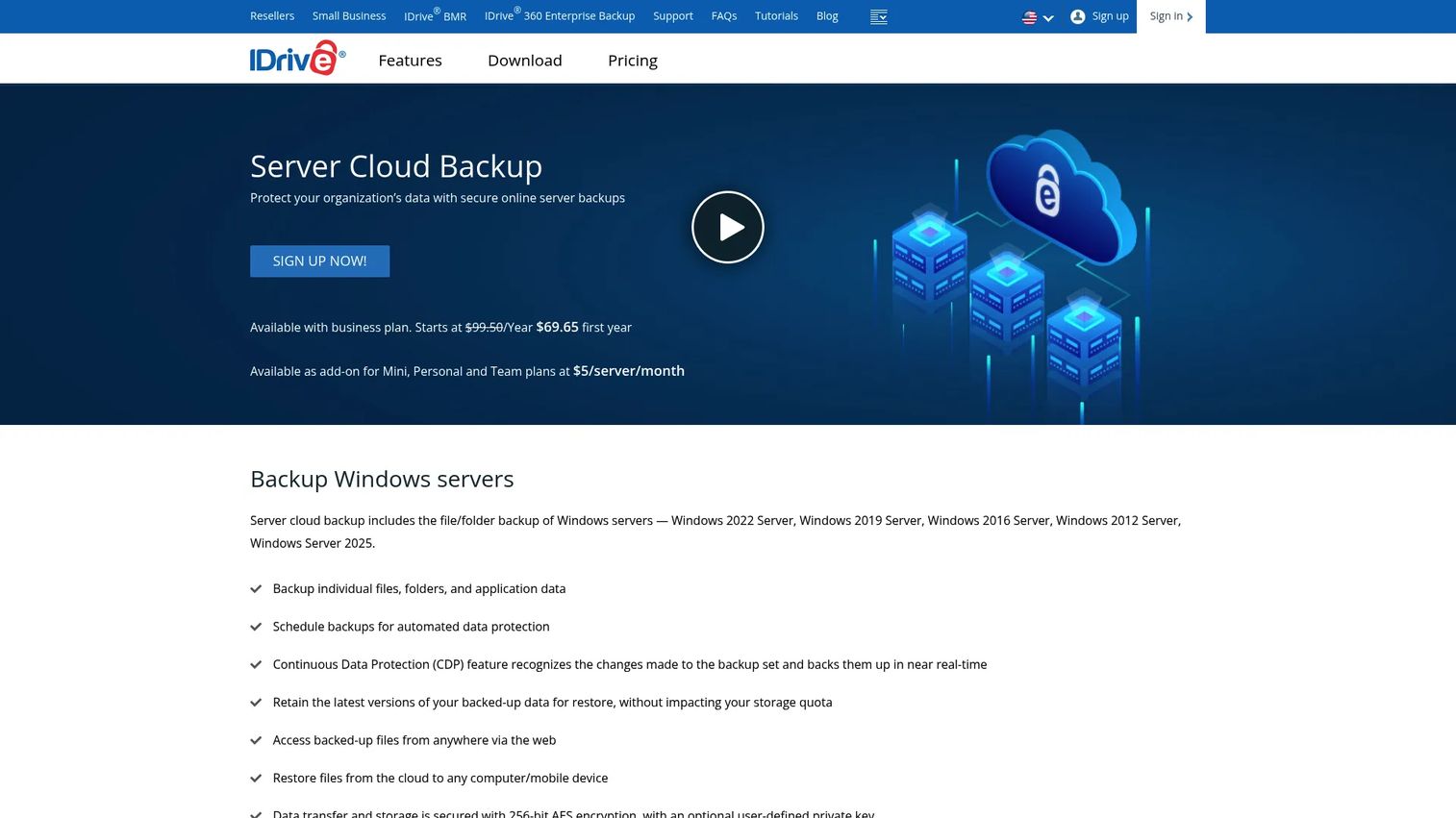
IDrive Server Backup is a cloud backup service for Windows servers covering files, folders, SQL Server, on-premise Exchange and SharePoint, Oracle Server, System State, Hyper-V, and VMware. Server Backup is available as an add-on to IDrive's Personal and Team plans. Continuous Data Protection runs for near-real-time backup of frequently changed data alongside scheduled jobs. 256-bit AES encryption with an optional user-defined private key protects data in transit and at rest.
Best for: Smaller SaaS teams that need straightforward cloud backup for a limited number of servers without enterprise administration overhead.
Key features
- Windows server backup covering files, SQL Server, Exchange, System State, Hyper-V, and VMware
- Scheduled and near-real-time Continuous Data Protection
- 256-bit AES encryption with optional private key
- Incremental backup scheduling and centralized account management
- Cloud storage included with the plan
Why choose IDrive Server Backup: The entry price is accessible and the deployment is straightforward. For secondary systems or a small infrastructure estate, it covers the core use case efficiently. Multi-region production systems with tight RTO targets may need deeper recovery orchestration than IDrive provides.
IDrive Server Backup pricing: Server Backup is listed as an add-on at $5 per server per month. Business plans also include server backup capabilities at their respective price points. Verify current plan inclusions on IDrive's pricing page.
G2 rating: 4.5/5 (verified October 2026 from G2, rating applies to IDrive overall).
8. NAKIVO Backup and Replication
NAKIVO Backup and Replication is a data protection platform for VMware vSphere, Hyper-V, Nutanix AHV, Proxmox VE, Amazon EC2, physical machines, NAS, and Microsoft 365. Replication and failover workflows sit alongside backup in the same product, so teams can run disaster recovery orchestration without a separate tool. Five editions are available, from Pro Essentials to Enterprise Plus, spanning perpetual and subscription licensing models. Immutable repository support and backup verification are included across the product line.
Best for: Virtualization-focused teams that need backup and replication in one operating model, particularly those running VMware or Hyper-V infrastructure.
Key features
- Backup and replication for VMware, Hyper-V, Nutanix AHV, Proxmox VE, and Amazon EC2
- Instant recovery and granular file recovery
- Disaster recovery orchestration with failover and failback
- Immutable repository support and backup verification
- NAS backup and Microsoft 365 protection
Why choose NAKIVO: It suits teams where the virtual machine is the primary recovery unit. Before committing, validate coverage for any physical servers, production databases, and cloud workloads in your actual inventory against the edition you are evaluating.
NAKIVO Backup and Replication pricing: NAKIVO offers perpetual and subscription licensing across five editions. The pricing page requires a quote. Contact NAKIVO directly for per-socket, per-workload, and subscription pricing specific to your environment.
G2 rating: 4.7/5 (verified October 2026 from G2).
9. BDRSuite Backup and Replication
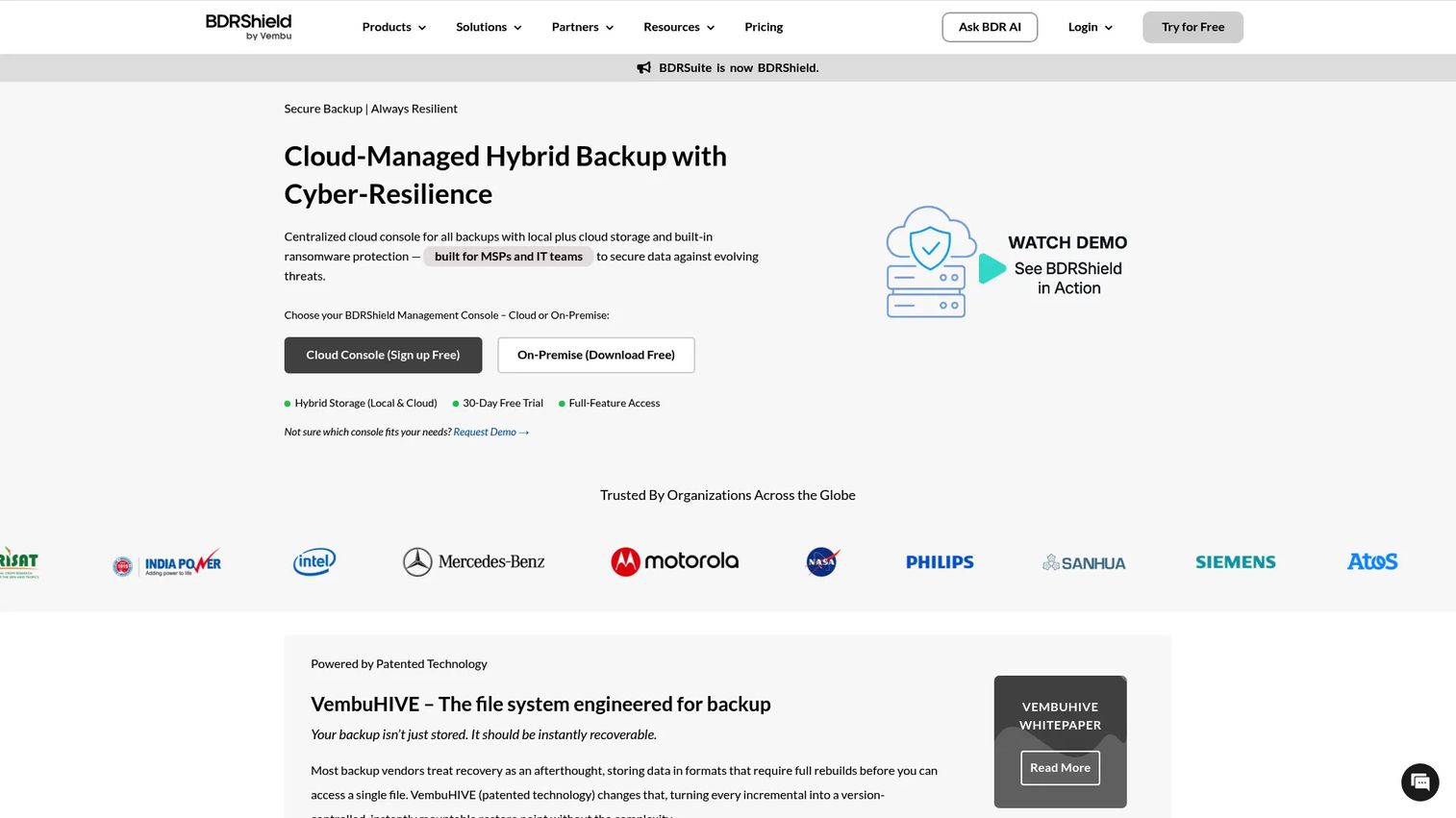
BDRSuite Backup and Replication is a multi-workload backup platform covering virtual machines, physical servers, cloud instances, SaaS applications, endpoints, and databases. Modular workload pricing means you pay by the resource type you are protecting rather than a flat platform fee. A free edition is available with defined workload limits. AES-256 encryption, deduplication, and compression are included across editions. Centralized management with monitoring, reporting, and alerts handles the operational layer.
Best for: Teams with mixed virtual and physical environments that want to consolidate backup administration without paying for workload types they do not use.
Key features
- Agentless VM backup and replication for VMware and Hyper-V
- Modular pricing across server, VM, cloud, SaaS, and endpoint workloads
- AES-256 encryption, compression, and deduplication
- Granular file and application recovery
- Offsite, cloud, and hybrid deployment options
Why choose BDRSuite: The modular pricing model can reduce cost for teams protecting a mix of workload types. Broad coverage reduces tool sprawl. The technical evaluator should confirm the exact edition required for each workload in your environment before signing.
BDRSuite Backup and Replication pricing: Server Backup starts at $6 per server per month. VM Backup starts at $1.80 per VM per month. SaaS Backup starts at $1.20 per user per month. A free edition is available. Prices verified from BDRSuite's pricing page, October 2026.
10. Commvault Cloud
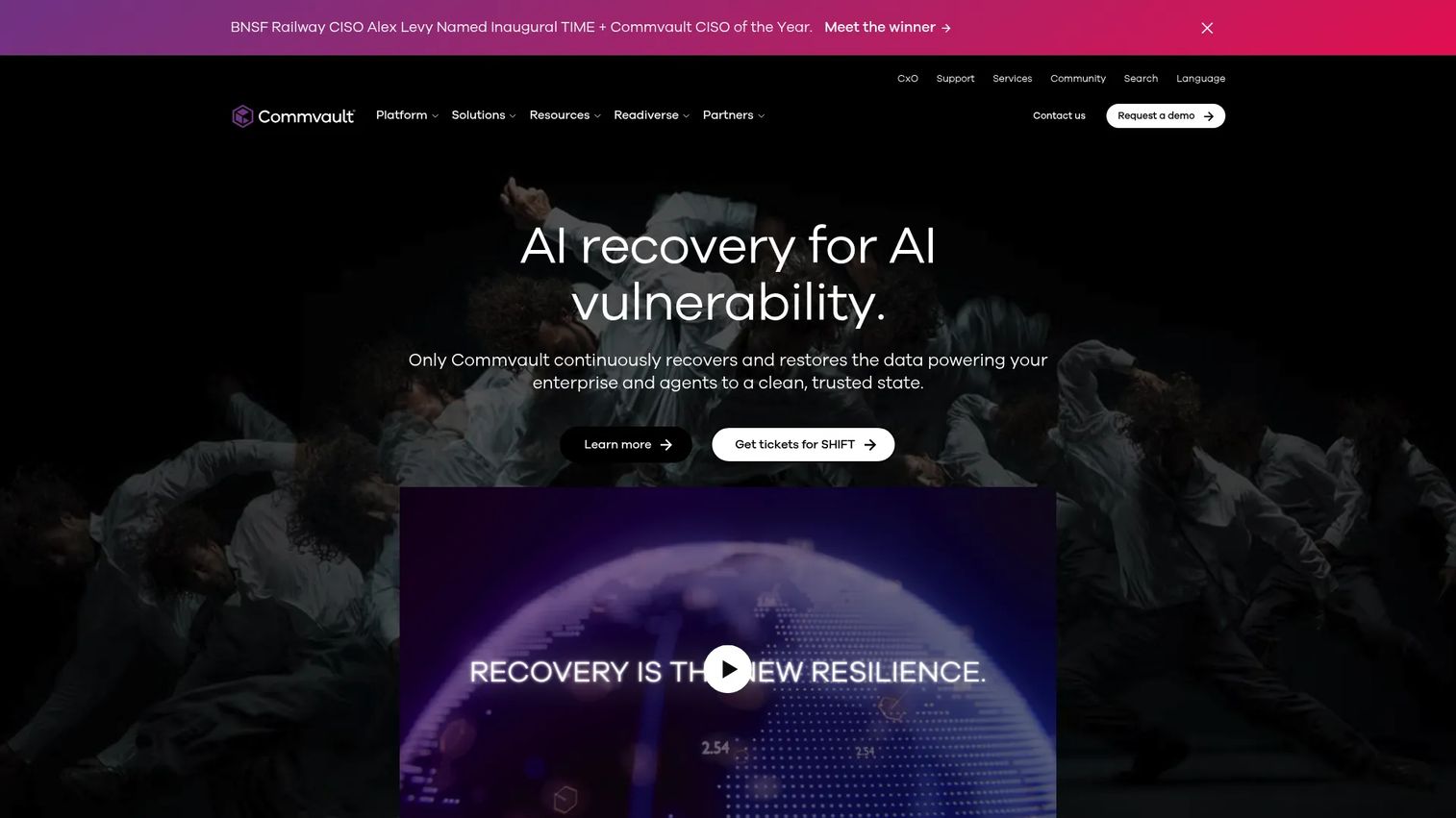
Commvault Cloud is a cloud-native platform for data security, backup, recovery, and cyber recovery across cloud, SaaS, on-premises, and edge environments. AI-enabled threat detection, anomaly detection, and rapid clean recovery are built into the platform. For Microsoft 365, public prices are shown starting at $1.70 per user per month. Broader hybrid and enterprise infrastructure protection is priced by quote. Commvault suits organizations where infrastructure scale and governance requirements have outgrown lighter backup tools.
Best for: SaaS companies with complex hybrid infrastructure, regulated customer commitments, or a dedicated platform team managing large data estates.
Key features
- Unified protection across multi-cloud, SaaS, on-premises, and edge workloads
- AI-enabled threat detection, anomaly detection, and cyber-risk analysis
- Rapid clean recovery, application recovery, and cyber recovery automation
- Policy-based data protection with compliance reporting
- Centralized management across diverse workload types
Why choose Commvault: Consider it when scale and governance requirements have grown beyond what lightweight tools can handle. Implementation and ongoing administration generally require an experienced owner, so staff capacity is part of the total cost equation.
Commvault Cloud pricing: Microsoft 365 Backup starts at $1.70 per user per month. Physical System or Cloud protection starts at $58.50 per TB per month. File and Object Archive is $900 per 100 TB per month. Enterprise workload pricing requires a quote. Verified from Commvault's SaaS pricing page, October 2026.
G2 rating: 4.4/5 (verified October 2026 from G2).
11. Rubrik Security Cloud
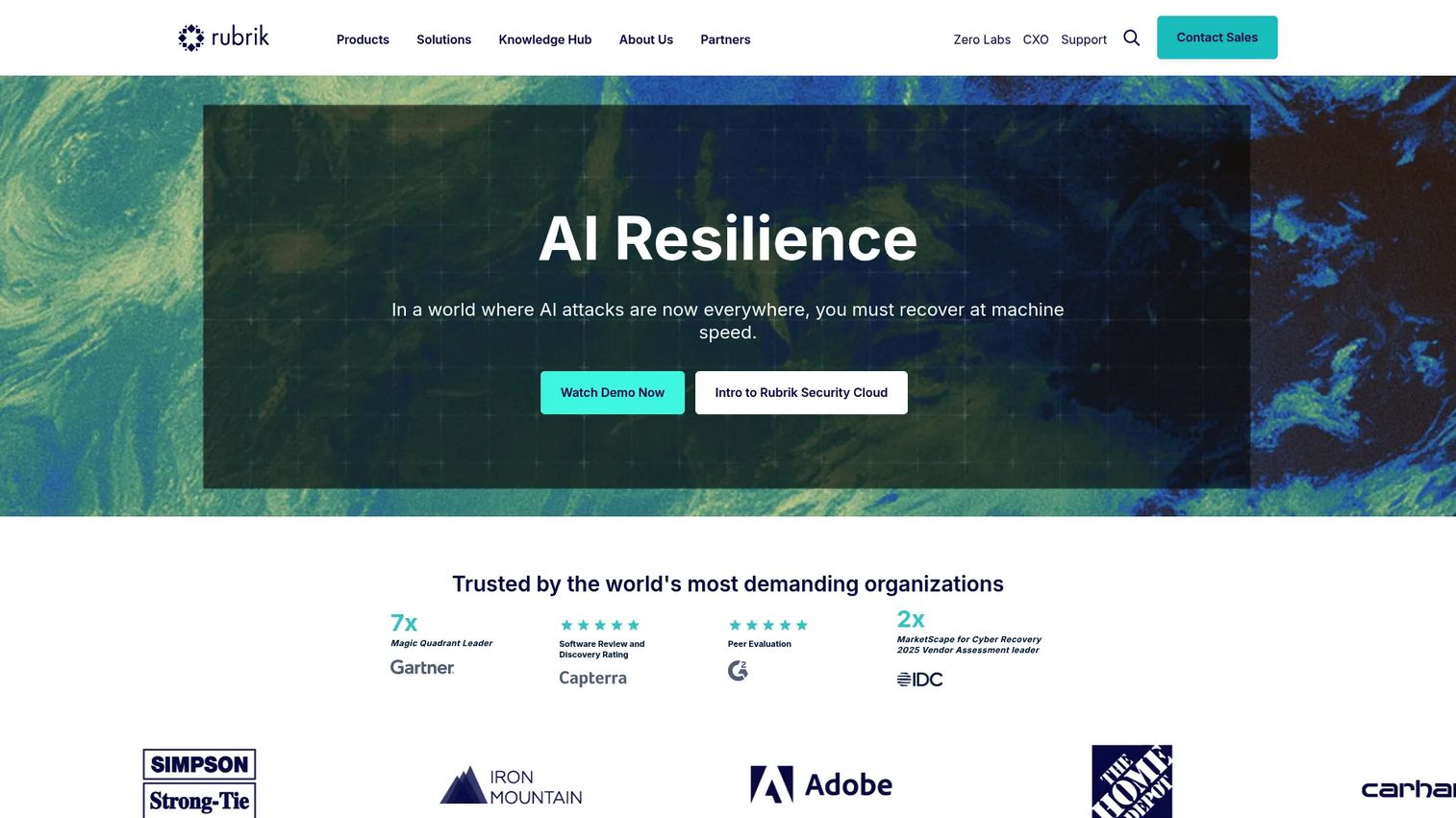
Rubrik Security Cloud is a cloud-based data security platform built around the idea that backup data itself is a security asset. It covers enterprise workloads, cloud, SaaS, and unstructured data with immutable architecture, anomaly detection, threat hunting, and sensitive data monitoring. Three editions exist: Foundation, Business, and Enterprise. For a founder whose enterprise customers are asking about ransomware recovery posture, Rubrik positions backup as an answer to those security questionnaires rather than a separate IT function.
Best for: Security-conscious teams where ransomware recovery, data security posture, and enterprise buyer trust drive the platform decision.
Key features
- Immutable backup architecture with no path to delete from inside the system
- Anomaly detection, threat monitoring, and threat hunting
- Sensitive data monitoring and security posture management
- Mass recovery and cyber recovery simulation
- Data Security Command Center for visibility across the estate
Why choose Rubrik: It fits companies where recovery is a security program concern, not an IT maintenance task. Balance that against procurement complexity and total cost, which are higher than most tools on this list. Capterra reviewers confirm strong enterprise adoption.
Rubrik Security Cloud pricing: Rubrik prices through Foundation, Business, and Enterprise editions and directs buyers to contact sales. No numeric price is shown on the vendor site. Contact Rubrik for a quote based on workload count and edition.
G2 rating: 4.6/5 (verified October 2026 from G2).
12. Cohesity DataProtect
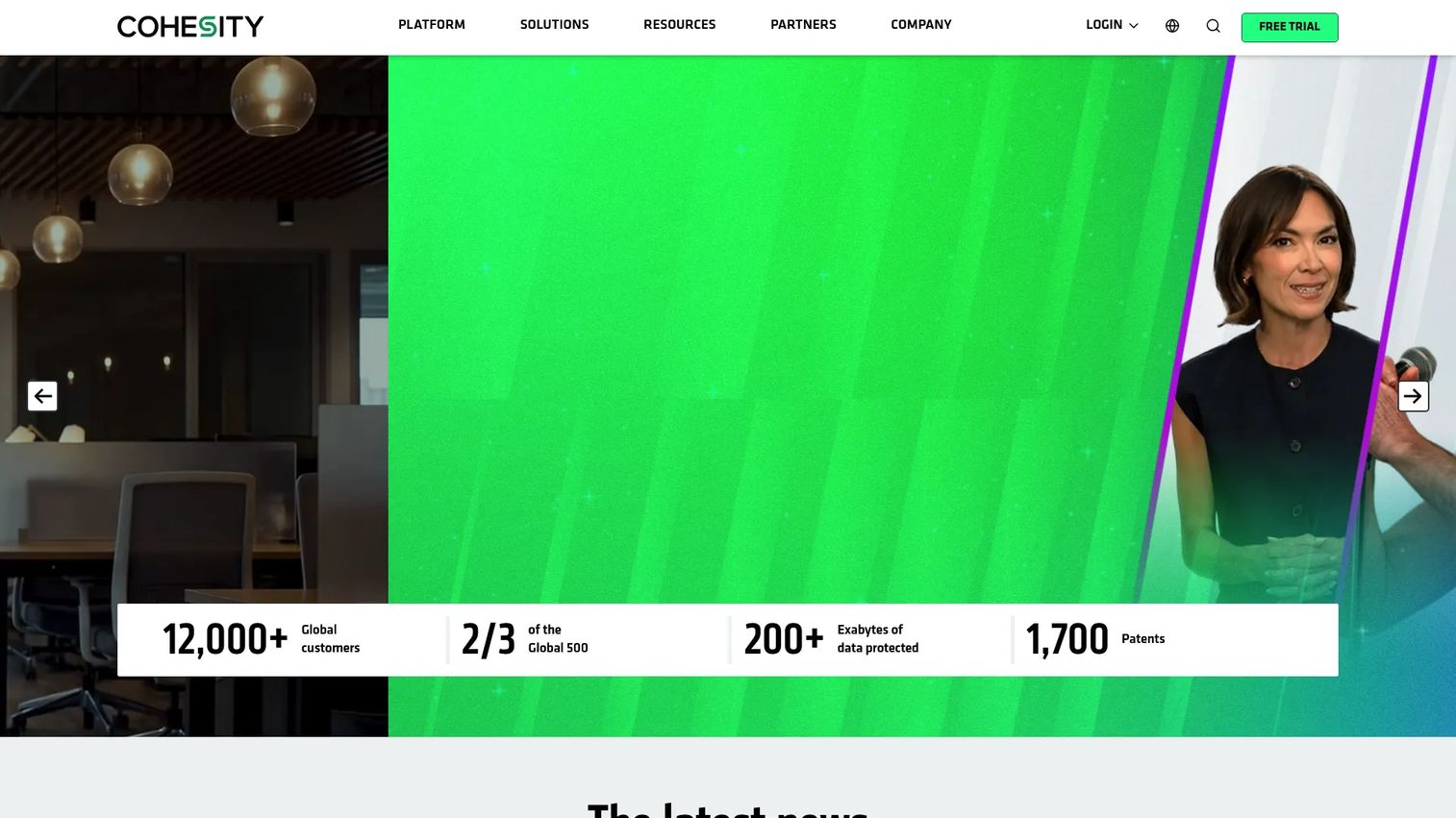
Cohesity DataProtect is an enterprise data protection platform with a scale-out backup architecture designed for large, diverse infrastructure estates. Unified management covers on-premises, cloud, and SaaS workloads from one console. Immutable snapshots, Zero Trust security with role-based access controls, MFA, and SSO form the security layer. Instant mass restore and global search reduce recovery time for large datasets. It is positioned for environments where storage consolidation and operational scale matter as much as feature breadth.
Best for: Larger SaaS infrastructure teams managing high data volumes across hybrid environments that want to consolidate backup storage and operations.
Key features
- Scale-out backup architecture with unified management
- Immutable snapshots and Zero Trust security with RBAC, MFA, and SSO
- Instant mass restore and global search across the data estate
- Hybrid workload protection across on-premises, cloud, and SaaS
- Recovery orchestration and centralized data management
Why choose Cohesity: It fits high-volume environments where storage consolidation and operational scale matter. Evaluate deployment model, storage architecture requirements, and staffing capacity before committing. It is more than a lean SaaS company at the lower end of Series B needs.
Cohesity DataProtect pricing: Cohesity provides custom quotes and does not show pricing on its site. Contact Cohesity for a configuration-specific quote.
G2 rating: 4.4/5 (verified October 2026 from G2).
13. Veritas NetBackup
Veritas NetBackup is a long-established enterprise backup platform with broad workload coverage including hybrid-cloud, on-premises, virtual machines, databases, Kubernetes, and SaaS environments. It adds cyber-resilience controls including immutable storage, adaptive MFA, anomaly detection, malware scanning, and clean recovery. For large regulated enterprises with diverse backup estates and established backup teams, it remains a credible choice. For a 30 to 150 person SaaS company, it can carry more operational complexity than the team needs.
Best for: Enterprises with broad workload diversity, established backup administration teams, and formal data retention or governance requirements.
Key features
- Hybrid-cloud backup and recovery across AWS, Azure, Google Cloud, and on-premises
- Cyber-resilient protection with immutable storage and anomaly detection
- Kubernetes backup and cross-platform recovery
- Deduplication and automated image replication
- Policy-driven backup administration with large-scale retention management
Why choose Veritas NetBackup: Worth evaluating when workload diversity and governance requirements exceed what lighter tools can handle. Be clear that it carries administration overhead that may exceed what a small SaaS team can absorb without a dedicated backup engineer.
Veritas NetBackup pricing: Veritas prices NetBackup by quote. No numeric pricing was verified from the vendor's site. Contact Veritas for licensing options based on your workload inventory.
G2 rating: 4.0/5 (verified October 2026 from G2).
14. Barracuda Backup
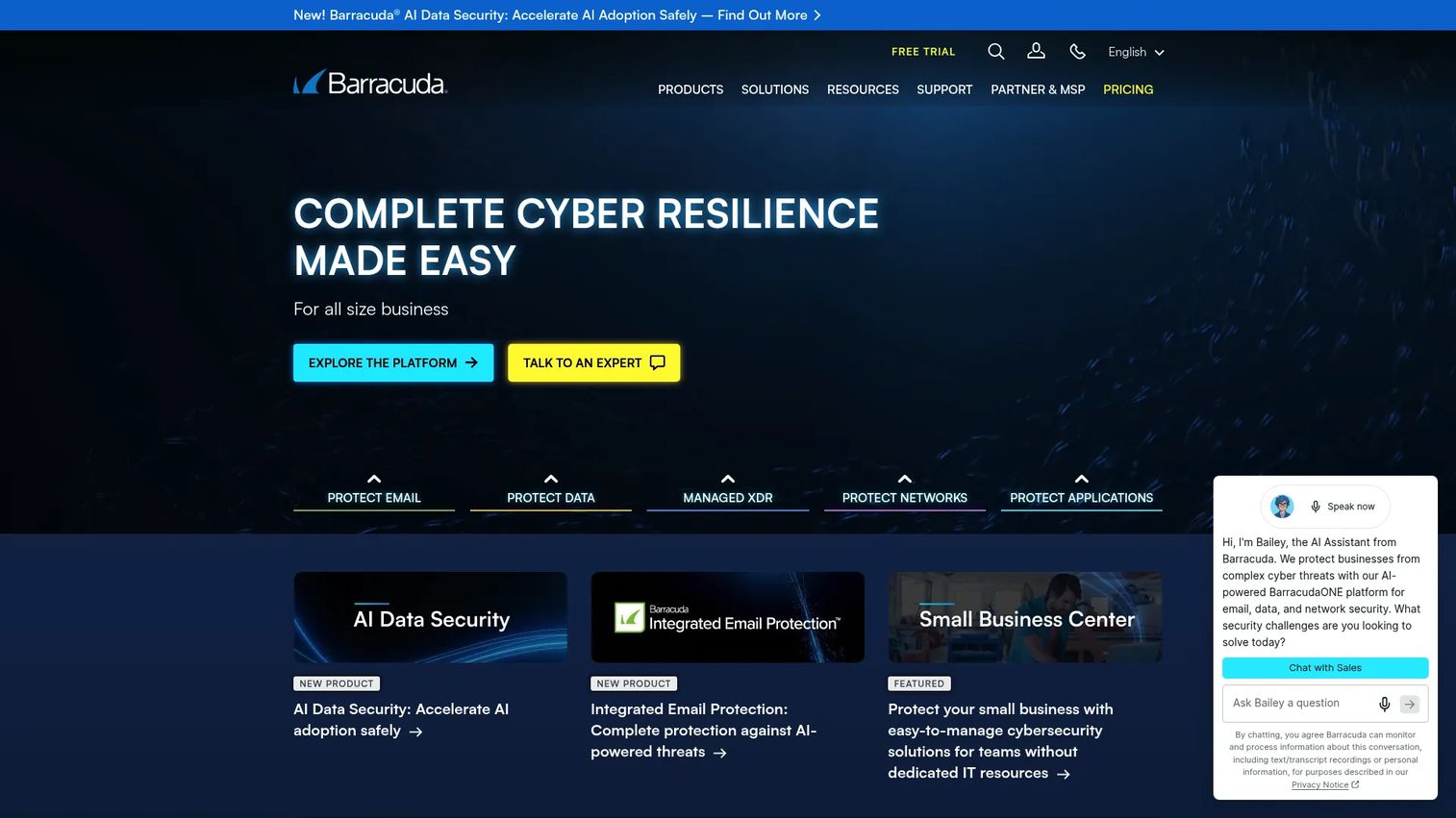
Barracuda Backup is an all-in-one backup and recovery solution deployable as a physical or virtual appliance, covering Windows, Linux, macOS, SQL Server, Exchange, NAS, VMware vSphere, and Hyper-V. Off-site replication runs to Barracuda Cloud Storage or a second appliance. Immutable backups, multifactor authentication, end-to-end encryption, and role-based access controls are included. Centralized management runs through Barracuda Cloud Control. Capacity-based, all-inclusive subscription licensing covers the appliance, software, and cloud replication together.
Best for: Teams that prefer an appliance-based backup package with a defined vendor-managed stack rather than assembling software and storage separately.
Key features
- Immutable backups, MFA, end-to-end encryption, and role-based access
- Backup and recovery for VMware, Hyper-V, Windows, Linux, SQL, Exchange, and NAS
- Off-site replication to Barracuda Cloud or a second appliance
- Centralized cloud-based management through Barracuda Cloud Control
- Granular file, database, and system recovery
Why choose Barracuda: The integrated appliance model suits teams that want an opinionated, complete package. Before buying, confirm capacity planning requirements, hardware lifecycle terms, and how restore tests fit into the vendor's support model.
Barracuda Backup pricing: Barracuda uses capacity-based all-inclusive subscription licensing but requires a custom quote. No numeric price appears on the vendor site. Contact Barracuda for appliance configuration and subscription pricing.
G2 rating: 4.3/5 (verified October 2026 from G2).
15. Unitrends
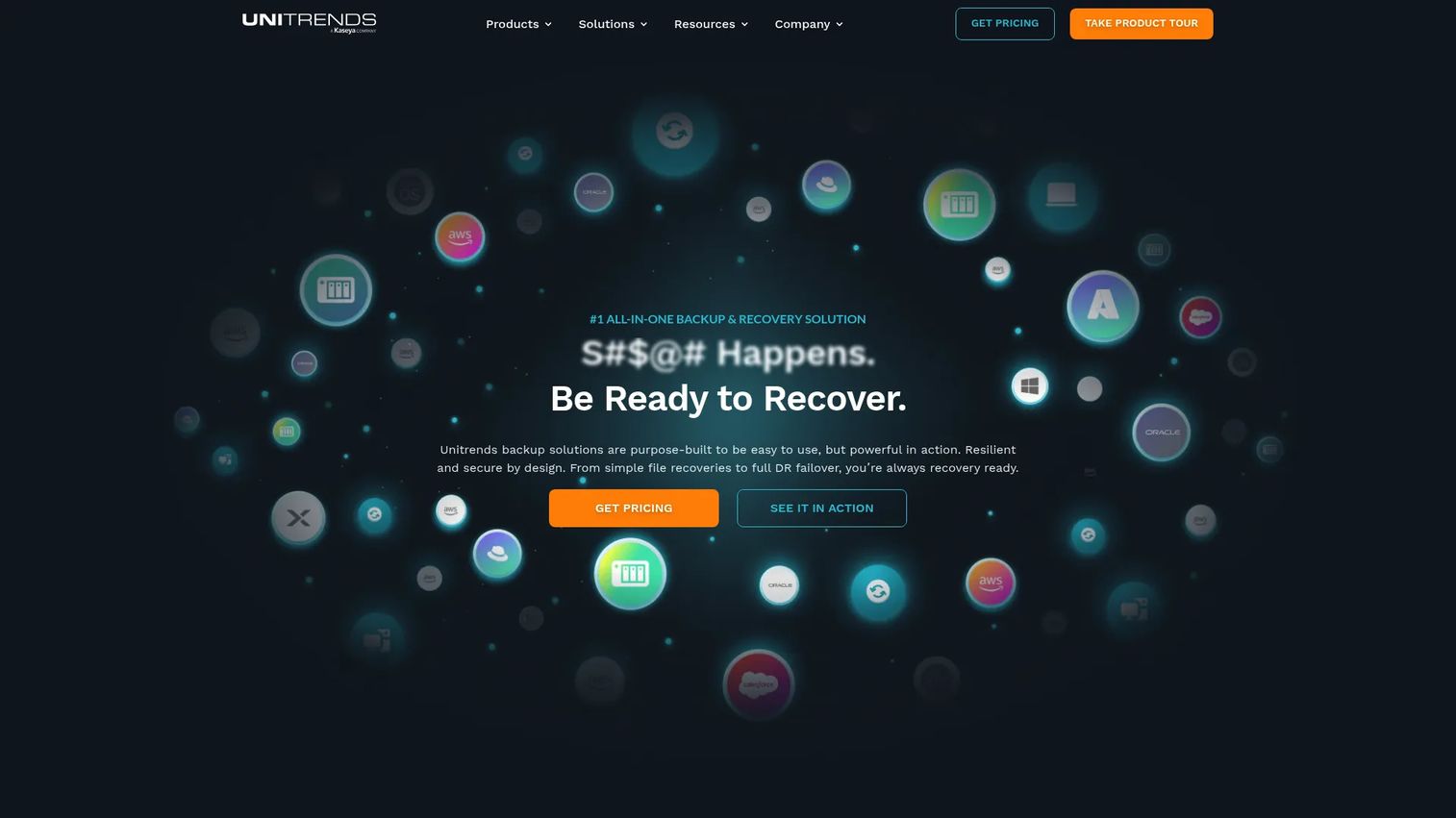
Unitrends provides unified backup, recovery, ransomware protection, and disaster recovery for physical, virtual, cloud, SaaS, and endpoint workloads. Recovery Assurance automates recovery testing, which is the feature that differentiates it most clearly for founders who need documented restore evidence. SLA-based backup policy automation and adaptive deduplication handle the operational layer. Backup, replication, and instant recovery sit alongside ransomware detection and immutable cloud storage in one management interface through UniView.
Best for: Organizations that need structured disaster recovery workflows, automated recovery testing, and documented restore evidence across hybrid environments.
Key features
- Automated recovery testing through Recovery Assurance
- Immutable cloud storage and automated ransomware detection
- Unified management through UniView for backup and DR
- SLA-based backup policy automation
- Adaptive deduplication, compression, and instant recovery
Why choose Unitrends: Recovery Assurance is the specific capability to evaluate. If documenting restore success for boards, auditors, or enterprise customers is a priority, it directly addresses that need. Validate current workload support and contract packaging against your infrastructure before committing.
Unitrends pricing: Unitrends prices by quote. No numeric price is shown on the vendor site. Contact Unitrends for current plan and deployment pricing.
G2 rating: 4.2/5 (verified October 2026 from G2).
16. UrBackup
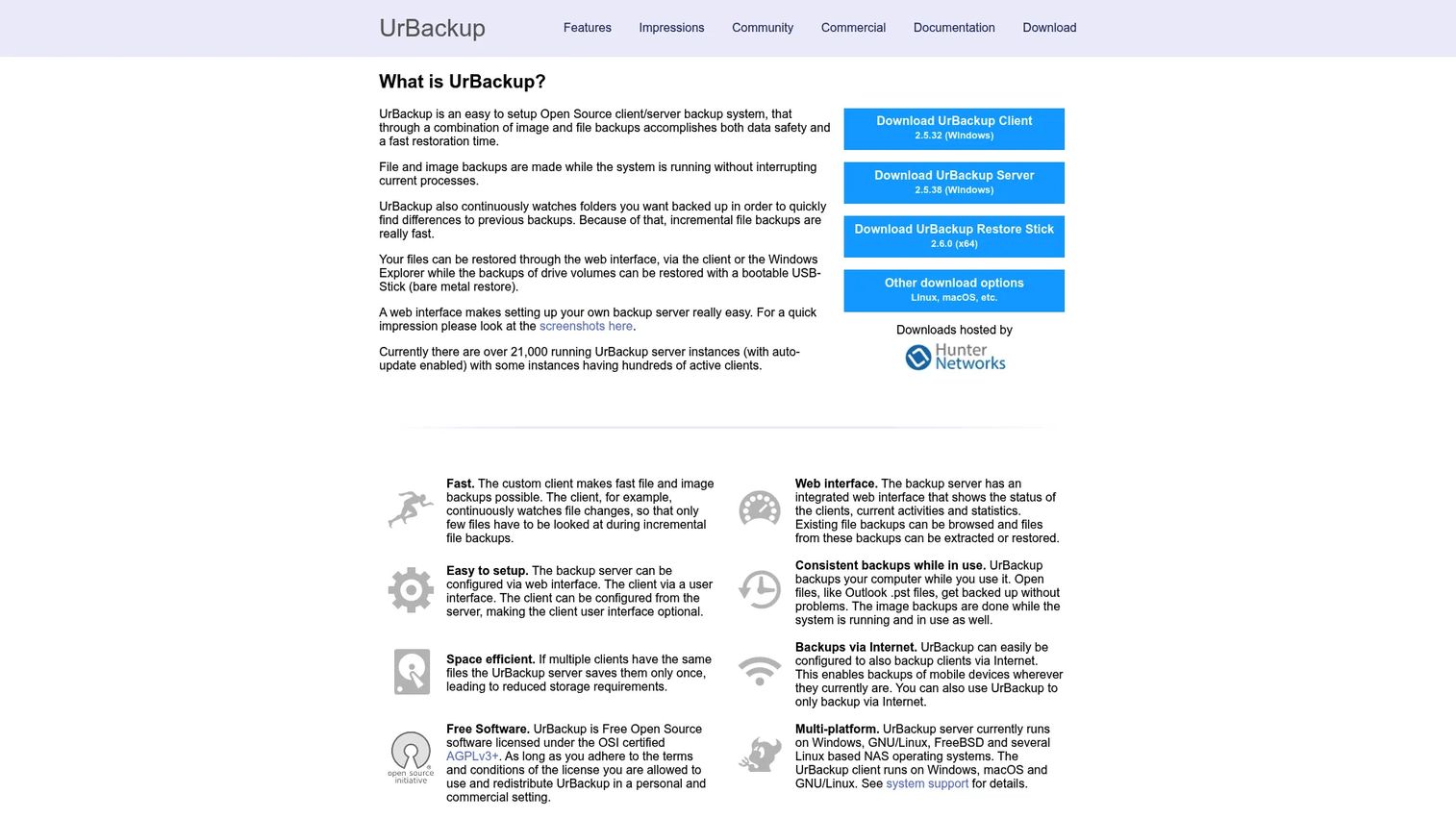
UrBackup is open-source client/server backup software for file and image backups across Windows, Linux, macOS, and FreeBSD. Full and incremental file backups run while systems are running. Image backups support bare metal recovery via bootable USB. File-level deduplication, web-based administration, and internet-based backup are included in the core software. A commercial add-on provides change block tracking for Windows clients at 15.50 EUR per client (one-time purchase). An Appliance edition is free for up to 10 clients and 20 TB storage.
Best for: Technically capable teams that want open source control over their backup infrastructure and can own deployment, security configuration, and restore drills internally.
Key features
- Full and incremental file and image backups
- Web interface for status, browsing, extraction, and restoration
- File-level deduplication and internet-based backup support
- Bare metal recovery via bootable USB image
- Backups run while systems are live
Why choose UrBackup: The software license cost can be attractive for a lean infrastructure team with strong internal ownership. Treat internal administration time, documentation effort, and quarterly restore drills as part of the total cost calculation. It is not a managed solution, and there is no vendor to call during an incident.
UrBackup pricing: The core software is free under the AGPLv3+ open source license. Commercial Windows change block tracking costs 15.50 EUR per client (one-time). The Appliance free edition supports up to 10 clients and 20 TB storage. Verified from UrBackup's commercial page, October 2026.
G2 rating: 4.0/5 (verified October 2026 from G2).
Considerations when choosing server backup software
Define recovery objectives before comparing features
Set RPO and RTO per workload before opening a vendor comparison. A production database, a build system, and an analytics server rarely need the same recovery objective. The platform you choose for the database may be different from what protects secondary servers.
Verify restore quality, not backup completion
Ask every vendor to demonstrate a complete restore in your environment or a representative test environment. For critical applications, validate boot, access, data integrity, service dependencies, and elapsed time to usable service. A completed backup job does not prove you can recover.
Model storage and recovery costs fully
Compare included storage, object storage provider fees, retention duration, egress charges, immutable copy costs, and long-term archive pricing. The entry-level license cost often understates total cost significantly when storage and egress are added. Recovering a multi-terabyte database during an incident will test assumptions you made at purchase time.
Match the operating model to your team
A lean SaaS company may need managed backup through an MSP or a platform that keeps operations close to existing RMM tools. A larger infrastructure team can carry deeper policy controls and recovery orchestration. Unitrends' State of Backup and Recovery Report (2025) found that 51% of organizations spend more than 10 hours per week managing backups. That number should factor into your staffing model.
Separate backup controls from broader security claims
Encryption, immutability, access controls, and malware scanning improve resilience against ransomware and deletion. They do not replace identity security, incident response planning, patching discipline, or application-level safeguards. Evaluate backup controls as one layer in a broader security posture, not as a complete answer to ransomware exposure.
Conclusion
No single server backup platform wins across every environment and team size. The decision comes down to your recovery objectives, infrastructure mix, and the operational capacity of your team.
For detailed virtual and hybrid recovery, Veeam Data Platform remains the reference choice for teams with a technical owner to configure and test it. Acronis Cyber Protect suits teams consolidating backup with endpoint and security operations. MSP360 Backup fits teams that already control their own object storage and want per-server pricing transparency. N-able Cove and Datto BCDR are the right conversation to have with your MSP if you outsource infrastructure operations. NinjaOne Backup earns its place when your team already lives in that management console. IDrive Server Backup gives cost-conscious smaller teams a straightforward cloud backup path. NAKIVO covers VMware and Hyper-V environments with replication included. BDRSuite's modular pricing works for mixed environments. Commvault, Rubrik, Cohesity, and Veritas are enterprise-grade platforms for larger, more complex estates. Barracuda and Unitrends serve teams that want appliance-based or recovery-assurance-led approaches. UrBackup is the right answer when internal ownership, open source control, and near-zero license cost are the driving factors.
Your action checklist:
- Inventory every critical workload and assign an RPO and RTO to each
- Shortlist two or three platforms from this guide that match your operating model
- Request a restore proof of concept before signing
- Document a quarterly recovery test cadence before the tool goes live
- Assign a named recovery owner per critical system
For further reading on related application security testing software, cloud backup software, business continuity software, and application performance monitoring tools, the Guideflow blog has additional guides across these infrastructure and security categories.
FAQs
The right answer depends on workload count, infrastructure type, required RTO, and internal support capacity. IDrive Server Backup suits teams that need straightforward cloud backup for a small number of servers at a predictable price. MSP360 Backup fits teams already using object storage who want per-server pricing and storage control. For fully managed backup through an IT partner, N-able Cove or Datto BCDR are worth evaluating. A low entry price does not guarantee low recovery cost, so model storage and egress separately.
Backup software creates recoverable copies of data. Disaster recovery software adds the broader capability to restore service after a major failure, including replication to a secondary environment, failover orchestration, runbook execution, and documented recovery within an RTO target. Some platforms, including Datto BCDR and Unitrends, cover both. Others, like MSP360, handle backup well but require a separate disaster recovery plan for failover scenarios.
Backup frequency should follow your RPO for that specific workload. A production database that can tolerate losing one hour of data needs hourly incremental backups. A build server that can tolerate losing a day of data can run nightly jobs. Set frequency by workload criticality rather than applying a single schedule across all servers.
Cloud backup is a valid part of a sound approach, but recovery speed depends on restore dataset size, available bandwidth, egress charges, application dependencies, and recovery infrastructure at the destination. For large production workloads with tight RTO targets, a hybrid approach combining local backup with cloud replication gives faster recovery options than cloud-only backup during a time-sensitive incident.
Bare metal recovery restores an entire server, including the operating system, boot configuration, installed applications, and all data, onto replacement hardware or a compatible virtual target. It is the right recovery method after hardware failure, complete server loss, or a ransomware attack that has encrypted the operating system. Most enterprise backup tools support bare metal recovery; verify the specific target hardware or hypervisor compatibility before relying on it.
The core controls are immutable copies (recovery points that cannot be deleted or encrypted by ransomware), separate credentials for backup access, MFA on the backup management console, network isolation for the backup repository, least-privilege access policies, encryption at rest, and regular restore tests to confirm the backup is usable. According to Unitrends' State of Backup and Recovery Report (2025), only 25% of organizations test disaster recovery more than once per year. Quarterly restore tests are the minimum standard for a team with enterprise customer commitments.
Application-aware backup handles SQL Server and Active Directory differently from a file-level copy. SQL Server needs transaction-consistent backup to restore without corrupted or incomplete transactions. Active Directory system state backup captures the directory database, schema, and configuration required to restore domain services. Your technical team should validate the specific restore procedure for each application, test it in an isolated environment, and document the steps before an incident requires it.
Select a recent recovery point, restore it into an isolated test environment, verify that the operating system boots, confirm application health and data integrity, validate that service dependencies are functional, measure elapsed time from restore initiation to usable service, and update your recovery runbook with the result. For cloud file storage software and application servers, quarterly tests are a reasonable cadence. For production databases and identity systems, monthly sample restores reduce the chance that a gap goes undetected until an actual incident.