
A customer calls about a billing issue. Two minutes later, the same person emails. An hour after that, they open a chat. Three agents touch the same problem, none of them sees the other two, and the customer repeats their account number every single time. That is not a staffing problem. It is an infrastructure problem.
Most support leaders inherit a phone system and call it a call center. Then volume grows, channels multiply, and the gaps show. Calls drop into the wrong queue. Email piles up while agents sit idle on chat. Managers stare at a dashboard that tells them what happened yesterday, not what is breaking right now. Call center infrastructure software exists to close those gaps. It is the operating layer underneath every customer conversation, not just the dialer that connects them.
The category is growing fast because the problem is real. According to Grand View Research, the global contact center software market is projected to grow from USD 56.93 billion in 2026 to USD 227.57 billion by 2033, a 21.9% CAGR. That spend reflects a shift: teams are replacing fragmented phone systems and bolt-on chat widgets with unified cloud call center software that routes, records, analyzes, and scales as one system.
This guide breaks down the best call center infrastructure software for 2026. You will learn what infrastructure actually includes, how to read it as a layered stack, and which contact center software fits which kind of support team. The goal is a shortlist you can defend, not a top ten you have to second-guess. For support teams that also lean on outbound calling, our roundup of the best outbound call tracking software is a useful companion read.
What's inside
This guide is for support leaders, operations managers, and contact center directors evaluating infrastructure for a team, not a single agent. Every tool here is scored on the things that determine whether your support operation runs smoothly or leaks customers.
We selected and ranked call center platforms using six lenses:
- Routing depth: IVR, ACD, skills-based and priority routing, and omnichannel routing across channels
- Omnichannel coverage: native voice, chat, email, social, and video in one workspace
- AI capabilities: real assistance like transcription, sentiment analysis, and agent assist, not buzzwords
- Analytics and reporting: queue, agent, and CX visibility tied to support KPIs
- Cloud reliability: uptime, redundancy, and security posture
- Integrations and scale: CRM, help desk, and workflow fit as your team grows
Pricing and G2 ratings reflect each vendor's public pages at the time of writing. Where a vendor gates pricing behind sales, we say so plainly.
TL;DR
Short on time? Here are the fast picks by support need.
- Best all-in-one infrastructure for broad support orgs: Nextiva, for teams that want voice, omnichannel, and admin depth in one platform.
- Best for enterprise support operations: Five9 and Genesys Cloud CX, for complex queueing, AI workflows, and orchestration at scale.
- Best for AI-driven support: Dialpad AI Contact Center, for real-time transcription, sentiment analysis, and agent assist baked in.
- Best for omnichannel teams: NiCE CXone and 8x8 Contact Center, for unified voice and digital handling with strong workforce tools.
- Best for cloud-first and technical teams: Amazon Connect, for pay-as-you-go scale on AWS infrastructure.
- Best for teams already on a CRM or help desk: Salesforce Service Cloud and Zendesk Suite, for context-rich support inside the system you already run.
What is call center infrastructure software?
Call center infrastructure software is the underlying system that receives, routes, manages, and measures customer conversations across channels, giving agents the tools to resolve issues and managers the visibility to run the operation.
It is broader than call center phone systems. A phone system connects a call. Infrastructure decides where that call goes, what the agent sees when they answer, how the conversation is recorded and scored, and what the report tells you the next morning. The clearest way to understand it is as a layered stack.
- Customer interaction channels: the surfaces where conversations start, including voice, chat, email, social, and video. Modern contact center solutions unify these so customer interaction history follows the person, not the channel.
- Routing and automation: the brain of the system. IVR (interactive voice response) lets callers self-serve or self-select. ACD (automatic call distribution) and call routing match each contact to the right agent. Omnichannel routing extends that logic across every channel, by skill, intent, or priority.
- Agent tools: the workspace agents live in. A unified screen with customer context, scripts, knowledge, and agent productivity tools cuts handle time and context-switching.
- Supervisor tools: live queue monitoring, supervisor monitoring of active conversations, coaching, and quality assurance so managers can intervene before a queue breaks down.
- Admin and security layers: permissions, role controls, encryption, and governance that keep data safe and compliant.
- Reporting and analytics: dashboards, speech and text analysis, sentiment analysis, and workforce management that turn raw activity into decisions.
Cloud redundancy sits underneath all of it. Cloud call center software replicates across data centers so a single failure does not take your queue offline. That resilience is a core reason cloud-based solutions account for roughly 60% of the market versus around 40% on-premise, according to Business Research Insights.
When these layers work together, you get a virtual call center software stack that scales without chaos. When they are stitched from disconnected tools, every layer becomes a place where context drops. Supporting tools like a well-structured knowledge base help agents resolve issues faster within that stack.
When to use call center infrastructure software
Not every support team needs a full contact center platform. Here is how to tell when infrastructure software earns its place.
Route and distribute high support volume
When queues get heavy, ad hoc handling collapses. Calls ring out, chats sit unanswered, and agents grab whatever is loudest instead of what matters most. Infrastructure software solves this with structured routing and queue automation.
- Skills-based routing sends contacts to agents who can actually resolve them, lifting first-contact resolution
- Priority routing pushes high-value or at-risk customers to the front of the line
- Intent-based routing uses IVR selections or message content to match the right team
- Overflow and callback logic keeps wait times sane during spikes
Good routing is the difference between a queue that flows and one that floods. It directly protects agent productivity by removing the manual triage that eats the day.
Run support across multiple channels
Customers do not think in channels. They start on chat, switch to email, and finish on a call, expecting you to remember the thread. If each channel lives in its own tool, agents re-ask questions and managers cannot see total load.
A single operational layer across voice, chat, email, social, and video fixes that. Agents work from one workspace with full customer interaction history. Managers see one combined view of demand. Routing balances work across channels instead of letting one channel starve while another overflows. This is the practical payoff of omnichannel routing: faster responses and far less duplicated effort.
Improve reporting and operational visibility
You cannot manage a queue you cannot see. Infrastructure software gives supervisors live and historical visibility that a basic phone bill never will.
- Queue analytics show wait times, abandonment, and service levels in real time
- Agent analytics track adherence, occupancy, and quality scores
- Speech and text analysis surface why customers contact you and where conversations stall
- Sentiment analysis flags frustrated customers before they churn
Tie these to the metrics that matter: average handle time (AHT), first-contact resolution (FCR), CSAT, and deflection rate. Analytics and reporting are what turn a support team from reactive to deliberate.
Comparison table
The table below ranks the leading call center infrastructure software for 2026 by overall relevance to support teams, not alphabetically. Use the Intent column to match a tool to your situation, then read the differentiation column to confirm fit. Pricing reflects public pages at the time of writing, and several vendors quote contact center pricing on request.
| # | Product | Intent | Key differentiation | Pricing | G2 rating |
|---|---|---|---|---|---|
| 1 | Nextiva | All-in-one UCaaS and contact center | Voice, omnichannel, and admin depth in one platform | From $15/user/mo | 4.5/5 |
| 2 | Five9 | Enterprise cloud contact center | Omnichannel plus AI workflows and workforce optimization | From $119/seat/mo | 4.1/5 |
| 3 | RingCentral Contact Center | Omnichannel with comms depth | Skills-based routing inside a unified comms stack | Contact sales | 4.1/5 |
| 4 | Vonage Contact Center | CRM-integrated CCaaS | Salesforce-native routing and conversation analytics | Quote-based | 4.2/5 |
| 5 | Dialpad AI Contact Center | AI-native support | Real-time transcription and sentiment built in | Contact sales | 4.4/5 |
| 6 | Genesys Cloud CX | Enterprise orchestration | Intelligent routing with built-in workforce engagement | From $75/user/mo | 4.4/5 |
| 7 | NiCE CXone | Operations-heavy support | Workforce optimization and QA depth | From $110/agent/mo | 4.3/5 |
| 8 | GoTo Contact Center | Lean cloud contact center | AI supervisor analytics and routing controls | Contact sales | 4.5/5 |
| 9 | 8x8 Contact Center | Flexible cloud stack | Single vendor for voice and digital engagement | Quote-based | 4.1/5 |
| 10 | Aircall | Growing support teams | Cloud phone with deep CRM integrations | Essentials, Professional, Custom | 4.4/5 |
| 11 | Amazon Connect | Cloud-native scale | Pay-as-you-go routing on AWS | From $0.038/min | 4.4/5 |
| 12 | Salesforce Service Cloud | CRM-embedded support | Case routing with full customer context | From $25/user/mo | 4.4/5 |
| 13 | Zendesk Suite | Ticketing plus contact handling | Omnichannel support and service in one suite | From $19/agent/mo | 4.3/5 |
Best call center infrastructure software for 2026
1. Nextiva
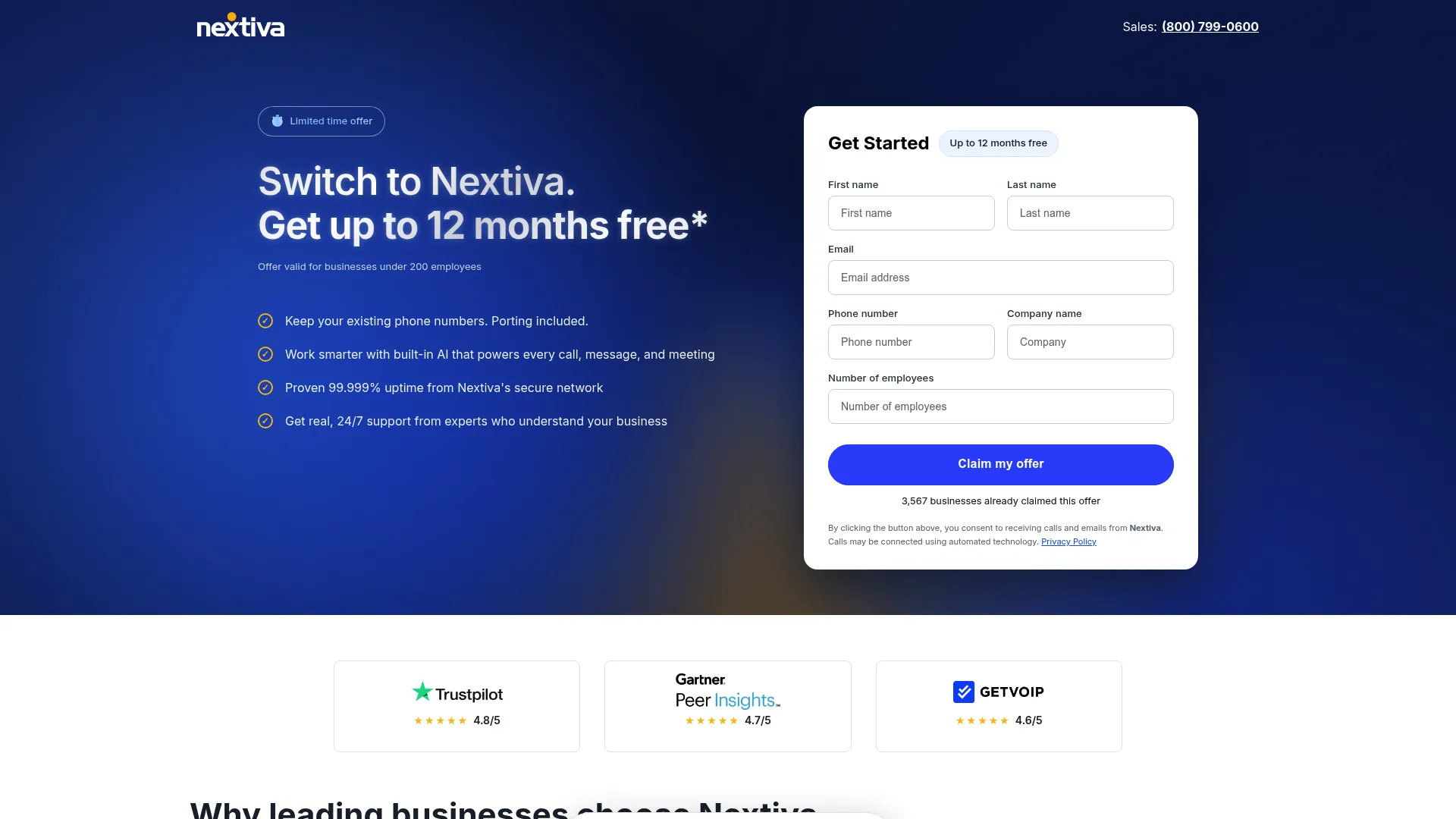
Nextiva is a unified customer experience and business communications platform that combines voice, messaging, video, and contact center capabilities in one place. For support teams that want their phone system and their contact center to be the same system, it removes a layer of integration headache. It pairs inbound and outbound voice with omnichannel handling, skills-based routing, and journey orchestration.
Best for: Support orgs that want an all-in-one UCaaS and contact center platform without stitching together separate vendors.
Key strengths
- Unified communications and contact center: Voice, SMS, video, team chat, and call routing live in one stack, so agents and internal teams work in the same environment.
- Skills-based routing and orchestration: Journey orchestration and skills-based routing match contacts to the right agent across channels.
- AI transcription and reporting: AI transcription, call summaries, and advanced reporting give supervisors visibility into what happens in each interaction.
Why choose Nextiva: If your team currently runs a business phone system and a separate support tool, Nextiva collapses that into one platform. That single-vendor approach simplifies admin, billing, and the agent experience, which matters most for small to mid-size support orgs that do not have a dedicated telecom team.
Nextiva pricing: Nextiva publishes public pricing starting at $15/user/month for its Core tier, with Engage at $25/user/month and Scale at $75/user/month. Contact center oriented plans begin around $75/agent/month. Pricing is shown on annual small business terms, and some advanced features may carry add-on fees.
2. Five9
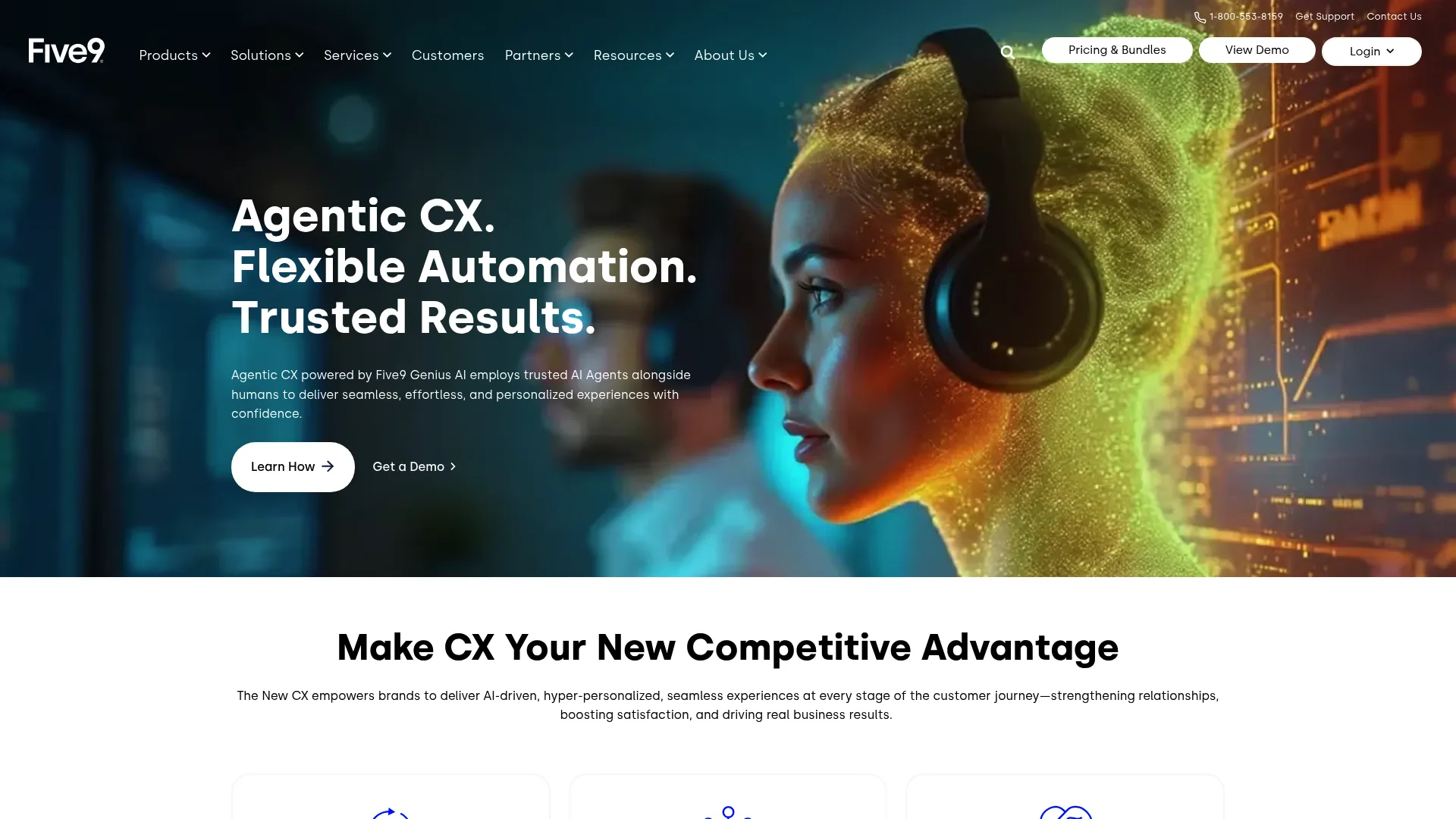
Five9 is a cloud contact center platform built for omnichannel customer engagement, AI assistance, and workforce optimization. It targets mid-market and enterprise support teams that need sophisticated queueing, automation, and supervisor control. Where simpler tools route by basic rules, Five9 supports the layered logic that complex support operations require.
Best for: Mid-market to enterprise teams running high volume across voice and digital channels with complex routing needs.
Key strengths
- Omnichannel support: Voice, chat, email, SMS/MMS, and social messaging route through one system so agents and supervisors see total load.
- AI capabilities: AI summaries, live transcription, AI insights, and agent assist help agents resolve faster and keep notes clean.
- Workforce optimization: Built-in reporting, analytics, workflow automation, and workforce management support operations-heavy teams.
Why choose Five9: Five9 fits when your queue structure is genuinely complex, multiple skills, priority tiers, and overflow rules, and you need AI woven into agent workflows rather than bolted on. It is a heavier platform than lean cloud phone tools, which is the point for larger support orgs.
Five9 pricing: Five9 lists public pricing with a Digital plan at $119/seat/month and a Core plan at $159/seat/month. The Plus bundle is quote-based with flexible pricing. There is no free tier, and billing is per seat.
3. RingCentral Contact Center
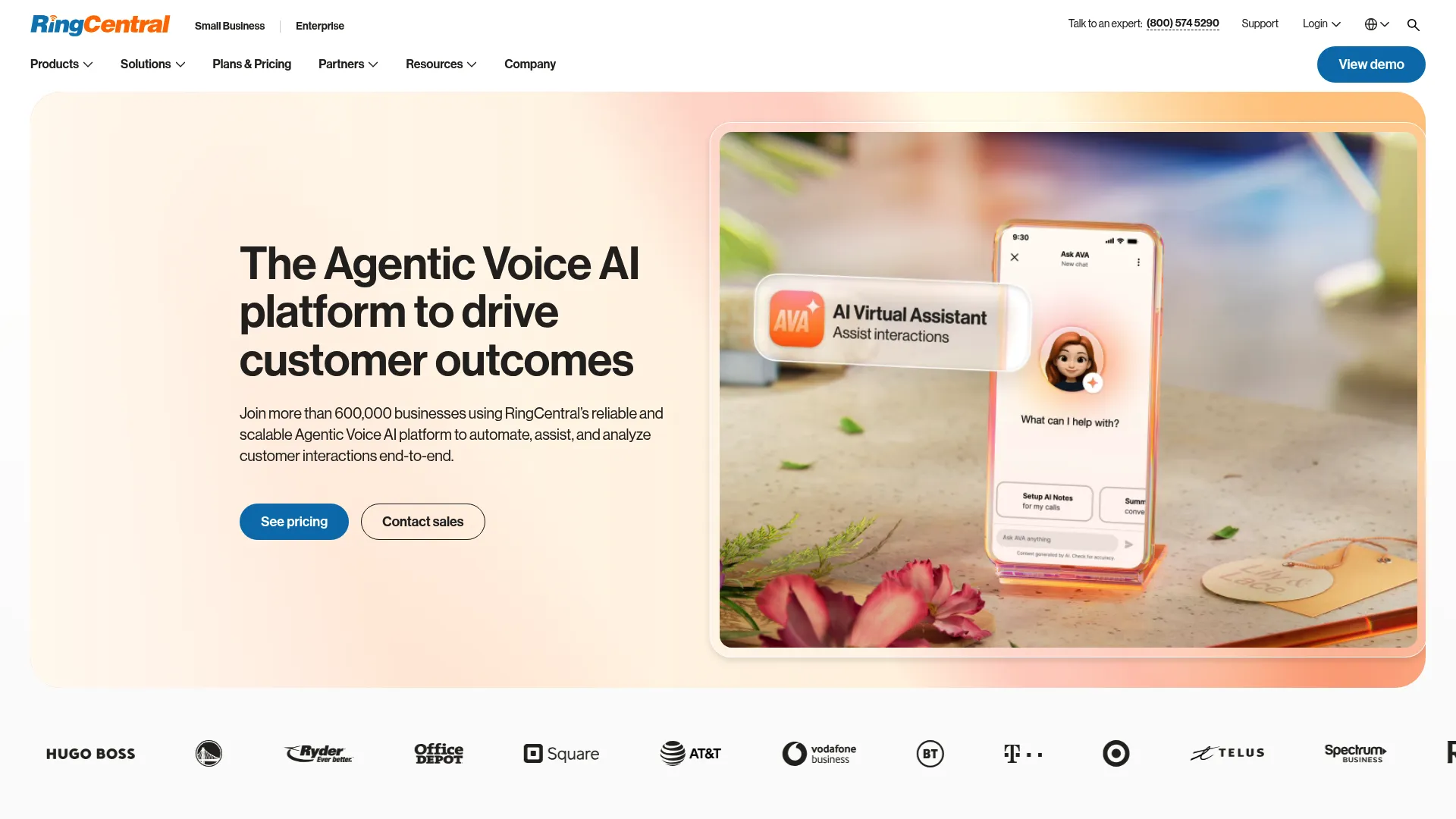
RingCentral Contact Center is a cloud contact center built for omnichannel customer support, routing, analytics, and workforce management. It sits inside RingCentral's broader communications platform, which makes it a natural shortlist candidate for teams already using RingCentral for unified comms. It brings skills-based, data-driven routing and IVR self-service to support operations.
Best for: Mid-market to enterprise teams that want an AI-enabled omnichannel contact center, especially those already in the RingCentral ecosystem.
Key strengths
- Omnichannel channels: Voice, messaging, social, live chat, and email run through one contact center layer.
- Intelligent routing: Skills-based and data-driven routing with IVR and self-service direct contacts to the right place.
- Workforce and supervisor tools: Workforce engagement, analytics, supervisor tools, and CRM and API integrations support day-to-day operations.
Why choose RingCentral Contact Center: The strongest case is consolidation. If your business phone and meetings already run on RingCentral, layering the contact center on top keeps agents in one ecosystem and simplifies admin. Teams starting from scratch should weigh it against more standalone-focused contact center solutions.
RingCentral Contact Center pricing: RingCentral does not display public numeric pricing for its contact center on its pricing page, directing buyers to contact sales for a quote. Expect tiering based on channels and seat count, common across enterprise CCaaS.
4. Vonage Contact Center
Vonage Contact Center is an AI-powered cloud contact center known for deep CRM integration, omnichannel support, and agent productivity tools. It is frequently shortlisted by teams that run their support motion inside a CRM and want routing and analytics that live close to that data. Its conversation analytics and AI virtual assistant aim to reduce manual work for agents. If your support motion runs on a CRM, comparing options in our guide to the best CRM software can sharpen your evaluation.
Best for: Support teams that want a CRM-integrated, AI-enabled CCaaS platform with configurable routing.
Key strengths
- CRM integration and routing: Skills-based routing and tight CRM integration keep customer context in front of agents and route by that context.
- Conversation intelligence: Conversation Analyzer and an AI virtual assistant surface insight and automate parts of the interaction.
- Call quality and analytics: Call recording, enhanced noise cancellation, and reporting dashboards support quality assurance and visibility.
Why choose Vonage Contact Center: Vonage shines when CRM context drives your routing and reporting. If agents need the customer record open the moment a call connects, and you want analytics tied to that record, Vonage's CRM-native design fits. It is a strong option for teams that prioritize configurable workflows.
Vonage Contact Center pricing: Vonage lists a Priority plan on its contact center plans page but shows no public numeric price, using a "get your quote" flow. Pricing is quote-based and scoped to your channel and seat requirements.
5. Dialpad AI Contact Center
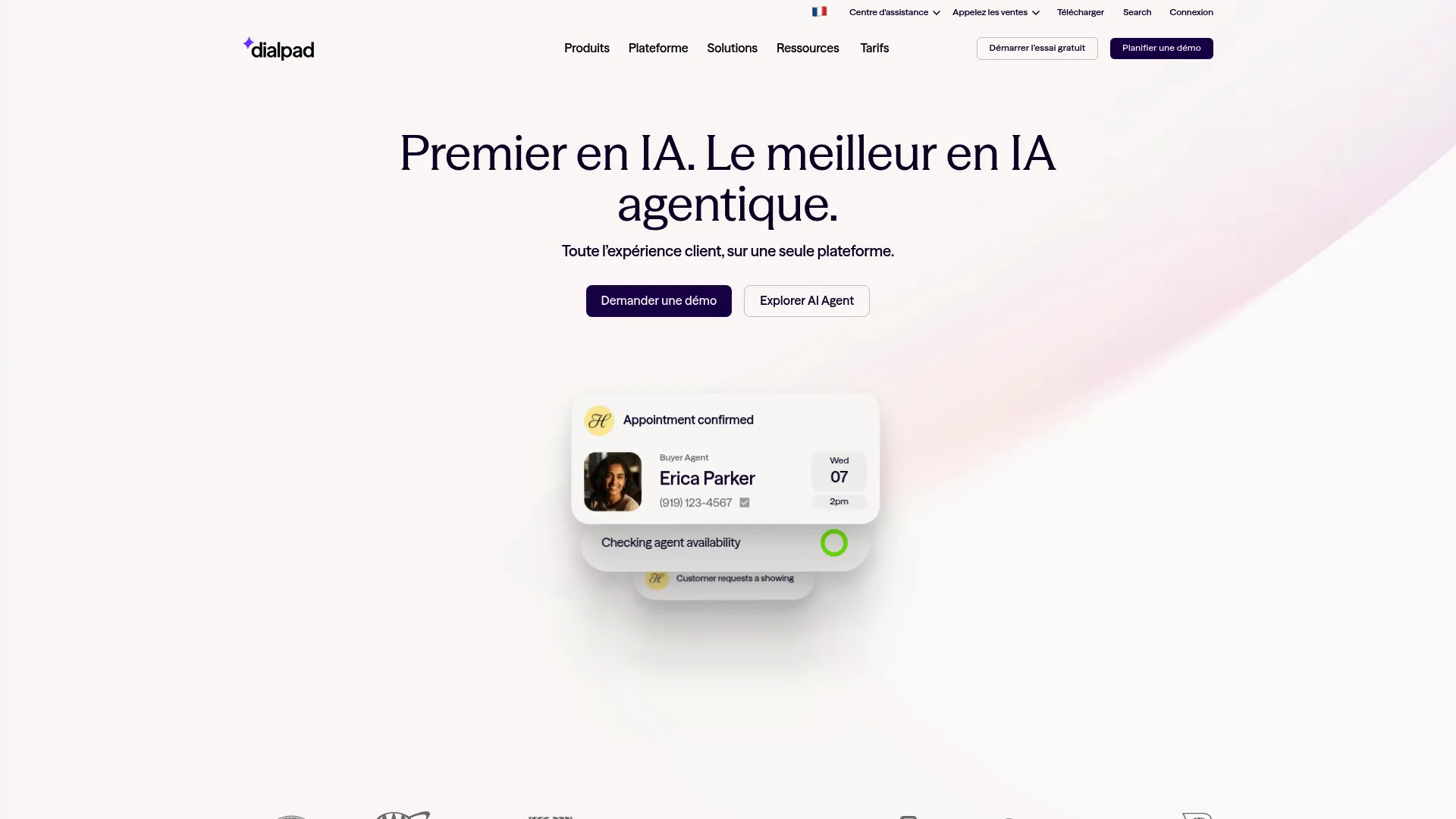
Dialpad AI Contact Center is an AI-native platform built for customer support teams that want real-time intelligence inside every interaction. Rather than treating AI as an add-on, Dialpad builds transcription, coaching, and sentiment into the core agent experience. That makes it a natural fit for teams chasing faster response and stronger live visibility.
Best for: Mid-market and enterprise support teams that want AI-assisted contact center workflows out of the box.
Key strengths
- Real-time transcription: Live call transcription gives agents and supervisors an instant record of every conversation.
- Sentiment analysis: Built-in sentiment analysis flags frustrated customers in the moment, not after the survey.
- AI coaching and scorecards: AI Live Coach and AI Scorecards support quality assurance and agent development during and after calls.
Why choose Dialpad AI Contact Center: If your priority is an AI contact center where agents get real-time help and supervisors see sentiment as it happens, Dialpad is purpose-built for it. The AI is the product, not a feature flag, which suits teams optimizing handle time and quality together.
Dialpad AI Contact Center pricing: Dialpad's pricing page directs support and contact center buyers to contact sales for pricing rather than displaying public numbers. Plan to scope pricing around seats and the AI features your team needs.
6. Genesys Cloud CX
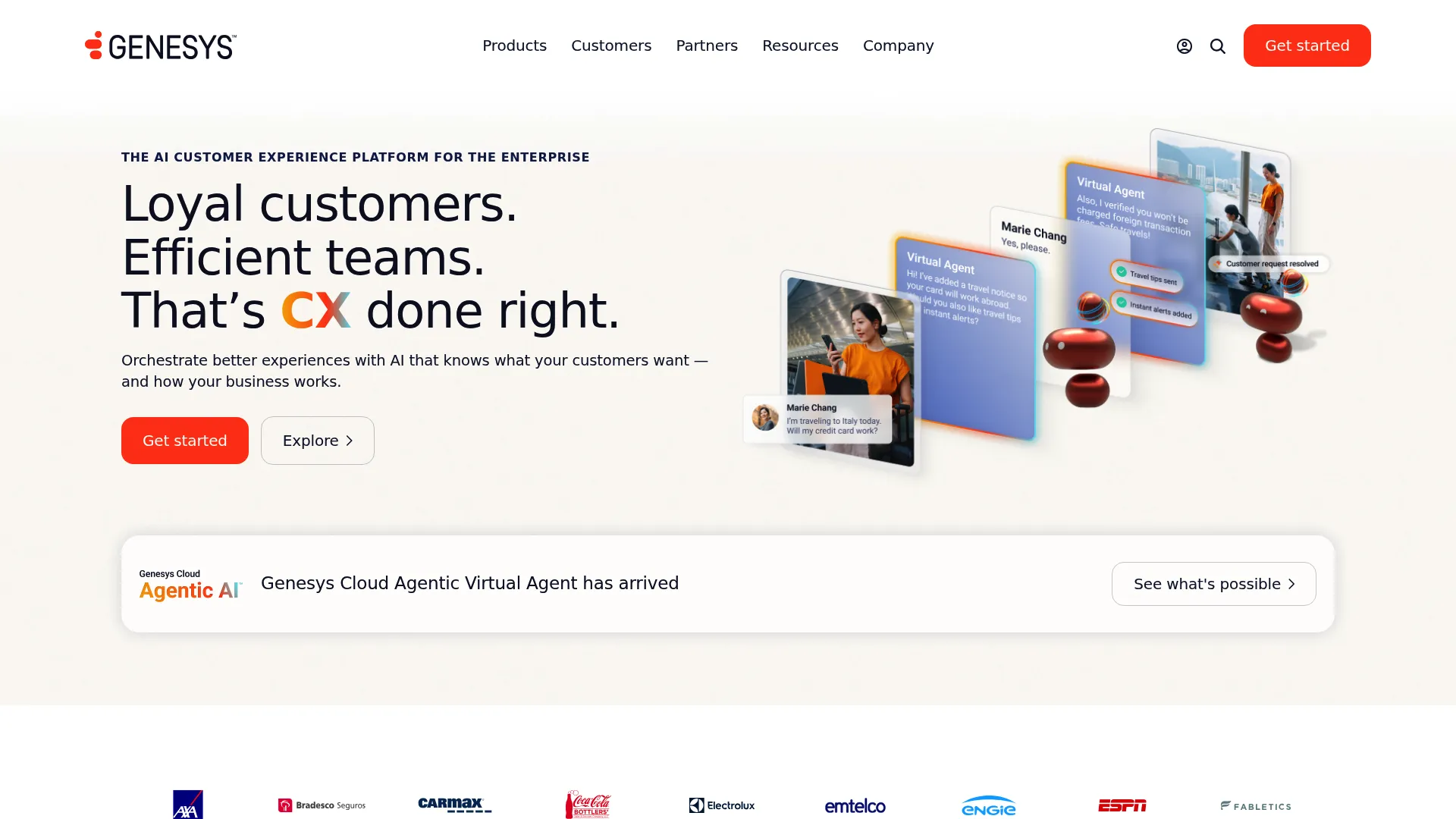
Genesys Cloud CX is an AI-powered cloud contact center and customer experience platform built for omnichannel orchestration at enterprise scale. It is one of the most established names in the category, used by large support organizations that need routing, AI, and workforce tools working as one. For complex operations, its orchestration depth is the differentiator.
Best for: Mid-to-large contact centers that need omnichannel CX with AI and built-in workforce management.
Key strengths
- Omnichannel engagement: Conversations across channels flow through a single orchestration layer.
- Intelligent routing: AI-driven routing matches contacts to the right resource by skill, intent, and context.
- Built-in workforce engagement: Workforce engagement management ships inside the platform, so forecasting and scheduling live next to routing.
Why choose Genesys Cloud CX: Genesys fits support organizations with serious operational complexity, where routing, AI, and workforce planning need to act as one system rather than three integrations. It is a platform built for scale, which is why enterprise teams shortlist it.
Genesys Cloud CX pricing: Genesys publishes public pricing starting at $75/user/month (billed annually) for Genesys Cloud CX 1, $115/user/month for CX 2, and $155/user/month for CX 3. There is no free tier, and a higher CX 4 tier exists without a public price.
7. NiCE CXone
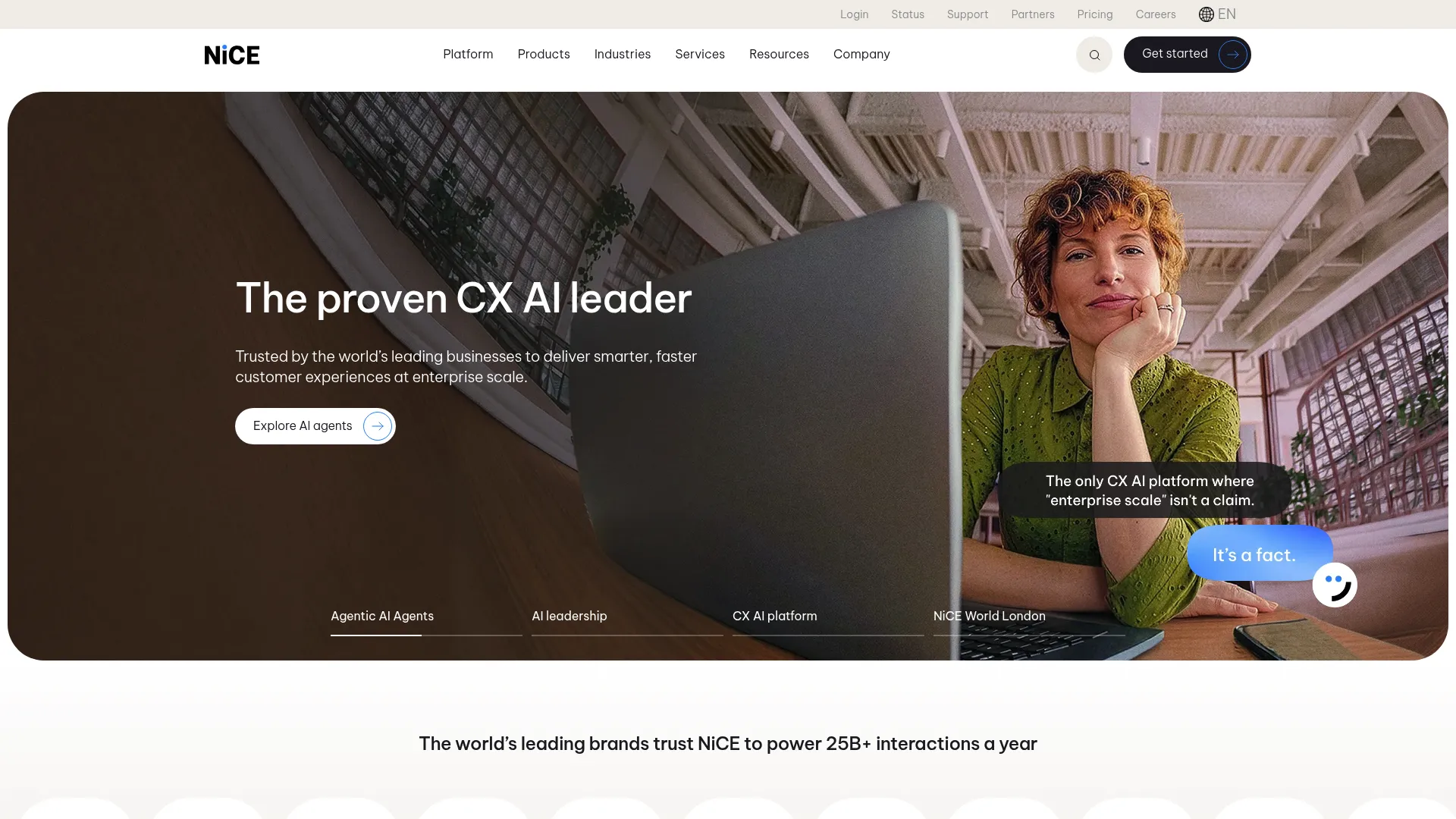
NiCE CXone is an AI-powered customer engagement platform built for contact center and customer experience orchestration. It is a frequent choice for operations-heavy support organizations because of its depth in workforce engagement, quality management, and analytics. Where some platforms lead with channels, NiCE leads with optimization.
Best for: Enterprise teams that need an AI-first CCaaS platform with strong workforce optimization and QA.
Key strengths
- Omnichannel routing: Voice and digital channels route through one engagement layer.
- Workforce engagement: Quality management, workforce management, and analytics ship together for operations-focused teams.
- AI platform and compliance: A cloud architecture with AI, integrations, and security and compliance features supports regulated environments.
Why choose NiCE CXone: NiCE earns its place when workforce optimization and quality assurance are central to how you run support, not afterthoughts. If forecasting accuracy, adherence, and structured QA drive your operation, its depth is hard to match among contact center platforms.
NiCE CXone pricing: NiCE publishes tiered, usage-based pricing starting at $110/agent/month for the Omnichannel Suite, $135 for Essential Suite, $169 for Core Suite, $209 for Complete Suite, and $249/agent/month for the Ultimate Suite. Billing is monthly in arrears, and tailored packages are quote-based.
8. GoTo Contact Center
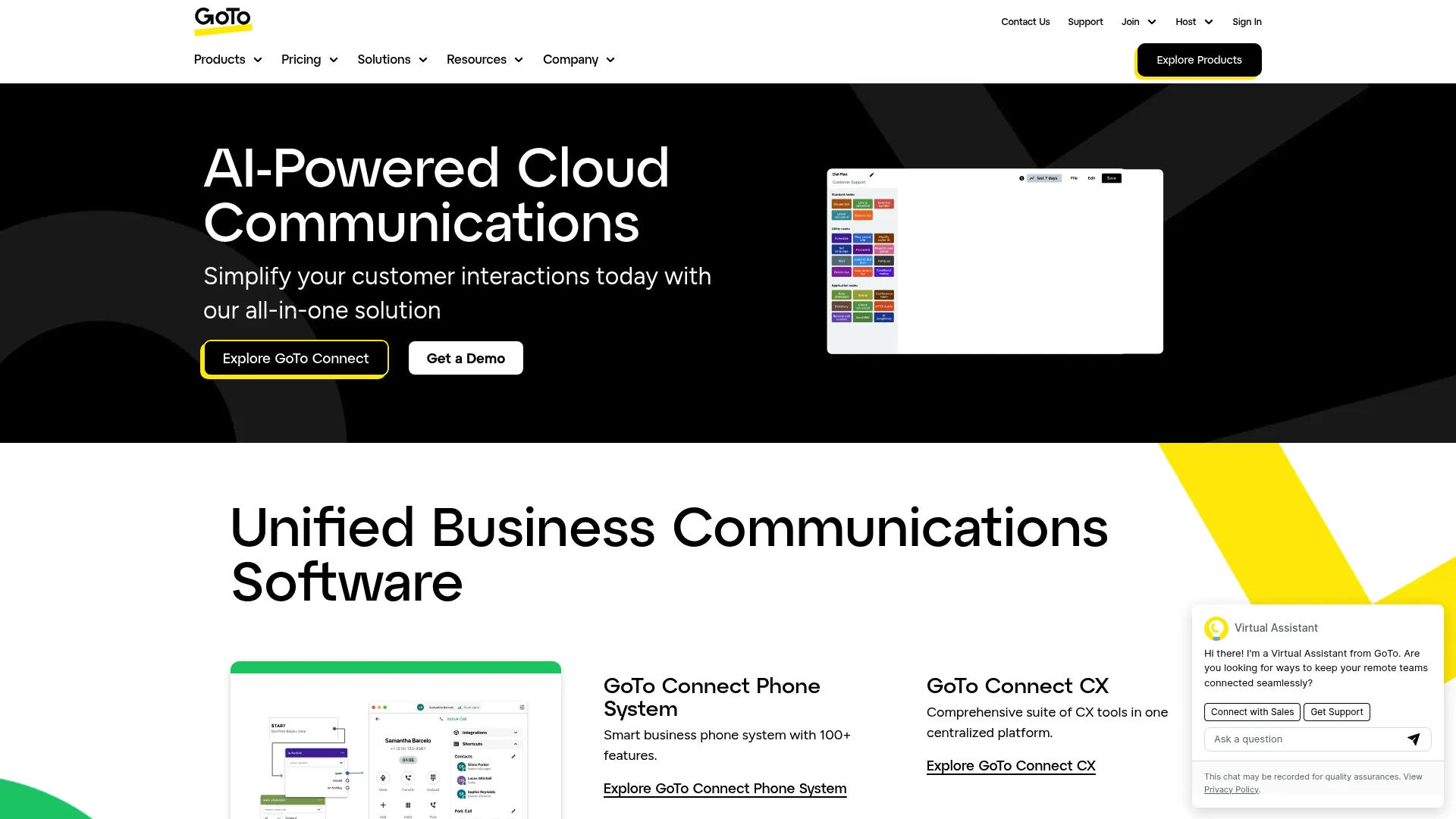
GoTo Contact Center is a cloud contact center for voice, chat, SMS, and social, with routing, reporting, and AI-assisted supervision. It is a practical fit for leaner support teams that want core contact center capabilities without enterprise-scale complexity. Its supervisor analytics and routing controls cover the essentials well.
Best for: Teams that want an AI-powered cloud contact center with supervisor analytics and straightforward routing.
Key strengths
- AI supervisor analytics: AI chat analysis and supervisor reporting help managers spot issues without manual review.
- Unified agent dashboard: An agent dashboard with an integrated softphone keeps voice and digital handling in one view.
- Routing controls: Skills assignment, tagging, and priority routing direct contacts without heavy configuration.
Why choose GoTo Contact Center: GoTo fits when you want a cloud contact center that covers the core, voice, digital channels, routing, and supervisor visibility, without the overhead of an enterprise orchestration suite. It is a sensible choice for smaller support orgs scaling up.
GoTo Contact Center pricing: GoTo lists its Contact Center as a contact-sales product without public numeric pricing. Expect pricing scoped to seats and the channels you enable.
9. 8x8 Contact Center
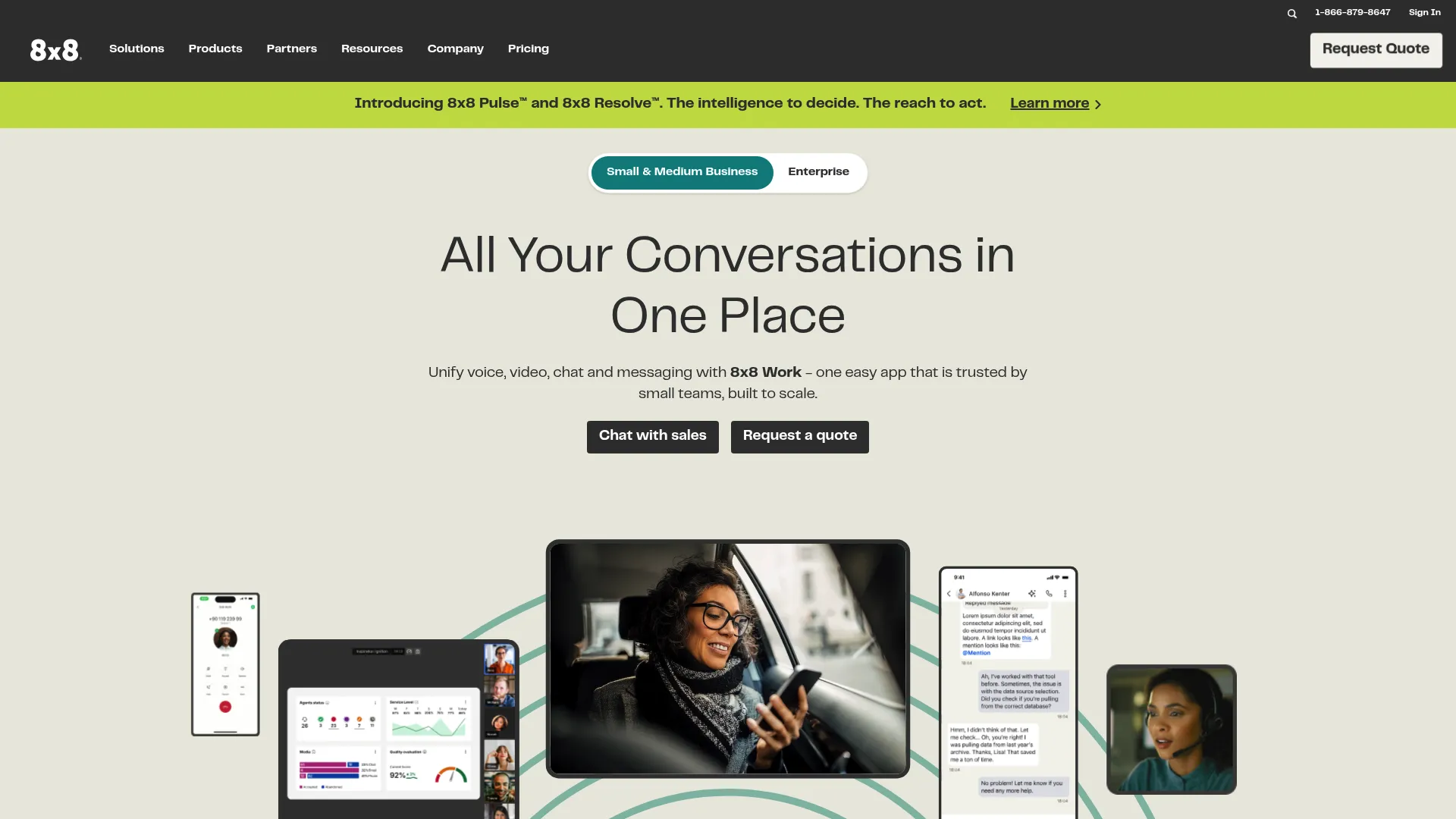
8x8 Contact Center is a cloud-based, AI-enabled contact center for omnichannel customer support and workforce management. It appeals to teams that want a single vendor across contact center, voice, and digital engagement. Its agent and supervisor workspaces give both roles a focused view of the work.
Best for: Teams that want one vendor for contact center, business voice, and digital customer engagement.
Key strengths
- Omnichannel routing: Contacts route across channels through one system for balanced workload.
- Agent Workspace: A dedicated agent workspace consolidates the tools agents need to resolve issues.
- Supervisor Workspace: A supervisor workspace gives managers live monitoring and control over queues.
Why choose 8x8 Contact Center: 8x8 fits when consolidating vendors is a priority and you want a flexible cloud stack that spans voice and digital. The combined agent and supervisor workspaces make it a clean choice for teams that value a single, coherent environment.
8x8 Contact Center pricing: 8x8 lists its Contact Center as a quote-based product, with no public price on its plans and pricing page. Pricing depends on channel mix and seat count.
10. Aircall
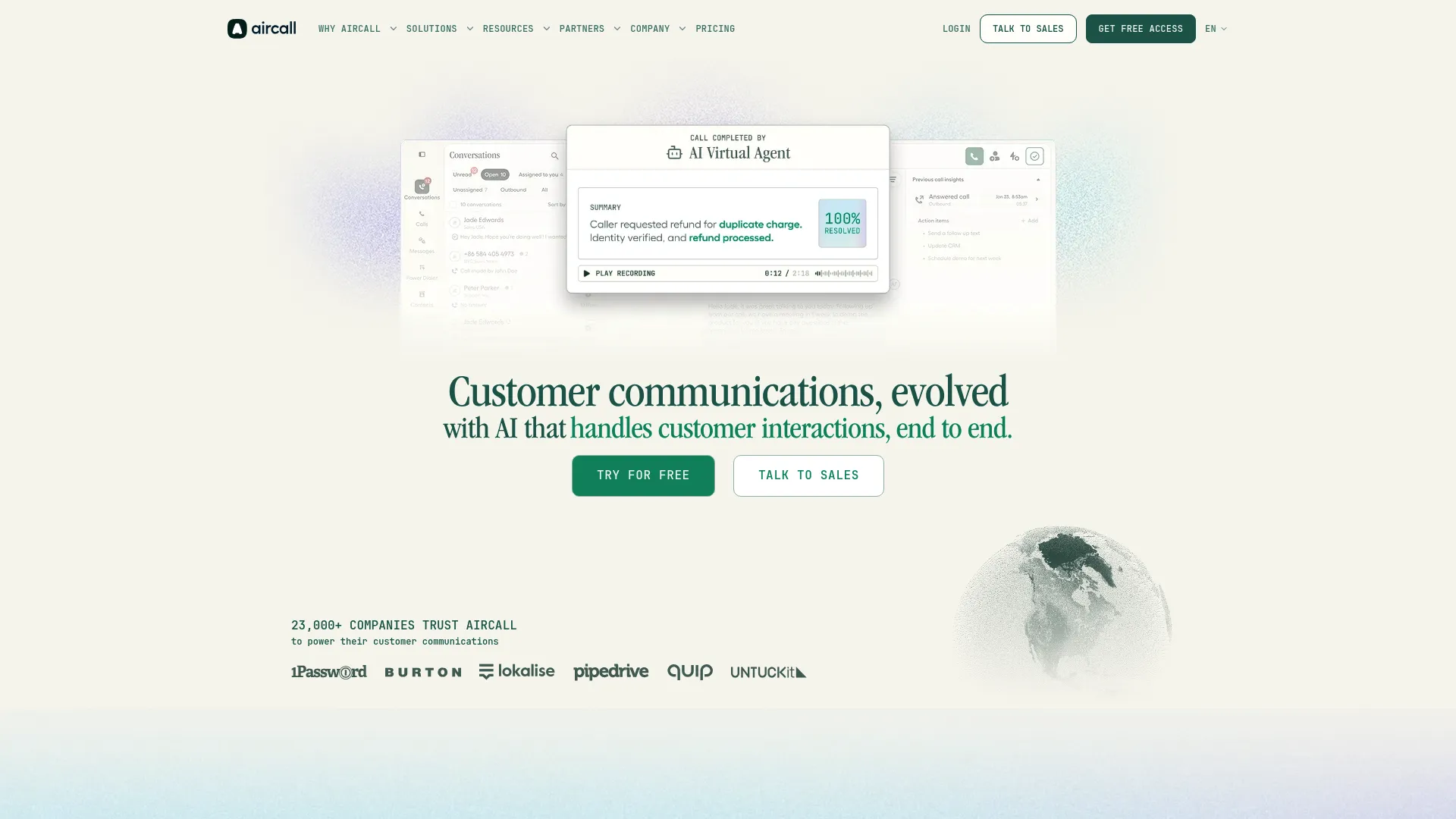
Aircall is a cloud phone and call center solution built for sales and support teams that want speed and simplicity. It is known for fast setup, a clean interface, and deep CRM integrations, which makes it a popular pick for growing support teams that do not need enterprise orchestration. Its call management and workflow features cover the daily essentials well. You can also explore an interactive Aircall demo to see how its workflow looks in practice.
Best for: Growing sales and support teams that need a cloud phone system with strong CRM integrations and call-center workflows.
Key strengths
- IVR and call management: IVR, business hours, call tags, and disposition codes structure inbound handling without heavy setup.
- Live monitoring and analytics: Live monitoring and analytics give supervisors visibility into agent activity and queue health.
- Productivity features: Power dialer, voicemail drop, shared inbox, and AI call summaries speed up repetitive work.
Why choose Aircall: Aircall wins on time to value. If you need a capable cloud call center calling software running quickly, with CRM context and simple workflows, it gets a growing team productive fast. Larger orgs with complex omnichannel needs should weigh it against deeper platforms. For dialing-heavy teams, our list of the best auto dialer software is worth a look.
Aircall pricing: Aircall lists Essentials, Professional, and Custom plans, with the Essentials and Professional tiers requiring a minimum of three licenses billed annually, and Custom starting at a 25-license minimum. Per-license amounts were not fully displayed at the time of writing, so confirm current figures on Aircall's pricing page.
11. Amazon Connect
Amazon Connect is AWS's cloud contact center platform for voice, chat, email, messaging, tasks, analytics, and AI-powered customer service. It is the option technically mature teams evaluate when they want infrastructure flexibility and pay-as-you-go economics. Built on AWS, it scales elastically and integrates naturally with the broader AWS ecosystem.
Best for: Organizations that want a scalable, AWS-native contact center with built-in AI and omnichannel support.
Key strengths
- Omnichannel routing: Voice, chat, email, messaging, and tasks route through one cloud-native system.
- AI-powered assistance: Agent assist and post-contact summaries reduce manual work during and after interactions.
- Workforce and case tools: Forecasting, scheduling, dashboards, and case and task management cover operational needs.
Why choose Amazon Connect: Amazon Connect fits teams with engineering capacity that want to build their contact center as flexible infrastructure rather than buy a packaged suite. Pay-as-you-go pricing means you scale cost with usage, which appeals to teams with variable volume.
Amazon Connect pricing: Amazon Connect uses pay-as-you-go pricing with a free tier and no minimum monthly fees. Voice is $0.038 per minute, chat is $0.010 per message, messaging is $0.014 per message, and email is $0.080 per email, with a la carte feature pricing.
12. Salesforce Service Cloud
Salesforce Service Cloud is an AI-powered customer service and case management platform built on Salesforce. Its biggest advantage is context: agents handle conversations with the full customer record at hand. For teams already running on Salesforce, the contact center stack extends naturally into routing and omnichannel handling. See how the platform presents in an interactive Salesforce demo.
Best for: Teams that need enterprise customer service, case routing, and AI-assisted support inside Salesforce.
Key strengths
- Case management: Robust case and customer service management keeps every issue tracked and routed.
- Knowledge and AI: Knowledge management and AI-powered answers help agents and customers resolve faster.
- Omnichannel support: Omnichannel routing, incident management, and Slack collaboration tie service into broader workflows.
Why choose Salesforce Service Cloud: If your customer data already lives in Salesforce, Service Cloud removes the gap between CRM context and conversation handling. Agents see the full account history without switching tools, which improves both speed and quality of support.
Salesforce Service Cloud pricing: Salesforce publishes public pricing starting at $25/user/month for Starter Suite, $100 for Pro Suite, $175 for Enterprise, and $350 for Unlimited, with an Agentforce 1 Service edition at $550/user/month. Starter Suite includes a 30-day free trial.
13. Zendesk Suite
Zendesk Suite is an AI-powered customer service platform combining ticketing, messaging, help center, voice, and automation. It is the natural fit for support teams that want service and contact handling in one place, with ticketing as the backbone and contact center workflows layered on top. Its omnichannel routing and AI agents extend the help desk into live conversation handling. You can preview the experience in an interactive Zendesk demo.
Best for: Teams that need an omnichannel support suite with automation and AI alongside ticketing.
Key strengths
- Ticketing system: A mature ticketing system anchors every conversation across channels.
- Omnichannel routing: Messaging, live chat, voice, and email route through one suite.
- AI agents and automation: AI agents, automation, and a help center support ticket deflection and self-serve resolution.
Why choose Zendesk Suite: Zendesk fits when ticketing is your operational core and you want contact center capabilities built around it rather than separate from it. Teams that already run support tickets in Zendesk get omnichannel handling without a second system.
Zendesk Suite pricing: Zendesk publishes seat-based pricing starting at $19/agent/month for Support Team, $55 for Suite Team, and $115/agent/month for Suite Professional, all billed annually. The Suite Enterprise plus Copilot tier is quote-based.
Considerations
Before you commit, run every shortlisted tool through this checklist. The right platform is the one that matches your real operation, not the one with the longest feature list.
Match routing logic to your queue structure
Simple round-robin routing breaks the moment you add skills, priority tiers, or multiple support lines. Map your actual queues before you buy.
- List every skill, language, and product line your agents handle
- Identify which contacts need priority, such as VIP accounts or escalations
- Confirm the tool supports skills-based, priority, and intent-based call routing
- Check how overflow, callbacks, and after-hours handling work
If a platform cannot model your queues today, it will fight you every day.
Validate omnichannel coverage
"Omnichannel" means different things to different vendors. Some channels are native, others are add-ons that live in a separate console.
- Confirm which of voice, chat, email, social, and video are native versus add-on
- Check whether agents handle all channels in one unified workspace
- Verify that customer interaction history follows the customer across channels
- Ask how routing balances load across channels, not just within voice
Check analytics and QA depth
A dashboard is not a reporting strategy. Managers need analytics and reporting across queue, agent, and CX performance.
- Confirm real-time and historical reporting for queues and agents
- Check for quality assurance tools, speech analytics, and sentiment analysis
- Verify supervisor monitoring of live conversations and coaching workflows
- Make sure you can export data and build the reports leadership wants
Review uptime, security, and compliance
Cloud call center software is only an asset when it stays online and keeps data safe.
- Ask for documented uptime and cloud redundancy across data centers
- Confirm encryption in transit and at rest
- Check role-based permissions and access controls for agents and admins
- Verify compliance certifications your industry requires and a business continuity plan
Confirm integration fit
Your contact center does not run alone. It has to connect to the tools your team already uses daily.
- Confirm native integrations with your CRM and help desk
- Check knowledge base and workflow automation connections
- Verify API access if you need custom integrations
- Test whether agents get context from connected systems without tab-switching
Teams onboarding new agents onto any of these platforms often pair them with interactive demos to speed up training and reduce ramp time.
Conclusion
The best call center infrastructure software for 2026 is not a single winner. It is the platform that matches your channel mix, queue complexity, reporting needs, and cloud requirements.
For broad support orgs wanting voice and contact center in one place, Nextiva is the cleanest all-in-one. For enterprise operations with complex routing and AI workflows, Five9 and Genesys Cloud CX lead. Teams chasing AI in every interaction should look at Dialpad AI Contact Center. Operations-heavy orgs that live on workforce management and QA will find depth in NiCE CXone, while omnichannel teams that want a flexible cloud stack should weigh 8x8 Contact Center. Technical, cloud-first teams often land on Amazon Connect, and teams already running a CRM or help desk get the most context from Salesforce Service Cloud or Zendesk Suite.
Here is the practical decision path. Start with your queue structure and write it down. Add your channel mix. Then layer on your reporting and cloud requirements. Shortlist the two or three tools that match all four, run a trial with real tickets, and choose the one your agents and supervisors actually want to work in. Infrastructure software should improve routing, visibility, and scale. Buy for those outcomes, not for the feature sheet.
FAQs
Call center infrastructure software is the underlying system that receives, routes, manages, and measures customer conversations across channels. It includes IVR and ACD for routing, omnichannel handling for voice and digital channels, agent and supervisor tools, admin and security controls, and analytics. It is the operating layer beneath every interaction, not just the phone line that connects a call.
A help desk centers on ticketing: logging, tracking, and resolving issues, often asynchronously over email and forms. Call center infrastructure software centers on real-time routing and conversation handling across voice, chat, and other channels, with IVR, ACD, and live queue management. Many teams use both, and some platforms combine ticketing with contact center workflows in one suite.
Prioritize routing depth first: IVR, ACD, and omnichannel routing that match your real queue structure. Then weigh native omnichannel coverage, AI contact center capabilities like transcription and sentiment analysis, and analytics and reporting tied to your KPIs. Cloud reliability, security, and integrations with your CRM and help desk round out the must-haves. Match features to your operation rather than chasing the longest list.
The right platform should move average handle time (AHT) down by giving agents context and routing contacts correctly. It should lift first-contact resolution (FCR) through skills-based routing and improve CSAT through faster, better-informed responses. It should also raise deflection through self-service and IVR, and tighten queue performance by balancing load. If a tool does not improve these, it is not earning its cost.
Cloud call center software usually wins on scalability, redundancy, and speed of rollout. Cloud redundancy across data centers keeps your queue online when a single point fails, and you can add agents or channels without new hardware. Most teams choose cloud contact center platforms for these reasons, though heavily regulated environments may have specific on-premise or hybrid requirements to evaluate.
An all-in-one platform simplifies admin, billing, and the agent experience, which suits smaller teams or those without dedicated technical resources. A more flexible stack, built on something like a cloud-native virtual contact center, gives engineering-capable teams control and pay-as-you-go economics. Weigh integration depth, workflow complexity, and team size. Pick the all-in-one for simplicity, the flexible stack for control.
Ask for documented uptime and cloud redundancy, encryption standards, and the compliance certifications your industry needs. Confirm native integrations with your CRM and help desk, and how implementation effort and timeline look. Clarify data ownership, support availability, and how reporting works for queue, agent, and CX metrics. Finally, ask exactly which channels are native versus add-on, so omnichannel claims hold up.
Channel mix evolves faster than most teams expect, and chat, social, and messaging volume tends to grow as customers shift behavior. Even if voice and email dominate today, a unified architecture means you add channels later without re-platforming. Choosing call center optimization software with a unified workspace now saves a painful migration when your channel mix changes.