The form gets filled out. Then what?
That question is where most intake breaks. A client submits their details, and someone on your team copies fields into another system, chases three missing answers by email, and forgets to route the file to the right person. The data is collected. The process stalls.
You are not alone in this. According to Dialog Health, 83% of practices still use the front desk as their primary check-in method, and only 7% use online intake. Meanwhile 81% of patients prefer digital intake forms over paper, per SchedulingKit. The gap between what people want and what teams still run on paper is the whole reason this category exists.
Good intake form software closes that gap. It collects structured information, applies conditional logic, captures e-signatures, and then triggers the next step automatically. The best tools do not just build a form. They handle what happens after submission.
This guide compares seven intake form tools that stand out for client, patient, and onboarding workflows in 2026. Each pick names who it fits, what it does well, and what it costs.
What's inside
This guide is for teams evaluating intake form software to replace paper, email chains, or a basic form builder. That includes healthcare and wellness practices, agencies, professional services, and operations-heavy service businesses.
We selected tools based on four criteria:
- Compliance and secure data handling, including HIPAA compliant intake forms where relevant
- Template depth and no-code customization
- Workflow automation and form routing after submission
- Integrations, API access, and submission tracking
Every pick includes verified pricing, its G2 rating where available, and the buyer it fits best.
TL;DR
- Best for healthcare and client onboarding: IntakeQ
- Best for free templates and broad use cases: Jotform
- Best for workflow routing after submission: Tallyfy
- Best for deeper process control: Formstack
- Best for simple, flexible forms: Typeform
- Best for calculation-heavy or structured forms: Cognito Forms
- Best for budget-conscious teams with strong templates: 123FormBuilder
Pick based on your bottleneck. If the pain is compliance and patient intake, start with IntakeQ. If the pain is what happens after the form, look at Tallyfy or Formstack.
What is intake form software
Intake form software collects structured client, patient, or request information through online forms, then passes that data into a repeatable workflow. It replaces paper packets, PDF attachments, and manual data entry with a single digital intake process.
The category sits at the front of onboarding. A client onboarding form, a patient registration, or a new-project request all flow through the same machinery: capture, validate, route, and track.
Core capabilities to expect:
- Drag-and-drop form building with a no-code builder
- Conditional logic forms that show or hide fields based on answers
- E-signatures for consent, contracts, and consent-to-treat
- Mobile-friendly submission across phone, tablet, and desktop
- Routing and notifications that trigger after completion
- API and integrations to push data into your CRM, EHR, or database
- Templates and sample forms for common intake scenarios
- Reporting and form submission tracking
The market is growing fast. Straits Research valued the patient intake software market at about $1.71 billion in 2024, projected to reach $5.66 billion by 2033. That growth reflects a simple shift: teams want an online intake form that does more than sit there.
A note on where this fits. Intake form software is built for data capture and workflow follow-through. It is a different job from showing a product, which is where formats like interactive demos come in for product-led teams. If your goal is collecting client data and routing it cleanly, the tools below are the right category.
When to use intake form software
Replace paper intake with online forms
Paper packets create rework. Someone has to scan, transcribe, and file every page, and handwriting errors slip through. Online intake forms remove the transcription step entirely. The client types once, and the data lands structured and searchable. This is the most common trigger for buying, and 58% of dental practices had already adopted digital intake by 2025, per Isedate.
Route submissions automatically after completion
Collection is only half the job. The stronger reason to buy is form routing: when a submission comes in, the tool notifies the right person, assigns a task, or pushes the record into your next system. This is where intake stops being a filing exercise and starts driving workflow automation.
Standardize onboarding across teams or locations
When five people collect the same client onboarding form five different ways, data quality drops. Standardized intake means every location, clinic, or account manager captures the same fields in the same structure. That consistency makes reporting reliable and onboarding predictable as you scale.
Comparison table
Pricing and ratings below reflect verified vendor and G2 values as of August 2026. Use this to filter by use case before reading the full sections.
| # | Product | Best for | Key differentiator | Pricing | G2 rating |
|---|---|---|---|---|---|
| 1 | IntakeQ | Healthcare and client onboarding | HIPAA-compliant intake plus practice management | From $29.90/mo | 4.2/5 |
| 2 | Jotform | Free templates and broad use cases | Huge template library with AI form creation | Free; Bronze $34/mo | 4.7/5 |
| 3 | Tallyfy | Workflow routing after submission | Submit-and-track process automation | From $100/yr per seat | 4.9/5 |
| 4 | Formstack | Deeper process control | Forms plus documents and eSignature | From $83/mo | 4.5/5 |
| 5 | Typeform | Simple, flexible forms | Conversational, one-question-at-a-time UX | From $29/mo | Not listed |
| 6 | Cognito Forms | Calculation-heavy or structured forms | Built-in calculations and repeating sections | Free; Pro $19/mo | 4.6/5 |
| 7 | 123FormBuilder | Budget-conscious teams | Free tier with strong template support | Free; Gold $18.5/mo | 4.5/5 |
Best 7 tools for intake form software
1. IntakeQ
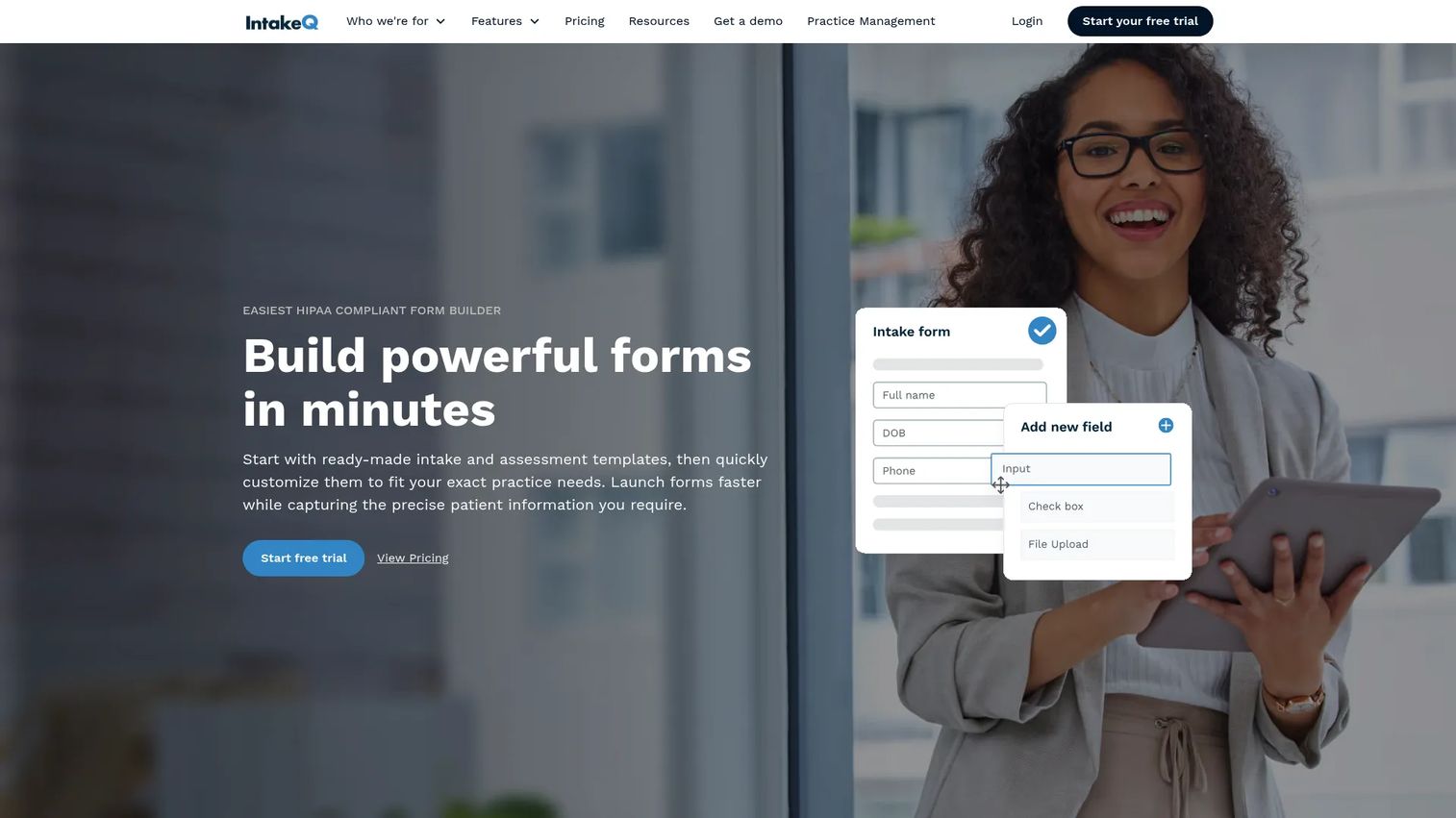
IntakeQ is built for healthcare and service practices that want intake, scheduling, and client onboarding in one system. It delivers HIPAA compliant intake forms, electronic signatures, and secure document sharing, then layers practice management on top. If your intake involves consent forms and patient records, this is the pick that treats compliance as the default, not an add-on.
The no-code builder handles conditional logic, so a patient intake form only shows the fields that apply. Forms are device-friendly and can be sent by SMS or email, which matters when you want the packet completed before the appointment. Signatures, payments, telehealth, and scheduling live in the same platform, so the data does not scatter across tools.
Best for: Healthcare clinics and solo practitioners who need digital intake plus practice management in one place.
Key features
- No-code intake form builder with conditional logic
- Electronic signatures and secure document sharing
- Practice management: scheduling, payments, telehealth
Why choose IntakeQ: Choose it when compliance and patient intake forms are the core of the job, and you want scheduling and onboarding under one roof rather than stitched together.
IntakeQ pricing: Plans start at $29.90/month for the Forms Only low-volume tier. Practice Management low-volume runs $59.90/month, with standard Forms Only at $54.90/month and Practice Management at $84.90/month. A 14-day free trial is available.
2. Jotform
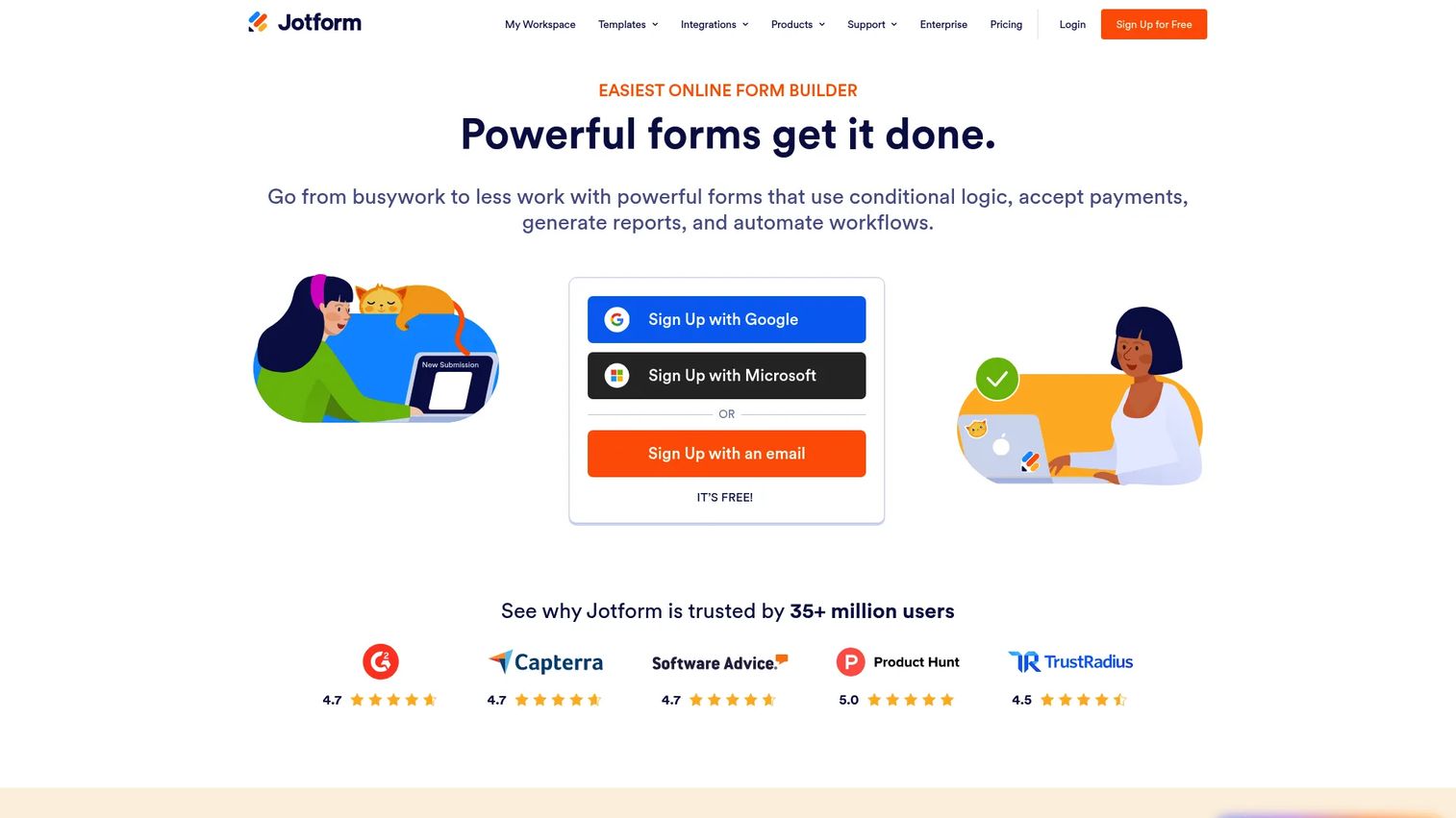
Jotform is the pick when you want speed and a large template library. Its drag-and-drop form builder pairs with thousands of ready intake form templates, so a client intake form or new-patient packet can be live in minutes. AI-assisted creation helps you generate and edit forms from a prompt, which shortens setup further.
For regulated intake, Jotform offers HIPAA-enabled features and a BAA on qualifying plans. Payments, e-signatures, and integrations cover the full capture-to-action path, and forms complete cleanly on any device. The breadth is the point: one platform that flexes across healthcare intake, service business intake, and internal request forms.
Best for: Teams that want a fast, no-code way to build forms and automate data collection across many use cases.
Key features
- Drag-and-drop form builder with a large template library
- AI-assisted form creation and editing
- Payments, e-signatures, and integrations
Why choose Jotform: Choose it when you value template volume and setup speed, and want one tool that covers intake across departments without custom development.
Jotform pricing: The Starter plan is free. Bronze starts at $34/month billed annually, with Silver and Gold tiers above it, and Enterprise on custom pricing.
3. Tallyfy
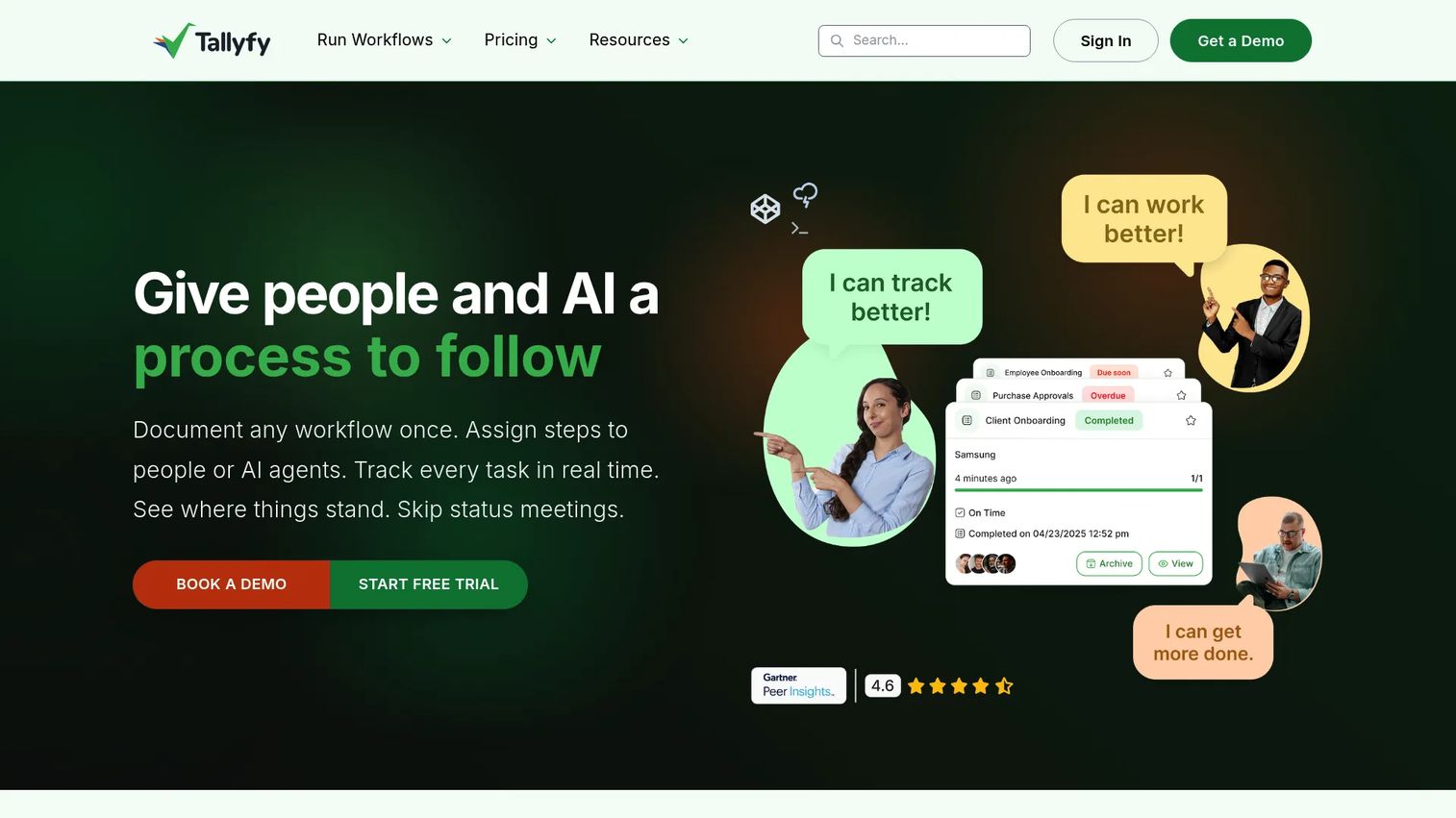
Tallyfy flips the focus from the form to what happens after it. Its positioning is submit-and-track instead of submit-and-hope. When a request comes in, Tallyfy routes it through a documented workflow with conditional logic, real-time status tracking, and clear ownership at every step. If your problem is losing submissions after collection, this is the tool built for it.
It fits teams that need structured workflow automation with external collaboration. Unlimited guests can complete their part of a process without a paid seat, which suits client-facing intake and onboarding. APIs and webhooks connect it to the rest of your stack, and free SSO supports enterprise-readiness for larger teams.
Best for: Teams that need structured workflow automation with client and external collaboration.
Key features
- Real-time status tracking across every process
- Workflow automation with conditional logic
- External guest collaboration without extra seats
Why choose Tallyfy: Choose it when the value lives in routing and follow-through, and you want visibility into where every intake sits rather than a static form archive.
Tallyfy pricing: Pricing is seat-based and billed annually. The Light Seat plan starts at $100/year, the Full Seat plan is $300/year, and an analytics data feed add-on is $20/seat/year. A 14-day trial is included, with free SSO and unlimited guests.
4. Formstack
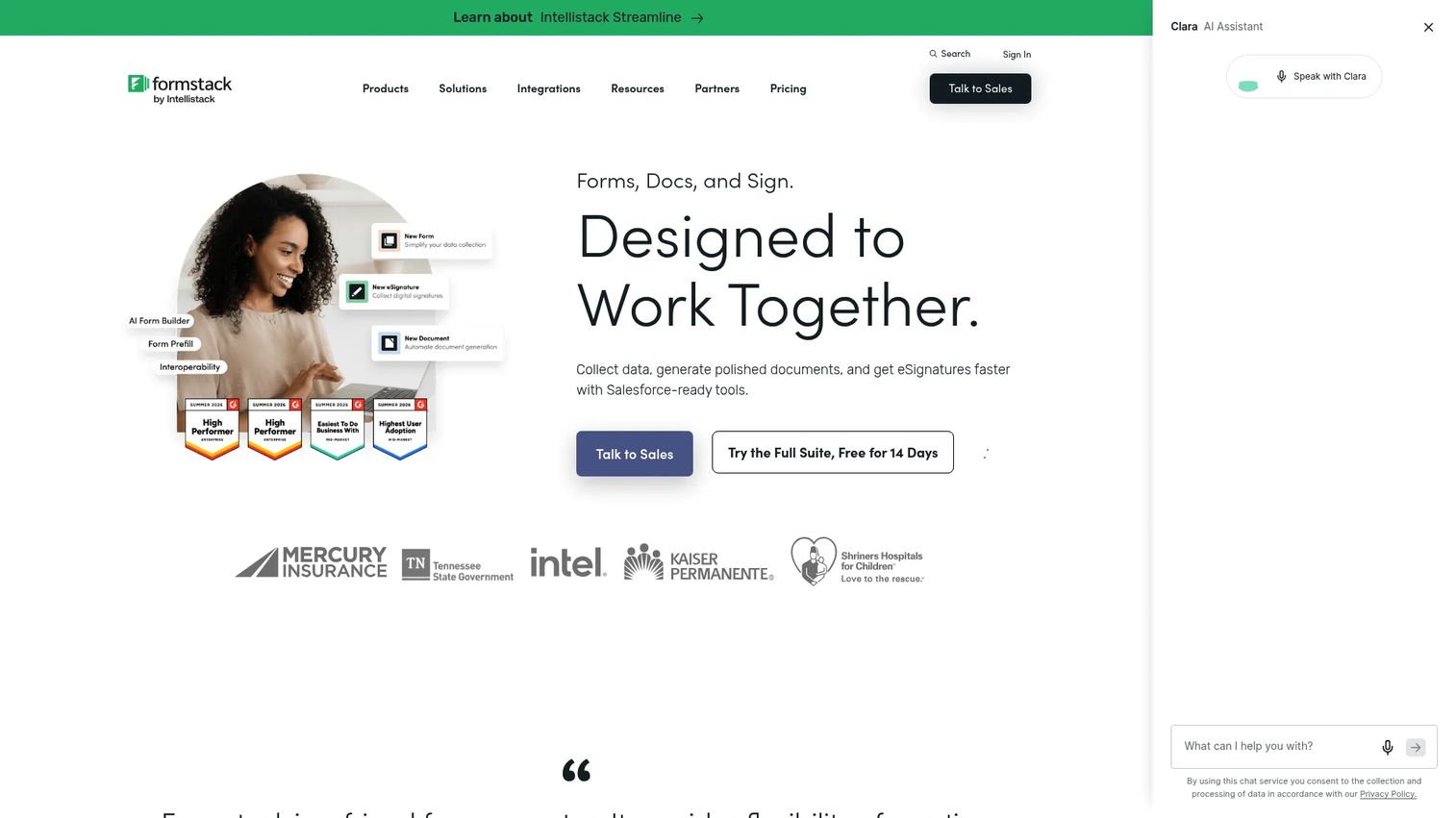
Formstack suits teams with more complex routing and internal process needs. Beyond no-code forms, it bundles document generation and eSignature, so a single submission can populate a contract, collect a signature, and move through an approval chain. That combination makes it a strong fit for operational intake where the form is the start of a longer document workflow.
The platform handles structured data capture, prefill, approvals, and integrations across common business systems. Teams that need form governance and repeatable processes across departments get the depth to build them. If your intake feeds legal, HR, or finance workflows, Formstack keeps the whole chain in one place.
Best for: Teams needing no-code forms plus document generation and eSignature workflows.
Key features
- Drag-and-drop online forms
- Document generation from submissions
- eSignature collection and routing
Why choose Formstack: Choose it when intake is one step in a bigger document and approval process, and you want capture, generation, and signature handled together.
Formstack pricing: The Forms product starts at $83/month paid annually. The Suite, which adds documents and signatures, starts at $250/month paid annually. Salesforce and Enterprise solutions use custom pricing, and a 14-day free trial covers the core Forms product.
5. Typeform

Typeform makes intake feel like a conversation. It presents one question at a time, which lifts completion on longer forms and keeps respondents moving. For client-facing intake where experience and brand matter, that presentation is the differentiator. It reads less like a government form and more like a guided conversation.
The platform pairs strong UX with custom branding, subdomains, and themes, so an online intake form looks like part of your site. AI form creation, follow-up questions, integrations, and analytics round it out. It performs best when the intake is straightforward and the priority is a polished, high-completion experience across devices.
Best for: Teams that want polished, conversational forms and surveys with branding and automation.
Key features
- One-question-at-a-time conversational UX
- Custom branding, subdomains, and themes
- AI form creation, integrations, and analytics
Why choose Typeform: Choose it when completion rate and brand experience matter most, and your intake does not require heavy back-office routing.
Typeform pricing: Basic starts at $29/month and Plus at $59/month, with Business at $99/month. A free tier is available, and Enterprise uses custom pricing.
6. Cognito Forms
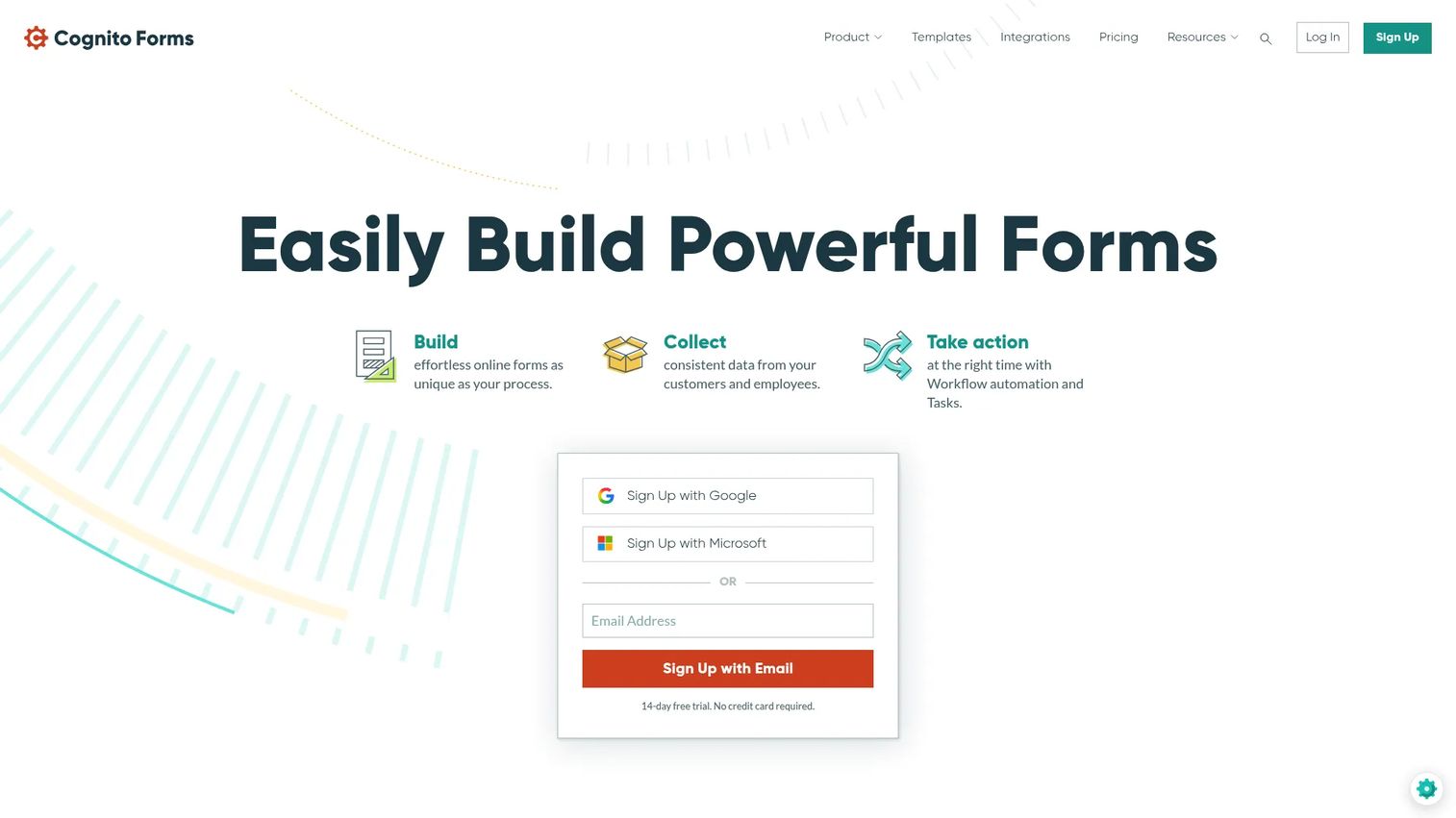
Cognito Forms is the pick when intake needs structure and math. It handles calculations, conditional logic, and repeating sections, so forms that add line items, compute fees, or capture multiple dependents work without workarounds. For teams that outgrew a basic form builder but do not need a full workflow suite, it lands in the sweet spot.
The drag-and-drop builder pairs with lightweight workflow automation, client portals, payments, and integrations. That makes it capable for structured client data collection where each submission carries variable fields. A generous free tier lets small teams start without a budget conversation.
Best for: Teams needing customizable forms with payments and lightweight workflow automation.
Key features
- Drag-and-drop form builder
- Conditional logic and built-in calculations
- Workflow automation, client portals, and integrations
Why choose Cognito Forms: Choose it when your intake forms need calculations and repeating fields, and you want depth beyond a simple builder without enterprise overhead.
Cognito Forms pricing: The Individual plan is always free. Pro starts at $19/month, Team at $39/month, and Enterprise at $129/month, all billed annually.
7. 123FormBuilder
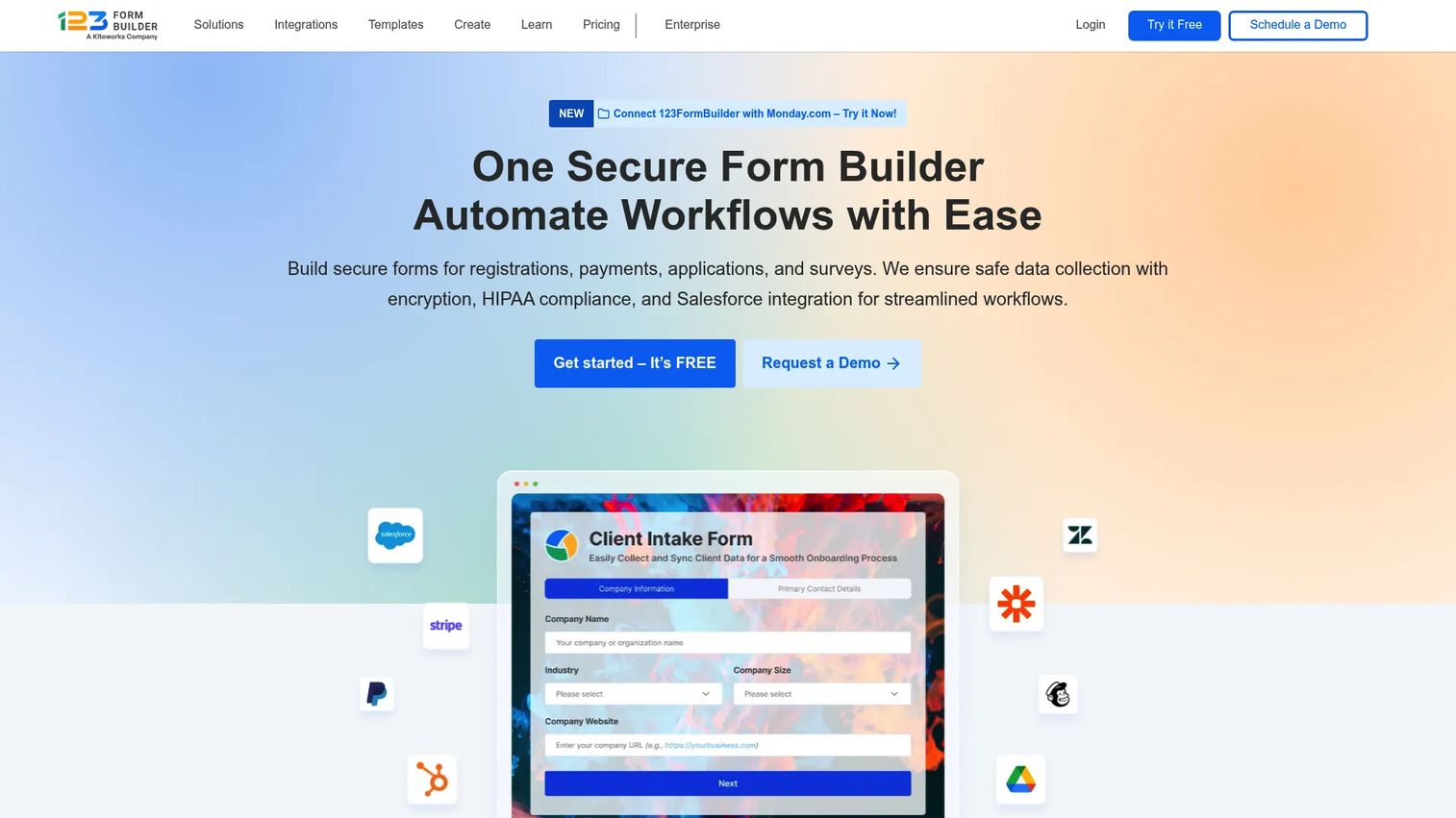
123FormBuilder is a practical option for smaller teams and simpler intake workflows. It offers a no-code drag-and-drop builder with a free entry tier, so a service business can stand up an intake form without upfront cost. Templates and straightforward setup make it approachable for teams without dedicated ops support.
Conditional logic and branching keep forms clean, and integrations with tools like Salesforce, PayPal, Google Sheets, and Mailchimp push data where it needs to go. It fits budget-conscious buyers who want reliable web forms with room to grow rather than a heavy platform.
Best for: Teams that need a no-code web form builder with integrations and a free entry tier.
Key features
- Drag-and-drop form builder
- Conditional logic and branching
- Integrations with Salesforce, PayPal, Google Sheets, Mailchimp
Why choose 123FormBuilder: Choose it when budget and simplicity lead, and you want templates plus core integrations without paying for features you will not use.
123FormBuilder pricing: The Basic plan is free with no credit card required. Gold is $18.5/month, Platinum $24.5/month, and Diamond $49.5/month, all billed yearly. Enterprise runs $225/month.
Considerations
Before you commit, run each shortlisted tool through this checklist.
Compliance and data handling
If you collect health or sensitive data, confirm the vendor offers HIPAA compliant intake forms and will sign a BAA on your plan. Check where data is stored, how access is controlled, and whether encryption covers data in transit and at rest. Compliance is a plan-tier question as often as a product question, so verify it applies to the tier you can afford.
Templates and customization depth
A large template library speeds setup, but depth of customization decides whether the form fits your real process. Test conditional logic, repeating fields, and calculations on your hardest form, not the demo one. If your intake needs math or variable line items, prioritize builders that handle it natively.
Workflow automation after submission
The form is the easy part. Ask what happens on submit: does it notify the right owner, assign a task, or route the record into your next system? Tools that treat submission as a trigger, not an endpoint, save the most manual work.
Integrations and API access
Map the systems your data must reach: CRM, EHR, spreadsheets, payment processors, and messaging. Confirm native integrations exist for your stack, and check whether API and webhook access sits on your plan tier. A form that cannot push data cleanly creates the same rework you are trying to remove.
Device experience and completion rate
Most intake now happens on a phone. Test your form on mobile before you buy, and watch for long scrolls, tiny fields, and clunky signature capture. Higher completion rates come from forms that feel effortless on the device the client actually uses.
Conclusion
The right intake form software depends on where your process breaks.
If compliance and patient intake are the priority, IntakeQ pairs HIPAA-ready forms with practice management. If you want speed and template breadth, Jotform covers the most ground. When the real pain is what happens after submission, Tallyfy and Formstack are built for routing and follow-through. For polished, high-completion forms, Typeform leads, while Cognito Forms handles calculation-heavy intake and 123FormBuilder keeps costs low for smaller teams.
Start by naming your bottleneck. Is it collection, compliance, or the workflow after the form? Then shortlist two tools, run your hardest intake form through each free trial, and test it on mobile before you decide. The tool that routes and tracks submissions cleanly will save more hours than the one with the prettiest builder.
Start your journey with Guideflow today!
FAQs
Intake form software collects structured client, patient, or request information online and moves it into a repeatable workflow. Teams use it to replace paper packets, cut manual data entry, capture e-signatures, and route submissions to the right person automatically after completion.
Look for a no-code drag-and-drop builder, conditional logic forms, e-signatures, and mobile-friendly submission. Beyond capture, prioritize form routing, notifications, reporting, and API and integrations so data flows into your CRM or database without re-keying.
If you collect protected health information in the US, yes. You need HIPAA compliant intake forms and a signed BAA from your vendor. Not every plan tier includes HIPAA features, so confirm it is available on the plan you intend to buy before collecting any patient data.
A standardized client onboarding form captures the same fields the same way every time, which removes back-and-forth and speeds time to first value. Automated routing then hands the completed record to the right owner, so onboarding starts immediately instead of waiting on manual data entry.
A registration form collects basic identity and contact details to create an account or sign up. An intake form goes deeper, gathering the specific information a provider needs to begin work, such as medical history, project scope, or consent, and usually feeds directly into a workflow.
Jotform is the strongest pick for template variety, with thousands of ready intake form templates plus AI-assisted creation. 123FormBuilder and Cognito Forms also offer solid template libraries, and Cognito adds native calculations for structured or fee-based intake.
Yes. Tools like Tallyfy and Formstack treat submission as a trigger, routing each record through a defined workflow with notifications, task assignment, and status tracking. This is the difference between submit-and-track and submit-and-hope, and it removes most of the manual follow-up after intake.
Every tool in this guide supports mobile submission, since most patient intake forms and client onboarding now happen on a phone. Test your longest form on a real device before buying, and check that signature capture and file uploads work cleanly on a small screen.