Your admin dashboard shows yesterday's usage data. Your fraud system flags events six minutes after they happen. Your cohort analysis runs on a nightly job that finishes after the standup where you needed it. These are not edge cases. They are what happens when an OLTP database carries analytical workloads it was never designed to handle.
According to Omdia (2025), 82% of IoT enterprises currently use or plan to implement real-time data processing. That number reflects a broader shift: The gap between when something happens and when your product knows about it is now a product quality problem. Confluent (2024) found that 51% of IT leaders cited data streaming as a top strategic investment priority, and 68% expect that usage to grow over the next two years.
The challenge is not awareness. It is knowing which architecture fits your product promise, your team's operational capacity, and your actual query workload.
This guide helps product managers and engineering teams shortlist the right real-time analytics database for 2026, without getting buried in benchmark marketing.
What's inside
This guide compares 21 real time analytics database tools across OLAP engines, cloud warehouses, streaming platforms, and embedded analytical stores.
- Who it's for: Product managers, engineering leads, and technical founders evaluating data infrastructure for dashboards, alerts, personalization, and AI workloads
- How tools were chosen: Recurring SERP mentions, workload relevance, and category fit
- Selection criteria used:
- Data freshness and ingestion latency
- Query latency and concurrency under load
- Operational complexity and maintenance cost
- Cost predictability at scale
"Database" is used broadly here because buyers compare columnar OLAP engines, cloud warehouses, streaming processors, and key-value stores in the same evaluation. This guide respects that reality.
TL;DR
- Best for high-throughput analytical queries: ClickHouse delivers fast columnar OLAP for events, logs, and product analytics at scale
- Best for event-heavy product analytics: Apache Druid and Apache Pinot excel at real-time OLAP on high-concurrency event streams
- Best if your team already runs warehouse-first analytics: Snowflake, Google BigQuery, Databricks, and Amazon Redshift cover governed warehouse workloads with streaming ingestion capabilities
- Best for streaming computation before storage: Apache Kafka paired with Apache Flink handles real-time event pipelines and stateful computation
- Best for Postgres-compatible streaming SQL: RisingWave and Materialize maintain live materialized views with SQL ergonomics
- Best for lightweight or embedded analytics: DuckDB and MotherDuck cover local, prototype, and serverless analytical workloads without heavy infrastructure
What is a real time analytics database?
A real-time analytics database is a database or analytical data platform that ingests fresh events or operational changes and serves analytical queries with low latency, often for dashboards, alerts, personalization, observability, or user-facing analytics.
"Real-time" does not always mean milliseconds. For most product teams, it means seconds or low minutes, depending on the product promise. A fraud alert has a different freshness requirement than a weekly retention cohort. Understanding your actual requirement matters more than chasing a benchmark.
Five dimensions define how these systems differ:
- Data freshness: How quickly new events become queryable after they occur
- Query latency: How fast a user or system receives an answer after submitting a query
- Concurrency: How many users, dashboards, or agents can query simultaneously without degradation
- Retention: How much historical data stays queryable alongside fresh data
- Query complexity: Whether the system handles joins, window functions, group-bys, and tenant-level filters at speed
Real-time analytics database vs OLTP database
| Dimension | OLTP database | Real-time analytics database |
|---|---|---|
| Primary job | Transactions | Analytical queries |
| Query shape | Point lookups and writes | Aggregations and scans |
| Data freshness | Immediate for transactions | Seconds to minutes for analytics |
| Risk when overloaded | App slowdown | Query cost or lag |
| PM relevance | Core product state | Product insights and dashboards |
PostgreSQL, MySQL, and MongoDB are common starting points for analytics because product data already lives there. The warning signs: Dashboard queries start affecting app response times, replica lag grows during peak load, and analytical indexes sprawl across transactional tables.
Key features to look for
- Streaming or CDC ingestion
- Columnar storage or analytical indexing
- Materialized views or pre-aggregation
- Time-based partitioning
- High-concurrency query serving
- SQL support
- Tiered storage for cost control
- Fault tolerance and replication
- BI tool and API integration
When to use a real time analytics database
Power product-facing dashboards
Embedded analytics require low query latency because customers wait inside your product. The failure mode is not slow queries on your laptop. It is P99 latency under 50 concurrent dashboard loads during peak usage hours. Evaluate concurrency and tenant isolation before raw query speed.
Detect risk while action is still possible
Fraud detection, infrastructure incident alerting, abuse detection, and inventory exceptions all share one requirement: The signal must arrive before the window to act closes. Data freshness and alert reliability are the metrics that matter here, not throughput alone.
Feed personalization and AI systems
Recommendation engines, RAG pipelines, lifecycle triggers, and AI agents all need fresh behavioral signals to produce relevant outputs. A stale feature store feeding a model produces outdated recommendations. The right database feeds those systems with low-latency event data. Not every real-time analytics database is also a vector store, so match the workload to the capability rather than assuming one system handles both.
Real time analytics database comparison
The table below compares all 21 tools across best use case, key differentiator, pricing, and G2 rating. Pricing reflects verified figures from each vendor's official pricing page as of October 2026. Open-source projects are listed as free to self-manage. G2 ratings are from live G2 listings; N/A indicates no reliable rating was found.
| # | Product | Best for | Key differentiator | Pricing | G2 rating |
|---|---|---|---|---|---|
| 1 | ClickHouse | High-throughput analytical queries | Fast columnar OLAP for events, logs, and dashboards | From $53/month (Cloud); open-source free | 4.5/5 |
| 2 | Apache Druid | Real-time event analytics at scale | Native streaming ingestion with rollups | Open-source free | 4.3/5 |
| 3 | Apache Pinot | User-facing analytics on event data | Low-latency OLAP built for high concurrency | Open-source free | N/A |
| 4 | Snowflake | Governed warehouse-first analytics | Enterprise governance and cross-cloud data sharing | Consumption-based; 30-day trial with $400 credits | 4.6/5 |
| 5 | Google BigQuery | Serverless analytics on large datasets | Managed scale with SQL-first workflows | Free tier; from $6.25/TiB scanned | 4.5/5 |
| 6 | Databricks | Lakehouse analytics and AI workloads | Unified Spark, SQL, ML, and governance | From $0.07/DBU; free trial available | 4.6/5 |
| 7 | PostgreSQL | Operational analytics starting point | Familiar SQL with extensions and read replicas | Open-source free | N/A |
| 8 | Amazon Redshift | AWS-native analytical workloads | Managed warehouse integrated with AWS | From $0.543/hour (provisioned) | 4.3/5 |
| 9 | Apache Kafka | Event streaming backbone | Durable event log for real-time pipelines | Open-source free | 4.5/5 |
| 10 | Apache Flink | Stateful stream processing | Event-time computation before storage | Open-source free | 4.4/5 |
| 11 | Tinybird | API-first real-time analytics | Managed ClickHouse with SQL and API publishing | Free tier; from $49/month | 4.1/5 |
| 12 | Apache Cassandra | High-scale distributed writes | Wide-column storage for massive event volume | Open-source free | 4.2/5 |
| 13 | Elasticsearch | Search-heavy operational analytics | Full-text search plus aggregation workflows | Contact Elastic for pricing | 4.5/5 |
| 14 | DynamoDB | Serverless operational data at scale | Managed key-value store with streams | Free tier; from $0.25/GB-month storage | 4.4/5 |
| 15 | RisingWave | Streaming SQL applications | Materialized views over streaming data | From $0.227/RWU/hour; free trial | N/A |
| 16 | Materialize | Operational SQL over live data | Incrementally maintained SQL views | From $1.50/Compute Credit; free community tier | 4.7/5 |
| 17 | StarRocks | Real-time OLAP with lakehouse support | Vectorized MPP engine for fast SQL | Open-source; cloud pricing not publicly listed | 4.8/5 |
| 18 | Apache Doris | Real-time analytical serving | MPP OLAP with fast ingestion | Open-source free | 4.7/5 |
| 19 | SingleStoreDB | Hybrid transactional and analytical apps | Distributed SQL for mixed workloads | Free shared workspace; from $0.99/hour (Standard) | 4.5/5 |
| 20 | MotherDuck | Collaborative DuckDB in the cloud | Serverless analytics built on DuckDB | Free Lite plan; Business from $250/org/month | 4.5/5 |
| 21 | DuckDB | Local and embedded analytics | In-process OLAP for files and apps | Open-source free | N/A |
Best 21 real time analytics database tools for 2026
1. ClickHouse
ClickHouse is an open-source, column-oriented SQL database built for fast analytics, observability, data warehousing, and AI workloads. Teams use it to run high-speed aggregations over billions of rows, making it a strong fit for product analytics, logs, clickstream data, and real-time dashboards. ClickHouse Cloud provides a managed deployment path for teams that want the speed without the operational burden of self-managing a distributed cluster.
Best for: Engineering and data teams that need fast analytical queries over large event tables with growing data volume.
Key features
- Columnar storage with sparse primary indexes and skip indexes
- Vectorized query execution for fast aggregations
- Materialized views and tiered storage
- Full SQL and JOIN support including non-equality joins
- Full-text search with native inverted indexes
Why choose ClickHouse: Choose ClickHouse when raw analytical speed and cost-efficient event storage matter more than warehouse-style governance features. Schema design, partitioning, and tuning decisions require engineering involvement, so plan for that investment.
ClickHouse pricing: The open-source project is free to self-manage. ClickHouse Cloud starts at $53/month for the Basic plan, with Scale plans from $437/month and Enterprise from $571/month. New organizations get $300 in credits for 30 days.
G2 rating: 4.5/5
2. Apache Druid
Apache Druid is a high-performance, real-time analytics database designed specifically for event-oriented data at scale. Its native streaming ingestion, time-based partitioning, and rollup capabilities make it a strong choice for user behavior analytics, adtech pipelines, and operations dashboards where freshness and slice-and-dice exploration both matter.
Best for: Teams that need real-time exploration over time-partitioned event data with high query concurrency.
Key features
- Sub-second interactive queries on event data
- Real-time and batch ingestion
- Columnar storage with bitmap indexes and time-based partitioning
- Rollups for pre-aggregating high-cardinality data
- Approximate query support for large-scale analytics
Why choose Apache Druid: Choose Druid when the workload is event-first and dashboards need to stay responsive under concurrent usage. Self-managed Druid has meaningful operational complexity; evaluate managed options if your team's infrastructure bandwidth is limited.
Apache Druid pricing: Apache Druid is open source and free to self-manage. Managed Druid services are available through third-party providers; check their pricing pages for current figures.
G2 rating: 4.3/5
3. Apache Pinot
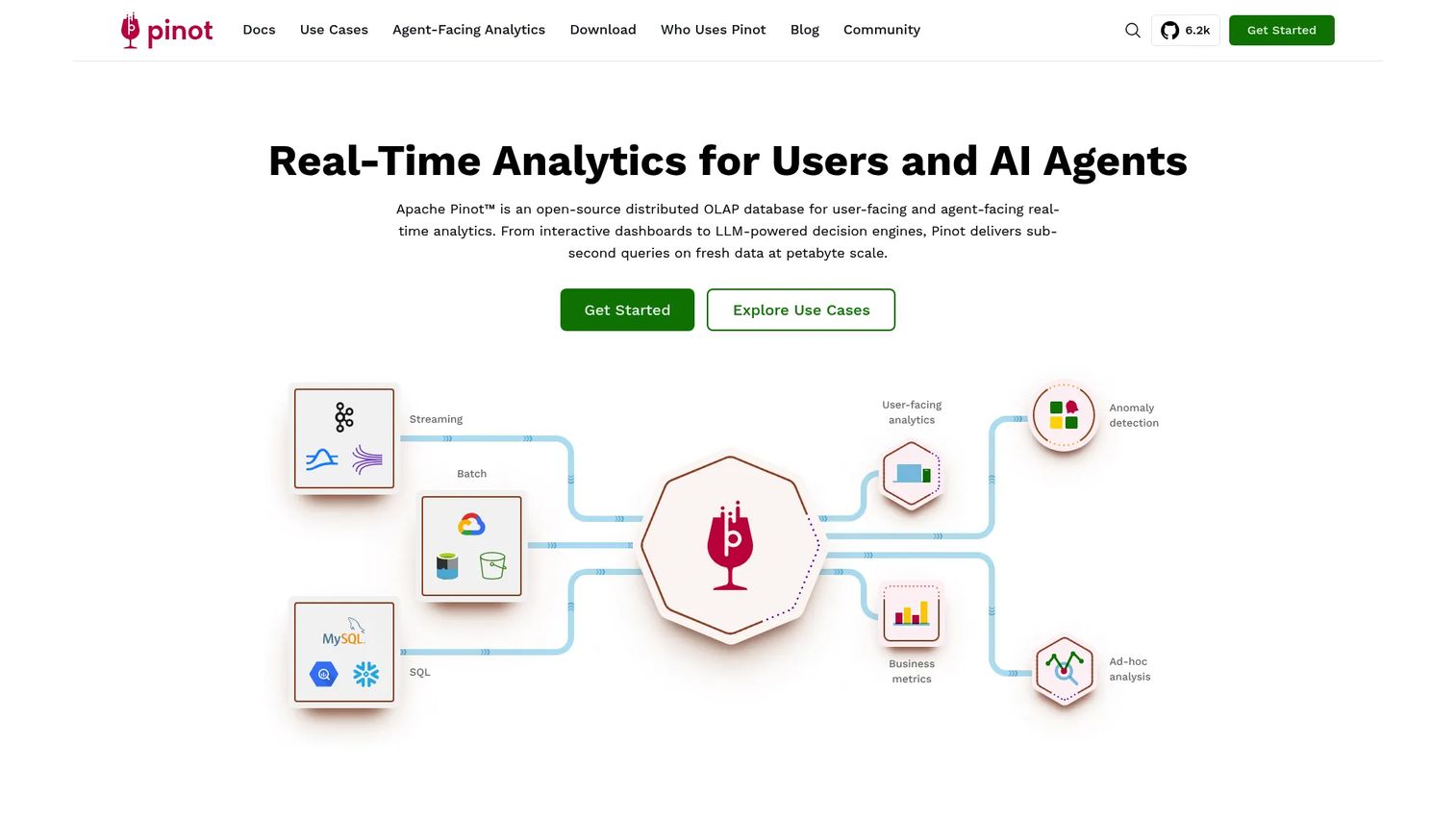
Apache Pinot is an open-source distributed OLAP database built for user-facing and agent-facing real-time analytics. Originally developed at LinkedIn and Uber for low-latency product features, Pinot handles sub-second SQL queries on fresh data alongside high concurrency, making it one of the few systems designed to serve analytical queries directly inside a customer-facing product.
Best for: Teams building low-latency analytics into customer-facing products where many users query fresh event data simultaneously.
Key features
- Sub-second SQL queries on streaming and batch data
- Real-time ingestion from Kafka, Pulsar, and Kinesis
- Star-tree and inverted indexes for fast filtering
- Built-in multitenancy support
- Upserts for mutable record patterns
Why choose Apache Pinot: Choose Pinot when product users query fresh event data directly through dashboards or APIs at high concurrency. Schema design and indexing decisions shape performance significantly, so plan for that work upfront.
Apache Pinot pricing: Apache Pinot is open source and free to self-manage. Managed service options are available through vendors; verify their pricing directly.
4. Snowflake
Snowflake is a fully managed, cross-cloud data and AI platform used for data engineering, analytics, AI, and collaborative data sharing. For real-time analytics, Snowflake supports Snowpipe Streaming for continuous ingestion, dynamic tables for automatically refreshed data products, and Cortex for AI workloads. It is best understood as a governed enterprise data estate rather than a low-latency serving layer.
Best for: Enterprises that prioritize governance, secure data sharing, and warehouse-native analytics over strict sub-second query latency.
Key features
- Snowpipe Streaming for continuous data ingestion
- Dynamic tables for automatically updated data products
- Secure cross-cloud data sharing
- Separate compute and storage for flexible scaling
- Native AI and machine learning through Snowflake Cortex
Why choose Snowflake: Choose Snowflake when real-time analytics needs to live inside an existing governed data estate. Sub-second product-facing dashboards may still require a dedicated serving layer in front of Snowflake for the lowest latency workloads.
Snowflake pricing: Snowflake uses consumption-based pricing across four editions: Standard, Enterprise, Business Critical, and Virtual Private Snowflake. Prices vary by cloud provider, region, and usage. A 30-day trial with $400 in free credits is available.
G2 rating: 4.6/5
5. Google BigQuery
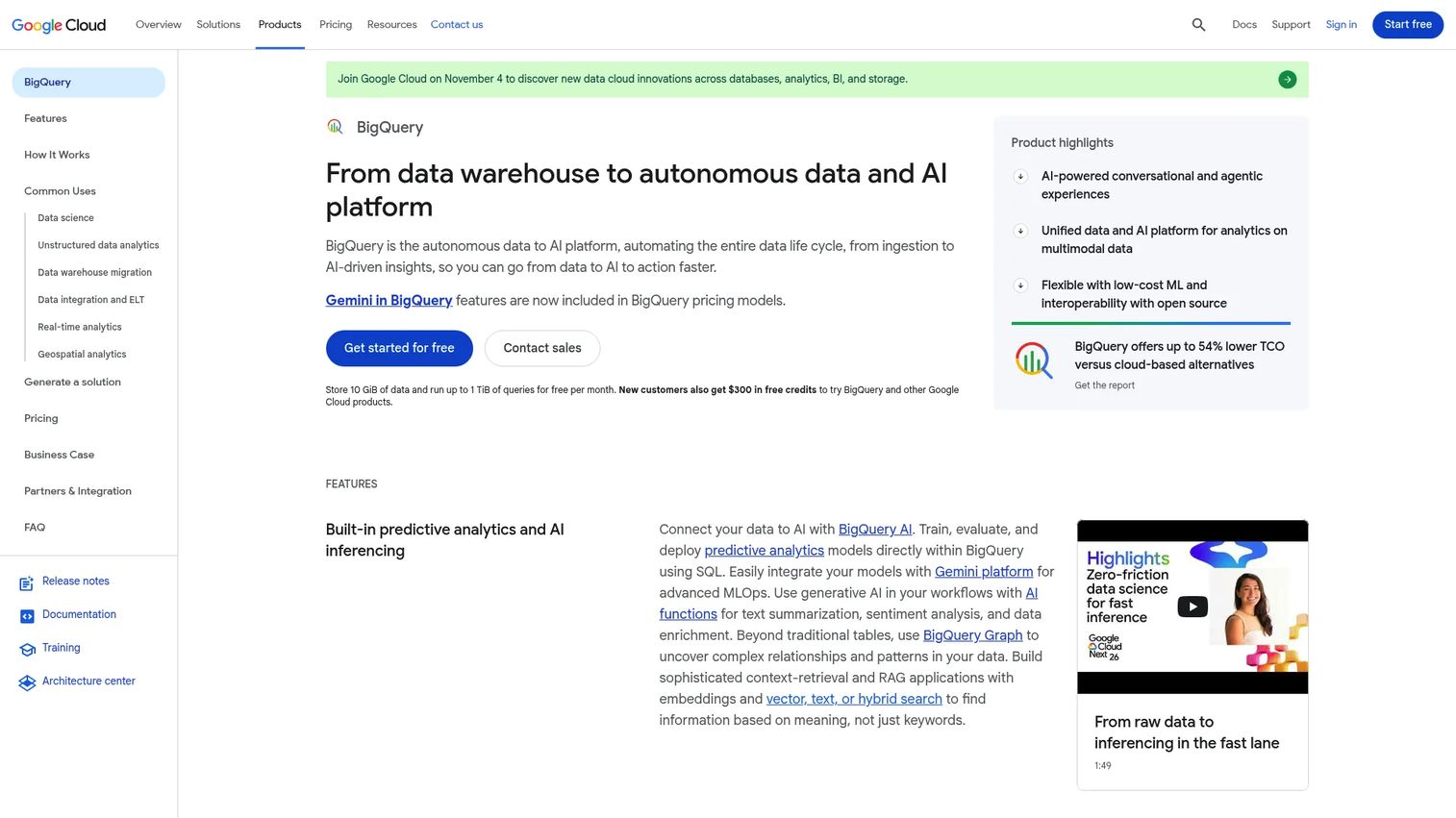
Google BigQuery is a fully managed, serverless enterprise data warehouse for large-scale SQL analytics. It handles streaming inserts, materialized views, and federated queries across Google Cloud services. For product managers already invested in Google Cloud, BigQuery reduces infrastructure overhead while supporting analytics at significant scale.
Best for: Teams already invested in Google Cloud who want managed infrastructure and SQL-first analytics without cluster management.
Key features
- Serverless SQL with automatic scaling
- Streaming inserts for continuous data ingestion
- Materialized views for pre-computed results
- BI Engine for in-memory acceleration of dashboards
- BigQuery ML for machine learning inside SQL
Why choose BigQuery: Choose BigQuery when operational overhead should stay minimal and warehouse-scale analytics matter more than strict millisecond response times. Highly interactive user-facing workloads may need cost controls and latency planning, particularly for concurrent dashboard loads.
BigQuery pricing: A free tier includes 10 GiB storage and up to 1 TiB of on-demand query processing per month. On-demand compute starts at $6.25 per TiB scanned; capacity-based BigQuery editions start at $0.04 per slot hour.
G2 rating: 4.5/5
6. Databricks
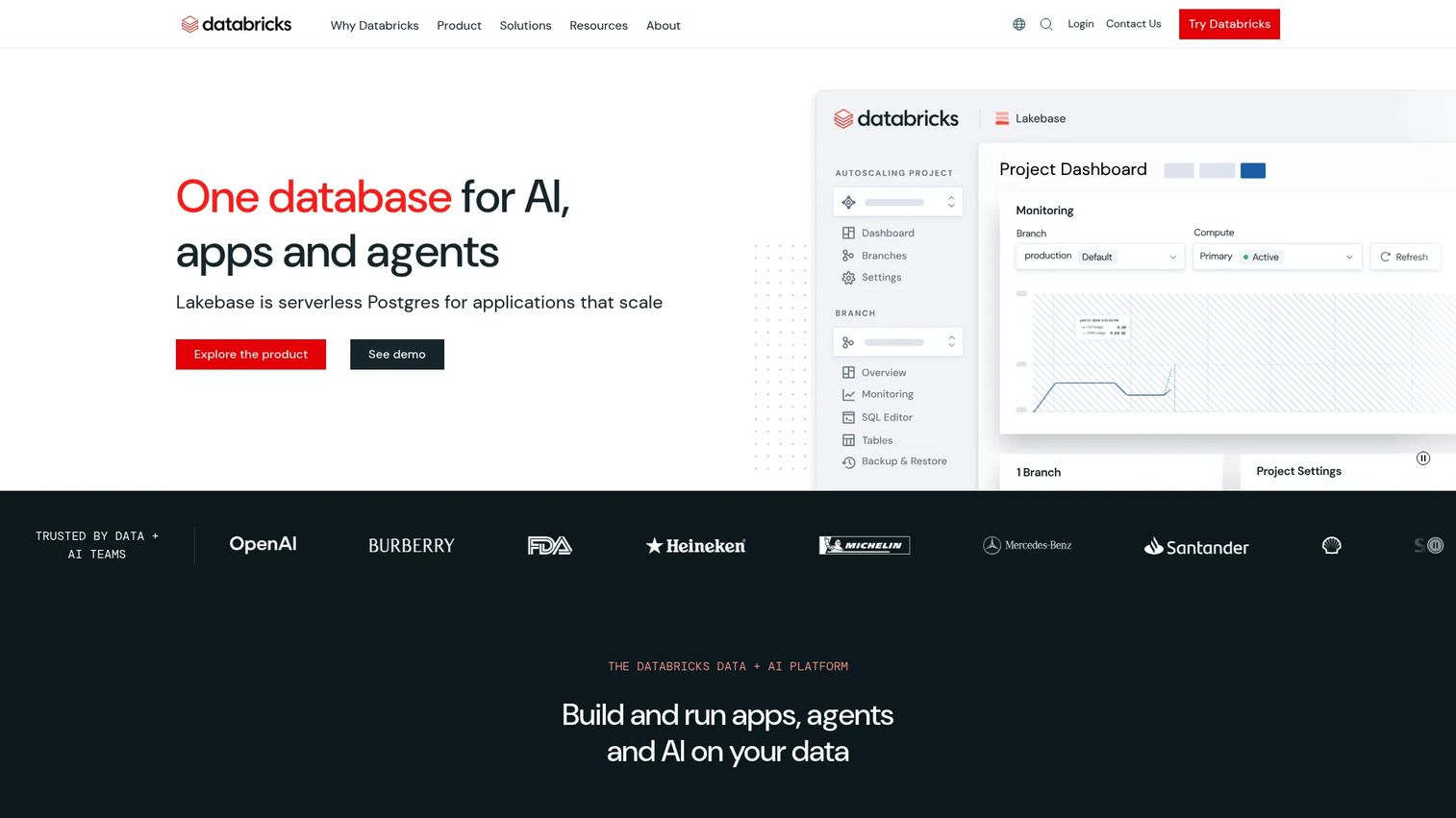
Databricks is a unified data and AI platform combining data engineering, analytics, machine learning, and governance on a governed lakehouse foundation. Structured Streaming, Delta Live Tables, and Databricks SQL support real-time workloads, while Unity Catalog governs metadata, lineage, and access across the platform. It suits teams where analytics and ML need to share the same governed infrastructure.
Best for: Organizations combining analytics, ML pipelines, streaming workloads, and lakehouse governance on one platform.
Key features
- Delta Lake for reliable data storage and streaming
- Structured Streaming for real-time pipeline processing
- Databricks SQL for interactive analytical queries
- Unity Catalog for unified governance and lineage
- ML workflows including model training and evaluation
Why choose Databricks: Choose Databricks when real-time analytics is part of a broader data science or AI platform strategy. Implementation requires data platform maturity; teams early in their data journey may find the configuration investment high.
Databricks pricing: Databricks uses DBU-based pay-as-you-go pricing. Data Engineering starts at $0.15/DBU, Data Warehousing at $0.22/DBU, and AI workloads at $0.07/DBU. A free trial and a free Community Edition are available.
G2 rating: 4.6/5
7. PostgreSQL
PostgreSQL is an open-source, object-relational database that teams reach for first because product data already lives there. Its familiar SQL, rich indexing options, JSONB support, and extension ecosystem make it capable for early-stage operational analytics. Understanding where it starts to struggle is as important as knowing what it can do.
Best for: Early-stage operational analytics and teams prioritizing SQL familiarity while event volume remains manageable.
Key features
- Mature SQL with advanced data types including JSONB and arrays
- Read replicas for offloading analytical traffic
- Partitioning and parallel query execution
- Extensions including pg_analytics and TimescaleDB
- Point-in-time recovery and row-level security
Why choose PostgreSQL: Choose PostgreSQL when analytics are close to product data and query volume is still manageable. Begin planning to offload analytical queries once dashboard performance degrades or analytical queries start competing with transactional workloads for CPU and I/O.
PostgreSQL pricing: PostgreSQL is open source and free under the PostgreSQL License, including for commercial use. Managed PostgreSQL pricing varies by provider; check AWS, Google Cloud, Azure, or Neon for current rates.
8. Amazon Redshift
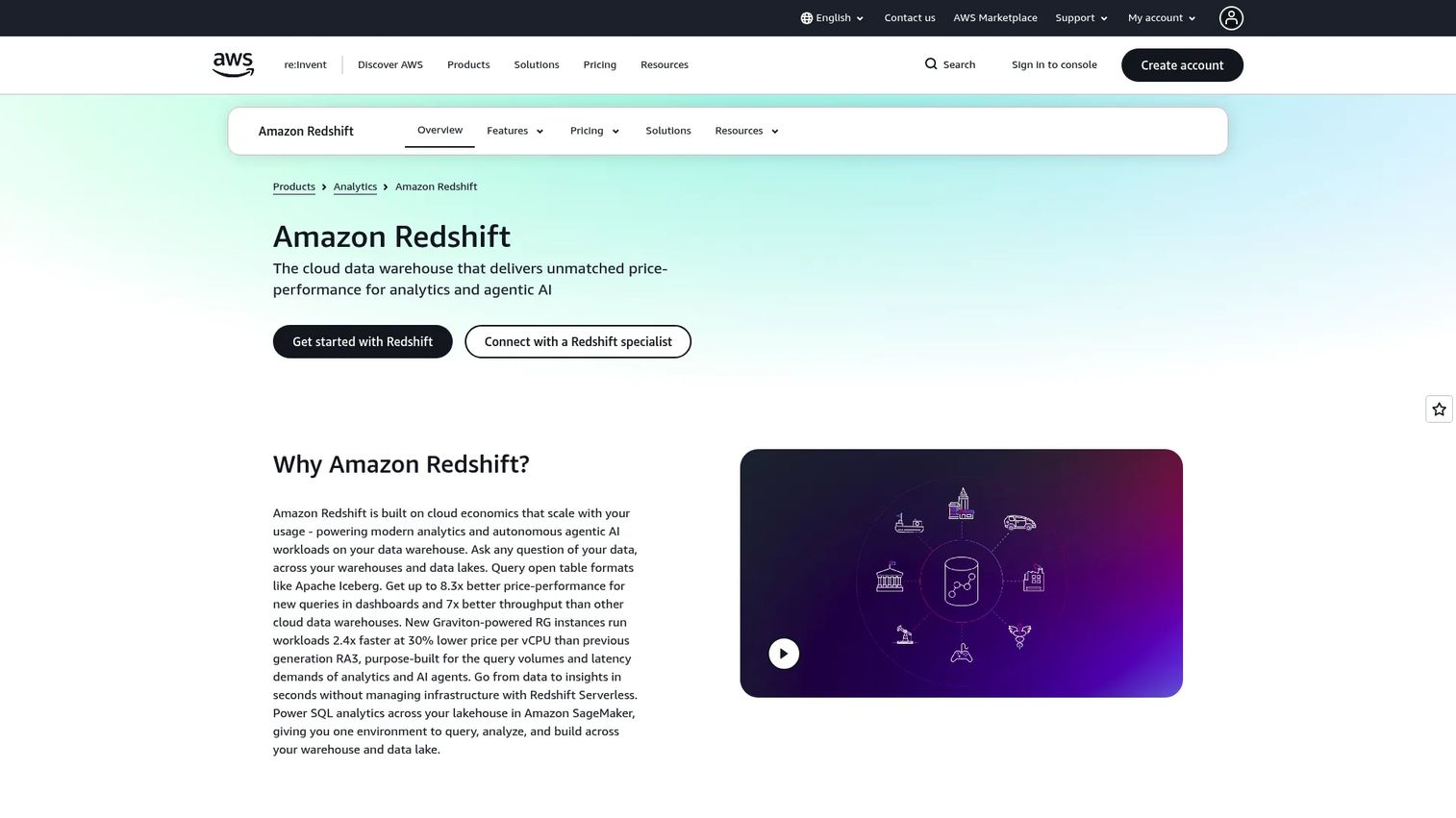
Amazon Redshift is a fully managed cloud data warehouse for large-scale SQL analytics. It supports columnar storage, massively parallel processing, streaming ingestion through Kinesis, zero-ETL integrations with operational databases, and cross-account data sharing. For AWS-native organizations, Redshift fits naturally into existing infrastructure and security configurations.
Best for: AWS-native teams running warehouse analytics at scale inside an existing AWS infrastructure footprint.
Key features
- Columnar storage with massively parallel processing
- Redshift Serverless for on-demand capacity
- Zero-ETL integrations and streaming ingestion
- Data sharing across warehouses and AWS regions
- Redshift ML for machine learning inside SQL
Why choose Amazon Redshift: Choose Redshift when analytics infrastructure, security, and operations already sit in AWS. Cost planning around cluster sizing, serverless usage, and workload management groups should happen before deployment at scale.
Amazon Redshift pricing: Provisioned clusters start at $0.543/hour. Redshift Serverless costs $1.50/hour during active processing. A $300, 90-day Serverless credit is available for eligible new users, and provisioned free trials are available in supported regions.
G2 rating: 4.3/5
9. Apache Kafka
Apache Kafka is not a database, but it is the backbone of most real-time analytics architectures. It provides a durable, distributed event log that decouples event producers from downstream consumers, including analytics databases, stream processors, and personalization systems. Product teams comparing real-time infrastructure often encounter Kafka as the ingestion layer before the query layer.
Best for: Teams building real-time event pipelines that move data reliably across systems before analytical storage or processing.
Key features
- High-throughput, durable distributed event log
- Topic partitioning for parallel consumption
- Consumer groups for coordinated processing
- Kafka Connect for integration with external systems
- Kafka Streams API for lightweight stream processing
Why choose Apache Kafka: Choose Kafka when the main bottleneck is moving events reliably across systems at scale. Kafka typically pairs with a query engine or analytical database; it answers "how does data move" rather than "how is data queried."
Apache Kafka pricing: Apache Kafka is open source and free to self-manage. Managed Kafka pricing varies by provider, throughput tier, storage, and networking costs.
G2 rating: 4.5/5
10. Apache Flink
Apache Flink is an open-source distributed processing engine for stateful computations over unbounded and bounded data streams. It enables event-time processing, exactly-once state consistency, and complex window functions. Teams use it to turn raw event streams into metrics, counters, alerts, and features before data reaches analytical storage.
Best for: Engineering teams that need real-time computation over continuous event streams before writing to storage or serving layers.
Key features
- Exactly-once state consistency with checkpointing
- Event-time processing with watermarks and late-data handling
- SQL, Table API, and DataStream API for stream and batch processing
- Stateful processing for counters, aggregations, and joins
- Integration with Kafka, Kinesis, and other streaming sources
Why choose Apache Flink: Choose Flink when raw events must become metrics, alerts, or features immediately rather than at batch time. Flink needs storage and serving systems around it; plan the full architecture before committing to Flink as the computation layer.
Apache Flink pricing: Apache Flink is open source and free to self-manage. Managed Flink services are available through cloud providers; check AWS, Confluent, and others for current rates.
G2 rating: 4.4/5
11. Tinybird
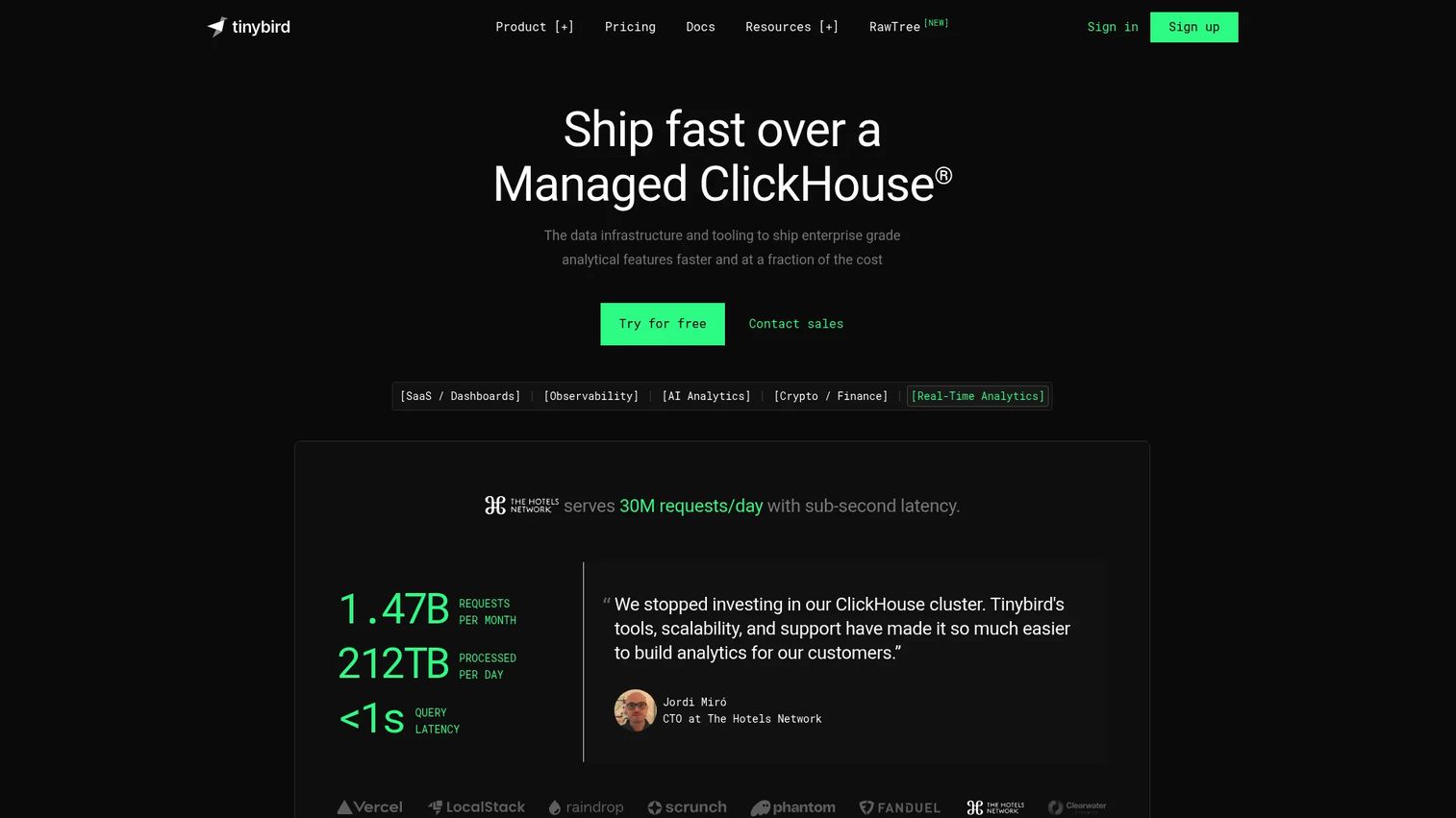
Tinybird is a managed platform for building real-time analytics APIs, built on a ClickHouse foundation. Teams use it to ingest events, transform data with SQL Pipes, and publish low-latency API endpoints that power product features or dashboards. The developer-first workflow reduces the infrastructure work of running and serving ClickHouse-based analytics at scale.
Best for: Engineering and data teams building real-time analytics APIs for product features, not just internal dashboards.
Key features
- Real-time event ingestion via Events API, Kafka, and cloud storage
- SQL Pipes for transformations, materialized views, and copy pipes
- API endpoint publishing with authentication and rate controls
- ClickHouse-based query execution for fast aggregations
- MCP server and Query API for developer integrations
Why choose Tinybird: Choose Tinybird when the product team needs analytics as a programmable API rather than a query interface. It suits developer-led teams that want the speed of ClickHouse with less infrastructure to operate.
Tinybird pricing: A free plan covers shared infrastructure, 1,000 requests per day, and 10 GB storage. The Developer plan is $49/month. SaaS and Enterprise plans are priced on request.
G2 rating: 4.1/5
12. Apache Cassandra
Apache Cassandra is an open-source distributed NoSQL database built for massive write throughput, high availability, and multi-datacenter replication. Its wide-column data model and tunable consistency make it well-suited for operational event storage where write availability and horizontal scale are non-negotiable requirements.
Best for: Teams ingesting huge volumes of operational events with predictable query patterns and strict uptime requirements.
Key features
- Distributed masterless architecture with no single point of failure
- Linear horizontal scalability and online cluster growth
- Multi-datacenter replication with tunable consistency
- Cassandra Query Language (CQL) for SQL-like access
- Vector search support in Cassandra 5.0
Why choose Apache Cassandra: Choose Cassandra when write availability and scale are the hard constraints. Ad hoc analytical queries over Cassandra require careful schema design or companion analytical systems; PMs should not expect warehouse-style exploration by default.
Apache Cassandra pricing: Apache Cassandra is open source and free to self-manage. Managed services such as DataStax Astra DB price based on usage; check their pricing pages for current figures.
G2 rating: 4.2/5
13. Elasticsearch
Elasticsearch is a distributed search and analytics engine used for logs, observability, security analytics, and operational dashboards. Its inverted index structure makes it fast for full-text search and filtered aggregation workflows. The Kibana interface provides a ready-made visualization layer for teams that also need investigation and drill-down capabilities alongside dashboards.
Best for: Teams combining search, logs, metrics, and operational analytics where the user experience is investigation-first.
Key features
- Full-text, fuzzy, semantic, and vector search
- Aggregations and analytics over indexed data
- Distributed clustering with horizontal scalability
- Inverted indexes optimized for search-heavy queries
- Time-series data streams for log and metric ingestion
Why choose Elasticsearch: Choose Elasticsearch when the analytical experience is search-first or log-driven. Long-retention analytical storage and cost at scale require planning; Elasticsearch is not the default choice for pure columnar OLAP over structured event tables.
Elasticsearch pricing: Elastic offers hosted, serverless, and self-managed deployment options. Pricing varies by deployment type and usage. Contact Elastic directly for a quote based on your workload.
G2 rating: 4.5/5
14. DynamoDB
Amazon DynamoDB is a serverless, fully managed NoSQL database supporting key-value and document data models with single-digit millisecond performance at any scale. It appears in real-time analytics evaluations because of DynamoDB Streams and Kinesis integration, which let operational events flow into downstream analytical systems.
Best for: Serverless operational workloads that emit real-time events to downstream analytics systems via streams.
Key features
- Serverless, fully managed scaling
- Key-value and document data models
- DynamoDB Streams and Kinesis Data Streams integration
- Global tables with multi-region replication
- ACID transactions and secondary indexes
Why choose DynamoDB: Choose DynamoDB when the product needs low-latency operational access and a reliable event stream to feed analytics. Analytical queries against DynamoDB directly are constrained by its key-value model; companion systems handle aggregation and exploration.
DynamoDB pricing: A free tier includes 25 GB storage, 25 write capacity units, and 25 read capacity units per month. On-demand capacity costs $0.625 per million writes and storage starts at $0.25/GB-month (US East, N. Virginia region; prices vary by region).
G2 rating: 4.4/5
15. RisingWave
RisingWave is a PostgreSQL-compatible streaming database that ingests, transforms, serves, and stores real-time data. Its incrementally maintained materialized views mean that as events arrive, views update continuously rather than recomputing from scratch. Product teams building features that depend on live metrics find the Postgres wire protocol familiar without needing to write custom stream processing jobs.
Best for: Teams that want streaming SQL with database ergonomics and continuously updated materialized views.
Key features
- PostgreSQL-compatible SQL and wire protocol
- Streaming ingestion with built-in connectors
- Continuously updated materialized views
- Complex stream and historical data joins
- Apache Iceberg streaming lakehouse support
Why choose RisingWave: Choose RisingWave when your team wants live views over event streams without building and operating separate stream processing infrastructure. Evaluate ecosystem maturity and managed service options as part of the decision.
RisingWave pricing: The Basic plan starts from $0.227 per RWU per hour with a 7-day free trial. Pro and Self-managed pricing requires a quote. Cloud plans are pay-as-you-go.
16. Materialize
Materialize is a live context layer for agents and applications that uses SQL to transform siloed operational data into continuously updated data products. Where a traditional materialized view recomputes periodically, Materialize maintains views incrementally as source data changes, so queries always return fresh results without polling.
Best for: Engineering teams building low-latency SQL views over streaming, CDC, and operational data that must stay current continuously.
Key features
- Incremental ingestion and transformation from databases and applications
- SQL-based continuously updated data products
- CDC source support for operational databases
- Context graphs for AI agents and applications
- Fully managed Cloud and self-managed deployment options
Why choose Materialize: Choose Materialize when you need queryable live views without the repeated recomputation cost of scheduled jobs. The workload shape and cloud fit should be validated before committing; interactive vector pipelines and agent context are emerging use cases where it also excels.
Materialize pricing: Cloud On-Demand pricing starts at $1.50 per Compute Credit, billed monthly. A Self-Managed Community License is free within 24 GiB memory and 48 GiB disk. Enterprise self-managed pricing requires a quote.
G2 rating: 4.7/5
17. StarRocks
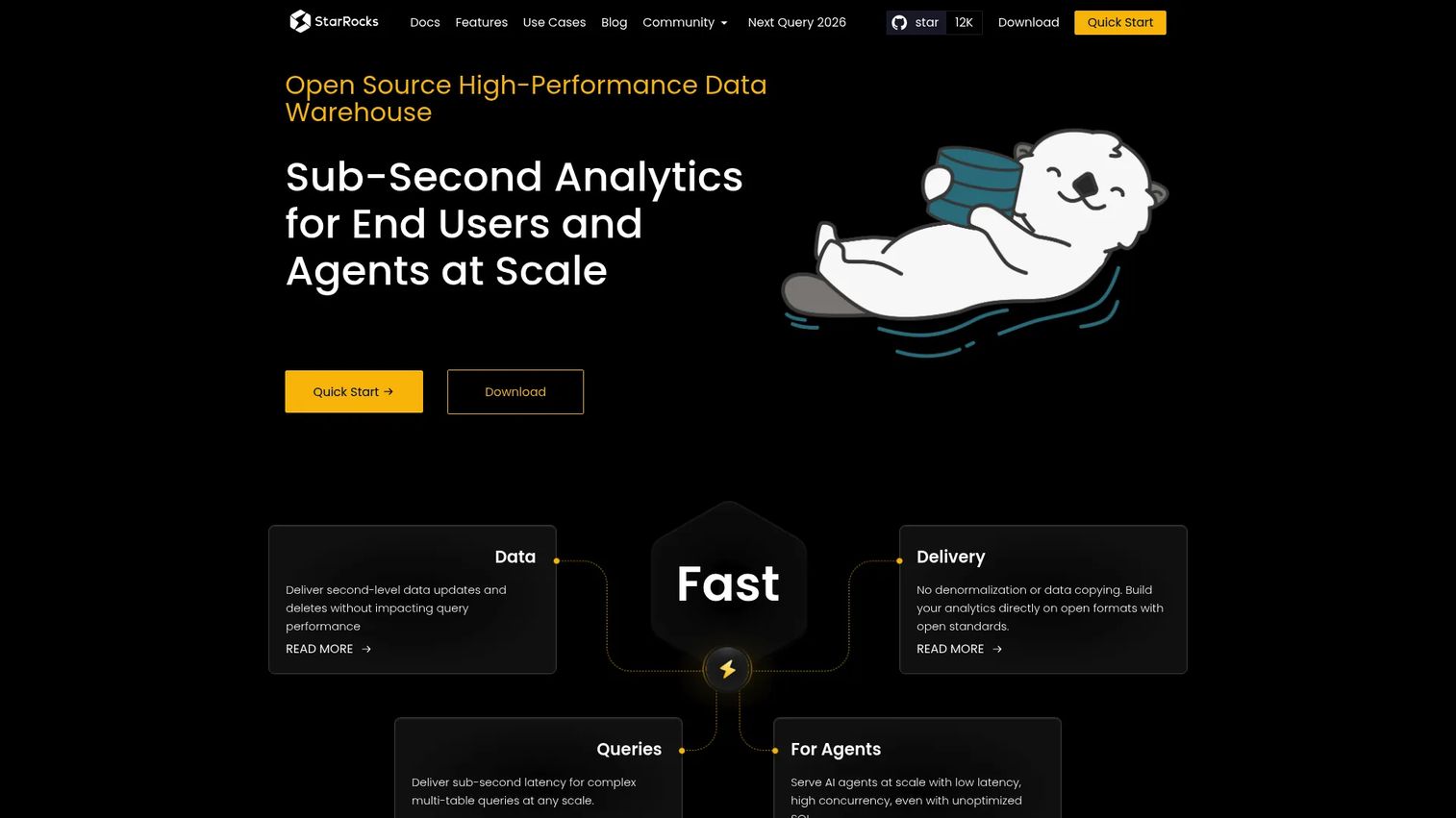
StarRocks is a high-performance MPP analytical database built for real-time, multidimensional, and highly concurrent analytics. Its vectorized execution engine with SIMD optimization, cost-based query optimizer, and shared-data architecture make it competitive for demanding OLAP workloads across both data warehouse and lakehouse environments.
Best for: Organizations needing low-latency, high-concurrency analytics across real-time warehouse data and data-lake sources simultaneously.
Key features
- Fully vectorized MPP execution engine with SIMD optimization
- Cost-based optimizer for complex SQL joins and aggregations
- Real-time updates and upserts with primary-key tables
- Direct analytics on Iceberg, Hudi, and Delta Lake sources
- Automatic query rewriting with asynchronous materialized views
Why choose StarRocks: Choose StarRocks when fast SQL analytics and lakehouse connectivity matter together. Deployment and ecosystem maturity should be evaluated; the project has strong performance benchmarks but a smaller managed-service ecosystem than more established warehouses.
StarRocks pricing: StarRocks is open source and free to self-manage. Cloud and managed service pricing is not publicly listed; contact the vendor directly for cloud deployment options.
G2 rating: 4.8/5
18. Apache Doris
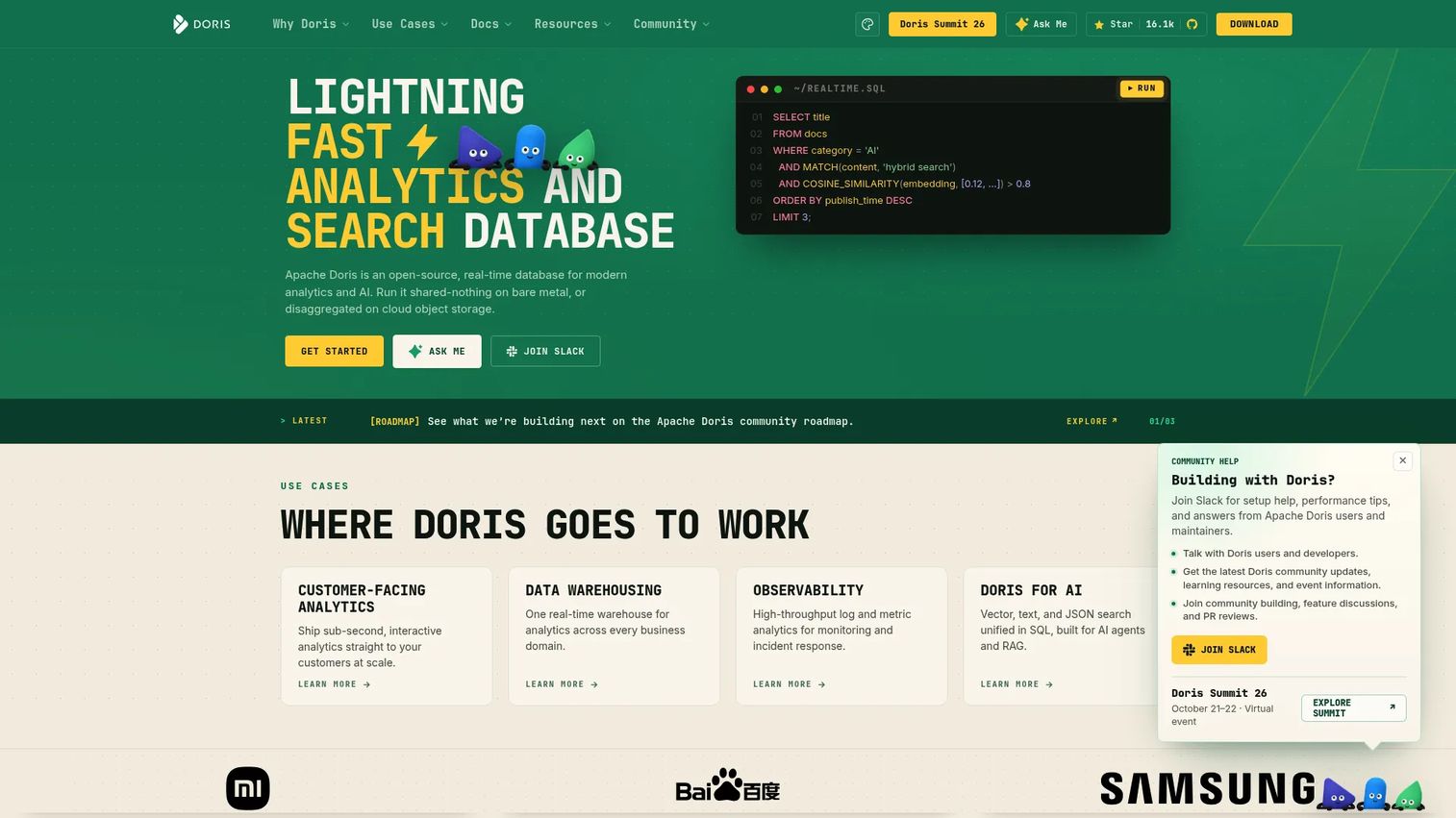
Apache Doris is an open-source, real-time analytical database and data warehouse with an MPP vectorized query engine. It supports streaming ingestion, sub-second queries, lakehouse integration with Iceberg and Delta Lake, and hybrid search across structured and vector data. SQL-based AI functions and MCP integration reflect its direction toward AI-adjacent analytical workloads.
Best for: Teams that need open-source MPP OLAP with strong analytical serving performance and lakehouse query capabilities.
Key features
- Real-time analytics with streaming ingestion and sub-second queries
- Lakehouse analytics with Iceberg, Delta Lake, and Hudi support
- MPP vectorized query engine with columnar storage
- Hybrid search across structured, text, JSON, and vector data
- SQL-based AI functions and MCP integration
Why choose Apache Doris: Choose Apache Doris when your team wants open-source OLAP with strong serving performance and does not want to pay for a managed warehouse. Consider managed service options if operations bandwidth is limited; self-managing an MPP cluster has real overhead.
Apache Doris pricing: Apache Doris is open source and free to self-manage. Managed service pricing requires verification directly with providers.
G2 rating: 4.7/5
19. SingleStoreDB
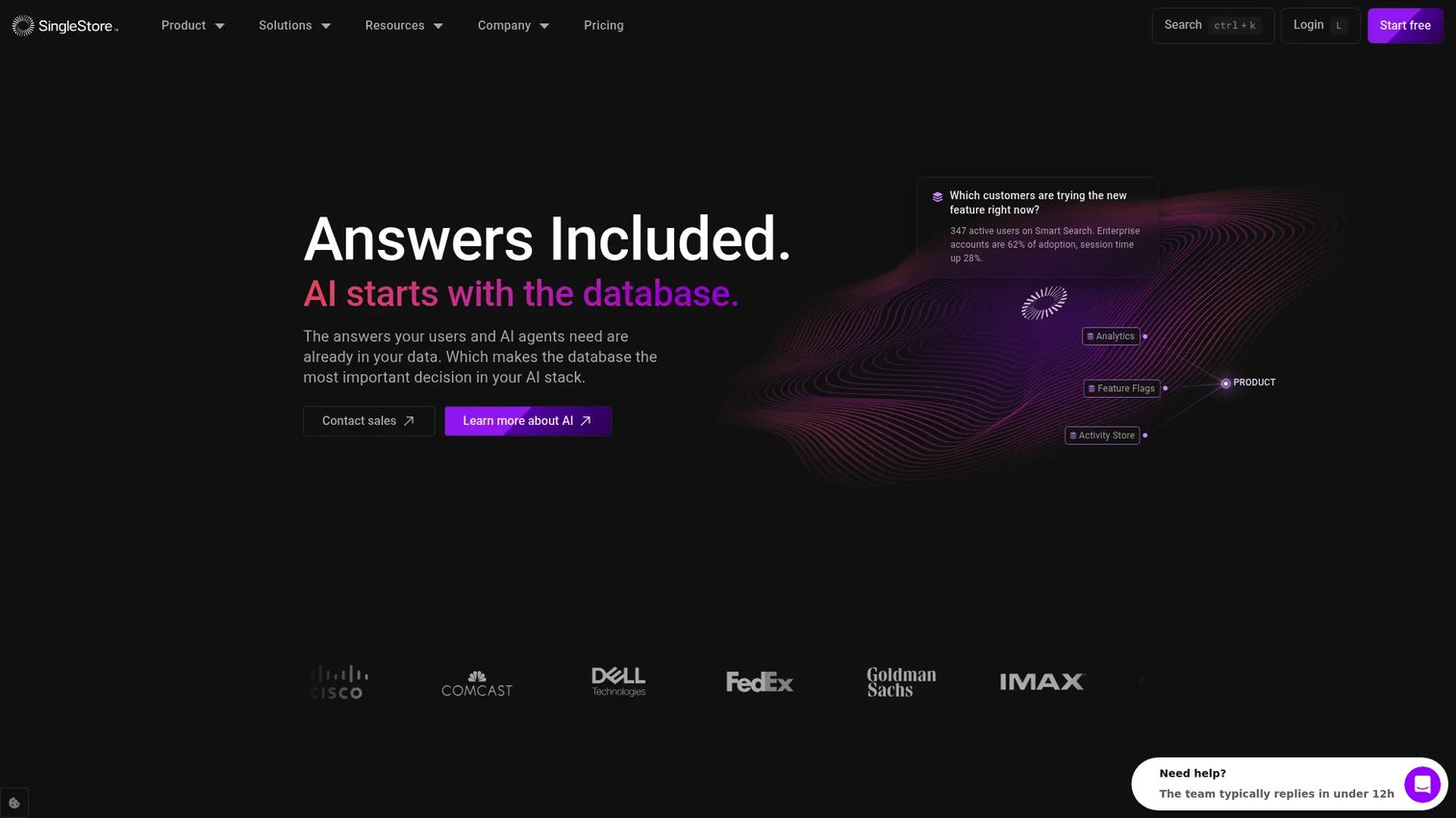
SingleStoreDB is a real-time, unified distributed SQL database that combines rowstore for transactional workloads and columnstore for analytical workloads in one system. Teams building applications that need fast reads, high-throughput ingestion, and analytical queries on the same data can avoid the complexity of two separate systems.
Best for: Teams building applications where operational and analytical workloads need to run against the same data simultaneously.
Key features
- Universal Storage combining rowstore and columnstore
- Distributed SQL with MySQL and MongoDB wire-protocol compatibility
- Streaming ingestion through Pipelines
- Multi-model support for relational, time-series, JSON, geospatial, and vector data
- Full-text search and vector search capabilities
Why choose SingleStoreDB: Choose SingleStoreDB when operational and analytical workloads need to sit closer together and separate systems add unacceptable complexity. HTAP architecture fit depends on your application's specific access patterns; validate with a proof of concept before committing.
SingleStoreDB pricing: A free shared workspace is available for evaluation. Standard plans start at $0.99/hour (usage-based). Enterprise plans start at $1.49/hour. BYOC (bring your own cloud) pricing requires a quote.
G2 rating: 4.5/5
20. MotherDuck
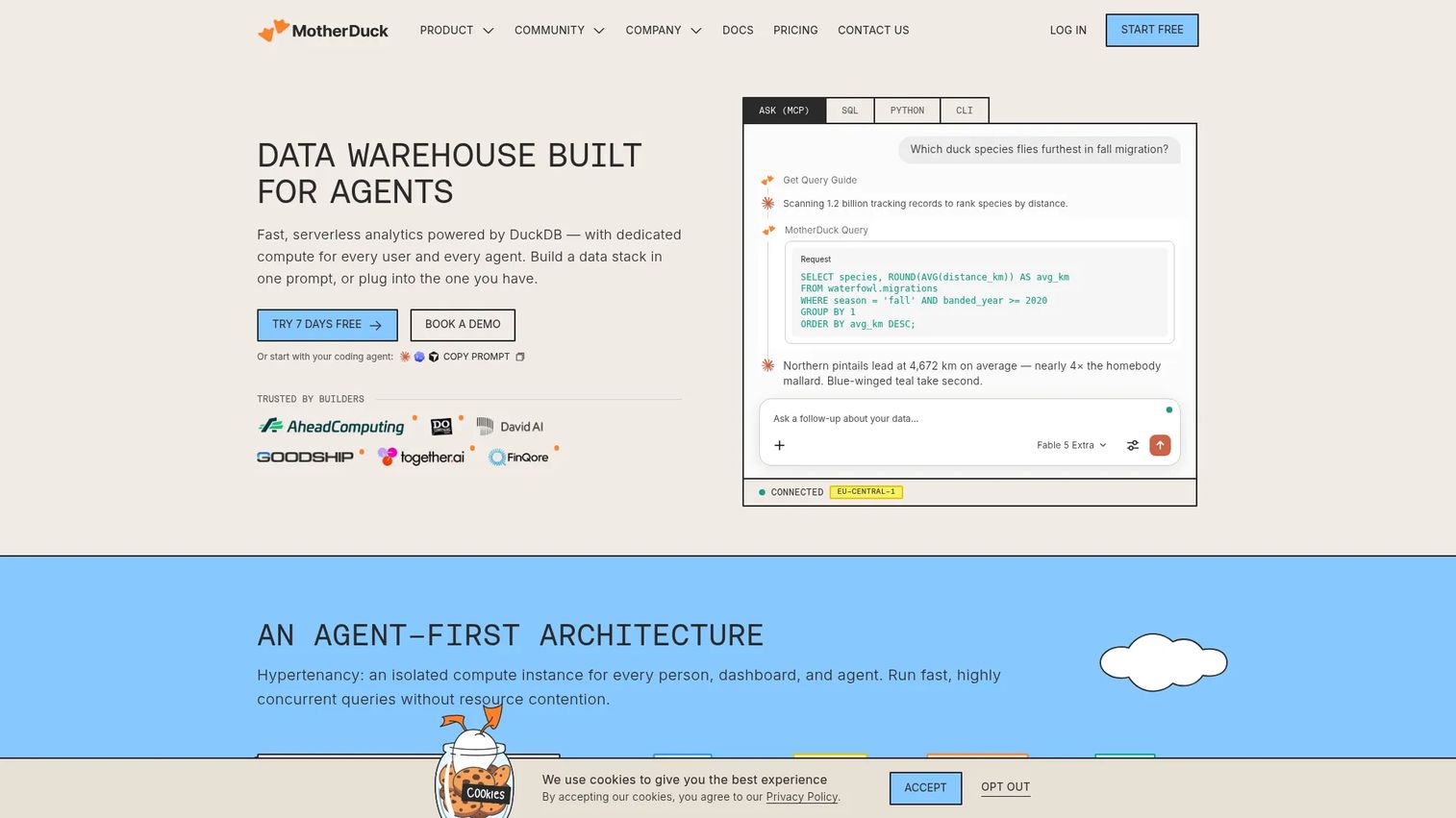
MotherDuck is a serverless cloud data warehouse and analytics platform built on DuckDB. It supports hybrid local-and-cloud query execution, AI-agent integration through MCP and natural-language SQL, and scheduled Python data pipelines. Smaller teams and developer-led workflows that need fast analytics without warehouse operations overhead find it a practical fit.
Best for: Data teams and developers wanting DuckDB-style analytics with cloud collaboration, shared data, and AI-agent support without heavy infrastructure management.
Key features
- Serverless DuckDB analytics with hybrid local and cloud execution
- AI-agent support through MCP and natural-language SQL
- Scheduled Python data pipelines through Flights
- Isolated per-user or per-agent compute with read-scaling replicas
- Zero-copy data sharing and BI tool integrations
Why choose MotherDuck: Choose MotherDuck when your team wants lightweight cloud analytics with a low operations burden and DuckDB's SQL compatibility. High-concurrency workloads or streaming ingestion at extreme throughput may need an additional serving layer.
MotherDuck pricing: The Lite plan is free and includes 3 internal active users, 2 service accounts, and 10 GB storage. Business plans start at $250 per organization per month plus usage. Enterprise pricing is custom.
G2 rating: 4.5/5
21. DuckDB
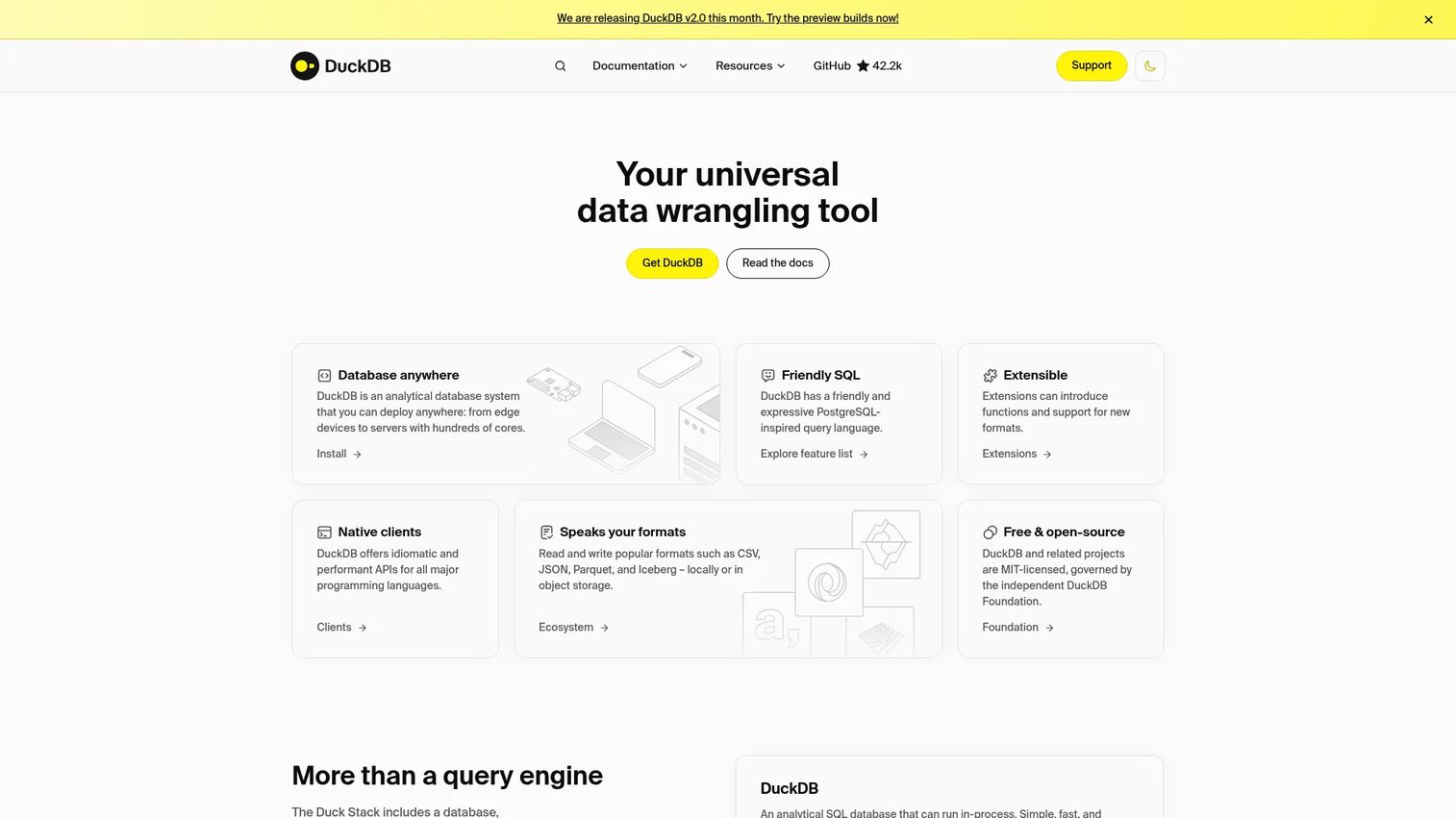
DuckDB is a free, open-source, in-process analytical SQL database system. It runs inside your application, Python script, or data pipeline without a server. Teams use it for local data exploration, prototype analytics, Parquet and CSV processing, and embedding analytical capability directly into applications or notebooks.
Best for: Developers and data teams needing portable, high-performance analytical SQL over local files, data frames, or object storage without running a database service.
Key features
- In-process OLAP with columnar-vectorized query execution
- Reads and writes CSV, JSON, Parquet, and Iceberg formats natively
- APIs and clients for Python, R, Go, Rust, Node.js, and WebAssembly
- Zero-server setup with no installation dependencies for embedded use
- Full SQL support including window functions and complex joins
Why choose DuckDB: Choose DuckDB when you need analytical speed without running a database service. It is not the default choice for multi-user, always-on, high-concurrency production serving; for those workloads, MotherDuck or a dedicated OLAP system fits better.
DuckDB pricing: DuckDB is fully open source under the MIT license and free to use. The official FAQ states there is no enterprise version of DuckDB itself; cloud and managed services built on DuckDB have separate pricing.
Considerations when choosing a real time analytics database
Define freshness before latency
Write the product promise first. A support team dashboard may tolerate one-minute data freshness without any user complaint. A fraud alert system may not. Before evaluating any database on latency benchmarks, document the freshness requirement that your product actually guarantees to users or depends on operationally.
Separate ingestion, processing, storage, and serving
Kafka, Flink, and a columnar database can all be part of one real-time architecture. Forcing a single system to handle ingestion, transformation, storage, and query serving creates coupling that is hard to scale. Evaluate each layer separately and let the architecture reflect the actual job boundaries.
Test query shapes, not benchmark headlines
Vendor benchmarks measure their own workloads. Test your filters, joins, window functions, group-bys, tenant isolation, and concurrent dashboard loads against your actual data volume. A system that benchmarks well on generic queries may not match your product's specific access patterns.
Price the failure mode
A cheap self-managed system that slows the core application database is expensive in engineering time and customer impact. A fast managed system that requires a full-time specialist to operate may also carry hidden costs. Factor operational burden, support contracts, and migration risk into total cost.
Plan the migration path
Most teams do not replace their OLTP database overnight. Start with read replicas, CDC pipelines, materialized views, and analytical offloading before rewriting the data stack. The goal is a sequenced path that reduces risk at each step, not a big-bang migration.
Conclusion
No single database wins every real-time analytics workload. The right choice depends on your data freshness requirement, query shape, concurrency expectations, and how much operational overhead your team can absorb.
For high-speed columnar OLAP on large event tables, ClickHouse is the benchmark. For event-heavy product-facing analytics with high concurrency, Apache Druid and Apache Pinot were built for that job. If your organization already centralizes data in a warehouse, Snowflake, BigQuery, Databricks, and Amazon Redshift all offer streaming ingestion paths without abandoning governance. Kafka and Flink handle the pipeline layer before data reaches a query engine. RisingWave and Materialize bring streaming SQL with familiar database ergonomics. For lightweight local or prototype workloads, DuckDB and MotherDuck remove the infrastructure overhead entirely.
Start by writing down your product's freshness requirement and your expected concurrent query load. Those two numbers eliminate more options than any benchmark comparison will.
For deeper context on product analytics and big data analytics software, the Guideflow blog covers adjacent infrastructure decisions relevant to product and data teams.
FAQs
There is no universal winner because workloads differ too much. ClickHouse performs best for high-throughput columnar OLAP on events and logs. Apache Druid and Apache Pinot excel at high-concurrency user-facing analytics. Snowflake, BigQuery, Databricks, and Amazon Redshift suit governed warehouse analytics with streaming ingestion. DuckDB and MotherDuck cover lightweight or embedded analytical workloads. Start with your freshness and concurrency requirements, then match them to a category.
A "real time database" usually refers to operational sync and transactional state, where reads and writes reflect the current moment for a running application. A real-time analytics database serves fresh analytical queries including aggregations, dashboards, and alerts, often over large event volumes. The confusion arises because both involve fresh data, but the query shapes and system designs are fundamentally different.
Yes, for early-stage or moderate analytical workloads. Read replicas, materialized views, extensions like TimescaleDB, and careful indexing extend PostgreSQL's analytical reach considerably. The warning signs that it is time to offload: Dashboard queries competing with app transactions for CPU, replica lag growing during peak hours, and expensive analytical indexes slowing write throughput on the primary database.
Kafka is an event streaming platform and Flink is a stream processing engine. Neither is a database in the query-serving sense. They typically sit before a database in a real-time analytics architecture, with Kafka moving events reliably between systems and Flink computing metrics, counters, and features from those event streams before writing to analytical storage.
ClickHouse, Apache Druid, Apache Pinot, Tinybird, StarRocks, and Apache Doris are all strong candidates depending on scale and serving requirements. For very high concurrency with low latency, Pinot and Druid were specifically designed for that workload. For an API-driven approach, Tinybird reduces the serving infrastructure burden. Test tenant-level query isolation and your most common dashboard filters on real data before committing.
Databricks and Snowflake have the most mature native AI and ML capabilities for model training, feature stores, and governed AI infrastructure. ClickHouse and Apache Doris work well for feeding fresh event signals to AI systems. MotherDuck has specific MCP and natural-language SQL support for AI-agent access patterns. Avoid assuming that a real-time analytics database also handles vector search; validate that capability specifically if RAG or semantic retrieval is part of the workload. For broader AI infrastructure context, see the Guideflow guides on agentic AI platforms and best AI agents.
The answer starts with your product promise. A fraud detection system may require data that is seconds old. An operations dashboard serving internal teams may tolerate data that is one to five minutes old. A weekly cohort report has no real-time requirement at all. Defining acceptable freshness per use case before evaluating databases saves significant architecture work. According to TDWI (2025), 38% of organizations plan to enable real-time data access for operational use cases, which suggests that most teams are somewhere on a spectrum rather than at either extreme.
The clearest signals are slow application response times correlated with dashboard query timing, growing replica lag during business hours, analytical indexes that take minutes to rebuild after writes, CPU spikes on the primary database during reporting runs, and increased lock contention on tables that both application code and analytics touch. Each of those signals represents a workload mismatch. Offloading analytical queries to a dedicated system before those symptoms affect customer experience is significantly cheaper than doing it after. For analytics infrastructure context relevant to product managers, see the Guideflow guide on analytics platforms and ROI.