Sales reps spend roughly 15% of their day actually talking to prospects. The rest disappears into manual dialing, voicemail greetings, and waiting through rings that go nowhere.
Auto dialer software eliminates that dead time by automatically dialing numbers from your contact list and connecting only answered calls to available agents. This guide covers how automatic dialing systems work, the different dialer types, key features to evaluate, and 11 tools ranked by use case to help you pick the right one.
What's inside
This guide covers what auto dialer software is, how automatic dialing systems work, the different types of dialers available, and the key features to evaluate when choosing one. You'll also find a ranked list of 11 auto dialer tools for sales teams, selected based on CRM integration depth, compliance features, dialer modes, and pricing transparency.
TL;DR
- Auto dialer software automates outbound calling by dialing numbers from a list and connecting answered calls to agents
- Main benefit: Eliminates manual dialing so reps spend more time in actual conversations instead of waiting through rings
- Key dialer types: Predictive, power, progressive, and preview dialers serve different sales workflows and team sizes
- Features that matter: CRM integration, voicemail drop, local presence, and TCPA compliance tools
- Top picks vary by use case: High-volume call centers benefit from predictive dialers while personalized outreach teams work better with power or preview dialers
What is auto dialer software
Auto dialer software automates outbound calling by dialing numbers from a contact list and connecting answered calls to available agents. The technology eliminates manual dialing, bypasses busy signals and voicemails, and integrates with CRMs for better lead management.
- Core function: Pulls numbers from uploaded lists or CRM and dials automatically
- Primary users: Sales teams, call centers, marketing teams, customer service departments
- Key outcome: Agents talk to more live prospects per hour instead of waiting through rings and voicemails
The technology goes by several names: automatic dialer, autodialer, or dialing software. Regardless of what you call it, the purpose remains the same: maximize the time your team spends in actual conversations.
How automatic dialing systems work
Understanding the mechanics helps you evaluate which features matter for your workflow.
Automated number dialing and call detection
The dialer pulls numbers from a contact list or CRM and dials them automatically. Answering machine detection (AMD) identifies whether a human or voicemail answers. Only live connections get routed to agents, which means your team never wastes time listening to voicemail greetings.
Intelligent call routing to available agents
The system monitors agent availability and routes answered calls to the next free rep. Predictive dialers use algorithms to dial multiple numbers simultaneously based on predicted agent availability. Power dialers maintain a 1:1 ratio, dialing one number at a time per agent.
CRM integration and real-time data sync
Call data, recordings, and outcomes sync back to the CRM automatically. This logs activity, updates contact records, and feeds into reporting dashboards without manual data entry.
Types of auto dialers
Each dialer type serves a different workflow. Matching the right mode to your sales process determines whether you'll see productivity gains or compliance headaches.
Predictive dialer
Dials multiple numbers simultaneously and predicts when an agent will be free. Best for high-volume call centers with large teams. The risk: can create "telemarketer delay" if calls connect before agents are ready, which frustrates prospects and may trigger compliance issues.
Power dialer
Dials one number at a time per agent, moving to the next number only when the current call ends. Ensures a 1:1 ratio with no abandoned calls. Best for sales teams that want consistent pacing without compliance risk.
Progressive dialer
Similar to power dialer but automatically dials the next number as soon as an agent becomes available. Balances efficiency with a personal touch. Good for mid-sized teams who want automation without aggressive pacing.
Preview dialer
Shows agents the contact record before dialing, letting them review notes and prepare. The agent manually triggers the call. Best for complex B2B sales or high-value accounts requiring personalization.
Voice broadcasting
Sends pre-recorded messages to large contact lists without agent involvement. Used for appointment reminders, announcements, or surveys. Not designed for live sales conversations.
| Dialer type | How it works | Best for | Compliance risk |
|---|---|---|---|
| Predictive | Dials multiple lines, routes answered calls | High-volume call centers | Higher (potential abandoned calls) |
| Power | Dials one number per agent sequentially | Sales teams needing consistent pacing | Low |
| Progressive | Auto-dials next number when agent is free | Mid-sized teams balancing speed and personalization | Low |
| Preview | Agent reviews contact before triggering dial | Complex B2B or high-value accounts | Lowest |
| Voice broadcast | Sends pre-recorded messages to lists | Announcements, reminders, surveys | Varies by content |
Auto dialer vs power dialer
This distinction trips up a lot of buyers. "Auto dialer" is the umbrella category for all automated dialing software. "Power dialer" is a specific type within that category.
Many people search for "auto dialer" when they actually want a power dialer. Predictive dialers have compliance concerns and can create that awkward telemarketer delay when calls connect before agents are ready. Power dialers avoid both problems while still eliminating manual dialing. For most B2B sales teams, a power dialer offers the right balance of efficiency and personalization.
Key features to look for in auto dialer software
Not all dialers are created equal. The following capabilities separate tools that actually improve productivity from tools that create new problems.
Automated call scheduling and cadences
Good dialers let you schedule calls across time zones, set follow-up sequences, and build multi-touch cadences that combine calls with emails and texts.
Voicemail drop and pre-recorded messages
Agents can leave a pre-recorded voicemail with one click instead of waiting through the beep and speaking. Across high-volume calling, voicemail drop saves significant time and ensures consistent messaging.
Call recording and live monitoring
Automatic call recording supports training and compliance. Managers can listen to live calls, whisper coaching to agents, or barge into conversations when deals need saving.
Local presence and caller ID management
Local presence displays a local area code to the prospect - prospects are four times more likely to answer local numbers. Caller ID rotation helps avoid spam flagging.
Real-time analytics and reporting dashboards
Metrics like calls made, connect rate, talk time, outcomes, and conversion tracking give visibility into performance. Teams that track call metrics can optimize campaigns instead of guessing what works.
CRM and sales tool integrations
Native integrations with Salesforce, HubSpot, Zoho, and Pipedrive eliminate manual data entry and keep contact records updated automatically.
Benefits of using auto dialer software
Features are one thing. Outcomes are what matter.
More agent talk time and higher productivity
Dialers eliminate time spent manually dialing, listening to rings, and navigating phone trees. Agents spend more of their day in actual conversations, which is where deals happen.
Increased connect rates and daily call volume
Features like local presence, answering machine detection, and smart pacing help teams reach more live prospects per day.
Lower operating costs per call
Automation reduces the labor cost per conversation since agents handle more calls in the same amount of time.
Better lead management and data quality
Automatic logging, call recording, and CRM sync improve data hygiene and ensure no leads fall through cracks.
Easy scaling for growing sales teams
Cloud-based dialers let you add seats quickly without hardware or IT involvement. When you hire new reps, they can start dialing the same day.
12 best auto dialer software tools for sales teams
The following tools are ranked by best use case, not overall "best." Selection criteria: CRM integrations, dialer modes, compliance features, pricing transparency, and G2 ratings.
1. PhoneBurner
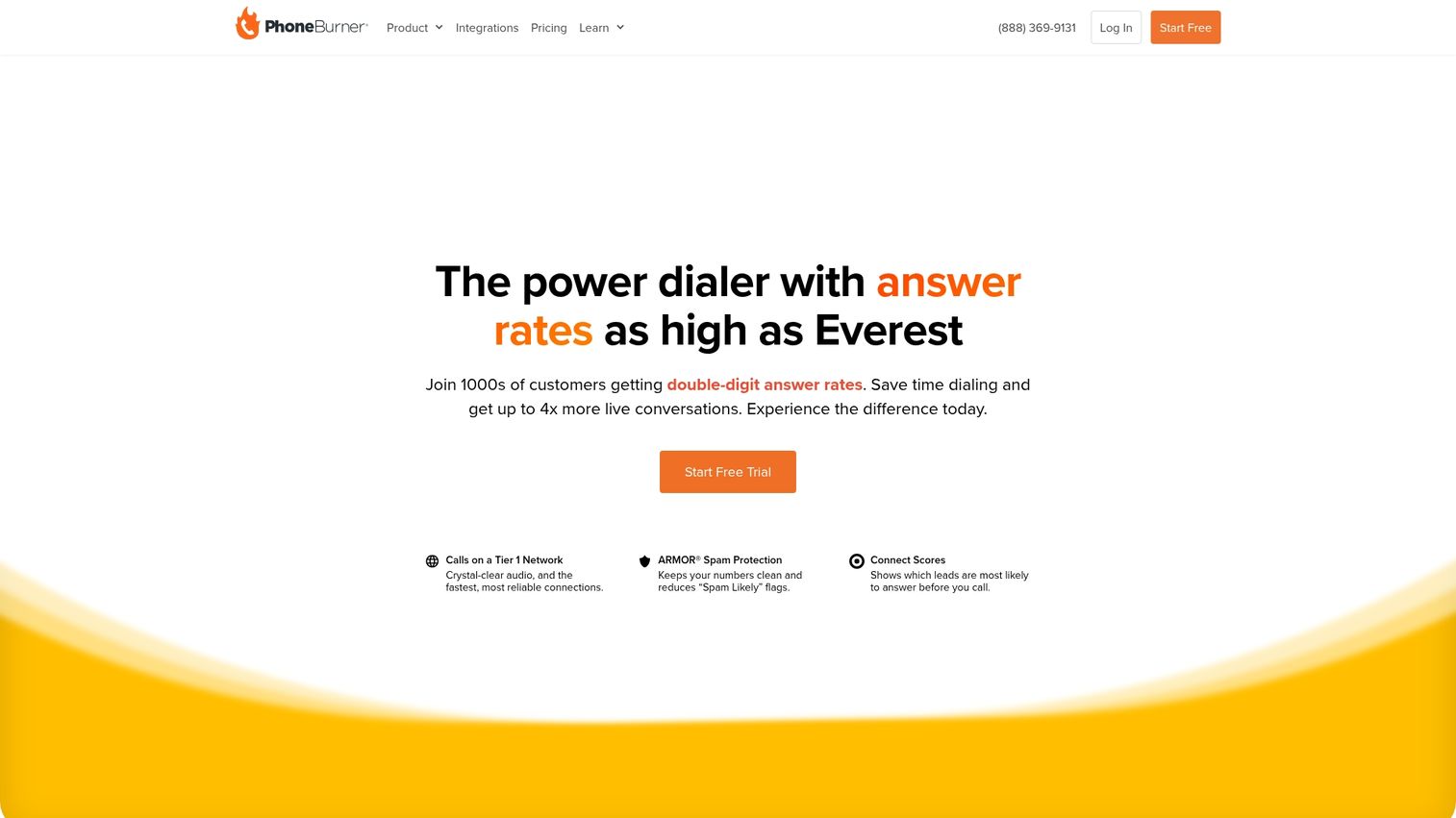
PhoneBurner is a cloud-based power dialer known for ease of use and no telemarketer delay. The platform connects agents to live answers only, which means no awkward pauses when prospects pick up.
Best for: SMB sales teams and solopreneurs who want quick setup without technical complexity.
Key strengths
- Power dialing with no connection delay
- One-click voicemail drop saves time on every unanswered call
- Built-in email follow-up tied to call outcomes
- Native integrations with Salesforce, HubSpot, and Zoho
Pricing: Starts at $127/user/month
2. RingCentral
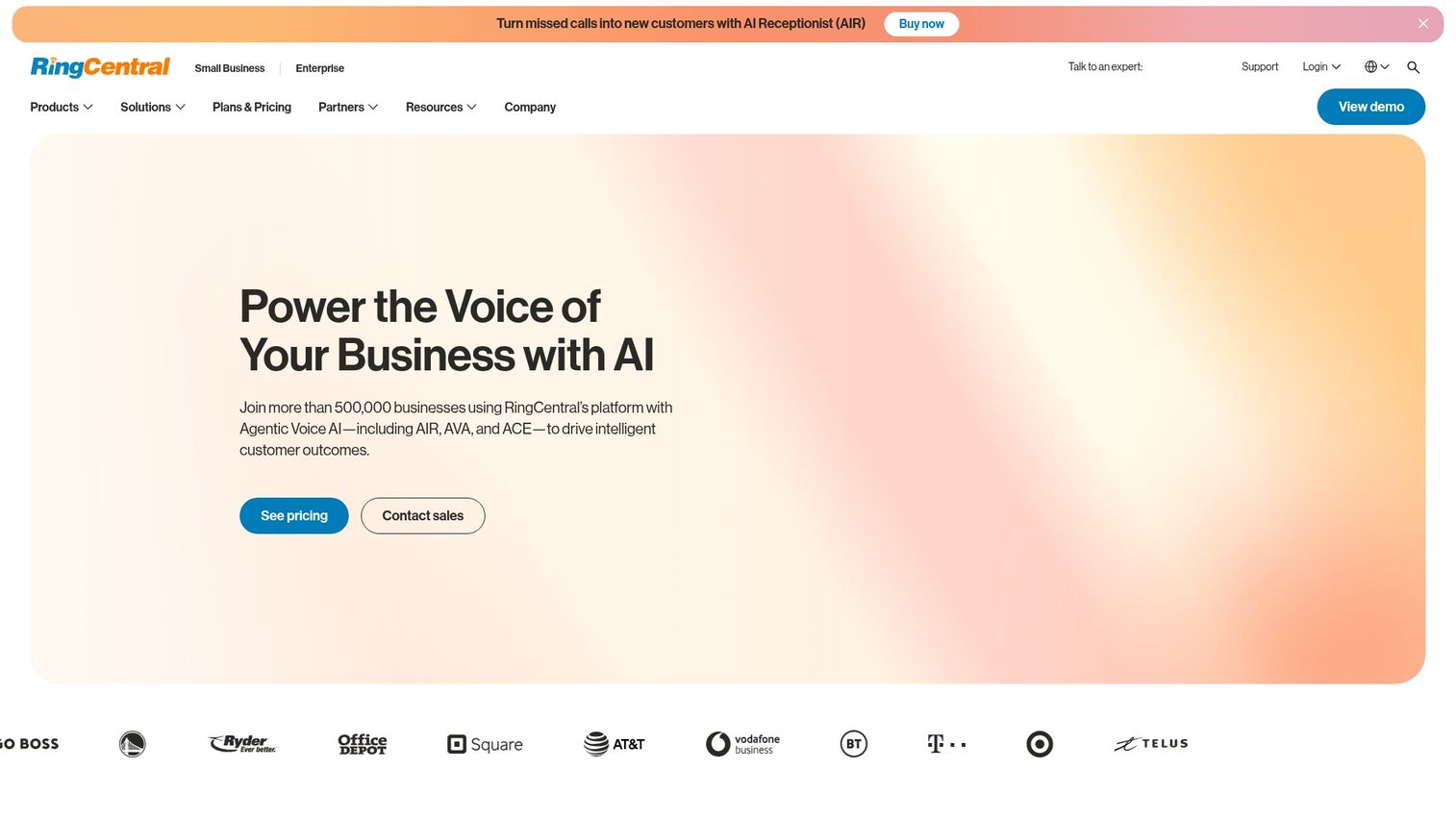
RingCentral offers an enterprise contact center platform with predictive, progressive, preview, and voice broadcast modes. The platform includes TCPA safe dial features for compliance-conscious organizations.
Best for: Large call centers needing full-featured contact center software with multiple dialer modes.
Key strengths
- Multiple dialer types in one platform
- TCPA compliance tools built in
- Omnichannel capabilities including voice, chat, and email
- Enterprise-grade security and uptime
Pricing: Contact for pricing
3. Nextiva
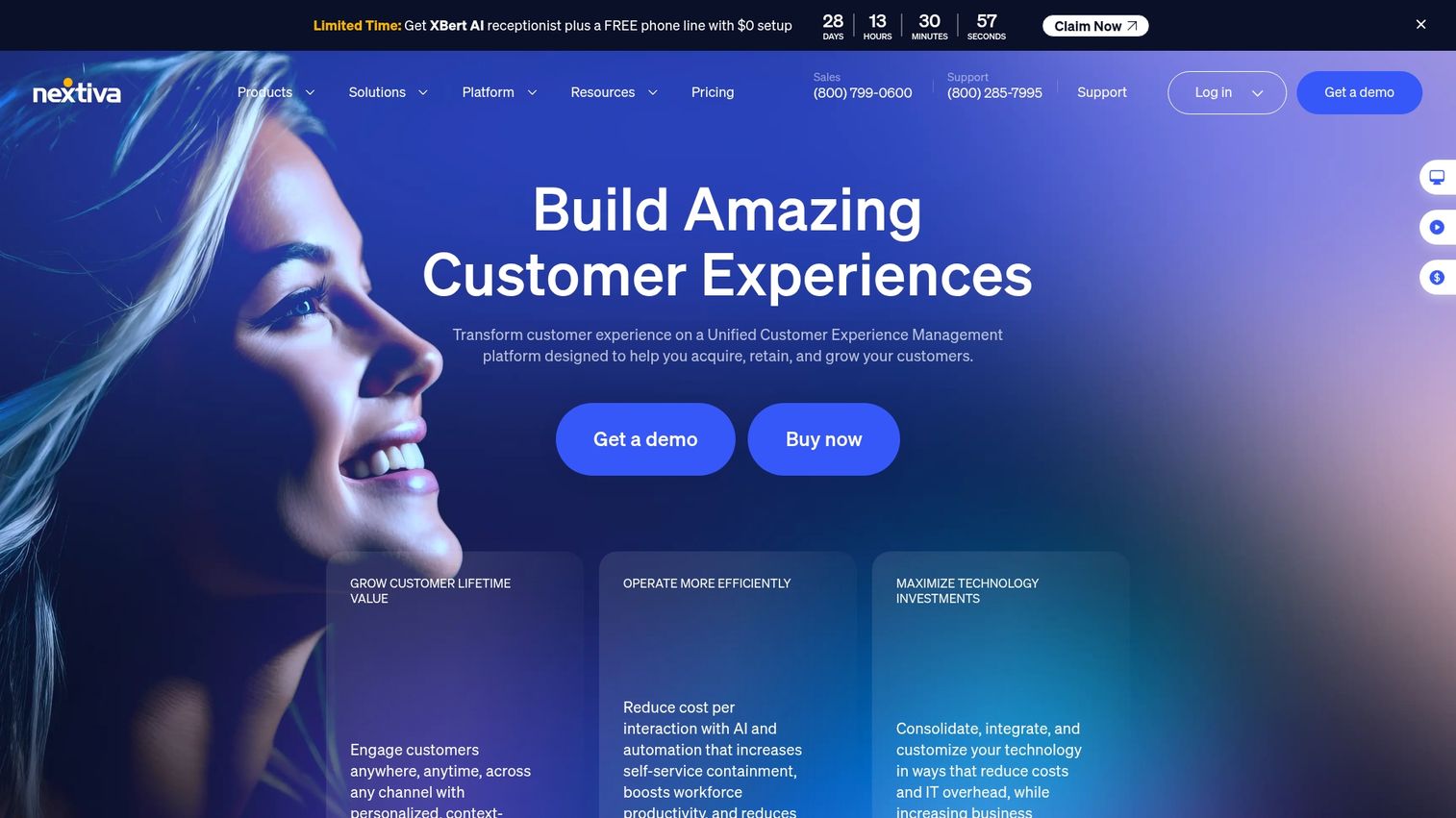
Nextiva is a unified communications platform with built-in auto dialer capabilities. Teams get a combined phone system and dialer without managing separate tools.
Best for: Teams wanting a combined phone system and dialer with strong CRM integrations.
Key strengths
- Unified communications and dialing in one platform
- Strong analytics and call tracking
- Native CRM integrations with HubSpot and Salesforce
- Reliable call quality and uptime
Pricing: Starts at $15/user/month
4. Five9
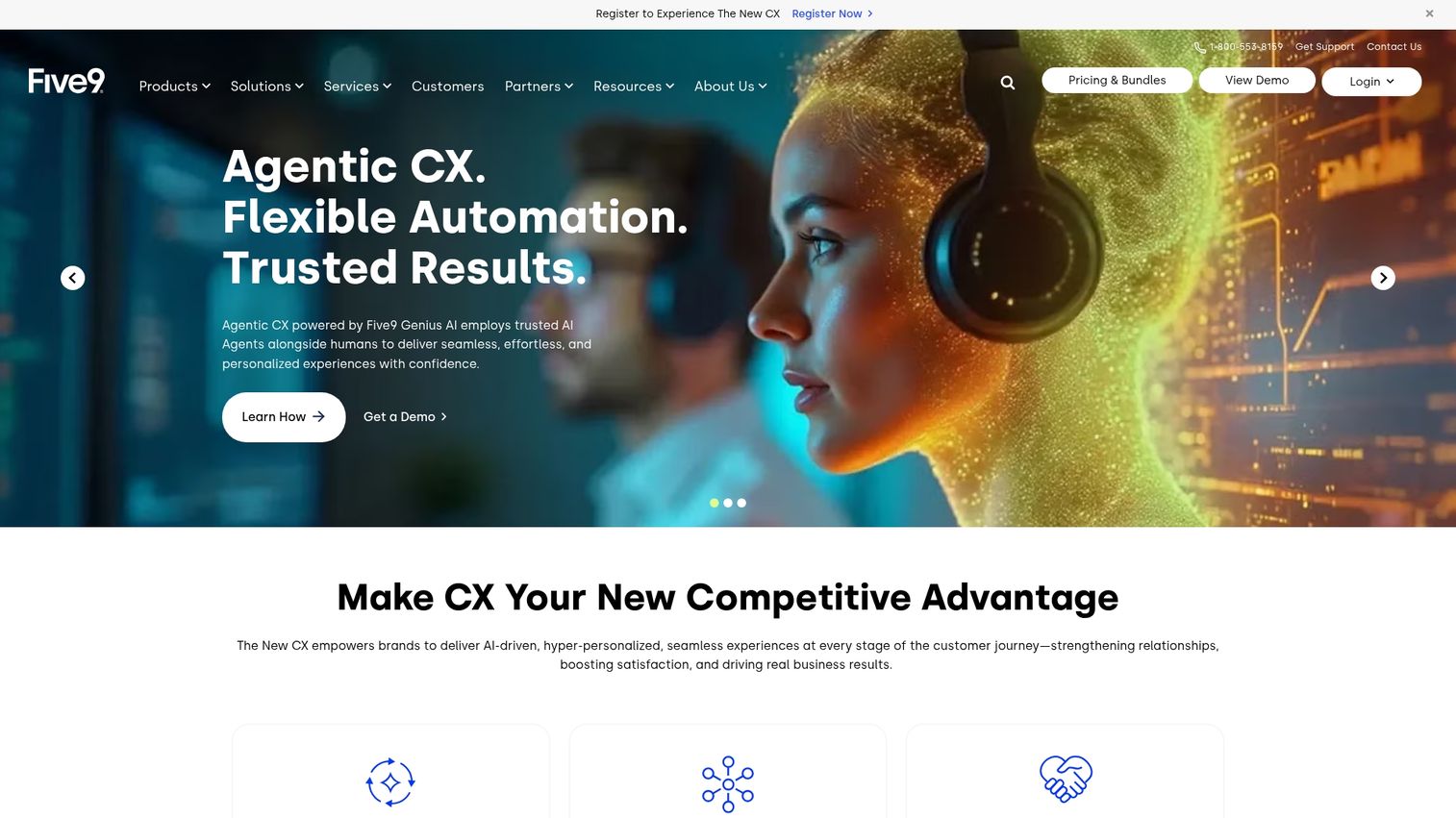
Five9 is a cloud contact center with intelligent virtual agents and predictive dialing. The platform handles complex routing and omnichannel requirements for enterprise teams.
Best for: Enterprise teams with complex routing and omnichannel requirements.
Key strengths
- AI-powered intelligent virtual agents
- Predictive, power, and progressive dialing modes
- Advanced workforce management tools
- Deep Salesforce and ServiceNow integrations
Pricing: Contact for pricing
5. Aircall
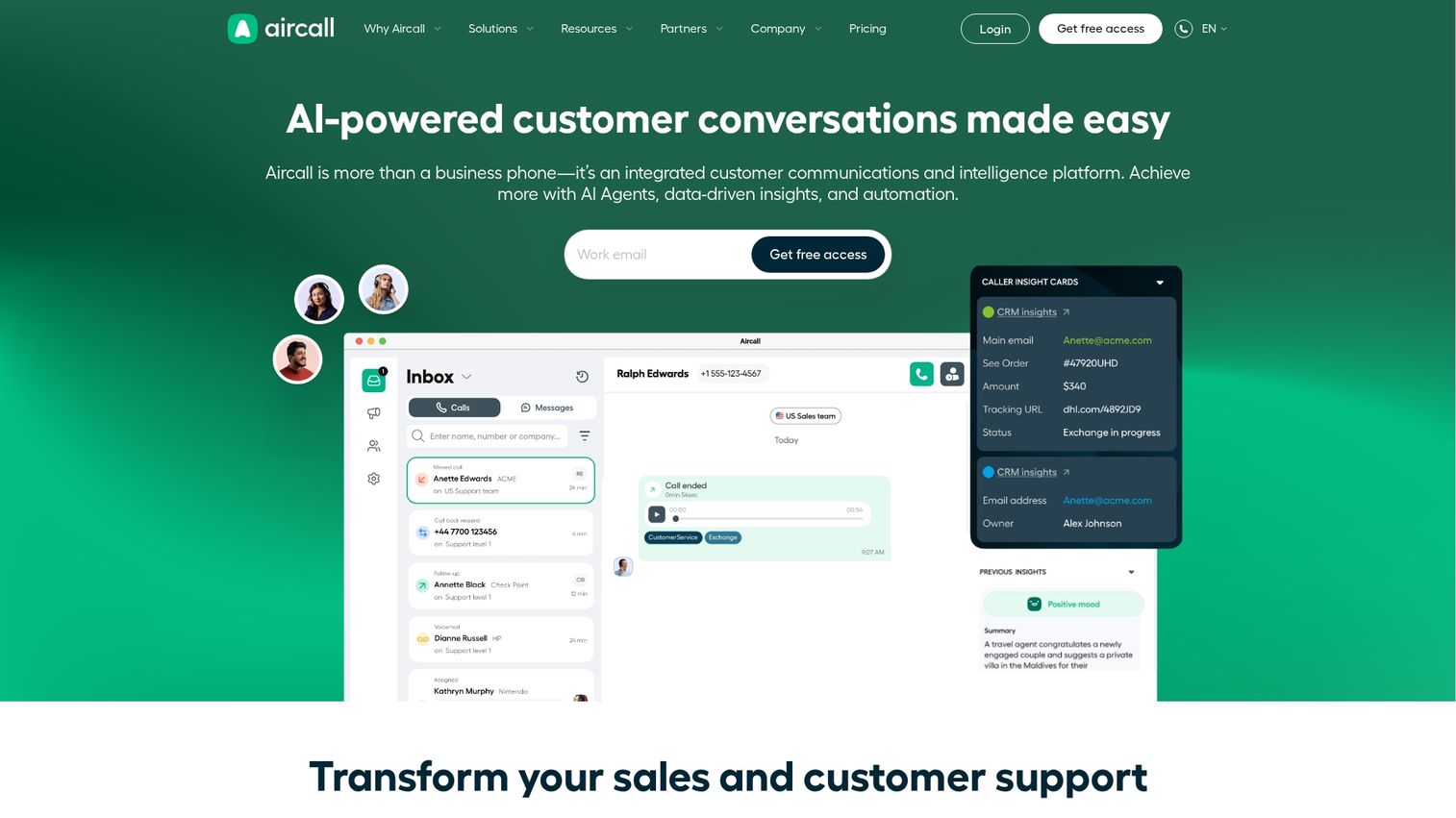
Aircall is a cloud phone system with a power dialer add-on. Teams already using Aircall for their phone system can add dialer functionality without switching platforms.
Best for: Sales and support teams already using Aircall who want dialer functionality.
Key strengths
- Seamless integration with existing Aircall phone system
- Power dialer with click-to-dial
- Strong HubSpot and Salesforce integrations
- Easy setup and user-friendly interface
Pricing: Starts at $30/user/month
6. JustCall
JustCall is a cloud phone system with auto dialer, SMS, and CRM integrations. The platform works well for remote sales teams needing a lightweight, affordable dialer.
Best for: Remote sales teams needing a lightweight, affordable dialer with good Slack and HubSpot integrations.
Key strengths
- Auto dialer with SMS capabilities
- Strong Slack integration for team notifications
- Affordable entry-level pricing
- Works well for distributed teams
Pricing: Starts at $19/user/month
7. Kixie
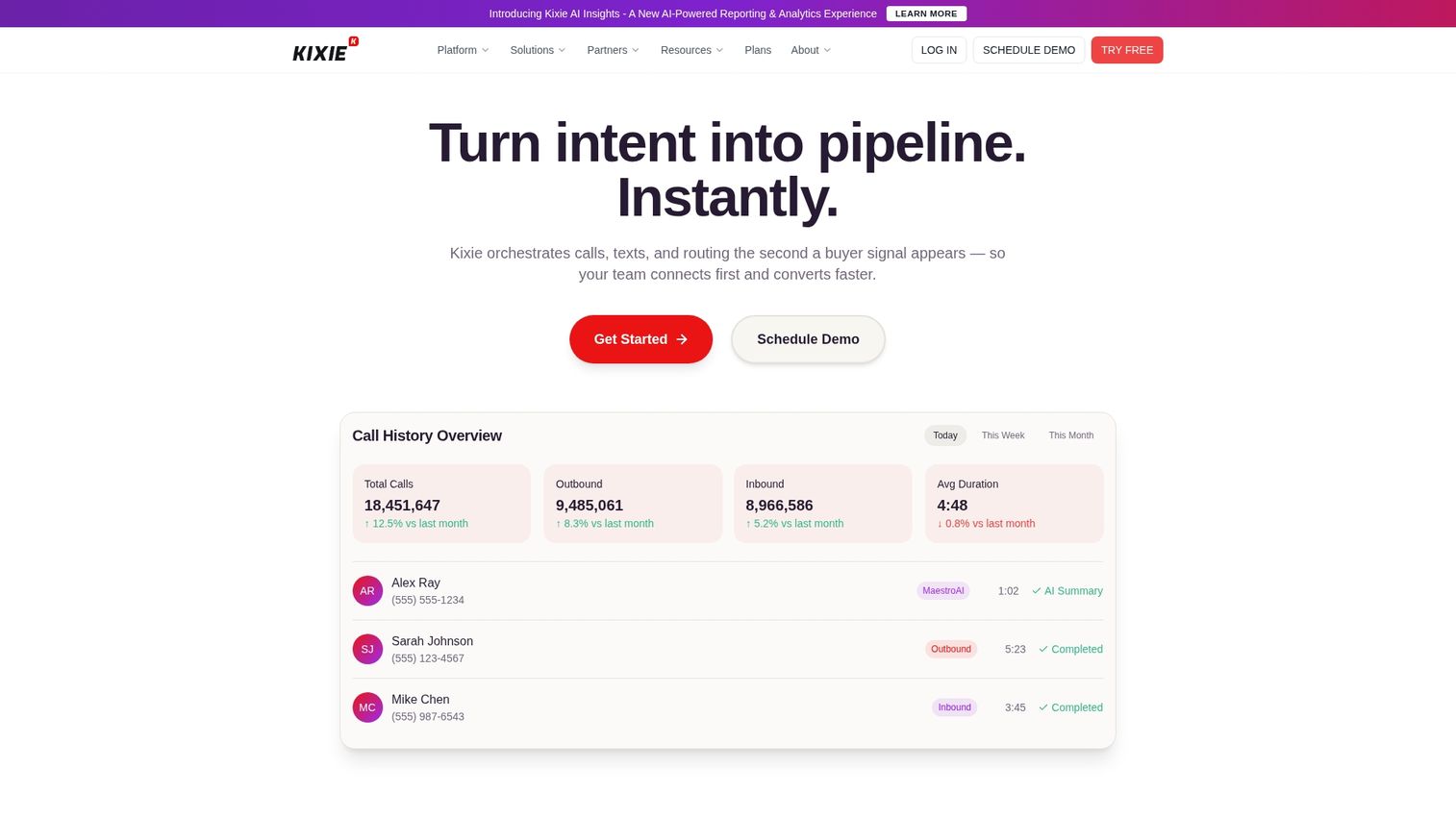
Kixie is a power dialer with strong local presence features and high answer rates. The platform focuses on maximizing connect rates through caller ID optimization.
Best for: B2B sales teams prioritizing connect rates and deep Salesforce/HubSpot integration.
Key strengths
- Local presence dialing increases answer rates
- Deep Salesforce and HubSpot integrations
- Voicemail drop and SMS follow-up
- Real-time coaching and call monitoring
Pricing: Starts at $35/user/month
8. Orum
Orum is an AI-powered parallel dialer that dials multiple lines and uses AI to detect live answers. The platform maximizes conversations per hour for SDR teams.
Best for: SDR teams doing high-volume outbound who want maximum conversations per hour.
Key strengths
- AI-powered parallel dialing
- Live answer detection routes only real conversations
- Integrations with Salesforce and Outreach
- Built for high-volume SDR workflows
Pricing: Contact for pricing
9. Dialpad
Dialpad is an AI-powered communications platform with sales dialer capabilities. The platform offers real-time call transcription, coaching, and conversation intelligence alongside dialing.
Best for: Teams wanting real-time call transcription, coaching, and conversation intelligence alongside dialing.
Key strengths
- Real-time transcription and call summaries
- AI-powered coaching suggestions during calls
- Conversation intelligence and analytics
- Google and Microsoft integrations
Pricing: Starts at $15/user/month
10. CloudTalk
CloudTalk is a cost-effective cloud phone system with power and progressive dialing. The platform offers solid dialer features without enterprise pricing.
Best for: Budget-conscious teams who want solid dialer features without enterprise pricing.
Key strengths
- Power and progressive dialing modes
- Affordable pricing that scales with team size
- HubSpot and Pipedrive integrations
- International calling capabilities
Pricing: Starts at $25/user/month
11. Convoso
Convoso is an AI-powered predictive dialer for high-volume outbound call centers. The platform handles telemarketing and lead generation at scale with compliance requirements.
Best for: Large teams doing telemarketing or lead generation at scale with compliance requirements.
Key strengths
- AI-powered predictive dialing
- Multi-number dialing for maximum volume
- Built-in compliance tools for TCPA
- Advanced reporting and analytics
Pricing: Contact for pricing
Auto dialer software comparison table
| Product | Best for | Dialer types | Key integration | Pricing | G2 rating |
|---|---|---|---|---|---|
| PhoneBurner | SMB sales teams | Power | Salesforce, HubSpot | $127/user/mo | 4.7 |
| RingCentral | Enterprise call centers | Predictive, progressive, preview | Salesforce | Contact for pricing | 4.0 |
| Nextiva | Unified communications | Power, predictive | HubSpot, Salesforce | $15/user/mo | 4.5 |
| Five9 | Enterprise contact centers | Predictive, power, progressive | Salesforce, ServiceNow | Contact for pricing | 4.0 |
| Aircall | Existing Aircall users | Power | HubSpot, Salesforce | $30/user/mo | 4.3 |
| JustCall | Remote sales teams | Auto, predictive | HubSpot, Slack | $19/user/mo | 4.3 |
| Kixie | B2B sales | Power | Salesforce, HubSpot | $35/user/mo | 4.7 |
| Orum | SDR teams | AI parallel | Salesforce, Outreach | Contact for pricing | 4.6 |
| Dialpad | AI-forward teams | Power | Google, Microsoft | $15/user/mo | 4.4 |
| CloudTalk | Budget-conscious teams | Power, progressive | HubSpot, Pipedrive | $25/user/mo | 4.3 |
| Convoso | High-volume call centers | Predictive | Salesforce | Contact for pricing | 4.5 |
How to choose the right auto dialer for your business
The best auto dialer depends on your team size, sales process, and existing tech stack.
Assess your team size and daily call volume
Small teams with moderate volume work well with power dialers. Large call centers with high volume may benefit from predictive dialers. Match the tool to your scale.
Match dialer type to your sales process
High-touch B2B sales benefits from preview dialers that let reps prepare before each call. High-volume outbound works better with power or predictive modes.
Check CRM and tech stack compatibility
Verify native integrations with your CRM (Salesforce, HubSpot, etc.) and sales engagement tools. Salesforce's State of Sales report found reps use an average of 8 tools to close deals, and poor integrations create manual work and data silos.
Verify compliance and security certifications
Look for TCPA compliance features, do-not-call list scrubbing, call recording consent tools, and SOC 2 certification.
Compare pricing models and per-minute costs
Understand whether pricing is per user, per minute, or includes calling credits. Watch for hidden costs like overage charges or premium feature add-ons.
Auto dialer compliance and TCPA requirements
The Telephone Consumer Protection Act (TCPA) regulates automated calling, especially random or sequential number generation.
- Prior express consent: Required for autodialed calls to mobile phones
- Do-not-call lists: Scrub lists against national and state registries before dialing, with fines up to $53,088 per violation
- Calling hours: Restrictions typically limit calls to 8am-9pm local time
- Abandoned call limits: Regulations cap how many calls can be dropped
- Call recording disclosure: Many states require two-party consent before recording
Choose tools with built-in compliance features like TCPA safe dial modes.
Best practices for effective auto dialing
Getting results from dialer software requires more than just turning it on.
Keep contact lists clean and updated
Remove bad numbers, duplicates, and do-not-call registrants regularly. Dirty data wastes agent time and creates compliance risk.
Balance automation with personal outreach
While dialers increase volume, conversion still depends on personalized conversations. Consider pairing dialer outreach with interactive demos that let prospects self-educate before or after a call.
Train agents on dialer workflows and scripts
Invest time in training reps on the specific dialer interface, call scripts, objection handling, and disposition codes.
Monitor metrics and optimize campaigns continuously
Track connect rate, conversation rate, average call duration, and conversion rate. Teams that review call metrics weekly outperform teams that check monthly.
Boost your outbound sales with the right dialer stack
The best auto dialer software depends on your team size, sales process, and tech stack. High-volume call centers benefit from predictive dialers. B2B sales teams typically see better results with power or preview dialers that balance efficiency with personalization.
Trial 2-3 options with your real use case before committing. Most vendors offer free trials or demos that let you test the interface and integrations with your actual workflow.
Start your journey with Guideflow today!
FAQs about auto dialer software
Auto dialer pricing ranges from budget options around $15-25 per user per month to enterprise solutions that require custom quotes. Most mid-market tools fall in the $35-150 per user per month range, with pricing typically scaling based on features, dialer modes, and calling minutes included.
Auto dialers are legal for B2B calls in most jurisdictions, but you still have to comply with TCPA regulations regarding consent, calling hours, and do-not-call lists. The rules become stricter when calling mobile phones, even for business contacts.
Most auto dialers include voicemail drop functionality that lets agents leave a pre-recorded message with one click when reaching voicemail. Voicemail drop saves time compared to manually recording each message and ensures consistent messaging across your team.
Call volume depends on dialer type and answer rates. Power dialers typically enable agents to complete 60-80 calls per hour compared to 20-30 with manual dialing. Predictive dialers can push even higher volumes but come with compliance considerations.
Most modern auto dialers are cloud-based and work through web browsers or desktop apps. Remote teams can dial from anywhere with an internet connection without requiring physical desk phones.
Cloud dialers are hosted by the vendor and accessed via browser with no hardware required. On-premise dialers require you to install and maintain servers locally, which adds IT overhead but may suit organizations with strict data residency requirements.
Prevent spam flagging by using local presence dialing, rotating caller IDs, maintaining good answer rates, and registering numbers with carrier databases.
Many auto dialer platforms include inbound call handling as part of a broader contact center or unified communications suite. Incoming calls route to available agents and log in the same CRM workflow as outbound calls.