You counted 400 units last Tuesday. The system says 340. A customer just ordered 360. Now you are on the phone explaining a delay you did not see coming, checking a shelf you already checked, and wondering how the number drifted again.
Stock drift is not a rare event. It is the default state of any inventory tracked in spreadsheets, sticky notes, and memory. Every manual count, every unrecorded transfer, every "I'll update it later" adds error. And error compounds into stockouts, dead stock, and the kind of firefighting that eats a full afternoon.
The stakes are not small. The global stock control software market was valued at roughly USD 2.5 billion in 2024 and is forecast to grow at about 10.5% CAGR through 2033, according to Market Forecast (2024). Cloud deployment already accounts for 65.51% of inventory management software revenue in 2025, per Mordor Intelligence (2025). Teams are moving off spreadsheets because the cost of not knowing what is on the shelf keeps rising.
This article compares tools by practical fit, not by feature dumping. You will see options that range from lightweight, SMB-friendly apps you can roll out in an afternoon, to broader inventory platforms and ERP suites built for multi-location operations. The goal is to help you match a tool to your actual stock workflow, not to crown one universal winner.
What's inside
This guide is for operators, product managers, and small teams choosing a stock control system they can trust and maintain. We shortlisted 8 tools and evaluated each against the criteria that decide real-world fit: barcode and QR code scanning, cloud sync and mobile access, multi-location inventory handling, reorder controls and low stock alerts, reporting depth with an audit trail, and how quickly a non-technical team can roll it out. Pricing and G2 ratings reflect verified values at the time of writing. Tools range from simple mobile inventory apps to full inventory management software suites.
TL;DR
- Best all-around inventory management software: Zoho Inventory, for multi-channel orders, warehouses, barcode workflows, and a genuine free plan.
- Best for SMB simplicity with real depth: inFlow Inventory, for real-time stock tracking, purchasing, and manufacturing without a steep rollout.
- Best for straightforward mobile inventory: Sortly, for photo-based tracking, QR and barcode scanning, and fast setup.
- Best for process-driven operations: SafetyCulture, for scanning tied to inspections, audits, and mobile data capture.
- Best for multichannel commerce: Cin7, for coordinating inventory across sales channels and warehouses.
- Best for manufacturing: Fishbowl, for assembly, parts tracking, and warehouse operations.
- Best for enterprise complexity: Oracle NetSuite, for inventory inside a broader ERP.
What is stock control software?
Stock control software is a system that tracks the quantity, location, and movement of physical inventory so a business always knows what it has, where it is, and when to reorder. It replaces manual counts and spreadsheets with a live, shared record of stock.
Most tools in this category share a common core of capabilities:
- Item tracking: SKU-level records with quantities, locations, and product details, updated as stock moves.
- Reorder management: reorder points, low stock alerts, and reorder alerts that flag items before they run out.
- Barcode and QR workflows: barcode scanning, QR code scanning, and barcode label generation to speed up counts and reduce keying errors.
- Cloud and mobile sync: cloud-based inventory with a mobile inventory app so counts update in real time across devices and locations.
- Reporting and audit trail: inventory history, movement logs, and reporting that show what changed, when, and by whom.
- Multi-location control: multi-location inventory and warehouse management so each site keeps an accurate, separate count that rolls up to a central view.
- Assembly and kitting: kitting, assembly, and manufacturing inventory support for teams that build products from components.
The strongest inventory control software ties these together into one workflow, so a scan on the warehouse floor updates the reorder logic, the reporting, and the audit trail at the same time.
When to use stock control software
Not every team needs the same system. These three moments tend to trigger a move off spreadsheets.
Reduce stockouts without spreadsheet chaos
The moment: you are hitting stockouts on fast movers while cash sits in slow stock. A spreadsheet cannot warn you in time, because someone has to remember to check it. What matters most here is automated reorder points and low stock alerts that fire before you run dry, plus a real-time count you can trust without a manual recount.
Track inventory across locations or teams
The moment: stock lives in more than one place, a second warehouse, a van, a retail floor, or a 3PL. Counts drift because no single spreadsheet is the source of truth. What matters most is multi-location inventory with real-time sync, so each site keeps an accurate count that rolls into one central view. Segmentation by location or team keeps the data clean as you scale.
Handle scanning, counts, and reorder thresholds faster
The moment: physical counts take hours and still produce errors. What matters most is barcode and QR code scanning from a mobile inventory app, so a cycle count becomes a walk-and-scan instead of a clipboard exercise. Pair that with an audit trail and inventory history so every adjustment is traceable and low-maintenance to review.
Comparison table
The table below summarizes each tool by search intent, primary use case, verified starting price, and G2 rating where available. Use it as a shortlist filter before reading the full sections. Prices reflect the entry paid tier or free plan at the time of writing.
| # | Product | Intent | Key use case | Pricing | G2 rating |
|---|---|---|---|---|---|
| 1 | Zoho Inventory | All-around inventory management software | Multi-channel orders, warehouses, barcode | Free plan; paid from $29/mo billed annually | Not listed |
| 2 | inFlow Inventory | SMB depth with real-time tracking | Inventory, purchasing, sales in one system | From $129/mo billed annually | 4.4/5 |
| 3 | Sortly | Simple mobile inventory | Photo and scan-based item tracking | Free plan; paid from $24/mo | 4.3/5 |
| 4 | SafetyCulture | Process-driven inventory control | Scanning tied to inspections and audits | Free plan; Premium $24/user/mo | 4.6/5 |
| 5 | Cin7 | Multichannel commerce inventory | Inventory across channels and warehouses | From $349/mo | 4.1/5 |
| 6 | Fishbowl | Manufacturing and warehouse | Assembly, parts, warehouse operations | From $229/mo billed annually | 4.0/5 |
| 7 | Oracle NetSuite | Enterprise ERP inventory | Inventory inside a broader ERP | Custom pricing | Not listed |
| 8 | Acctivate | QuickBooks-tied inventory | Inventory with accounting coordination | Custom pricing | 4.0/5 |
1. Zoho Inventory
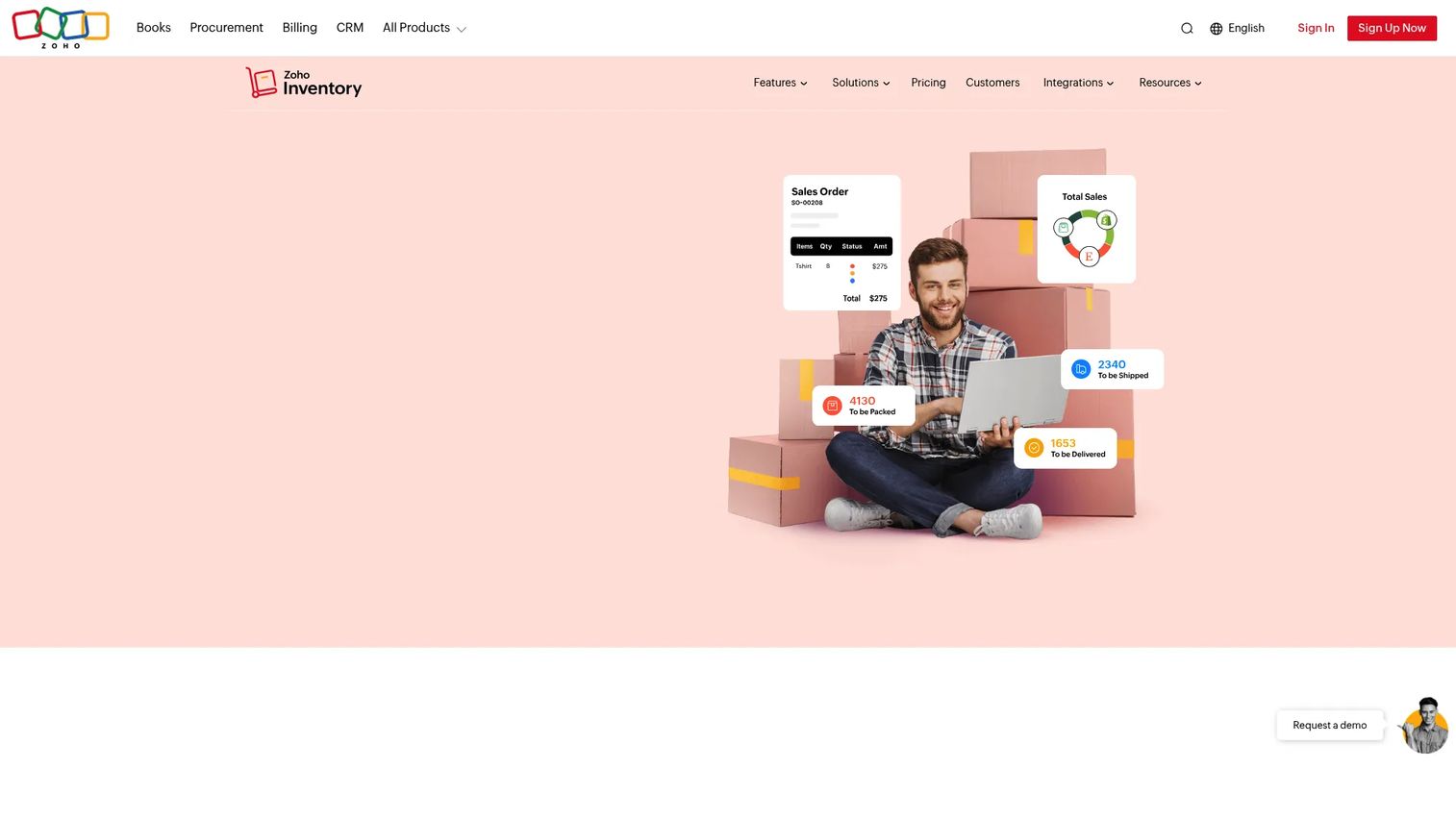
Zoho Inventory is cloud inventory management software built for small and growing businesses that sell across multiple channels. It handles end-to-end inventory, order management, shipping, and warehouses in one place, with barcode generation and scanning built in. If your stock moves through Amazon, eBay, Walmart, or Etsy alongside your own store, it pulls those channels into a single stock record.
The breadth is the draw. You get multi-warehouse management, automation rules for repetitive order tasks, and a wide set of integrations, without stitching together separate tools. For a product manager weighing rollout against maintenance, the free plan lets you validate the workflow before committing budget.
Best for: small to growing businesses that need multi-channel inventory, order, and warehouse management in one system.
Key strengths
- Multi-warehouse management: track stock across locations with a rollup view, so each site stays accurate.
- Barcode generation and scanning: create and scan barcodes to speed counts and cut keying errors.
- Marketplace integrations: connect Amazon, eBay, Walmart, and Etsy to sync stock across channels.
Why choose Zoho Inventory: it fits teams that want serious inventory depth without an enterprise rollout. The multi-channel and multi-warehouse handling scales as you grow, and the free tier removes the risk of testing it against your real workflow first.
Zoho Inventory pricing: there is a forever-free plan. Paid plans start at Standard for $29 per organization per month billed annually, then Premium at $79, Plus at $129, and Enterprise at $249, all per organization per month billed annually. Prices exclude local taxes.
2. inFlow Inventory
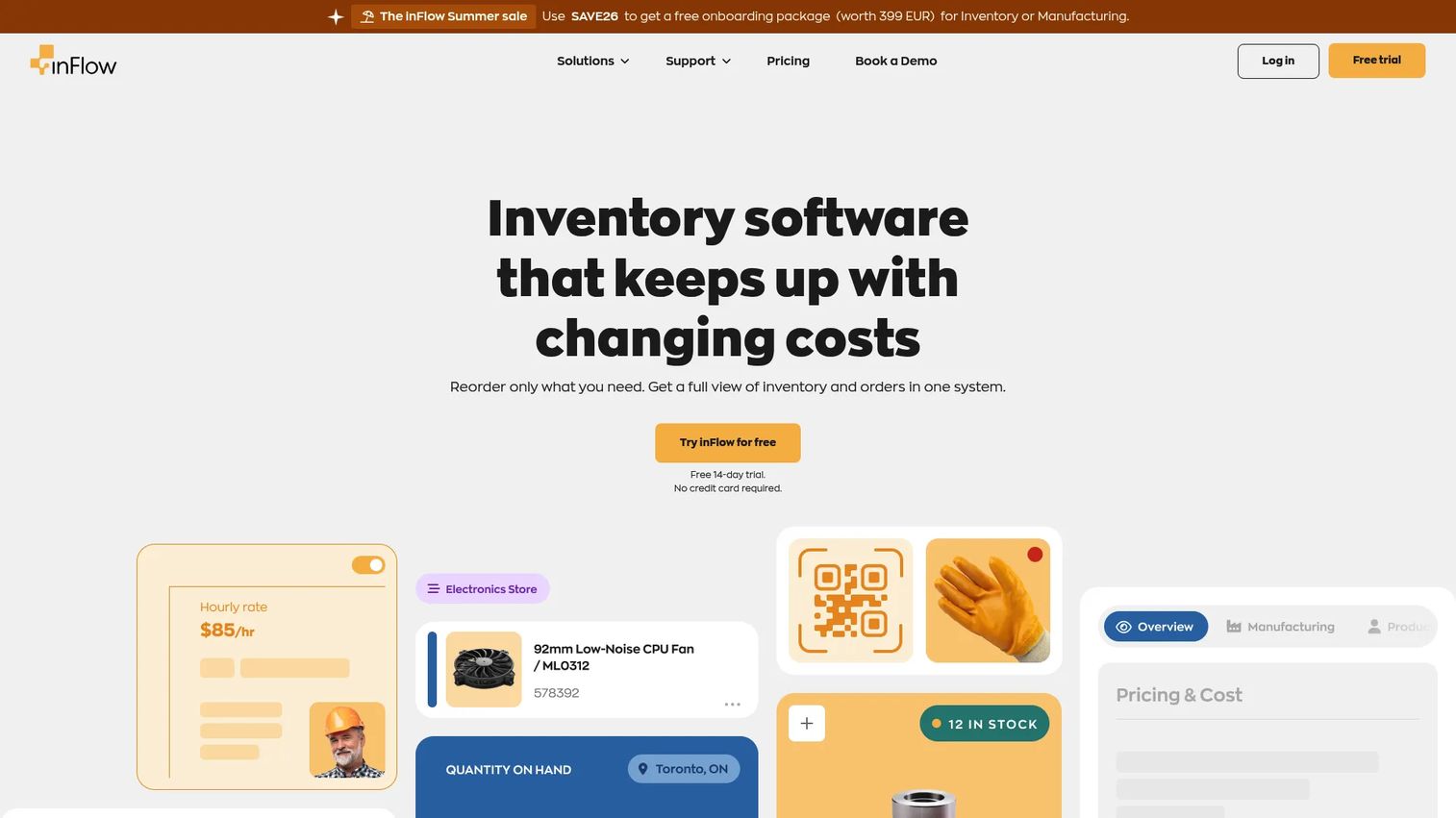
inFlow Inventory is cloud inventory management software that brings inventory, purchasing, and sales workflows into one system. It leads with simplicity, but the depth underneath handles real operations: real-time stock tracking across locations, and pick, pack, and ship from any device. That combination makes it a strong fit for SMBs that have outgrown spreadsheets but do not want an ERP-sized project.
For teams handling manufacturing or a busy stockroom, inFlow supports those workflows without forcing you into a heavier platform. Hardware add-ons extend the barcode and scanning experience for teams that count stock daily.
Best for: small to mid-sized businesses that need inventory, purchasing, and sales tracking in one connected system.
Key strengths
- One connected system: manage inventory and orders together, so purchasing and sales stay in sync.
- Real-time multi-location tracking: stock levels update live across every location you run.
- Pick, pack, and ship anywhere: fulfill orders from any device on the warehouse floor.
Why choose inFlow Inventory: it hits the balance between usability and operational depth. You get real inventory control software without the maintenance burden of a full ERP, which matters when a small team owns both rollout and upkeep.
inFlow Inventory pricing: plans start at Entrepreneur for $129 per month billed annually, then Small Business at $349 per month and Mid-Size at $699 per month, both billed annually. Enterprise is quote-based. A 14-day free trial is available with no credit card required.
3. Sortly
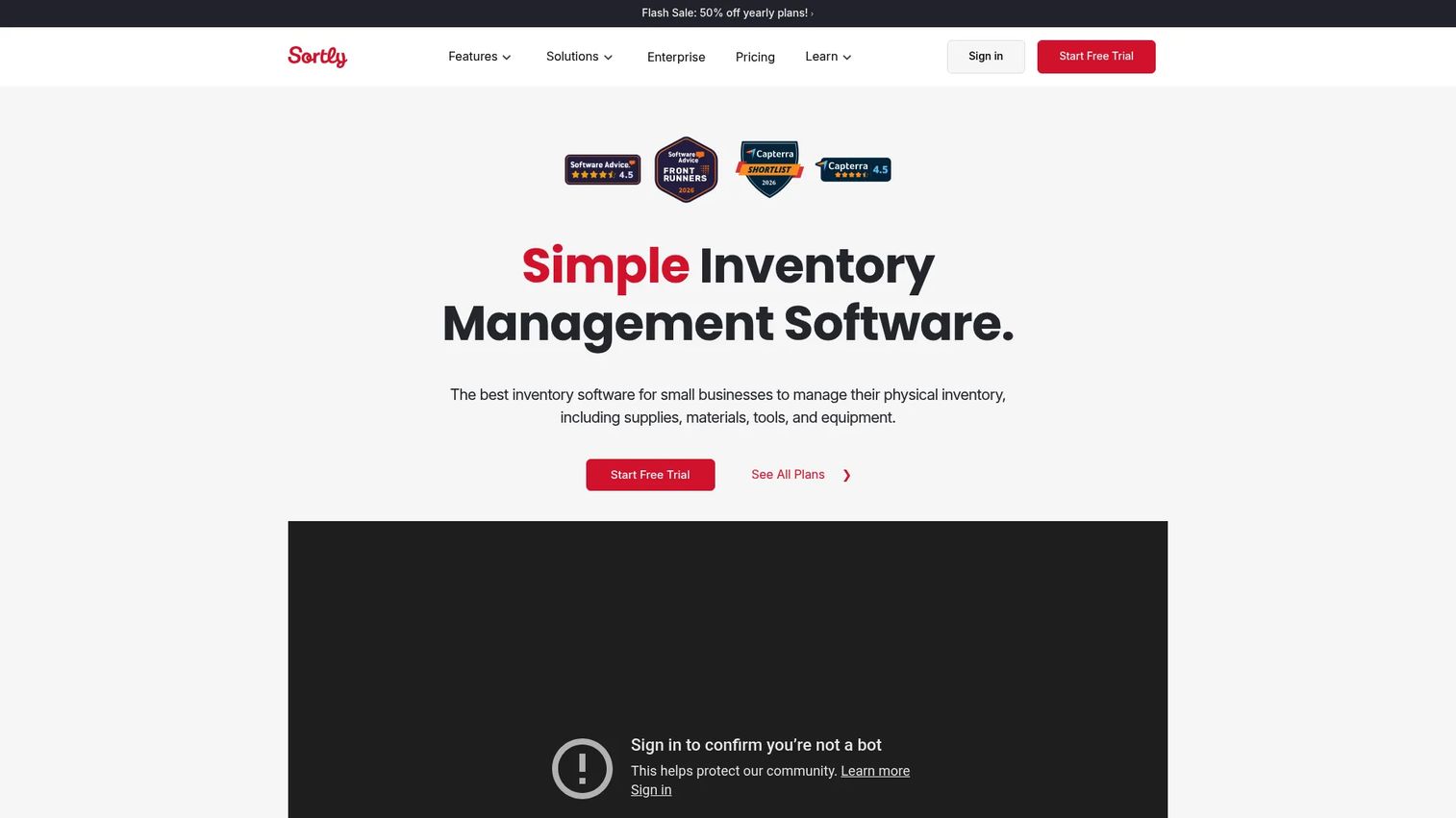
Sortly is inventory management software built around a mobile-first, visual approach to tracking items, assets, and equipment. You add photos to items, scan barcodes and QR codes, and manage stock from a phone or tablet. For teams that want a stock control system they can learn in a day, Sortly removes most of the setup friction.
The feature set stays practical: low stock and date-based alerts, custom fields, offline access for spots with weak signal, and reporting to review inventory history. It is the kind of tool a product manager can roll out across a segment without a training program or an engineering ticket.
Best for: small to mid-sized businesses that need simple inventory tracking with mobile scanning and photos.
Key strengths
- Mobile app with photos: track and identify items visually from any device in the field.
- Barcode and QR scanning: scan and generate labels to run fast, accurate counts.
- Low-stock and date alerts: get reorder alerts and expiration warnings before they cost you.
Why choose Sortly: it wins on speed to value. When the priority is getting an accurate count live quickly with minimal upkeep, Sortly's simplicity and mobile workflows make it easy to adopt across teams.
Sortly pricing: the Free plan is $0 per month. Advanced is $24 per month and Ultra is $74 per month, with yearly billing available at an introductory discount. Enterprise pricing is available by contacting sales.
4. SafetyCulture
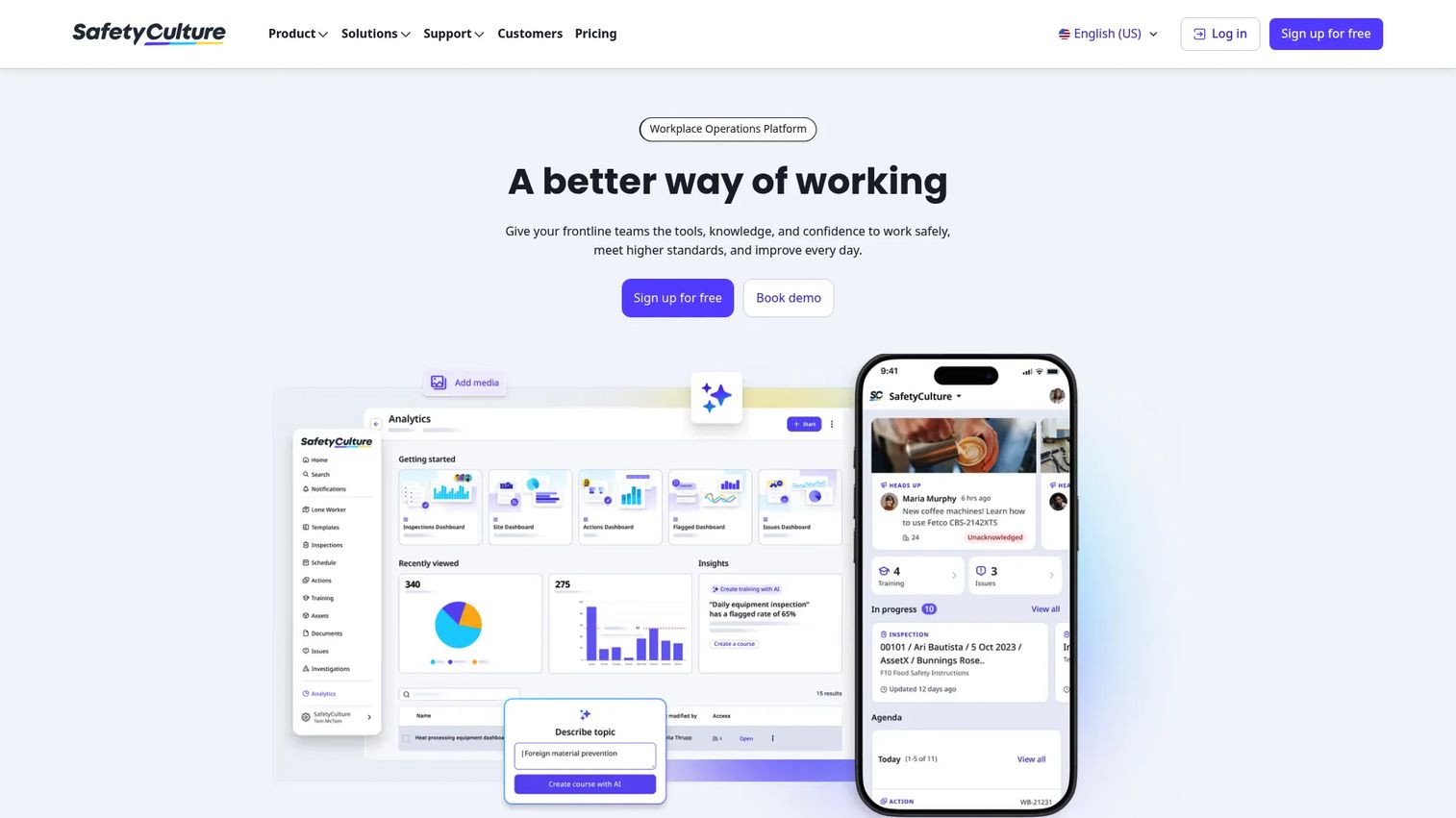
SafetyCulture is a workplace operations platform that covers inspections, actions, training, assets, and inventory control in one system. Its inventory angle is process-driven: scanning, forms, and mobile data capture tied to the checks and audits your team already runs. If stock accuracy depends on people following a repeatable procedure, this ties the count to the process.
For operations teams, that combination gives you operational visibility beyond raw stock levels. Recurring schedules, analytics dashboards, and corrective actions turn inventory checks into a workflow with an audit trail, not a one-off count.
Best for: teams that need digital inspections, corrective actions, and inventory control inside a broader operations workflow.
Key strengths
- Inspections and forms: capture stock counts and checks through structured mobile forms.
- Actions and schedules: trigger recurring counts and corrective actions automatically.
- Analytics dashboards: see stock and operational data in one reporting view.
Why choose SafetyCulture: it fits teams whose inventory accuracy is really a process problem. When counts drift because procedures slip, tying stock control to checklists and audits keeps the data honest.
SafetyCulture pricing: there is a free plan. Premium is $24 per user per month, and Enterprise is custom pricing available by contacting sales.
5. Cin7
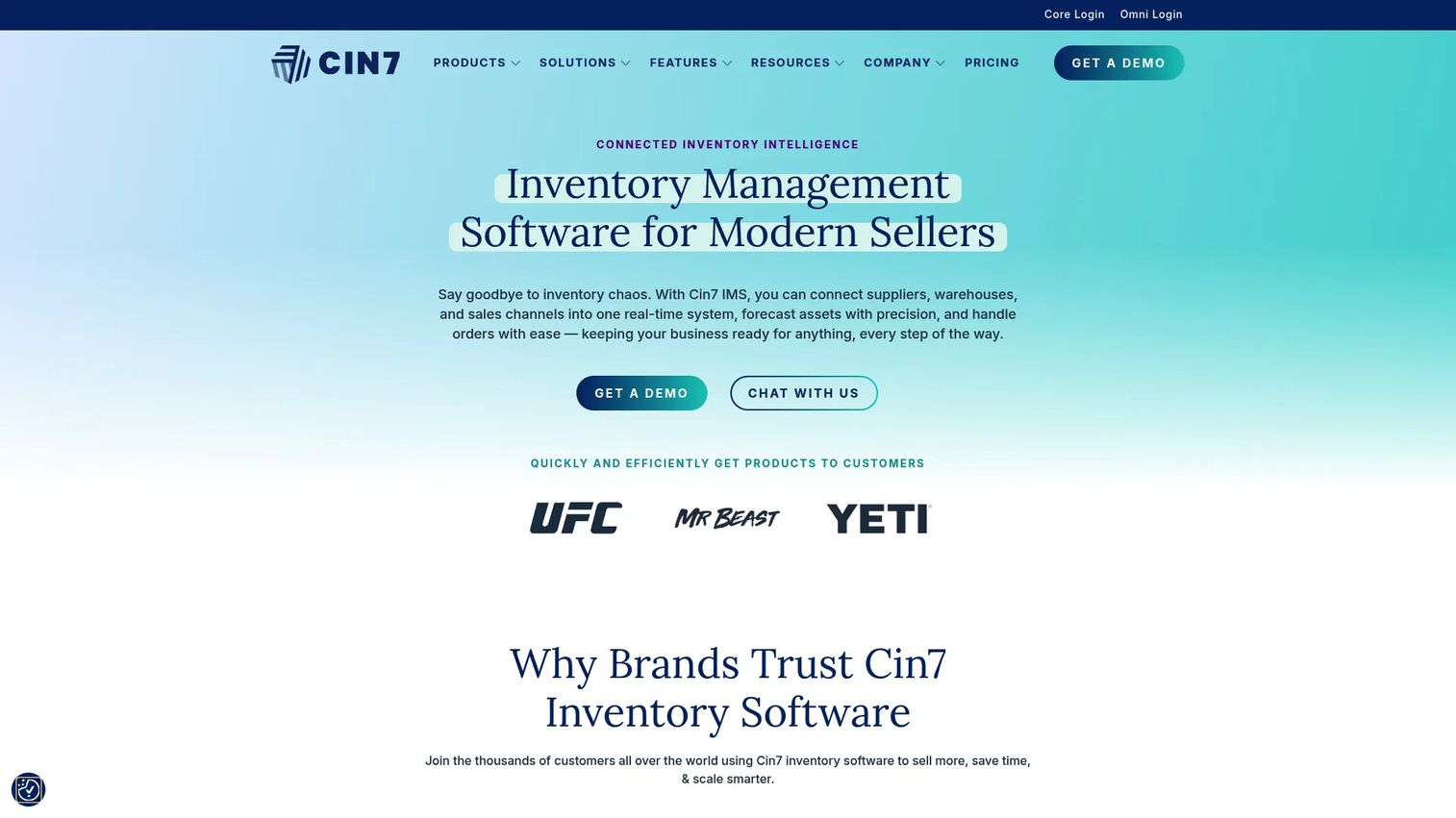
Cin7 is cloud inventory management and small business ERP software for product sellers across retail, wholesale, e-commerce, and manufacturing. It handles real-time inventory across multiple locations and coordinates stock with the sales channels and accounting tools you already use. For teams running more than one channel, it keeps a single stock number honest across all of them.
Cin7 leans toward businesses that have outgrown a simple app and need broader commerce coordination. Manufacturing and assembly workflows, plus deep e-commerce and accounting integrations, make it a fit for growing multichannel sellers.
Best for: product-based SMBs and growing multi-channel sellers that need inventory, order, and operations management together.
Key strengths
- Multi-location real-time inventory: keep one accurate stock number across every location and channel.
- Commerce and accounting integrations: connect e-commerce and accounting so stock and finance stay aligned.
- Manufacturing and assembly: support build and assembly workflows for makers and distributors.
Why choose Cin7: it suits teams whose complexity comes from selling everywhere at once. When multichannel coordination is the bottleneck, Cin7 pulls channels, warehouses, and accounting into one stock record.
Cin7 pricing: Cin7 Core has three published monthly plans: Standard at $349 per month, Pro at $599 per month, and Advanced at $999 per month. Cin7 Omni is custom-priced and requires contacting sales for a quote. Prices exclude taxes.
6. Fishbowl
Fishbowl is inventory, warehouse, and manufacturing software built for small to midsize businesses with real operational complexity. It covers real-time inventory tracking, multi-location management, barcode scanning, and manufacturing support, with two-way QuickBooks and Xero integration to keep inventory and accounting aligned.
For teams that build products from parts, Fishbowl's manufacturing and assembly workflows are a core strength rather than an add-on. It is an established option for warehouse operations and parts tracking where the stock story is more than buy-and-resell.
Best for: manufacturers and distributors that need inventory, warehouse, and accounting integration in one system.
Key strengths
- Manufacturing support: manage assembly, parts, and builds alongside raw stock.
- Multi-location and barcode: track and scan stock across warehouses in real time.
- QuickBooks and Xero integration: sync inventory and accounting both ways.
Why choose Fishbowl: it fits teams whose inventory is tied to production. When you need warehouse operations and manufacturing inventory in the same system as your accounting, Fishbowl handles that operational depth.
Fishbowl pricing: cloud plans start at Essentials for $229 per month, then Growth at $429 per month and Scale at $729 per month, all billed annually. Advanced Manufacturing starts at $675 per month and Advanced Warehouse at $595 per month, priced by users and deployment.
7. Oracle NetSuite
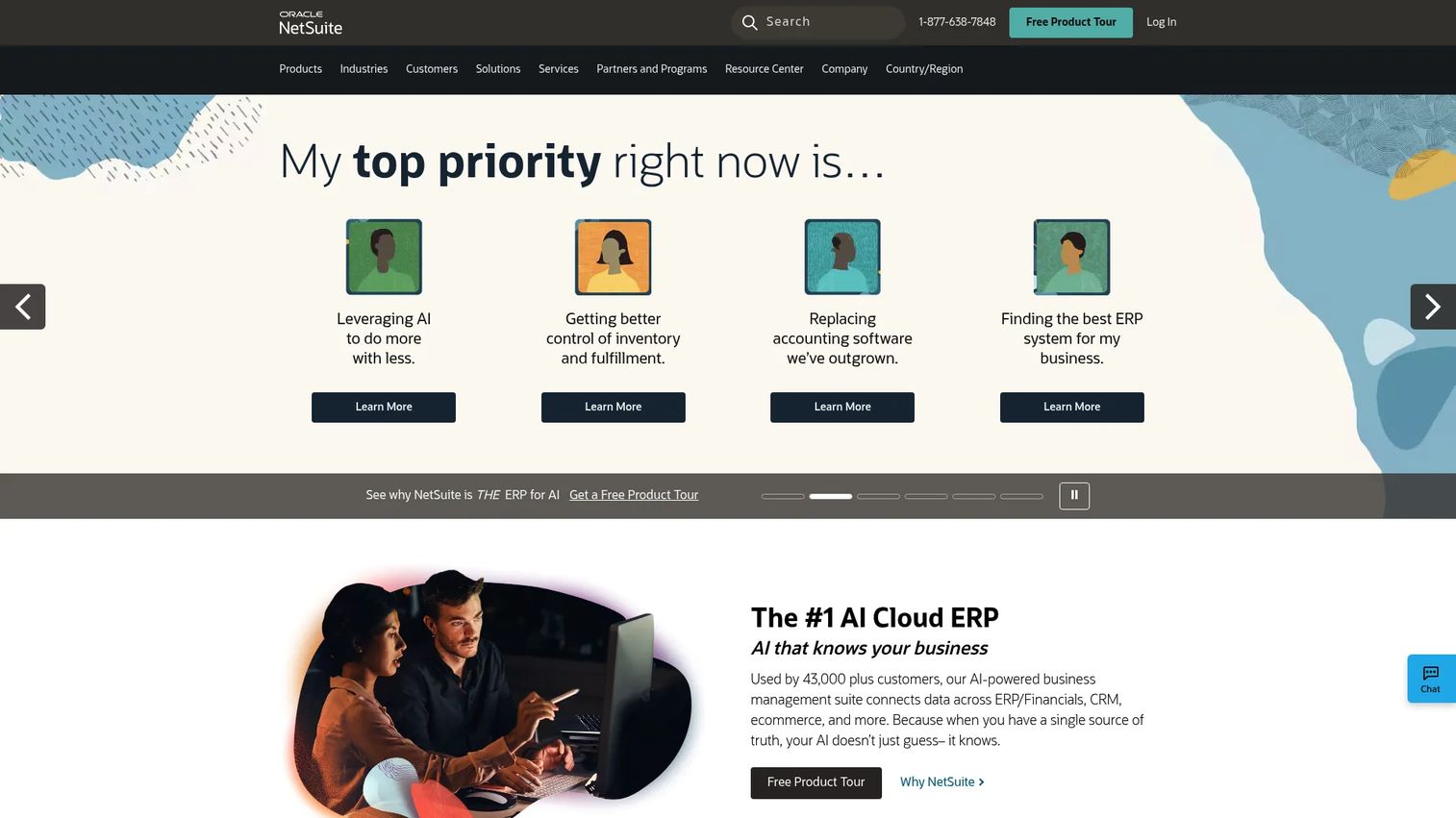
Oracle NetSuite is cloud business management software that puts inventory inside a broader ERP covering financials, CRM, and commerce. Stock control here is one module of an integrated suite, so inventory data connects directly to accounting, orders, and reporting across the whole business. For larger organizations, that end-to-end coordination is the point.
NetSuite fits companies that have outgrown standalone inventory tools and need multi-location control, deep reporting, and a single system of record. The SuiteCloud platform and SuiteApps let teams extend it as operations grow more complex.
Best for: midmarket and enterprise teams that need inventory managed inside an integrated cloud ERP.
Key strengths
- Cloud ERP inventory: run stock control as part of financials and operations in one system.
- Multi-location control: manage inventory across sites with centralized reporting.
- Platform extensibility: extend with SuiteCloud and SuiteApps as needs grow.
Why choose Oracle NetSuite: it suits organizations where inventory cannot live in isolation. When stock, finance, and orders all need to run in the same system of record, NetSuite delivers that integrated ERP scope.
Oracle NetSuite pricing: NetSuite does not publish pricing on its site and directs prospects to sales for a custom quote based on modules, users, and configuration.
8. Acctivate
Acctivate is inventory management software for QuickBooks that adds inventory, order management, purchasing, and business analytics on top of your accounting system. It is built for growing SMBs that already run QuickBooks and want stronger stock and order operations without leaving that financial backbone.
The draw is tight financial and inventory coordination. Multi-channel order management and traceability, including lot and serial tracking, give teams the control they need while keeping the books in sync. For a business that values accounting alignment, Acctivate keeps both sides of the ledger honest.
Best for: growing SMBs using QuickBooks that need stronger inventory and order operations.
Key strengths
- QuickBooks-tied inventory: add inventory control on top of your existing accounting system.
- Multi-channel order management: handle orders across channels in one place.
- Traceability: track lot and serial numbers for compliance and recall readiness.
Why choose Acctivate: it fits teams that treat accounting as the center of gravity. When you want inventory and financials tightly coordinated rather than bolted together, Acctivate builds on the QuickBooks system you already trust.
Acctivate pricing: Acctivate lists Starter, Professional, and Enterprise plans priced through an annual software subscription plus a one-time onboarding fee. Pricing is quote-based, so contact Acctivate for figures specific to your setup.
Considerations before you buy
A shortlist is only useful if you evaluate it against your actual stock workflow. Run each candidate through these criteria before committing.
Barcode and scanning fit
Confirm the tool supports the scanning you actually do: barcode scanning, QR code scanning, and barcode label generation from the devices your team uses. If counts happen on the warehouse floor, a strong mobile inventory app matters more than a polished desktop screen.
Multi-location accuracy
If stock lives in more than one place, check that multi-location inventory rolls up to a central view with real-time sync. A tool that treats each location as a silo recreates the exact spreadsheet problem you are trying to escape.
Reorder automation and alerts
Look for configurable reorder points, low stock alerts, and reorder alerts that fire early enough to act on. Automation here is what turns stock control from reactive firefighting into a predictable, low-maintenance routine.
Reporting and audit trail
Check the depth of reporting and whether the system keeps an audit trail and inventory history. For a product manager proving ROI or investigating drift, being able to see what changed, when, and by whom is not optional.
Rollout and maintenance cost
Weigh setup effort and ongoing upkeep against the opportunity cost of engineering time. A free trial or free plan lets you validate fit against real data before a team commits, which protects you from adopting yet another high-maintenance system.
Conclusion
The right stock control software depends on your operational shape, not on a universal ranking. Zoho Inventory is the strongest all-around inventory management software for multi-channel teams that want breadth and a free starting point. inFlow Inventory fits SMBs that need real operational depth without an ERP-sized rollout. Sortly is the pick for straightforward, mobile-first inventory that goes live fast. And Oracle NetSuite suits enterprises that need inventory inside a broader ERP.
For manufacturing and warehouse complexity, Fishbowl and Cin7 carry the load. For process-driven operations, SafetyCulture ties stock to the checks your team already runs. For QuickBooks-centered businesses, Acctivate keeps inventory and accounting in step.
Do not choose from the table alone. Shortlist 2 to 3 tools, start a free trial where one exists, and test each against a real cycle count, a real reorder, and a real multi-location transfer. The tool that keeps your numbers honest under your own workflow is the one to buy.
FAQs
Stock control software is a system that tracks the quantity, location, and movement of physical inventory in real time. It replaces manual counts and spreadsheets with a shared, live record so you always know what is on hand and when to reorder.
The core set is barcode and QR code scanning, cloud sync with a mobile app, multi-location inventory, reorder points with low stock alerts, and reporting with an audit trail. Prioritize the ones your daily workflow actually uses rather than the longest feature list.
The terms are used interchangeably in most cases. Stock control software tends to emphasize tracking quantities and reorder logic, while inventory management software often implies broader order, warehouse, and reporting features. Functionally, the tools in this list overlap heavily across both labels.
For small businesses, Sortly, Zoho Inventory, and inFlow Inventory are strong picks. Sortly wins on mobile simplicity, Zoho Inventory offers a free plan with real breadth, and inFlow adds purchasing and manufacturing depth without an enterprise rollout.
If you count stock regularly or handle high SKU volume, yes. Barcode scanning cuts keying errors and turns a slow manual count into a walk-and-scan task. For low-volume inventory, manual entry with photos and custom fields may be enough to start.
Confirm the tool supports multi-location inventory with real-time sync and a central rollup view. Each site should keep an accurate independent count that consolidates into one number, so transfers and cross-location orders do not create drift.
Yes, but not every tool does. Fishbowl and Cin7 support assembly, kitting, and manufacturing inventory as core features. If you build products from components, prioritize tools that track raw parts, work orders, and finished goods in one system.
Normalize the billing period first, since some tools price monthly and others bill annually. Then map each plan's stock control features, location limits, and user seats to your actual needs, and use free trials or free plans to test real workflows before you commit.