You are expected to ship more video, test more hooks, localize more formats, and still explain what moved pipeline. The hard part is not making one video. The hard part is building a workflow that does not collapse after campaign two.
According to Wyzowl's 2026 State of Video Marketing report, 91% of businesses now use video as a marketing tool. The same report found that 63% of video marketers have used AI tools to create or edit marketing videos. So the question is not whether you need video. It is whether your current stack can keep up with the channel pressure, the creative refresh cycles, and the attribution questions your CFO keeps asking.
This guide covers 15 video content creation tools across the full workflow: Creation, editing, AI assistance, publishing, and measurement. Use it to find what is missing from your stack, not to replace everything at once.
What's inside
This guide compares 15 video content creation tools selected for digital marketers who need faster creative output, cleaner attribution, and less dependency on design or engineering teams.
Tools were chosen based on:
- Relevance to marketing workflows (campaign video, social, training, explainers)
- AI feature quality and practical time savings
- Pricing accessibility for teams at different budget levels
- Performance visibility: Does the tool connect content to measurable outcomes?
The list covers AI video creation tools, AI writing and scripting tools, SEO planning, publishing, and measurement.
TL;DR
- Best overall for marketing video creation: Canva, because it combines drag-and-drop editing, templates, AI features, and social formatting in one browser-based tool
- Best for short-form social video: CapCut, for creator-native editing and fast export across TikTok, Reels, and Shorts formats
- Best for AI presenter video: Synthesia, for scalable training videos and localized explainers without filming
- Best free options: Canva, Adobe Express, CapCut, Google Analytics 4, Hotjar, and Buffer all offer usable free plans
- Best for performance visibility: Google Analytics 4 and Hotjar tell you what happened after the video was watched
- Best for CRM-connected campaigns: HubSpot ties video content distribution to lead data and pipeline reporting
What is video content creation software?
Video content creation software helps teams plan, create, edit, publish, and measure videos for channels such as social media, websites, email, sales enablement, and paid campaigns.
The category is broader than video editing. Some tools make the asset, some help you script or repurpose it, and others handle publishing and measurement. Marketers need the full workflow, not only the export file.
This guide includes content creation tools across all stages of that chain.
Core formats these tools create
- Short-form social clips (TikTok, Reels, Shorts)
- Product explainers and feature walkthroughs
- AI avatar videos with synthetic presenters
- Webinar clips and event highlights
- Ads and paid social creatives
- Educational and training videos
- Landing page and email videos
Key features to look for
- Timeline editing and format-specific templates
- AI script generation and caption tools
- Brand kits and approval workflows
- Aspect ratio resizing across platforms
- Stock media libraries
- Publishing and scheduling integrations
- Analytics and campaign attribution
Where these tools fit in the marketing workflow
The chain runs in a predictable order: Research and planning, then scripting and concept, then video creation, then editing and resizing, then publishing and scheduling, and finally analytics and iteration. Most teams break down at the handoff between creation and measurement. That gap is where campaigns produce content without producing data.
When to use video content creation tools
Create campaign videos without waiting on design
Marketers who depend on a design team for every video asset run into a throughput problem fast. Tools like Canva and Adobe Express let you generate campaign-ready video variants without opening a ticket or waiting for a sprint. Brand kits enforce consistency even when non-designers build the assets.
Turn long-form content into short-form clips
A single webinar, podcast recording, or customer interview can become a week of social content. CapCut, Canva, and Adobe Express handle the trimming, captioning, and resizing that makes repurposing practical rather than aspirational. This is where many teams find their fastest ROI from video tools.
Connect creative output to performance data
Views do not prove pipeline impact. Google Analytics 4, Hotjar, and HubSpot answer the questions that matter after the video is published: Who watched, what did they do next, and which video formats drove conversions? Including measurement tools in your video stack is not optional for teams accountable to revenue.
Video content creation tools comparison
The 15 tools below cover different stages of the video content workflow. No single tool covers all of them. The goal is to identify which tools address your biggest bottleneck, whether that is ideation, production, distribution, or reporting. Pricing and G2 ratings reflect verified data as of November 2026.
| # | Product | Best for | Key differentiator | Pricing | G2 rating |
|---|---|---|---|---|---|
| 1 | Canva | Fast, template-led marketing videos | Broad design, video, AI, and social workflow | Free; Pro $144/yr | 4.7/5 |
| 2 | Adobe Express | Branded browser-based video creation | Adobe assets, templates, and simple editing | Free; Premium $9.99/mo | 4.5/5 |
| 3 | CapCut | Short-form social video editing | Mobile-first editing and creator-native formats | Free; Pro $19.99/mo | N/A |
| 4 | Loom | Async video recording and explainers | Screen and camera recording for fast communication | Free; Business $18/user/mo | 4.5/5 |
| 5 | Synthesia | AI avatar and training videos | Text-to-video with AI presenters | Free; Starter $29/mo | 4.6/5 |
| 6 | Adobe Creative Cloud | Professional video and motion design | Premiere Pro, After Effects, and full creative suite | From $11.99/mo | N/A |
| 7 | Ceros Flex | Interactive visual content experiences | Rich interactive content for marketing teams | Free Starter; Growth/Enterprise via sales | 4.1/5 |
| 8 | Jasper | AI-assisted campaign copy and scripts | Brand-aware writing for video concepts and scripts | Pro $59/seat/mo (annual) | 4.7/5 |
| 9 | Copy.ai | GTM copy workflows and repurposing | Workflow automation for marketing copy | Chat $24/mo (annual) | N/A |
| 10 | Claude | Long-form ideation and script drafting | Strong reasoning for briefs, outlines, and narrative | Free; Pro $17/mo (annual) | 4.7/5 |
| 11 | Ahrefs | SEO-led video topic research | Search demand, keyword gaps, and content planning | Lite $129/mo | 4.5/5 |
| 12 | Google Analytics 4 | Video performance and funnel tracking | Website behavior and campaign measurement | Free | 4.5/5 |
| 13 | Hotjar | Viewer behavior and page feedback | Heatmaps, recordings, and qualitative feedback | Free; Growth $39/mo | 4.3/5 |
| 14 | HubSpot | CRM-connected video campaigns | Marketing automation tied to leads and revenue | Free; Starter from $7/seat/mo | 4.4/5 |
| 15 | Buffer | Social scheduling and publishing | Multi-channel social publishing workflow | Free; Essentials $5/mo | 4.3/5 |
Best 15 video content creation tools in 2026
1. Canva
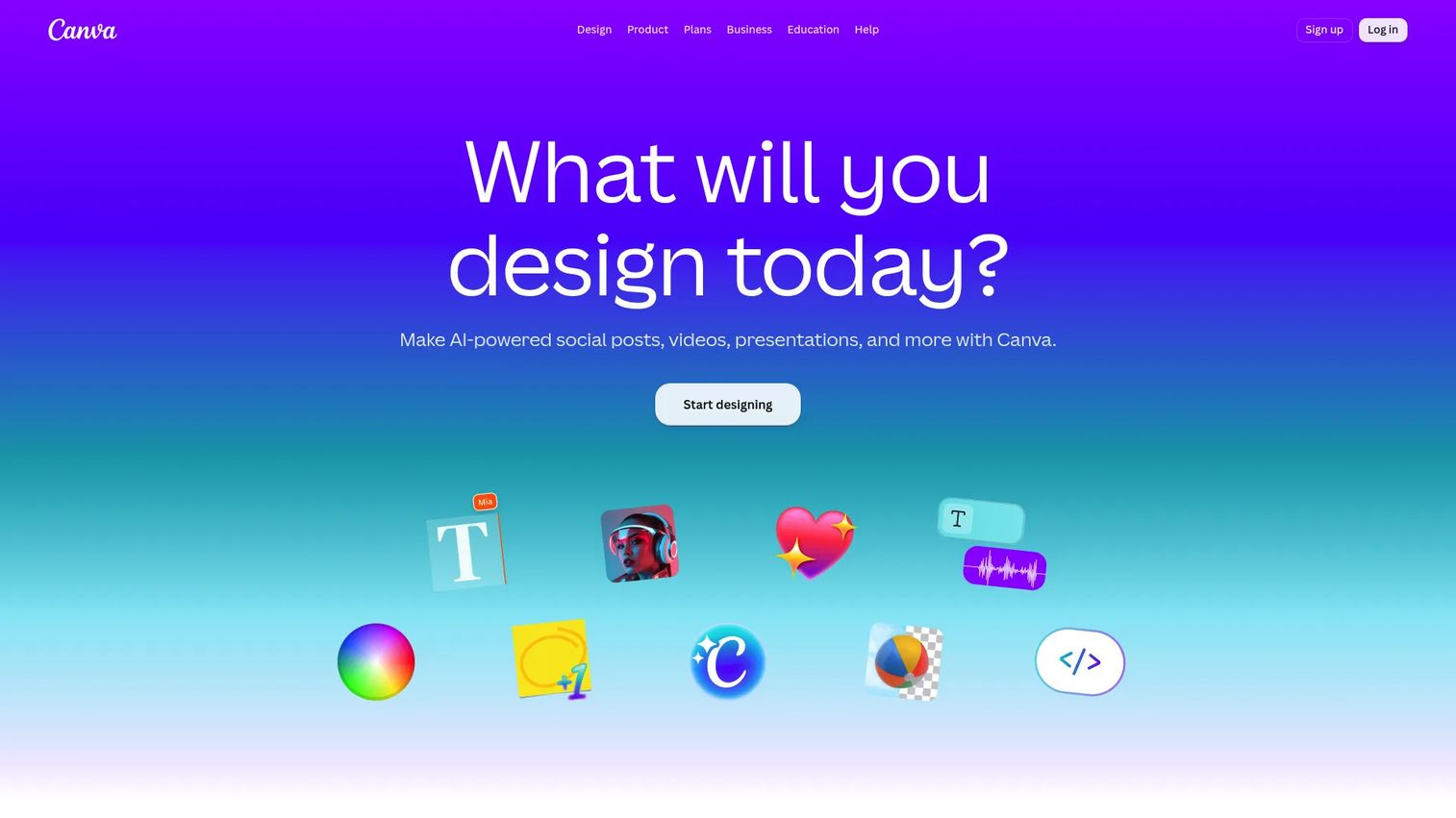
Canva is a browser-based visual design and video platform used by over 170 million people worldwide. It combines a drag-and-drop editor, a large template library, brand kits, AI-generated designs, and built-in social scheduling. For marketing teams, it covers everything from short video ads to presentations and social graphics without requiring specialist software.
Best for: Growth teams and social media marketers who need campaign-ready video assets without a dedicated video editor.
Key features
- Drag-and-drop video editor with timeline
- Social video templates for TikTok, Reels, YouTube Shorts, and ads
- Brand kits with logos, fonts, and color palettes
- AI design and video generation tools
- Stock media library with photos, video clips, and audio
Why choose Canva: Canva is the strongest consolidation argument in this list. It replaces several lightweight design and video tools for marketing teams that need fast output and brand consistency. It is not a professional editing suite, but it covers most campaign production needs without engineering support.
Canva pricing: Free plan available. Pro costs $144/year per person (about $12/month). Business runs $250/year per person. Enterprise pricing requires contacting sales.
G2 rating: 4.7/5
2. Adobe Express
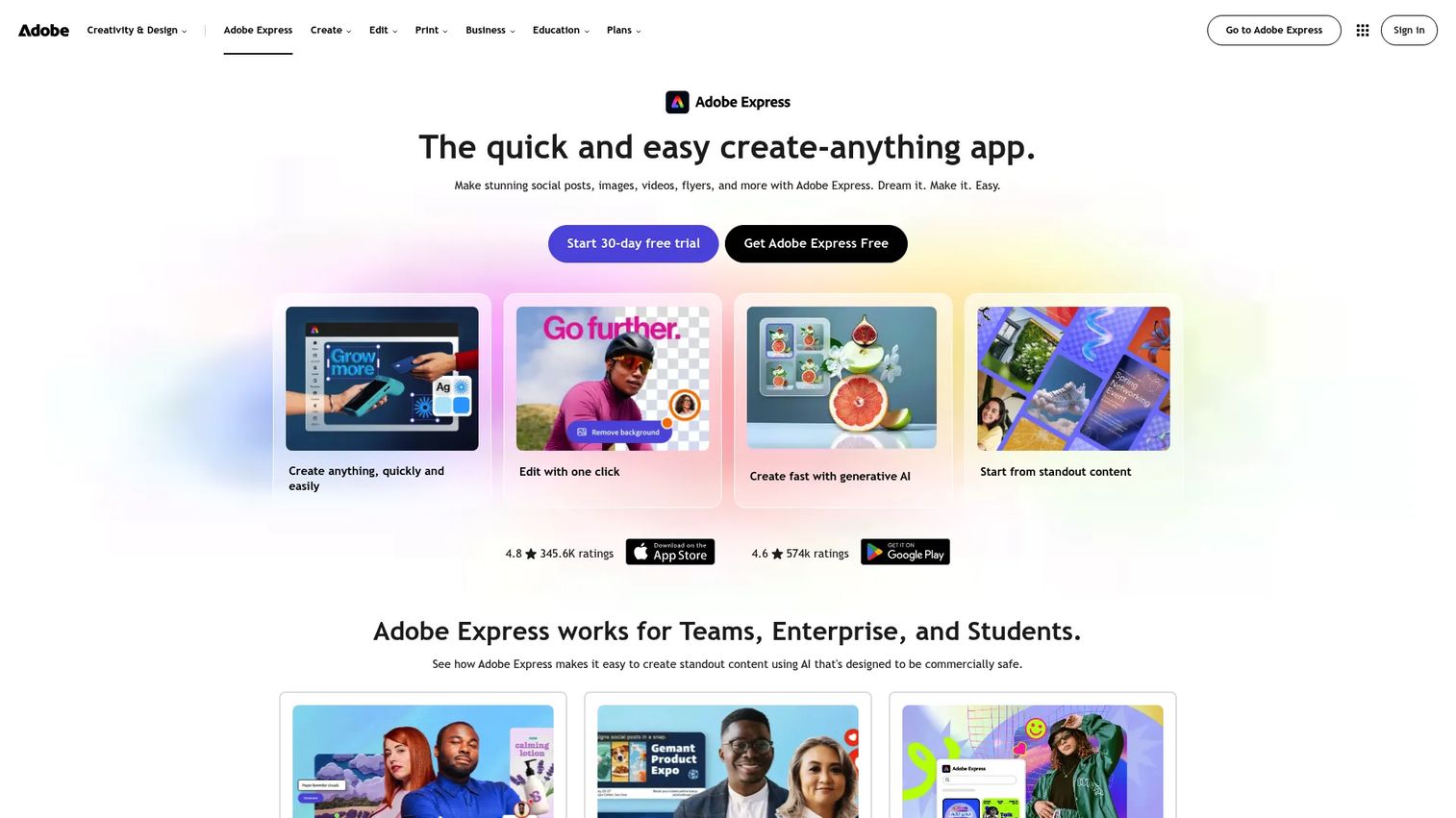
Adobe Express is a free online video maker and design tool that sits at the entry point of Adobe's creative suite. It offers templates, generative AI tools, photo and video editing, brand controls, and content scheduling. Teams already using Adobe assets benefit from direct access to Adobe Fonts and Adobe Stock inside Express.
Best for: Small marketing teams that need polished, brand-consistent videos in a browser without opening Premiere Pro.
Key features
- Browser-based video maker with templates
- Social media format templates and resize tools
- Generative AI image and content creation
- Stock photos, music, and design assets
- Brand kit controls for logos and colors
Why choose Adobe Express: Adobe Express makes sense when your team needs clean, branded video output fast and already lives inside the Adobe ecosystem. Compared to Canva, it offers tighter integration with Adobe assets but a narrower template range.
Adobe Express pricing: Free plan available with core tools. Premium costs $9.99/month. Teams plans start at $7.99/month per license (minimum two seats, billed monthly). Enterprise pricing requires contacting sales.
G2 rating: 4.5/5
3. CapCut
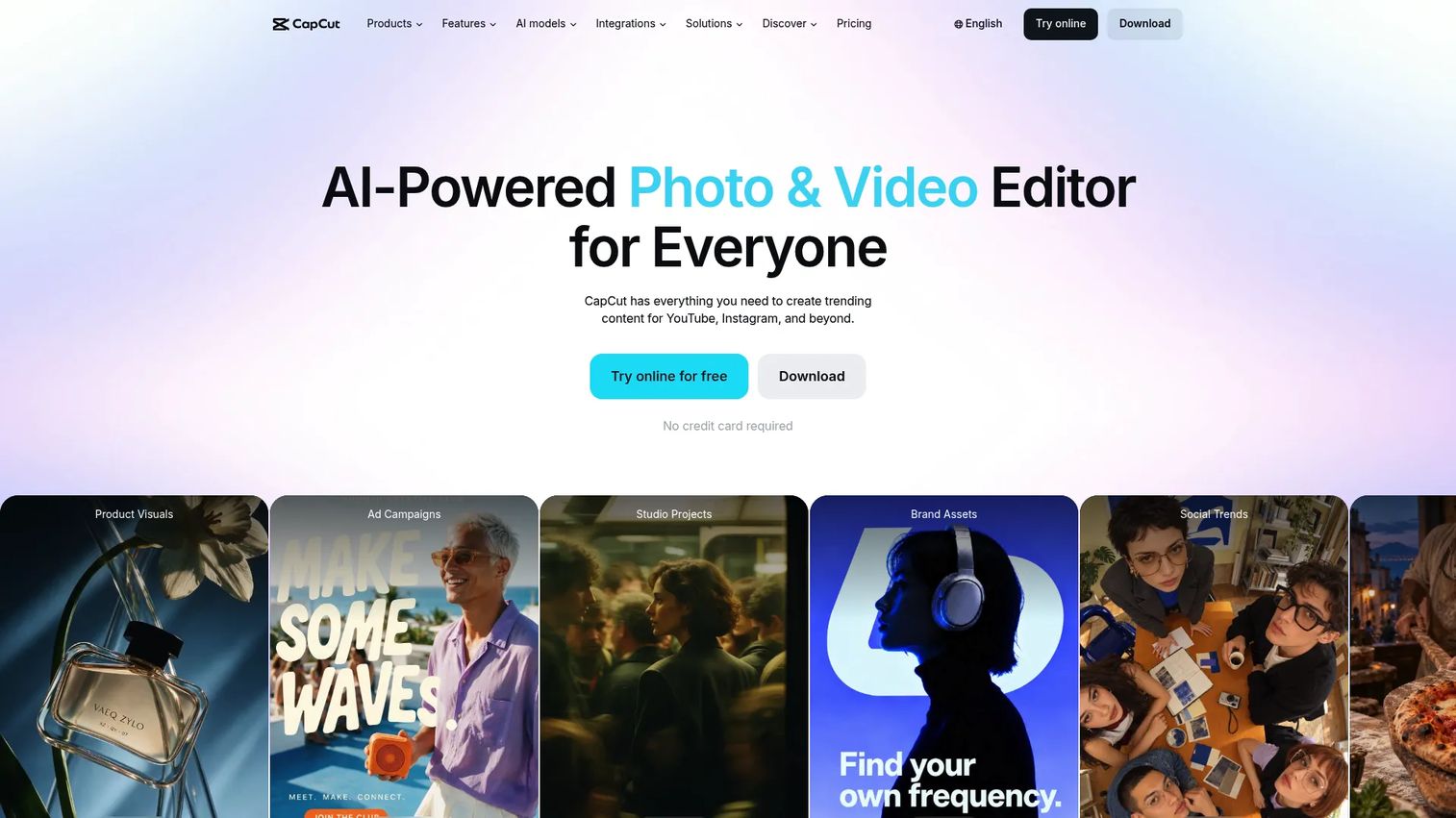
CapCut is an AI-powered video editing platform built for fast, creator-style production. It includes auto captions, AI video generation, effects, transitions, and templates designed for TikTok, Reels, and Shorts. The mobile app is a core part of its workflow, though a desktop editor is also available.
Best for: Social media marketers producing short-form video across TikTok, Instagram Reels, YouTube Shorts, and paid social.
Key features
- Mobile-first video editing with desktop option
- AI-powered auto captions and subtitles
- Creator templates and trending effects
- AI video and image generation tools
- Social format exports for major platforms
Why choose CapCut: CapCut is the fastest path from raw footage to a published short-form clip. Teams running high-volume social video or paid creative testing will find the editing speed hard to match. Teams needing enterprise governance or advanced brand controls may want to pair it with a broader workflow tool.
CapCut pricing: Free plan available. Pro costs $19.99/month. Ultra costs $79/month. Teams plans start at $12.49/month per seat. Regional pricing variations apply.
4. Loom
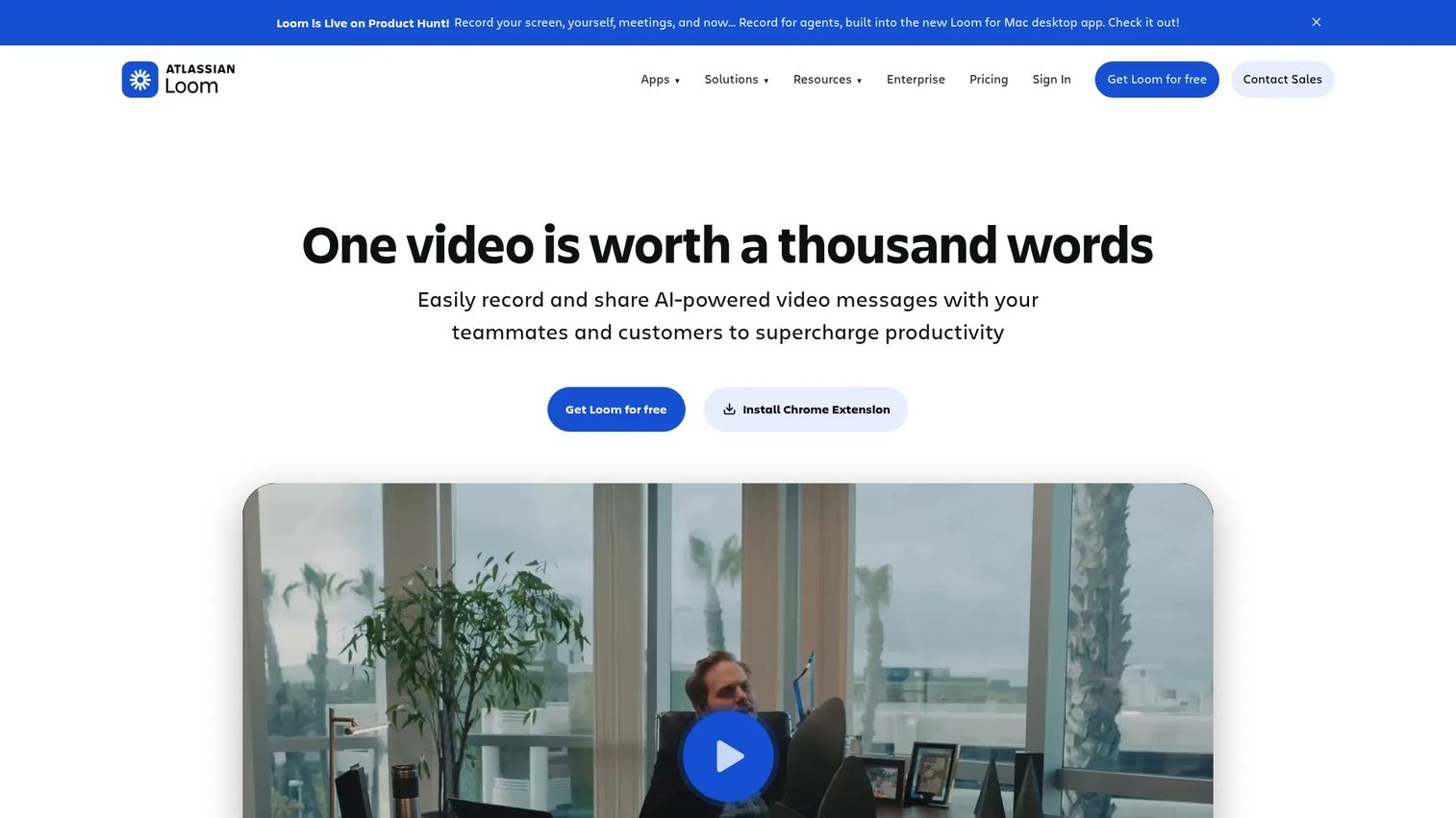
Loom is an async video messaging tool that lets you record your screen, webcam, or both and share via link instantly. It includes AI-generated titles and summaries, transcript support, comments, viewer engagement analytics, and integrations with tools like Slack and Jira. Loom is now part of Atlassian.
Best for: Marketers who need fast explainer videos, stakeholder updates, campaign reviews, and lightweight product walkthrough recordings.
Key features
- Screen, webcam, and audio recording
- Shareable video links with viewer analytics
- AI-generated titles, summaries, and chapters
- Comments, emoji reactions, and closed captions
- Integrations with Slack, Jira, Confluence, and Gmail
Why choose Loom: Loom fits when communication speed matters more than production polish. It is the right tool for async campaign reviews, creative feedback rounds, and internal enablement. It is not a video editor or a campaign production tool.
Loom pricing: Starter plan free. Business costs $18/user per month. Business + AI costs $24/user per month. Enterprise pricing requires contacting sales.
G2 rating: 4.5/5
5. Synthesia
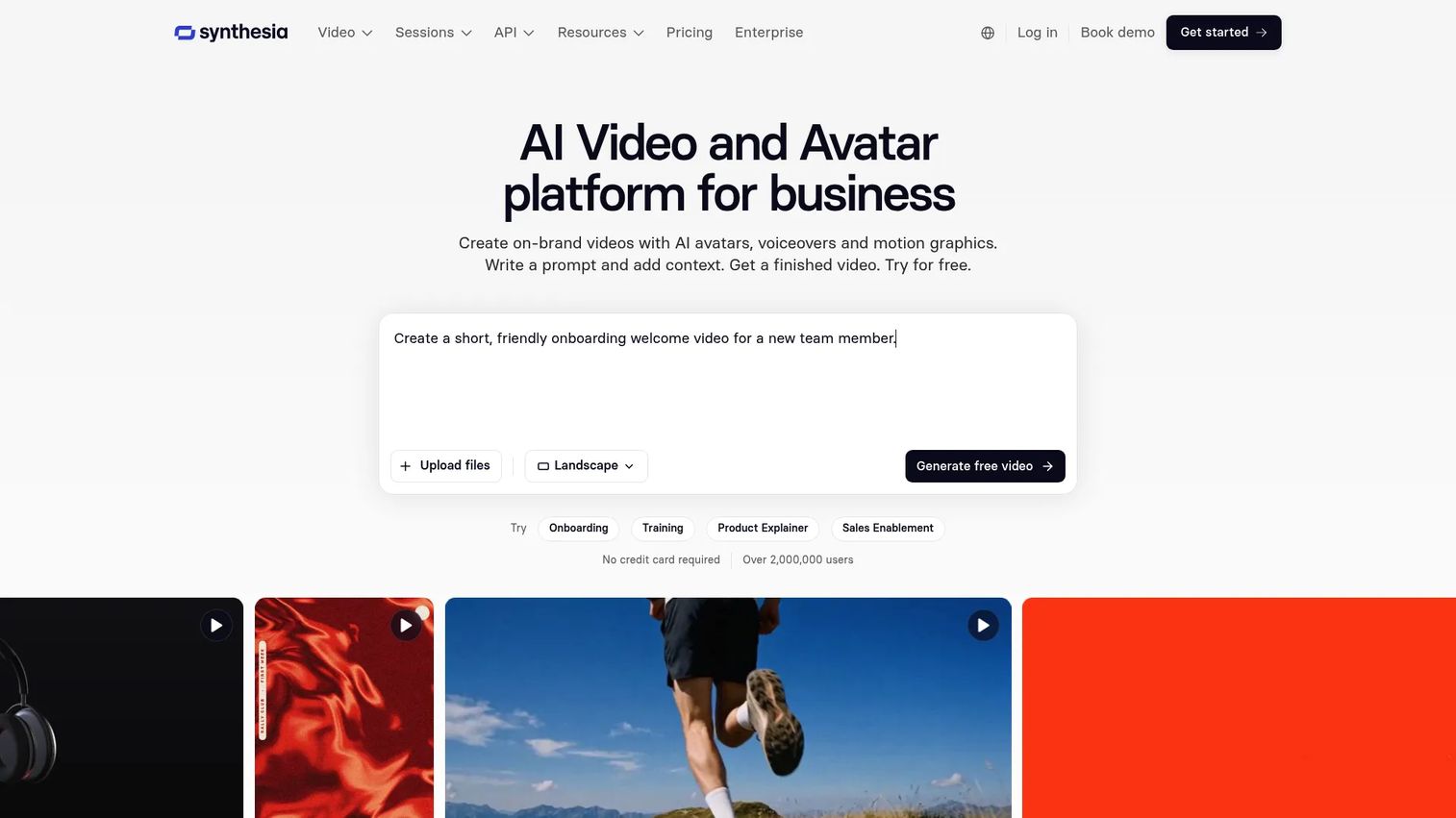
Synthesia is an AI video communications platform for creating presenter-led videos from text, documents, or prompts. It offers AI avatars, voice options, one-click translation, interactive video features, and SCORM/LMS export. Teams use it most for training, HR communications, and scalable product explainers. This is a specialist tool, not a general-purpose video editor.
Best for: Teams creating scalable training videos, onboarding clips, and localized explainers without filming or studio costs.
Key features
- AI avatar videos from scripts or documents
- One-click video dubbing and translation
- Interactive video with quizzes and branching
- Brand templates and team collaboration
- SCORM/LMS export and API access
Why choose Synthesia: Synthesia eliminates the camera, studio, and re-filming cycle for presenter-led content. If your team produces training videos, HR updates, or global campaigns requiring localization, the time savings are substantial. It is not suited for social-first creative or unscripted storytelling.
Synthesia pricing: Basic plan free (500 credits/month). Starter costs $29/month or $18/month billed yearly. Pro costs $89/month or $64/month billed yearly. Enterprise uses custom pricing.
G2 rating: 4.6/5
6. Adobe Creative Cloud
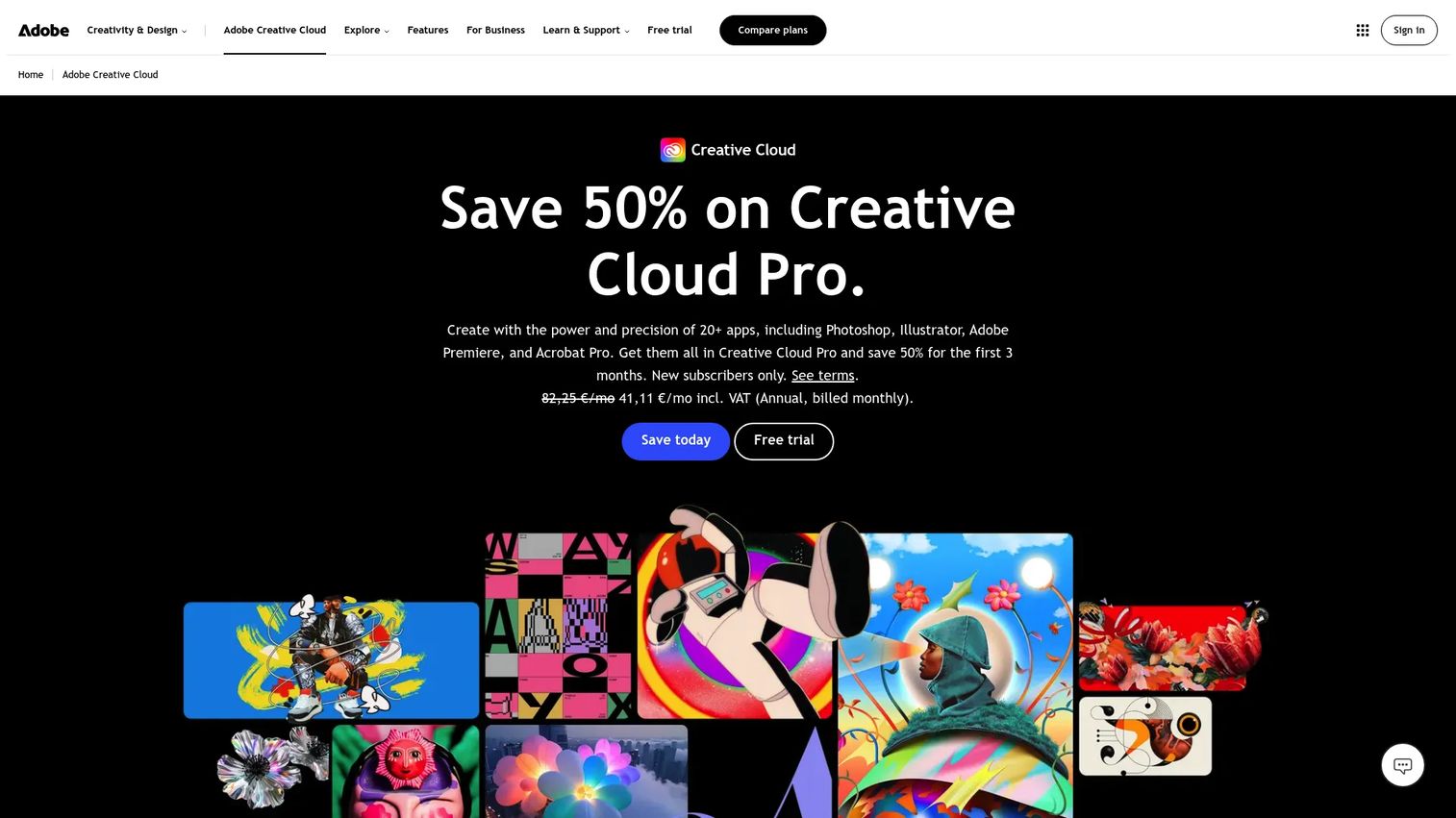
Adobe Creative Cloud is the full professional creative suite, including Premiere Pro, After Effects, Photoshop, Illustrator, Audition, and more than 20 other apps. Creative Cloud Pro adds 4,000 monthly generative AI credits from Adobe Firefly. It is the standard for teams with in-house creative talent producing high-production-value campaign videos.
Best for: Marketing teams with in-house creative talent producing high-quality campaign videos, motion graphics, and brand productions.
Key features
- Premiere Pro for professional video editing
- After Effects for motion graphics and visual effects
- Professional audio tools including Audition
- Cross-app workflows across the full creative suite
- Adobe Firefly generative AI with 4,000 monthly credits (Creative Cloud Pro)
Why choose Adobe Creative Cloud: Choose Creative Cloud when creative depth matters more than beginner speed. It is the right fit for teams that need advanced color grading, motion design, or multi-track audio. For marketers who need quick social assets, Canva or Adobe Express is faster.
Adobe Creative Cloud pricing: Single-app plans start at $11.99/month for Lightroom or $22.99/month for Photoshop (annual billing). Creative Cloud Pro costs $34.99/month for the first three months, then $69.99/month (annual). Teams plans cost $99.99/month per license (annual).
7. Ceros Flex
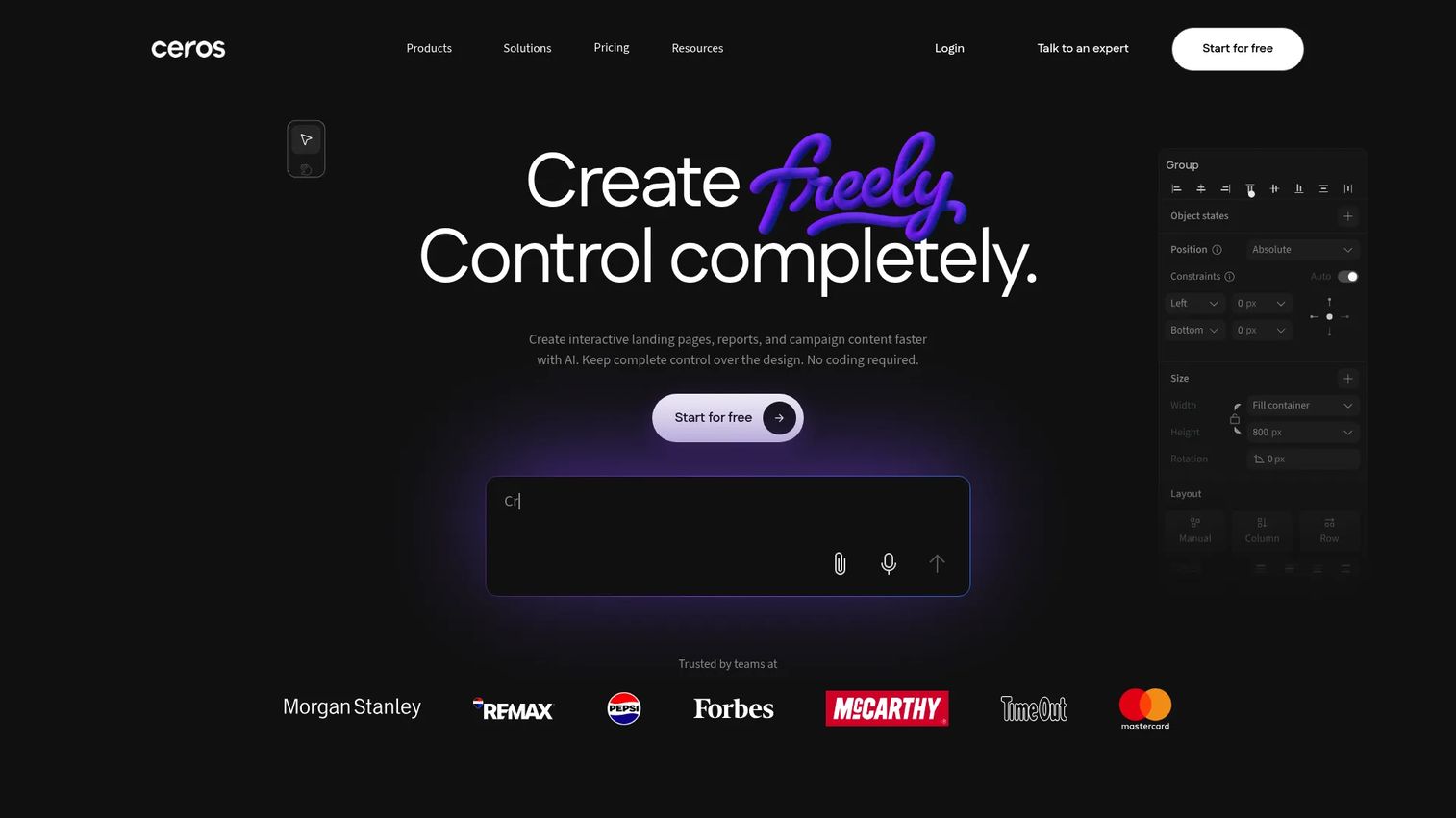
Ceros Flex is a no-code platform for designing, animating, and publishing interactive web content without developer handoffs. It supports responsive layouts, reusable components, brand kits, one-click publishing, and Flex AI for creative assistance. Marketing teams use it for campaign landing pages, interactive reports, and content experiences that go beyond a passive video embed. For more on content marketing tools in this category, the broader landscape has expanded quickly.
Best for: Marketing and design teams creating interactive campaign experiences around video and visual storytelling, without developer support.
Key features
- Interactive content builder with no-code animation
- Responsive design and reusable brand components
- Embedded campaign assets and one-click web publishing
- Brand-controlled templates and real-time collaboration
- Flex AI for creative assistance
Why choose Ceros Flex: Ceros fits teams that want more than a static page or a passive video embed. It is a good match for interactive landing pages, digital reports, and campaign hubs where the content experience itself is the differentiator.
Ceros Flex pricing: Starter plan is free. Growth and Enterprise plans require contacting sales for pricing. Flex AI also offers 10,000 free credits, with paid credit packages starting at $250.
G2 rating: 4.1/5
8. Jasper
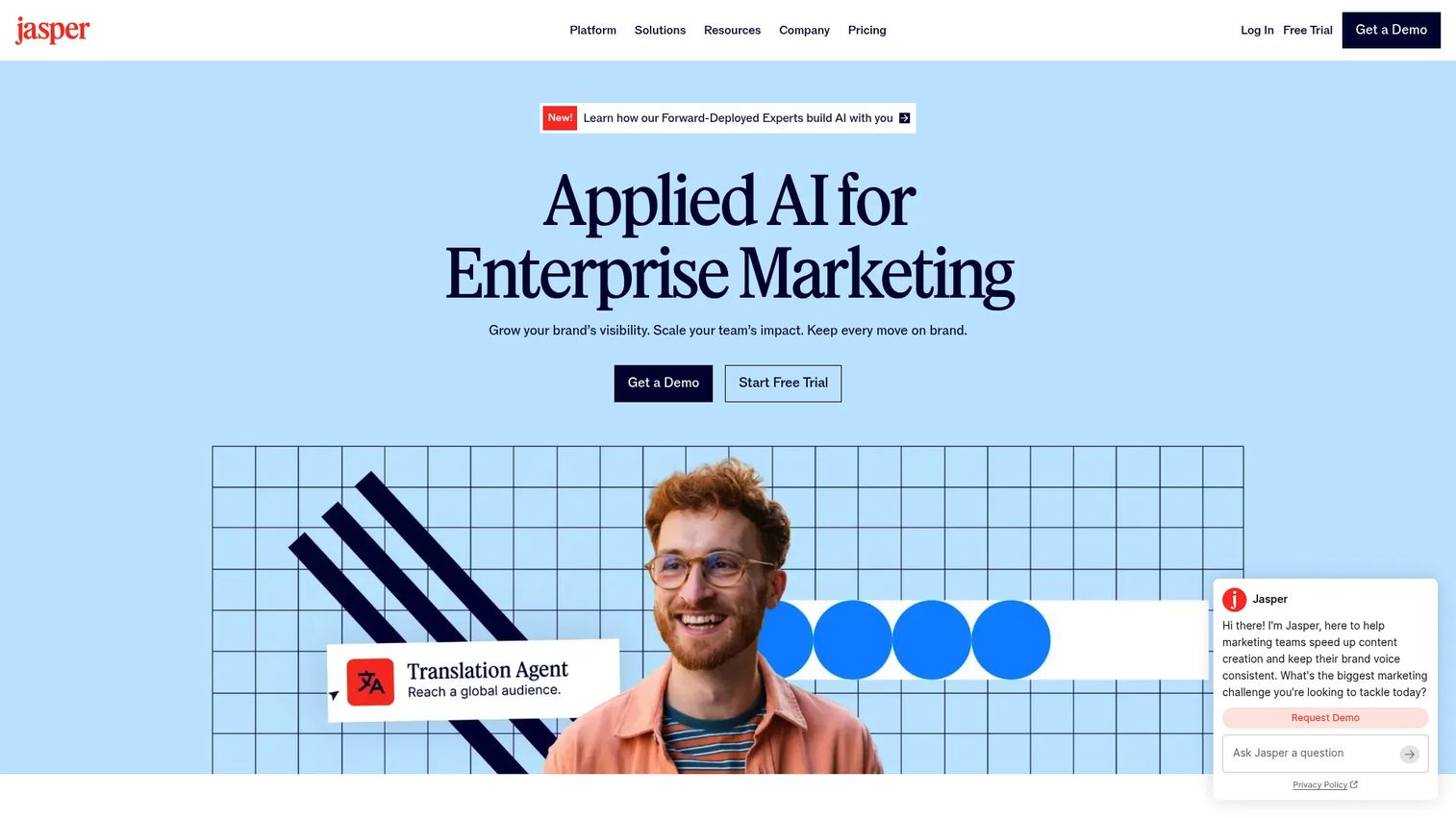
Jasper is an enterprise AI content platform built specifically for marketing teams. It includes brand voice controls, AI agents for marketing workflows, image generation, GEO optimization for AI search visibility, and Jasper Grid for scaled content execution. For video workflows, Jasper handles the scripting and copy layer: Hooks, brief development, and channel-specific messaging. See also our guide on AI content creation tools for broader context on this category.
Best for: Marketing teams that need repeatable, on-brand video concepts, scripts, and campaign copy at scale.
Key features
- AI campaign writing with brand voice controls
- Purpose-built marketing agents for content workflows
- Video script drafting and content repurposing
- Image generation and editing
- Enterprise governance with SSO, SCIM, and permissions
Why choose Jasper: Jasper works best when the bottleneck is message development rather than editing time. It is worth evaluating when teams need consistent brand voice across many campaigns, or when the volume of scripting work outpaces what a small team can produce manually. A 7-day free trial is available.
Jasper pricing: Pro plan costs $69/month per seat (monthly) or $59/month per seat (billed annually). Business plans use custom pricing via sales contact.
G2 rating: 4.7/5
9. Copy.ai
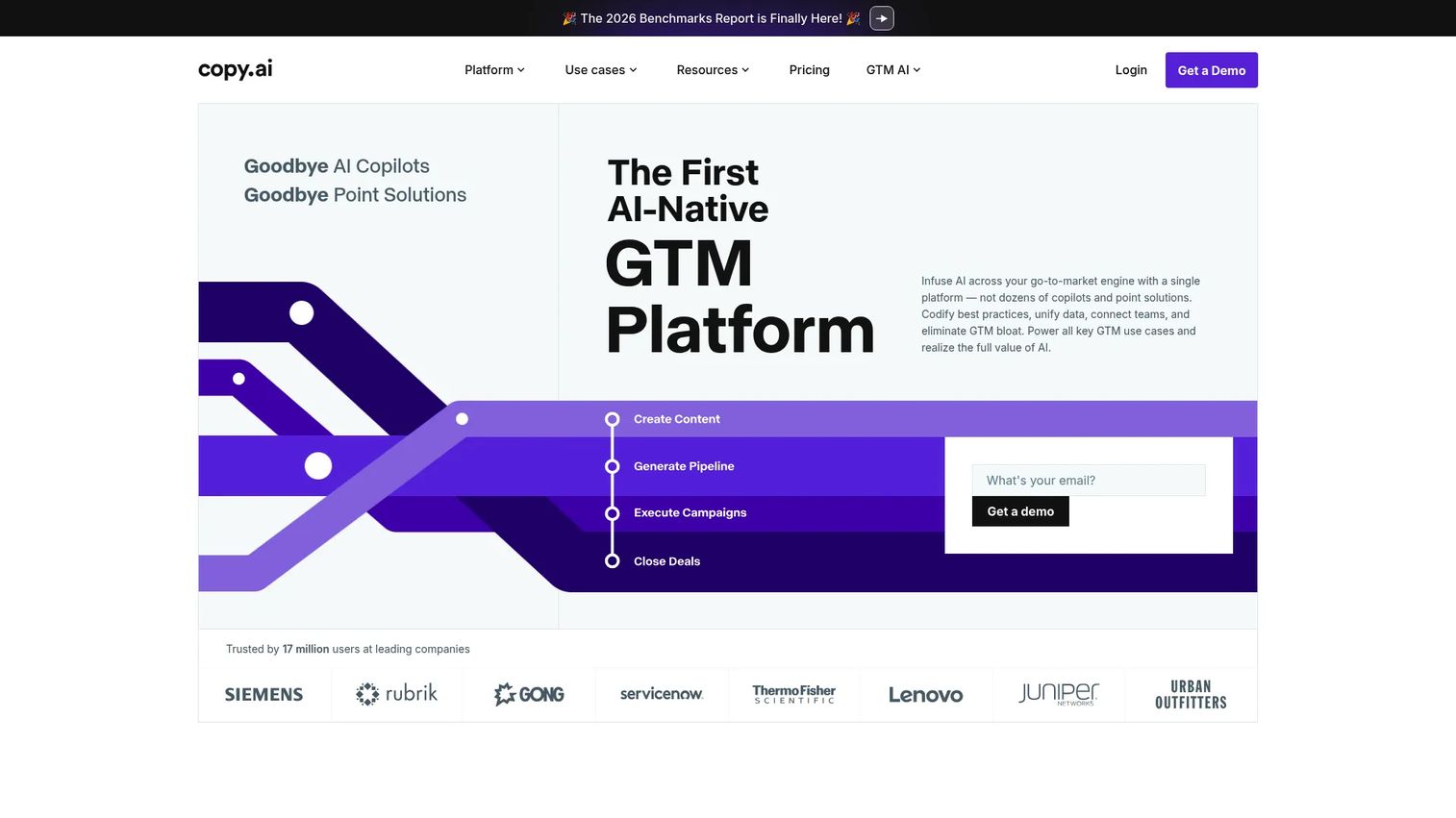
Copy.ai is a GTM AI platform focused on automating repeatable sales and marketing content workflows. Its AI Workflows codify processes for generating, analyzing, classifying, and repurposing content at volume. For video marketing teams, Copy.ai handles script prompts, campaign copy generation, and content repurposing from existing assets.
Best for: Growth teams creating repeatable video copy workflows across campaigns, especially where volume and speed matter more than deep customization.
Key features
- AI Workflows for automating GTM copy processes
- Video script prompts and campaign copy generation
- Brand Voice for on-brand output
- Content repurposing from existing assets
- Team workspaces with shared Infobase
Why choose Copy.ai: Copy.ai suits teams that need structured workflow outputs rather than a one-off AI prompt. It is stronger for scaling repetitive copy tasks around video campaigns than for creative development that requires nuanced brand judgment. Chat plans include access to OpenAI, Anthropic, and Gemini models.
Copy.ai pricing: Chat plan costs $29/month (monthly) or $24/month billed annually. Growth, Expansion, and Scale plans cost $1,000, $2,000, and $3,000/month respectively (billed annually). Enterprise uses custom pricing.
10. Claude

Claude is an AI assistant from Anthropic built for writing, research, coding, analysis, and brainstorming. Its long-context window makes it strong for processing source material and producing structured outputs like video briefs, outlines, and scripts. Claude is not a video editor or a purpose-built marketing tool. It supports the creative strategy and writing layer before production begins.
Best for: Marketers who need deeper reasoning, structured campaign briefs, and script development before handing off to production.
Key features
- Long-context drafting for scripts and briefs
- Campaign outline and research synthesis
- Brand messaging exploration and iteration
- Language translation and content analysis
- Image analysis for visual content research
Why choose Claude: Claude is the right choice when narrative quality and campaign thinking are the bottleneck. It performs well for processing a lengthy source document and producing a focused video script. Teams looking for purpose-built marketing workflows may find Jasper or Copy.ai more structured for campaign-scale production.
Claude pricing: Free plan available. Pro costs $17/month (annual) or $20/month (monthly). Max plans start from $100/month. Team plans cost $20/seat/month (annual) for Standard. Enterprise pricing starts at $20/seat/month plus API usage (20-seat minimum, annual).
G2 rating: 4.7/5
11. Ahrefs
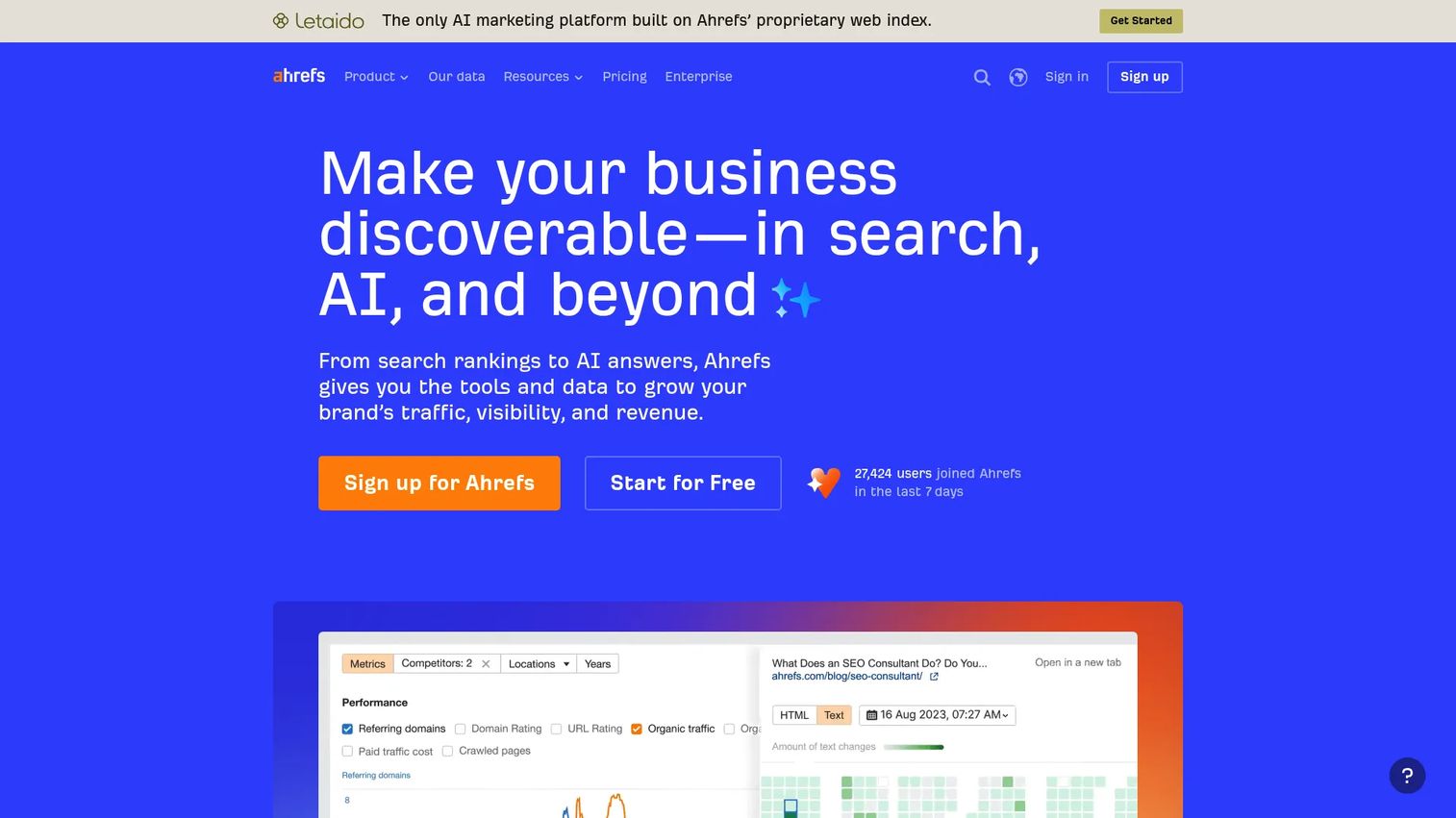
Ahrefs is a marketing platform for SEO, keyword research, competitor analysis, backlink analysis, site auditing, rank tracking, and content research. For video teams, it answers the planning question: Which topics are worth producing? Its Keywords Explorer shows search volume and keyword difficulty, while Content Explorer surfaces high-performing existing content by topic. Ahrefs also added Brand Radar to monitor AI search visibility. See our guide to best marketing analytics software for related planning tools.
Best for: Marketers choosing video topics based on verified search demand and competitive gaps, particularly for YouTube and search-optimized explainer content.
Key features
- Keywords Explorer for search volume and difficulty
- Content gap analysis against competitor domains
- Competitor research and backlink analysis
- Rank tracking for target keyword positions
- Brand Radar for AI search visibility monitoring
Why choose Ahrefs: Ahrefs earns its place in a video content stack at the planning stage. It answers which topics are worth producing before any creative work begins. Teams producing video without search-demand validation are guessing. Ahrefs removes that uncertainty for search-driven content strategies.
Ahrefs pricing: Lite costs $129/month. Standard costs $249/month. Advanced costs $449/month. Annual billing saves up to 17%. No free plan is currently listed; a limited free tool suite exists for Ahrefs account holders.
G2 rating: 4.5/5
12. Google Analytics 4
Google Analytics 4 is Google's current website and app analytics platform. It tracks events, conversions, campaign attribution, audience behavior, and funnel performance. For video marketing teams, GA4 answers what happens after the video is watched: Did the viewer click to a landing page, convert, or drop off? It integrates with Google Ads, Search Console, and BigQuery.
Best for: Marketers measuring how video campaigns affect traffic, conversion, and funnel behavior across websites and apps.
Key features
- Event-based analytics for custom behavior tracking
- Conversion tracking and goal measurement
- Campaign attribution across channels
- Audience reporting and predictive insights
- Funnel exploration and path analysis
Why choose Google Analytics 4: GA4 belongs in every video content stack because it connects creative output to audience behavior after the click. Without it, you can measure video views but not what those views contribute to the funnel. It is the standard measurement layer for campaigns tied to web conversions. For more context on analytics platforms that drive ROI, the category has matured significantly.
Google Analytics 4 pricing: Standard GA4 is free. Analytics 360 (the enterprise tier) requires contacting Google Sales for pricing.
G2 rating: 4.5/5
13. Hotjar
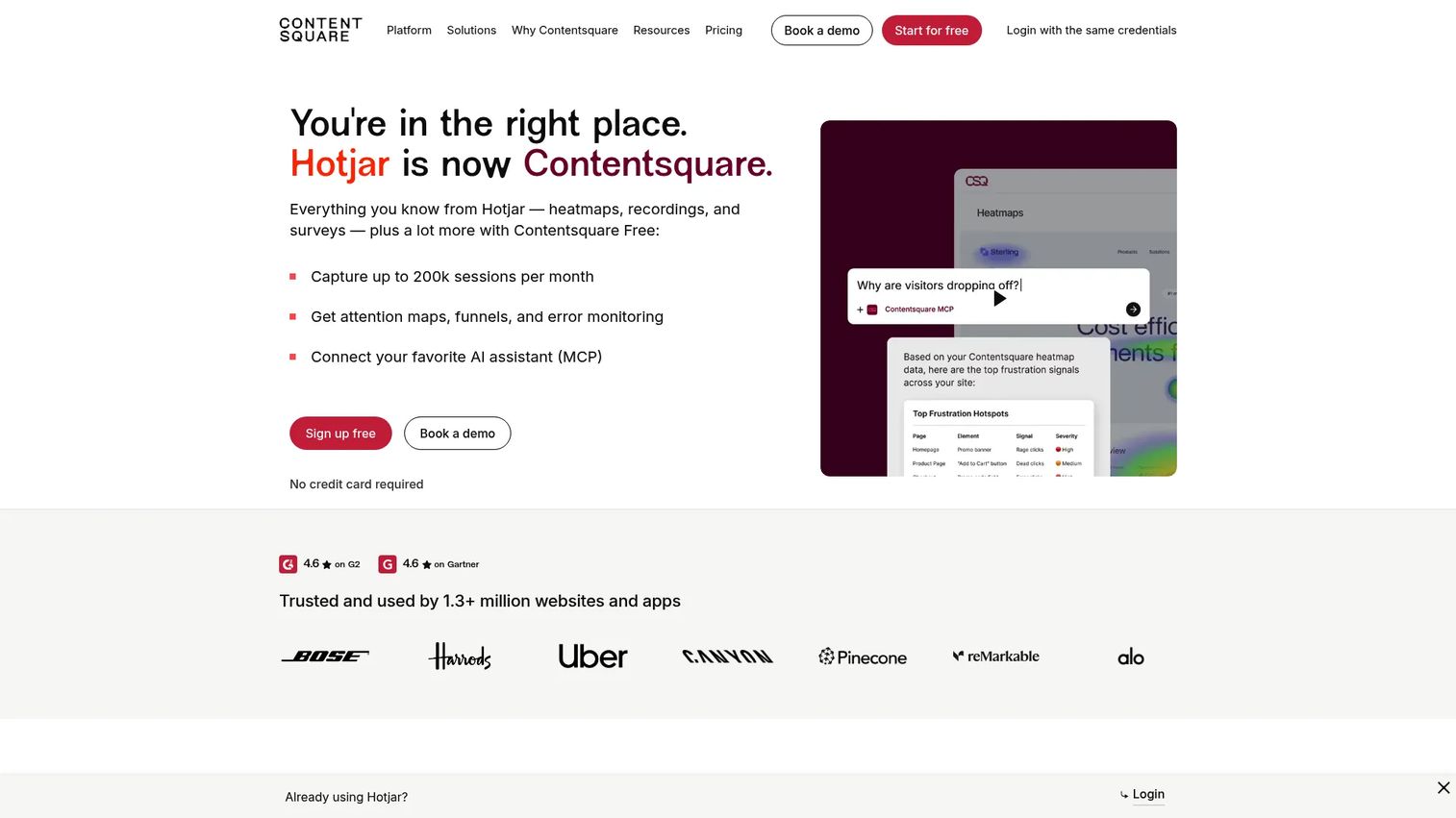
Hotjar is now part of Contentsquare and provides experience analytics through heatmaps, session recordings, funnels, surveys, and feedback widgets. For video content teams, Hotjar answers the qualitative question that GA4 cannot: Why did viewers scroll past the video, where did they hesitate, and what did they read before or after watching? Hotjar is best deployed on landing pages where video is a core conversion element. New Hotjar accounts are now created through Contentsquare. For related tools see our list of best social media analytics tools.
Best for: Marketers diagnosing landing page engagement around video content and troubleshooting conversion problems on campaign pages.
Key features
- Heatmaps and attention maps for page engagement
- Session recordings of real visitor behavior
- On-page surveys and micro-feedback widgets
- Conversion funnels with drop-off analysis
- Error and performance monitoring
Why choose Hotjar: Choose Hotjar when your analytics show what happened but not why. It is especially useful for testing video placement, measuring scroll depth to the video, and identifying friction on pages where conversion rates do not match traffic quality. It pairs naturally with GA4 as a qualitative complement to quantitative data.
Hotjar pricing: Free plan available. Growth plans start at $39/month. Pro and Enterprise plans use custom pricing based on session volume.
G2 rating: 4.3/5
14. HubSpot
HubSpot is a customer platform covering CRM, marketing automation, landing pages, email, content management, and campaign reporting. For video content teams, it closes the loop between video distribution and lead attribution. You can embed video in emails and landing pages, track contact-level engagement, run nurture workflows triggered by video views, and report campaign performance against pipeline. See our guide on best marketing automation software tools for the broader context.
Best for: Marketing teams connecting video content to lead generation, nurture workflows, and pipeline reporting inside a CRM.
Key features
- CRM-connected marketing campaigns
- Marketing automation and email workflows
- Landing pages with lead capture and tracking
- Campaign reporting tied to contacts and revenue
- AI-assisted content and sales tools
Why choose HubSpot: HubSpot is the right choice when you need to know not just who watched a video, but whether that person became a lead, entered a nurture sequence, and eventually converted. Without CRM-connected attribution, video ROI is a guess. It is a heavier investment than a standalone scheduler but far more useful for teams accountable to pipeline.
HubSpot pricing: Free CRM available. Starter plans begin at $7/seat per month. Professional plans start at $1,300/month. Enterprise plans start at $4,700/month.
G2 rating: 4.4/5
15. Buffer
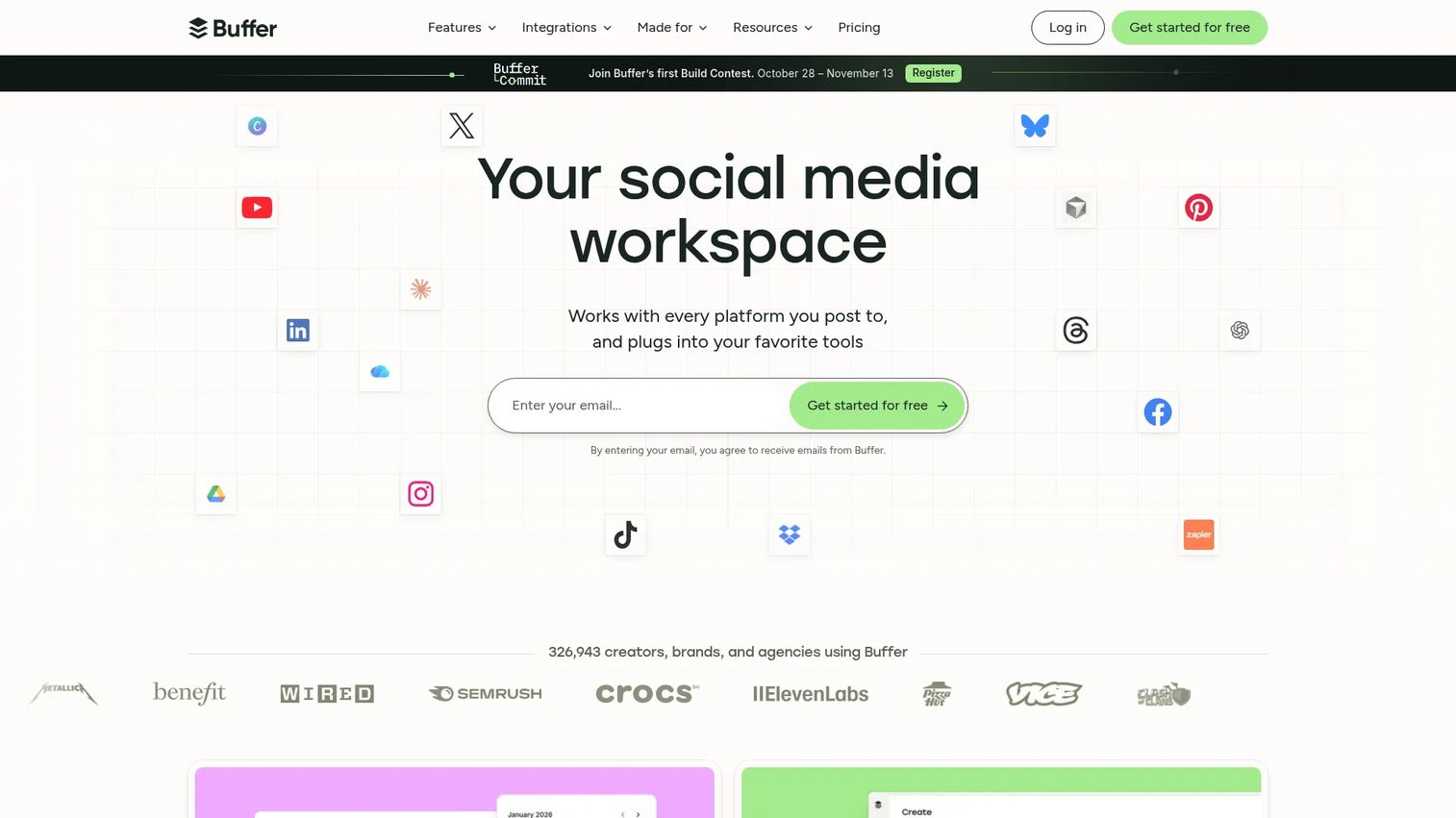
Buffer is a social media management platform for creating, scheduling, publishing, and analyzing content across social networks. It includes a content calendar, multi-channel post scheduling, an AI Assistant, approval workflows, and channel-level analytics. For video teams, Buffer handles the distribution and consistency layer: Getting content onto platforms on a reliable schedule and reporting basic performance metrics.
Best for: Lean marketing teams that need a reliable, low-cost publishing layer for social video without a full marketing automation system.
Key features
- Multi-channel social scheduling and publishing
- Content calendar with approval workflows
- Channel analytics and post performance reports
- AI Assistant for content suggestions
- Community inbox for comment management
Why choose Buffer: Buffer is a practical choice for small or lean teams that want consistent social publishing without the overhead of a full marketing platform. The per-channel pricing model keeps costs predictable as you add accounts. Teams that need CRM-connected campaign attribution will need HubSpot or a similar tool alongside it. Buffer's free plan supports up to three channels.
Buffer pricing: Free plan available (up to three channels). Essentials costs $5/month per channel (monthly) or $60/year for one channel. Team plan costs $10/month per channel (monthly) or $120/year for one channel.
G2 rating: 4.3/5
Considerations when choosing video content creation tools
Start with the workflow stage
Identify your biggest bottleneck first: Ideation, production, resizing, publishing, or attribution. Buying a great editing tool when the real problem is topic selection, or buying a scheduler when the problem is creative volume, creates tool sprawl without fixing the underlying issue.
Check export formats and channel fit
A strong editor that cannot export vertical video for Reels, or cannot produce a clean MP4 for email thumbnail use, creates downstream friction. Verify format support against your actual channel list before committing to a plan.
Evaluate AI by output quality, not feature labels
"AI-powered" appears on nearly every tool in this category. What matters is whether the AI saves measurable time on scripts, captions, aspect ratio resizing, or localization. Test a specific workflow task before buying, not a demo of the feature in isolation.
Look for collaboration and governance controls
As teams grow, the absence of approval workflows and brand controls becomes expensive to fix. Version control, shared asset libraries, and role-based permissions matter more at scale. Audit what your current stack lacks before adding a new tool that replicates the same gaps.
Measure content performance beyond view counts
Views measure exposure. Conversions, funnel behavior, and pipeline contribution measure impact. Before finalizing your stack, confirm that the measurement layer, whether GA4, Hotjar, or HubSpot, can answer the attribution questions your leadership will eventually ask.
Conclusion
The best video content workflow is not one giant tool. It is the fewest tools needed to move from idea to published asset to measurable result.
For most marketing teams, that means Canva or Adobe Express for fast creation, CapCut for short-form social, Synthesia when presenter-led video needs to scale, and a combination of Google Analytics 4 and HubSpot to close the attribution loop. Jasper or Claude handles scripting when copy volume outpaces what the team can write manually. Buffer serves teams that need simple, affordable scheduling. Adobe Creative Cloud is the right call when in-house creative talent needs professional production depth.
Pick tools that address your current bottleneck. Add measurement before you add more creation tools. And connect what you publish to what your audience does next.
If your next step is making your product easier to experience, not just watch, consider creating an interactive product experience that buyers can click through on their own, without scheduling a demo call.
Start your journey with Guideflow today!
FAQs
Canva, Adobe Express, CapCut, Synthesia, and Adobe Creative Cloud cover most creation needs for marketing teams. Marketers also need planning tools like Ahrefs, distribution tools like Buffer or HubSpot, and measurement tools like Google Analytics 4 and Hotjar. The right combination depends on which stage of the workflow is the current bottleneck.
Canva and Adobe Express are both browser-based, template-led, and require no video editing experience. CapCut is the fastest for short-form social video, with creator-native editing that matches the native editing style of TikTok and Reels. Canva offers the broadest feature range; CapCut offers the fastest mobile workflow.
Canva, Adobe Express, CapCut, and Synthesia include AI directly in the creation workflow. Jasper and Copy.ai use AI for scripting and campaign copy. Claude handles long-form ideation and brief development. Each tool's AI serves a different job: Synthesia generates presenter videos from text, while Jasper maintains brand voice across scripts. Evaluate based on where AI would actually save your team time.
Canva, Adobe Express, CapCut, Google Analytics 4, Hotjar, and Buffer all offer free plans. Free plans typically limit exports, cloud storage, or the number of social channels. Canva Free covers most basic video creation needs. CapCut Free handles short-form editing without watermarks on most exports. Check each platform's current free tier terms before committing, as limits change.
CapCut, Canva, and Adobe Express handle trimming, captioning, and resizing for short-form repurposing. Adobe Creative Cloud's Premiere Pro offers the most control for professional edits. AI captioning features in CapCut and Canva speed up the repurposing workflow significantly, particularly for webinar clips, podcast highlights, and customer interview excerpts.
Google Analytics 4 tracks website behavior and conversions after the video is watched, including campaign attribution via UTM parameters. Hotjar shows how visitors interact with pages where video is embedded, including scroll depth and click patterns. HubSpot connects video-driven leads to CRM contacts and pipeline. Use all three for a complete picture: Quantitative traffic data, qualitative behavior data, and revenue attribution.
One tool works for simple, single-channel video production. A multi-tool stack becomes necessary when the workflow spans ideation, production, publishing, and reporting. Most marketing teams running campaigns across multiple channels need at minimum a creation tool, an AI writing tool for scripts, a publishing layer, and a measurement system. Start with whichever gap is costing the most time right now.
Prioritize ease of use for your team's current skill level, AI features that save time on real tasks (not demos), template and format coverage for your channels, collaboration and approval controls, pricing that scales with team size, and integration with your existing analytics and CRM stack. The most common buying mistake is choosing a tool based on its creation features while ignoring whether it connects to measurement.