The work is done. The matter is closed. But the revenue hasn't arrived yet, and you're not entirely sure where it went.
According to the 2025 Legal Industry Report, 68% of law firms still struggled with fee collection in 2025, even as 64% had adopted cloud-based billing. That gap tells the real story: Adoption without operational discipline leaves money between the timesheet and the bank account. Time goes unrecorded or reconstructed at the end of the week. Pre-bills sit in review for days. Invoices go out late. Collections drag while partners watch aging reports and wonder what happened to margin.
The right law firm billing software fixes the workflow from time capture through to payment, and it gives whoever runs finance the reporting to understand where revenue stalls. Whether you're evaluating this for your own firm or helping a legal SaaS portfolio company understand how the category is bought, this guide gives you a shortlist with honest trade-offs.
What's inside
This guide compares 21 legal billing software options for 2026. Tools were selected from legal billing search results, review marketplaces, and legal-specific product positioning.
Evaluation criteria:
- Time capture and invoicing depth: Does it support billable-hour tracking, pre-bill review, and batch invoicing?
- Payments and collections workflow: Does it handle online payments, payment links, and follow-up?
- Trust accounting and compliance: Does it support IOLTA, audit trails, and LEDES?
- Accounting integration and reporting: Does it sync with QuickBooks Online or include built-in accounting software?
TL;DR
- Best overall legal time and billing: Bill4Time, for firms that want time tracking, invoicing, payments, and trust accounting in a single platform
- Best full practice management with billing: Clio, for firms that want billing inside a broader operating system covering matters, intake, and client communication
- Best accounting source of truth: QuickBooks Online, for firms already running finance there who pair it with legal billing tools
- Best for payment collection: LawPay or 8am LawPay, for firms prioritizing compliant online payments above everything else
- Best for QuickBooks-centered billing: LeanLaw, for firms that want legal billing tightly tied to QuickBooks Online
- Best for budget-conscious solo attorneys: CaseFox, which offers a free plan alongside paid tiers
What is legal billing software?
Legal billing software helps law firms capture billable time, create invoices, manage payments, track expenses, and maintain billing records in workflows built for legal matters.
It connects timekeepers, firm administrators, finance teams, and clients. When the workflow runs correctly, less billable work disappears, invoices leave faster, and collections follow a predictable path. The best platforms also support legal-specific compliance requirements that general invoicing tools ignore.
Key features to look for
- Time tracking and billable-hour capture
- Expense tracking and reimbursement
- Pre-bill review and batch invoicing
- Online payments and payment plan support
- Trust accounting and IOLTA compliance
- LEDES and custom billing codes
- Accounting integrations, especially QuickBooks Online
- Reporting for aging, collections, realization rate, and profitability
- Matter and client-level billing history
- Role-based permissions and audit trails
Legal billing software vs. general invoicing tools: General tools like basic invoicing apps handle the mechanics of sending invoices but lack trust accounting controls, LEDES export, matter-level reporting, and the billing workflows lawyers and administrators need daily. Legal billing software is purpose-built for those requirements.
This is distinct from practice management software, which adds matters, calendars, documents, and client workflows on top of billing. Some platforms do both. Others specialize. Understanding where billing lives in the product determines which tool fits the firm's operating model.
When to use legal billing software
Capture billable work before it disappears
Manual time entry reconstructed at the end of the week creates revenue leakage. Attorneys routinely undercount hours when they record from memory. Legal billing software helps timekeepers log work at the moment it happens, whether from a desktop, a mobile app, or a timer running in the background. Even modest improvements in capture rates have a direct effect on realized revenue per matter.
Shorten the path from pre-bill to payment
The pre-bill review cycle is where billing stalls. A matter closes, a draft invoice sits in a queue, edits go back and forth, and the approved invoice reaches the client two weeks late. Billing software with structured pre-bill workflows, batch approval, digital delivery, payment links, and automated follow-up cuts days-to-collect. Visibility into aging balances and collection rates gives firm leaders a clearer picture of cash timing.
Protect trust, accounting, and audit workflows
Trust accounting is non-negotiable for firms handling client funds. IOLTA compliance, three-way reconciliation, audit trails, and role-based access controls are operational requirements, not optional features. Firms also need to confirm LEDES support if they bill corporate clients or insurance carriers with e-billing mandates. Verify trust and compliance workflows with your accountant or compliance counsel before committing to a platform.
Legal billing software comparison
No single tool wins across every firm size, billing model, or accounting stack. The table below is a shortlist to help you narrow quickly. The right choice depends on whether billing lives inside practice management, whether accounting needs to stay in QuickBooks, and how complex your trust requirements are.
| # | Product | Best for | Key differentiator | Pricing | G2 rating |
|---|---|---|---|---|---|
| 1 | Bill4Time | Legal time and billing | Time capture, invoicing, payments, and trust workflows together | From $39/user/mo (annual) | 4.7/5 |
| 2 | Clio | Practice management with billing | Broad matter management plus billing and payments | From $49/user/mo | 4.6/5 |
| 3 | QuickBooks Online | Accounting source of truth | General accounting with legal billing integrations | From $0/mo | 4.0/5 |
| 4 | CARET Legal | Full legal practice management | Billing, case management, and firm operations | From $79/user/mo (annual) | 4.4/5 |
| 5 | Smokeball Bill | Billing automation for small firms | Workflows connected to Smokeball ecosystem | Custom pricing | 4.7/5 |
| 6 | LawPay | Legal payment collection | Online payments built for law firms | From $19/mo | 4.7/5 |
| 7 | 8am LawPay | Legal payments platform | Payment workflows with trust-aware processing | From $19/mo | 4.7/5 |
| 8 | 8am MyCase | Practice management and billing | Matter management, billing, and client communication | From $50/user/mo (annual) | 4.4/5 |
| 9 | CosmoLex | Billing with built-in accounting | Legal billing and accounting in one platform | From $49/user/mo | 4.2/5 |
| 10 | TimeSolv | Time tracking and invoicing | Legal billing with flexible matter billing | From $47.50/user/mo (annual) | 4.5/5 |
| 11 | Tabs3 | Established firm billing | Mature legal billing and accounting workflows | From $89/user/mo | N/A |
| 12 | LeanLaw | QuickBooks Online firms | Legal billing built around QuickBooks Online | From $55/user/mo | 4.5/5 |
| 13 | BigTime | Professional services billing | Time, billing, and resource management | From $20/user/mo | N/A |
| 14 | Juris | Law firm accounting | Accounting-heavy legal billing workflows | Custom pricing | N/A |
| 15 | AbacusLaw | Integrated legal operations | Practice management with billing capabilities | Custom pricing | 4.0/5 |
| 16 | Amberlo | Cloud legal practice management | Matter, billing, and document workflows | From €59/user/mo | 4.8/5 |
| 17 | CaseFox | Budget-conscious legal billing | Timekeeping, invoicing, and trust accounting | Free plan available | 4.5/5 |
| 18 | PracticePanther | Small and midsize firms | Billing, payments, and client workflows | From $49/user/mo | 4.3/5 |
| 19 | Sage Timeslips | Time and expense billing | Long-running time and billing system | From $579/year | 3.1/5 |
| 20 | Neos | Case-heavy firms | Case management with billing and reporting | Custom pricing | 4.5/5 |
| 21 | PageLightPrime | Case and firm operations | Legal case management with billing on Microsoft 365 | Custom pricing | N/A |
Best 21 legal billing software tools for 2026
1. Bill4Time
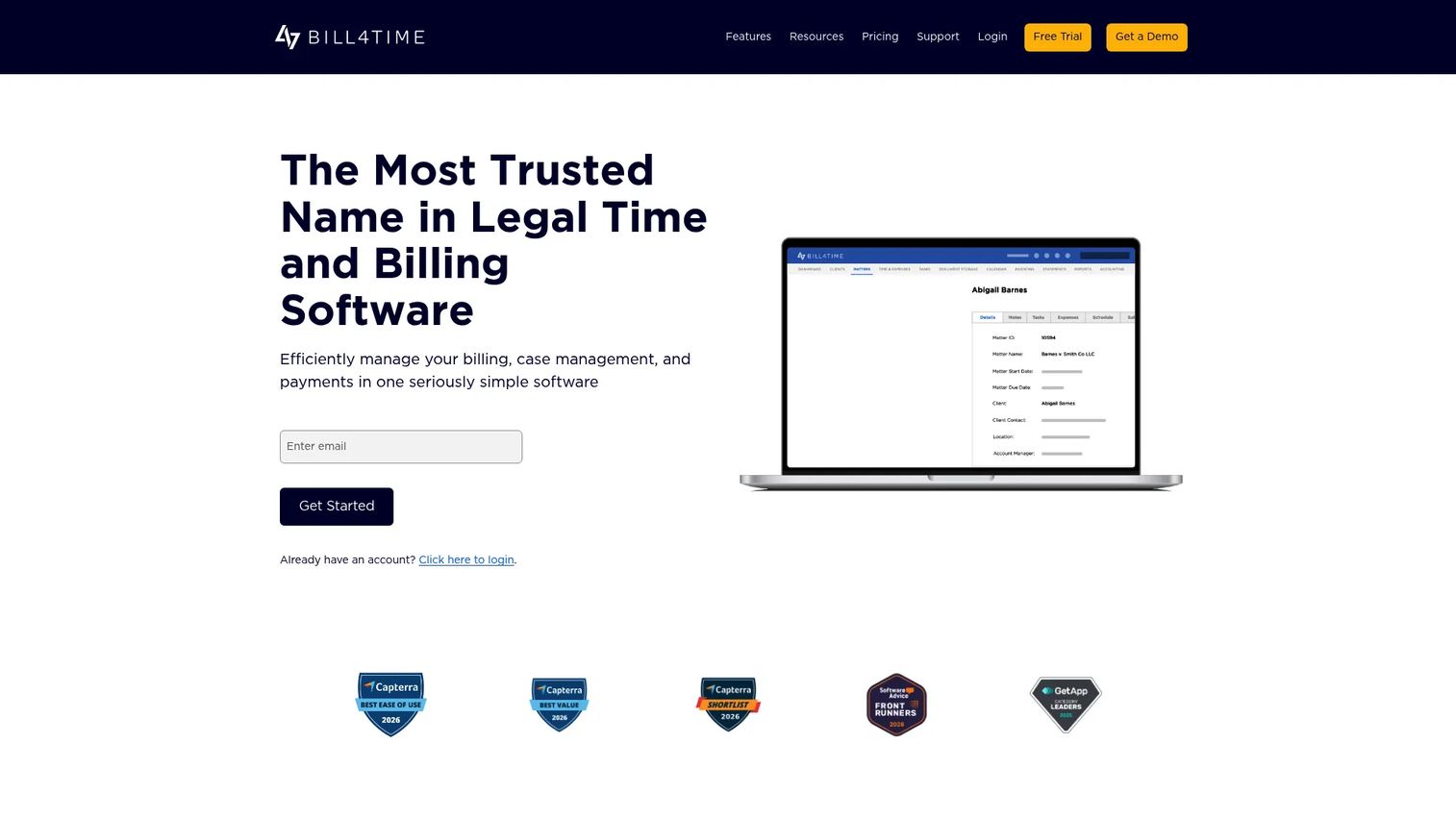
Bill4Time is legal time and billing software built for law firms and professional service businesses that want time tracking, invoicing, payments, trust accounting, matter management, and reporting in one platform. It focuses on reducing the gap between work performed and revenue collected, with workflows designed around how legal billing actually runs.
Best for: Small and midsize law firms that want a dedicated attorney billing software platform without adopting a full practice management suite.
Key features
- Time and expense tracking with mobile capture
- Batch invoicing and pre-bill review
- Online payments and trust accounting
- Matter and case management
- QuickBooks integration and reporting
Why choose Bill4Time: Bill4Time is a strong fit when billing discipline, time capture, and collections are the primary operational problem. It covers the full billing cycle without requiring the firm to adopt a broader practice management system.
Bill4Time pricing: Plans start at $39 per user per month (billed annually) for Time and Billing, or $59 per user per month for Legal Pro (annually). Monthly billing runs higher, at $49 and $69 respectively. A 14-day free trial is available without a credit card.
G2 rating: 4.7/5
2. Clio

Clio is an AI-powered legal practice management platform that includes billing, payments, matter management, client intake, documents, and firm operations. Billing is one layer in a broader operating system, which makes Clio a different decision than choosing a billing-only tool.
Best for: Firms that want billing embedded in a full practice management platform, rather than managing billing through a separate product.
Key features
- Matter, contact, and document management
- Time tracking and invoicing
- Online payments and trust accounting
- Client portal and two-way messaging
- App marketplace integrations
Why choose Clio: Choose Clio when the firm wants one system for legal work end to end, not just invoicing. The broader scope means more setup, but it also means billing data sits next to matter data, which makes profitability reporting more complete.
Clio pricing: The Starter plan begins at $49 per user per month. Core, Signature, and Elite tiers add AI, reporting, workflow automation, and client-acquisition capabilities. Exact pricing for higher tiers is not displayed and requires a quote.
G2 rating: 4.6/5
3. QuickBooks Online
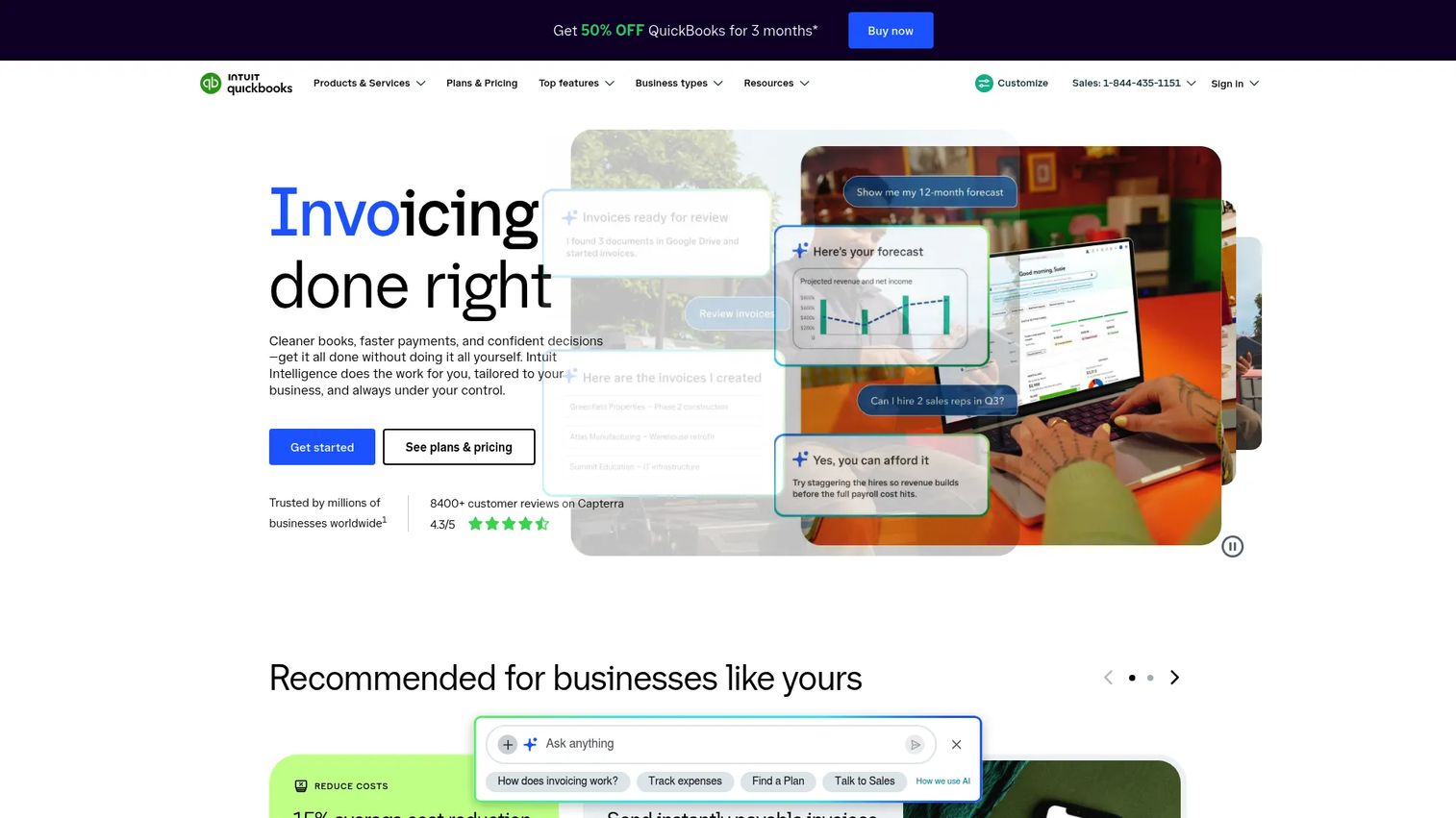
QuickBooks Online is cloud-based accounting software, not legal billing software. Many law firms use it as the financial source of truth and pair it with dedicated legal billing tools such as LeanLaw, Bill4Time, or Clio to handle attorney invoicing software requirements.
Best for: Firms that already run accounting in QuickBooks and want financial reporting consistency rather than a legal-specific billing platform.
Key features
- General ledger and expense tracking
- Invoice management and payment collection
- Bank transaction syncing
- Profit and loss reporting
- Budgeting and project profitability on higher tiers
Why choose QuickBooks Online: Choose it when accounting accuracy is the primary requirement and legal-specific workflows, such as LEDES, IOLTA, and matter-level billing, are handled by an integrated companion tool. Running QuickBooks without a legal billing layer means trust accounting and LEDES support must come from elsewhere.
QuickBooks Online pricing: A free plan is available. Paid plans run $38 per month for Simple Start, $85 for Essentials, $140 for Plus, and $340 for Advanced (standard monthly rates). Promotional pricing is often available.
G2 rating: 4.0/5
4. CARET Legal
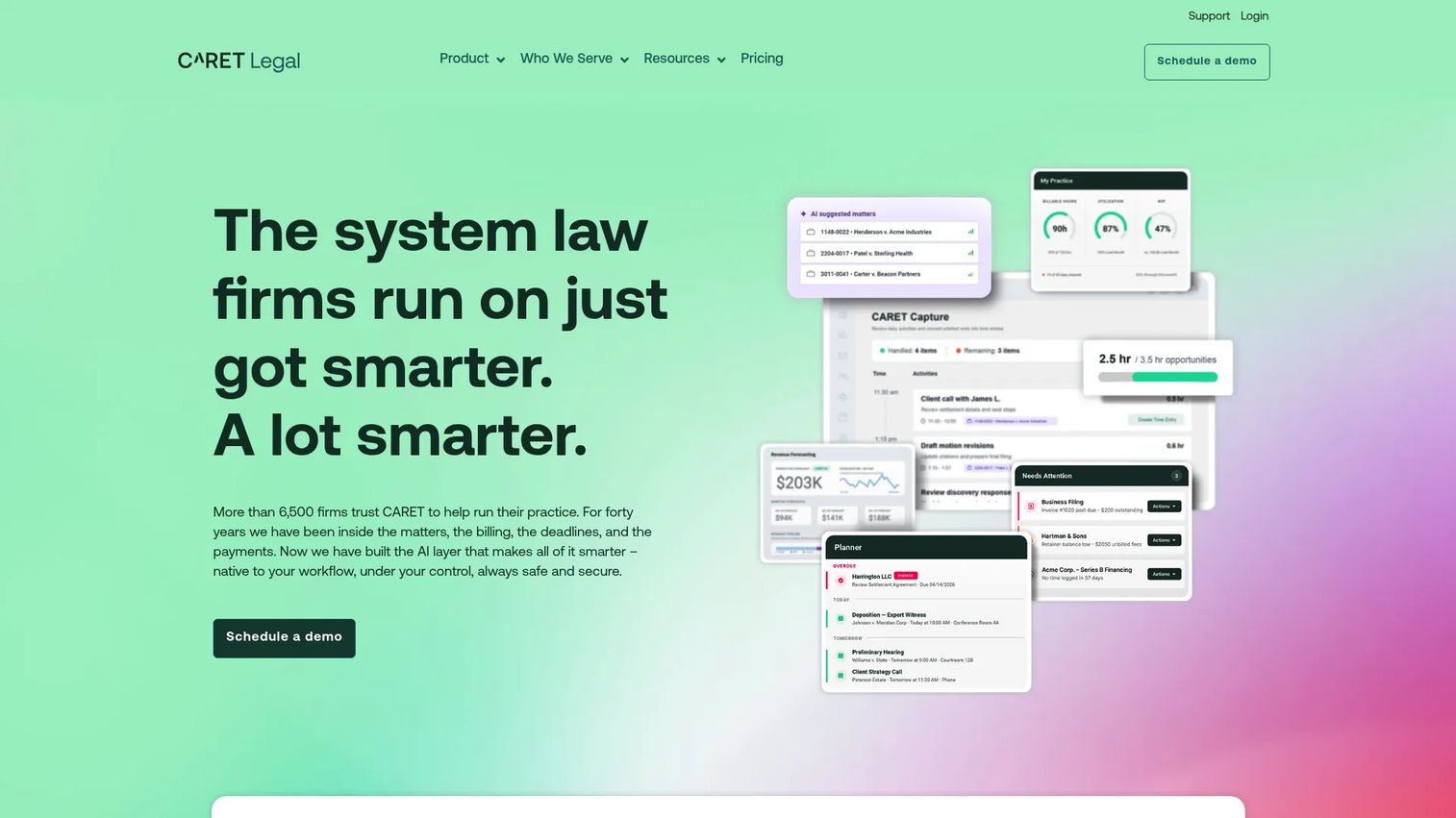
CARET Legal is cloud-based legal practice management software covering billing, payments, case management, document management, automated workflows, and client communication. It positions itself as an all-in-one platform for firm operations.
Best for: Firms that want billing connected to day-to-day practice operations rather than managed through a standalone billing tool.
Key features
- Case and matter management
- Billing, accounting, and payments
- Automated workflows and document management
- Client portal and communication
- Reporting and analytics
Why choose CARET Legal: CARET Legal suits firms where billing friction is tied to case workflow gaps, not just invoice mechanics. The platform works well when administrators need visibility into matters, documents, and billing in a single environment.
CARET Legal pricing: Enterprise starts at $79 per user per month (billed annually). Enterprise Plus is $99 and Enterprise Insights is $119 per user per month. All plans include 24/7 support and training. One-time implementation fees apply.
G2 rating: 4.4/5
5. Smokeball Bill

Smokeball Bill is legal billing software connected to the Smokeball practice management ecosystem. It focuses on automated time capture, invoice creation, payment collection, trust accounting, and firm reporting, with billing that reflects activity already tracked in the system.
Best for: Small law firms already using or evaluating Smokeball who want billing automation tightly tied to practice activity.
Key features
- Automated time capture
- Invoice creation and billing workflows
- Online payment collection
- Trust accounting and reporting
- Accounting integrations
Why choose Smokeball Bill: If the firm's billing friction comes from time entry that never gets captured, Smokeball Bill's automated approach can close that gap. It works best when billing is part of a broader Smokeball deployment rather than used in isolation.
Smokeball Bill pricing: Smokeball lists Bill, Boost, Grow, and Prosper+ plans but provides personalized quotes rather than displayed prices. Contact sales to get a number based on firm size and feature requirements.
G2 rating: 4.7/5
6. LawPay
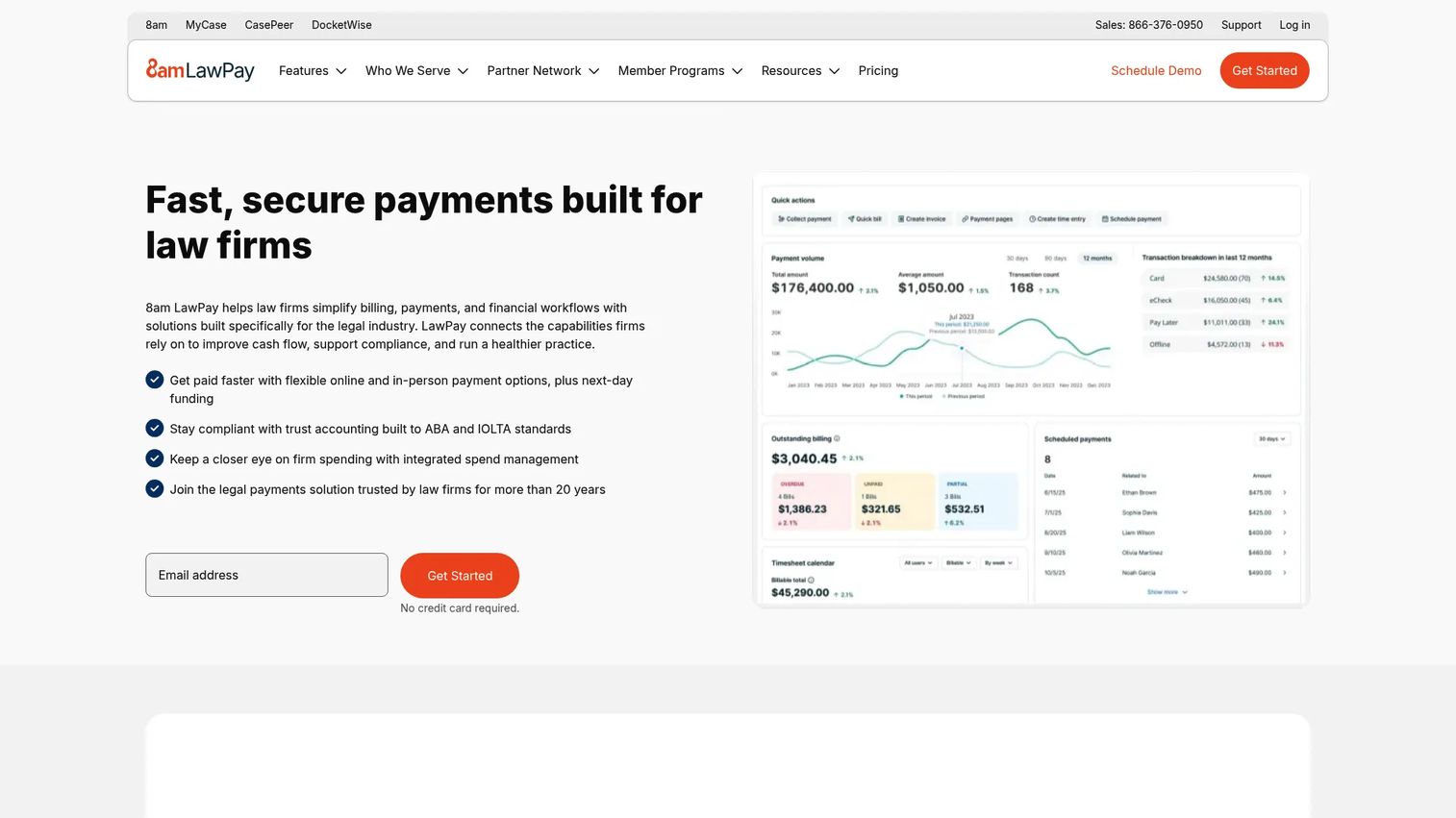
LawPay is legal payment software designed specifically for law firms. It handles online payments, payment links, payment plans, trust account compliance, and card vaults. It is a payment layer, not a full billing platform, and works alongside existing billing or practice management tools.
Best for: Firms with billing software already in place that need stronger, compliant payment collection and client-facing payment options.
Key features
- Online credit, debit, eCheck, and ACH payments
- IOLTA trust account compliance
- Payment links and cards on file
- Payment plans and scheduled payments
- QuickBooks Online integration
Why choose LawPay: LawPay is the right call when collections are the bottleneck and the firm already handles invoicing elsewhere. It is widely adopted in the legal market and purpose-built for compliance with bar association payment rules.
LawPay pricing: Monthly pricing starts at $19 per month with no contract. Processing fees apply: Visa/Mastercard/Discover at 2.99% plus $0.30, American Express at 3.90% plus $0.30, and eCheck at 1%. Custom pricing is available for high-volume or specialized requirements.
G2 rating: 4.7/5
7. 8am LawPay
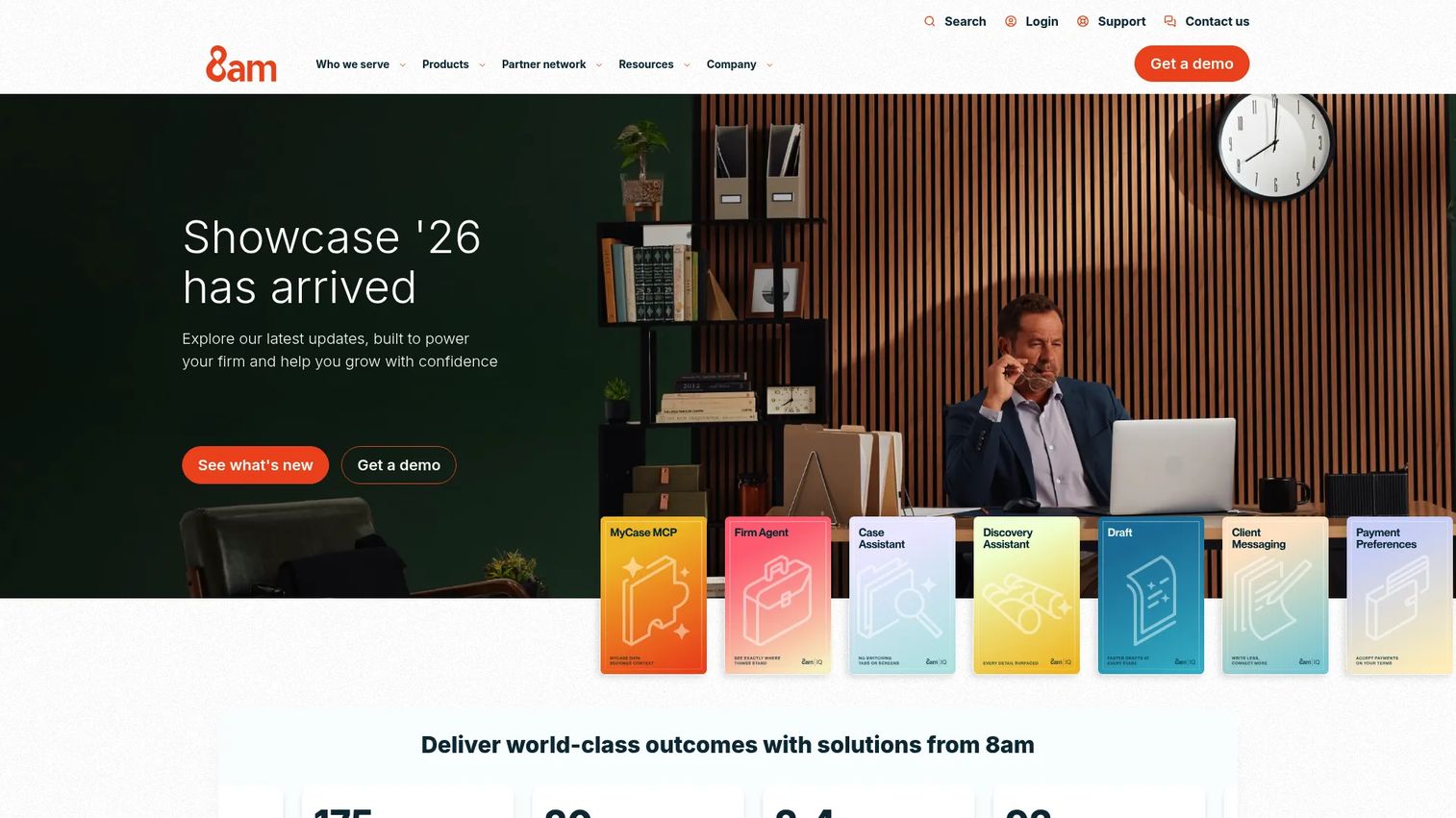
8am LawPay is a law-firm payment management platform within the broader 8am product family. It supports compliant payment processing, billing, invoicing, trust account protection, and financial reporting, with an emphasis on getting paid faster without adding administrative overhead.
Best for: Firms prioritizing compliant payment acceptance, trust account safeguards, and collection speed.
Key features
- Trust account protection and IOLTA compliance
- Debit, credit, eCheck, Apple Pay, and client financing
- Payment links, next-day payments, and scheduled billing
- Unlimited users on the base plan
- Reporting and accounting integrations
Why choose 8am LawPay: When the main problem is getting paid, not rebuilding the practice management stack, 8am LawPay covers the payment layer with legal-specific compliance built in. The unlimited-user model on the monthly plan reduces per-seat friction for growing teams.
8am LawPay pricing: The monthly plan starts at $19 per month with no contract. Processing fees mirror LawPay. Custom pricing is available for special requirements.
G2 rating: 4.7/5
8. 8am MyCase
8am MyCase is legal practice management software with case management, client communication, billing, payments, document workflows, and financial reporting. It is distinct from 8am LawPay: Where LawPay handles payments, MyCase manages the broader practice workflow.
Best for: Small law firms that want billing, matters, client communication, and documents in one platform.
Key features
- Case and contact management
- Legal billing and time tracking
- Client portal and two-way texting
- Online payments via LawPay
- Workflow automation and document generation
Why choose 8am MyCase: Choose MyCase when billing needs to connect to client communication and case workflows. The 10-day free trial gives firms a concrete way to test the platform before committing.
8am MyCase pricing: MyCase Basic starts at $50 per user per month (annually) or $60 monthly. MyCase Pro is $100 annually or $120 monthly. MyCase Advanced is $130 annually or $150 monthly. LawPay Payments is included at $0 monthly; MyCase Accounting adds $39 per user per month on Pro and Advanced tiers.
G2 rating: 4.4/5
9. CosmoLex
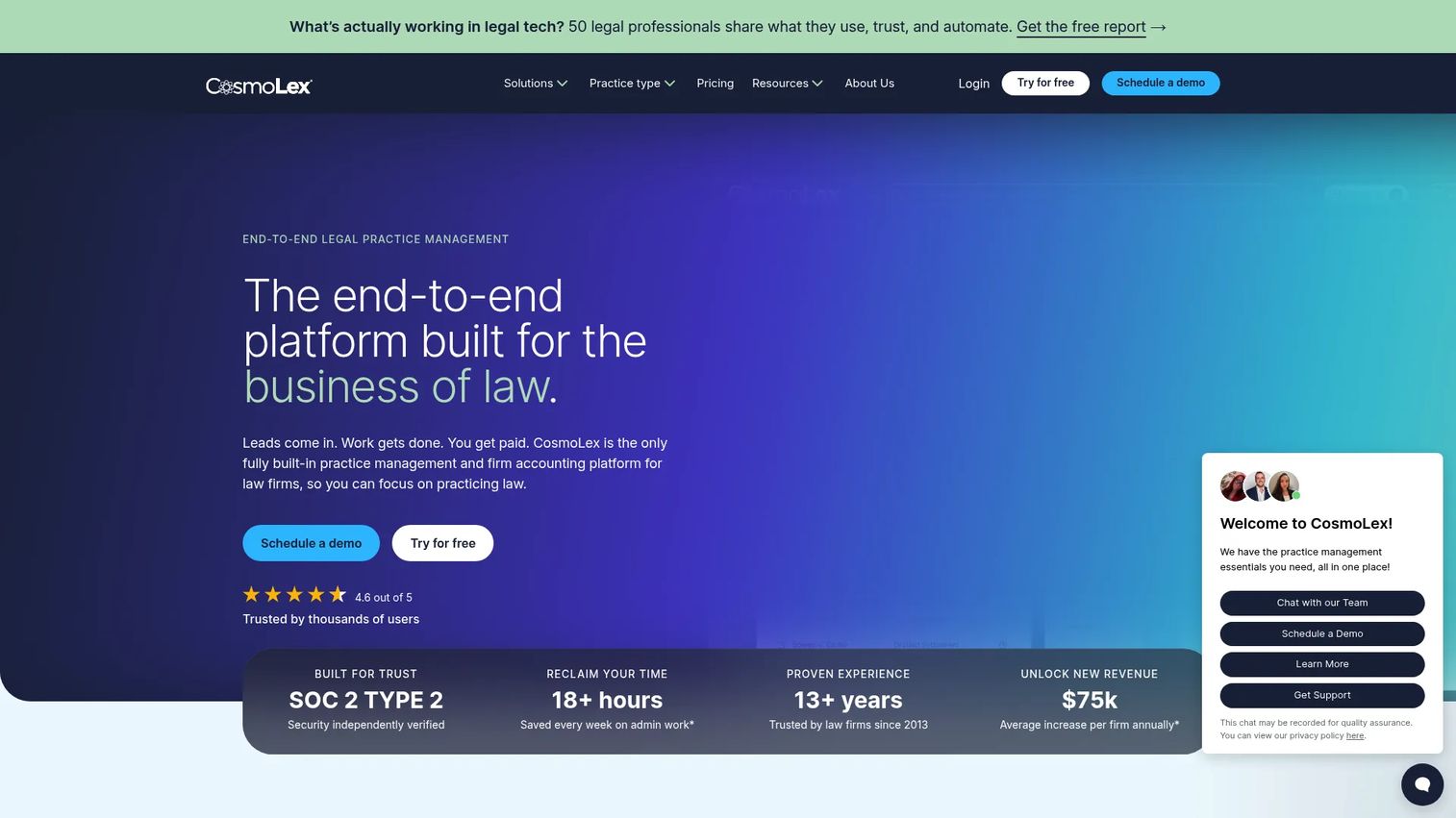
CosmoLex combines practice management, legal billing, and built-in legal accounting in a single cloud platform. It covers trust accounting, matter billing, financial reporting, document management, and client communication, positioning itself as an alternative to running billing and accounting through separate tools.
Best for: Small and midsize law firms that want billing and legal accounting in the same system without a QuickBooks dependency.
Key features
- Time tracking and invoicing
- Trust and business accounting
- Online payments and payment plans
- Document management and client portal
- AI-powered document summaries
Why choose CosmoLex: CosmoLex reduces handoffs between billing and accounting, which is where reconciliation errors accumulate. The built-in accounting means firms do not need to sync data to QuickBooks, though the tradeoff is committing fully to a single platform for both functions.
CosmoLex pricing: The Launch plan starts at $49 per user per month. Core is $99 and Pro is $129 per user per month, billed monthly. Annual billing saves $120 per user. No free tier; trial availability should be confirmed on the pricing page.
G2 rating: 4.2/5
10. TimeSolv
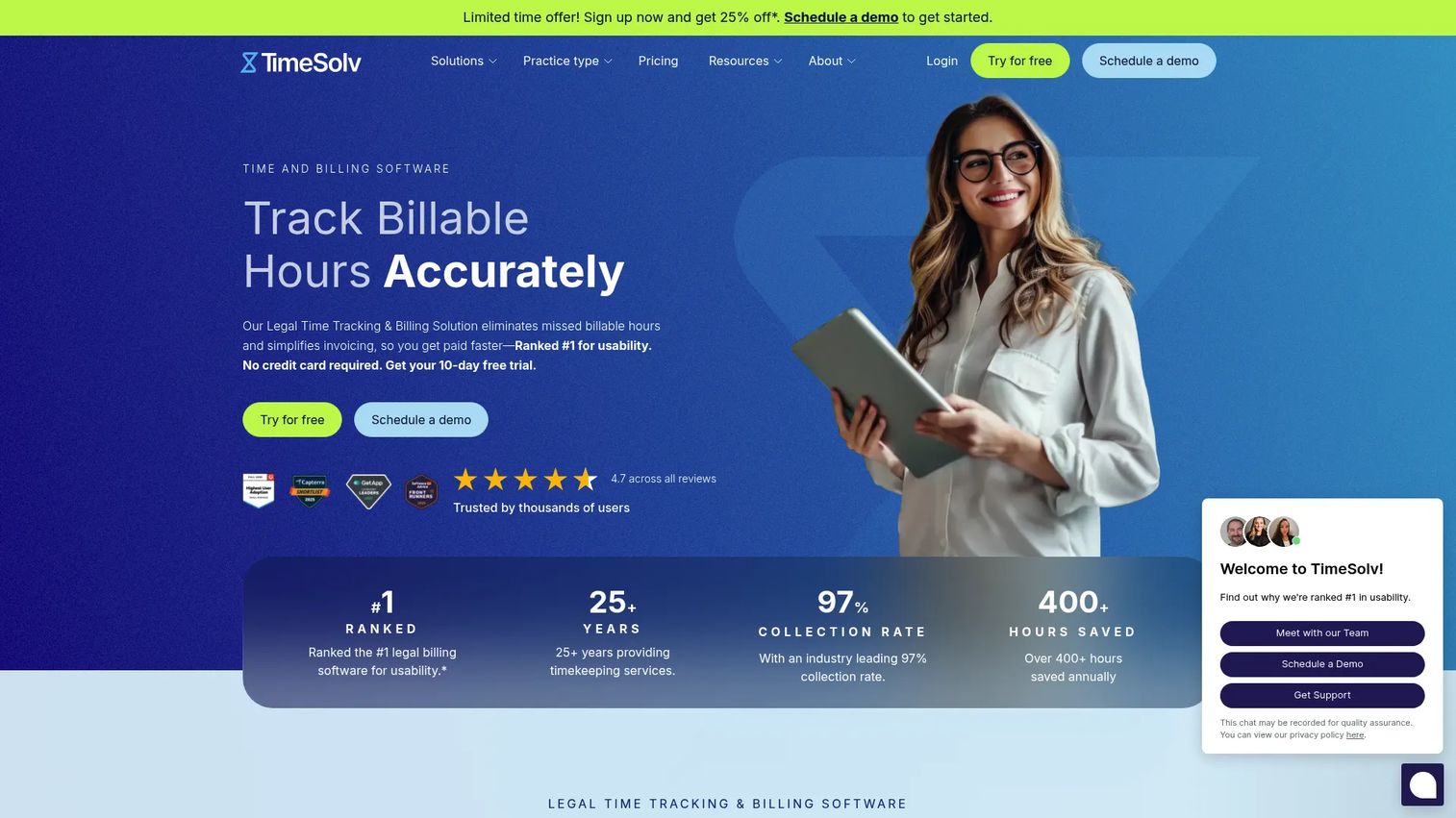
TimeSolv is cloud-based time, expense, billing, and project management software for law firms and other professional services organizations. It covers time entry, invoicing, trust accounting, a client portal, document management, and reporting across desktop and mobile.
Best for: Firms with detailed timekeeping needs and multi-timekeeper invoice review processes.
Key features
- Time and expense tracking with offline mode
- Invoice review and batch billing
- Trust accounting and IOLTA compliance
- Project and matter management
- Reporting and dashboards
Why choose TimeSolv: TimeSolv is a good fit when firms need strong billing and time tracking without adopting a full practice management platform. The 10-day free trial is available, and volume pricing applies for larger teams.
TimeSolv pricing: The Pro plan runs $47.50 per user per month (annually) or $49.99 monthly. Legal and Project Management plan pricing requires inquiry on the pricing page. Additional paid add-ons are available.
G2 rating: 4.5/5
11. Tabs3
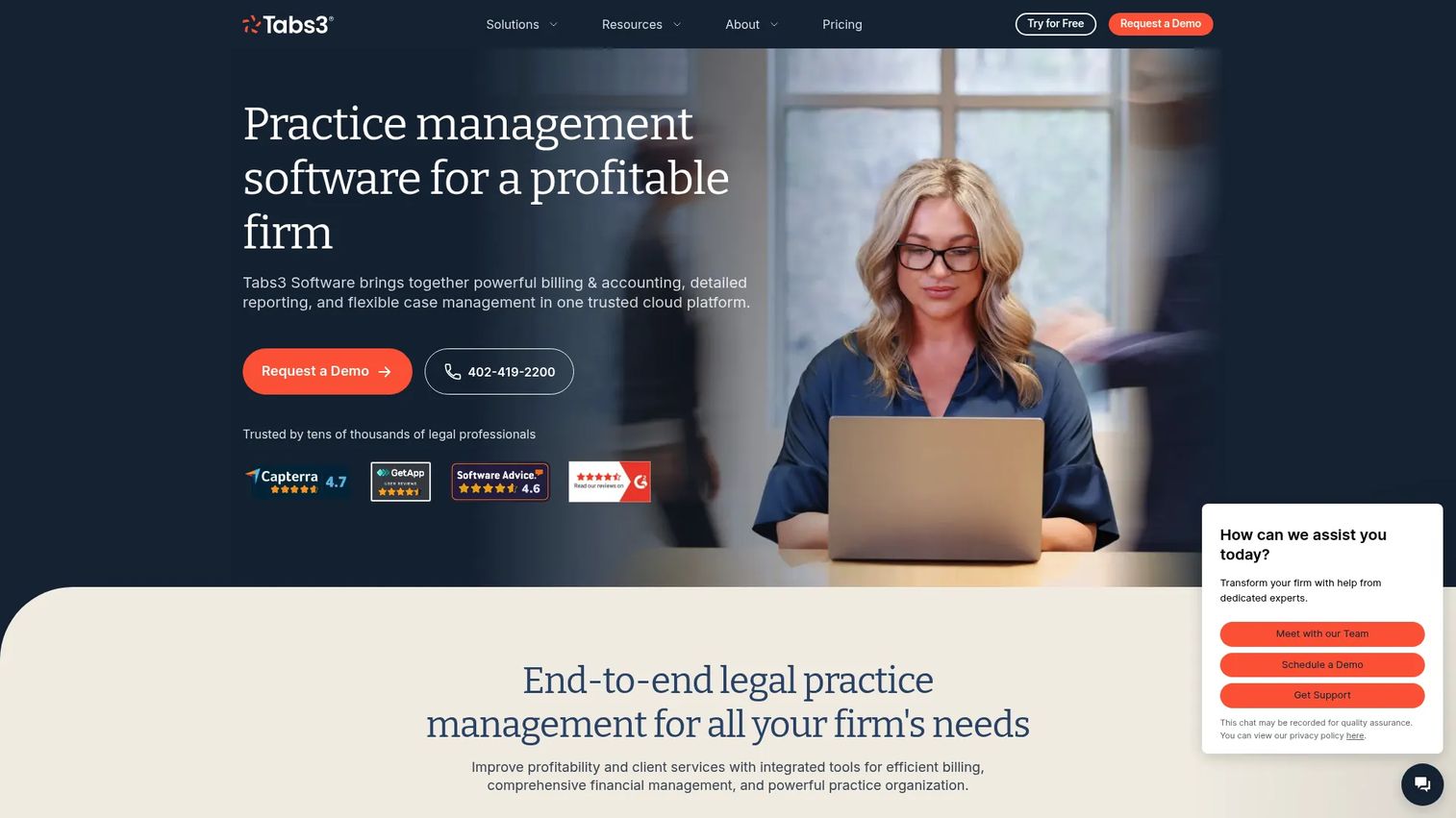
Tabs3 is established legal billing and practice management software for law firms with structured billing, trust accounting, financial reporting, and matter management workflows. It offers both cloud and on-premises deployment.
Best for: Established firms with mature billing workflows that want a traditional, configurable legal billing system.
Key features
- Time and fee tracking
- Flexible billing statements and customized invoices
- Electronic payment processing
- Trust accounting and financial reporting
- Optional PracticeMaster add-on for matter management
Why choose Tabs3: Tabs3 suits firms that want billing depth and have no appetite for rebuilding established workflows. The cloud subscription removes server maintenance while preserving the billing structure longtime users know.
Tabs3 pricing: Tabs3 Cloud is $89 per user per month. The OnSite subscription is $69 per user per month. PracticeMaster adds $35 (cloud) or $32 (OnSite) per user per month. No free tier.
12. LeanLaw
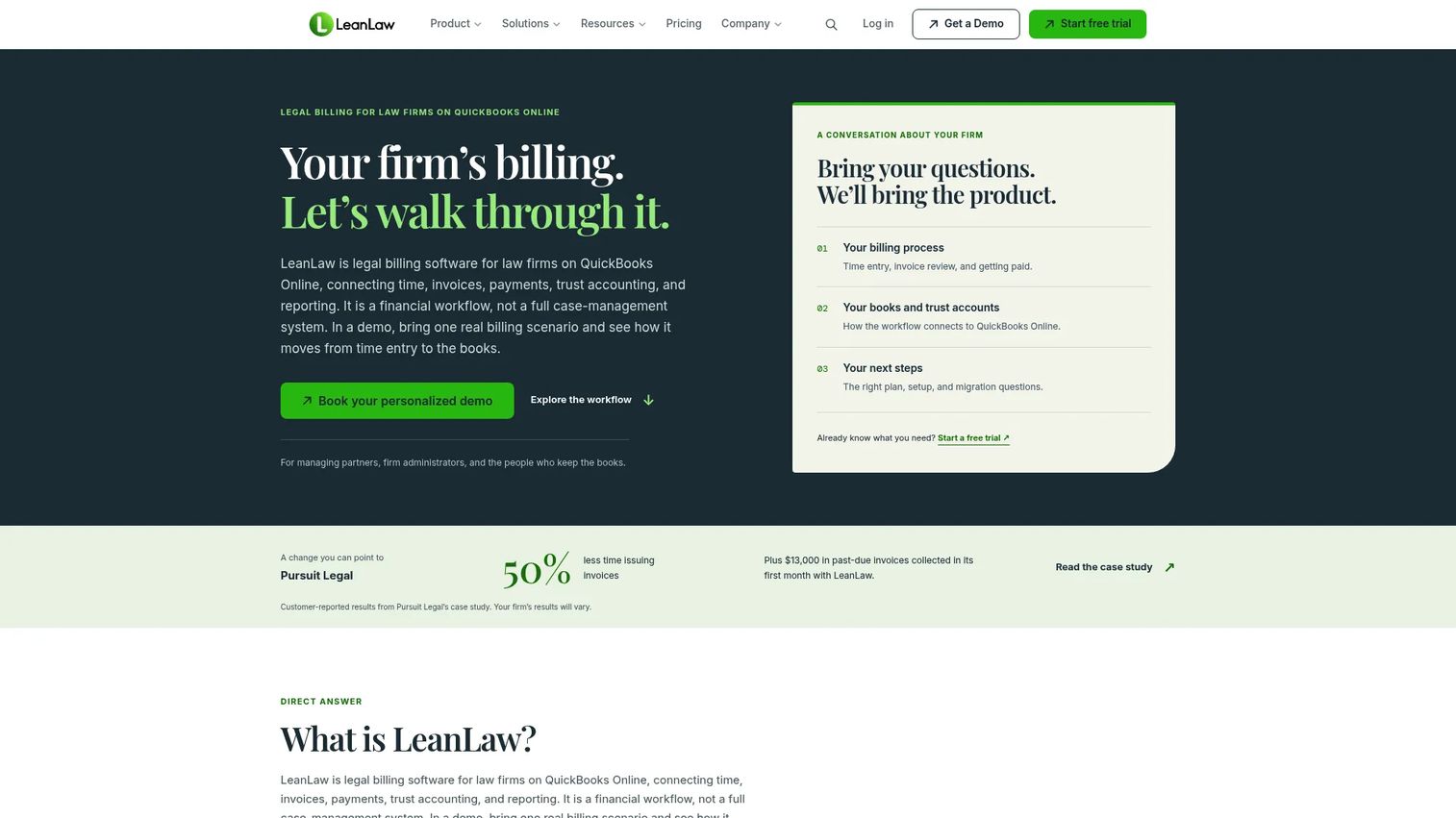
LeanLaw is legal billing software built around QuickBooks Online. It handles timekeeping, legal invoicing, trust accounting, LEDES billing, and revenue reporting, with QuickBooks Online as the accounting source of record. It is purpose-built for firms that do not want to abandon their QuickBooks setup.
Best for: Law firms running accounting practice management workflows in QuickBooks Online that need legal billing added on top.
Key features
- QuickBooks Online real-time sync
- Timekeeping and expense tracking
- Legal invoicing and LEDES export
- Trust accounting and IOLTA compliance
- Revenue and compensation reporting
Why choose LeanLaw: LeanLaw is the strongest pick when QuickBooks Online is already the accounting foundation and the firm wants legal billing without replacing it. The Core plan covers the billing fundamentals; Pro adds LEDES files, custom invoice templates, and user permissions.
LeanLaw pricing: Core is $55 per user per month. Pro is $75 per user per month. Contingency and Elite plans are custom-priced. A 7-day free trial is available. No permanent free tier.
G2 rating: 4.5/5
13. BigTime
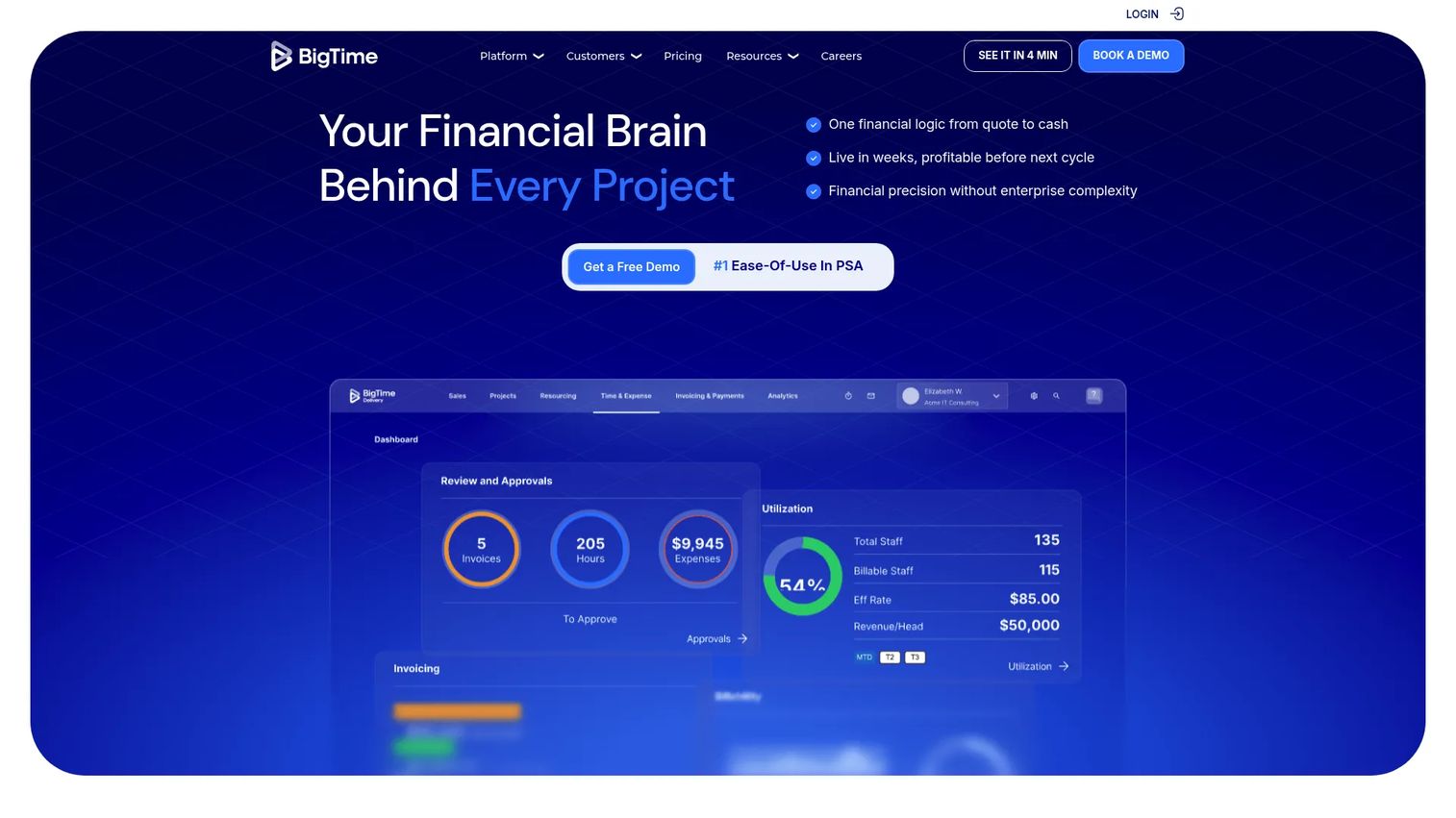
BigTime is professional services automation software covering time tracking, expense management, project billing, resource planning, multi-currency invoicing, and financial reporting. Law firms with multi-matter portfolios that resemble project-based operations may find it useful, though it is not legal-specific.
Best for: Professional services firms that bill like law firms but need resource planning and project budgeting alongside time and billing.
Key features
- Time and expense management
- Project portfolio management
- Billing and invoicing management
- Resource planning and multi-currency support
- QuickBooks integration and custom reporting
Why choose BigTime: BigTime fits when the firm's operations overlap with professional services project management as much as legal billing. It lacks legal-specific trust accounting and LEDES out of the box, so confirm those requirements before choosing it over a legal-first platform.
BigTime pricing: The Essentials plan starts at $20 per user per month. Advanced, Premier, and Enterprise plan prices require a quote from the vendor. No free tier is listed.
14. Juris

Juris is LexisNexis timekeeping, billing, accounting, and financial management software for law firms. It covers legal time billing, expense management, trust accounting, conflict checking, and financial reporting with accounting controls designed for firms managing complex financial operations.
Best for: Firms where accounting controls, financial reporting depth, and conflict management outweigh ease-of-setup considerations.
Key features
- Timekeeping and electronic billing
- Trust accounting and accounts payable
- Conflict checking
- Financial reporting and business intelligence
- Billing reports and matter accounting
Why choose Juris: Choose Juris when the firm needs law firm accounting software with strong financial controls and reporting, and is comfortable working with a solution that requires more configuration to match those requirements.
Juris pricing: Pricing is available by quote through the vendor. Contact sales to get a number based on firm size, modules, and implementation scope.
15. AbacusLaw
AbacusLaw is legal practice management software with case management, time recording, billing, trust accounting, payroll, document management, calendar management, and private cloud deployment. It is part of the CARET product family.
Best for: Firms that want billing inside a broader legal operations platform with calendar, document, and compliance features.
Key features
- Case and matter management
- Time recording, billing, and trust accounting
- Document management with check-in/check-out
- Calendar and deadline management
- Mobile access and web intake forms
Why choose AbacusLaw: AbacusLaw suits firms where billing friction is connected to case workflow gaps rather than invoice mechanics alone. The private cloud deployment option is relevant for firms with data residency requirements.
AbacusLaw pricing: Pricing requires a quote. No pricing figures are displayed on the vendor's current pages. Contact the vendor to get numbers based on users, modules, and deployment preference.
G2 rating: 4.0/5
16. Amberlo
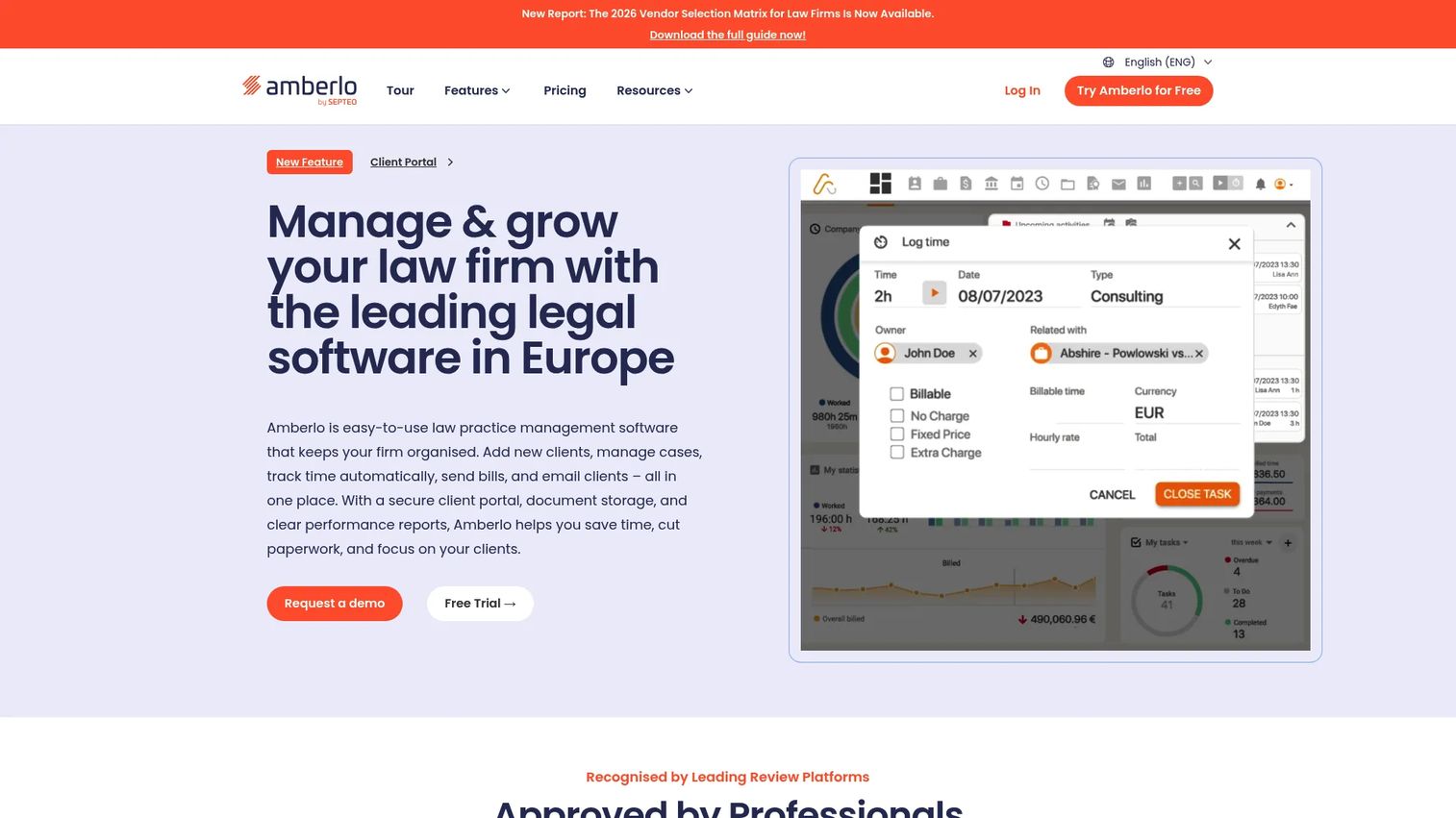
Amberlo is cloud-based law practice management software for managing matters, clients, documents, time, billing, and communications. It targets small and growing law firms that want centralized practice management without heavy implementation overhead.
Best for: Small and growing firms that want cloud-based matter and billing management with a client portal.
Key features
- Matter and contact management
- Time and expense tracking
- Legal billing and invoicing
- Email management and client portal
- Trust accounting and reporting
Why choose Amberlo: Amberlo is worth evaluating when the firm wants a cloud platform that covers client-facing workflows alongside billing. Trust accounting and the client portal are available on the Premium plan, so confirm the feature requirements before selecting the entry tier.
Amberlo pricing: Grow is €59 per user per month. Premium is €89 per user per month. Enterprise pricing is custom. A 7-day free trial is available. Pricing is denominated in EUR.
G2 rating: 4.8/5
17. CaseFox
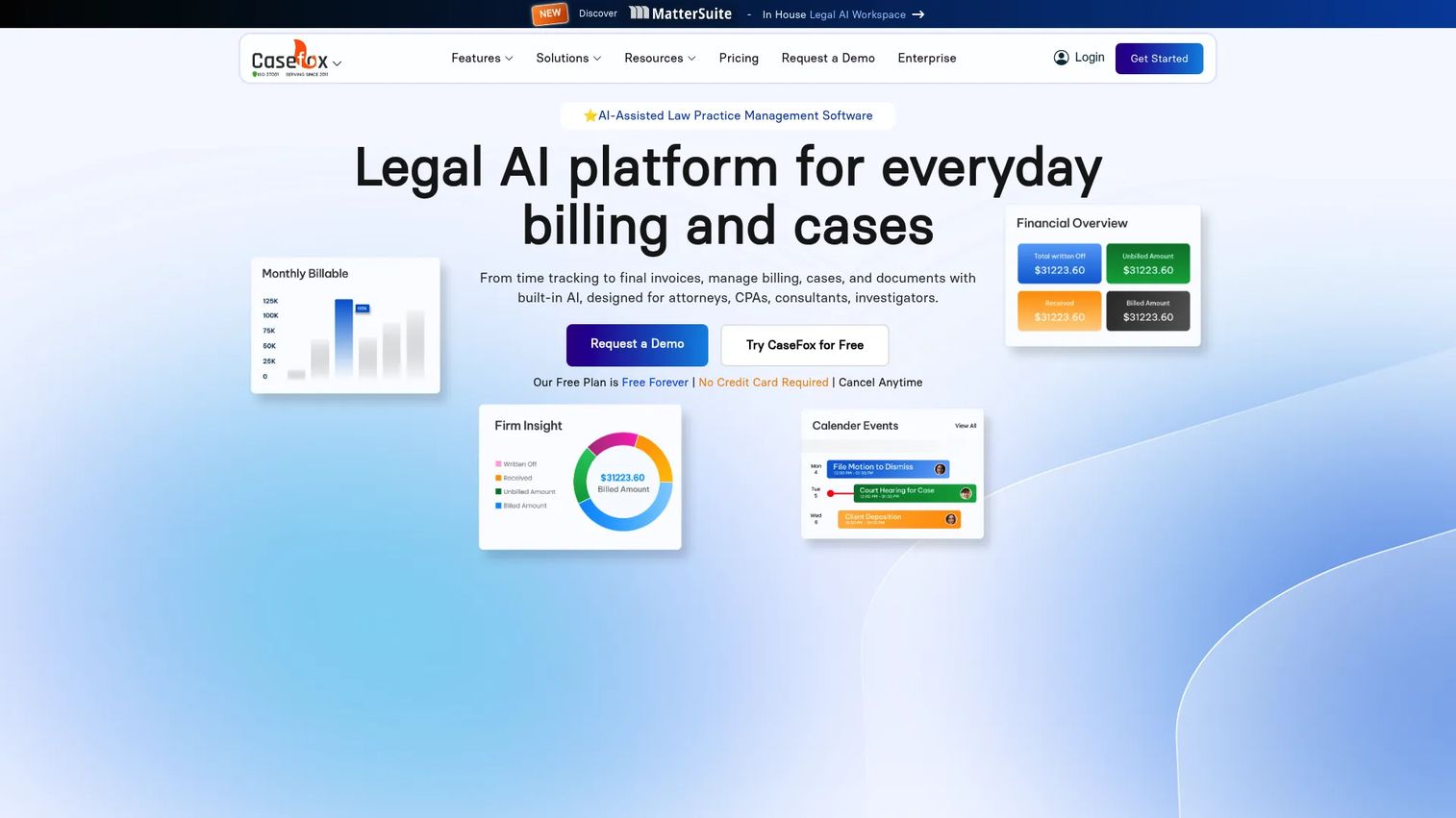
CaseFox is cloud-based legal practice management software for case management, time tracking, billing, trust accounting, AI document tools, and client collaboration. It offers a free plan for solo attorneys and small firms watching spend closely.
Best for: Solo attorneys and small law firms that want functional legal billing software without the entry cost of larger platforms.
Key features
- Time tracking and legal invoicing
- Trust accounting and LEDES billing
- Case management and client intake
- AI document drafting and summarization
- Client portal and cloud document management
Why choose CaseFox: CaseFox is the right entry point for budget-conscious firms that need core legal billing features, LEDES support, and trust accounting without committing to a higher monthly cost. The free plan covers 4 cases and 2 users, making it practical for very small practices to start.
CaseFox pricing: The Solo plan is free forever. The Professional plan is $45 per user per month. Enterprise is $99 per user per month. All plans are billed monthly.
G2 rating: 4.5/5 (Capterra-verified)
18. PracticePanther
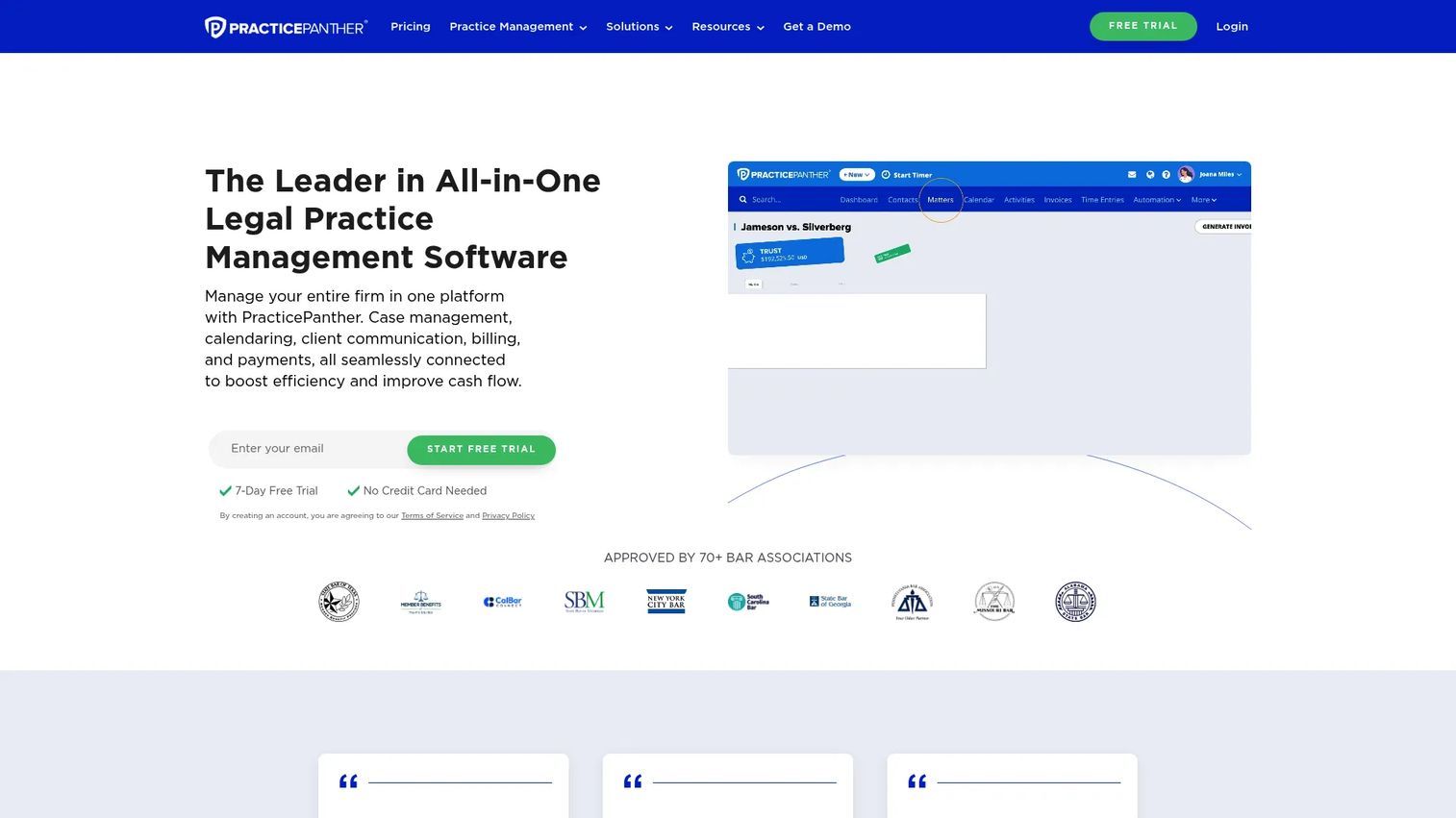
PracticePanther is all-in-one law practice management software covering cases, clients, documents, workflows, billing, payments, and accounting. It targets solo, small, and midsize firms that want billing connected to client-facing practice operations.
Best for: Small and midsize law firms that want billing alongside client workflows, workflow automation, and a client portal.
Key features
- Time tracking and invoicing
- Online payments and trust accounting
- Case and contact management
- Custom intake forms and workflow automation
- Client portal and document management
Why choose PracticePanther: PracticePanther works well when the firm wants billing tied to intake and client communication workflows. A 7-day free trial is available to test the platform before committing.
PracticePanther pricing: Solo is $49 per user per month. Essential is $69, Business is $89, and Business Pro is $114 per user per month, all billed monthly. Annual billing is also offered with savings. No free tier is listed.
G2 rating: 4.3/5
19. Sage Timeslips
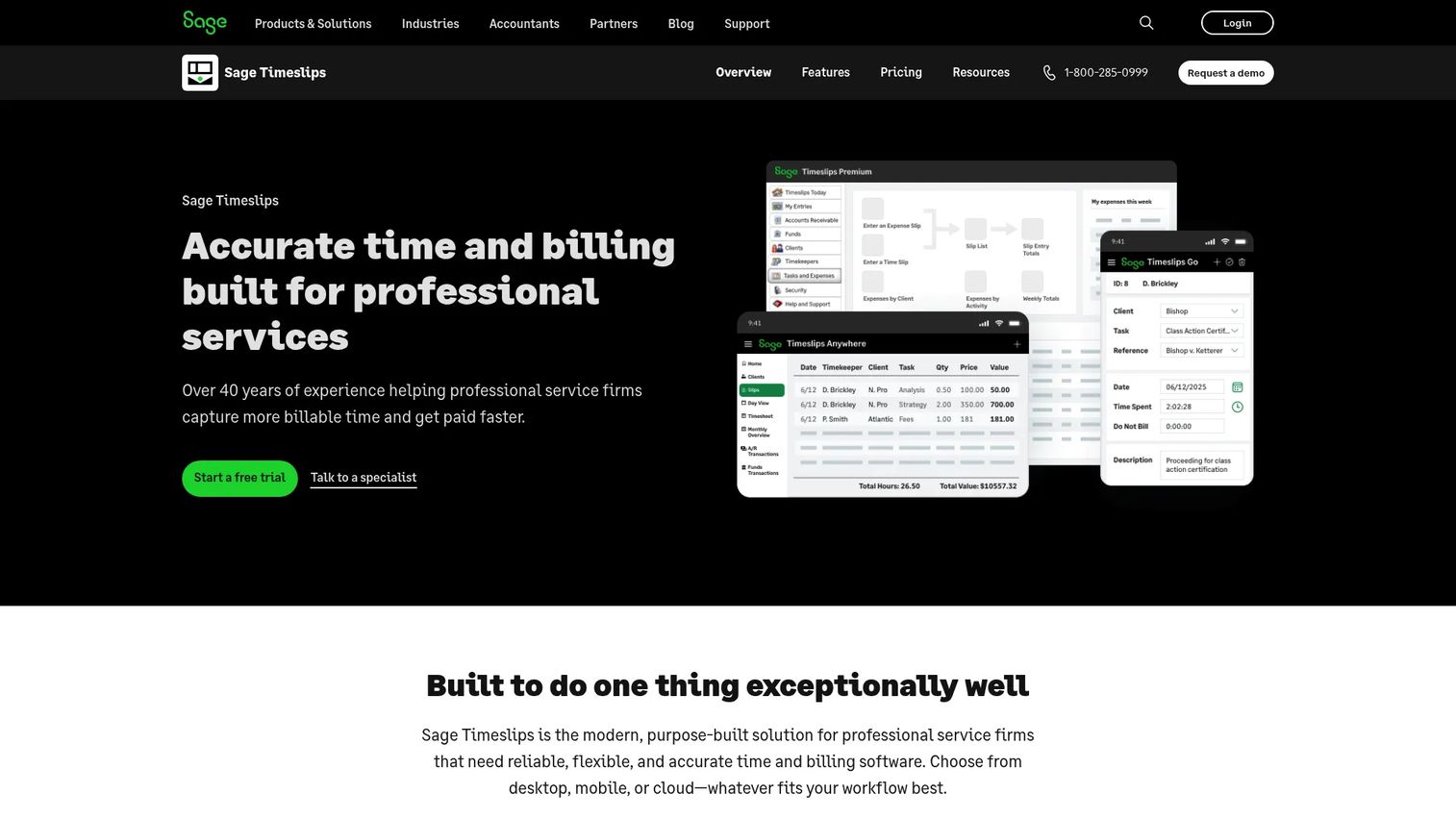
Sage Timeslips is long-running time tracking and billing software for professional service firms, including law firms. It covers time capture, expense tracking, flexible billing arrangements, customizable invoices, and 120-plus built-in reports.
Best for: Firms that need detailed time and expense billing with extensive reporting and familiar accounting workflows.
Key features
- Time capture and expense tracking
- Flexible billing arrangements and invoice templates
- 120-plus built-in reports and custom report writing
- Billing rules per client or matter
- Integration with accounting systems
Why choose Sage Timeslips: Sage Timeslips suits firms that value traditional time and billing depth and are comfortable with a desktop-first product model. The Timeslips Anywhere subscription offers a cloud option for teams that need remote access.
Sage Timeslips pricing: Timeslips Premium plans are billed annually: Starter at $579 per year, Standard at $1,101, Pro at $1,462, and Elite at $1,631. Timeslips Anywhere is $44 per month for the first user and $34 for each additional user. No free tier.
G2 rating: 3.1/5
20. Neos

Neos by Assembly Software is legal case management software with billing, reporting, document management, and workflow automation. It targets case-heavy firms where billing context is inseparable from matter and case data.
Best for: Law firms where case management drives billing context, reporting needs, and matter workflows.
Key features
- Case management and matter workflows
- Billing and invoicing
- Document management
- Reporting and dashboards
- Workflow automation
Why choose Neos: Neos fits when the firm's billing problems are downstream from case management problems. If attorneys cannot find matter context at billing time, a case-first platform like Neos keeps everything in the same environment.
Neos pricing: Pricing is not displayed on the vendor's site. Contact the vendor directly for a quote based on firm size and feature requirements.
G2 rating: 4.5/5
21. PageLightPrime
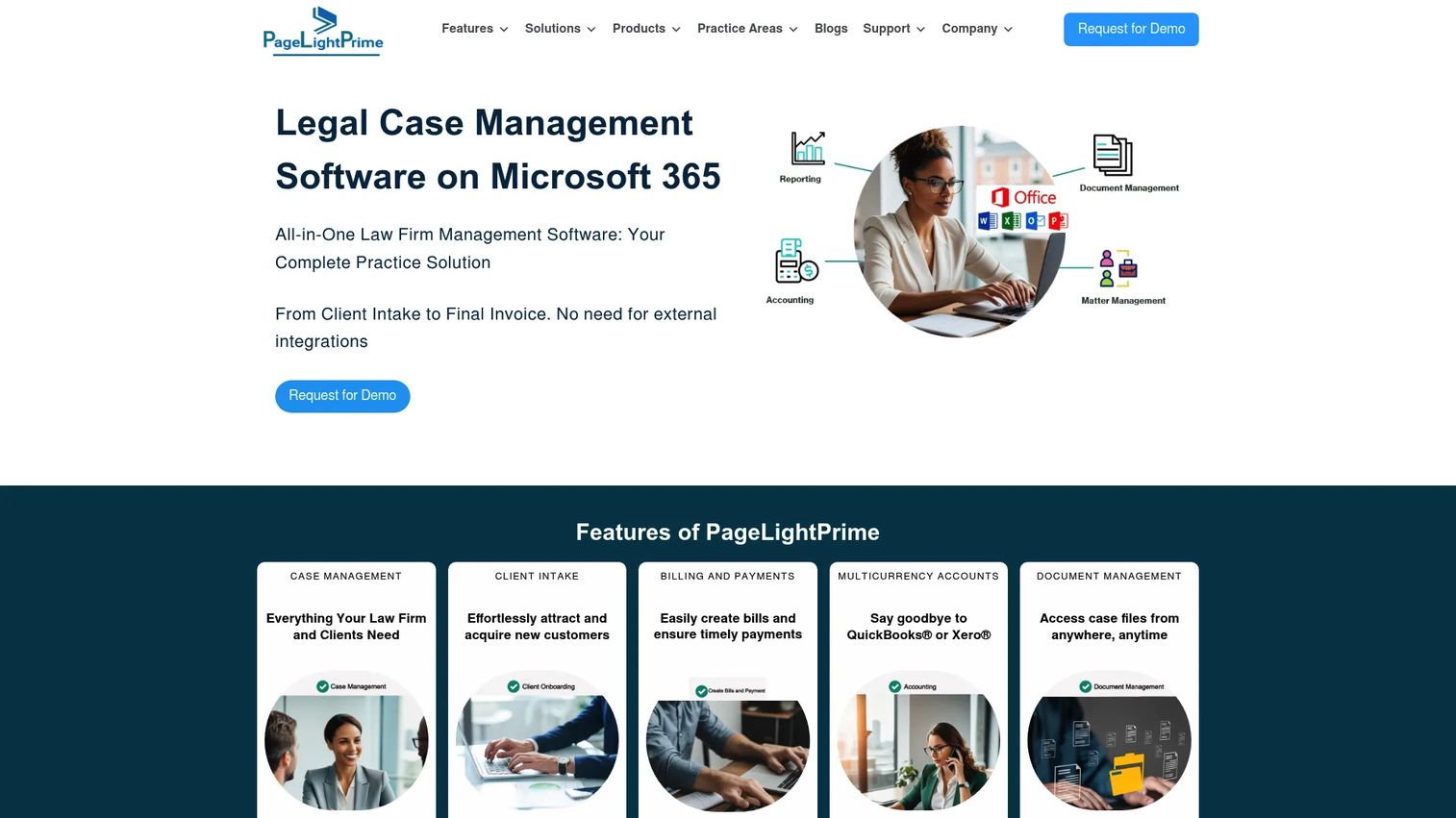
PageLightPrime is legal practice management software built on Microsoft 365. It covers case and matter management, client intake, time tracking, legal billing, trust accounting, document management with SharePoint, and Outlook and Word integration.
Best for: Firms already running on Microsoft 365 that want practice management and billing integrated within that environment.
Key features
- Case and matter management
- Time tracking and legal billing
- Trust accounting and financial reporting
- Document management with SharePoint and Microsoft 365
- Client portal and Outlook integration
Why choose PageLightPrime: PageLightPrime is worth evaluating when the firm has made a Microsoft 365 commitment and wants billing, documents, and matter management to live within that stack rather than in a separate cloud platform.
PageLightPrime pricing: Pricing is customized by firm size and requirements. The vendor directs prospects to contact sales. A free trial is mentioned on the site; specific terms require inquiry.
Considerations when choosing legal billing software
Match the tool to your billing model
Hourly billing is straightforward in most platforms. Flat fee, contingency, insurance defense, and corporate counsel billing require more configuration. LEDES billing is a specific requirement for firms with corporate clients or insurance carriers who mandate electronic billing formats. Confirm the platform supports your billing model before running a trial.
Check trust accounting and audit controls early
IOLTA compliance, client trust fund segregation, three-way reconciliation, and role-based access are operational requirements for firms handling client funds. Skipping this evaluation step creates compliance risk. Verify the trust accounting workflow with your accountant or compliance counsel before purchase, not after.
Decide whether billing should live inside practice management
Standalone billing tools focus on the billing cycle: Time entry, invoicing, payments, and reporting. Practice management platforms add matters, calendars, intake, documents, and client workflows. The right answer depends on whether billing friction is the only problem or part of a larger operational gap.
Verify accounting integration depth
For firms staying in QuickBooks Online, the question is how deeply the billing tool syncs. Check whether the integration covers general ledger entries, payment reconciliation, and matter-level profitability, or just basic invoice export. Shallow integrations create manual reconciliation work that quickly offsets the software's value.
Look past invoice creation
Realization rate, collection rate, invoice aging, and lockup are the numbers that tell you whether billing is working. A platform that creates invoices but cannot report on collections, write-downs, or matter profitability gives you less information than you need to make good operating decisions.
Conclusion
Legal billing software is not a single category. The right choice depends on whether billing needs to stand alone, live inside practice management, or sit on top of an existing accounting software stack.
For pure time and billing depth, Bill4Time and TimeSolv are the strongest options. For billing embedded in a full operating layer, Clio, 8am MyCase, CARET Legal, PracticePanther, and AbacusLaw are worth comparing. For payment collection as the primary bottleneck, LawPay and 8am LawPay cover that job specifically. For QuickBooks-led firms, LeanLaw is purpose-built. CosmoLex and Juris suit firms that want billing closer to accounting. CaseFox is the entry point for budget-conscious practices.
The next step is practical: Pick two or three tools based on billing model, accounting stack, and firm size. Run a recent matter through each trial. Evaluate time entry, pre-bill review, invoice delivery, payment collection, and the reporting that follows. The gap between what you see in a demo and what you experience in a trial tells you what actually matters.
If your team sells complex software and buyers need to see your product before they believe it, use interactive demos to show the workflow without adding another live call to the calendar.
Start your journey with Guideflow today!
FAQs
Legal billing software is a category of tools that helps law firms capture billable time, generate invoices, collect payments, track expenses, and maintain billing records in workflows built for legal matters. The best platforms also handle trust accounting, IOLTA compliance, LEDES billing, and matter-level reporting, features that general invoicing tools do not support.
Small firm choice depends on four factors: Whether the firm needs trust accounting, whether it already uses QuickBooks, whether payments are the primary bottleneck, and what the per-user cost ceiling is. Bill4Time and TimeSolv cover time and billing comprehensively. CaseFox has a free plan for very small practices. LawPay handles payments specifically. PracticePanther and 8am MyCase add client workflow alongside billing.
QuickBooks Online works as the accounting source of record but does not cover legal timekeeping, LEDES billing, IOLTA trust accounting, or matter-based billing workflows on its own. Most firms that stay in QuickBooks pair it with a legal billing tool such as LeanLaw, Bill4Time, or Clio, which sync billing data back to QuickBooks while handling the legal-specific layer.
The core features are time tracking, pre-bill review, batch invoicing, online payments, trust accounting, expense tracking, and accounting integrations. Beyond those basics, look for LEDES export for firms with corporate or insurance clients, aging and collection rate reporting for cash visibility, and role-based permissions for audit trail compliance.
Legal billing software focuses on the billing cycle: Time entry, invoice creation, payment collection, and billing records. Practice management software adds matter management, calendars, task management, document storage, client intake, and client communication. Several platforms cover both, but the tradeoff is scope and setup complexity. Standalone billing tools are faster to implement; practice management platforms offer more complete firm visibility.
Most legal billing platforms include trust accounting or integrate with systems that do. Check specifically for IOLTA compliance, three-way reconciliation, audit trails, and the ability to separate trust funds from operating funds. Verify the trust workflow with your accountant before purchase, and treat the vendor's trust accounting marketing as a starting point rather than a compliance confirmation.
Pricing varies by product, user count, feature tier, and whether implementation is included. Entry-level options such as CaseFox start at $0 for a limited free plan. Most dedicated legal billing tools run $39 to $99 per user per month for core functionality. Practice management platforms typically start at $49 to $79 per user per month and rise with added modules. Payment-focused tools like LawPay and 8am LawPay start at $19 per month plus processing fees.
LEDES stands for Legal Electronic Data Exchange Standard. It is a file format used for electronic billing between law firms and corporate legal departments or insurance carriers. Firms that bill corporate clients through e-billing portals or handle insurance defense work typically need to confirm LEDES support before selecting a billing platform. CaseFox and LeanLaw both support LEDES billing; confirm availability on the specific plan tier before purchase.