A kiosk is only useful when the person in front of it can't break out of it. That sounds obvious. It's also where most deployments quietly fall apart.
Someone taps the corner of a check-in screen. A file dialog opens. Now they're browsing the desktop, launching Settings, or worse, opening a browser tab that isn't yours. The device stops being a kiosk and becomes a shared computer nobody is watching.
So the job is bigger than "lock it down." You need browser hardening so the session can't wander to arbitrary URLs. You need user session management so one person's activity doesn't bleed into the next. You need remote monitoring and management so a frozen device in a lobby three states away doesn't require a site visit. And sometimes you need the same screen to run digital signage when nobody is standing at it.
The market backs up how much this matters. The global kiosk software market generated USD 4.8B in 2025 and is projected to reach USD 13.7B by 2034, a 12.2% CAGR, according to Market.us (2024). Software alone accounts for 72.4% of the overall kiosk stack, and 61.7% of implementations are cloud-based, which tells you buyers now expect to manage devices remotely rather than walk to each one.
What's inside
This guide covers the best kiosk software for Windows and mobile devices in 2026, from dedicated lockdown tools to broader endpoint platforms that include a kiosk mode.
We picked tools based on:
- Lockdown strength: how hard it is for a user to escape the kiosk session.
- Remote management: enrollment, monitoring, and remote troubleshooting at scale.
- Browser and session controls: secure browsing, whitelisting, and session clearing.
- Signage support: whether the same device can run content when idle.
- Deployment fit: Windows, Android, and mixed fleets.
TL;DR
- Best for mixed device fleets: Scalefusion covers Android, iOS, and Windows kiosk mode with enrollment at scale.
- Best for signage plus kiosk on one device: SiteKiosk and OptiSigns handle secure browsing and content on the same screen.
- Best dedicated browser lockdown: KioWare and Inteset Secure Lockdown focus on strict public-terminal control.
- Best for enterprise fleets: Hexnode UEM and ManageEngine MDM Plus fit teams that need full device governance, not just a browser lock.
- Dedicated kiosk tools vs UEM: dedicated tools go deeper on session hardening and browser control; UEM-style platforms win when kiosk mode is one policy among many across a fleet.
- Digital signage hybrids: OptiSigns and ScreenCloud are included where signage is the primary job.
What is kiosk software?
Kiosk software locks a device into a single controlled application or set of applications so the public can use it for one purpose without accessing the underlying operating system.
That's the core definition. In practice, the category splits into dedicated kiosk lockdown tools and broader endpoint platforms that include a kiosk mode. Both aim for the same outcome: a stable, tamper-resistant, remotely manageable device.
Key capabilities to know:
- Kiosk mode and browser lockdown: kiosk mode software restricts the device to approved apps or URLs. Browser lockdown blocks address bars, downloads, and off-domain navigation so users can't leave your site.
- Remote monitoring and management: cloud dashboards let you push updates, reboot frozen devices, and enforce policies without a site visit.
- Secure browsing and session clearing: secure browsing prevents access to arbitrary web content. Session clearing wipes cookies, history, and form data between users on a public terminal.
- Touchscreen support and virtual keyboard: touchscreen kiosks need an on-screen virtual keyboard and gesture handling since there's no physical keyboard.
- Digital signage and public terminal workflows: many tools run scheduled content when the device is idle, turning a self-service terminal into a signage screen between interactions.
The distinction that trips buyers up: single-app kiosk mode runs exactly one application, while multi-app kiosk mode presents a controlled launcher with a few approved apps. Retail check-in usually wants single-app. A staff lobby tablet might want multi-app.
When to use kiosk software
Lock down shared public devices
Front desks, lobby check-in stations, retail self-service terminals, and museum info screens all share one problem: strangers touch them all day. Dedicated kiosk software with strong browser lockdown and session clearing is the right call here. You want a device that resets cleanly between users, blocks the OS entirely, and can't be steered off your approved workflow. This is where kiosk lockdown software earns its keep.
Manage remote devices at scale
When you're running dozens or hundreds of devices across sites, the browser lock matters less than the fleet controls. Device enrollment, remote troubleshooting, policy enforcement, and OS-level compliance become the priority. UEM-style tools shine here. You care about pushing a config to 200 tablets at once, seeing which ones are offline, and rebooting a frozen unit without dispatching a technician.
Run signage plus self-service on the same device
Sometimes the screen does double duty: interactive self-service when someone's present, scheduled digital signage kiosk software content when they're not. Retail endcaps, hotel lobbies, and wayfinding displays fit this pattern. You need content scheduling, branding controls, and kiosk lockdown working together so the device promotes content and still resets to a clean interactive state when touched.
Kiosk software comparison
The shortlist below balances dedicated kiosk lockdown tools against broader endpoint platforms. Dedicated kiosk software excels at strict public-terminal control, browser hardening, and session clearing. UEM-style tools excel when kiosk mode is one policy inside full fleet governance.
| # | Product | Best for | Key differentiator | Pricing | G2 rating |
|---|---|---|---|---|---|
| 1 | Scalefusion | Mixed-device fleets | Android, iOS, and Windows kiosk mode with UEM | From $2/device per month | 4.7/5 |
| 2 | SiteKiosk | Kiosk plus signage | Secure browser and signage on one device | From $239/year per machine | 5.0/5 |
| 3 | KioWare | Public browser lockdown | Customizable kiosk lockdown for web apps | From $45 per license | N/A |
| 4 | Inteset Secure Lockdown | Lean Windows kiosks | Simple single-app Windows lockdown | From $19.95 one-time | N/A |
| 5 | Kiosk by KIOSK | Custom enterprise builds | Hardware plus software plus managed support | Custom pricing | 4.3/5 |
| 6 | Hexnode UEM | Enterprise device fleets | Cross-platform UEM with kiosk mode | Contact sales | 4.5/5 |
| 7 | ManageEngine MDM Plus | Centralized IT governance | MDM with free starter tier | Free tier; from $495/year | 4.5/5 |
| 8 | OptiSigns | Signage-first screens | Hardware-agnostic signage with kiosk designer | Free tier; from $9/screen/mo | 4.7/5 |
| 9 | ScreenCloud | Branded signage networks | Content scheduling with device management | From $20/screen/mo | 4.7/5 |
| 10 | VantageMDM | Smaller mixed fleets | Low-complexity MDM with kiosk mode | From $1.75/device/mo | 5.0/5 |
Best kiosk software tools for 2026
1. Scalefusion
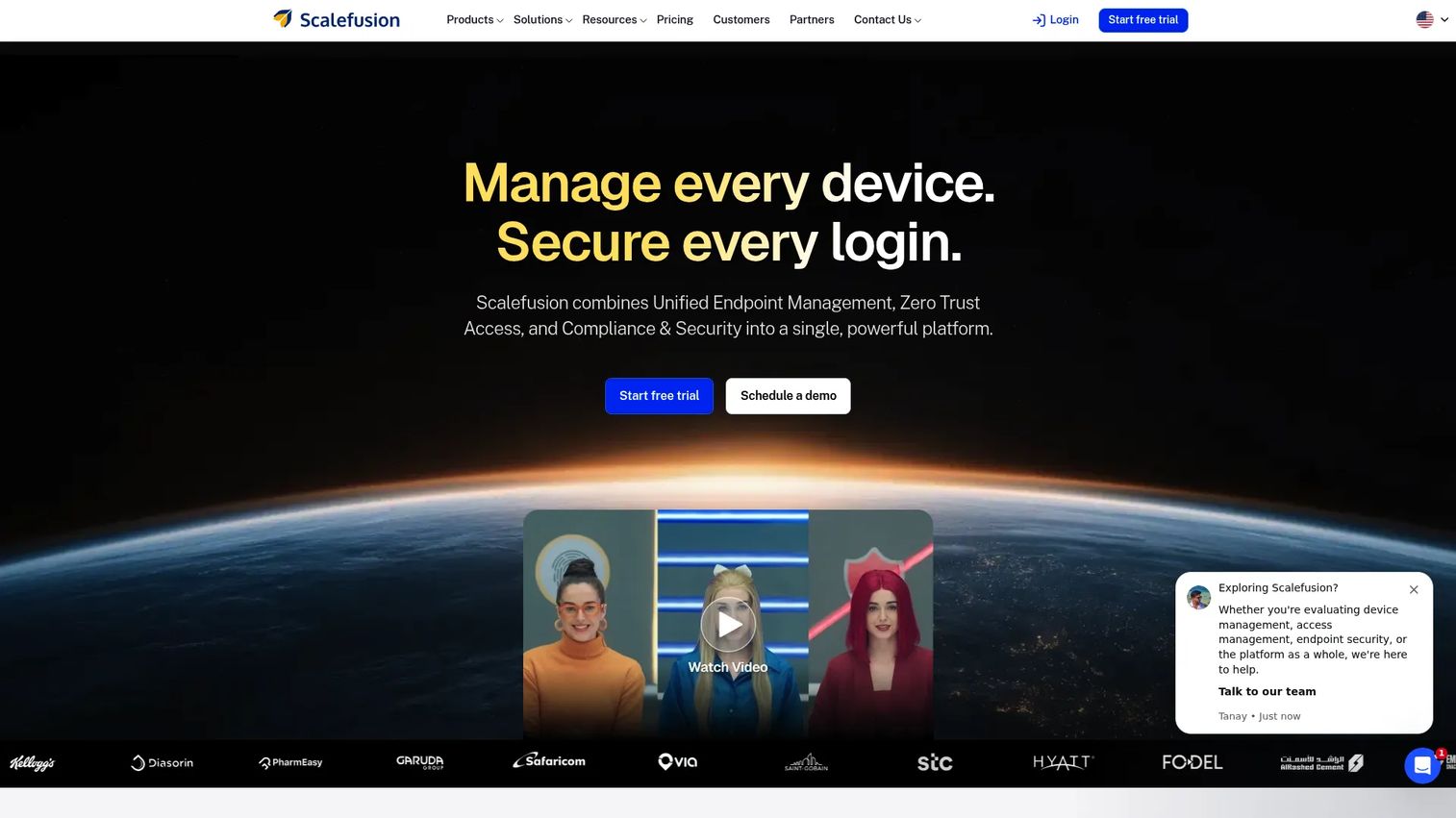
Scalefusion is unified endpoint management, zero trust access, and endpoint security software built for IT teams managing mixed-device fleets. Its kiosk mode covers Android, iOS, and Windows, so you can lock down a retail tablet, an iPad check-in station, and a Windows lobby PC from one console. This is the tool for teams that need kiosk lockdown and full fleet management in the same platform.
Where Scalefusion stands out is enrollment at scale. You can push a single kiosk policy to hundreds of devices, restrict them to single-app or multi-app modes, and enforce security controls across the whole fleet. Remote control lets you troubleshoot a frozen device without a site visit, which is the entire point of remote monitoring and management for distributed deployments.
Best for: IT teams managing and securing mixed-device fleets from one platform.
Key strengths
- Device management across Android, iOS, Windows, and macOS
- Single-app and multi-app kiosk lockdown modes
- Conditional access and zero trust access
- Remote control and endpoint security compliance
Why choose Scalefusion: If your kiosk need is one part of a wider endpoint management mandate, Scalefusion covers both without stitching two tools together. It fits teams that treat kiosks as one device class among many.
Scalefusion pricing: Essential starts at $2/device per month billed annually. Growth is $3.5/device per month, Business is $5 to $6/device per month, and the Scalefusion 360 Enterprise Suite is $12.42/device per month. A 14-day free trial is available.
2. SiteKiosk
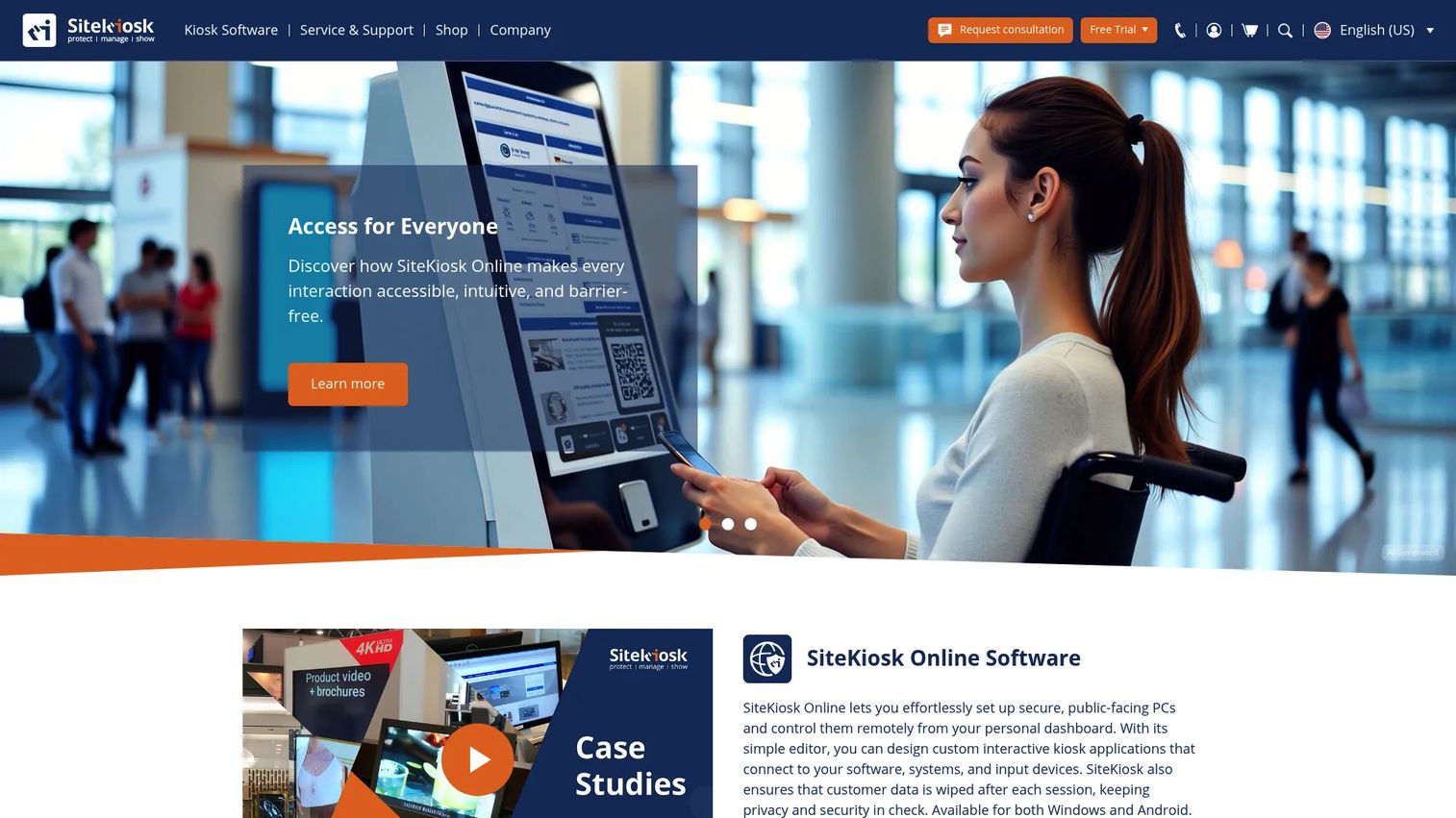
SiteKiosk is kiosk security and digital signage software for public-facing PCs, tablets, and terminals. It pairs a hardened secure browser with content publishing, so the same Windows or Android device can run a locked-down web app for users and display digital signage when idle. That dual role is what makes it stand out for teams running self-service and content on one screen.
The secure browser is the core. It blocks access to the OS, restricts navigation to approved domains, and handles session clearing between users on public terminals. Remote management lets you monitor and update devices from a central dashboard, and you can build custom kiosk apps or publish signage without a separate tool.
Best for: Organizations needing kiosk lockdown plus remote management for public-facing devices.
Key strengths
- Secure lock-down for Windows and Android devices
- Browser hardening with domain whitelisting
- Remote management and monitoring
- Custom kiosk apps and digital signage publishing
Why choose SiteKiosk: When a single device has to serve interactive self-service and run signage between users, SiteKiosk handles both in one package rather than layering a signage tool over a lockdown tool.
SiteKiosk pricing: SiteKiosk Online Cloud runs on a 12-month subscription at $239.00 per year per machine, including email and phone support plus updates. Volume discounts apply for 10 or more devices and for nonprofit organizations.
3. KioWare
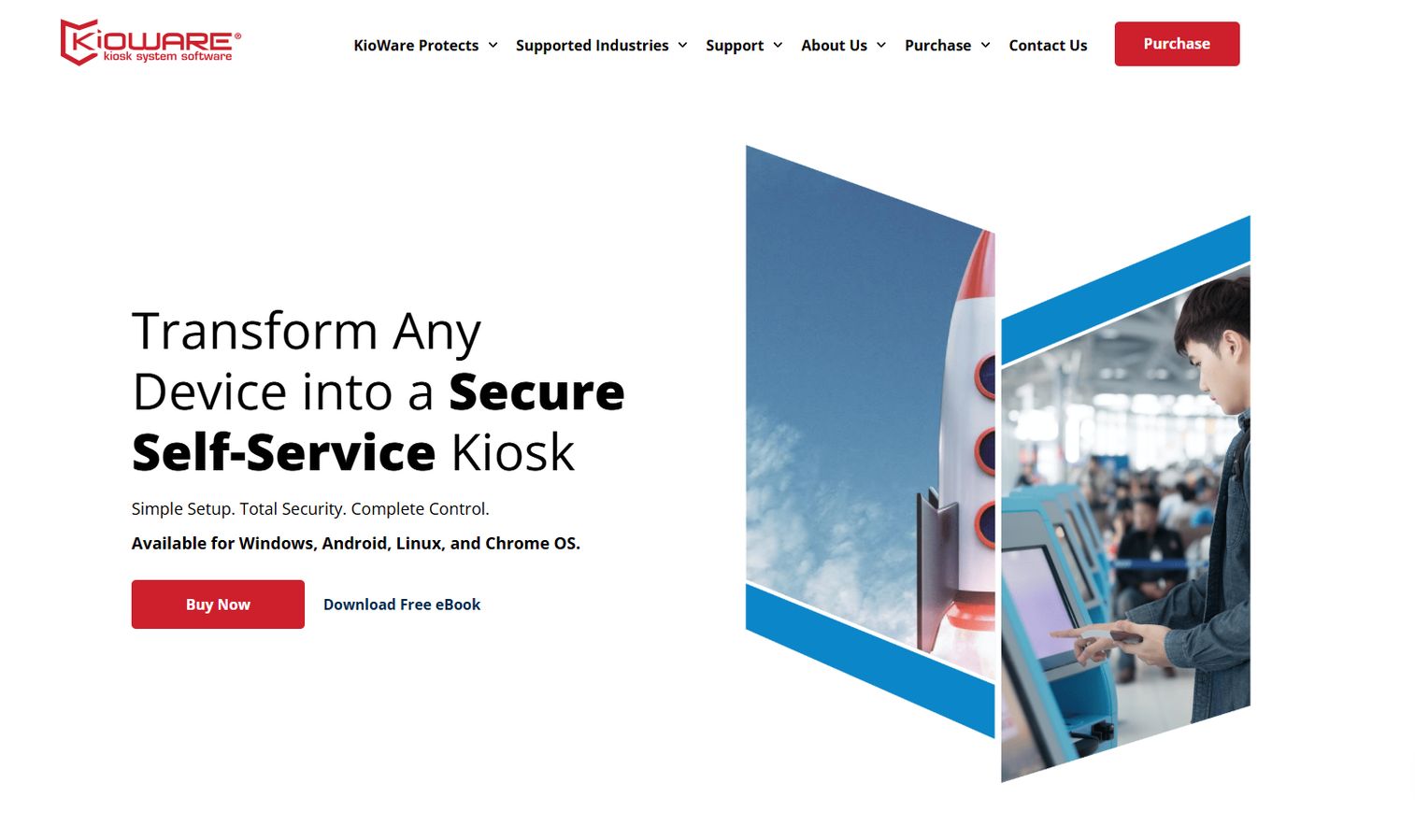
KioWare makes kiosk lockdown and kiosk management software for Windows, Android, and Chrome OS devices. It's built around securing browser-based apps: you point KioWare at your web application, and it wraps it in a hardened session that blocks the OS, controls navigation, and manages sessions between users. This is a focused tool for public browser lockdown rather than a broad fleet manager.
The strength here is granular lockdown control. You decide exactly which URLs and actions are allowed, configure user session management to reset the device between visitors, and optionally add centralized remote management through KioWare Server. For teams whose kiosks are essentially secure web browsers, this depth beats bolting kiosk mode onto a heavier UEM stack.
Best for: Businesses needing secure self-service kiosk lockdown with optional centralized remote management.
Key strengths
- Customizable browser and app lockdown
- User session management with session clearing
- Kiosk management across Windows, Android, and Chrome OS
- Optional KioWare Server for central control
Why choose KioWare: If your kiosk is a locked-down web app on a public terminal, KioWare gives you tighter control over the browsing session than a general endpoint tool would.
KioWare pricing: KioWare starts at $45 USD per license. KioWare Server is a one-time purchase of $7,500 with annual support at $1,500 per Server license.
4. Inteset Secure Lockdown
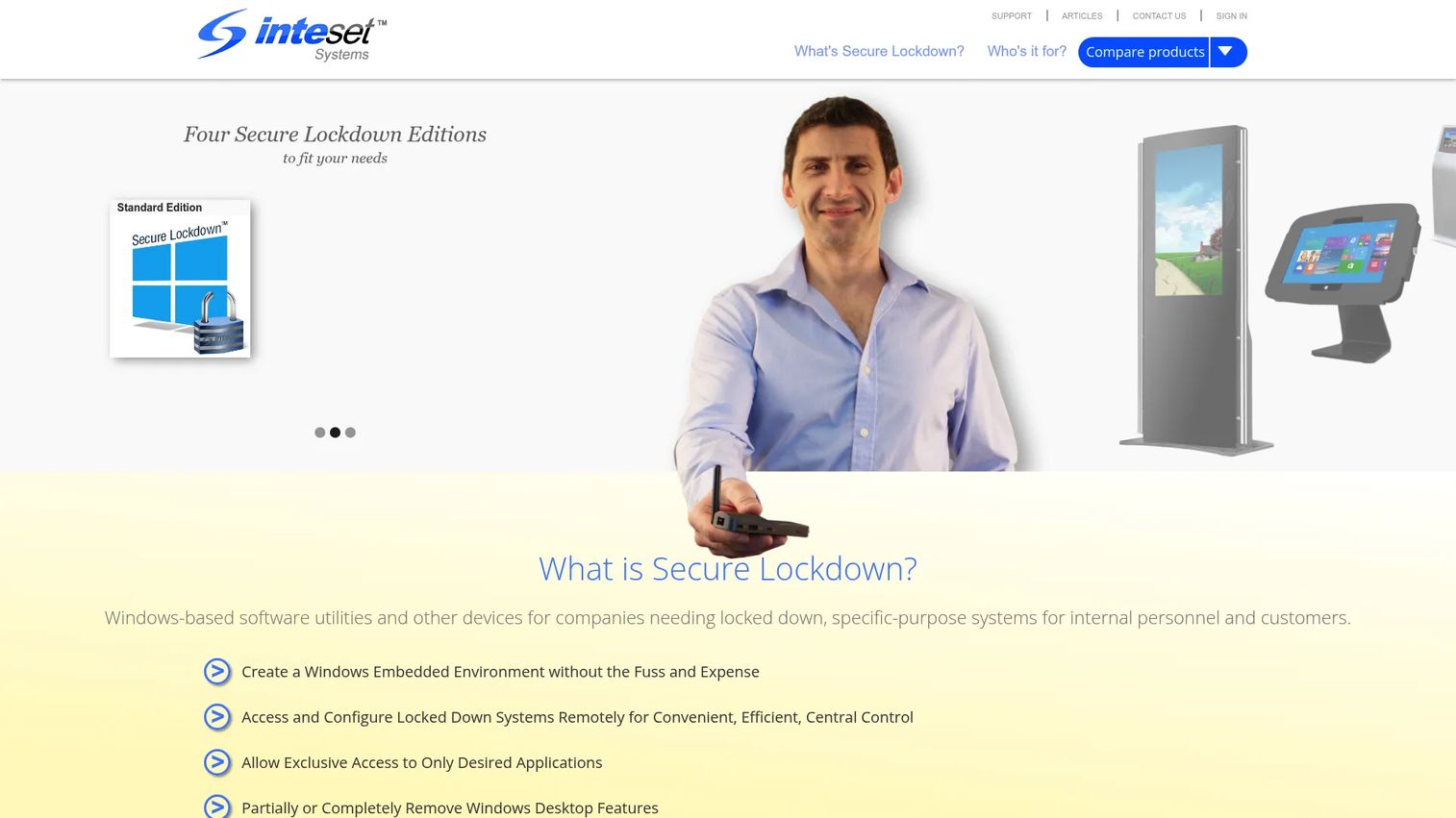
Inteset Secure Lockdown is Windows kiosk software for kiosks, digital signage, browser-based apps, and single-purpose systems. It does one thing well: lock Windows down so a machine runs a single application exclusively, with no path to the desktop, Settings, or anything else. For lean IT teams that just need a Windows PC to behave like a kiosk, it's a direct, low-cost option.
The browser editions add whitelist controls for Chrome, Edge, or Internet Explorer, so you get secure browsing without a heavier platform. Remote management services are available for maintaining and controlling devices. This is windows kiosk software stripped to essentials, which is exactly what a small team turning a spare PC into a check-in station wants.
Best for: Organizations needing a straightforward Windows kiosk or device lockdown solution.
Key strengths
- Locks Windows to run a single application exclusively
- Browser lockdown for Chrome, Edge, or IE with whitelisting
- Multi-app edition for controlled launchers
- Remote management services for device control
Why choose Inteset Secure Lockdown: For a lean team that needs one Windows machine locked to one purpose, this avoids the cost and complexity of a full UEM subscription.
Inteset Secure Lockdown pricing: Standard Edition is a one-time $19.95 license. Browser Edition and Internet Explorer Edition are $24.95 each, the Multi-app Edition is $29.95, and the PlayBox Browser Edition is $199.95 per device. Volume discounts are listed, and a free trial is available.
5. Kiosk by KIOSK
Kiosk by KIOSK designs and manufactures self-service kiosk hardware, software, and managed support across retail, government, healthcare, and transportation. Unlike the software-only tools on this list, KIOSK builds the whole terminal: the enclosure, the components, the software, and the ongoing support. This is the fit when off-the-shelf software on generic hardware won't cut it.
The strength is custom development and hardware integration. KIOSK handles bill payment, IoT remote monitoring and alerting, and tailored workflows that generic kiosk apps don't cover. If you're deploying purpose-built terminals at scale and need one vendor accountable for both hardware and software, this is a different category of engagement from a software license.
Best for: Enterprises needing custom self-service kiosk solutions across retail, government, healthcare, and transportation.
Key strengths
- Self-service kiosk hardware and software combined
- IoT remote monitoring and alerting
- Custom development and hardware integration
- Managed services and support
Why choose Kiosk by KIOSK: Choose it when your deployment needs purpose-built hardware plus software under one vendor, not a lockdown app running on a device you sourced separately.
Kiosk by KIOSK pricing: Pricing is quote-based. The site directs you to contact sales for a custom quote tailored to your hardware and software requirements.
6. Hexnode UEM
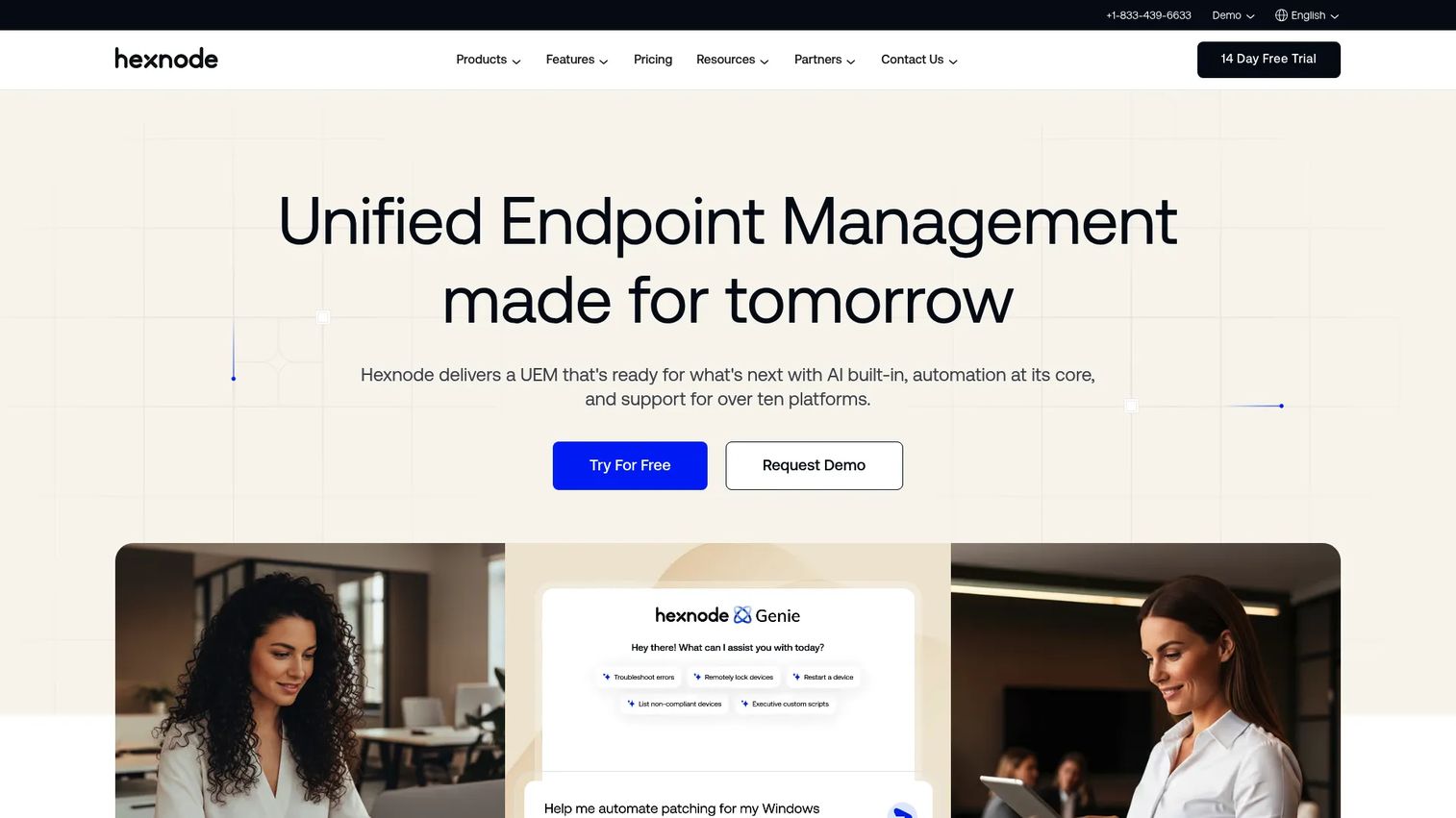
Hexnode UEM is unified endpoint management software for managing and securing corporate devices across platforms. Its kiosk mode is one capability inside a broader fleet management platform, which makes it a strong pick when kiosks are just one device type you have to govern alongside laptops, phones, and tablets.
The strength is cross-platform device control with zero-touch enrollment. You enroll devices at scale, push app and policy configs, and use remote access and management to fix issues without touching the hardware. For PMs and IT teams weighing operational overhead, a UEM like Hexnode means one console for the whole fleet rather than a separate kiosk tool plus a separate MDM.
Best for: IT teams needing cross-platform UEM with strong device control and security.
Key strengths
- Zero-touch device enrollment
- App management and policy enforcement
- Kiosk mode for single-app and multi-app setups
- Remote access and management
Why choose Hexnode UEM: Shortlist it when kiosk mode is one requirement inside full device governance, and you'd rather manage everything from one platform than run a dedicated kiosk tool separately.
Hexnode UEM pricing: Hexnode does not display public numeric pricing on its main pricing page. Offerings include UEM plus IdP and UEM plus XDR bundles through contact-sales flows, plus a Hexnode UEM MSP option. The help center references Pro, Enterprise, Ultimate, and Ultra plans.
7. ManageEngine Mobile Device Manager Plus
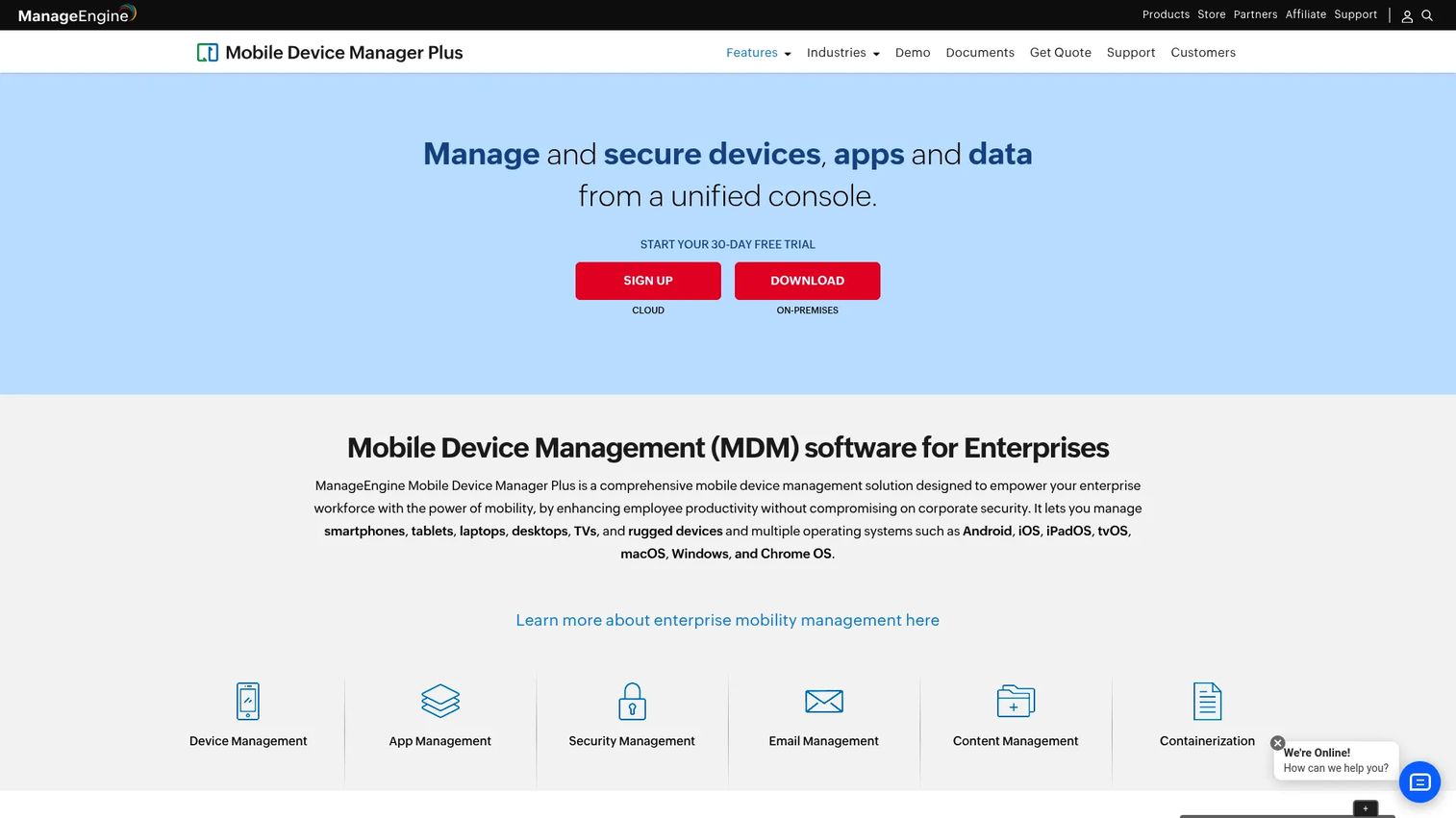
ManageEngine Mobile Device Manager Plus is an MDM platform for centrally managing, securing, and monitoring endpoints across platforms. It includes kiosk mode and remote troubleshooting, and it fits especially well for IT teams already inside the ManageEngine ecosystem who want centralized endpoint governance rather than a standalone kiosk app.
The draw is the free starter tier plus a clear paid path. You get device enrollment, app management, kiosk mode, and remote monitoring and management from one console. For teams standardizing on centralized IT governance, having kiosk mode as part of the same MDM they use for phones and tablets removes a tool from the stack.
Best for: IT teams needing cross-platform MDM with a free starter tier and paid scaling options.
Key strengths
- Device enrollment and management
- App management across platforms
- Kiosk mode and remote troubleshooting
- Centralized monitoring and policy enforcement
Why choose ManageEngine MDM Plus: It's the natural fit if you already run ManageEngine tools, want centralized governance, and need kiosk mode without adding a separate vendor.
ManageEngine MDM Plus pricing: A free edition covers up to 25 devices. The Standard edition is $495 annually for 50 devices on-premises, and the Professional edition is $64 monthly for 50 devices in the cloud, with tiers scaling by device range.
8. OptiSigns
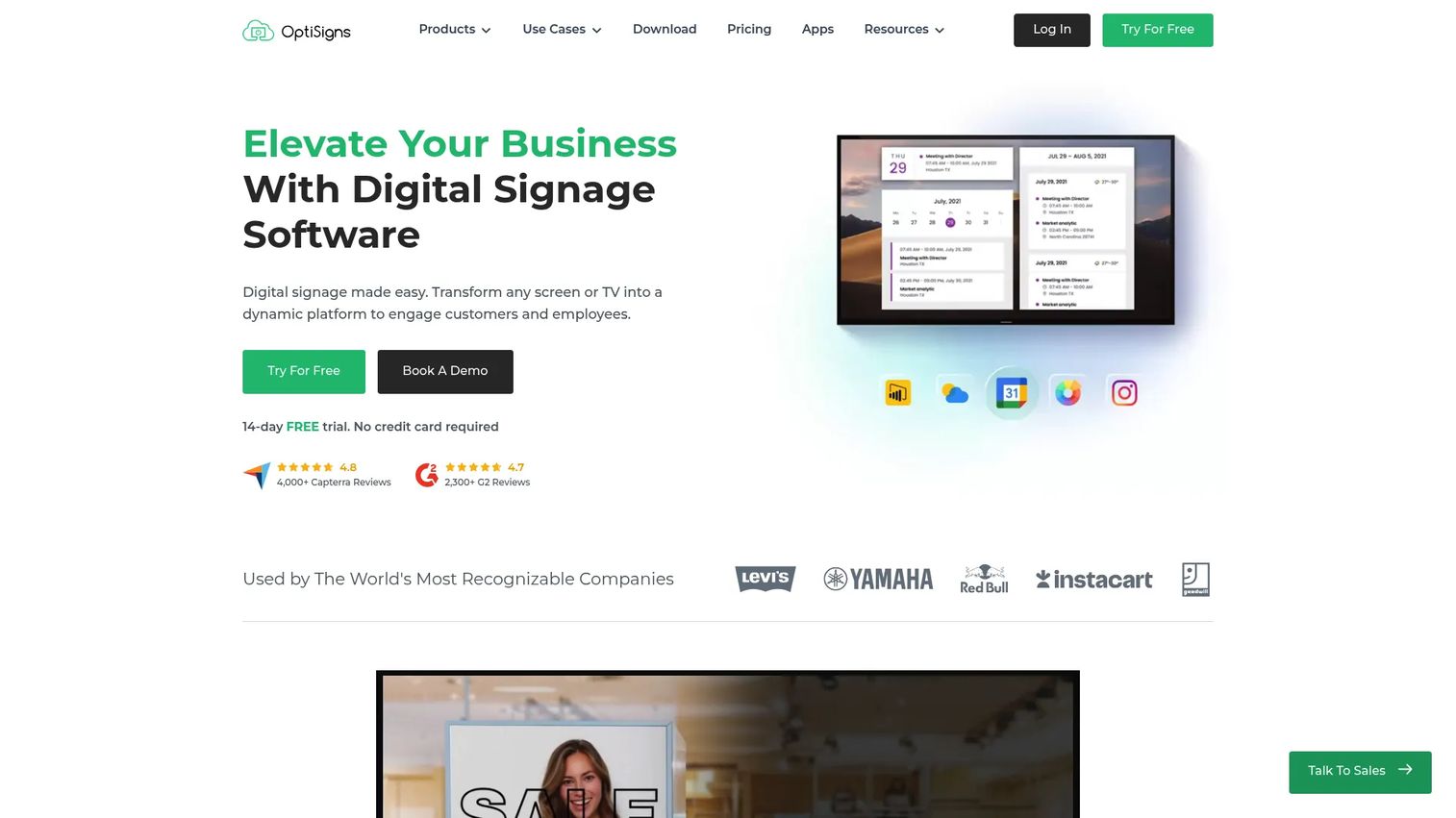
OptiSigns is digital signage software for managing and scheduling content across screens, with kiosk designer capabilities for interactive touchscreen content. It's hardware-agnostic and per-screen priced, which makes it a practical pick when signage is the main job and touchscreen self-service is a secondary layer on the same display.
The strength is content management and scheduling. You build playlists, schedule content by time or zone, and manage screens from a central dashboard. The kiosk designer adds interactive touchscreen support for menus and wayfinding. When the primary job is running scheduled content and the interactive layer is the bonus, OptiSigns fits better than a lockdown-first tool.
Best for: Businesses needing a hardware-agnostic digital signage platform with free and paid per-screen plans.
Key strengths
- File support and content management
- Playlists, scheduling, and screen zones
- Kiosk designer for touchscreen content
- Apps and integrations across screens
Why choose OptiSigns: Pick it when the screen's primary purpose is signage and you want interactive touchscreen content layered on top, not the other way around.
OptiSigns pricing: A free forever plan is available. Standard is $9.00 per screen per month billed annually, Pro-Plus is $13.50, Engage is $27.00, and Enterprise is $40.50 per screen per month.
9. ScreenCloud
ScreenCloud is digital signage software for managing and displaying content across screens, with screen management, remote device management, and content scheduling built in. It leans toward branded content experiences and remote updates, which makes it a fit for kiosk-plus-signage workflows where consistent branding across many screens matters.
The strength is centralized content management with strong scheduling and device control. You push branded content to screens across locations, manage devices remotely, and use embeddable channels, dashboards, and QR code metrics to track engagement. For teams running a branded signage network that also needs some interactive terminals, ScreenCloud keeps content consistent across the whole estate.
Best for: Teams needing centrally managed digital signage across multiple screens.
Key strengths
- Screen management and remote device management
- Content scheduling and playlists
- Embeddable channels and dashboards
- QR code metrics for engagement tracking
Why choose ScreenCloud: Choose it when branded content consistency across many screens is the priority and interactive kiosk moments are part of a wider signage network.
ScreenCloud pricing: Core is $20 per screen per month plus VAT, and Pro is $30 per screen per month plus VAT. Enterprise pricing is arranged through sales. Annual billing and a free trial are available; there is no free tier.
10. VantageMDM
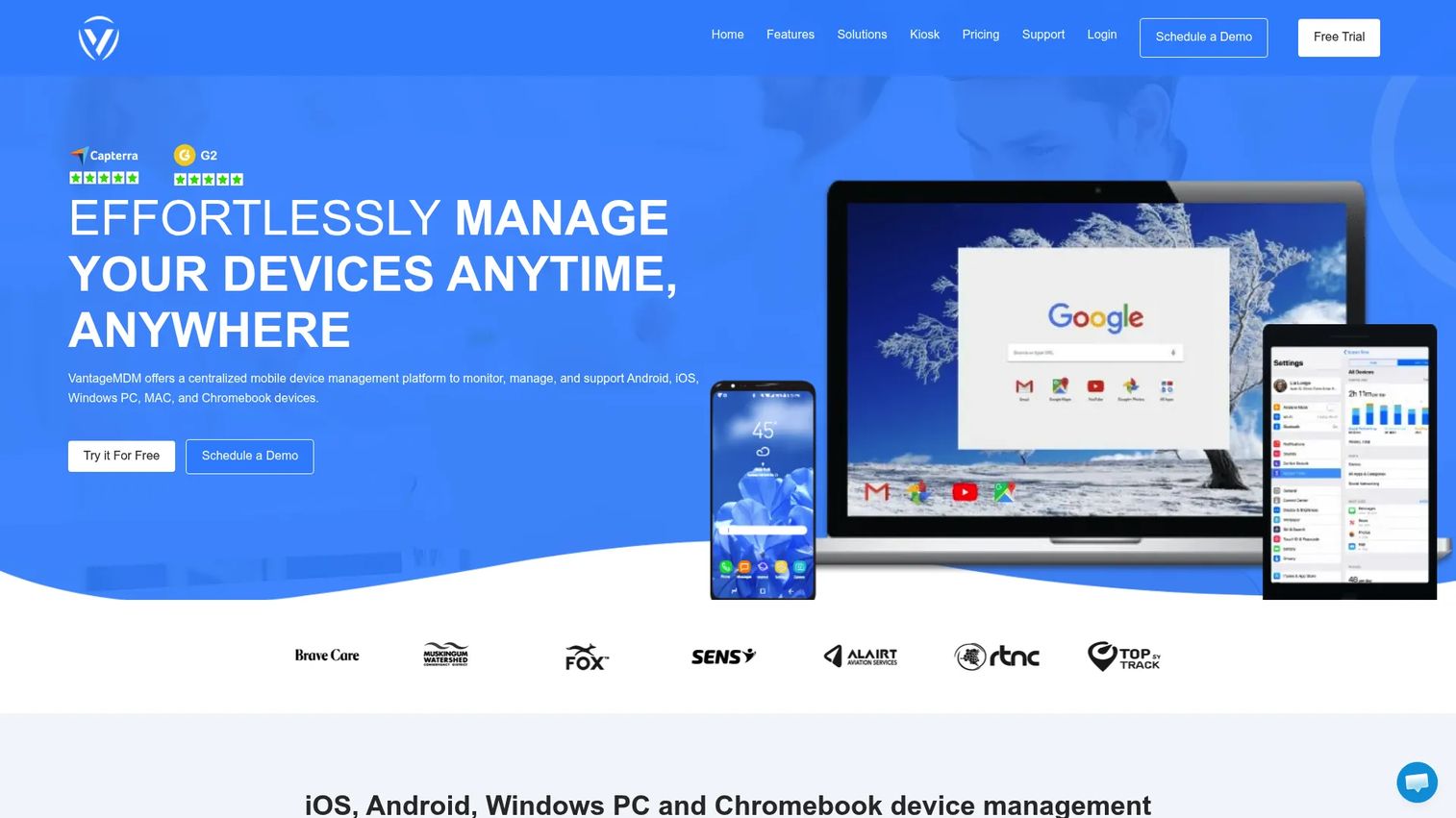
VantageMDM is cloud-based mobile device management software for schools and businesses. It covers multi-platform device management, kiosk mode, and internet filtering, positioned as lower-complexity endpoint control for smaller teams that want centralized management without an enterprise-grade rollout.
The strength is straightforward MDM with kiosk lockdown and browser restriction built in. You enroll Android, iOS, Windows, macOS, and Chromebook devices, lock them into kiosk mode, and apply internet filtering for secure browsing. For a school or a small business standardizing a mixed fleet, VantageMDM delivers the essentials at accessible per-device pricing.
Best for: Organizations needing centralized MDM for mixed fleets across schools or businesses.
Key strengths
- Multi-platform management across Android, iOS, Windows, macOS, and Chromebook
- Kiosk mode with device lockdown
- Internet filtering for secure browsing
- Cloud-based central management
Why choose VantageMDM: It fits smaller teams and schools that want kiosk lockdown plus fleet management at a low per-device cost, without the overhead of a larger UEM.
VantageMDM pricing: Billed annually, it's $1.75 per device per month, or $2.25 per device per month billed monthly. A customized quote option is available, along with a 14-day free evaluation for up to 10 devices.
Considerations before you buy
Lockdown strength and escape prevention
Test how hard it is to break out of the kiosk session before you commit. Try the corners, file dialogs, keyboard shortcuts, and browser navigation. A tool that blocks the OS on paper but leaks a file picker in practice will cost you support tickets and embarrassing screenshots.
Remote management depth
Confirm you can reboot, update, and troubleshoot devices remotely, and see which units are offline at a glance. For distributed fleets, remote monitoring and management is the difference between a config push and a road trip. Check whether the dashboard scales to your device count without slowing down.
Browser hardening and session clearing
For public terminals, verify secure browsing controls and session clearing between users. You want cookies, history, and form data wiped when one visitor walks away so the next person starts clean. Whitelisting should block off-domain navigation without breaking your own app's links.
Platform and signage fit
Match the tool to your device platform and decide up front whether signage is part of the job. A Windows-only lockdown tool won't help an Android fleet, and a signage-first platform will feel thin if strict lockdown is your real need. Check touchscreen support and virtual keyboard handling for touch-only kiosks.
Conclusion
The real decision splits along one line: dedicated kiosk software versus UEM-style platforms.
Dedicated tools like SiteKiosk, KioWare, and Inteset Secure Lockdown go deep on browser hardening, session clearing, and strict public-terminal control. They're the pick when the kiosk itself is the whole job. UEM-style platforms like Scalefusion, Hexnode UEM, ManageEngine MDM Plus, and VantageMDM win when kiosk mode is one policy inside broader fleet governance across many device types.
For signage-heavy deployments, OptiSigns and ScreenCloud handle content scheduling and branded screens, with interactive touchscreen layers where you need them. And Kiosk by KIOSK is the answer when off-the-shelf software on generic hardware won't do and you need a custom-built terminal.
Filter your shortlist on five things: lockdown strength, remote management, browser hardening, signage support, and scale. Then pick based on your device platform and whether signage shares the screen. Start with the two or three tools that match your platform and run a real lockdown test before you sign anything.
FAQs
Kiosk mode software restricts a device to a single application or a small controlled set of applications, blocking access to the underlying operating system, settings, and files. It's what turns a general-purpose PC or tablet into a locked-down public terminal that users can't break out of.
Dedicated kiosk software focuses narrowly on locking a device to one purpose with deep browser hardening and session control. MDM and UEM platforms manage entire fleets of devices, with kiosk mode as one feature among enrollment, app management, and security policies. If kiosks are your whole job, a dedicated tool goes deeper; if they're one device class in a larger fleet, an MDM consolidates the stack.
Yes. Tools like Scalefusion, SiteKiosk, KioWare, and VantageMDM support both Windows and Android, and several add iOS, macOS, or Chrome OS. Inteset Secure Lockdown focuses specifically on Windows kiosk software, so match the tool to the platforms in your deployment.
Most kiosk software includes secure browsing that restricts navigation to approved domains and blocks address bars and downloads. Touchscreen kiosk deployments also rely on an on-screen virtual keyboard, since there's no physical keyboard, so confirm touchscreen support and keyboard handling for touch-only devices.
Yes. Session clearing wipes cookies, browsing history, and form data when one user finishes so the next person starts with a clean state. This user session management is essential for public terminals handling personal information, and it's a core feature in tools like KioWare and SiteKiosk.
No, but they overlap. Digital signage displays scheduled content on screens, while kiosk software locks a device into an interactive self-service application. Many tools do both, so the same screen can run signage when idle and switch to a locked interactive session when touched. OptiSigns and ScreenCloud lead on signage; SiteKiosk blends both.
Prioritize escape prevention, secure browsing, and session clearing so users can't break the session or leak data to the next visitor. Then weigh remote monitoring and management for maintaining devices without site visits, plus touchscreen support and a virtual keyboard for touch-only terminals.
For enterprise fleets, UEM-style platforms like Scalefusion, Hexnode UEM, and ManageEngine MDM Plus scale across thousands of devices with centralized enrollment and governance. For custom-built terminals with dedicated hardware, Kiosk by KIOSK handles enterprise deployment across retail, healthcare, government, and transportation.