Last updated: October 2026. Author: Team Guideflow. This article is software evaluation guidance, not legal or medical advice.
A prescribing workflow looks straightforward on paper. A clinician selects a medication, signs off, and the prescription reaches the pharmacy electronically. What you don't see until you're in the middle of it: Identity proofing for controlled substances, state-specific PDMP requirements, pharmacy routing exceptions, prior authorization loops, and support tickets that land on your team when a transmission fails.
According to the Office of the National Coordinator for Health Information Technology (ONC), e-prescribing adoption has grown steadily as federal programs and state mandates push electronic workflows into mainstream clinical practice. The compliance surface isn't shrinking.
The real question isn't whether to adopt electronic prescribing software. It's which deployment model gives you the prescribing capability you need without creating an operating burden your team cannot support at the next stage of growth.
Which combination of cost, integration depth, EPCS coverage, and vendor support can your team actually own?
What's inside
This guide is built for practice operators, health IT teams, and founders evaluating e-prescribing infrastructure. Every tool was assessed against four criteria:
- Deployment fit: Standalone, EHR-integrated, or embeddable API-based
- EPCS and controlled-substance coverage: Identity proofing, authentication, and state-coverage specifics
- Pharmacy connectivity and workflow depth: Refills, changes, prior authorization, and benefit data
- Pricing transparency and total cost: Entry price, add-ons, integration fees, and scaling economics
TL;DR
- Best for mobile-first standalone prescribing: iPrescribe, with per-provider annual pricing and a clear path to EPCS
- Best for low-cost standalone prescribing with a published price: MDToolbox-Rx, starting at $28/month with a 30-day free trial
- Best for practices wanting prescribing inside a broader platform: RXNT or CharmHealth, depending on whether you prioritize bundle depth or configuration flexibility
- Best for embedded prescribing in health IT products: DoseSpot, built for EHR and telehealth vendors that need API-first architecture
- Best for enterprise medication-management workflows: DrFirst, covering benefit intelligence, ePA, and deep EHR integration
What is e-prescribing software?
E-prescribing software lets authorized clinicians create, sign, transmit, renew, change, and cancel prescriptions electronically through connected pharmacy and healthcare workflows.
Core workflow
- Provider selects the patient and medication
- Software checks medication history, formulary, and benefit data
- Provider signs the prescription
- System transmits it electronically to the selected pharmacy
- Pharmacy or payer messages return for refills, changes, prior authorization, or cancellation
Core capabilities
- Electronic prescription transmission to pharmacies
- Medication history and allergy context
- Drug interaction and duplicate-therapy checks
- Formulary and benefit information
- Refill and renewal workflows
- Prescription changes and cancellations
- EPCS for eligible controlled-substance prescribing
- PDMP access where supported and applicable
- Mobile prescribing access
- EHR, practice-management, or API integrations
EPCS, PDMP, and pharmacy connectivity explained
EPCS (Electronic Prescribing of Controlled Substances): A distinct workflow beyond standard e-prescribing. It requires identity proofing and multifactor authentication, and varies by state in terms of mandates and coverage.
PDMP (Prescription Drug Monitoring Program): A state-administered database of controlled-substance prescriptions. Access requirements, integration depth, and workflow behavior vary significantly by state.
Pharmacy network connectivity: The system's ability to route prescription messages through supported networks. Buyers should ask about Surescripts connectivity, transmission confirmation, and exception-handling processes.
| Feature | Standard e-prescribing | EPCS |
|---|---|---|
| Non-controlled prescriptions | Yes | Yes |
| Controlled substances (Schedule II to V) | No | Yes |
| Identity proofing required | No | Yes |
| Multifactor authentication | No | Yes |
| State-specific requirements | Varies | Significant |
Verify state mandates, DEA-related workflow support, and payer requirements with qualified counsel and your chosen vendor before go-live.
When to use e-prescribing software
Replace paper, fax, and phone prescription workflows
Electronic transmission eliminates manual routing, callback queues, and transcription risk. Practices switching from paper-based workflows should measure turnaround time and exception volume rather than just prescription count. The efficiency gain compounds at higher prescription volume, but the integration and training investment is front-loaded.
Add controlled-substance prescribing to a supported workflow
EPCS deserves explicit review before you commit to a vendor. Validate identity proofing, multifactor authentication support, state coverage, staff permission models, and audit record requirements. Not every tool that supports EPCS handles all these components the same way.
Embed prescribing in a healthcare SaaS product
If your product serves clinicians directly, asking them to adopt a separate standalone tool adds friction to your own customer experience. An embedded e-prescribing platform lets you own the provider workflow while relying on a specialized vendor for prescribing infrastructure. That division of responsibilities needs to be explicit in the contract.
E-prescribing software comparison
The table below reflects pricing and ratings verified from vendor pricing pages and current review listings in October 2026. Validate state-specific EPCS, PDMP, and pharmacy-network requirements before implementation. G2 ratings are included where a current verified rating was available.
| # | Product | Best for | Key differentiator | Pricing | G2 rating |
|---|---|---|---|---|---|
| 1 | iPrescribe | Mobile-first standalone prescribing | Per-provider mobile and desktop prescribing with EPCS | From $30/license/month (annual) | 2.8/5 |
| 2 | MDToolbox-Rx | Low-cost standalone with transparent pricing | Published monthly plans with EPCS and free trial | From $28/month (annual) | 5.0/5 |
| 3 | RXNT | Integrated cloud practice suite | EHR, billing, and e-prescribing in one platform | From $118/month | 4.2/5 |
| 4 | CharmHealth | Configurable EHR with low entry pricing | Free plan available; eRx and EPCS as add-ons | Free plan; paid from $0.50/encounter | 4.1/5 |
| 5 | Veradigm ePrescribe | Prescription affordability and prior authorization | Patient-specific pricing and benefit data at point of prescribing | From $59/month per prescriber | Not listed |
| 6 | DoseSpot | EHR, telehealth, and health IT integrations | API-first embedded prescribing for provider-facing apps | Custom pricing | Not listed |
| 7 | DrFirst | Enterprise medication-management workflows | Medication history, benefit intelligence, ePA, and EHR integrations | Custom pricing | 3.0/5 |
| 8 | AdvancedMD | Growing practices needing a full operating suite | EHR and practice management with e-prescribing and EPCS | From $130/provider/month | 3.6/5 |
| 9 | Practice Fusion | Small practices wanting a cloud EHR with e-prescribing | Simple EHR-centered prescribing for independent practices | $199/month per provider | Not listed |
Pricing and G2 ratings verified October 2026 from vendor pricing pages and current G2 listings.
Best 9 e-prescribing software tools for 2026
1. iPrescribe
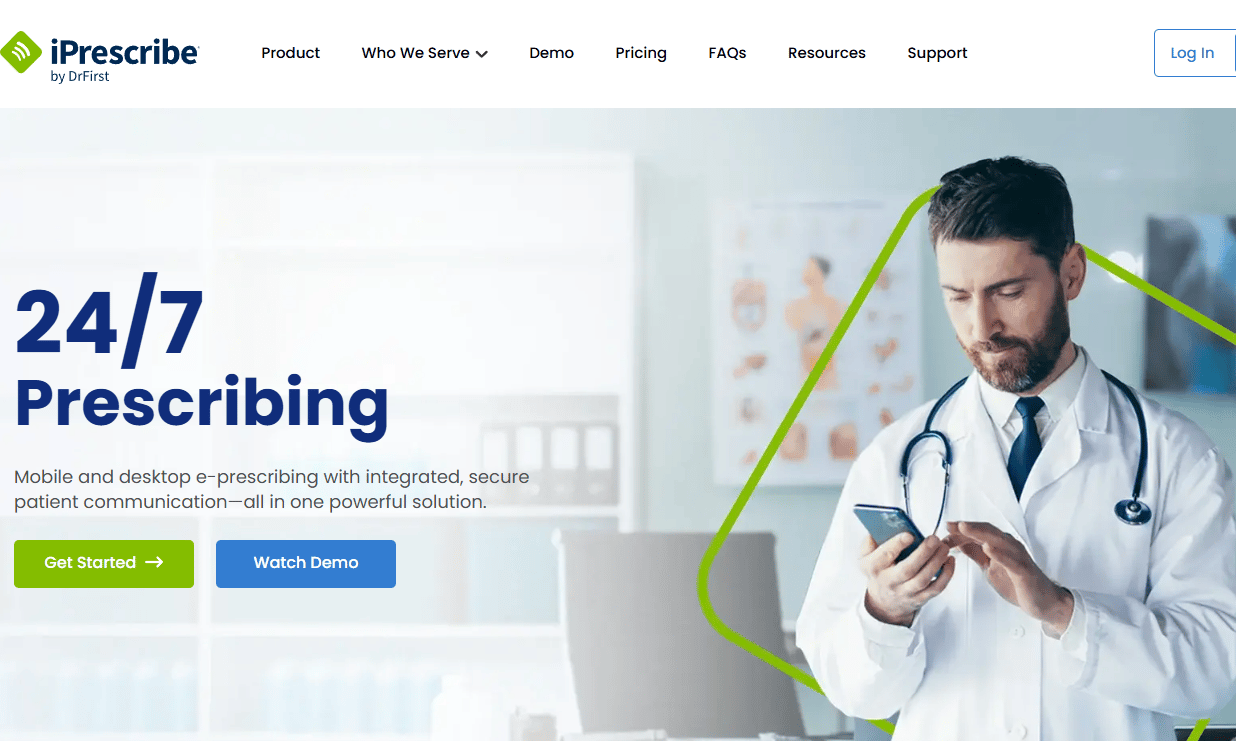
iPrescribe is a cloud-based electronic prescribing platform for individual providers and private practices. It supports controlled and non-controlled prescriptions with mobile apps for iOS and Android, desktop access on higher-tier plans, and in-workflow PDMP checking. The platform covers patient medication history, drug and allergy interaction checks, real-time prescription cost reviews, and secure messaging.
Best for: Independent clinicians and small practices that need a standalone prescribing tool with a clear per-provider pricing model.
Key features
- Mobile prescribing for iOS and Android
- PDMP checking within the prescribing workflow
- Medication history and drug interaction checks
- Prescription cost and savings review
- Renewal requests and prescription notifications
- Desktop access and practice controls on applicable plans
Why choose iPrescribe: It's a practical fit when the business needs prescribing capability fast, without committing to a broader clinical suite. The gap between the Mobile and Practice tiers matters for organizations with multiple locations or DEA numbers, so map your access and control requirements before choosing a tier.
iPrescribe pricing: The Mobile plan runs $30 per license per month on an annual commitment. The Practice plan costs $50 per license per month, also billed annually, and adds desktop access, practice-level analytics, and prior authorization automation. Enterprise pricing is custom and includes a one-time integration fee.
G2 rating: iPrescribe holds a 2.8/5 rating on G2. The review volume is limited, so cross-reference current reviews before drawing conclusions.
2. MDToolbox-Rx

MDToolbox-Rx is a certified standalone e-prescribing platform with two publicly priced plans, mobile access included at all tiers, and a 30-day free trial. It covers both noncontrolled and controlled prescriptions, one-click refills, real-time formulary information, drug interaction and allergy checking, and electronic prior authorization. Integration options include HL7 and API connectivity for practices that need two-way data sync.
Best for: Small practices and individual prescribers that want a clear entry price and don't need a full EHR.
Key features
- Noncontrolled and controlled prescribing on separate plan tiers
- Free mobile access (iOS and Android) with any subscription
- One-click refill and prescription renewal workflows
- Real-time formulary and prescription benefit information
- EPCS for Schedule II through V
- HL7 and API integration options
Why choose MDToolbox-Rx: The pricing transparency makes evaluation fast. The 30-day trial removes the commitment risk for a first deployment. If your team needs two-way data sync with an existing system, factor in integration fees when comparing total cost against subscription price.
MDToolbox-Rx pricing: E-Prescribe Pro costs $28 per month on an annual plan ($30 month to month) and covers noncontrolled prescribing. E-Prescribe Complete costs $35 per month annually ($38 month to month) and adds EPCS. Optional add-ons include Visit Notes at $10 per provider per month and Secure Messaging at $10 per address per month.
G2 rating: MDToolbox-Rx holds a 5.0/5 rating on G2, though the review volume on the platform is limited.
3. RXNT
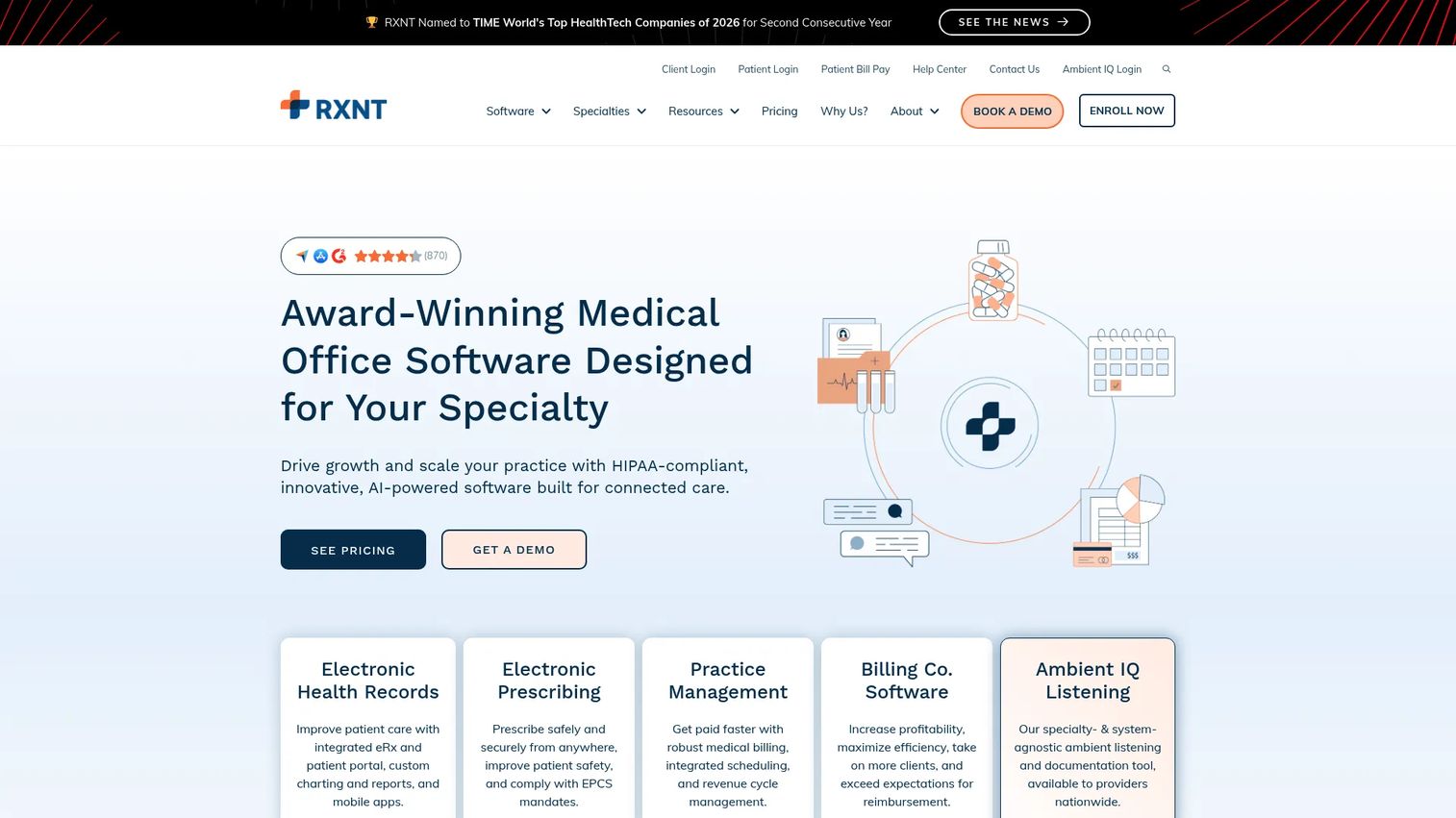
RXNT is a cloud-based healthcare platform combining EHR, e-prescribing, practice management, medical billing, scheduling, and patient engagement. E-prescribing is available as a standalone plan or within bundled suites, with drug interaction checks, allergy alerts, and EPCS support. Annual subscriptions receive a 10% discount, with EPCS identity proofing and biometric authentication adding $85 per year.
Best for: Practices that want e-prescribing in the same system as clinical records, billing, and scheduling rather than managing separate tools.
Key features
- E-prescribing with interaction and allergy checks
- EPCS support with identity proofing available
- EHR with customizable charting and patient portal
- Practice management with scheduling and claim scrubbing
- Mobile access for providers
- Prescription transmission confirmation
Why choose RXNT: It reduces context-switching across prescribing, billing, and practice operations. Teams that only need an embedded prescription workflow inside an existing product will find the full platform larger than necessary, so confirm the standalone e-prescribing plan terms before evaluating it as a bundle.
RXNT pricing: The EHR Bundle starts at $118 per month. The standalone Electronic Prescribing plan is annual-only; verify current pricing directly with RXNT, as the plan price was not published on the pricing page at verification time. RXNT does not offer a free plan.
G2 rating: RXNT holds a 4.2/5 rating on G2.
4. CharmHealth

CharmHealth is a cloud-based healthcare platform covering EHR, practice management, billing, telehealth, patient portal, and communications. The platform includes e-prescribing and EPCS, real-time formulary and coverage checks, electronic prior authorization, medication history, and AI-assisted clinical documentation. Configuration flexibility makes it suitable for specialty practices with non-standard workflows.
Best for: Practices that want a configurable EHR environment with a low entry price and the ability to add EPCS and advanced features as the practice grows.
Key features
- eRx for non-controlled medications included in paid plans
- EPCS for controlled substances (add-on)
- Real-time formulary and coverage details
- Electronic prior authorization
- Medication history and clinical decision support
- Patient portal with refill requests and secure messaging
Why choose CharmHealth: The free plan (limited to 50 encounters per month and one provider) lets a small practice test the workflow before committing. Specialty teams with complex workflows benefit from the configuration depth, but that flexibility requires someone who owns rollout rules, permissions, and templates. Map add-on costs against your actual clinical needs before treating the free plan as representative of total cost.
CharmHealth pricing: The Free Plan costs $0 per month with usage limits. The Encounter Plan runs $0.50 per encounter per month with a $25 monthly minimum. The Provider Plan costs $200 per provider per month. Enterprise pricing is custom. Paid add-ons are available for features including EPCS; verify current PDMP add-on fees for your state before signing.
G2 rating: CharmHealth holds a 4.1/5 rating on G2.
5. Veradigm ePrescribe
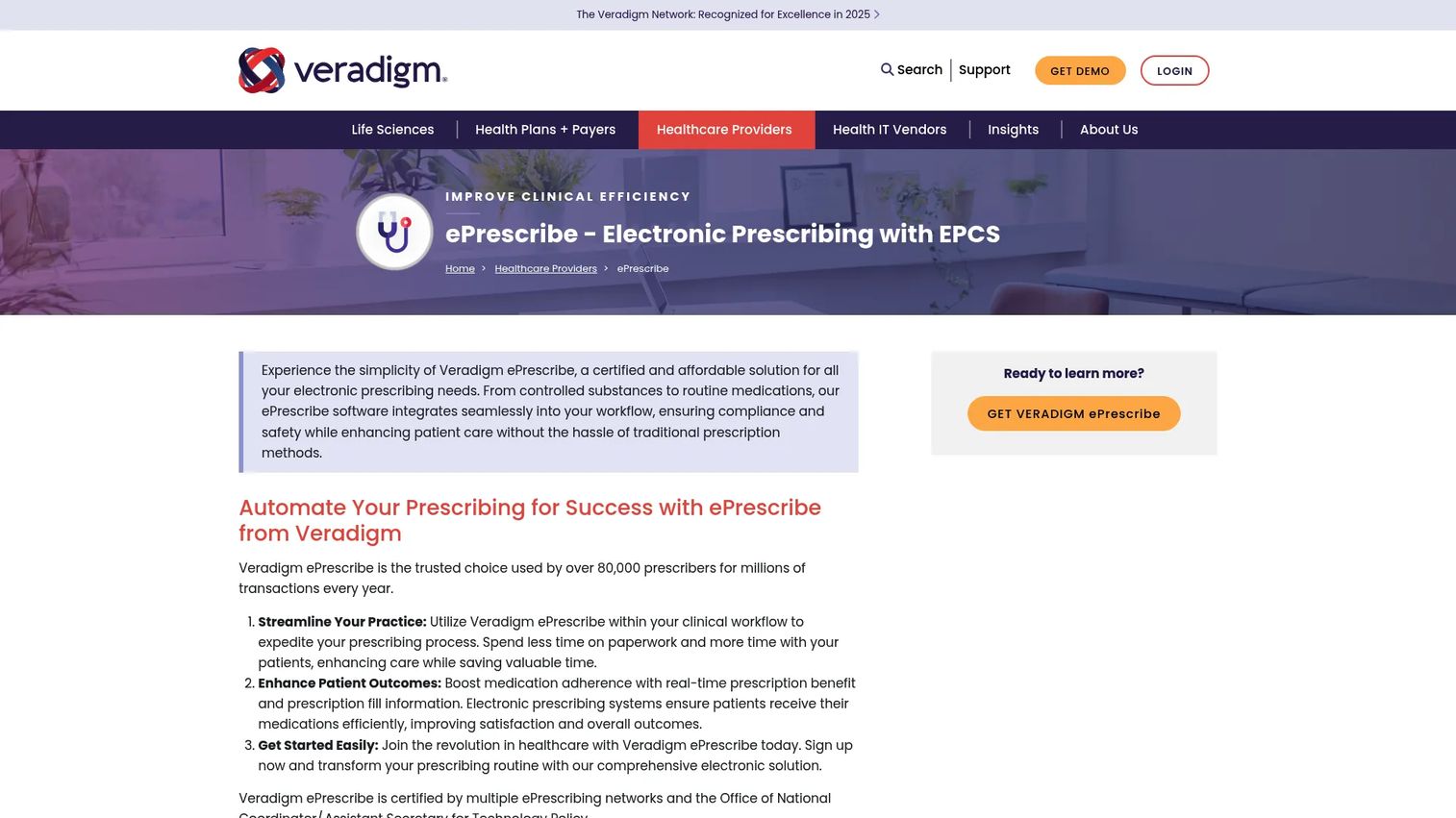
Veradigm ePrescribe is a certified standalone electronic prescribing platform with EPCS, PDMP integration, electronic prior authorization, and patient-specific pricing through its RxTruePrice feature. Clinicians can view a patient's actual out-of-pocket cost, therapeutic alternatives, and financial assistance options at the point of prescribing, before sending the prescription.
Best for: Practices where medication affordability, formulary fit, and prior authorization create recurring administrative work that slows clinical throughput.
Key features
- Electronic prescribing with EPCS and PDMP integration
- Patient-specific prescription pricing via RxTruePrice
- Formulary checks and therapeutic alternatives
- Electronic prior authorization (ePA)
- Medication history and drug interaction alerts
- Patient financial assistance and prescription coupon workflows
Why choose Veradigm ePrescribe: The differentiated value is the financial and benefit context inside the prescribing workflow. Practices that regularly field pharmacy callbacks about cost, coverage gaps, or prior authorization will see the most operational return. Greater workflow data also means more integration dependencies to manage during implementation.
Veradigm ePrescribe pricing: Plans start at $59 per month per prescriber. Verify current billing cadence, EPCS inclusions, and any additional fees for advanced services before signing a contract.
6. DoseSpot
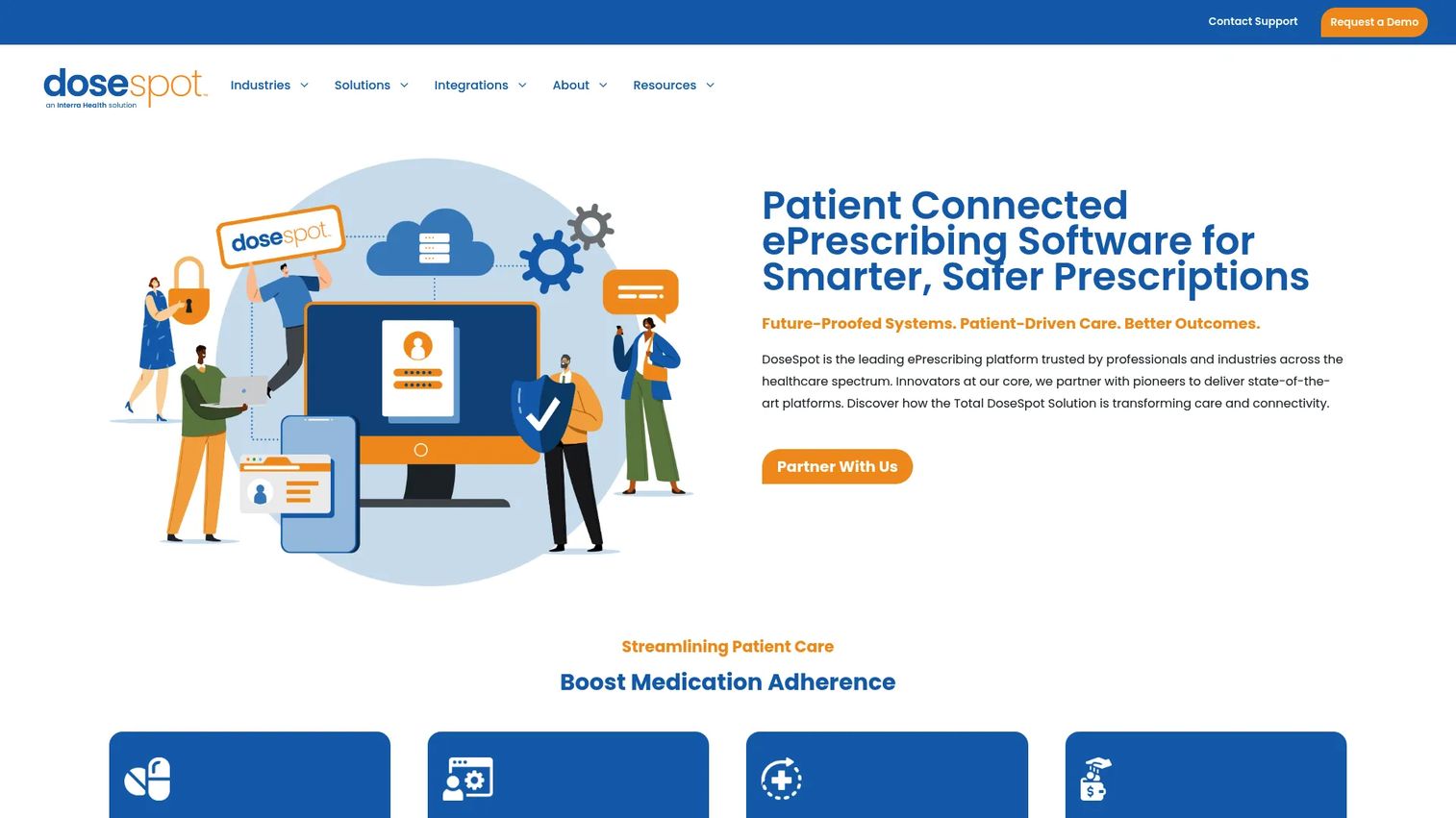
DoseSpot is an embedded e-prescribing platform built for healthcare organizations, EHR vendors, telehealth platforms, and digital health products. Rather than selling directly to individual prescribers, DoseSpot integrates into provider-facing applications through its API layer, which covers 140-plus integrations. Core capabilities include controlled-substance prescribing, real-time medication cost comparisons, electronic prior authorization via CoverMyMeds and Surescripts, and DoseSpot Connect for patient pharmacy choice.
Best for: Healthcare SaaS founders and product teams that need to add prescribing inside their own provider-facing application without building or maintaining prescribing infrastructure internally.
Key features
- Core e-prescribing including controlled substances
- Real-time prescription benefit and medication cost data
- Electronic prior authorization through CoverMyMeds and Surescripts
- DoseSpot Connect for patient pharmacy access and savings
- API-first architecture with 140-plus integration points
- Use cases spanning medical, dental, and telehealth
Why choose DoseSpot: The key buying question is implementation model, not the feature list. Founders evaluating DoseSpot should examine API maturity, sandbox access for development, implementation support structure, customer escalation paths when a prescribing exception occurs, and how responsibility divides between DoseSpot and your team for front-line provider support. An interactive product demo of the integrated prescribing workflow can help your own team show prospects what the experience looks like before go-live.
DoseSpot pricing: DoseSpot does not display pricing on its website. Pricing is custom and can depend on provider volume, feature scope, integration complexity, and support requirements. Contact DoseSpot directly and request reviewer-reported ranges from G2 or Capterra as a cross-reference.
G2 rating: A current verified G2 rating for DoseSpot was not available at time of publication. Capterra lists a 3.7/5 rating for reference; verify current review data before finalizing.
7. DrFirst
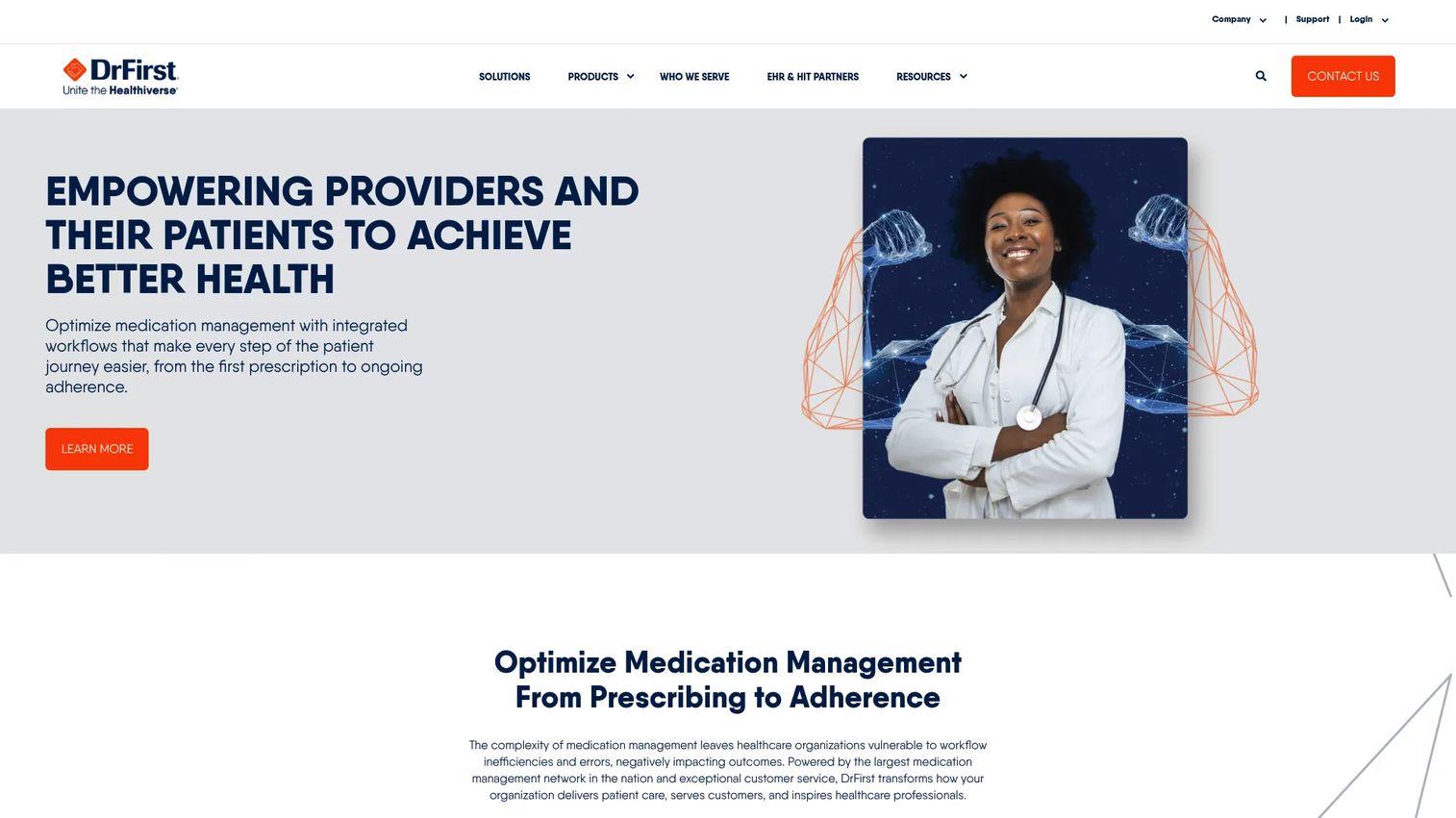
DrFirst provides healthcare technology focused on medication management from prescribing through adherence. Its capabilities extend beyond basic e-prescribing to include medication history and reconciliation, controlled-substance history, real-time prescription benefit and price transparency, electronic prior authorization with automated workflow support, specialty medication support, population health management, and system migrations. It serves health systems, EHR vendors, pharmacies, payers, and pharmaceutical companies.
Best for: Health systems, larger practices, and health IT products that need medication-management depth alongside e-prescribing, not just prescription transmission.
Key features
- E-prescribing and EPCS
- Medication history, reconciliation, and controlled-substance history
- Electronic prior authorization with automated workflow support
- Real-time prescription benefit and price transparency
- Specialty medication support
- EHR and API integrations for health system deployments
Why choose DrFirst: It's built for organizations where prescribing, benefit intelligence, medication history, and EHR integration must operate together at scale. Founders building complex clinical products should evaluate DrFirst's implementation timeline, technical resource requirements, sales-cycle length, and the team's capacity to support sophisticated clinical workflows before committing. The capability ceiling is high, but so is the implementation investment.
DrFirst pricing: DrFirst uses custom pricing. Contract variables include provider count, modules selected, implementation scope, identity-proofing requirements, and API integration services. Contact DrFirst directly for current contract terms.
G2 rating: DrFirst holds a 3.0/5 rating on G2, based on 11 reviews at time of publication.
8. AdvancedMD
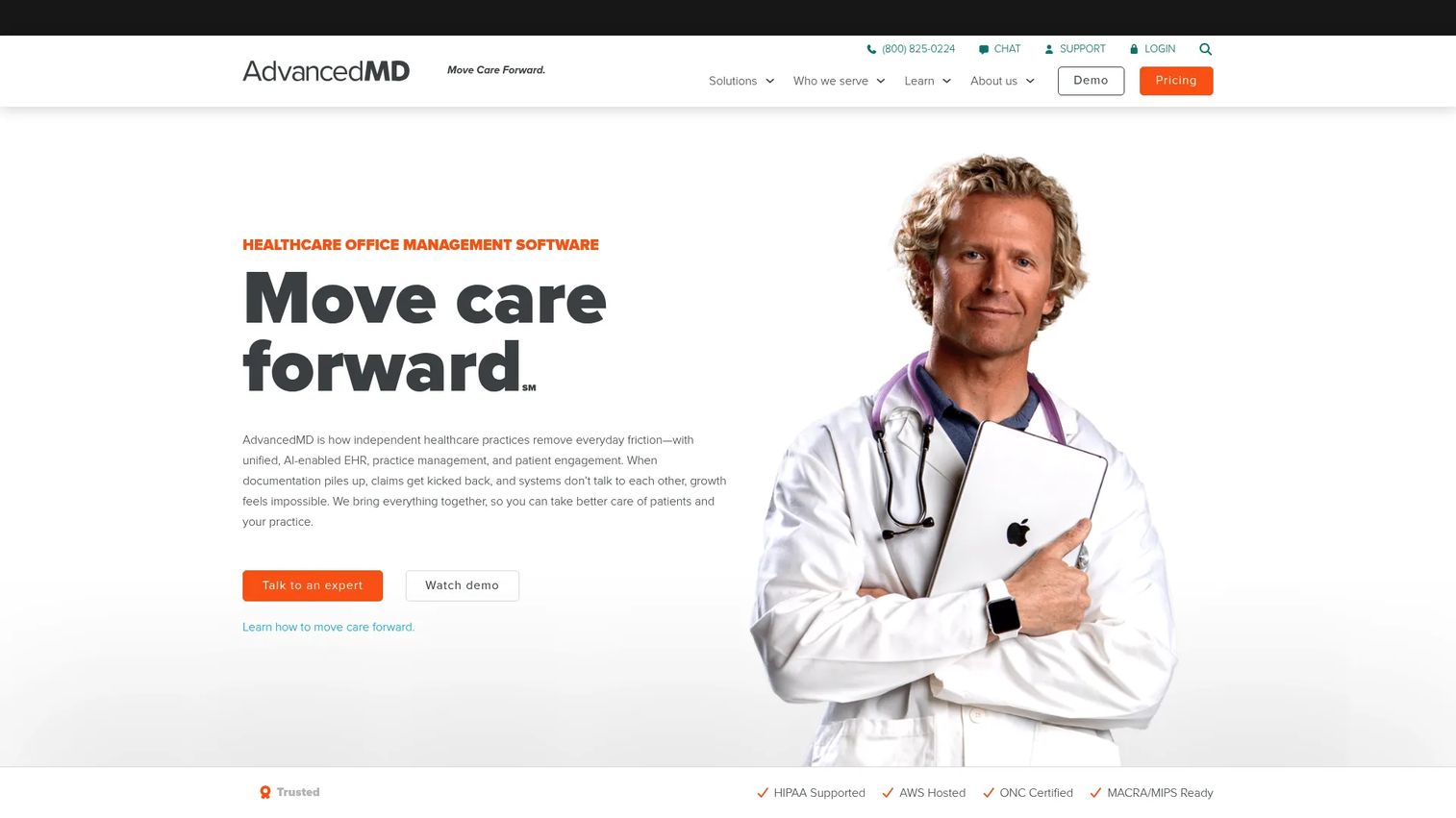
AdvancedMD is a cloud-based platform combining practice management, EHR, medical billing, patient engagement, and telemedicine for independent medical and specialty practices. E-prescribing and EPCS are included in its clinical modules, alongside PDMP registry integration, real-time prescription benefits, electronic prior authorization, and audit history for controlled substances. Pricing is specialty-specific, with bundle quotes for larger configurations.
Best for: Growing and multi-provider practices that want e-prescribing as part of a unified clinical and administrative system, not as a standalone purchase.
Key features
- EHR-integrated e-prescribing with EPCS and audit history
- PDMP registry integration
- Real-time prescription benefit checks
- Electronic prior authorization
- Practice management and medical billing tools
- Mobile access for providers
Why choose AdvancedMD: The platform is coherent when the buyer wants scheduling, billing, prescribing, and patient engagement in one operating system. It is likely oversized for teams that only need prescription transmission embedded in an existing product. Implementation, data migration, and feature adoption require executive ownership from the start.
AdvancedMD pricing: AdvancedMD Now starts at $130 per provider per month with a 30-day free trial, then converts to month-to-month billing. Mental health, physical medicine, and addiction medicine bundles run $399 per provider per month. Medical specialties range from $429 to $1,070 per provider per month. MedSpa plans start at $278 per provider per month. Verify current EPCS add-on pricing directly with AdvancedMD, as the standard EPCS fee was not confirmed at the per-feature level on the pricing page at verification time.
G2 rating: AdvancedMD holds a 3.6/5 rating on G2.
9. Practice Fusion

Practice Fusion is a cloud-based EHR for independent and small medical practices. It includes electronic prescribing with EPCS, customizable charting templates, labs and imaging order workflows, integrated billing services, and cloud access across devices. A two-week complimentary trial is available. The base plan includes one provider, three signing staff licenses, and unlimited non-signing staff licenses.
Best for: Solo and small independent practices that need a cloud EHR with e-prescribing tied to clinical documentation, without managing separate billing and prescribing systems.
Key features
- EHR-based electronic prescribing with EPCS
- Pharmacy search and electronic transmission
- Customizable charting templates
- Labs and imaging orders with chart delivery
- Cloud access across devices
- Integrated billing and reporting
Why choose Practice Fusion: It works when the buyer wants prescribing inside an EHR rather than as a standalone tool. Evaluate the full EHR package, not just the prescribing feature, since practice management, reporting, and billing integrations come with the subscription. Teams building modular prescribing infrastructure into a healthcare product should look at DoseSpot or DrFirst instead.
Practice Fusion pricing: Plans run $199 per month per provider, billed monthly with a required annual commitment. A two-week complimentary trial is available. Verify EPCS availability and any additional onboarding requirements before signing.
G2 rating: A current verified G2 rating for Practice Fusion was not available at time of publication. Capterra lists a 3.7/5 rating for reference.
Considerations when choosing e-prescribing software
Standalone, EHR-integrated, or embedded deployment
Start with the deployment model. A standalone product reduces entry cost and speeds clinician adoption. An EHR suite consolidates workflows but increases migration scope. An embedded API-based platform preserves your product's user experience but requires clear division of implementation and support responsibilities between your team and the vendor.
EPCS, identity proofing, and state-specific requirements
EPCS is not a checkbox. Validate controlled-substance workflow support, multifactor authentication, identity-proofing process, state coverage, refill rules, staff permission models, audit trail requirements, and the vendor's escalation path when an exception occurs. State mandates differ significantly, and requirements change, so verify current rules with qualified counsel.
Pharmacy connectivity and exception handling
Prescription transmission is one part of the workflow. Ask specifically about pharmacy search scope, transmission confirmation mechanisms, renewal and change message handling, cancellation workflows, outage protocols, and the process for resolving failed or delayed messages. The exception cases are where operational debt accumulates fastest.
Data integration and systems of record
Clarify ownership before signing. Which system holds patient demographics, medication history, allergies, provider credentials, and prescribing records? Integration gaps create duplicate data entry and add support burden. For embedded deployments, define the data boundary in the vendor contract.
Pricing that scales with the business
Model total cost across the growth plan. Include prescriber licenses, EPCS add-ons, identity proofing fees, data integration work, API costs, implementation services, training, ongoing support, and what changes when you add providers or expand to new markets.
How to choose the right e-prescribing software for your team
If you need a lightweight standalone product: Start with iPrescribe or MDToolbox-Rx. Both fit teams that need prescribing capability without a broader clinical suite. Compare mobile access, EPCS requirements, staff access controls, and the integration work needed to avoid duplicate patient data entry.
If you're running a practice and want a unified operating platform: Compare RXNT, CharmHealth, AdvancedMD, and Practice Fusion. The right pick depends on whether your priority is workflow flexibility, billing integration, specialty depth, or a simpler cloud EHR experience. CharmHealth's free plan is a useful proof of concept before committing.
If your healthcare SaaS product needs embedded prescribing: Start with DoseSpot and DrFirst. Evaluate APIs, implementation support structure, user provisioning, pharmacy connectivity, benefit data access, pricing model, and which party owns front-line support when a provider hits a prescribing exception during a customer call.
If medication affordability and prior authorization create workflow drag: Prioritize Veradigm ePrescribe, DrFirst, CharmHealth, and AdvancedMD. The decision turns on benefit checks, formulary information, ePA workflow automation, and how much action a clinician can take inside the normal prescribing flow.
Conclusion
The choice here is a deployment decision before it's a features decision.
iPrescribe and MDToolbox-Rx fit standalone prescribing needs at a published price. RXNT, CharmHealth, AdvancedMD, and Practice Fusion fit practices choosing a broader clinical platform. Veradigm ePrescribe stands apart on prescription affordability and benefit transparency. DoseSpot and DrFirst fit health IT builders and enterprise organizations that need embedded or deeply integrated medication-management infrastructure.
Choose the deployment model first. Then shortlist vendors based on clinical workflow requirements, integration ownership, EPCS coverage, and the support burden your team can realistically carry at the next stage of growth.
Start your journey with Guideflow today!
FAQs
E-prescribing software, also called eRx software, allows authorized clinicians to create, sign, and transmit prescriptions electronically to pharmacies. It typically supports related workflows including prescription renewals, pharmacy messages, medication history access, formulary checks, and drug interaction alerts. Most platforms also connect to billing and patient record systems.
Standard e-prescribing covers electronic prescriptions generally, including most non-controlled medications. EPCS (Electronic Prescribing of Controlled Substances) is a distinct regulatory category that adds identity-proofing, multifactor authentication, and specific audit requirements before a provider can electronically prescribe Schedule II through V controlled substances. State-specific mandates, DEA rules, and individual payer requirements apply separately.
Yes. Standalone tools can handle prescription transmission, medication history, formulary information, and EPCS without requiring an EHR purchase. The practice should assess data entry duplication, medication history access depth, EPCS requirements, and any integration needed with existing scheduling or billing systems before selecting a standalone option.
Evaluate mobile prescribing tools against five factors: Native iOS and Android apps, secure authentication for controlled substances, pharmacy search access, patient demographics on mobile, and practice-level administration controls for multi-provider setups. iPrescribe and MDToolbox-Rx both offer mobile access at their entry tiers. Confirm that mobile workflows support the prescription types your clinicians write most often.
Some products include PDMP access or integrate it directly into the prescribing workflow. Others offer it as an add-on or require a separate state system login. Availability and workflow depth vary by state and vendor. Verify whether PDMP access is included in the base plan, whether it requires an add-on, and how it routes within the prescribing flow for your specific states of operation.
Many platforms support electronic prior authorization, either natively or through integrated services such as CoverMyMeds. Capabilities differ significantly. Confirm whether the tool checks prior authorization requirements proactively, prepopulates request forms, submits requests electronically, tracks status, and supports the medications and payers your practice encounters most frequently.
Standalone e-prescribing products with published pricing start around $28 to $59 per prescriber per month, depending on whether EPCS is included. EHR-bundled platforms range from free entry tiers with usage limits to $199 or more per provider per month. Enterprise and embedded platforms use custom pricing. Total cost includes prescriber licenses, EPCS and PDMP add-ons, identity proofing, integration work, onboarding services, and what happens to the per-seat fee as provider count grows.
Focus on API maturity and documentation, implementation ownership, pharmacy connectivity scope, EPCS workflow support, audit trail access, patient data responsibility boundaries, escalation processes for prescribing exceptions, contract scaling as provider volume grows, and customer support boundaries. You're not just licensing a feature. You're taking on operational responsibility for a clinically regulated workflow. Validate legal and regulatory requirements with qualified counsel and the vendor before go-live. Evaluating how you'll communicate that workflow to prospective customers is worth planning in parallel with the technical integration.