Every product team eventually hits the same wall. A new feature needs a configurable field. A workflow needs custom status history. Account-level settings need to vary by plan and region. In a normalized relational schema, each of those changes is a migration project. And migration projects compete directly with roadmap work.
That tension is exactly what document databases were built to resolve. Instead of spreading related data across multiple tables, a document database stores it together as a self-contained JSON-like record. When the product changes, you add a field to the document rather than coordinating a schema migration across engineering, QA, and deployment.
The global document database market reached $18.7 billion in 2025, with 64.5% of revenue coming from cloud deployments, according to Dataintelo (2025). The category is growing at a 12.8% projected compound annual growth rate through 2034. That growth reflects a real shift: More product teams are choosing document storage for use cases where the data model needs to evolve alongside the product.
The harder question is which document database fits your data shape, cloud strategy, and operating model. This guide covers seven options with verified pricing and current G2 ratings to help you make that call.
What's inside
This guide is written for product managers who influence architecture decisions and need to evaluate database choices without becoming the database administrator. Items were selected based on:
- Managed cloud deployments vs self-hosted options for different operating models
- Pricing transparency and billing model clarity
- G2 ratings verified at generation time
- Fit for common SaaS workloads: User profiles, catalogs, configurable workflows, mobile back ends, and high-throughput operational systems
The guide also covers when a relational or key-value database is a better fit than a document store.
TL;DR
- Best for flexible, broadly supported document modeling: MongoDB Atlas, the most widely deployed document database with mature tooling and multi-cloud support
- Best for mobile and serverless application back ends: Google Cloud Firestore, with real-time sync and a Firebase-native developer experience
- Best for SQL-friendly JSON workloads at enterprise scale: Couchbase Capella, which layers SQL++ querying on top of distributed document storage
- Best for Azure-native globally distributed applications: Azure Cosmos DB, with automatic indexing and multi-region configuration built in
- Best for AWS teams needing MongoDB-compatible APIs: Amazon DocumentDB, a fully managed AWS service with serverless capacity options
- Best for high-throughput, latency-sensitive workloads: Aerospike, built for operational systems where response times directly affect product outcomes
- Best for self-hosted replication-first deployments: CouchDB, a free open-source database with a replication model well-suited to offline-capable or sync-oriented applications
What is a document database?
A document database is a NoSQL database that stores related application data as self-contained documents, usually in JSON-like formats, rather than rows spread across relational tables.
How document databases store data
Each document contains field-value pairs. Nested objects and arrays let related data live together in a single record, so a customer profile can include contact details, preferences, subscription history, and permissions without splitting across four tables. Common formats include JSON and BSON (a binary-encoded extension of JSON used by MongoDB). Documents are organized into collections rather than tables, and each document carries a unique identifier.
This structure means a product team can add a new attribute to a document type without running a migration against every existing row. For a PM managing a frequent release cadence, that flexibility has a real impact on engineering opportunity cost.
Core capabilities to look for
- Flexible or dynamic schemas that accept new fields without breaking existing documents
- Secondary indexing for querying fields beyond the primary key
- Document queries and aggregation pipelines for complex reads
- Replication and failover for availability
- Horizontal sharding for scale
- Multi-document transactions for workloads that need atomicity across records
- Backup, access controls, and observability
Document database vs relational database vs key-value database
| Model | Best when | Data shape | Query strength | Main constraint |
|---|---|---|---|---|
| Document database | Product data changes often | Nested JSON-like objects | Flexible document queries | Cross-document integrity needs careful design |
| Relational database | Relationships and strict consistency dominate | Normalized tables | Joins and transactional reporting | Schema migrations can slow frequent changes |
| Key-value database | Access is simple and predictable | Key mapped to value | Fast lookups | Limited querying across attributes |
Document databases work well for aggregates such as user profiles, product catalogs, workflow states, content objects, and account configuration. They are not the default answer for financial ledgers, complex reporting, or workloads that depend heavily on joins and strict cross-entity constraints.
When to use a document database
Ship evolving product workflows without constant schema migrations
Configurable forms, account settings, role-specific metadata, and feature flags all share one property: They change frequently. Every change in a relational schema is a coordination cost between product, engineering, and QA. Storing these configurations as documents means adding a field stays within the product release cycle rather than becoming its own infrastructure task.
Store nested application objects close to how the product uses them
A customer profile might include preferences, permissions, and usage history. A catalog item might carry variants, attributes, and localized descriptions. When the application reads a single document rather than joining across multiple tables, the read path is simpler and the data model stays closer to what the product actually needs. Common fits include content records with tags and drafts, workflow records with status histories, and mobile app state.
Scale globally or handle variable traffic patterns
Managed document databases handle provisioning, replication, and failover so the team does not need to operate clusters directly. When product usage spikes or expands into new regions, the database layer can scale without an engineering project. That said, deployment topology and regional pricing vary significantly across providers, and both should be modeled before you commit to a cloud-native option.
When a document database may be the wrong fit: If the product depends on complex joins, strict cross-entity constraints, mature BI workflows, or highly structured reporting, test whether a relational database better matches the workload before moving forward.
Document database comparison
The seven databases below cover the full range from serverless managed cloud services to open-source self-hosted deployment. Guideflow does not appear in this list because document databases are outside its product category. Ratings and pricing were verified from vendor pricing pages and G2 listings in October 2026.
| # | Product | Best for | Key differentiator | Pricing | G2 rating |
|---|---|---|---|---|---|
| 1 | MongoDB Atlas | Flexible document modeling across clouds | Managed MongoDB with broad ecosystem support | Free tier; Flex up to $30/mo; Dedicated from \~$57/mo | 4.5/5 |
| 2 | Google Cloud Firestore | Mobile, web, and Firebase applications | Serverless with real-time client synchronization | Free daily quota, then usage-based per operation | 4.2/5 |
| 3 | Couchbase Capella | SQL-oriented document workloads | SQL++ querying on distributed JSON storage | Free tier; paid from $0.15/hr per node | 3.8/5 |
| 4 | Azure Cosmos DB | Azure-native globally distributed apps | Multi-region distribution with multiple APIs | Free tier (1,000 RU/s, 25 GB); then RU-based billing | N/A |
| 5 | Amazon DocumentDB | AWS teams using MongoDB-compatible APIs | Fully managed AWS service with serverless option | Free trial; then from $0.0822/DCU-hour serverless | 4.3/5 |
| 6 | Aerospike | High-throughput operational systems | Low-latency distributed platform with ACID support | Community Edition free; Cloud from $3/hr | 4.4/5 |
| 7 | CouchDB | Self-hosted replication-first deployments | Open-source with built-in multi-primary replication | Free open-source; hosting costs vary | 3.9/5 |
Pricing and ratings verified October 2026 from each tool's official pricing page and G2 listing.
Best 7 document databases for 2026
"Best" in this context means the right fit for a given data shape, hosting model, consistency requirement, and team operating capacity. Read each entry against the workload you are actually planning.
1. MongoDB Atlas
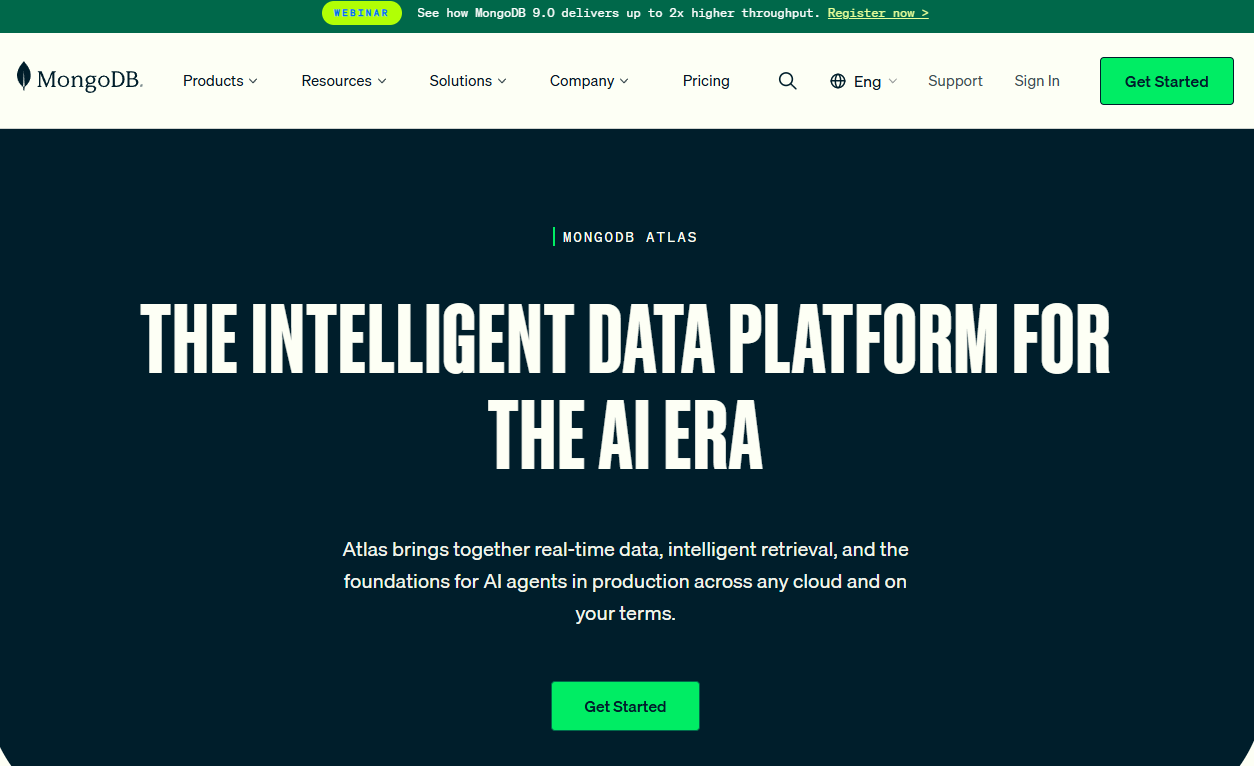
MongoDB Atlas is a fully managed, multi-cloud data platform built on MongoDB. It stores documents as BSON records, organizes them into collections, and supports secondary indexing, aggregation pipelines, replication, and managed backups across AWS, Google Cloud, and Azure. Beyond the core document model, Atlas now includes Atlas Search, Atlas Vector Search, and Atlas Stream Processing for teams building AI-enabled applications.
Best for: Product teams building flexible SaaS data models that may evolve across services, regions, or cloud providers.
Key features
- BSON document storage with flexible schema design
- Secondary indexes and aggregation pipelines
- Multi-cloud deployment across AWS, GCP, and Azure
- Atlas Search and Atlas Vector Search
- Managed backup, replication, and monitoring
Why choose MongoDB Atlas: MongoDB is the most widely recognized document database, which means broad developer familiarity, a large ecosystem of drivers and tooling, and clear documentation for schema design decisions. For a PM, this translates to lower onboarding friction for new engineers and more community resources when the team runs into edge cases. Monitor cluster configuration and usage-based charges as the application scales, since costs can rise quickly without active review.
MongoDB Atlas pricing: There is a permanently free tier for development. The Flex plan caps at $30 per month, billed at $0.011 per hour. Dedicated clusters start at approximately $56.94 per month (verified October 2026 from the Atlas pricing page). Workload-specific services such as Search and Vector Search carry additional usage charges.
G2 rating: 4.5/5 (verified October 2026).
2. Google Cloud Firestore
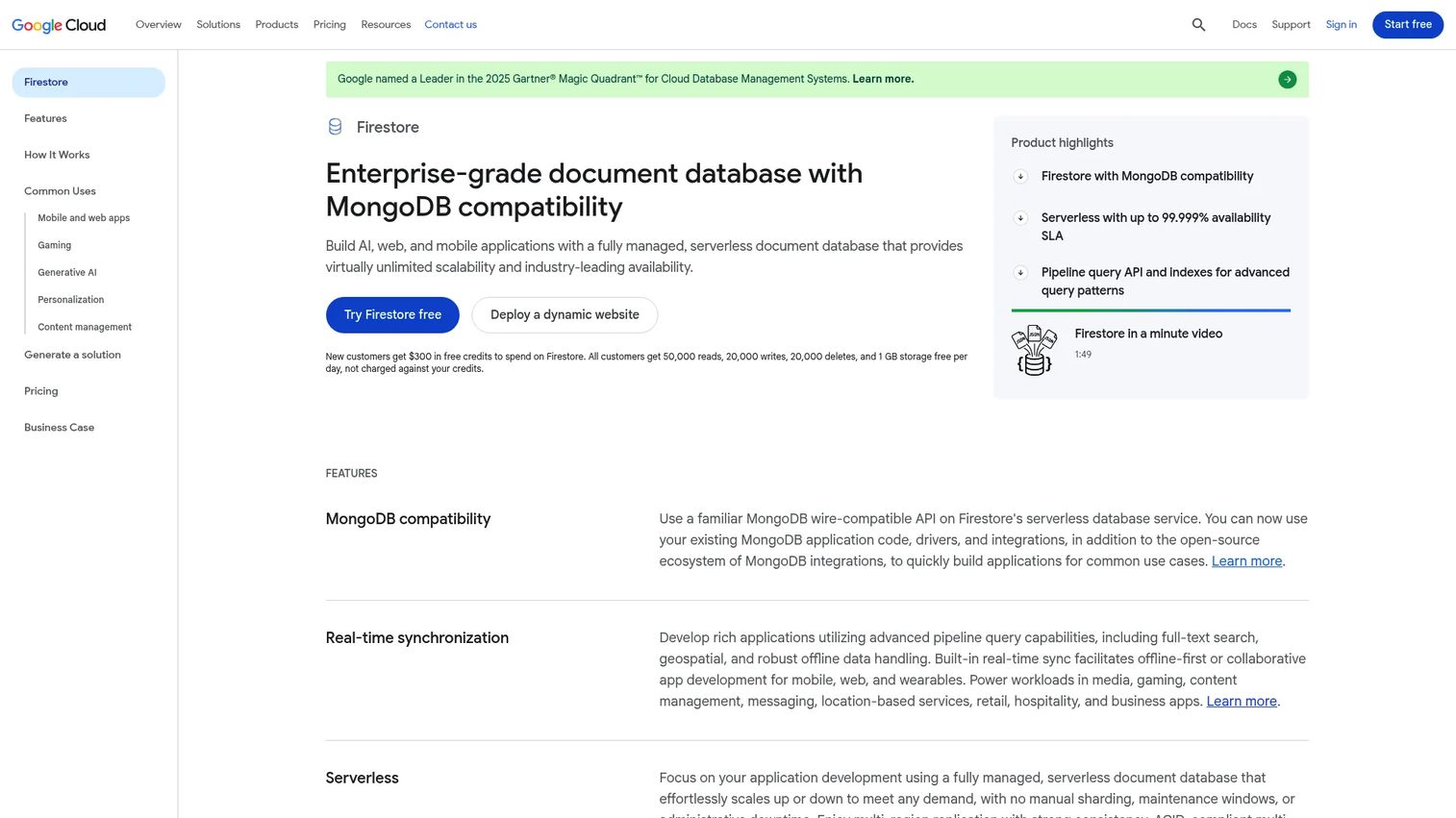
Google Cloud Firestore is a fully managed, serverless NoSQL document database designed for mobile and web applications. Its collections-and-documents model, client SDKs, and real-time synchronization make it a natural fit for Firebase-centered products. Firestore handles scaling automatically and supports offline data access on mobile clients, which matters for applications that need to stay functional without a reliable network connection.
Best for: Product teams building mobile-first or web products that need real-time data sync, offline awareness, and tight Firebase integration.
Key features
- Serverless document storage with automatic scaling
- Real-time client synchronization across devices
- Offline support for mobile applications
- Firebase Authentication integration
- ACID-compliant multi-document transactions
Why choose Google Cloud Firestore: Firestore reduces infrastructure management to near zero for Firebase-centered products. Teams building activation flows, collaborative features, or live status updates can model data directly against what the client SDKs expect. The caveat for PMs: The request-level billing model means that read and write patterns need to be instrumented and monitored carefully, or costs grow in ways that are hard to forecast.
Google Cloud Firestore pricing: The free quota covers 1 GiB of stored data, 50,000 document reads per day, 20,000 writes per day, 20,000 deletes per day, and 10 GiB of monthly outbound transfer for one eligible database per project. Beyond that, reads cost $0.03 per 100,000 operations, writes cost $0.09 per 100,000 operations, and deletes cost $0.01 per 100,000 operations (verified October 2026 from the Google Cloud Firestore pricing page).
G2 rating: 4.2/5 (verified October 2026).
3. Couchbase Capella
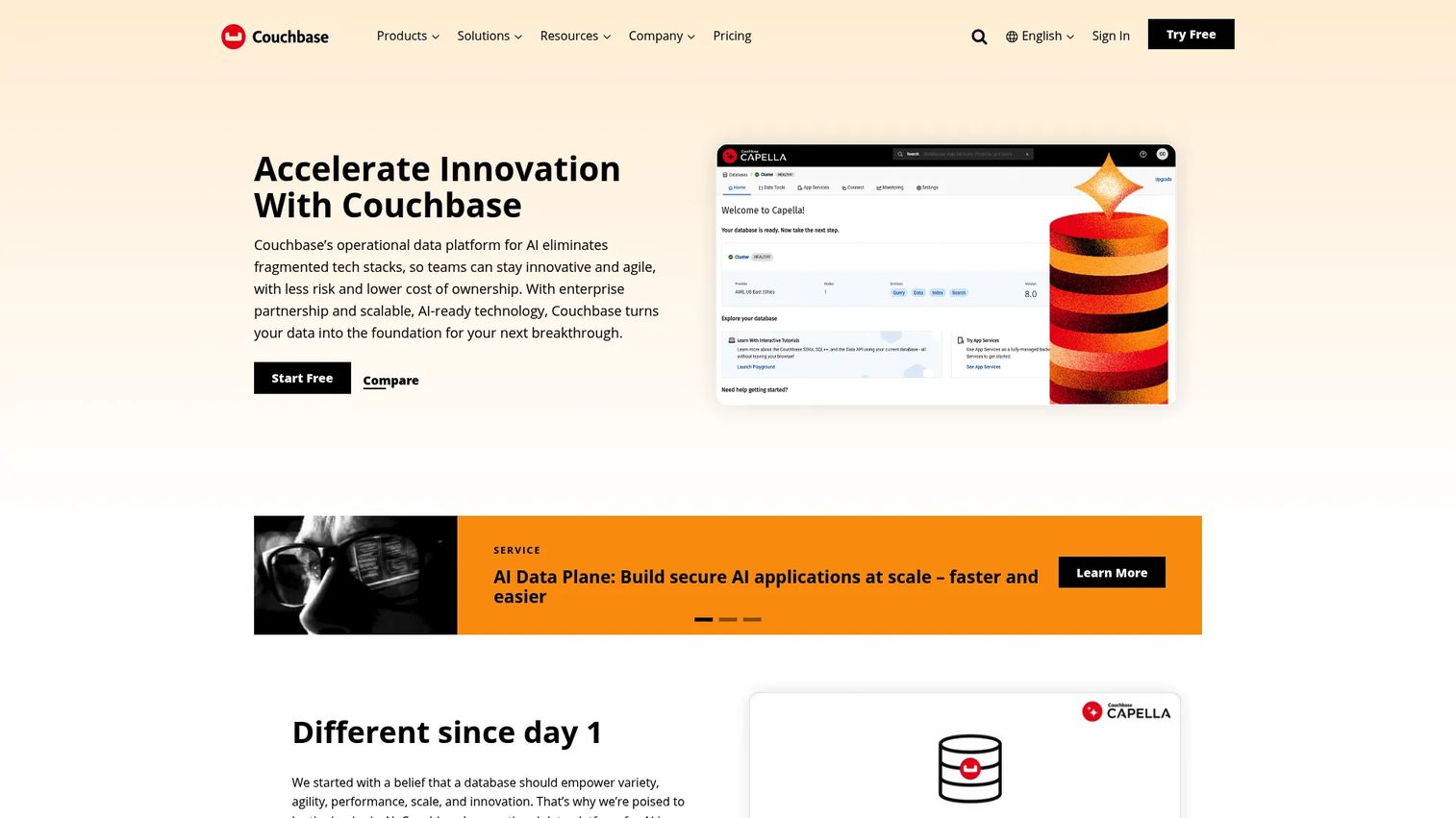
Couchbase Capella is a fully managed, multi-cloud NoSQL database-as-a-service platform. It stores JSON documents and exposes them through SQL++, a SQL-compatible query language that lets teams use familiar query patterns without giving up document flexibility. Beyond querying, Capella includes full-text search, vector search, real-time analytics, and mobile data synchronization through App Services.
Best for: Product teams that need flexible JSON data modeling while supporting sophisticated operational queries or enterprise deployment requirements.
Key features
- JSON document storage with SQL++ querying
- Full-text search and vector search
- Real-time JSON-native analytics
- Mobile App Services with data synchronization
- Role-based access control with scopes and collections
Why choose Couchbase Capella: The SQL++ layer is the main differentiator for product teams whose engineers are more comfortable in SQL than in MongoDB's aggregation pipeline syntax. If the application needs to mix document access patterns with operational query complexity, Capella reduces the learning curve compared to a fully MongoDB-style query model. Evaluate carefully if the team's primary need is BI analytics rather than operational queries, since Capella's analytics service is designed for real-time operational work, not warehouse-scale reporting.
Couchbase Capella pricing: A free tier is available for getting started. Paid clusters start at $0.15 per hour per node on the Basic plan, $0.35 per hour per node on Developer Pro, and $0.49 per hour per node on Enterprise (verified October 2026 from the Couchbase pricing page). Actual costs depend on node count, cluster resources, and region.
G2 rating: 3.8/5 (verified October 2026).
4. Azure Cosmos DB
Azure Cosmos DB is a fully managed, globally distributed NoSQL database service from Microsoft. It supports document workloads through its NoSQL API and includes built-in vector search, automatic indexing on all fields by default, and configurable multi-region replication with single-digit millisecond read latency in each configured region. It also supports a serverless billing model for variable workloads.
Best for: Product teams building Azure-native applications that need global distribution, predictable regional deployment controls, and deep integration with Microsoft cloud services.
Key features
- Global multi-region replication with configurable consistency levels
- NoSQL document API with automatic indexing
- Serverless and autoscale throughput options
- Built-in vector search
- Azure-native monitoring and identity integration
Why choose Azure Cosmos DB: If the product runs primarily on Azure and needs true multi-region availability, Cosmos DB integrates deeply with the rest of the Azure stack including monitoring, identity, and networking. The cost model requires active planning: Throughput is measured in Request Units (RUs), and the number of regions, consistency level, and index configuration all affect what you pay. For PMs, the key decision is whether global distribution is a current product requirement or a future aspiration, since configuring regions you do not need adds cost from day one.
Azure Cosmos DB pricing: A free tier is available per Azure subscription, covering 1,000 RU/s provisioned throughput and 25 GB of storage monthly. Beyond that, billing depends on the compute model (standard provisioned, autoscale, or serverless), the number of configured regions, and storage. No single starting price applies across configurations; use the Azure pricing calculator with representative throughput and region assumptions before committing (verified October 2026 from the Azure Cosmos DB pricing page).
5. Amazon DocumentDB
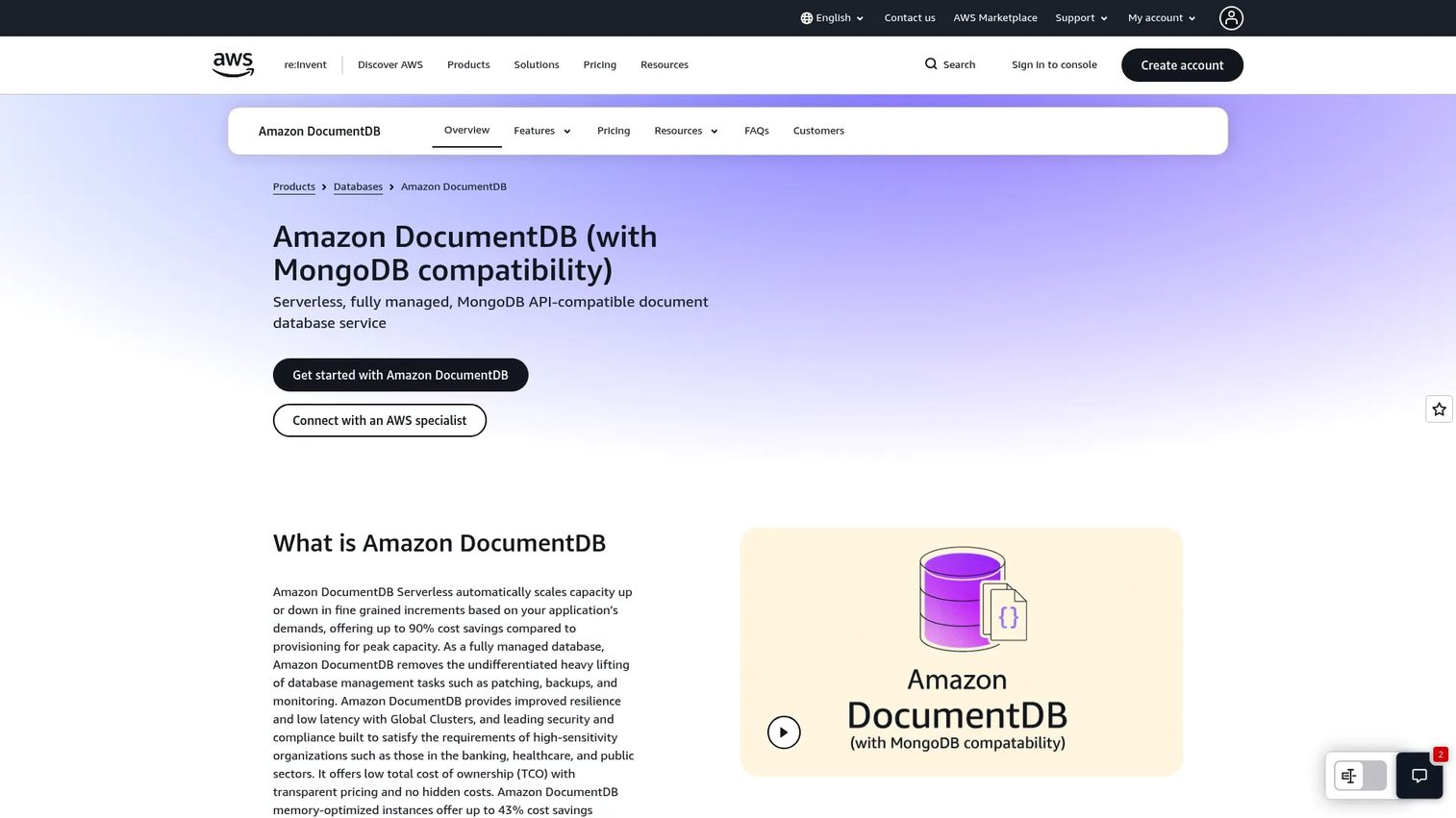
Amazon DocumentDB is a fully managed AWS document database service with MongoDB-compatible APIs. It is not MongoDB itself, but it accepts MongoDB drivers and tools, which reduces migration friction for teams already using the MongoDB application layer. DocumentDB offers both provisioned clusters and a serverless capacity option that scales compute automatically based on actual usage.
Best for: AWS-centered teams that use MongoDB-compatible drivers and want a managed document database without operating MongoDB clusters directly.
Key features
- MongoDB-compatible API and driver support
- Serverless automatic compute scaling
- Multi-Availability Zone storage architecture
- Global Clusters for cross-region resilience
- AWS security integrations including IAM and VPC
Why choose Amazon DocumentDB: The primary value is operational simplicity within an AWS-centric stack. If the application already lives in AWS and uses MongoDB-compatible libraries, DocumentDB removes the need to manage cluster provisioning, patching, and backup configuration. Before migrating, validate which MongoDB features the application uses against the current DocumentDB compatibility documentation, since not every MongoDB operator and index type is supported identically.
Amazon DocumentDB pricing: A one-month free trial covers 750 db.t3.medium instance hours, 30 million I/O operations, 5 GB of storage, and 5 GB of backup storage. After the trial, the serverless Standard tier starts at $0.0822 per Database Capacity Unit (DCU) hour, and the I/O-Optimized serverless tier starts at $0.0905 per DCU-hour. Provisioned instances start at $0.277 per hour for a db.r5.large example in us-east-1. Storage is charged at $0.10 per GB per month. Rates vary by AWS region (verified October 2026 from the Amazon DocumentDB pricing page).
G2 rating: 4.3/5 (verified October 2026).
6. Aerospike
Aerospike is a distributed real-time NoSQL database built for high-throughput and low-latency operational workloads. It supports a document data model alongside its key-value and wide-column capabilities. Its Hybrid Memory Architecture stores indexes in memory while persisting data to SSDs, which keeps response times consistent under heavy load. Aerospike also supports distributed ACID transactions and configurable consistency modes for workloads that need both speed and correctness.
Best for: Product teams running high-volume operational systems where response time directly affects product outcomes, such as personalization engines, fraud detection, or large-scale user data platforms.
Key features
- Hybrid Memory Architecture for memory-like latency with SSD durability
- Distributed ACID transactions with configurable consistency
- Cross-datacenter replication (XDR)
- Horizontally scalable clusters with high availability
- Kafka, Spark, and CDC connector integrations
Why choose Aerospike: The fit is narrow and intentional. Aerospike is the right choice when throughput requirements are high, response time budgets are tight, and the product consequence of latency or data loss is material. It is not the default pick for a team validating an early-stage product idea or building a standard SaaS back end. Aerospike earns its place when workload intensity is the defining constraint.
Aerospike pricing: Community Edition is free for learning and single-application deployments. Enterprise Edition uses contact-based pricing. Aerospike Cloud publishes indicative hourly examples in AWS us-east-1: A resilient cache (small) starts at $3 per hour, a line-of-business application (small to medium) at $34 per hour, and a central system-of-record (medium) at $125 per hour. These are representative examples; actual pricing depends on region, workload sizing, and configuration (verified October 2026 from the Aerospike Cloud pricing page).
G2 rating: 4.4/5 (verified October 2026).
7. CouchDB
Apache CouchDB is an open-source document database built around an HTTP API, JSON documents, and a replication-first architecture. Its multi-primary replication model allows multiple database nodes to accept writes and resolve conflicts, which makes it a strong fit for distributed applications, offline-capable mobile sync, and deployments where network partitions are expected.
Best for: Teams that need open-source deployment control, replication-first data distribution, or sync-oriented applications.
Key features
- JSON document storage with HTTP and RESTful API access
- Multi-primary replication and offline-first synchronization
- Single-node and clustered deployment options
- Crash-resistant append-only storage
- Fauxton web-based administration interface
Why choose CouchDB: CouchDB's replication model is genuinely unusual. It is one of the few databases designed from the ground up to handle sync across nodes that may be intermittently connected, which makes it useful for edge deployments, mobile back ends, or applications where offline data access is a product requirement rather than a nice-to-have. The trade-off is that self-hosting shifts all operational responsibility to the team or hosting partner, including reliability, upgrades, observability, and incident response.
CouchDB pricing: Apache CouchDB is free open-source software available for download from the Apache project. Total cost depends on hosting infrastructure, support contracts, backup tooling, and operational overhead rather than a license fee.
G2 rating: 3.9/5 (verified October 2026).
Considerations when choosing a document database
Model access patterns before choosing the database
Start with what the application actually reads and writes, not with what format looks appealing. Key questions: What data is read together on a single application screen? Which fields change most often? Which queries need secondary indexes? Where do relationships cross document boundaries in ways that would require joins?
Schema flexibility does not eliminate data modeling work. It shifts the governance question from the database layer to the application layer, which can create inconsistent analytics and unpredictable downstream integrations if the team does not maintain conventions.
Separate schema flexibility from schema discipline
Document databases accept new fields without breaking existing records, but teams still need validation rules, field naming conventions, versioning practices, and clear ownership. Without these, the flexibility that speeds up early development can make instrumentation harder and downstream data quality unreliable as the product matures.
Estimate cost from the billing unit
The major billing models across these seven databases include per-operation charges (Firestore), request-unit throughput (Cosmos DB), capacity units (DocumentDB), node-hours (Couchbase Capella), hourly cluster cost (MongoDB Atlas Dedicated), and infrastructure cost (CouchDB self-hosted). Map expected signups, reads per session, write frequency, index growth, and regional footprint to cost forecasts before launch. A model that looks affordable at 10,000 users can behave differently at 500,000.
Confirm transaction and consistency requirements early
Checkout flows, permission changes, inventory updates, and any cross-entity workflow may need stronger transactional guarantees than a simple profile or content record. Test these paths during evaluation, not after the schema is in production. Most modern document databases support multi-document transactions, but the performance and configuration characteristics differ significantly.
Include maintainability in the business case
The right database choice accounts for more than initial developer velocity. Factor in incident ownership, backup and restore expectations, security review requirements for enterprise customers, regional expansion costs, observability tooling, migration paths for future schema changes, and support availability. A managed service shifts most of these responsibilities to the vendor; a self-hosted option keeps them with the team.
Conclusion
The seven document databases covered here serve different workloads and operating models. MongoDB Atlas is the default starting point for teams that want broad document modeling flexibility and mature tooling across any major cloud. Firestore suits Firebase-native and mobile-first products where real-time sync is a product requirement. Couchbase Capella fits teams that want SQL-style querying on top of distributed JSON storage.
Azure Cosmos DB belongs in Azure-native stacks where global distribution and deep Microsoft integration matter. Amazon DocumentDB is the managed AWS option for teams using MongoDB-compatible application code. Aerospike earns its place in high-throughput operational systems where latency is a product-critical variable. CouchDB is the open-source choice for teams that need replication-first architecture and full deployment control.
The practical next step: Pick two candidates that match your cloud strategy and data shape, model your core read and write patterns against their pricing calculators, and run a representative dataset test. Validate the decision against the product roadmap for the next 12 to 18 months, not just the first release.
Start your journey with Guideflow today!
FAQs about document databases
A document database is a type of NoSQL database that stores data as self-contained documents, typically in JSON or BSON format, rather than as rows in relational tables. Each document holds related fields together, including nested objects and arrays, and is organized into collections. Documents can have different structures from one another within the same collection, which allows the schema to evolve as the application changes.
MongoDB Atlas, Google Cloud Firestore, Couchbase Capella, Azure Cosmos DB, and Amazon DocumentDB are all document database examples covered in this guide. CouchDB and Aerospike also support document data models. The right example for a given team depends on cloud provider preference, operational model, and workload characteristics.
Yes. MongoDB stores data as BSON documents organized into collections. It supports flexible schema design, secondary indexing, aggregation pipelines, multi-document transactions, replication, and managed cloud deployment through Atlas. MongoDB is the most widely deployed document database and the one most other document databases compare themselves against for API compatibility.
A relational database stores data in normalized tables with fixed schemas, using foreign keys and joins to connect records. A document database stores related fields together in a single document, which avoids joins for common read patterns but requires careful design when relationships cross document boundaries. Relational databases generally suit workloads where strict consistency, complex joins, and structured reporting dominate. Document databases often fit products where the data model changes frequently and nested objects reflect how the application naturally uses the data.
A key-value database retrieves a stored value by a single key, with no structured querying across the value's contents. A document database stores structured documents and supports querying by any indexed field within those documents, along with aggregation and range queries. Key-value stores are faster for simple lookups and can handle very high throughput, but they offer limited options when the application needs to filter or sort across record attributes.
Document databases work well for SaaS workloads that involve user profiles with varying attributes, account-level configuration, product catalogs with different field sets per category, workflow state machines, and content with evolving metadata. The flexible schema reduces the migration overhead associated with frequent product changes. Payments, financial ledgers, and any workflow requiring strict cross-entity integrity may be better served by a relational database or a database with stronger transaction guarantees.
Avoid a document database when the workload depends heavily on joins across many entities, when strict referential integrity is a product requirement, or when reporting and analytics rely on a highly normalized schema. Financial ledgers, payroll systems, and order management applications with complex audit requirements often fit relational systems better. Some document databases have added strong transaction support, but the data model still needs to be designed carefully for these cases.
Pricing models vary significantly across providers. Firestore bills per read, write, and delete operation. Cosmos DB bills by provisioned or consumed Request Units, number of configured regions, and storage. DocumentDB bills by compute capacity unit hour, storage, I/O charges (for the Standard tier), and data transfer. MongoDB Atlas Dedicated clusters bill hourly by instance size. Couchbase Capella bills by node-hour and plan tier. Aerospike Cloud publishes indicative hourly rates by workload size. CouchDB is free software; the cost is infrastructure and operations. Always model your expected read volume, write frequency, storage growth, and regional footprint against the specific billing unit before launch.