Your launch date is on the roadmap. Engineering owns one dependency, design owns another, and lifecycle work lands three sprints later. Nobody has a single schedule that shows the true critical path.
That's the moment spreadsheets stop working. A shared sheet can't recalculate dates when a dependency slips, can't show you which specialist is overbooked before you commit, and can't tell stakeholders which milestone is genuinely at risk. According to a Capterra study published in 2025, two in three businesses plan to increase project management software spending to add tools, expand functionality, or gain services and support. The pressure on delivery teams is only growing.
Project scheduling software gives you a live plan that connects task durations, owners, dependencies, and capacity into one view. When something changes, the schedule changes with it. This guide answers the question that matters: Which project scheduling tool fits the way you plan, staff, and ship work?
What's inside
This guide is for Product Managers, engineering leads, operations managers, and cross-functional delivery teams evaluating project scheduling software in 2026. Tools were selected and evaluated on four criteria:
- Scheduling depth: Gantt charts, task dependencies, critical path, baselines, and milestone tracking
- Resource visibility: Capacity planning, workload management, utilization, and conflict detection
- PM workflow fit: Release cadence support, integrations, reporting, and maintenance overhead
- Pricing accessibility: Verified current plans, free tiers or trials, and per-seat cost at team scale
TL;DR
- Best overall for cross-functional scheduling: Smartsheet, for teams moving beyond spreadsheets without losing the grid-style mental model
- Best for Agile engineering schedules: Jira, for connecting product priorities to sprint and release planning
- Best for flexible cross-functional work: monday.com, for teams coordinating across departments with varied workflows
- Best for resource and profitability planning: Productive, for agencies and service teams linking schedule decisions to budget
- Best for lightweight capacity visibility: Resource Guru, for teams that need staffing clarity without a full project suite
- Best for simple team coordination: Basecamp, for small teams that want low-configuration project communication
What is project scheduling software?
Project scheduling software helps teams sequence work, assign durations and owners, connect dependencies, set milestones, monitor capacity, and adjust delivery dates as conditions change.
It sits between project planning and full project management. Project planning defines goals, scope, and priorities. Project scheduling turns that work into timed tasks, owners, and dependency chains. Project management coordinates execution, communication, risks, resources, and reporting across the lifecycle. Most modern schedule management tools blend all three, but the scheduling layer is the core.
Core scheduling capabilities
Good project scheduling programs and applications typically include:
- Task creation with duration, owner, and status
- Gantt charts and timeline views
- Finish-to-start and other task dependency types
- Milestones and deadline tracking
- Critical path analysis
- Resource allocation and capacity planning
- Workload and utilization views
- Calendar, board, and list views
- Baselines, schedule changes, and version history
- Project reporting and dashboards
- Notifications and schedule automation
- Integrations with calendars, collaboration tools, CRM, and business systems
- AI-assisted prioritization or schedule recommendations, where available
Scheduling versus planning versus project management
The distinction matters when you evaluate tools. A tool that excels at sprint scheduling may lack the resource allocation depth your operations team needs. A tool built for formal waterfall controls may create too much overhead for a product team running two-week release cycles. Match the scheduling model to how your team delivers before comparing features.
Where AI fits in 2026
Capterra (2025) found that 55% of surveyed buyers named adding AI functionality as a top trigger for new project management software purchases. AI scheduling features in this category currently cover smart date suggestions, workload balancing recommendations, and automated status updates. Evaluate AI claims against your actual workflow gaps rather than treating them as tiebreakers.
When to use project scheduling software
Coordinate a cross-functional launch
Product Managers often own a launch date that depends on engineering, design, data, marketing, documentation, and customer success work happening in a defined sequence. Schedule management software maps those dependencies explicitly. When a dependency slips, the updated schedule shows which downstream milestones move and by how much, before the miss reaches leadership.
Manage capacity before committing to a date
Resource allocation and workload management expose overbooked specialists before a roadmap promise becomes a delivery risk. A capacity planning view shows you that your lead engineer is already at 100% during the sprint you were planning a new feature build. That's opportunity cost made visible, and it's far cheaper to see before the commitment than after.
Track complex dependencies and deadline risk
Gantt charts, critical path analysis, baselines, and schedule alerts help teams identify which delay actually threatens the launch and which is recoverable. Agile teams may prefer backlog and sprint views alongside timeline planning, so look for tools that support both cadences rather than forcing one delivery model on the whole organization. For more on capacity planning software choices, see our separate guide.
Project scheduling software comparison
The table below is a shortlist to orient your evaluation. Use it to identify one or two tools to test against a real project, not as a substitute for workflow testing. Tools are ordered by relevance to project scheduling and Product Manager use.
Pricing and G2 ratings verified from vendor pricing pages and G2 listings as of September 2026.
| # | Product | Best for | Key differentiator | Pricing | G2 rating |
|---|---|---|---|---|---|
| 1 | Smartsheet | Cross-functional scheduling | Spreadsheet-style grid with full Gantt and dependency controls | From $9/user/mo (billed yearly) | 4.4/5 |
| 2 | Microsoft Project | Traditional critical-path planning | Deep Gantt scheduling with baselines and variance tracking | From $10/user/mo (billed yearly) | 4.0/5 |
| 3 | Jira | Agile engineering schedules | Backlog-to-roadmap planning with issue dependencies | Free; paid plans via calculator | 4.3/5 |
| 4 | monday.com | Flexible cross-functional workflows | Custom boards with timeline, workload, and dependency automation | From $9/seat/mo (billed yearly) | N/A |
| 5 | Asana | Clear task ownership and delivery visibility | Timeline, milestones, portfolios, and workload in one view | From $10.99/user/mo (billed yearly) | 4.4/5 |
| 6 | ClickUp | All-in-one scheduling workspace | Gantt, docs, goals, dashboards, and automations combined | Free; paid from $7/user/mo (billed yearly) | 4.6/5 |
| 7 | Wrike | Portfolio scheduling and complex workflows | Interactive Gantt with cross-project dependencies and approvals | Free; paid from $10/user/mo (billed yearly) | 4.2/5 |
| 8 | Productive | Agency and service team scheduling | Project scheduling linked to time tracking, budgets, and profitability | From $9/mo (billed yearly) | 4.6/5 |
| 9 | Resource Guru | Lightweight resource scheduling | Dedicated resource calendar with conflict alerts and leave management | From $5/person/mo | N/A |
| 10 | Nifty | Scheduling with built-in collaboration | Roadmaps, milestones, and team communication in one workspace | Free; paid from $10/member/mo | 4.7/5 |
| 11 | Scoro | Professional services operations | Scheduling, CRM, budgets, and profitability in a single platform | From $17/user/mo | 4.5/5 |
| 12 | Basecamp | Straightforward team coordination | Flat-rate pricing with schedules, messages, and to-dos combined | From $25/mo flat rate | N/A |
12 best project scheduling software tools for 2026
1. Smartsheet
!Smartsheet grid and Gantt project scheduling view
Smartsheet is an AI-powered work management platform that combines a familiar spreadsheet-style grid with full project scheduling controls, including Gantt charts, dependencies, milestones, dashboards, and workflow automation. Teams can build project views that look like a spreadsheet but behave like a scheduling tool, which shortens adoption time for anyone moving off Excel or Google Sheets. It handles projects, portfolios, and cross-functional operations from one workspace.
Best for: Product and operations teams that want spreadsheet-style structure with stronger schedule controls and executive reporting.
Key features
- Grid, Gantt, board, calendar, and timeline views
- Task dependencies and critical path analysis
- Resource and workload visibility
- Dashboards, reports, and automated workflows
- Templates for launches, rollups, and cross-functional programs
Why choose Smartsheet: The grid-first interface means teams familiar with spreadsheet project tracking can switch without relearning how to structure work. Portfolio rollups and executive dashboards make stakeholder reporting practical for Product Managers managing multiple workstreams.
Smartsheet pricing: Pro starts at $9 per member per month billed yearly ($12 monthly). Business runs $19 per member per month billed yearly ($24 monthly). Enterprise and Advanced Work Management use custom pricing.
G2 rating: 4.4/5.
2. Microsoft Project
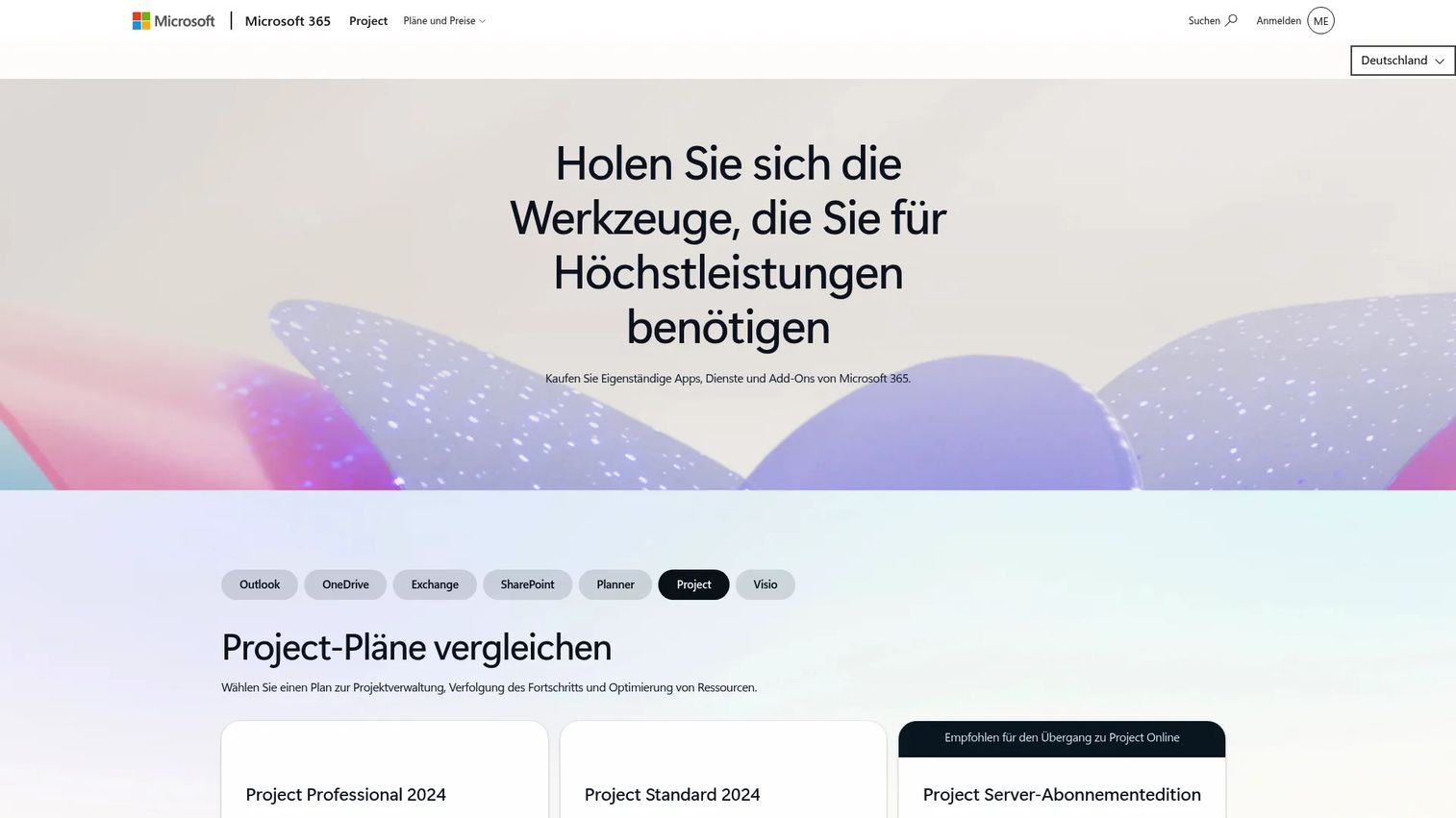
Microsoft Project is a project and portfolio management platform built for formal schedule management, detailed Gantt views, critical path analysis, and resource planning within the Microsoft 365 ecosystem. It supports waterfall, agile, and hybrid delivery methods with baselines, variance tracking, and earned value reporting. Teams already using Microsoft 365 will find it connects directly with Teams, Planner, and other enterprise tools.
Best for: PMOs and teams running waterfall or hybrid delivery methods that need deep scheduling controls and Microsoft ecosystem integration.
Key features
- Detailed Gantt chart scheduling with milestones
- Critical path analysis and baseline tracking
- Variance tracking and schedule comparison
- Resource allocation and capacity management
- Microsoft 365 integrations (Teams, Excel, SharePoint)
Why choose Microsoft Project: For teams that need formal schedule governance, variance reporting, and critical path controls, this is the deepest scheduling tool in the list. The learning curve is real, but the governance depth justifies it for PMO environments.
Microsoft Project pricing: Planner Plan 1 starts at $10 per user per month billed yearly. Planner and Project Plan 3, which adds the Project desktop client and advanced features, runs $30 per user per month billed yearly. Project Standard 2024 is available as a one-time purchase at $679.99; Project Professional 2024 is $1,129.99 one-time. Note that Project Plan 5 moved to end-of-sale in May 2026, and Project Online retires September 30, 2026.
G2 rating: 4.0/5.
3. Jira
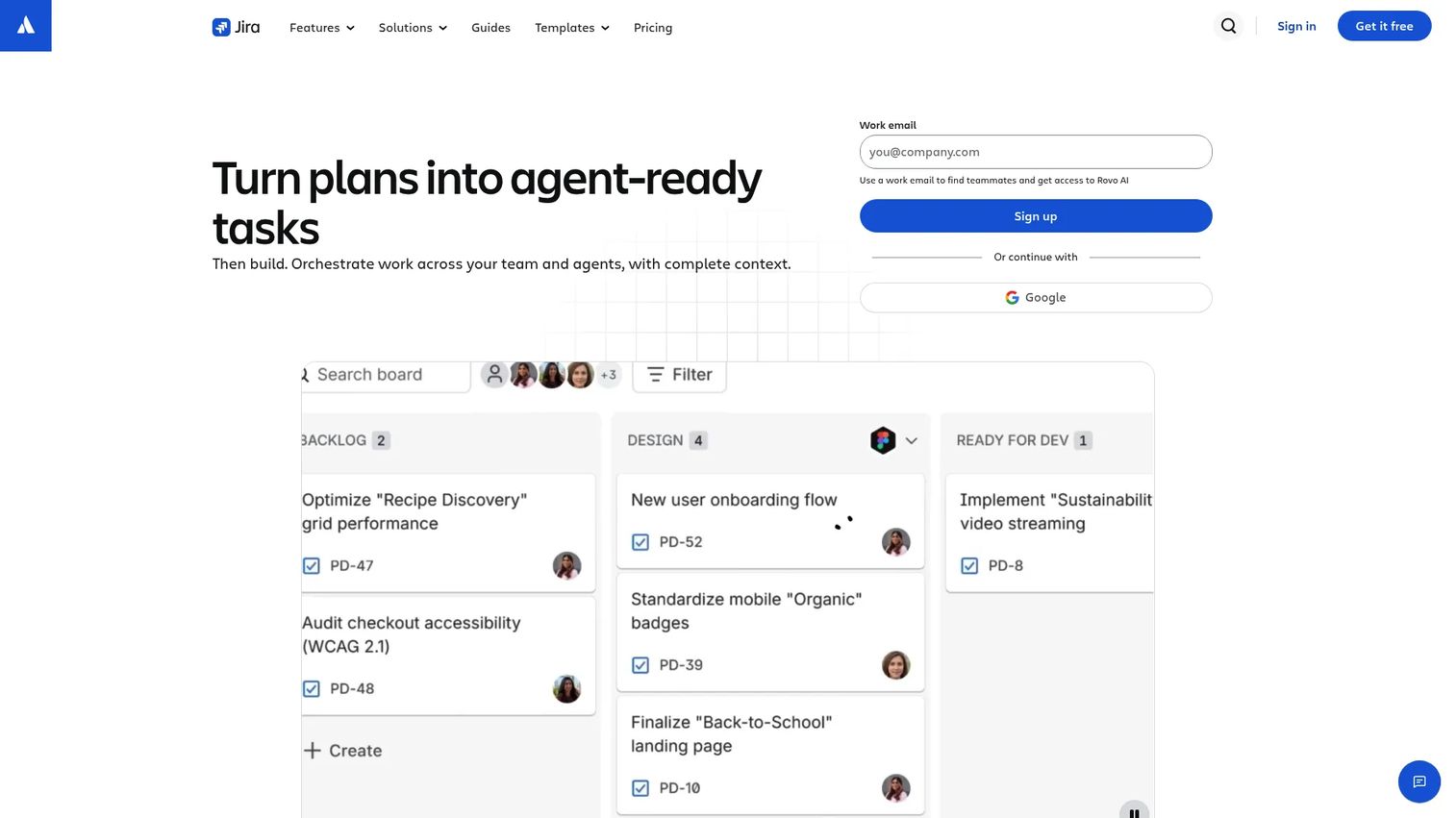
Jira is Atlassian's project and work management platform built around backlog-driven planning, sprint scheduling, release roadmaps, and issue dependencies. It gives Product Managers a timeline view to sequence cross-functional work while letting engineering teams operate in their preferred Kanban or Scrum boards. The tool's strength is connecting product priorities to engineering execution without forcing Agile teams into a waterfall schedule.
Best for: Product and engineering teams planning iterative delivery across sprints and releases.
Key features
- Backlog and sprint planning with Scrum and Kanban boards
- Release roadmaps with dependency mapping
- Issue dependencies and blocking relationships
- Workflow automation and custom reporting
- Integrations with development tools (GitHub, Bitbucket, Confluence)
Why choose Jira: If your scheduling challenge is primarily connecting product roadmap decisions to engineering sprint capacity, Jira handles that better than most general-purpose tools. The free tier supports up to 10 users, making it a low-risk starting point for smaller teams. For broader context on product management tools, see our dedicated guide.
Jira pricing: Free for up to 10 users. Standard and Premium plan prices require the Atlassian pricing calculator, as the cost varies by user count and billing cycle. Enterprise pricing is contact-sales only. All plans include a free trial period.
G2 rating: 4.3/5.
4. monday.com
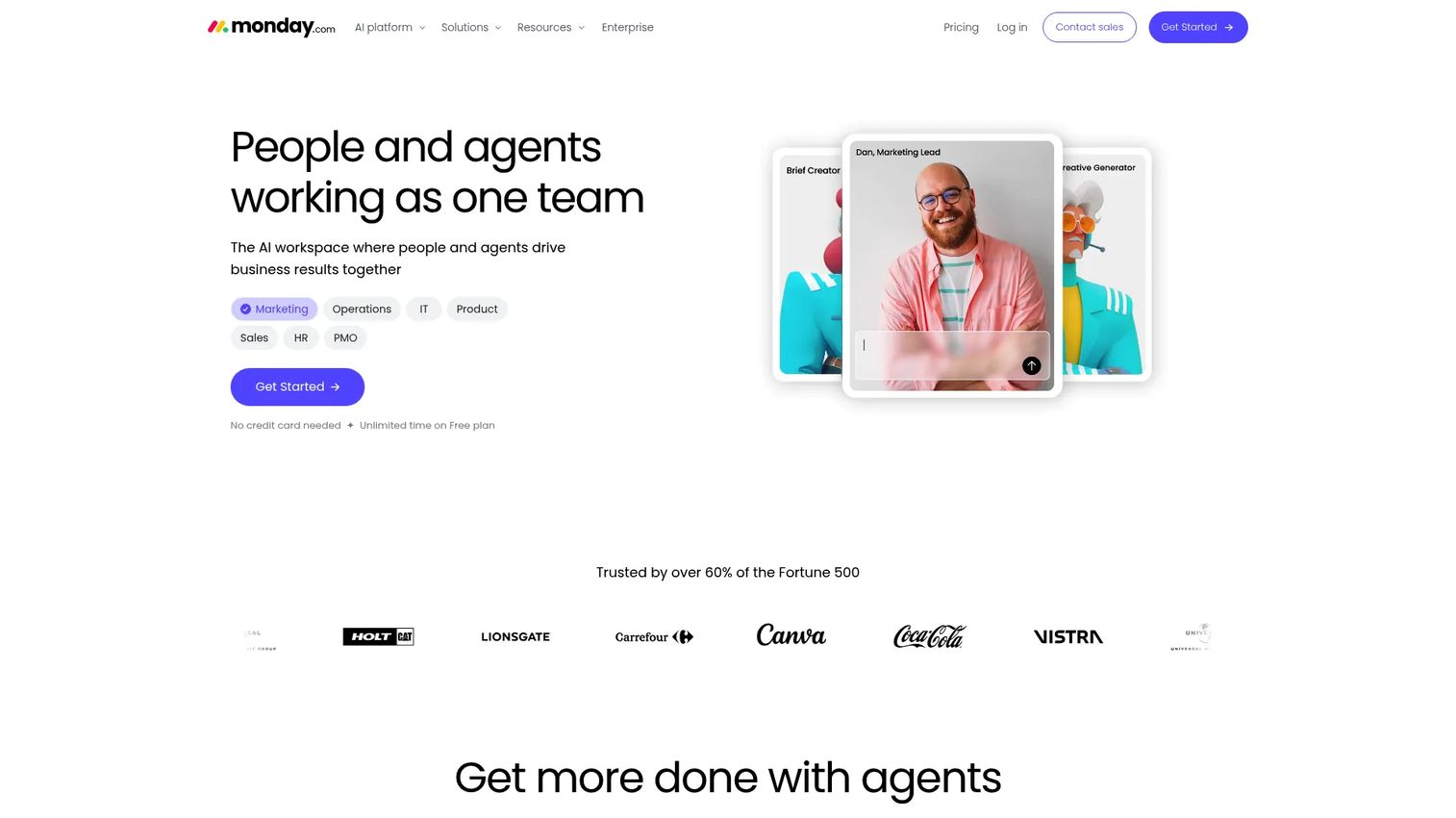
monday.com is an AI-powered Work OS built around customizable boards, timeline and Gantt views, workload management, and dependency automation. It works for product teams, marketing teams, and operations functions simultaneously, with each team building the board structure that matches their workflow. Portfolio dashboards aggregate work across multiple boards into an executive view.
Best for: Product teams coordinating work across departments with different workflows and varying levels of scheduling complexity.
Key features
- Custom project boards with flexible column types
- Timeline and Gantt views with dependency automation
- Workload management and capacity views
- Portfolio dashboards and cross-board reporting
- Automations and integrations with CRM, dev tools, and communication platforms
Why choose monday.com: The flexibility is genuine. Teams can configure boards to match almost any workflow without forcing everyone into a single delivery model. The tradeoff is governance: Without agreed naming conventions and board structures, cross-team reporting becomes inconsistent. Plan that alignment work before rollout.
monday.com pricing: Free plan available for up to two seats. Basic starts at $9 per seat per month billed annually. Standard is $12 per seat per month annually; Pro is $19 per seat per month annually. Enterprise pricing requires a custom quote.
G2 rating: Not available at generation time.
5. Asana
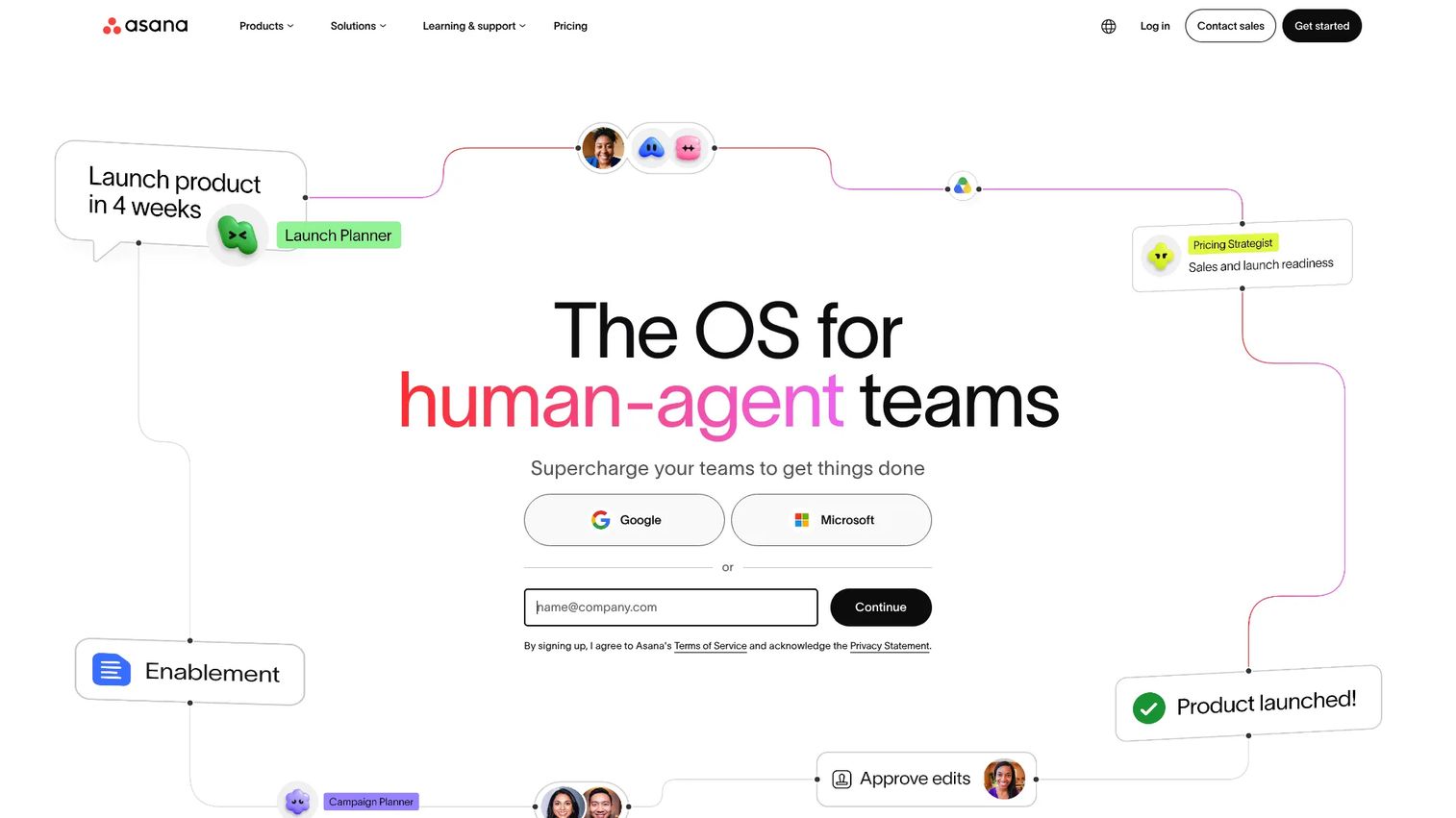
Asana is a work management platform that combines task management, timeline views, dependency mapping, milestones, portfolio reporting, and workload planning in one interface. Product Managers use it to give stakeholders a readable schedule without requiring those stakeholders to understand complex project management conventions. Portfolio views show delivery status across multiple projects from a single dashboard.
Best for: Product Managers who need a readable schedule with clear task ownership, milestone tracking, and stakeholder-facing reporting.
Key features
- Timeline views with task dependencies and milestones
- Portfolio reporting across multiple projects
- Workload planning and capacity visibility
- Forms, workflow rules, and automation
- Goals aligned to project outcomes
Why choose Asana: The timeline and milestone views are genuinely readable for non-PM stakeholders, which reduces the time spent translating schedule data into executive summaries. Teams that need deep resource financial planning or complex critical path controls may find it lighter than Microsoft Project or Smartsheet for those specific use cases.
Asana pricing: Personal plan is free for up to two users. Starter runs $10.99 per user per month billed annually. Advanced, Enterprise, and Enterprise+ require contacting sales for pricing. A free trial is available on paid plans.
G2 rating: 4.4/5.
6. ClickUp
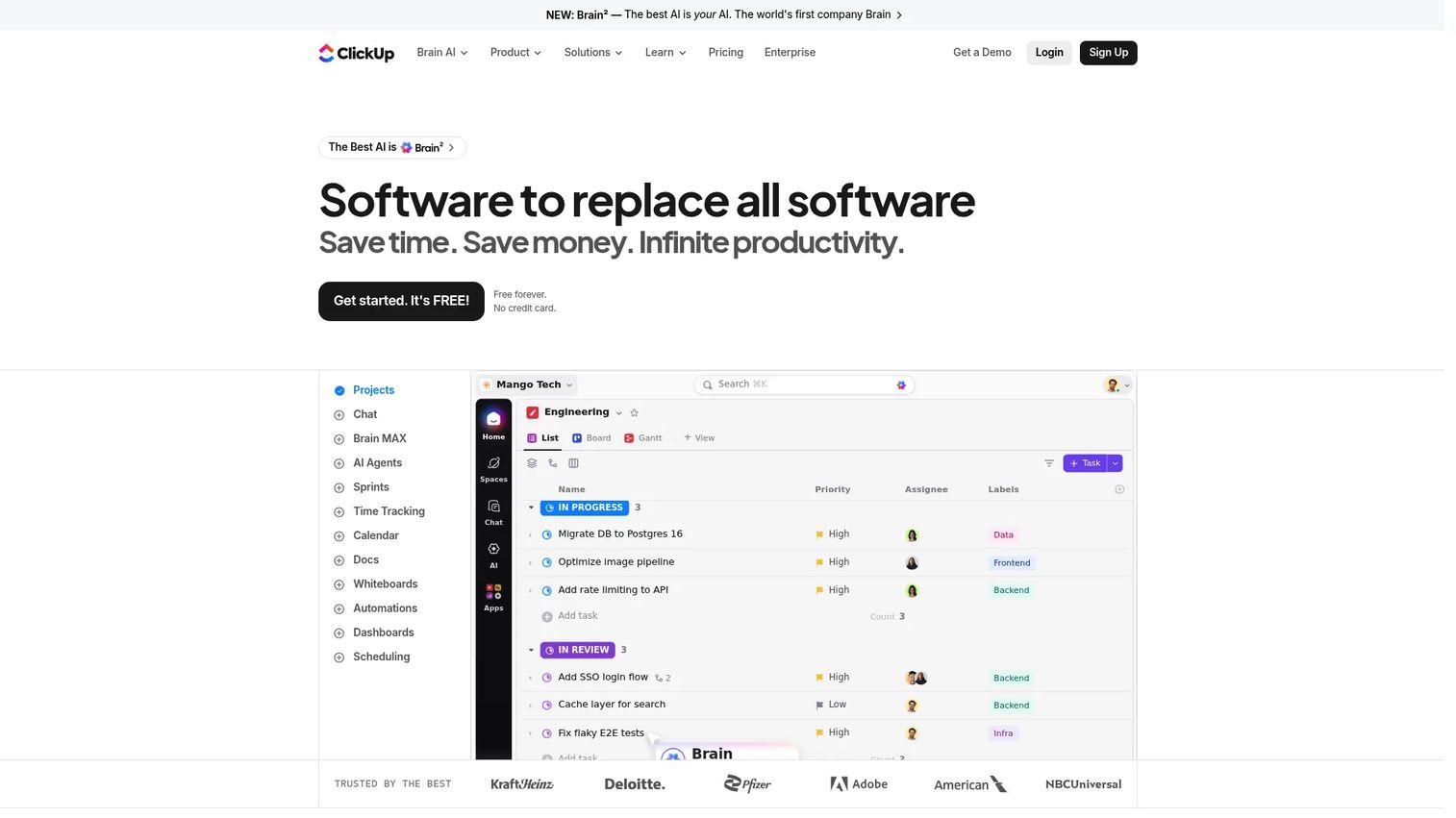
ClickUp is an all-in-one work management platform that combines tasks, Gantt charts, docs, goals, dashboards, automations, and team chat in one configurable workspace. It's built for teams that want to reduce context switching by keeping scheduling, documentation, and communication in the same tool. Custom fields, statuses, and multiple project views give teams significant control over how work is structured and tracked.
Best for: Teams trying to consolidate scheduling, documentation, and execution into one workspace rather than maintaining separate tools for each.
Key features
- Gantt charts with task dependencies and critical path
- Multiple project views: List, board, calendar, timeline, Gantt
- Custom fields, statuses, and workflow automation
- Dashboards and goal tracking with reporting
- ClickUp Brain AI for task summaries and automation suggestions
Why choose ClickUp: The breadth is the point. If your team is paying for a project tool, a docs tool, and a goal-tracking tool separately, ClickUp can consolidate them. The risk is configuration complexity: Without clear internal conventions, the flexibility creates inconsistency. Limit custom workflow creation to a small group during rollout.
ClickUp pricing: Free Forever plan available. Unlimited plan starts at $7 per user per month billed yearly. Business runs $12 per user per month billed yearly. Enterprise pricing requires contacting sales.
G2 rating: 4.6/5.
7. Wrike
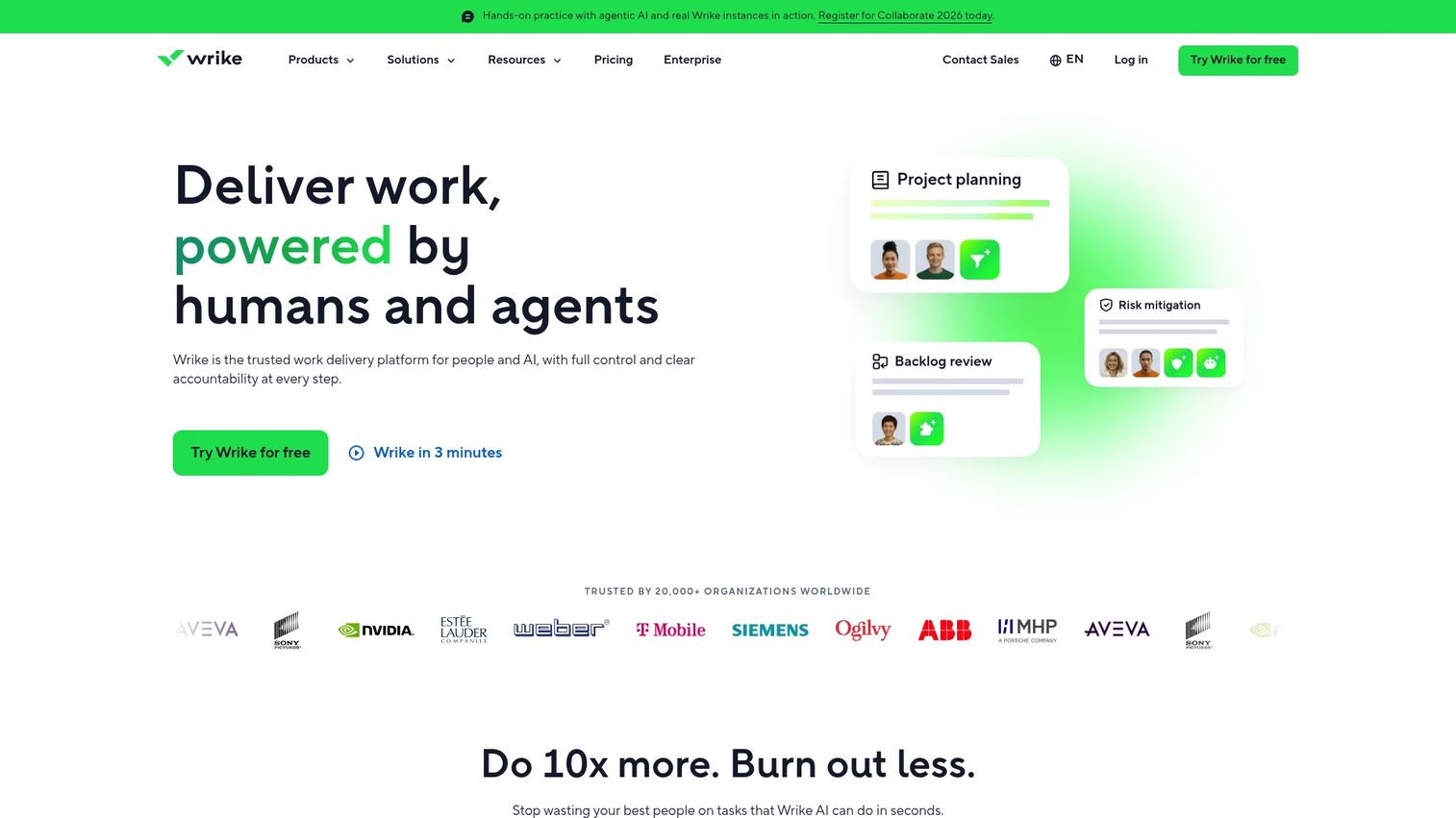
Wrike is a work management platform for teams managing multiple concurrent workstreams, with interactive Gantt charts, cross-project dependencies, workload management, intake workflows, approval processes, and portfolio dashboards. It handles both the scheduling layer and the governance layer, including request intake, proofing, and approval routing. That combination makes it useful for mid-market and enterprise teams where work crosses multiple functions before it reaches execution.
Best for: Mid-market and enterprise teams managing many concurrent projects that need both scheduling depth and intake-to-execution governance.
Key features
- Interactive Gantt charts with cross-project dependencies
- Workload and resource views with capacity planning
- Intake forms and approval workflows
- Portfolio dashboards with cross-project status
- Time tracking and 400-plus integrations
Why choose Wrike: The combination of scheduling and governance in one tool reduces the number of handoffs between request intake, approval, scheduling, and execution. Verify which reporting and resource planning features belong to each plan tier before committing, as some advanced controls are gated to higher plans.
Wrike pricing: Free plan available. Team plan starts at $10 per user per month billed annually. Business runs $25 per user per month billed annually. Pinnacle and Apex plans require contacting sales.
G2 rating: 4.2/5.
8. Productive
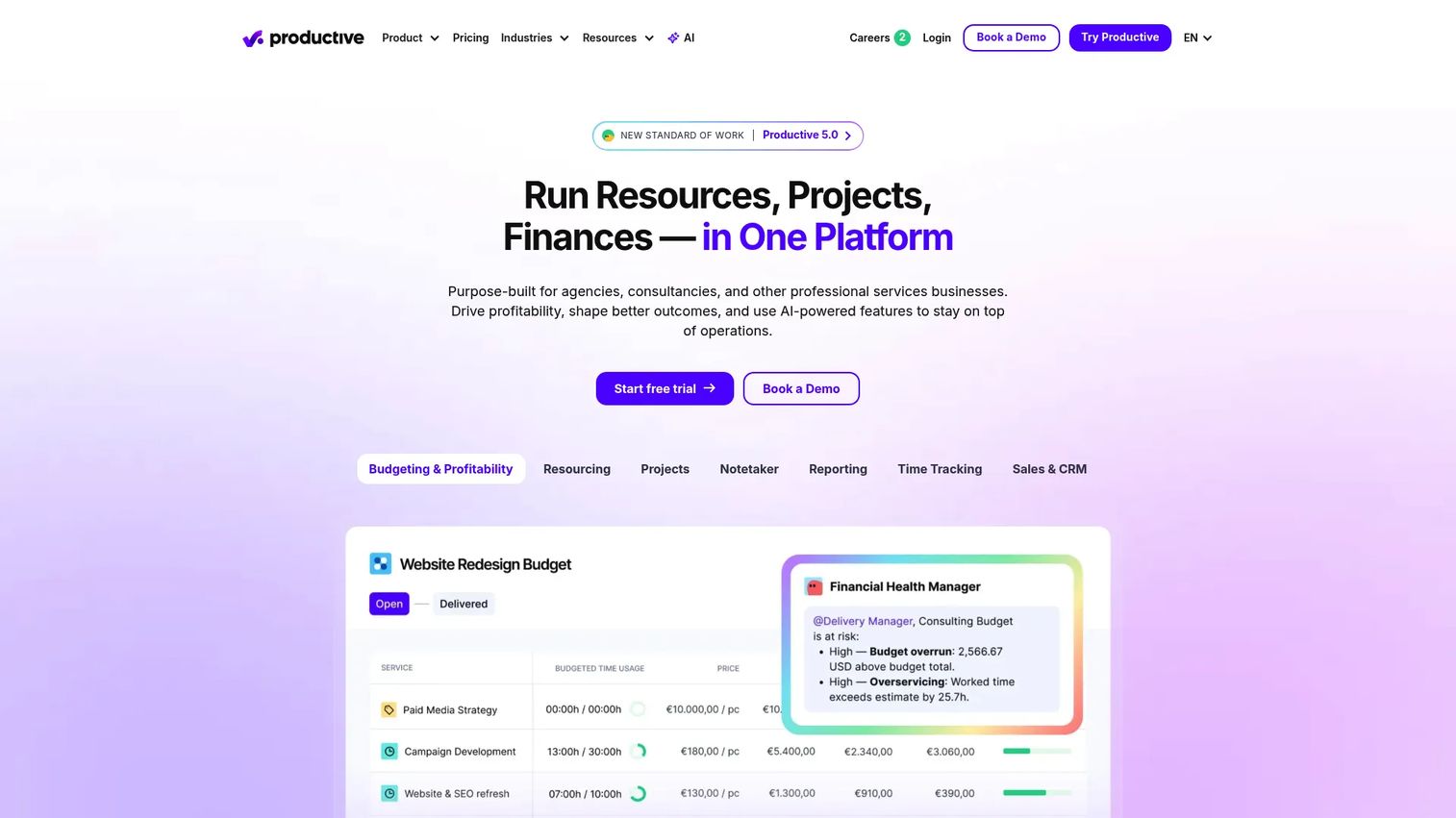
Productive is an all-in-one professional services platform that connects project scheduling, resource planning, time tracking, budgeting, invoicing, and profitability reporting in one system. It's built for agencies, consultancies, and productized service teams where schedule decisions have direct financial consequences. Workload forecasting shows available capacity before work is assigned, so scheduling commitments don't silently eat into margin.
Best for: Agencies, consultancies, and service businesses that need to link project schedules to billable capacity, budgets, and profitability.
Key features
- Resource planning with workload forecasting
- Project and task management with Gantt views
- Time tracking linked to budgets and profitability
- Invoicing and expense management
- Client reporting and financial dashboards
Why choose Productive: For teams where "is this project on schedule?" and "is this project profitable?" are the same question, Productive answers both without requiring separate tools. A pure product roadmap team that doesn't manage billable capacity or client budgets may find the financial layer more than they need.
Productive pricing: No free plan. A 14-day free trial is available. Essential starts at $9 per month billed yearly (shown as $10 per month billed monthly). Professional runs $24 per month billed yearly ($25 monthly). Ultimate requires a sales conversation.
G2 rating: 4.6/5.
9. Resource Guru
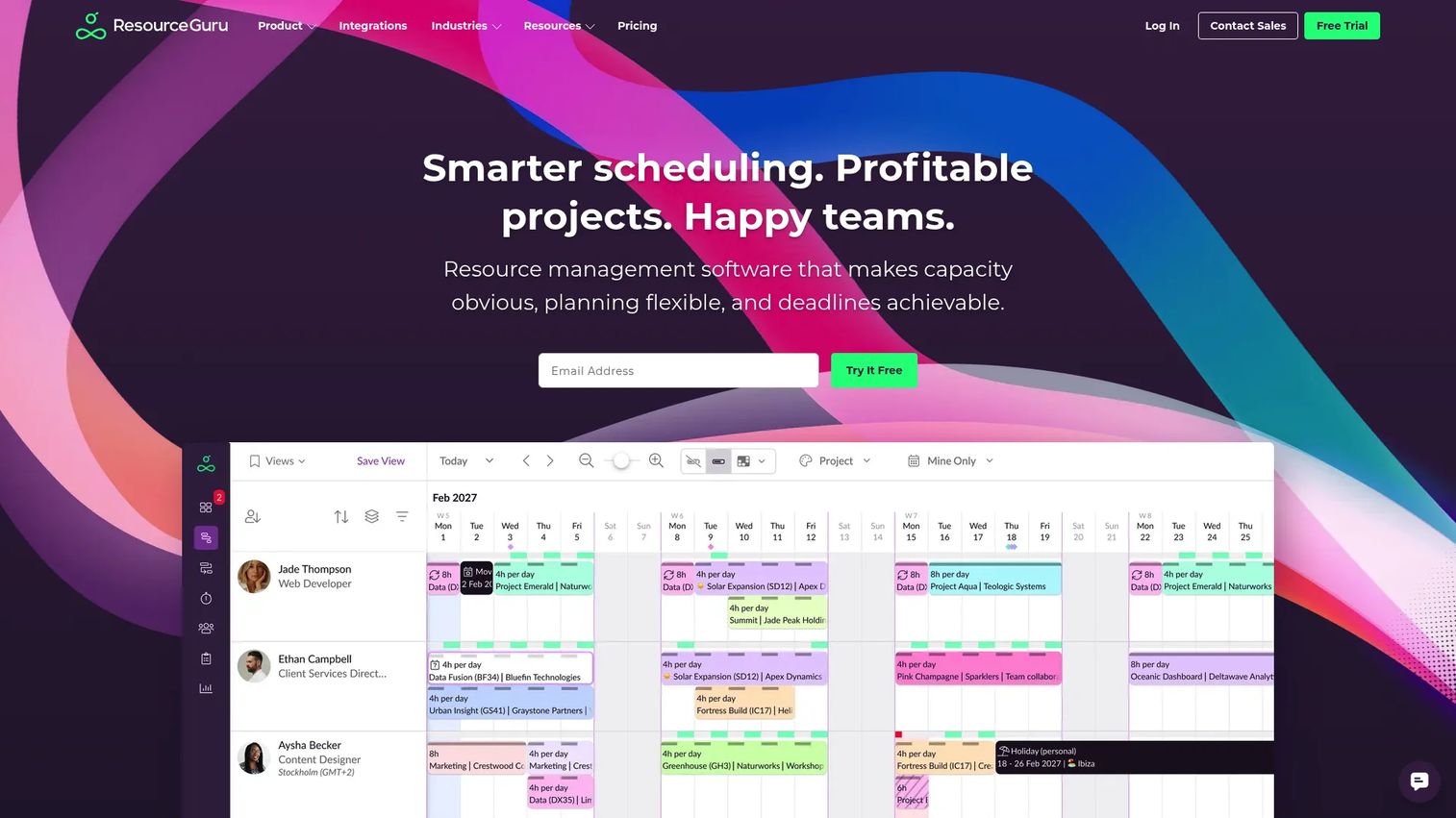
Resource Guru is a dedicated resource management and scheduling platform focused on people scheduling, capacity planning, leave management, utilization, and conflict detection. It's not a full project management suite. It does one job well: Showing you who is available, when they're available, and where conflicts will appear before they become delivery problems.
Best for: Teams that need clear capacity and staffing visibility without a broad project management platform attached to it.
Key features
- Resource calendar with capacity and availability views
- Leave management integrated with scheduling
- Conflict alerts and utilization reporting
- Project planning with Gantt chart support
- Calendar sync and AI integrations (MCP)
Why choose Resource Guru: If your primary pain is "I don't know who has capacity before I commit to a delivery date," Resource Guru solves it directly. Teams often pair it with a task-execution tool for detailed project tracking. A 30-day fully featured free trial is available before any payment. For teams evaluating their marketing resource management software stack, this tool is worth comparing.
Resource Guru pricing: No permanent free tier. A 30-day free trial is available. Grasshopper starts at $5 per person per month. Blackbelt runs $8 per person per month. Master is $12 per person per month. Annual plans include two months free. Enterprise pricing requires contacting sales.
G2 rating: Not confirmed at generation time.
10. Nifty
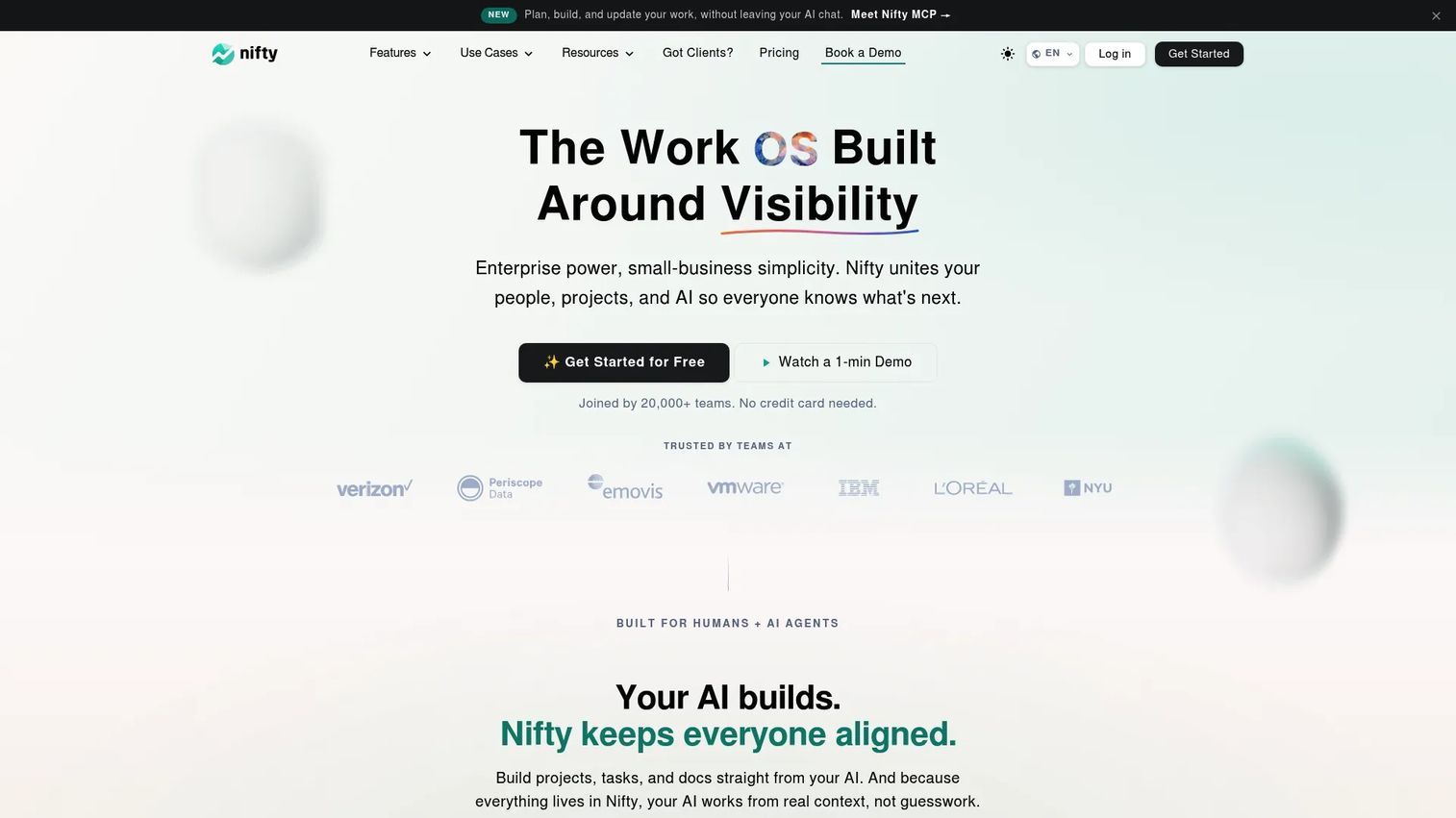
Nifty is an all-in-one workspace that combines project roadmaps, milestones, task management, team discussions, document collaboration, time tracking, and workflow automation. It's positioned for smaller product teams that want scheduling and project communication together without switching between a project tool and a collaboration tool. Goals tracking and team workload views give Product Managers visibility into progress without a separate reporting layer.
Best for: Smaller product teams that want project scheduling, milestones, and team communication in one workspace.
Key features
- Roadmaps and milestones with timeline views
- Tasks with recurring options and cross-project overviews
- Discussions, docs, and file proofing in one workspace
- Time tracking and workflow automations
- Goals tracking and team workload views
Why choose Nifty: For smaller teams, the value is fewer context switches. Scheduling, discussion, and document collaboration live in the same workspace, which reduces the overhead of maintaining separate tools. Teams needing deep resource financial planning or complex multi-project critical path analysis should test those capabilities carefully before committing.
Nifty pricing: Free plan available (2 active projects, 100 MB storage). Pro starts at $10 per member per month (or $79 per month as a flat team plan). Business runs $16 per member per month (or $124 per month flat). Unlimited is $399 per month flat. Enterprise pricing is custom.
G2 rating: 4.7/5.
11. Scoro
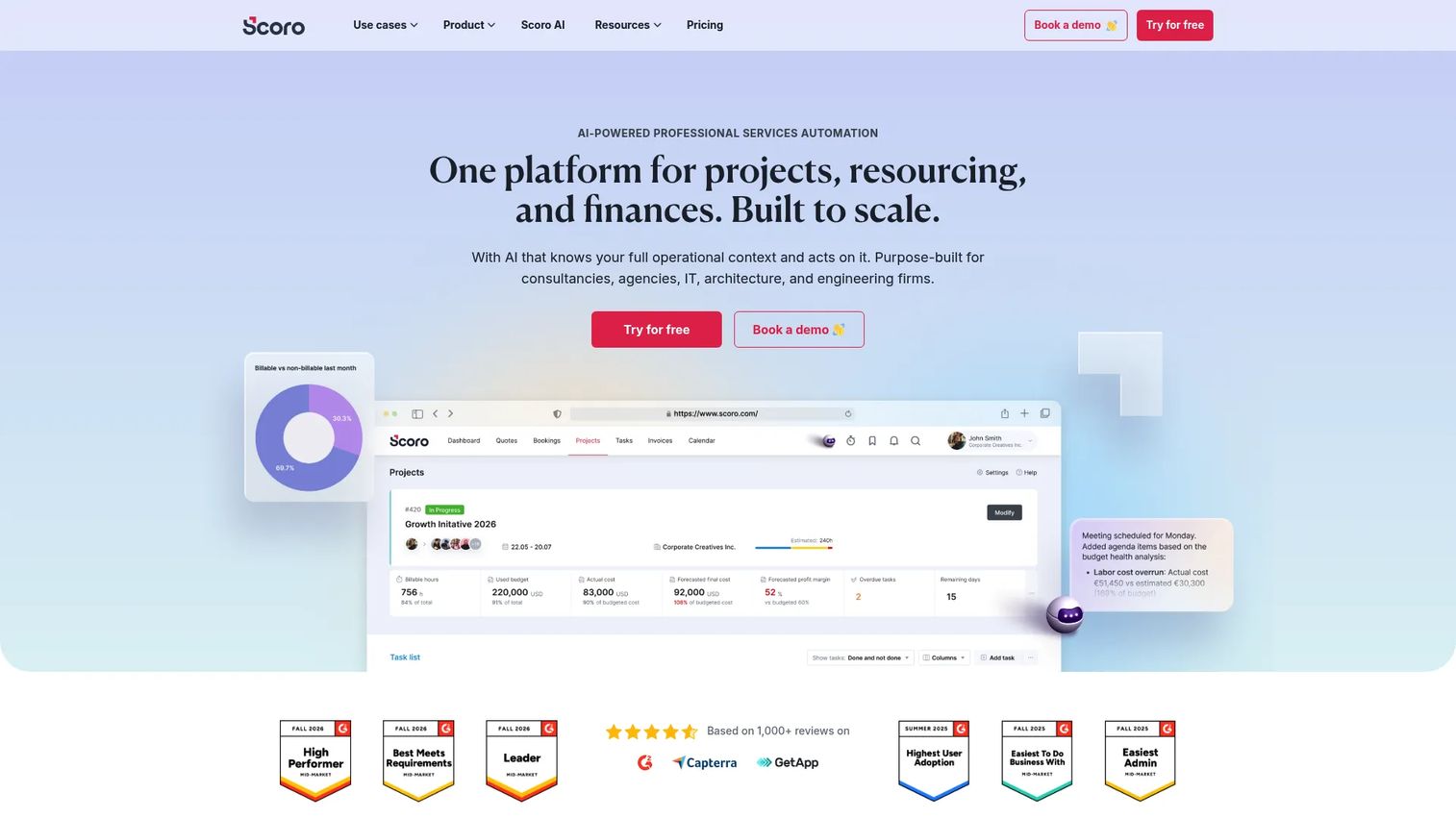
Scoro is an AI-powered professional services automation platform that combines project and task management, resource planning, CRM, time tracking, budgeting, invoicing, and profitability reporting. It's built for consultancies, agencies, IT firms, and professional services organizations where managing a project means managing the client relationship and the financial outcome simultaneously. Its modular pricing model means teams can activate the specific capability combinations they need.
Best for: Professional services teams that manage projects, clients, resources, and financial outcomes from a single platform.
Key features
- Project timelines and task management
- Resource and capacity planning with workload views
- Time and expense tracking linked to labor costs
- CRM and pipeline management alongside project delivery
- Budgeting, invoicing, and profitability reporting
Why choose Scoro: The integration of CRM data with project scheduling means a new client deal flows directly into resource planning without manual data entry. For teams that only need product delivery scheduling without the client and financial layer, the platform may be more than required. A 14-day free trial is available to test fit before committing.
Scoro pricing: No free plan. A 14-day free trial is available. The Time-billing app starts at $17 per user per month. Projects and Resources runs $29 per user per month. Combinations require a minimum of five users, and modular pricing applies to additional apps.
G2 rating: 4.5/5.
12. Basecamp
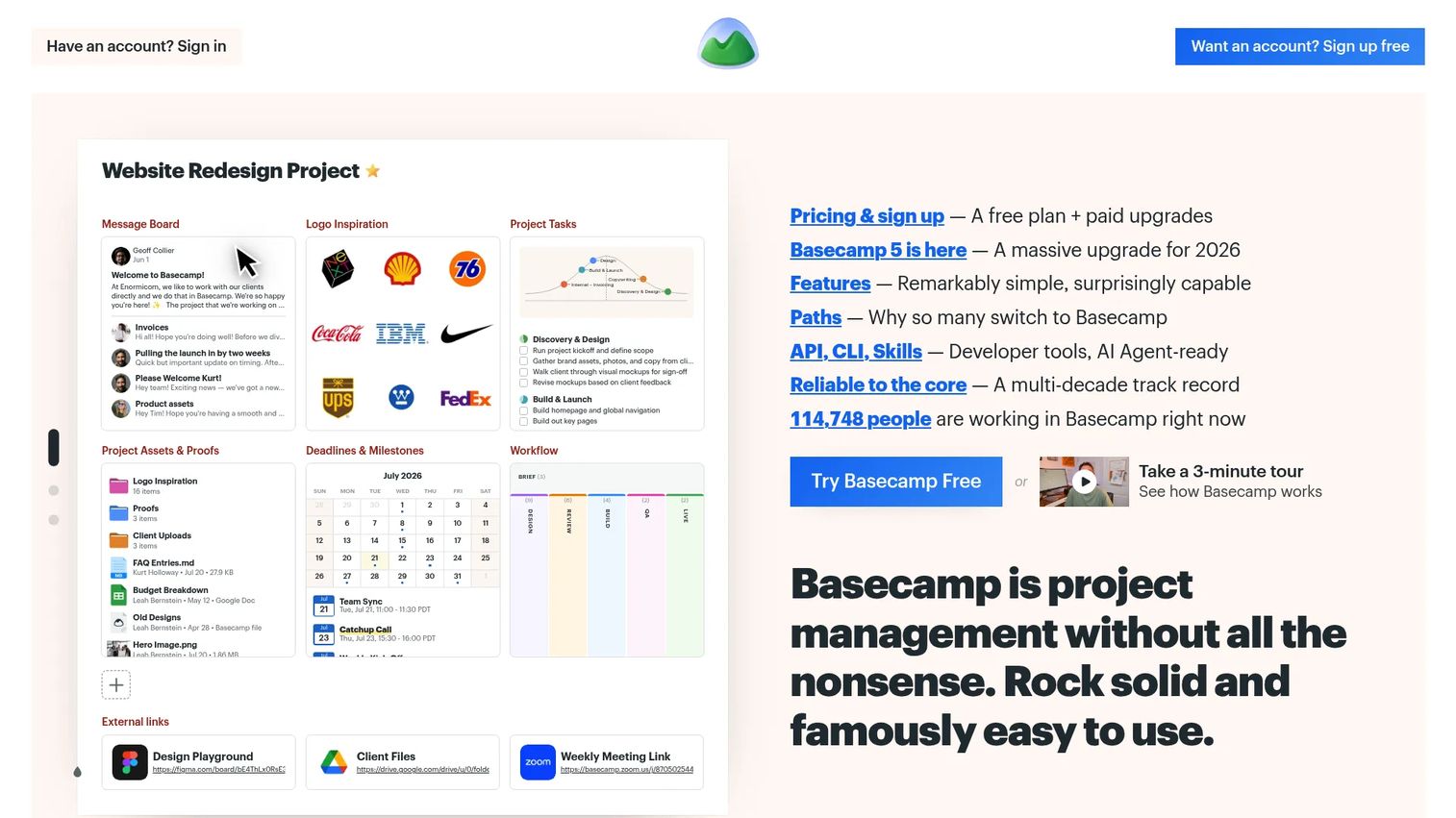
Basecamp is a project management tool for organizing to-do lists, schedules, milestones, message boards, documents, and team communication. Its flat-rate pricing model makes it cost-predictable as teams grow, and the interface is intentionally low-configuration. Teams with client-facing projects benefit from the built-in client access feature, which lets external collaborators participate without a separate portal.
Best for: Small teams or agencies that prioritize simple, low-configuration project coordination over detailed resource modeling or critical path analysis.
Key features
- Project to-do lists with assignments and due dates
- Schedules and milestones with calendar view
- Team message boards and direct messaging
- File and document storage with version history
- Client access for external collaboration
Why choose Basecamp: The appeal is simplicity and cost predictability. A team of 20 pays the same flat rate as a team of 5. Teams that need complex dependency chains, critical path analysis, or detailed capacity planning should test the schedule depth carefully before committing, as these capabilities are lighter here than in dedicated scheduling tools.
Basecamp pricing: Free plan supports one project. Freelancer starts at $25 per month. Studio is $59 per month. Pro runs $99 per month. Unlimited is $299 per month billed annually, with unlimited users included.
G2 rating: Not confirmed at generation time.
Considerations when choosing project scheduling software
Match the scheduling model to your delivery method
Waterfall teams need Gantt charts, baselines, and critical path. Agile teams need backlog integration, sprint planning, and release roadmaps. Agency teams need time tracking and client billing alongside scheduling. Evaluate whether the tool's scheduling model matches your actual delivery cadence before anything else.
Test dependency and critical-path handling
Run a real project through the dependency system: Set finish-to-start relationships, move a task date, and watch how downstream tasks recalculate. Check whether cross-project dependencies are supported and whether the tool shows a true critical path or just a visual timeline without path calculation.
Check capacity and workload visibility
Look at how the tool distinguishes planned work from realistic capacity. Does it account for leave? Does it show per-person utilization rather than just task assignment? A workload view that shows 120% utilization is only useful if it also shows which tasks are causing the conflict.
Verify reporting and stakeholder communication
Test the dashboards against the questions your stakeholders actually ask: What's late, what's blocked, which milestone is at risk, and what changed since the last review. A report that requires manual assembly defeats the scheduling tool's purpose.
Calculate the real maintenance effort
Ask who will own task dates, dependencies, templates, permissions, and integrations after launch. A schedule that nobody maintains becomes decorative. The right tool is one your team will keep current through a release cadence change, a scope expansion, and a team member departure.
Conclusion
The right project scheduling software for your team depends on delivery method, team size, and how closely scheduling connects to financial or resource outcomes.
Smartsheet fits teams moving beyond spreadsheets with cross-functional visibility. Microsoft Project serves PMOs that need formal critical-path controls. Jira connects product priorities to Agile engineering execution. monday.com offers flexible cross-functional coordination. Asana gives Product Managers readable milestone tracking and stakeholder-facing portfolios. ClickUp consolidates scheduling with documentation and collaboration.
Wrike handles portfolio scheduling with governance. Productive and Scoro suit service teams where schedule decisions connect to profitability. Resource Guru covers capacity visibility without a full project suite. Nifty works for small teams that want fewer context switches. Basecamp fits teams that want low-configuration coordination at a predictable cost.
Before committing, test one representative project that includes cross-functional dependencies, a capacity constraint, a milestone change, and a stakeholder-facing status report. The tool that handles all four without requiring manual workarounds is the right one for your workflow.
Start your journey with Guideflow today!
FAQs
Project scheduling software helps teams turn planned work into a timed, ordered sequence with assigned owners, task dependencies, milestones, resource allocation, and deadline tracking. It connects individual tasks to delivery dates and lets teams see how changes to one task affect the rest of the schedule.
Project scheduling focuses on the timed structure of work: When tasks happen, in what order, who owns them, and which dependencies connect them. Project management is the broader operating system, covering communication, risk, stakeholder coordination, reporting, and decision-making across the project lifecycle. Most modern tools blend both, but scheduling depth varies significantly between products.
Resource conflict management works through capacity views, workload allocation, availability calendars, and leave management. The software shows when a person's planned work exceeds their available hours and flags the conflict before it causes a delivery miss. This only helps when planned work and capacity data stay current, so maintenance ownership matters.
For projects with multiple task dependencies, shared visibility across teams, change tracking, and workload reporting, scheduling software outperforms spreadsheets. Spreadsheets remain useful for lightweight analysis, one-off planning, or scenarios where a small team doesn't need real-time shared access. The switch makes sense when dependency changes recalculating by hand start consuming material time.
Jira, Asana, ClickUp, and monday.com each support Agile workflows, but they do it differently. Jira is the strongest for connecting backlog priorities to sprint planning and release roadmaps. Asana and ClickUp offer timeline views that work alongside Agile execution. monday.com lets teams build custom board structures that match their sprint rhythm. Evaluate backlog integration, sprint planning, release roadmap support, and dependency handling for your specific motion.
Product Managers benefit most from dependency mapping (to see what blocks what), milestone tracking (to communicate delivery status), capacity planning (to avoid overcommitting engineering or design), release cadence views (to connect roadmap to execution), and stakeholder reporting that doesn't require manual assembly. Integrations with your existing work tracking, CRM, and analytics tools reduce the maintenance burden as the schedule evolves.
Most tools in this category include Gantt or timeline views, but depth varies significantly. A basic timeline shows task bars on a calendar. A full Gantt implementation shows task dependencies, baseline comparisons, critical path highlighting, and variance tracking. Before choosing, test whether the Gantt view recalculates dependent dates when a predecessor moves, and whether it supports cross-project dependencies if you manage multiple workstreams.
Pricing varies by team size, plan tier, and billing frequency. Entry-level paid plans in this category run from $5 to $30 per user per month billed annually. Some tools use flat-rate pricing regardless of user count. Enterprise plans with advanced governance, SSO, and audit controls require custom quotes. To calculate total cost accurately, multiply the per-seat price by your actual team size and account for annual billing requirements.