You picked a database on day one. It felt fast. Then the product changed, the schema fought back, and every migration turned into a sprint your engineers dreaded.
Most teams treat database choice as a technical detail. It is a product decision. The database you pick shapes how fast you ship, how flexibly your schema can evolve, and whether experiments cost a weekend or a quarter. A mismatch between workload and data model shows up later as slow releases, brittle joins, and a scaling wall you did not see coming.
The stakes are only growing. The global NoSQL market is projected to grow from USD 19.39B in 2026 to USD 69.09B by 2031 at a 28.95% CAGR, according to Mordor Intelligence (2025). That same research shows cloud deployments now hold a 65.25% revenue share, which tells you where modern app teams are actually running these workloads.
So the real question is not "SQL or NoSQL." It is: which NoSQL model matches the workload in front of you, and should you run it managed or open source? If you are evaluating adjacent tooling too, roundups like b2b contact database software and best enterprise search software use the same match-the-workload logic applied here.
What's inside
This guide is for product managers, founders, and technical evaluators comparing NoSQL database platforms for a real workload, not a definition search. We cover eight tools across every major model: document, key-value, wide-column, graph, and multi-model.
We chose each tool on four criteria:
- Workload fit - how cleanly the data model maps to common app patterns
- Scale and performance - horizontal scalability, latency, and throughput under load
- Deployment options - managed cloud, open source, and enterprise paths
- Ecosystem maturity - integrations, tooling, and community depth
Every pricing figure and rating below is drawn from first-party pages and current G2 listings.
TL;DR
Short on time? Here is the fast shortlist by workload:
- Best document database for flexible schemas: MongoDB, the default for SaaS backends with evolving data
- Best managed key-value at scale: Amazon DynamoDB, serverless with single-digit millisecond latency on AWS
- Best multi-model for global apps: Azure Cosmos DB, multi-region with tunable consistency
- Best in-memory key-value: Redis Enterprise, built for sessions, caching, and real-time state
- Best distributed wide-column: Apache Cassandra, masterless and write-heavy at any scale
- Best graph database: Neo4j, for recommendations, fraud, and connected data
What is NoSQL database software?
NoSQL database software is a category of databases designed to store and retrieve data without the rigid table-and-row structure of relational systems. Instead of enforcing a fixed schema up front, NoSQL databases let you model data as documents, key-value pairs, wide columns, or graphs, which maps more naturally to modern app workloads.
The name is misleading. NoSQL means "not only SQL," not "no SQL." Many NoSQL platforms now support SQL-like query languages. What actually defines the category is flexibility in data modeling and a design bias toward horizontal scalability across distributed clusters.
Here are the major NoSQL models and where each fits:
| Model | Data structure | Common use case |
|---|---|---|
| Document | JSON-like documents | App backends, content, catalogs |
| Key-value | Simple key to value pairs | Sessions, caching, real-time state |
| Wide-column | Rows with dynamic columns | Time-series, IoT, event data |
| Graph | Nodes and relationships | Recommendations, fraud, identity |
| Multi-model | Multiple models in one engine | Mixed workloads, consolidation |
How NoSQL differs from SQL
Relational databases enforce a schema before you write data, scale mostly by adding bigger machines (vertical scaling), and default to strong ACID transactions. That rigidity is a feature when your data is highly structured and relationships are stable.
NoSQL flips the defaults. Schema flexibility lets you change data shape without a migration. Horizontal scalability means you add more nodes instead of a bigger server. And consistency becomes a dial: many distributed NoSQL systems favor eventual consistency to stay available and fast, a tradeoff the CAP theorem formalizes. None of this makes NoSQL "better." It makes it a better fit for specific workloads.
When to use NoSQL database software
NoSQL is not a blanket upgrade over relational systems. It earns its place in specific situations. Here are the patterns where it consistently pays off.
Your schema keeps changing
Early-stage products and fast-iterating features rarely have a stable data shape. A document database lets you add fields, nest objects, and reshape records without a schema migration blocking your release. For PMs, that means experiments ship on the product timeline, not the migration timeline.
You need to scale writes horizontally
When write throughput outgrows a single machine, wide-column and key-value systems distribute load across a cluster through partitioning. Workloads like IoT telemetry, event logging, and clickstream data fit here. You add nodes to add capacity, not a bigger box.
Your data is deeply connected
Some problems are all about relationships: recommendations, fraud rings, identity graphs, social networks. In a relational database these turn into expensive multi-join queries. A graph database models relationships as first-class citizens, so traversals stay fast even as the graph grows.
You need low-latency reads at scale
Sessions, leaderboards, feature flags, and personalization state need sub-millisecond access. Key-value stores, especially in-memory ones, are built for exactly this. They keep hot data close to the application and return it fast.
Comparison table
Use this table to shortlist fast. The Intent column tells you the primary role each platform plays, so you can match it to your workload before reading the full section. Ratings are current G2 scores; pricing reflects the entry point on each vendor's first-party page.
| # | Product | Intent | Key use case | Pricing | G2 rating |
|---|---|---|---|---|---|
| 1 | MongoDB | Managed document store | Flexible SaaS app backends | Free forever (M0); paid from $9/mo | 4.5/5 |
| 2 | Amazon DynamoDB | Serverless key-value + document | Scale on AWS without ops | Usage-based; free tier | 4.4/5 |
| 3 | Azure Cosmos DB | Multi-model, global | Distributed apps on Azure | Usage-based; free tier | 4.2/5 |
| 4 | Couchbase | Document + caching | Interactive, operational apps | Free; paid from $0.15/hr per node | 4.3/5 |
| 5 | Redis Enterprise | In-memory key-value | Sessions, caching, real-time | Free; paid from $0.007/hr | 4.6/5 |
| 6 | Apache Cassandra | Distributed wide-column | Write-heavy, always-on | Free, open source | 4.1/5 |
| 7 | Google Cloud Bigtable | Wide-column, high-scale | Time-series and operational data | From $0.65/node/hr; free trial | 4.4/5 |
| 8 | Neo4j | Graph relationships | Recommendations, fraud, identity | Free (Community); paid from $0.09/hr | 4.5/5 |
1. MongoDB
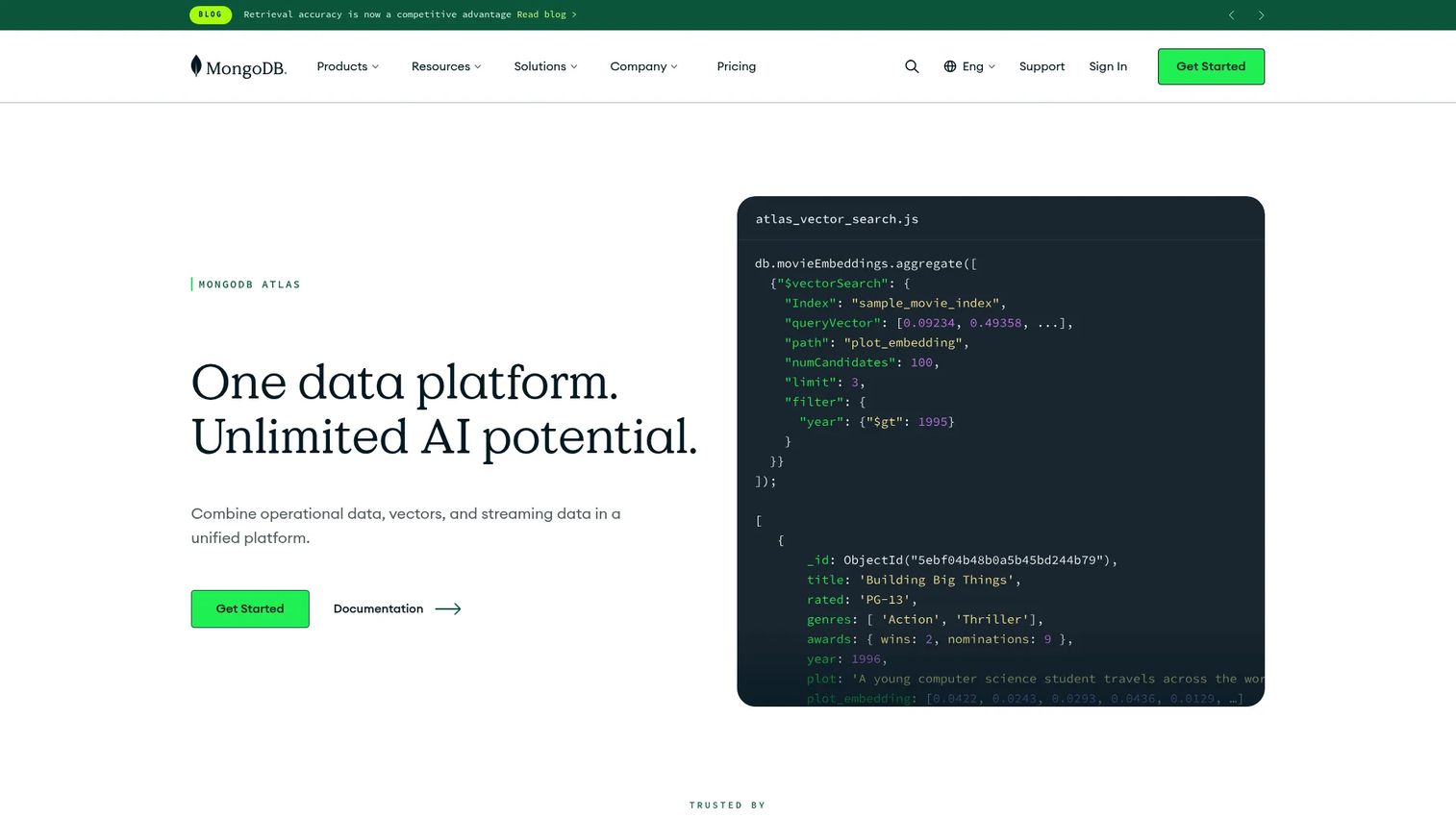
MongoDB is the document database most product teams reach for first, and for good reason. Its developer data platform centers on Atlas, a managed multi-cloud service that runs on AWS, Azure, and Google Cloud. Data lives as JSON-like documents, which means the shape of your data in the database looks a lot like the shape of it in your code. For a SaaS product with an evolving schema, that alignment cuts friction out of every feature you ship.
Best for: Teams building and operating modern applications on a managed multi-cloud database platform.
Key strengths
- Multi-cloud deployments: Run the same database on AWS, Azure, and Google Cloud without rewriting your data layer.
- Built-in security: Queryable encryption and MFA come standard, which matters when compliance reviews land on your roadmap.
- Integrated search and vector search: Full-text and vector search live in the same platform, with workload isolation to keep analytics from starving your app.
Why choose MongoDB: If your data shape changes as fast as your product does, the document model removes the migration tax that slows relational teams down. MongoDB also has the deepest ecosystem in the NoSQL space, so hiring, tooling, and documentation are rarely a bottleneck. It is the safe default when you are not sure which model you need yet.
MongoDB pricing: Atlas starts with a free-forever M0 cluster, which is genuinely usable for prototypes and small projects. Shared clusters begin at $9/mo (M2) and $25/mo (M5). Dedicated clusters run on an hourly model starting at $0.08/hr (M10) and scale up from there. MongoDB Enterprise Advanced uses contact-sales pricing. The free tier makes it easy to validate a workload before committing budget.
2. Amazon DynamoDB
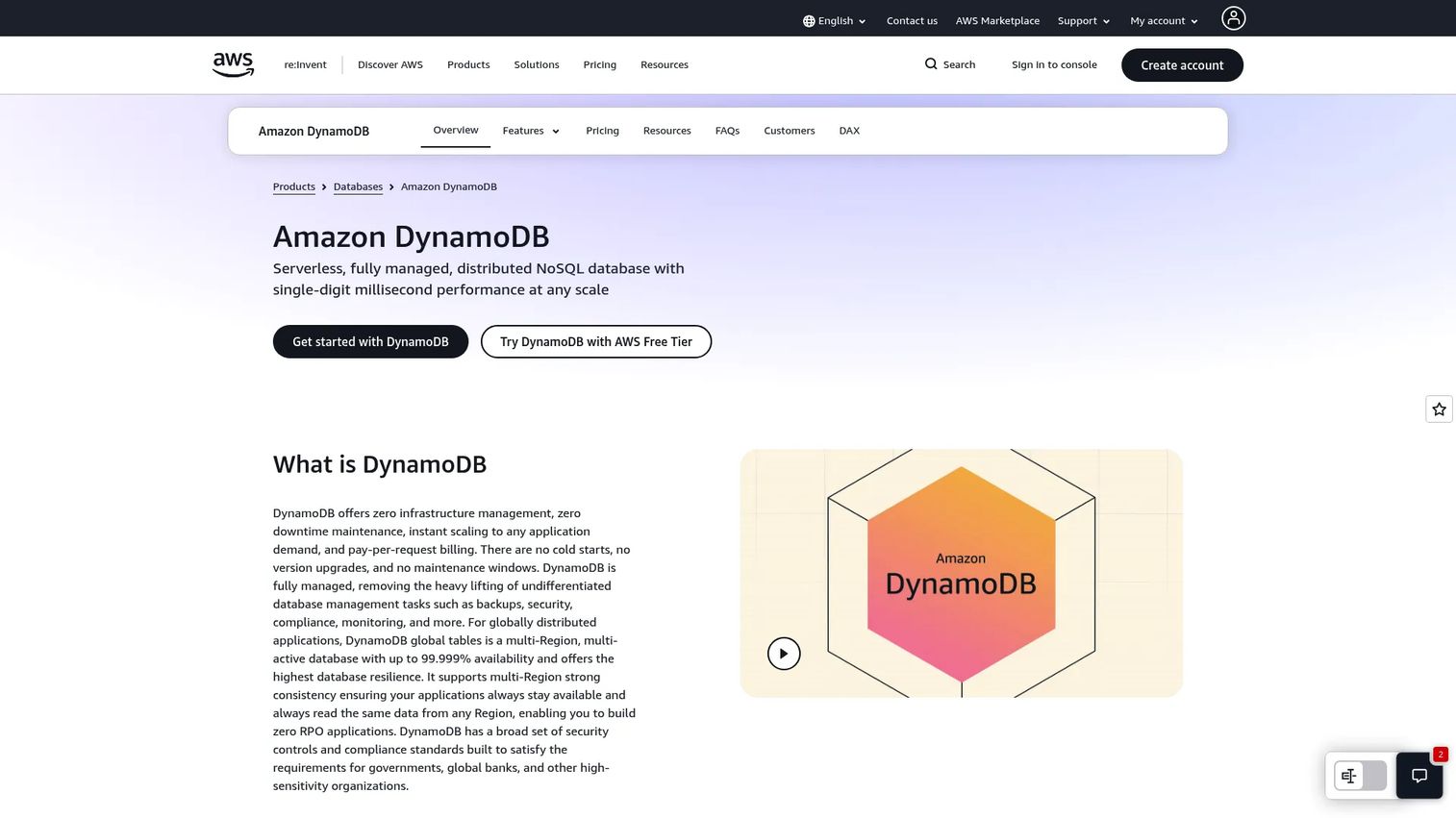
Amazon DynamoDB is the serverless, fully managed NoSQL option for teams that want scale without touching infrastructure. It handles key-value and document data, delivers single-digit millisecond performance at any scale, and requires zero server management. If your stack already lives on AWS, DynamoDB removes the operational overhead of running a database entirely.
Best for: Applications needing a serverless, highly scalable NoSQL database on AWS.
Key strengths
- Single-digit millisecond latency: Predictable performance holds steady whether you have thousands or millions of requests.
- Zero infrastructure management: Fully serverless operation means no clusters to provision, patch, or babysit.
- Global tables: Multi-Region, active-active replication keeps data close to users worldwide.
Why choose Amazon DynamoDB: DynamoDB shines when your team is small on ops bandwidth and heavy on scale requirements. It is a better fit than a document-first generalist when you want AWS-native integration and can model your access patterns up front. The tradeoff is intentional: you design around known query patterns and DynamoDB rewards you with steady latency at any volume.
Amazon DynamoDB pricing: AWS uses a usage-based model with on-demand (pay-per-request) and provisioned capacity modes, plus Standard and Standard-IA table classes. There is no single public starting price because cost scales with your reads, writes, and storage. A free tier is available, which lets you build and test before usage ramps. Model your access patterns first, since capacity mode drives your bill.
3. Azure Cosmos DB
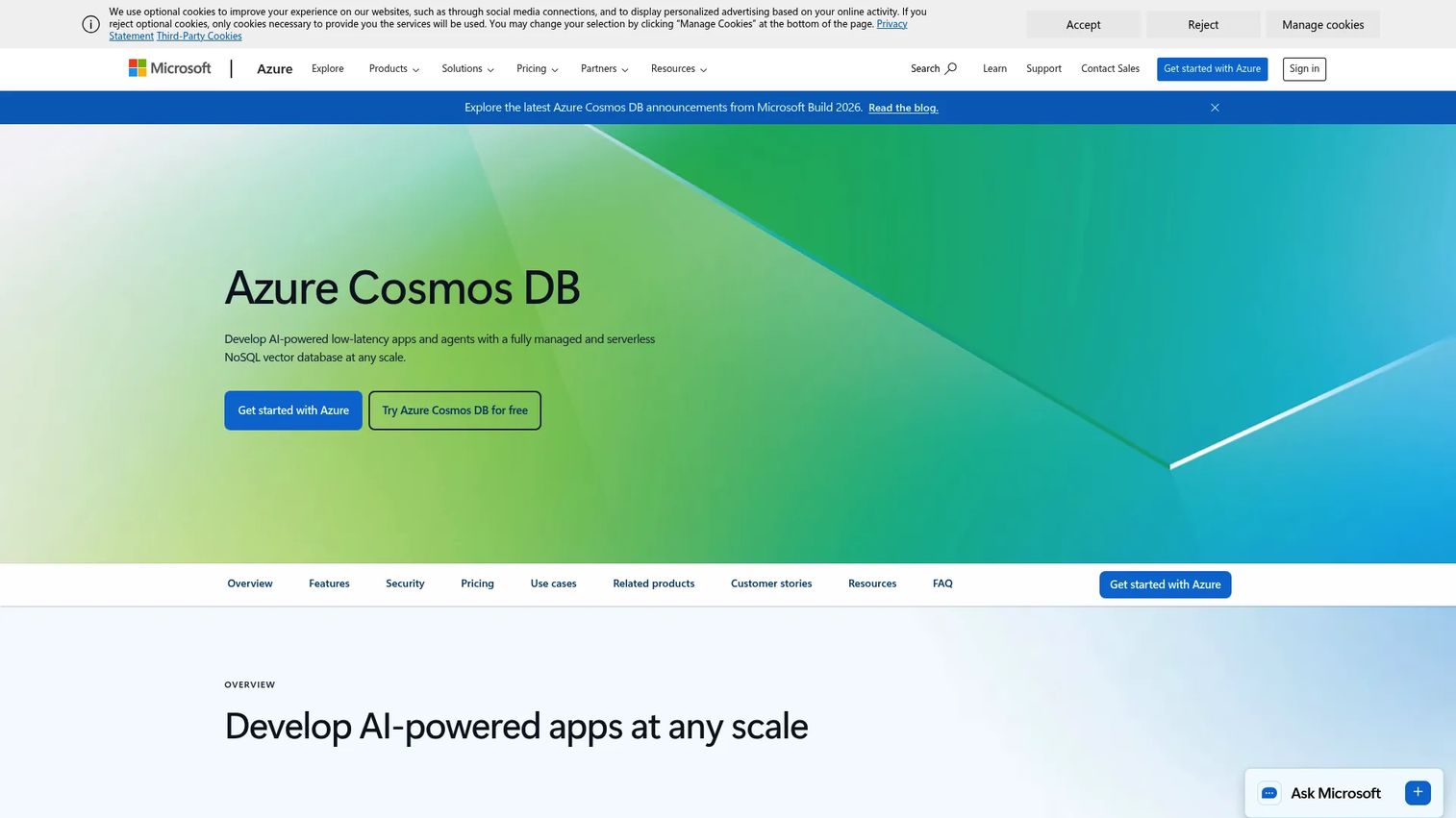
Azure Cosmos DB is Microsoft's fully managed, serverless multi-model database built for globally distributed apps. It supports NoSQL and vector workloads, automatic partitioning, and low-latency availability across regions. For teams already in the Microsoft ecosystem or building apps that need multi-region distribution out of the box, it removes a lot of architecture work.
Best for: Teams building globally distributed, low-latency AI and NoSQL applications on Azure.
Key strengths
- Serverless multi-model: One service handles document, key-value, and vector data, so you consolidate instead of stitching engines together.
- Hybrid search: Combine vector, full-text, and semantic ranking in a single query for AI-driven features.
- Global low-latency availability: Automatic partitioning and multi-region replication keep apps fast for a distributed user base.
Why choose Azure Cosmos DB: Cosmos DB earns its place when global distribution and tunable consistency are core requirements, not nice-to-haves. Its multiple API options let you migrate existing workloads without a full rewrite. The tunable consistency levels give PMs and architects a real dial between speed and correctness, which is rare to see exposed so directly.
Azure Cosmos DB pricing: Cosmos DB uses usage-based pricing across compute, storage, and bandwidth. Microsoft confirms free options, including a free account and free-tier allowances, though a public numeric starting price is not listed on the pricing page. The free tier makes it practical to prototype before you scale. Because cost tracks provisioned throughput and storage, model your workload before committing.
4. Couchbase
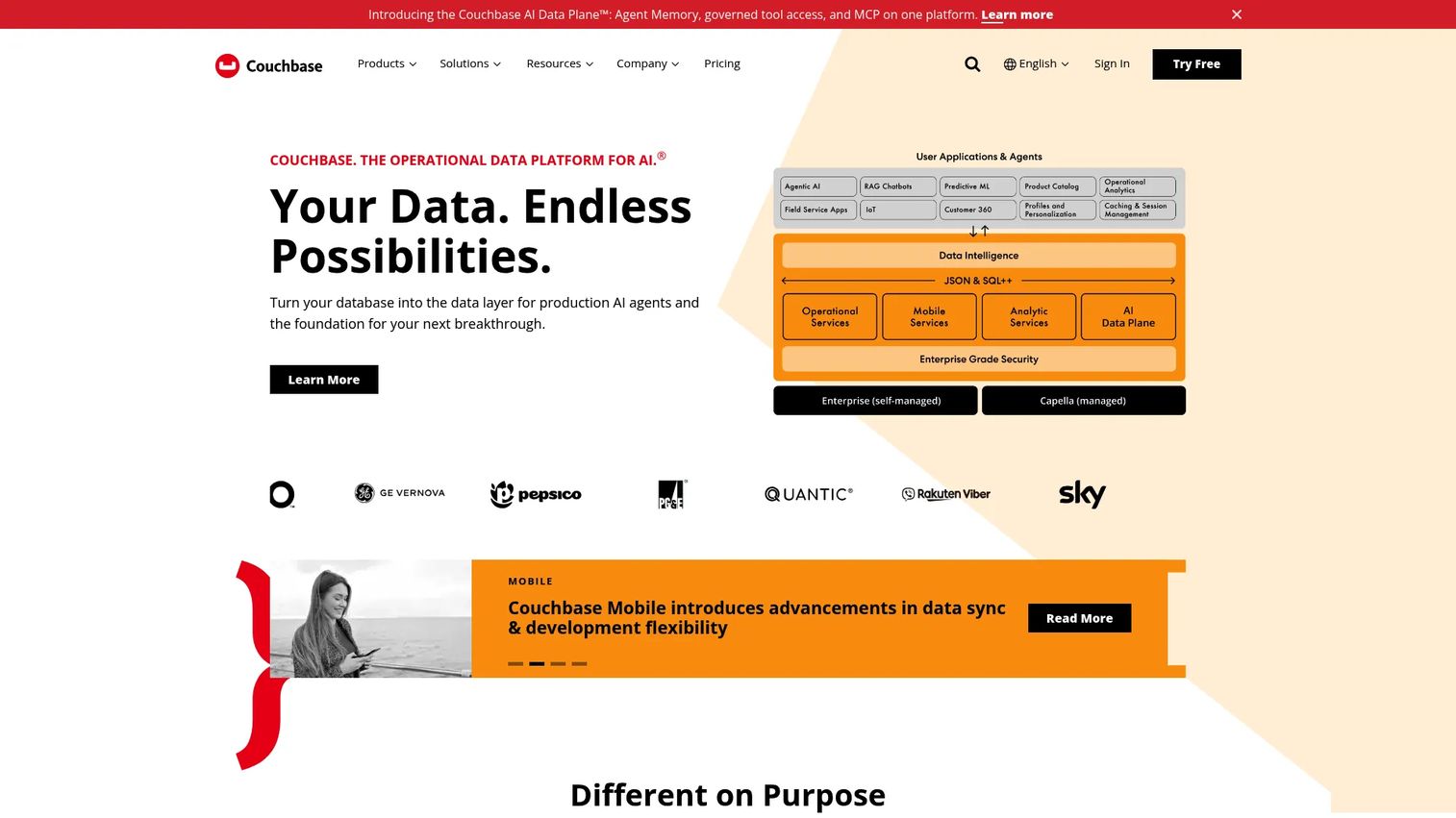
Couchbase is a document-oriented platform built for interactive and operational applications where responsiveness matters. Its Capella managed service, Server, and Mobile products cover a wide range of deployments. Couchbase pairs a SQL++ document database with a caching-oriented architecture, so hot data stays fast without bolting on a separate cache layer.
Best for: Teams building high-performance, distributed NoSQL applications with search, replication, and mobile sync needs.
Key strengths
- SQL++ document database: Query documents with a familiar SQL-like language, which shortens the learning curve for SQL-trained teams.
- Vector and full-text search: Search capabilities are built in, useful for catalogs, content, and AI features.
- Cross-datacenter replication and mobile sync: Keep data consistent across regions and out to mobile devices.
Why choose Couchbase: Couchbase fits teams that need both a document store and low-latency access in one system, especially for interactive apps where users expect instant responses. The mobile sync capability is a standout for products with offline-first or edge requirements. If you have been running a document database plus a separate cache, Couchbase can collapse that into a single platform.
Couchbase pricing: Capella offers a Free tier, then Basic from $0.15/hr per node, Developer Pro from $0.35/hr per node, and Enterprise from $0.49/hr per node. Server and Mobile products are priced separately on the same pricing page. The free tier and clear per-node hourly rates make it straightforward to estimate cost as you scale nodes.
5. Redis Enterprise
Redis Enterprise is the enterprise in-memory database platform from Redis, built for high-scale, high-availability, real-time applications. When speed is the whole point, sessions, caching, leaderboards, feature flags, real-time state, Redis is the key-value store teams reach for. Its in-memory design delivers the low latency that user-facing responsiveness depends on.
Best for: Teams needing a managed real-time database with enterprise HA, scale, and multi-model features.
Key strengths
- Linear scale-out architecture: Add capacity predictably as traffic grows, without re-architecting.
- 99.999% Active-Active availability: Multi-region active-active keeps real-time features online through failures.
- Multi-model support: Search, JSON, Time Series, and Probabilistic data structures extend Redis well beyond simple key-value.
Why choose Redis Enterprise: Redis Enterprise is the pick when latency is your primary constraint and downtime is unacceptable. Teams often pair it with a document or wide-column database as the fast layer in front of a system of record. The multi-model features also let it do more than caching, which reduces the number of specialized systems you run.
Redis Enterprise pricing: Pricing is transparent at the entry level. A Free plan is always available, Essentials starts from $0.007 per hour, and Pro starts from $0.274 per hour. Commercial subscriptions are annual and priced by shard count and shard type. The free tier is a low-risk way to validate a caching or real-time pattern before scaling.
6. Apache Cassandra
Apache Cassandra is the open-source distributed wide-column database for write-heavy, always-on workloads. Its masterless architecture means there is no single point of failure, and it scales linearly by adding nodes. For teams that need continuous availability across data centers and can invest in operating their own cluster, Cassandra is a proven workhorse.
Best for: Teams needing an open-source, horizontally scalable NoSQL database for mission-critical workloads.
Key strengths
- Masterless distributed architecture: No primary node means no single point of failure and consistent write availability.
- Linear horizontal scalability: Throughput grows predictably as you add nodes to the cluster.
- Multi-datacenter replication and fault tolerance: Data stays available even when an entire region goes down.
Why choose Apache Cassandra: Cassandra is the choice for write-heavy, always-on systems where availability trumps everything, think messaging, telemetry, and event pipelines. As an open source NoSQL database, it gives you full control and no license cost, which appeals to cost-conscious teams with operational depth. The tradeoff is that you own the cluster, so it rewards teams with the engineering bandwidth to run distributed infrastructure.
Apache Cassandra pricing: Cassandra is free, open-source software with no license fee. There is no public pricing page because the project itself carries no cost. Your real spend is the infrastructure it runs on and the engineering time to operate it. Managed Cassandra-compatible services exist from cloud vendors if you want to offload operations.
7. Google Cloud Bigtable
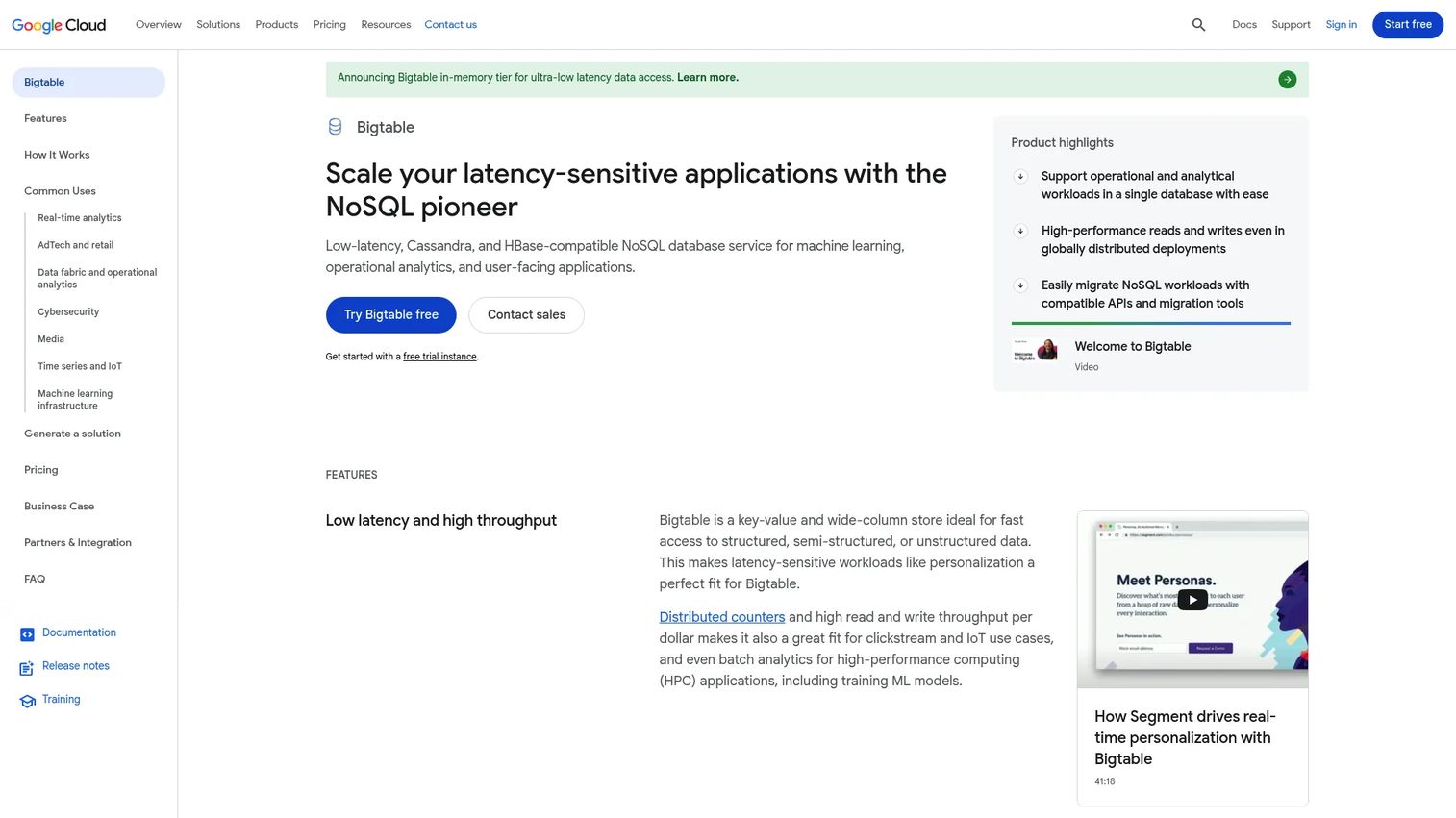
Google Cloud Bigtable is Google Cloud's fully managed wide-column database for low-latency, high-throughput workloads at massive scale. It is built for time-series data, operational analytics-adjacent data, and any workload that needs consistent performance across huge datasets. If you run on Google Cloud, Bigtable slots in as the managed wide-column option without cluster operations.
Best for: Latency-sensitive operational and analytical apps needing a managed wide-column NoSQL store.
Key strengths
- Cassandra- and HBase-compatible APIs: Migrate existing wide-column workloads without rewriting your application layer.
- Low-latency reads and writes with global distribution: Consistent performance holds as data volume grows into the terabytes and beyond.
- SQL queries and continuous materialized views: Query with SQL and keep derived views fresh automatically.
Why choose Google Cloud Bigtable: Bigtable is a better fit than a general-purpose NoSQL system when you have massive, low-latency, high-throughput workloads like time-series or IoT telemetry. Its API compatibility with Cassandra and HBase makes it a natural managed landing spot for teams migrating off self-hosted wide-column clusters. It pairs well with the broader Google Cloud analytics stack.
Google Cloud Bigtable pricing: Bigtable charges for provisioned nodes, storage, and network bandwidth. The Enterprise edition is $0.65 per node per hour, with an Enterprise Plus edition also available. A free trial instance lets you test before committing to provisioned capacity. Because cost scales with nodes and storage, size your cluster to your actual throughput needs.
8. Neo4j
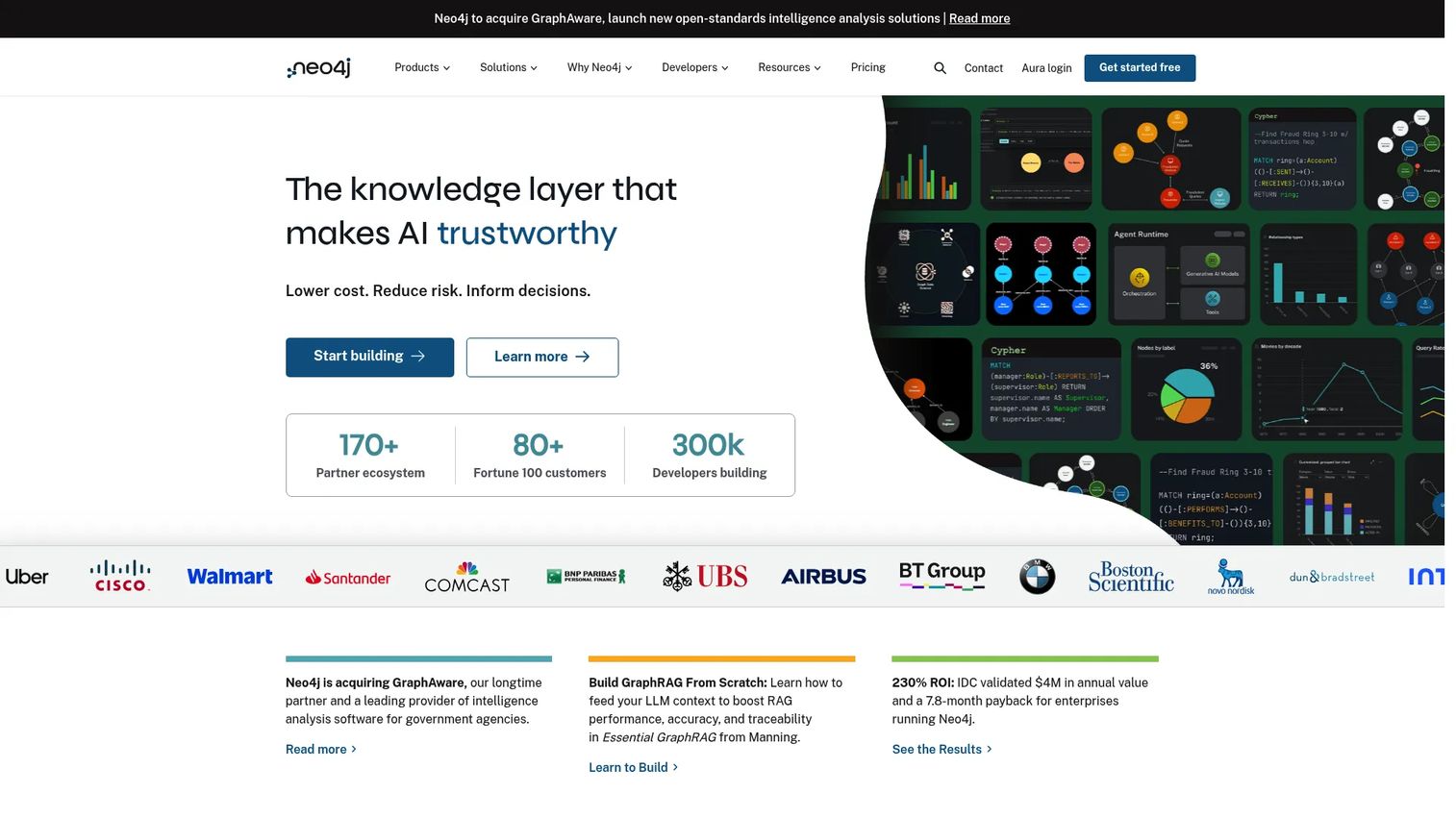
Neo4j is the graph database for relationship-heavy problems that break down in relational systems. When your queries are all about how things connect, recommendations, fraud detection, identity resolution, connected product data, Neo4j models relationships as first-class citizens. That turns the expensive multi-join queries of a relational database into fast graph traversals.
Best for: Teams building graph-based apps, knowledge graphs, and graph analytics workloads.
Key strengths
- Native graph database with Cypher: The Cypher query language makes relationship queries readable and expressive.
- AuraDB managed cloud: A fully managed graph database removes the operational overhead of running it yourself.
- Graph Data Science: Built-in graph algorithms power analytics like community detection and pathfinding.
Why choose Neo4j: Reach for Neo4j when joins in your relational database have become unwieldy and relationships are the point of the query, not an afterthought. Recommendation engines, fraud rings, and identity graphs all get dramatically simpler to model and faster to query. If your data is a network, a graph database is the model that matches it.
Neo4j pricing: Neo4j offers a free Community Edition and a 14-day free trial for AuraDB Professional. AuraDB Professional has published pricing at $0.09/hour or $65.70/month. AuraDS Enterprise uses contact-sales pricing. The free Community Edition and low-cost managed tier make it easy to prototype a graph model before scaling.
Considerations
Before you commit, run the shortlist through these criteria. A PM does not need to implement the database, but you do need enough clarity to help steer the decision and avoid a costly mismatch.
Data model fit
Start here. Match your dominant access pattern to a model: documents for flexible app data, key-value for fast lookups, wide-column for write-heavy scale, graph for connected data. A multi-model database can cover several patterns if your workload is genuinely mixed, but do not pay for flexibility you will not use.
Consistency needs
Decide how much consistency your workload actually requires. If stale reads for a few milliseconds would break your product, favor strong consistency. If availability and speed matter more, eventual consistency is a reasonable tradeoff. Some platforms, like Cosmos DB, let you tune this per operation.
Scale profile
Be honest about your growth curve. If you expect to outrun a single machine, prioritize horizontal scalability and clean partitioning. If your data fits comfortably on one large node for the foreseeable future, do not over-engineer for scale you will not hit soon.
Cloud preference and operational overhead
A managed cloud database trades control for speed to launch and near-zero ops. Open source gives you full control and no license cost, but you own the cluster. Weigh your team's engineering bandwidth honestly, since operational overhead is a recurring cost, not a one-time setup.
Integration requirements
Check how the database plugs into your analytics, data pipeline, and application stack. The best-fit data model still creates friction if it does not connect cleanly to the tools your team already runs.
Conclusion
Do not start with a product. Start with your workload.
If your schema changes as fast as your product, a document database like MongoDB is the safe default. If you need scale on AWS without ops, Amazon DynamoDB removes the infrastructure burden. For global apps on Azure with tunable consistency, Azure Cosmos DB fits. When latency is everything, Redis Enterprise leads on real-time; when writes never stop, Apache Cassandra and Google Cloud Bigtable handle wide-column scale. And when relationships are the point, Neo4j is the graph answer.
The next step is simple: name your dominant access pattern, match it to a model, then compare managed versus open-source options on the operational overhead your team can actually absorb. Match the model to the workload first, and the shortlist writes itself.
FAQs
NoSQL database software stores data without the fixed table-and-row schema of relational databases. It models data as documents, key-value pairs, wide columns, or graphs, which fits modern app workloads more naturally. The name means "not only SQL," and most platforms are built for schema flexibility and horizontal scalability.
It depends on schema volatility, scale, and how connected your data is. NoSQL shines when your data shape changes often, when you need to scale writes horizontally, or when relationships dominate your queries. Relational databases remain the better fit for highly structured data with stable schemas and heavy transactional integrity needs.
Document databases are usually the first choice for flexible schemas. They store data as JSON-like documents, so you can add or reshape fields without a migration blocking your release. MongoDB is the most common pick here, with the deepest ecosystem and a free tier to start.
Document databases store JSON-like records, ideal for app backends and content. Key-value stores map a key to a value, ideal for sessions and caching. Wide-column databases handle rows with dynamic columns, ideal for time-series and event data. Graph databases model nodes and relationships, ideal for recommendations and fraud detection.
Choose a managed service when your team is short on operational bandwidth, needs to launch fast, and is already aligned with a cloud provider. Managed options like DynamoDB, Cosmos DB, and Bigtable remove cluster operations entirely. Open source like Cassandra fits teams with the engineering depth to run distributed infrastructure and a preference for full control.
ACID transactions guarantee that data is always correct and consistent, which matters for workloads like payments. Eventual consistency accepts brief staleness in exchange for higher availability and speed, which suits distributed, high-scale systems. Decide how much a stale read would cost your product, then pick a platform whose consistency model matches. Some, like Cosmos DB, let you tune it per operation.
For low-latency, in-memory key-value workloads, Redis Enterprise is a common evaluation. For high-throughput, write-heavy wide-column workloads at massive scale, Apache Cassandra and Google Cloud Bigtable are frequent picks. DynamoDB delivers single-digit millisecond latency on AWS. Match the model to whether your bottleneck is read latency or write throughput.
A multi-model database is worth it when your workload genuinely spans several data patterns and you want to consolidate engines instead of running many. Azure Cosmos DB is a strong example, supporting document, key-value, and vector data in one service. If your workload is dominated by a single pattern, a purpose-built database is usually the simpler, more cost-effective choice.