The deck looked sharp. The live call went well. Then the champion forwarded a PDF to the buying committee and nobody opened it.
This is the quiet failure mode in complex B2B sales. The presentation lands with one person in one meeting, then stops working the moment it leaves your hands. Business use now represents about 51.3% of the global presentation software market, according to Dataintelo (2025), yet most tools were built for creation, not for what happens after you share the link.
For presales teams, the question is not which tool makes the prettiest slide. The real question is which tool helps a technical buyer validate fit, gives your champion something to share that actually works, and tells you who engaged so you know where to focus next.
The right answer changes by sales moment. A first-call discovery deck, an interactive demo leave-behind, a technical deep-dive, and a proposal handoff all need different tools. Which sales presentation software fits the way your team sells?
What's inside
This guide compares 21 sales presentation tools across deck creation, interactive product experiences, video, enablement, proposals, and analytics. It is written for SEs, Solutions Consultants, Presales Managers, and technical GTM teams.
Items were chosen based on four criteria:
- Sales workflow fit: Does the tool solve a real presales job, not just look good on a demo?
- Buyer engagement visibility: Can you see who opened, clicked, watched, or forwarded?
- CRM and sales-stack integration: Does it connect to your existing pipeline and follow-up workflow?
- Adoption effort: Will the team use it, or will it become another asset to maintain?
Pricing and G2 ratings below were verified against each vendor's pricing page and live G2 listing.
TL;DR
- Best overall for interactive product presentations: Guideflow lets buyers click through product experiences, explore sandboxes, share leave-behinds with the full buying committee, and return engagement signals your team can act on
- Best familiar deck tool: Microsoft PowerPoint, for teams standardized on Microsoft 365 that need classic slide format
- Best free collaborative deck: Google Slides, for browser-based co-editing without paying for a tool
- Best design-led collateral: Canva, for fast branded layouts when the SE doesn't have design support
- Best for async video updates: Loom, for narrated follow-ups, recap videos, and champion handoffs
- Best for proposal-stage workflows: PandaDoc, for turning product story into a signed document
What is sales presentation software?
Sales presentation software helps revenue teams create, deliver, personalize, share, and measure the content used to explain value during a sales process.
The category spans more formats than most people expect:
- Slide decks: Structured narratives for discovery calls, executive briefings, and product walkthroughs
- Interactive product experiences: Clickable demos, sandboxes, and demo centers that let buyers explore the product themselves
- Video presentations: Recorded or live screen walkthroughs for async follow-up and training
- Sales enablement platforms: Content libraries, governance, and guided selling for large teams
- Proposal tools: Pricing tables, approvals, and e-signature for the late-stage close
- Conversation intelligence: Call analysis and coaching for improving presentation execution
Key features to look for
- Creation: Deck builder, templates, and brand controls
- Personalization: Account-specific text, data, and product flows
- Interactive content: Clickable demos, multimedia, and branching paths
- Delivery: Links, embeds, live presenting, and offline or mobile access
- Analytics: Viewer activity, completion, and stakeholder engagement tracking
- Integrations: CRM, calendar, conferencing, enablement, and proposal tools
- Governance: Permissions, version control, and approval workflows
A sales presentation is not always a slide deck. In complex B2B sales, the strongest presentation often combines a story, product proof, and measurable buyer engagement. Cloud-based presentation software accounted for 63.4% of the global market in 2025 (Dataintelo, 2025), which signals how quickly teams are moving toward shareable, trackable formats over static files.
When to use sales presentation software
Build a consistent sales story
When your team runs dozens of deals simultaneously, inconsistent decks kill positioning. This is the moment for structured slide tools, brand-approved templates, and enablement platforms that ensure every rep tells the same story. PMM, SE managers, and sales ops all share this problem.
Let buyers validate the product after the call
Technical buyers often need to explore beyond the live meeting. A leave-behind they can click through, forward to their engineering team, or revisit at midnight closes more deals than a PDF they never open. Interactive demos, live demos, and sandboxes let prospects validate fit on their own schedule without requiring another SE call.
Track engagement before the next step
Modern sales presentations should show you who opened, watched, clicked, completed, or forwarded the content. Without that signal, follow-up is a guess. Buyer engagement data from demos, decks, and proposals lets you prioritize the right deals and identify where the story is breaking down.
Sales presentation software comparison
The table below covers all 21 tools with verified pricing and ratings. Use it to narrow the field before reading the full entries.
| # | Product | Best for | Key differentiator | Pricing | G2 rating |
|---|---|---|---|---|---|
| 1 | Guideflow | Interactive product presentations | Clickable demos, sandboxes, demo centers, live demos, and mobile demos in one platform | Free; paid from $35/mo | 5.0 |
| 2 | Microsoft PowerPoint | Familiar enterprise decks | Deep Microsoft 365 integration with offline editing | Free; Microsoft 365 from $9.99/mo | N/A |
| 3 | Google Slides | Free cloud collaboration | Browser-based editing inside Google Workspace | Free for personal use; Workspace from $7/user/mo | 4.6 |
| 4 | Canva | Branded visual collateral | Drag-and-drop design with brand kits and templates | Free; Pro at $144/year per person | 4.7 |
| 5 | Pitch | Collaborative sales decks | Team-based presentation workspace with engagement analytics | Free; paid from €10/mo | 4.3 |
| 6 | Loom | Async video presentations | Screen and camera recording with viewer insights | Free (25 videos); Business from $18/user/mo | 4.7 |
| 7 | Prezent AI | Enterprise AI presentations | AI-assisted, brand-governed business presentations | From $39/user/mo (Lite) | 4.5 |
| 8 | Gamma | AI-generated decks | Fast AI-native deck and page generation | Free plan available | N/A |
| 9 | Prezi | Nonlinear visual storytelling | Zoomable canvas for connected system narratives | Free; paid from $7/mo | 4.3 |
| 10 | Visme | Visual presentation assets | Infographics, charts, and branded templates | Free; Starter from $12.25/user/mo | 4.5 |
| 11 | Storydoc | Interactive pitch decks | Scroll-based decks with engagement analytics | Starter from $19.80/mo | 4.7 |
| 12 | Zoho Show | Zoho-based teams | Cloud presentation creation within Zoho's suite | Free plan available | 4.4 |
| 13 | Apple Keynote | Apple-native presentations | Polished desktop and iPad presentation creation | Free | N/A |
| 14 | Venngage | Data-heavy sales visuals | Templates for infographics and report-style content | Free; Premium from $10/mo | 4.7 |
| 15 | PandaSuite | Interactive field sales apps | No-code interactive presentations for mobile and offline use | Free; Pro from €24/mo | 4.6 |
| 16 | Highspot | Sales enablement content | Governed content, guided selling, and buyer engagement | Custom pricing | 4.7 |
| 17 | Showpad | Sales content experiences | Enablement, content management, and guided selling | Custom pricing | 4.6 |
| 18 | Demodesk | AI-assisted sales coaching | Conversation recording, AI coaching, and CRM automation | From €25/user/mo | 4.8 |
| 19 | PandaDoc | Proposal-stage presentations | Proposals, quotes, approvals, and e-signature | Free; Starter from $19/seat/mo | 4.7 |
| 20 | Proposify | Proposal control | Proposal creation, tracking, and close workflow | From $49/user/mo | 4.6 |
| 21 | Gong | Presentation coaching insights | Conversation intelligence for call analysis and follow-up | Custom pricing | 4.7 |
Best 21 sales presentation software tools for 2026
1. Guideflow
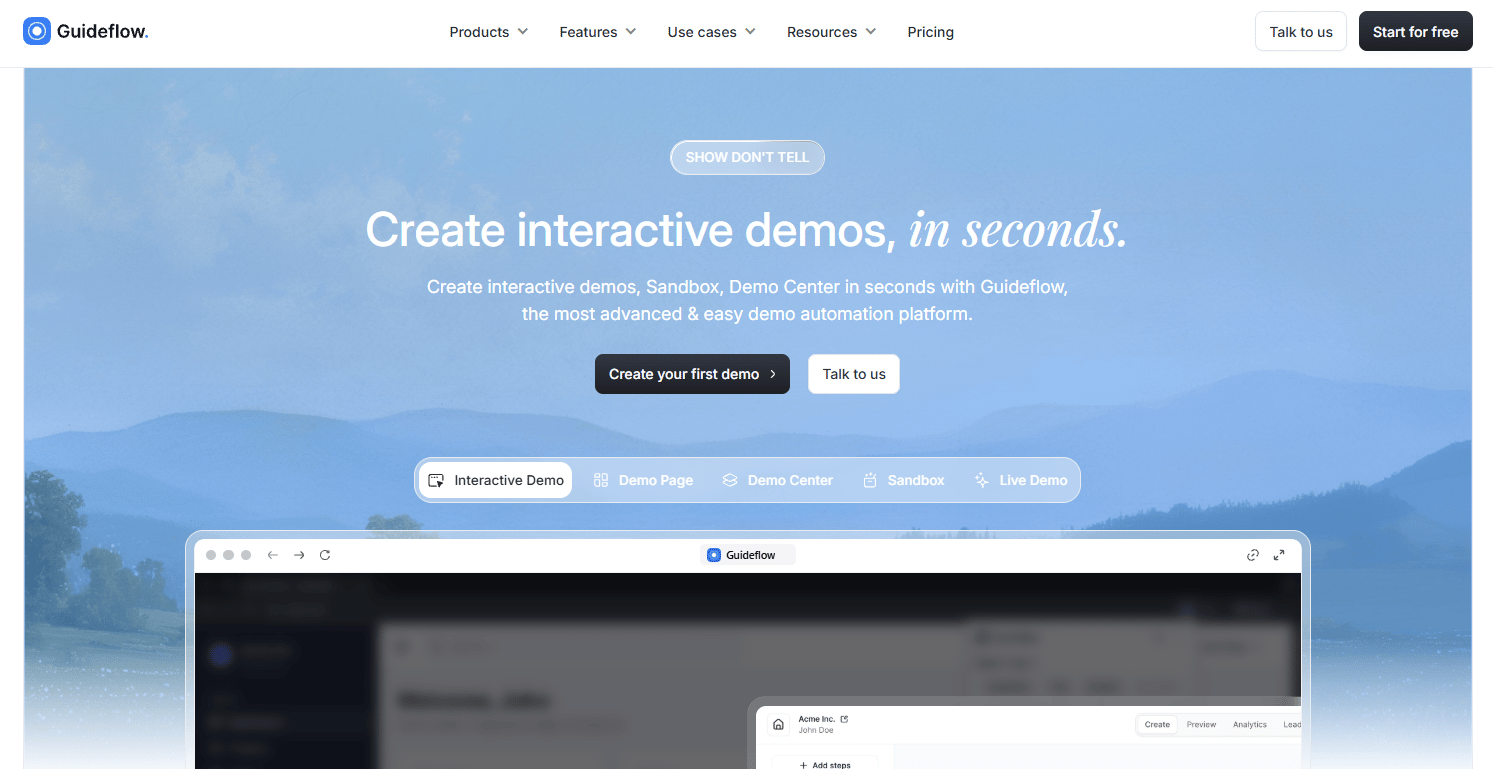
Guideflow is a demo automation platform that turns your product into a sales presentation buyers can click, explore, and revisit. Instead of a static deck that describes the product, Guideflow lets you build guided, clickable walkthroughs that prospects navigate at their own pace. The platform covers five demo formats: Interactive Demo, Sandbox, Demo Center, Live Demo, and Mobile Demo, each designed for a different moment in the buyer journey.
For presales teams, this matters because a single SE can build one demo, personalize it per account, and distribute it to every stakeholder on the buying committee without scheduling another call. Engagement analytics show you which steps each viewer clicked, where they dropped, and whether the technical stakeholder who never joined the live call actually engaged with the content.
Best for: Presales and sales teams that need product-led presentations with interactive demos, sandbox-style exploration, and measurable buyer engagement.
Key features
- Interactive demos with guided, clickable product walkthroughs
- Sandboxes for open buyer exploration and technical validation
- Demo centers: Branded hubs to organize and distribute all demos
- Live demo support for structured real-time presentations
- Engagement analytics with CRM and Slack integrations
Why choose Guideflow: Guideflow is strongest when the product itself needs to carry the sales story. It is not a generic slide builder, and that is intentional. SEs use it to reduce repetitive live demos, equip champions with shareable proof, and generate the engagement signals that tell AEs who to call next. The personalize feature lets you tailor demos per account without rebuilding from scratch each time, and the analyze layer connects viewer behavior directly to your CRM.
Guideflow pricing: Free plan includes five demos and unlimited viewers. Solo starts at $35/month (billed annually) or $40/month. Growth starts at $499/month (billed annually). Advanced starts at $1,499/month. Enterprise pricing is custom. A 7-day analytics window and watermark apply on the free plan.
G2 rating: 5.0/5
Start your journey with Guideflow today!
2. Microsoft PowerPoint
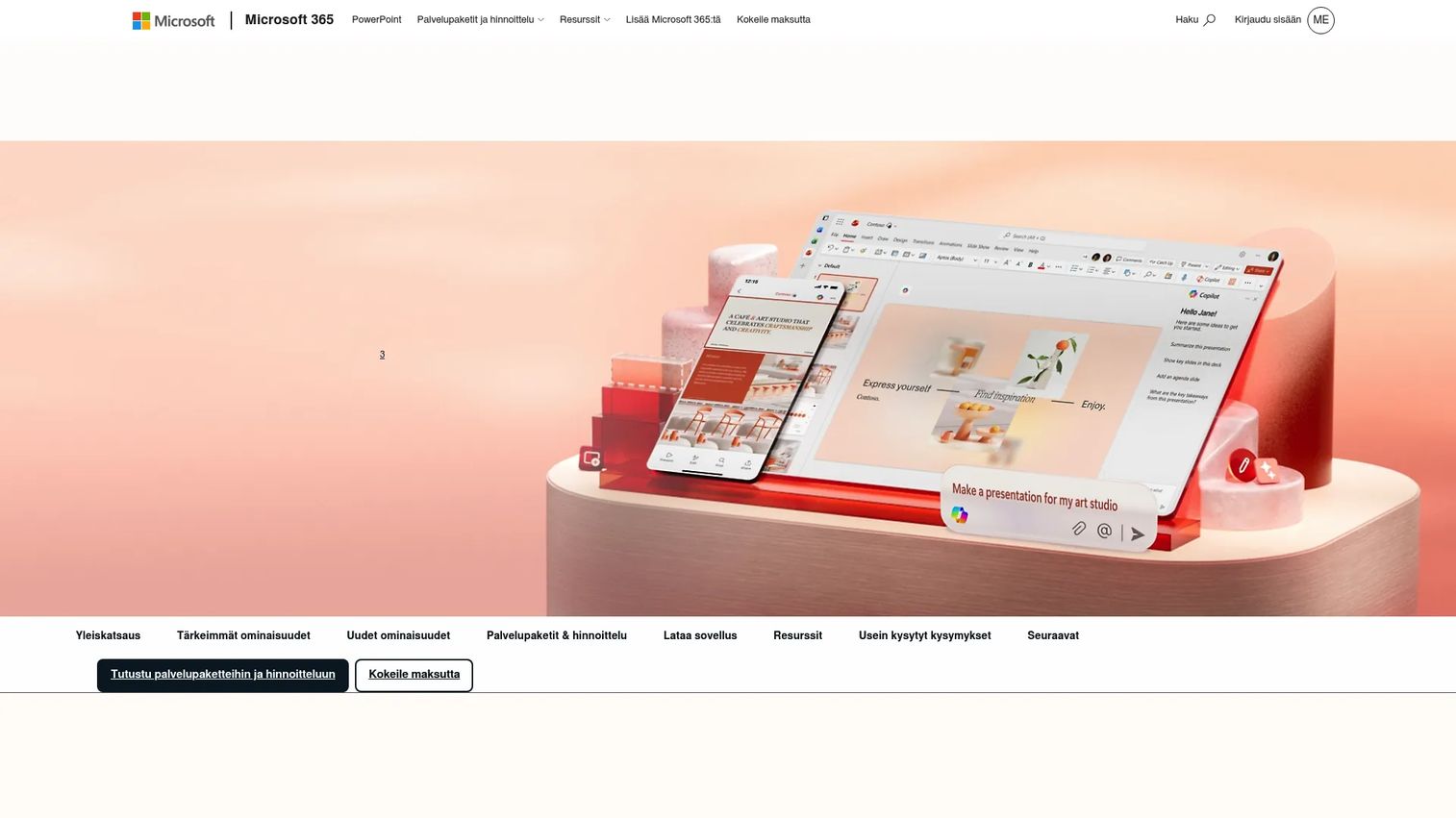
Microsoft PowerPoint is the default enterprise slide deck tool for a reason: Virtually every stakeholder knows how to open a PPTX file. It supports offline editing, real-time collaboration via Microsoft 365, Copilot-assisted slide creation, thousands of templates, and presenter tools that work reliably across devices. For presales teams, it handles board-style narratives, executive summaries, discovery recaps, and RFP appendices without requiring any training.
Best for: Teams already standardized on Microsoft 365 that need familiar, stakeholder-ready slide decks.
Key features
- Copilot-assisted slide creation and editing
- Microsoft 365 real-time collaboration with comments
- Thousands of customizable templates
- Offline desktop editing
- PPTX compatibility across every tool and device
Why choose Microsoft PowerPoint: Use PowerPoint when buyer expectations require classic deck format or when slides will be reviewed outside your control by procurement, IT, or executive stakeholders. It is less specialized for interactive buyer-led validation on its own, though teams often pair it with demo tools or analytics layers.
Microsoft PowerPoint pricing: PowerPoint for the web is free with collaboration and 5 GB of cloud storage. Microsoft 365 Personal starts at $9.99/month or $99.99/year. Family plans run $12.99/month. Business plans are separate.
3. Google Slides
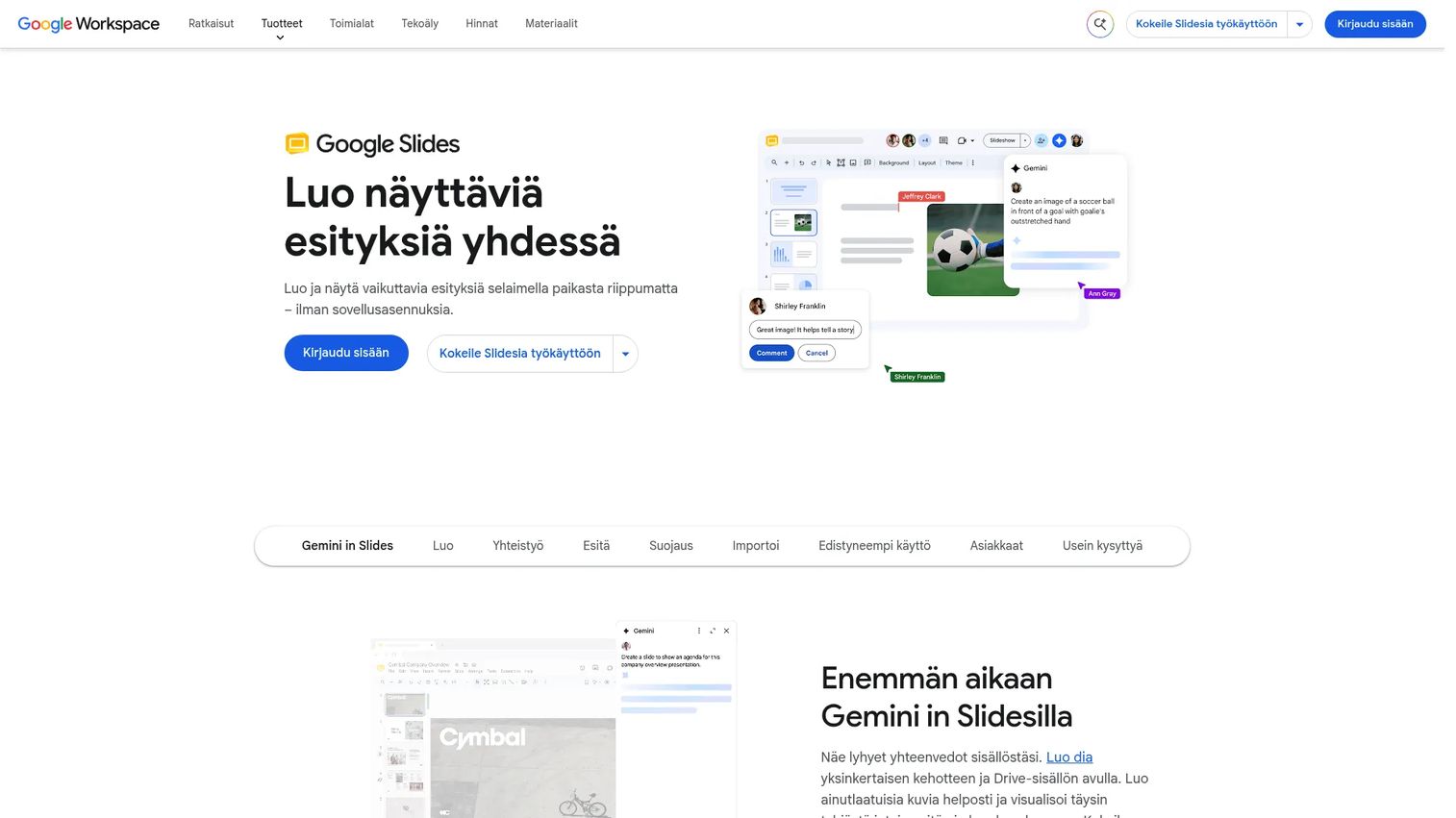
Google Slides is the browser-based alternative for teams that live in Google Workspace. It supports real-time co-editing, comments, granular sharing controls, version history, and offline access. AEs and SEs can build and iterate on decks together before customer calls without emailing file versions back and forth. PowerPoint import works well for teams that receive customer-formatted decks.
Best for: Sales teams that need fast browser-based collaboration on pitch decks without additional cost.
Key features
- Real-time collaboration with comments and action items
- Google Workspace integration
- PowerPoint and Canva import
- Offline access and mobile editing
- Version history and sharing controls
Why choose Google Slides: Use Google Slides when collaboration speed matters more than advanced design. Engagement analytics and interactive product validation require separate tools, but for internal alignment and co-edited decks, it removes friction from the process.
Google Slides pricing: Free for personal use. Google Workspace Starter starts at $7/user/month. Standard is $14/user/month. Plus is $22/user/month. Enterprise pricing requires contacting sales.
G2 rating: 4.6/5
4. Canva
Canva gives sales and marketing teams a drag-and-drop editor for creating polished branded collateral without design support. It includes brand kits, over 1,000 design types, AI-powered image and writing tools, and PDF or PPTX export. For presales, it is most useful for creating leave-behind visuals, event collateral, and pitch one-pagers when there is no design team available.
Best for: Sales and marketing teams that need branded presentation assets quickly, without hiring a designer.
Key features
- Drag-and-drop editor with 1,000+ design types
- Brand kit with colors, fonts, and logos
- AI-powered image, video, and writing tools
- PDF and PPTX export
- Team collaboration and social scheduling
Why choose Canva: Use Canva when visual polish matters and speed is the constraint. Technical validation and deal engagement tracking require other tools, but for creating sharp, on-brand sales materials, it reduces dependency on design queues.
Canva pricing: Free plan available. Pro is $144/year per person. Business is $250/year per person. Enterprise pricing requires contacting sales.
G2 rating: 4.7/5
5. Pitch
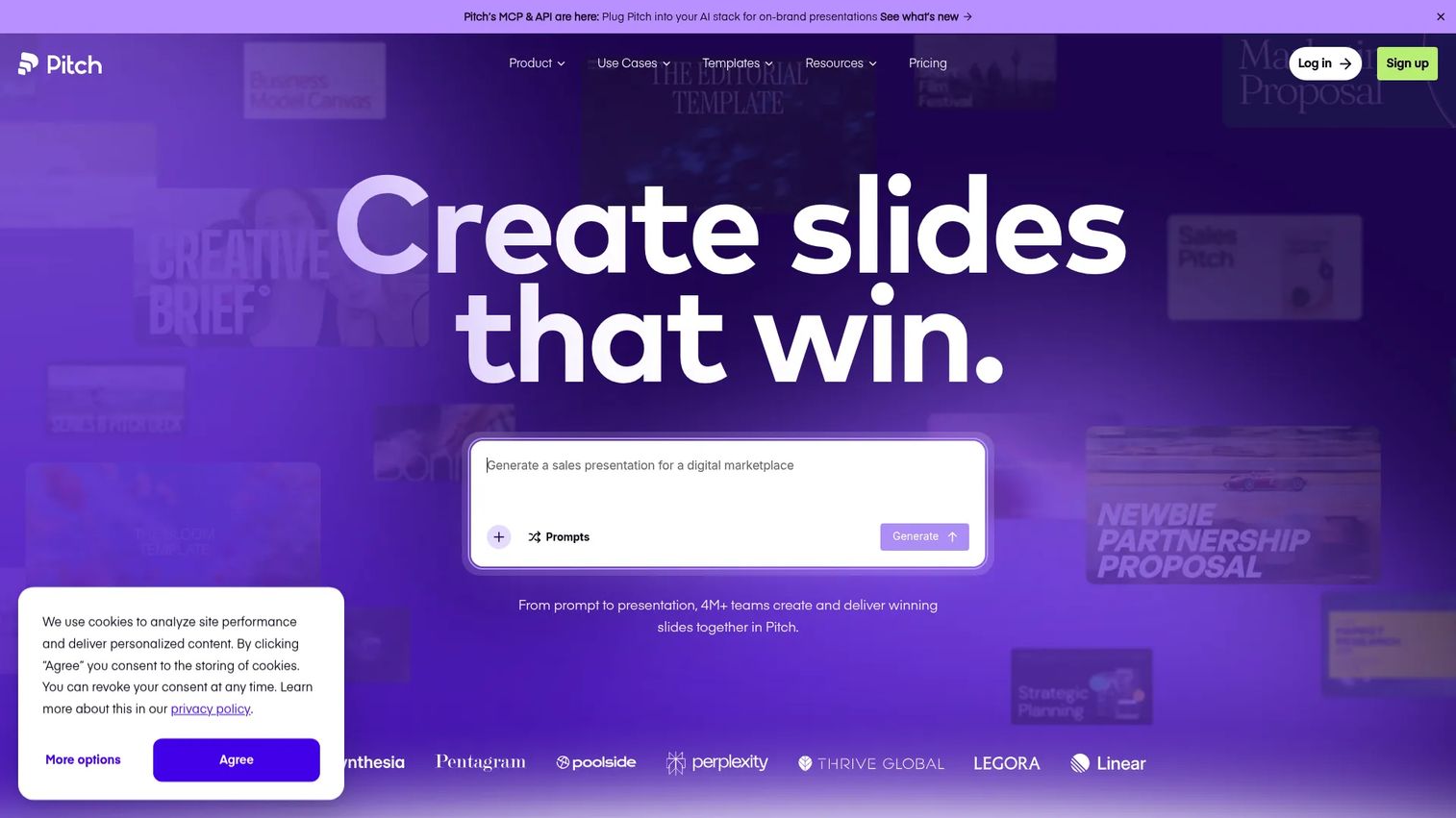
Pitch is a modern, AI-assisted presentation workspace built for team-based deck creation and delivery. It supports multiplayer editing, brand libraries, shared pitch rooms, viewer analytics, PPTX import, and MCP or API integrations. Sales teams use it for collaborative decks where multiple contributors need to work on the same file without overwriting each other's edits.
Best for: Teams that want cloud-native presentation creation with collaboration and engagement features built in.
Key features
- AI-assisted deck creation
- Multiplayer slide editing with brand libraries
- Pitch rooms for delivering sales materials
- Viewer analytics on shared decks
- PPTX and PDF export
Why choose Pitch: Use Pitch when your team needs a modern deck workflow with more collaboration structure than classic slide tools offer. It remains deck-centered compared with product-experience tools, so pair it with an interactive demo platform for leave-behinds and technical validation.
Pitch pricing: Free plan available for up to five members. Plus starts at €10/month (billed annually). Team is €15/month. Business is €20/month. Enterprise pricing is custom. Pricing is displayed in EUR.
G2 rating: 4.3/5
6. Loom
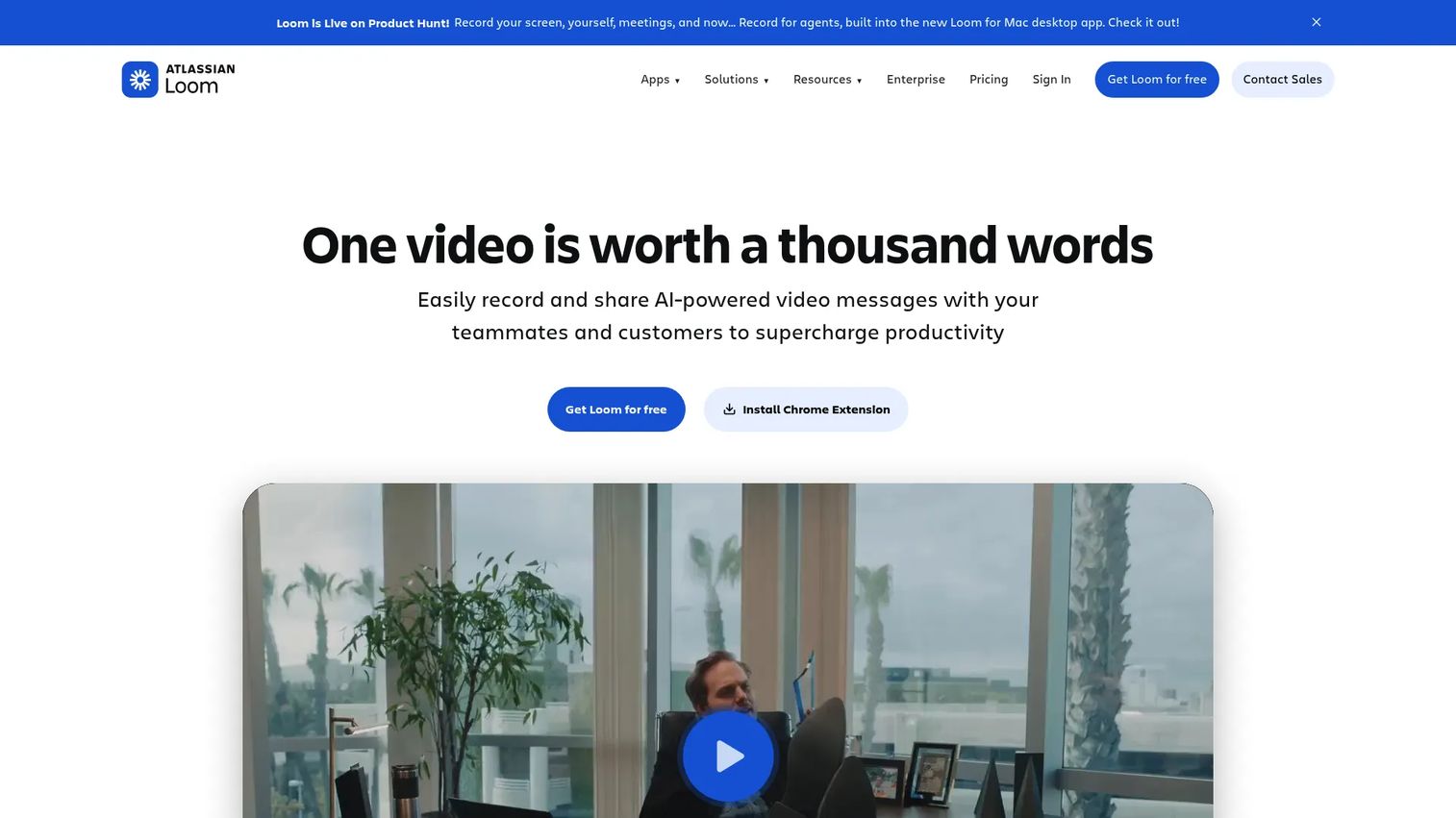
Loom is async video messaging software for recording and sharing screen and camera walkthroughs. For presales teams, it handles post-demo recaps, technical walkthroughs for stakeholders who missed the call, bug explanations, and champion handoffs. AI-generated transcriptions, summaries, and chapters make recorded videos easier to navigate. Viewer insights on paid plans show whether someone watched, how far they got, and whether they clicked a CTA.
Best for: Sales teams that need narrated screen and camera videos for async follow-up and buying-committee updates.
Key features
- Screen and camera recording
- AI transcriptions, summaries, and chapters
- Viewer insights: Completion, clicks, and identity on paid plans
- Comment threads on videos
- Shareable links and embed support
Why choose Loom: Use Loom when a human explanation carries more weight than interactivity. A short video from the SE who ran the demo often re-engages a stalled champion better than another deck. For clickable, buyer-led product exploration, pair it with a dedicated demo format.
Loom pricing: Starter plan is free, covering up to 25 videos with a 5-minute recording cap. Business starts at $18/user/month. Business + AI is $24/user/month. Enterprise pricing requires contacting sales.
G2 rating: 4.7/5
7. Prezent AI
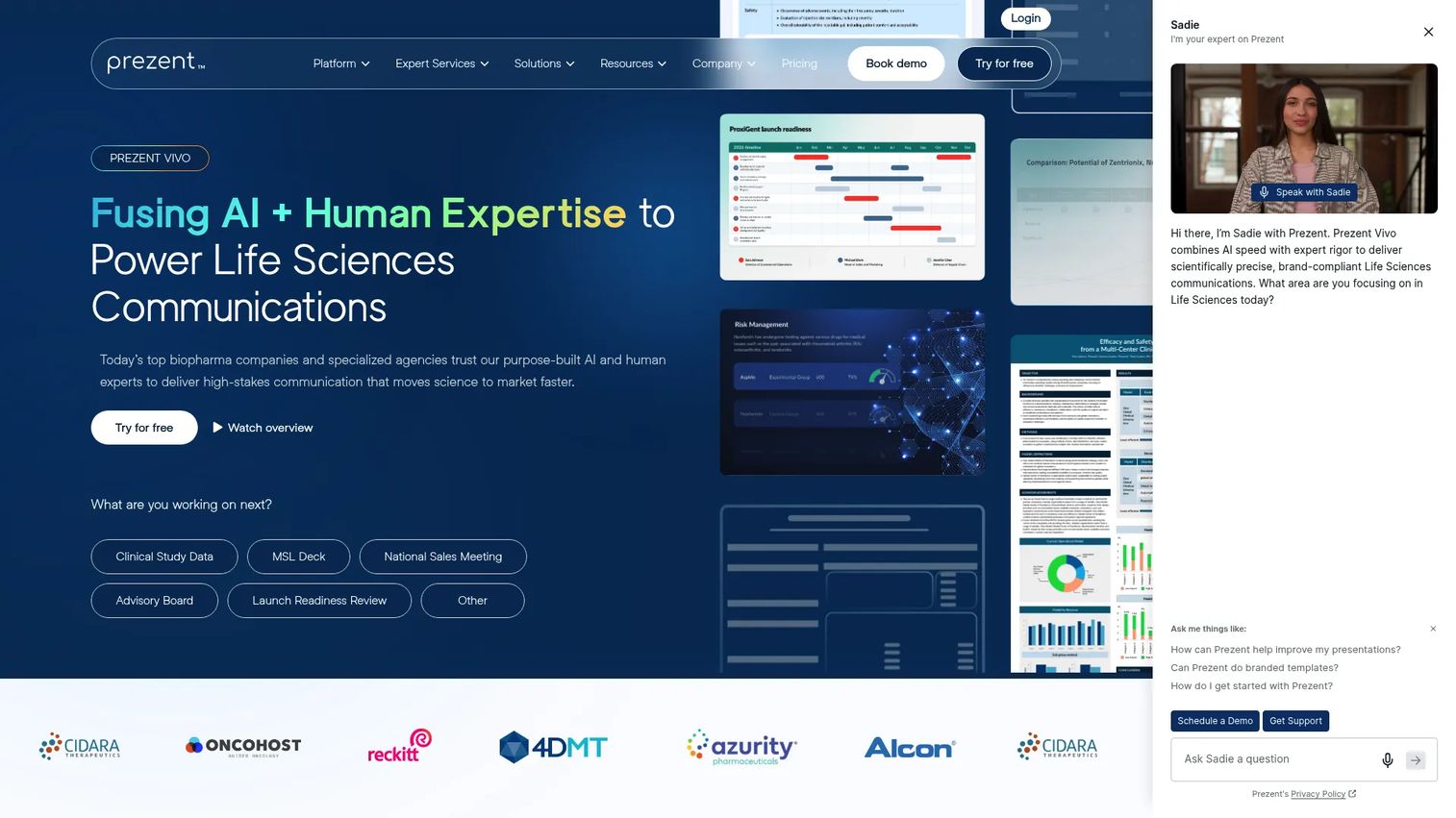
Prezent AI is an enterprise presentation platform focused on AI-assisted creation, brand governance, and high-volume deck production. It offers over 35,000 expert-curated slides, multi-format document-to-slide generation, template conversion, charts, graphs, and communication coaching. For large revenue teams with consistent messaging requirements, it reduces the time SEs and AEs spend rebuilding the same deck for different accounts.
Best for: Enterprise teams that need governed, AI-assisted business presentations at high volume.
Key features
- AI deck generation with 35,000+ curated slides
- Brand governance and template conversion
- Multi-format document-to-slide import
- Charts, graphs, and framework support
- Communication coaching
Why choose Prezent AI: Use Prezent AI when deck production volume is high and brand consistency across a large team is the priority. Teams that also need buyers to explore product flows benefit from adding an interactive layer alongside it.
Prezent AI pricing: Lite plan starts at $39/user/month with an annual billing option. Premium, Pro, and Custom plans require contacting sales.
G2 rating: 4.5/5
8. Gamma
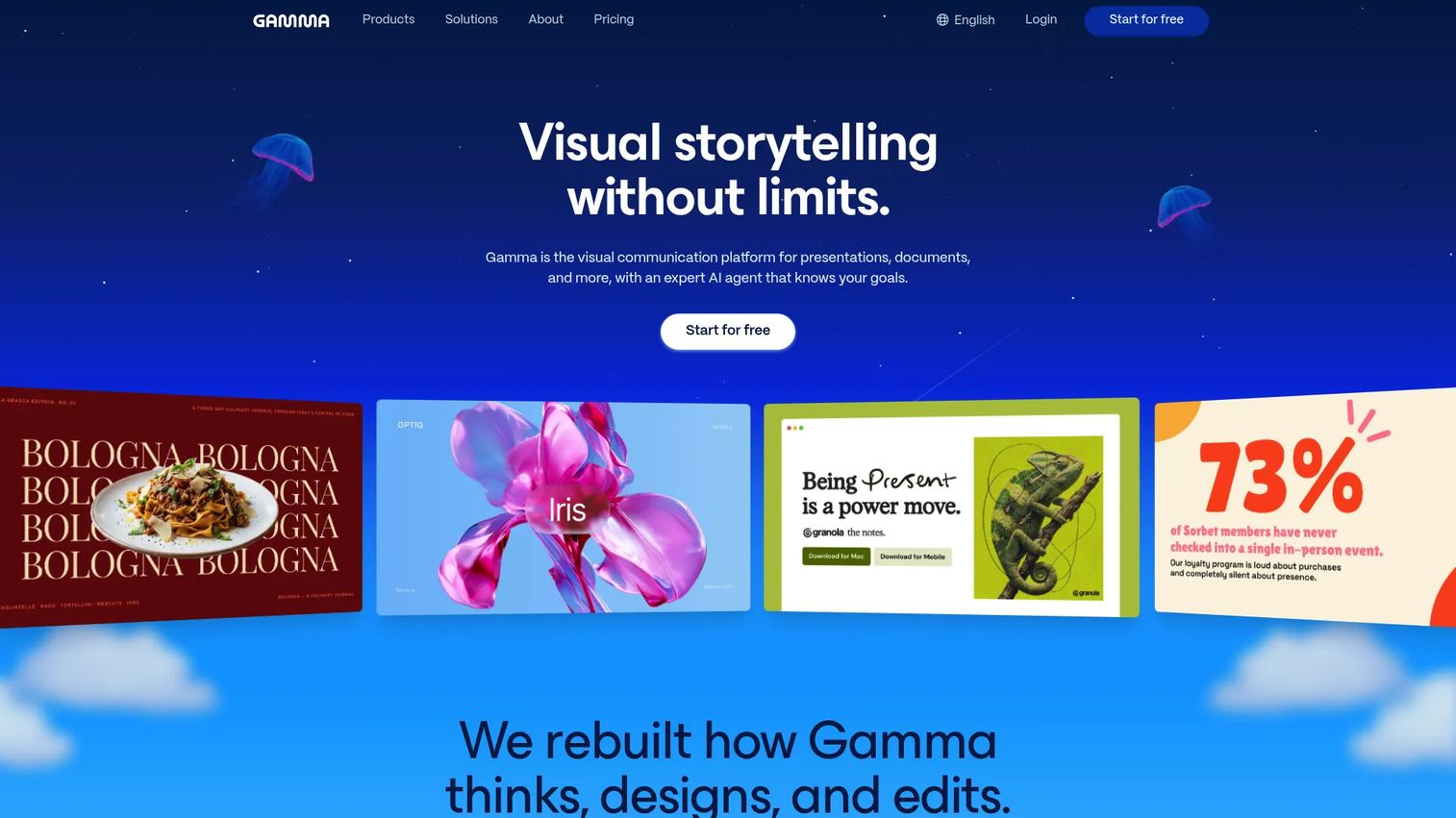
Gamma is an AI-native platform for creating presentations, documents, and web-style pages quickly from a prompt or existing content. It supports PowerPoint and PDF import, export to multiple formats, real-time collaboration, and integrations with tools like Slack, Notion, and Salesforce. For presales, it is most useful for fast first drafts of internal recaps, lighter sales narratives, and situations where speed matters more than deep workflow integration.
Best for: Teams that want to draft sales presentations quickly using AI, with minimal setup time.
Key features
- Prompt-based AI deck generation
- Web-style presentation pages with multimedia
- PowerPoint and PDF import
- Real-time collaboration
- Export to PowerPoint, PDF, and Google Slides
Why choose Gamma: Use Gamma when a first draft needs to exist in minutes rather than hours. SE teams should still validate technical accuracy and tailor the product story before sharing with buyers.
Gamma pricing: Free plan available. Paid plan names and prices were not publicly displayed at verification time. Check gamma.app/pricing for current figures.
9. Prezi
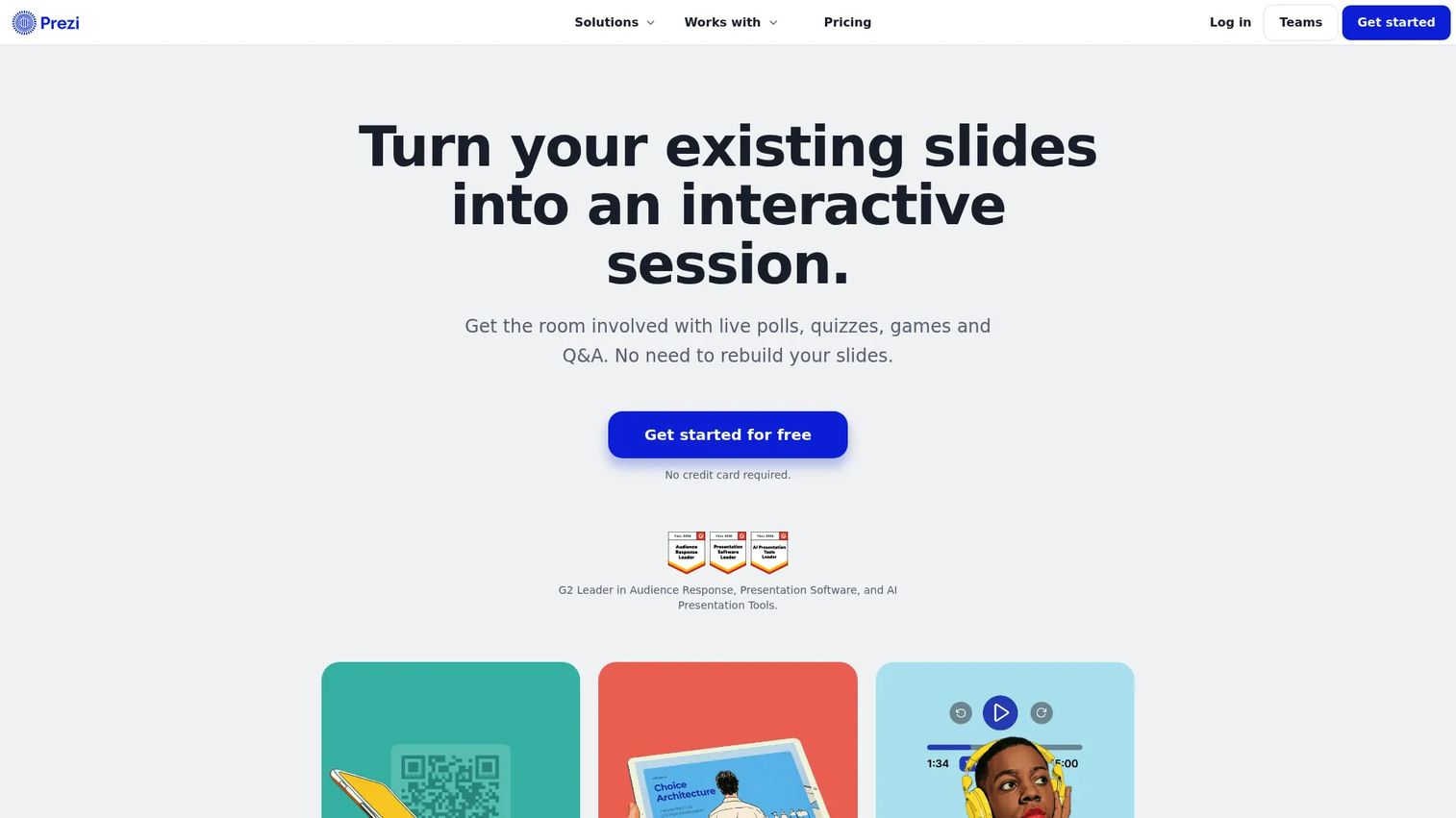
Prezi is a presentation platform built around a zoomable visual canvas rather than linear slides. It includes AI-assisted creation, PowerPoint and PDF import, presentation recording, analytics, and offline desktop access. For presales, the zoomable canvas works well for explaining connected systems, market maps, or multi-part technical architectures where the relationships between components matter as much as the components themselves.
Best for: Sales teams that need dynamic visual storytelling to explain complex, interconnected product or market landscapes.
Key features
- Zoomable canvas for nonlinear narrative flow
- AI presentation creation
- Presentation recording and video creation
- PowerPoint and PDF import
- Presentation analytics and presenter view
Why choose Prezi: Use Prezi when the sales story benefits from spatial movement and showing how pieces connect. For teams accustomed to linear slide workflows, the canvas format requires some adjustment.
Prezi pricing: Basic plan is free. Standard starts at $7/month (billed annually). Plus is $19/month. Premium is $29/month. Teams plans start at $39/user/month. Education plans are separately priced.
G2 rating: 4.3/5
10. Visme
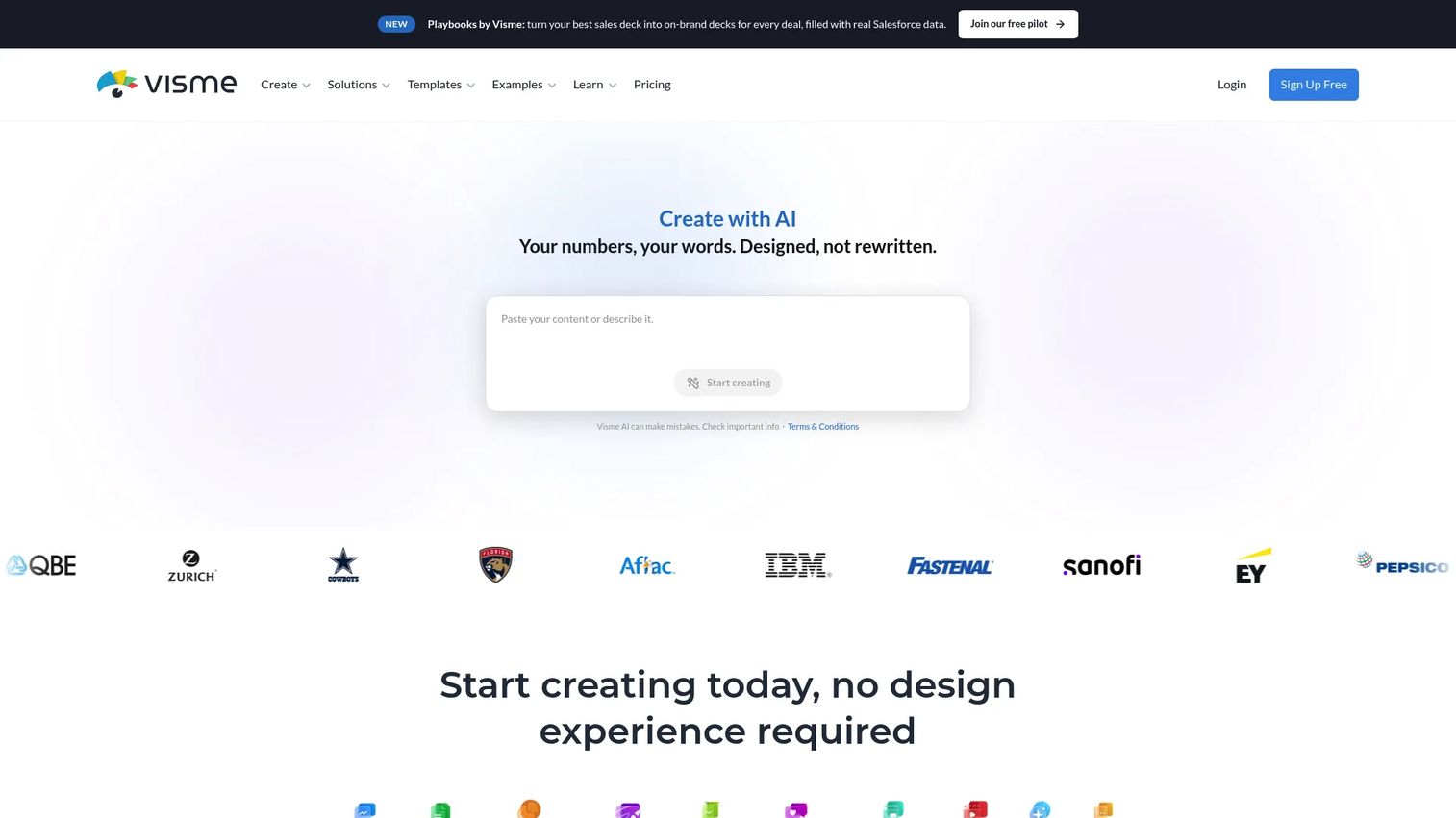
Visme is a visual content platform for creating presentations, infographics, reports, forms, and videos. It includes AI design and writing tools, brand kits, data visualization, animation, interactivity, and collaboration. For presales, it is most valuable for data-heavy sales narratives, ROI calculation slides, process diagrams, and visual leave-behinds that explain complex technical value.
Best for: Teams that need sales presentations with strong data visualization and report-style visual content.
Key features
- Presentation, infographic, and report templates
- AI design, writing, and image-generation tools
- Brand kits with collaboration
- Data charts and CSV import
- Animation and interactive elements
Why choose Visme: Use Visme when the sales narrative relies heavily on data, charts, or process visualization. Sales engagement signal tracking may require a separate tool.
Visme pricing: Basic plan is free. Starter starts at $12.25/user/month (billed annually at $147/year). Business starts at $24.75/user/month (billed annually at $297/year). Enterprise pricing is custom from 10 users.
G2 rating: 4.5/5
11. Storydoc
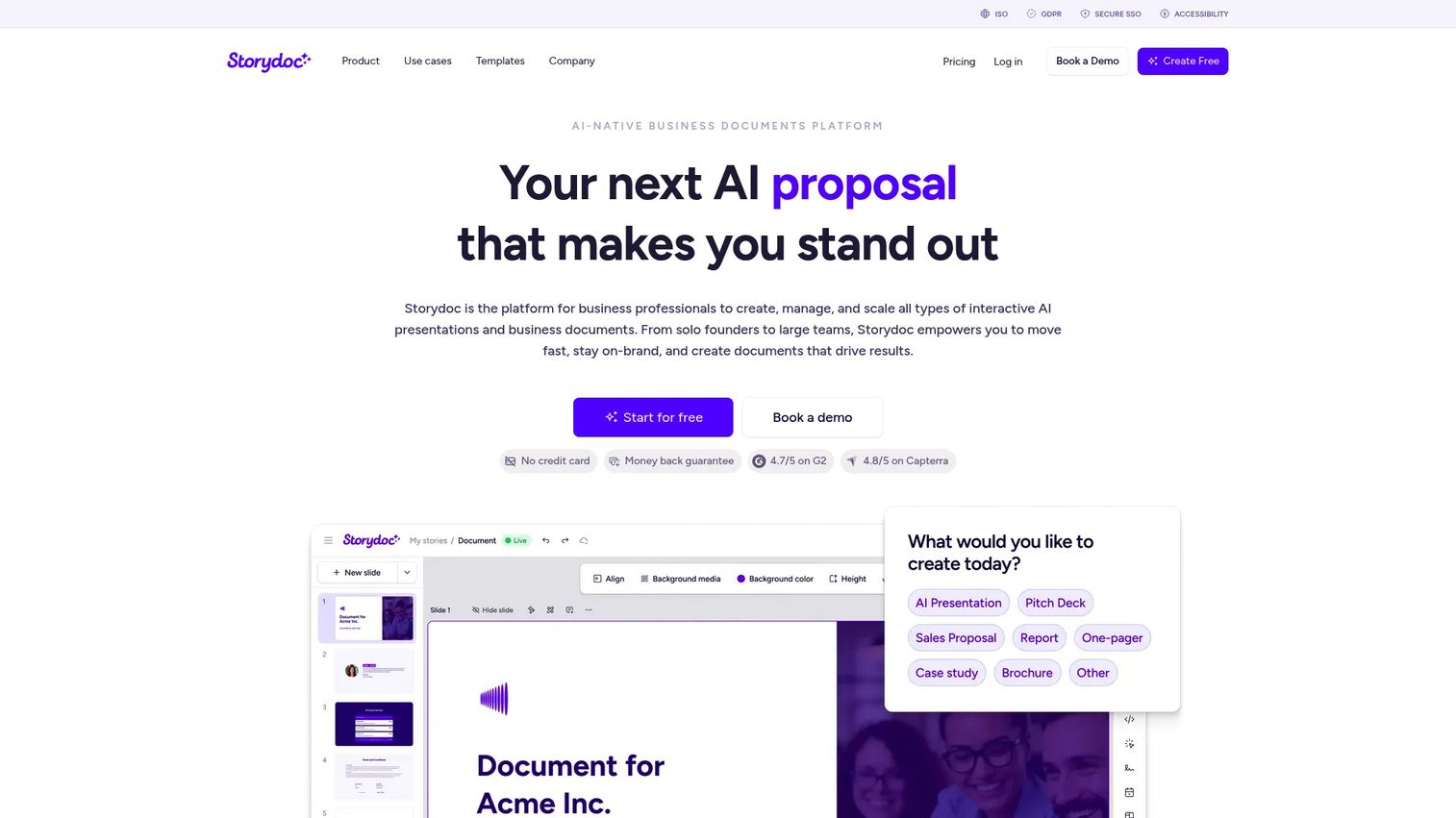
Storydoc is an AI-native platform for creating interactive, scroll-based sales presentations and business documents. It supports embedded elements like Calendly, YouTube, buttons and forms, personalization with dynamic fields and CRM data, and engagement analytics that track opens, clicks, and scrolls. For presales teams, it bridges the gap between a static PDF leave-behind and a fully interactive product demo.
Best for: Sales teams that want pitch decks with interactive embedded elements and engagement analytics.
Key features
- AI document and deck creation
- Interactive embeds: Calendly, YouTube, CTAs, and forms
- Personalization with dynamic fields and CRM data
- Engagement analytics tracking opens, clicks, and scrolls
- Centralized document management and collaboration
Why choose Storydoc: Use Storydoc when the buyer experience should feel more like a guided microsite than a slide deck. It is distinct from product demo automation because it focuses on interactive documents and content, not product flow replication.
Storydoc pricing: Starter starts at $19.80/month (billed annually at $237.60). Pro is $36/month (billed annually at $432). Team pricing requires contacting sales. A free starting option is available.
G2 rating: 4.7/5
12. Zoho Show
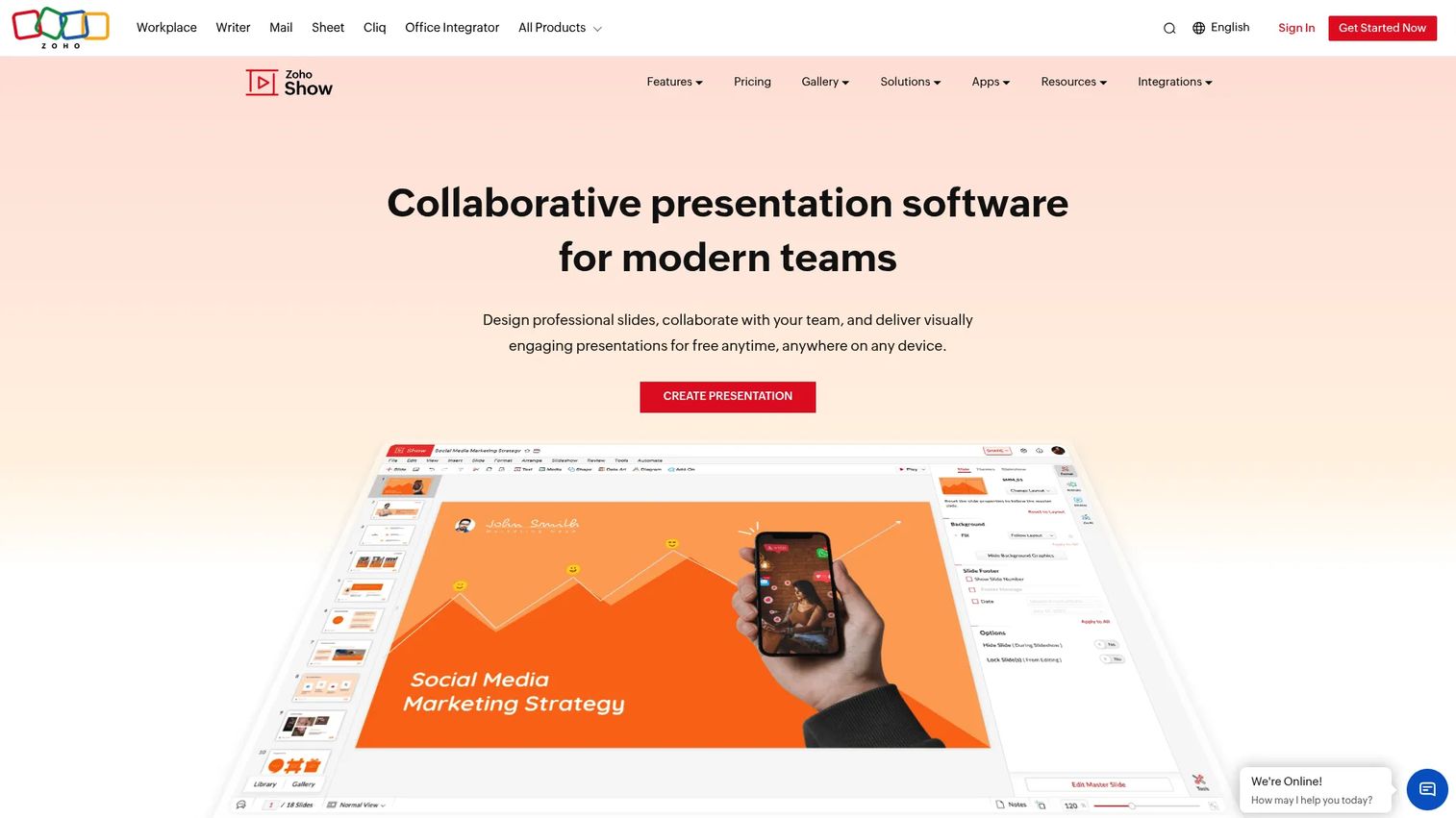
Zoho Show is cloud-based presentation software inside the Zoho ecosystem. It supports customizable templates, real-time collaboration with comments and roles, PowerPoint import, broadcasting, offline mode, and mobile apps. For presales teams already operating in Zoho CRM or Zoho Workplace, it creates a consistent workflow without switching tools.
Best for: Zoho-based sales teams that need integrated cloud presentation creation within their existing stack.
Key features
- Cloud slide editor with customizable templates
- Zoho WorkDrive and Zoho Workplace integrations
- Real-time collaboration with comments and permissions
- Presentation broadcasting and embedding
- Offline mode and mobile apps
Why choose Zoho Show: Use Zoho Show when the team already works inside Zoho. For teams outside that ecosystem, the integration advantages disappear.
Zoho Show pricing: Free plan available for individuals.
G2 rating: 4.4/5
13. Apple Keynote
Apple Keynote is presentation software for Mac and iPad users who want polished, visually refined decks. It includes Apple-designed themes, animations and transitions, real-time collaboration, presentation recording, multi-presenter playback, and PowerPoint export. For presales, it is well-suited to executive briefings, event decks, and customer-facing presentations where visual quality is a differentiator.
Best for: Apple-based sales teams creating polished presentations for executive and event contexts.
Key features
- Apple-designed themes and slide layouts
- Animation and transition tools
- Apple Pencil support on iPad
- Real-time collaboration
- PowerPoint and PDF export
Why choose Apple Keynote: Use Keynote when visual polish and Apple-native workflows are priorities. Cross-company collaboration can require extra steps when buyers or teammates work on other platforms.
Apple Keynote pricing: Keynote is free. Apple Creator Studio, which adds premium content and intelligent features inside Keynote, starts at $12.99/month or $129/year ($2.99/month or $29.99/year for students and educators).
14. Venngage
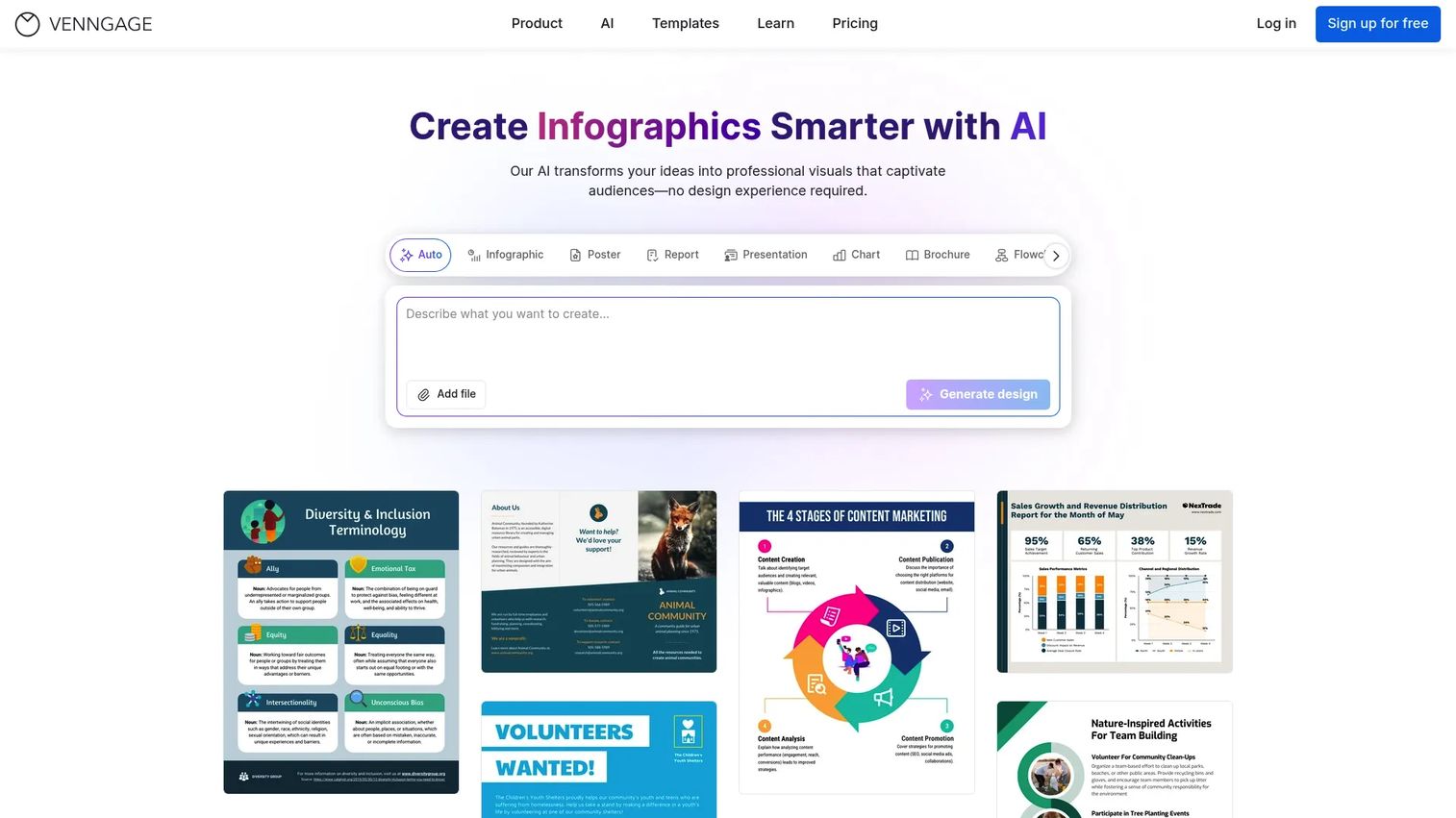
Venngage is a visual communication and data visualization platform for infographics, reports, presentations, and professional visuals. It includes AI design tools, customizable templates, brand kits, data charts with CSV import, accessibility checking, and team collaboration. For presales, it is most useful for ROI visuals, market education slides, and complex process explanations where data needs to be shown rather than described.
Best for: Teams that need report-style visual sales aids and infographic-driven presentations.
Key features
- Infographic and report templates
- AI-powered design and content tools
- Brand kit with automatic branding
- Charts, maps, and CSV data import
- Accessibility checking and compliant PDF export
Why choose Venngage: Use Venngage when sales presentations need to explain data or process visually. It is design-focused rather than sales-workflow-focused, so pair it with engagement or demo tools for the validation and tracking layer.
Venngage pricing: Free plan includes up to five designs. Premium starts at $10/month. Business starts at $24/user/month.
G2 rating: 4.7/5
15. PandaSuite
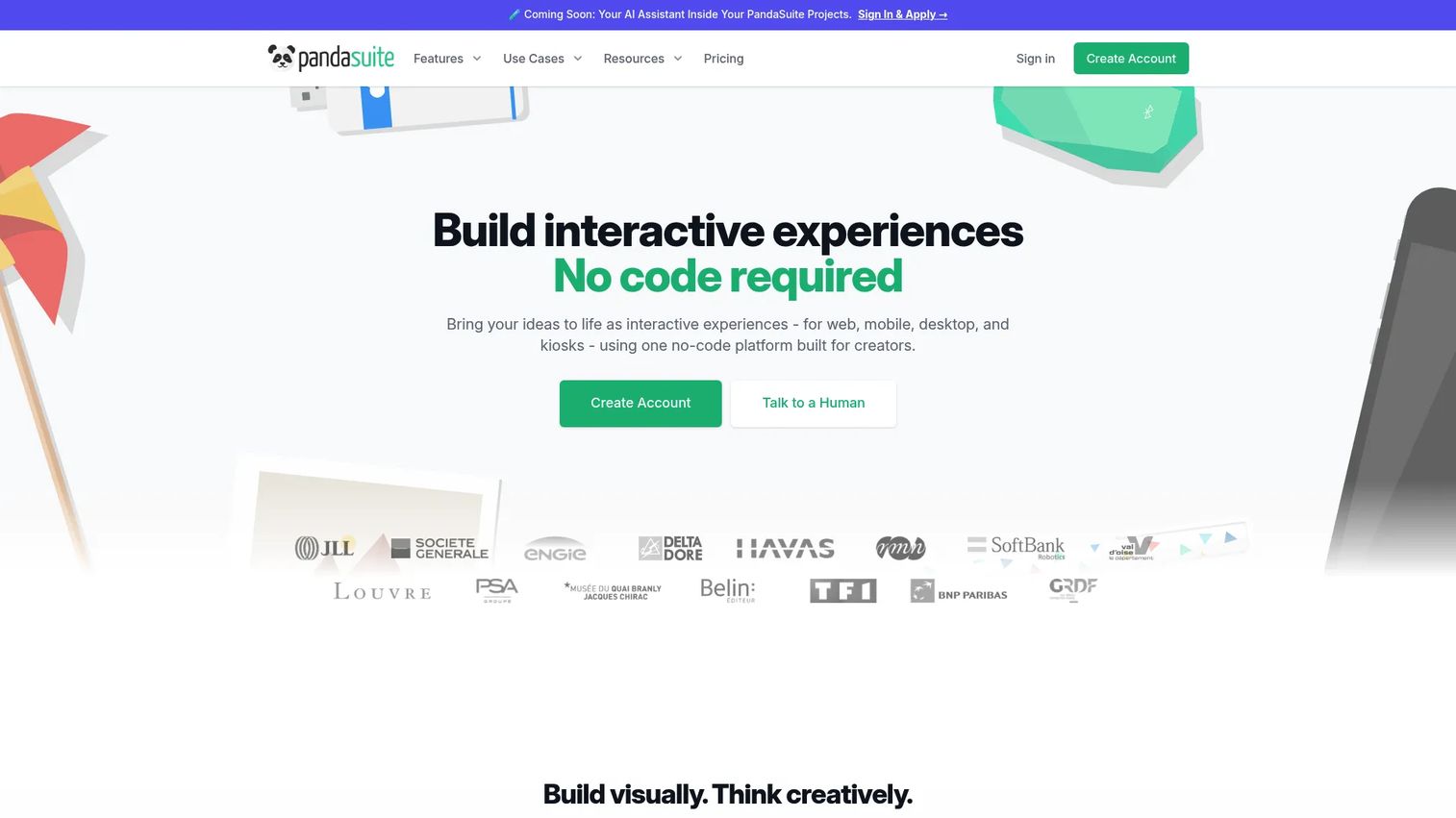
PandaSuite is a no-code platform for creating interactive web, mobile, desktop, and kiosk experiences without writing code. It supports multimedia content including video, audio, 3D, and 360-degree media, gamification, offline app delivery, push notifications, analytics, and API integrations. For presales and field sales teams, it covers trade shows, iPad demos, e-detailing, and touchscreen kiosk experiences where connectivity is unreliable.
Best for: Field sales teams that need interactive presentations with offline access across mobile devices and kiosks.
Key features
- Visual no-code editor for interactive experiences
- Multimedia support: Video, audio, 3D, and 360-degree content
- Offline app deployment for mobile and kiosk
- Interactive components and gamification elements
- Analytics and push notifications
Why choose PandaSuite: Use PandaSuite when the presentation needs app-like interactivity or must work without internet. It is distinct from product demo automation because it focuses on interactive presentation apps and field deployment, not guided product walkthroughs for remote buyers.
PandaSuite pricing: Free plan supports one active project. Pro starts at €24/month (billed annually at €290/year). Publishing plans for web, single-app, and multi-app deployment start from €66/month. Enterprise pricing is on request. Prices are in EUR and exclude VAT.
G2 rating: 4.6/5
16. Highspot
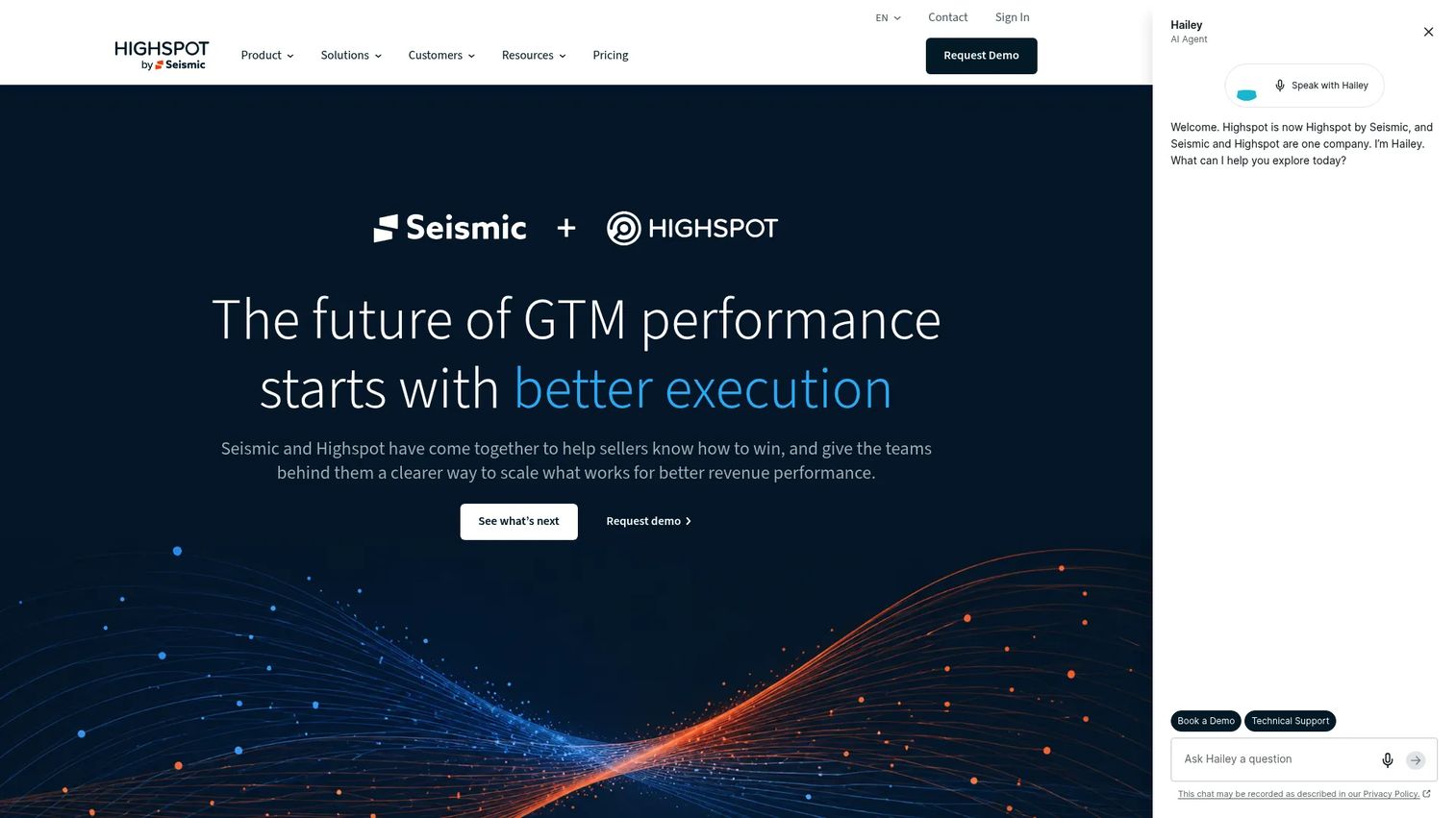
Highspot is an AI-powered go-to-market platform combining sales content management, guided selling, training, coaching, deal guidance, and analytics. It helps sellers find approved presentation assets, tracks content usage by deal stage, supports AI-powered roleplay and meeting intelligence, and integrates with Salesforce, Slack, and over 100 other tools. For presales, it is most relevant when content governance and consistent messaging across a large team are the main bottlenecks.
Best for: Larger enterprise go-to-market teams that need governed presentation content and enablement workflows.
Key features
- AI-powered content search and governance
- Digital sales rooms and guided sales plays
- Training, adaptive learning, and AI roleplay
- Meeting intelligence and coaching scorecards
- CRM and 100+ integrations including Salesforce and Slack
Why choose Highspot: Use Highspot when the problem is reps using outdated or off-brand content, not content creation itself. It is an enablement platform first, not a presentation creation tool.
Highspot pricing: Three plans are listed: Equip and engage, Train and practice, and Coach and reinforce. All plans require contacting sales for pricing.
G2 rating: 4.7/5
17. Showpad
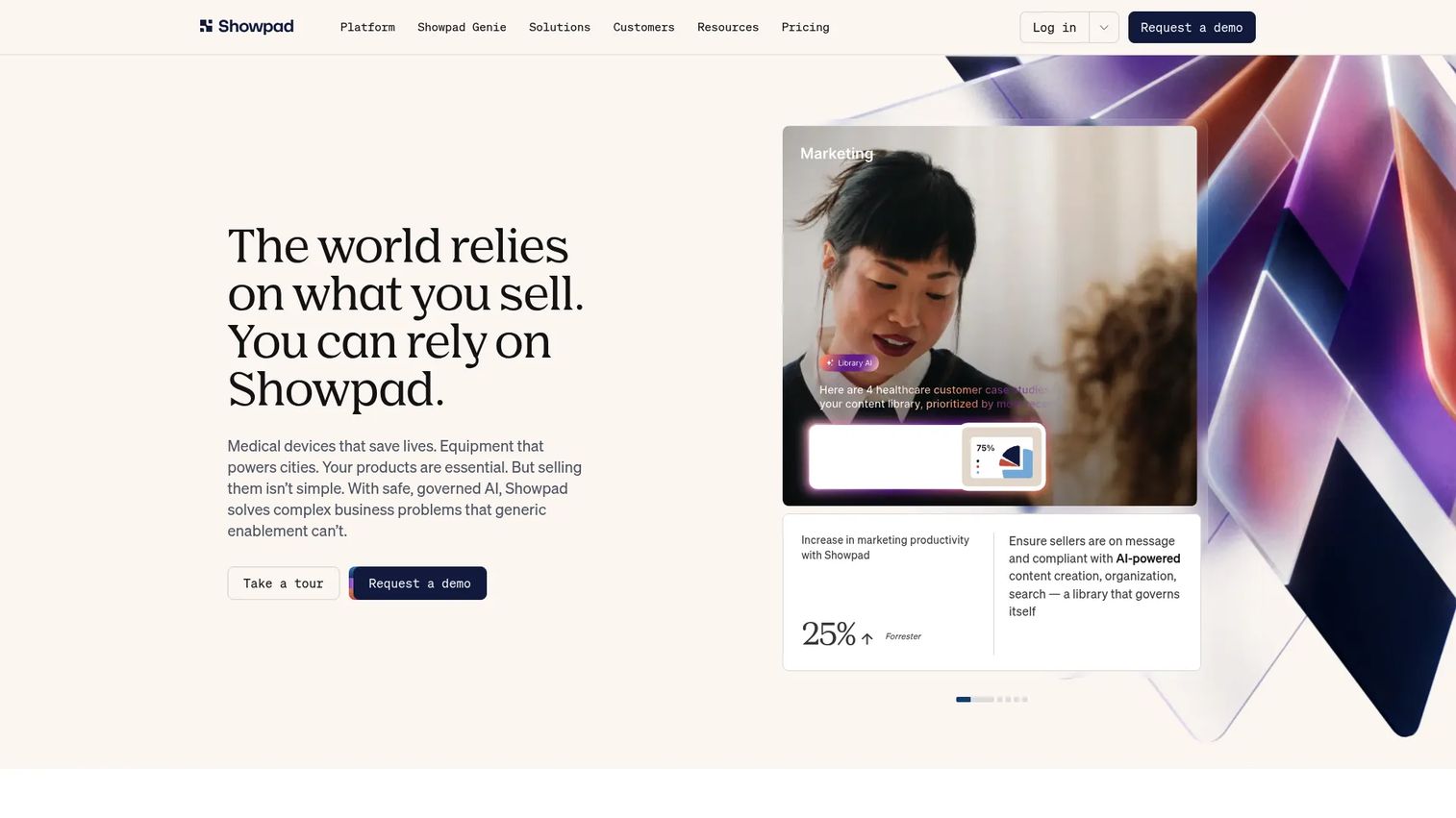
Showpad is an AI-native revenue effectiveness platform for content management, seller readiness, buyer engagement, and analytics. It includes content libraries, Shared Spaces for buyers, seller courses and certifications, AI roleplay, a Genie Assistant, and report builders. For presales, it centralizes decks, product sheets, case studies, and sales materials so reps can find and share the right asset without hunting through shared drives.
Best for: Revenue teams that need sales content distribution, seller readiness, and buyer engagement in one platform.
Key features
- Content management with organized libraries
- Buyer engagement through Shared Spaces
- Seller readiness with courses, certifications, and AI roleplay
- Analytics with report and dashboard builders
- AI assistants including Genie Assistant
Why choose Showpad: Use Showpad when enablement governance matters more than presentation creation. Teams may still need dedicated creation or interactive demo tools to build the assets Showpad distributes.
Showpad pricing: Three plans (Professional, Advanced, and Expert) are available. All plans require requesting a quote from Showpad.
G2 rating: 4.6/5
18. Demodesk
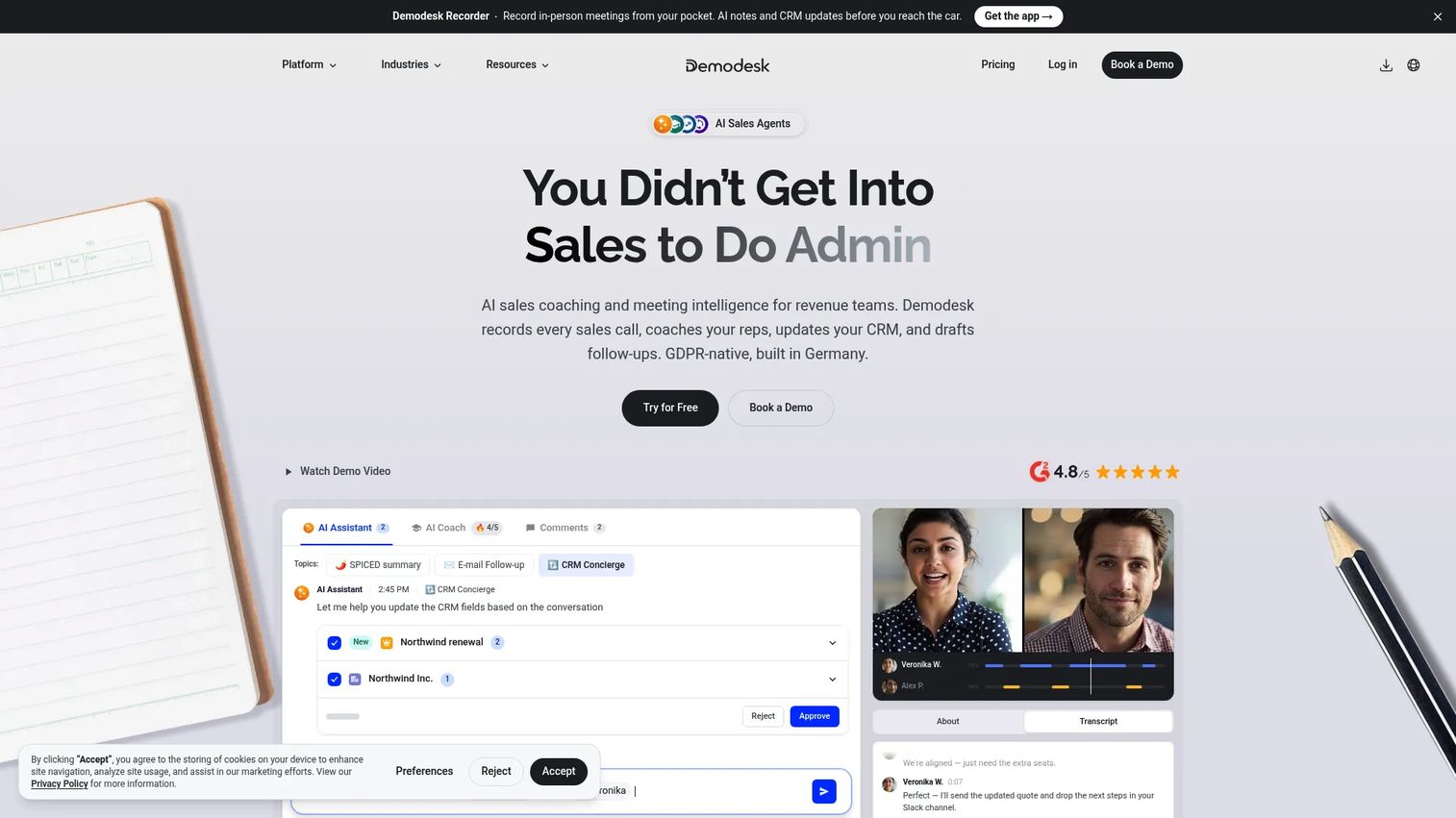
Demodesk is an AI sales-agent platform that records conversations across video, phone, in-person, and field interactions, then generates AI summaries, follow-up drafts, custom scorecards, and coaching feedback. It automates CRM updates for Salesforce, HubSpot, and Pipedrive, and surfaces deal insights for managers. For presales, it is most relevant when call quality and CRM hygiene after demos are the main gaps.
Best for: B2B revenue teams that need compliant conversation recording, AI coaching, and CRM automation from sales calls.
Key features
- Conversation recording across video, phone, and in-person interactions
- AI summaries, follow-up drafts, and custom scorecards
- CRM automation for Salesforce, HubSpot, and Pipedrive
- Coaching workflows and deal insights
- 14-day free trial available without a credit card
Why choose Demodesk: Use Demodesk when call consistency and post-meeting CRM automation are the bottlenecks in your presales workflow. It is focused on conversation intelligence rather than presentation creation or interactive demo delivery.
Demodesk pricing: Capture plan starts at €25/user/month. Coaching & AI is €49/user/month. Enterprise pricing is custom. Pricing is in EUR. A 14-day free trial is available.
G2 rating: 4.8/5
19. PandaDoc
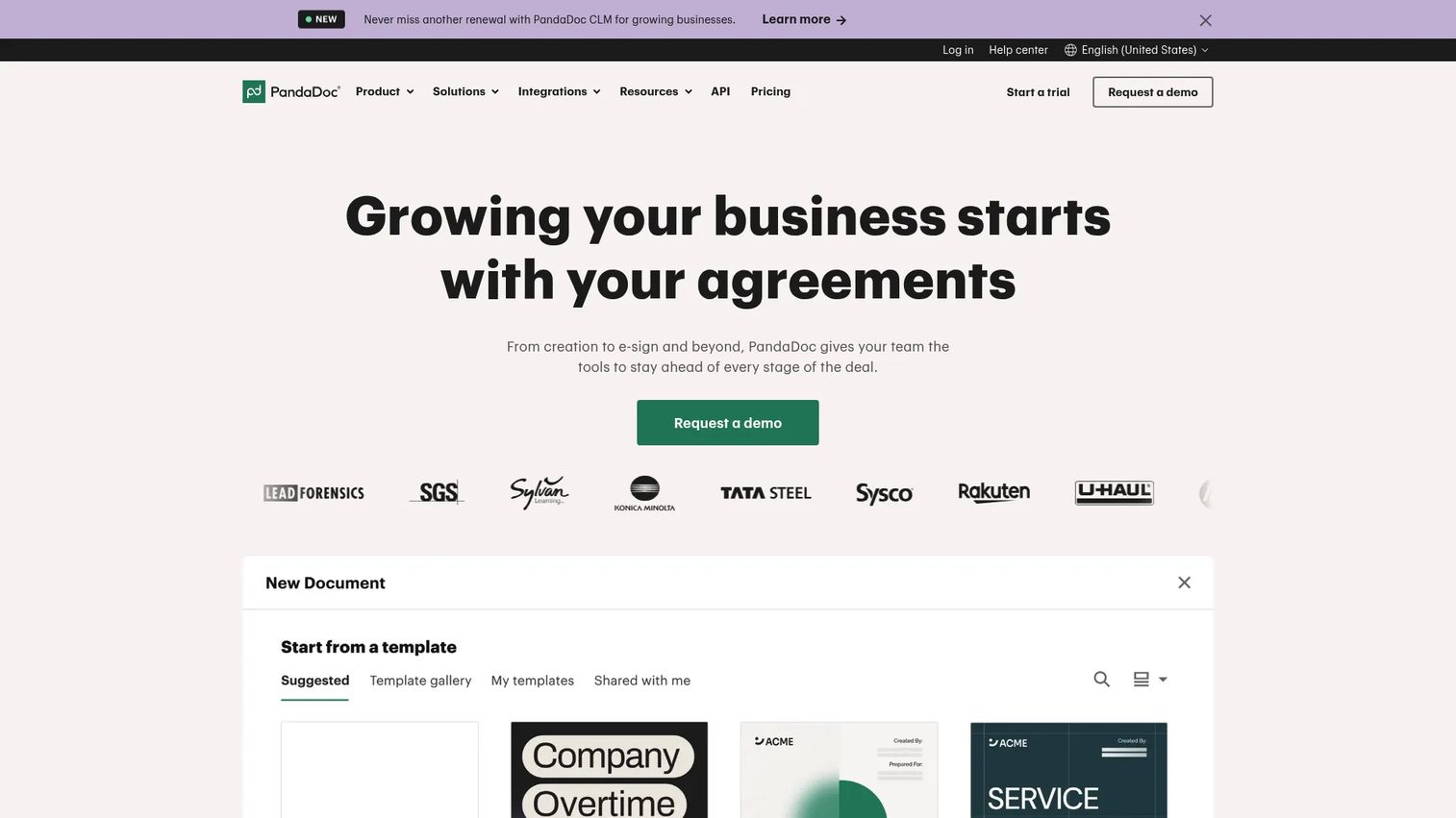
PandaDoc is an all-in-one document management platform for creating, sending, signing, tracking, and managing proposals, quotes, and contracts. It includes a drag-and-drop editor, pricing tables, e-signatures, real-time document tracking, approval workflows, deal rooms, bulk sending, and CRM integrations. For presales, it handles the transition from product story to commercial document without losing the narrative thread.
Best for: Sales teams that need presentations to become transaction-ready proposals with approvals, pricing tables, and e-signature.
Key features
- Drag-and-drop proposal editor with templates
- E-signatures with real-time tracking and notifications
- Pricing tables and product catalog
- Approval workflows and deal rooms
- CRM integrations and document analytics
Why choose PandaDoc: Use PandaDoc when the sales presentation needs to turn into a signed agreement. It is strongest after the buyer has already understood the product story, so pair it with an earlier-stage demo or deck tool for the technical validation phase.
PandaDoc pricing: Free plan available (up to five documents per month). Starter starts at $19/seat/month (billed annually). Business starts at $49/seat/month (billed annually). Enterprise pricing requires contacting sales.
G2 rating: 4.7/5
20. Proposify
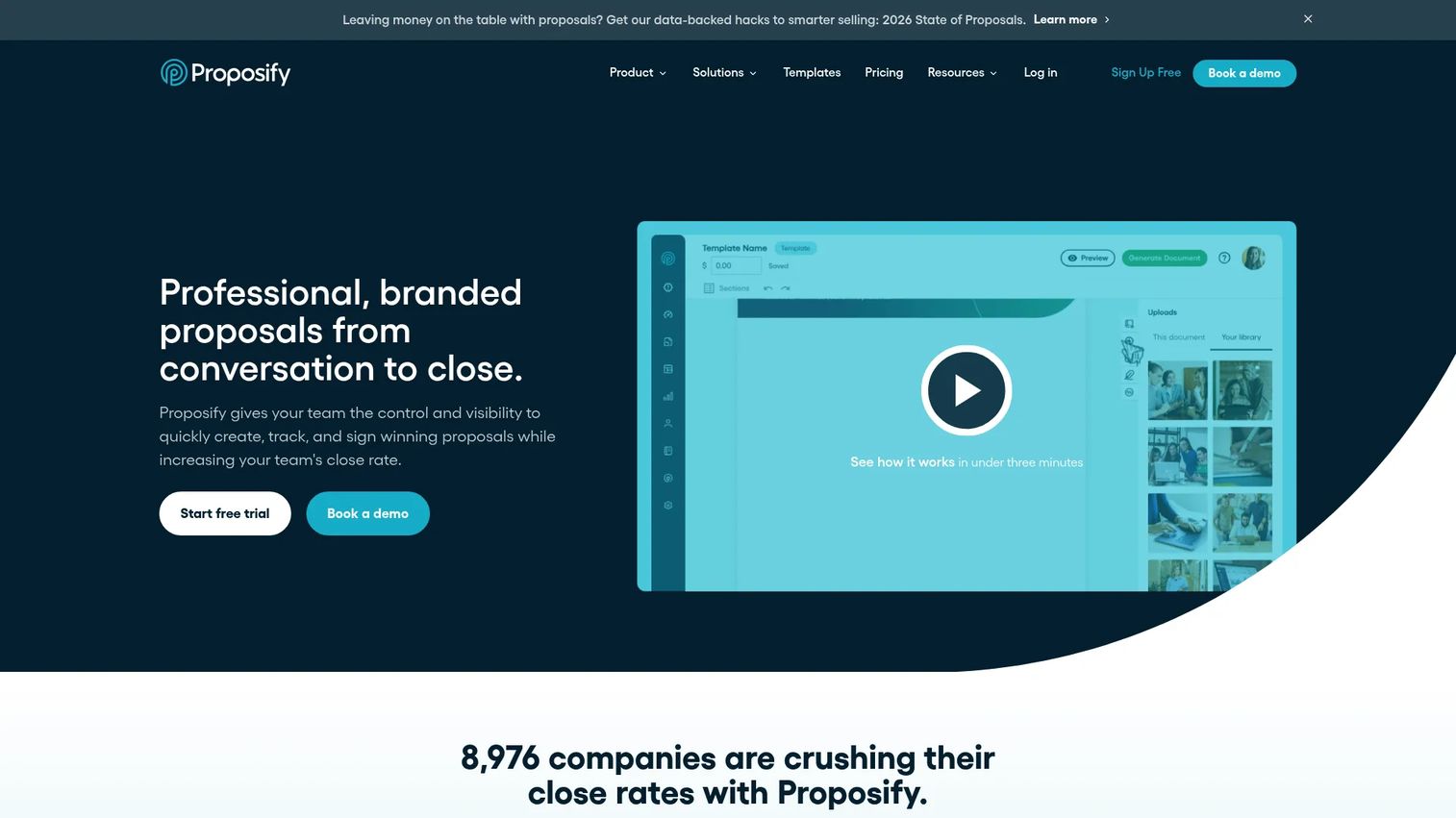
Proposify is proposal management software for creating, sending, tracking, approving, and signing sales documents. It includes a drag-and-drop editor, content library, AI writing, interactive quoting, approval workflows, custom fields, document engagement tracking, and API access. For presales, it helps standardize late-stage commercial documents and maintain visibility into which prospects are reviewing pricing versus ignoring it.
Best for: Sales teams that need governance and tracking over proposal-stage documents, from creation through close.
Key features
- Proposal templates with drag-and-drop editing
- Interactive quoting and approval workflows
- E-signatures and content library
- Document engagement tracking and insights
- API access and MCP server integration
Why choose Proposify: Use Proposify when proposals are complex enough to need governance, version control, and analytics. It does not replace early-stage demo or deck tools; it handles what comes after the product story lands.
Proposify pricing: Build starts at $49/user/month (or $35/user/month billed annually). Grow is $325/month (billed annually) and includes five seats. Scale is $1,066/month (billed annually) and includes ten seats. A free trial is available.
G2 rating: 4.6/5
21. Gong
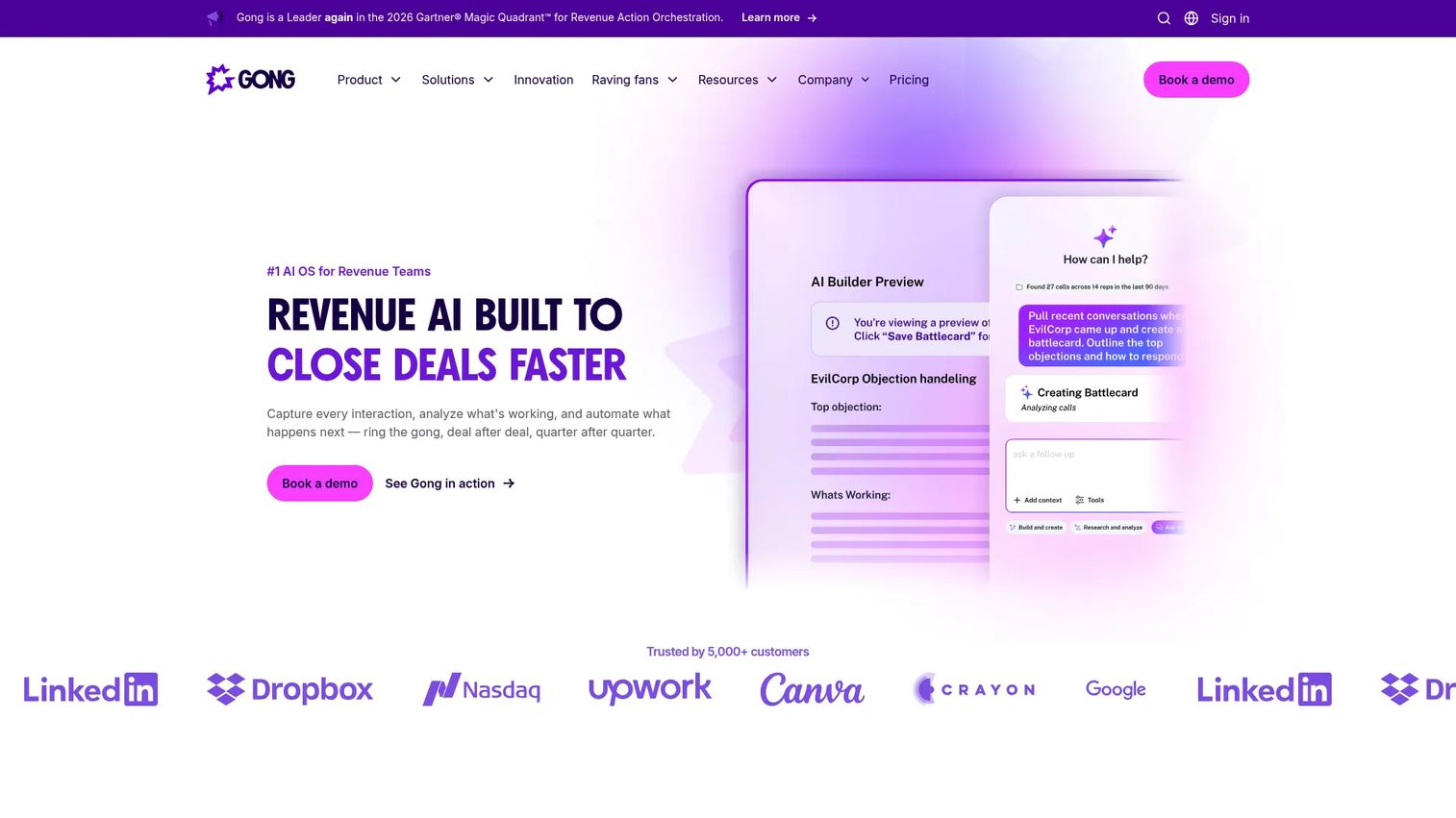
Gong is a Revenue AI platform that captures and analyzes customer interactions across calls, emails, and meetings. It surfaces deal health, coaching recommendations, pipeline risks, objection patterns, and talk analytics. For presales, Gong belongs in this list because sales presentations happen inside calls, and understanding what resonates, what stalls, and what follow-up actually works is essential to improving presentation execution at scale.
Best for: Revenue teams that want to improve presentation performance through conversation intelligence and coaching.
Key features
- Automatic call recording, transcription, and analysis
- AI-powered conversation summaries and insights
- Pipeline, deal health, and forecasting management
- Coaching workflows and scorecard tools
- CRM integrations and embedded AI agents
Why choose Gong: Use Gong when the bottleneck is execution quality, not asset creation. It tells you what happened in the demo call and how to coach the team toward better outcomes. Teams still need a creation or interactive demo tool for the presentation itself.
Gong pricing: Pricing is customized per team, with per-user licenses plus a platform fee. Contact Gong sales for a quote.
G2 rating: 4.7/5
Considerations when choosing sales presentation software
Match the tool to the sales moment
A first-call deck, a technical deep-dive demo, a champion leave-behind, and a proposal each require different capabilities. One tool rarely handles every moment equally well. Map each stage of your presales workflow to the tool that solves it before committing to a stack.
Check buyer engagement analytics
Evaluate what the tool actually tracks: Views, completion, clicks, session depth, stakeholder forwarding, proposal opens, or CRM activity. For presales teams, engagement data should change follow-up behavior, not just appear in a dashboard. Ask vendors specifically how the data surfaces in your CRM and what triggers an alert.
Evaluate CRM and sales-stack fit
Verify which CRMs, conferencing tools, and calendar systems each platform integrates with before assuming compatibility. Tools that require manual export of engagement data create gaps in the follow-up workflow. Check the integrations documentation directly for each tool under consideration.
Look for governance and update control
Sales presentations go stale as products change, messaging evolves, and competitive positioning shifts. Prioritize tools with version control, permission layers, content libraries, and approval workflows. A demo or deck that reps can update themselves without breaking shared links saves significant SE time.
Consider presales workload honestly
Ask whether the tool reduces SE effort or adds another asset to build and maintain. The best tools offer reusable demos, templates, and analytics that pay back the time invested. Tools that require significant setup per deal are harder to justify when demo capacity is already strained. Check out our guide to best presales software tools and best sales engagement tools for more context on building a complete presales stack.
Conclusion
The right sales presentation software is determined by the job, not the format. Slides, videos, interactive demos, proposals, and conversation intelligence all serve different moments in the presales workflow.
Choose Guideflow when buyers need to experience the product through guided demos, open sandbox exploration, or a demo center they can share with the full buying committee. Choose PowerPoint or Google Slides for standard deck creation when stakeholder familiarity matters most. Choose Canva, Visme, or Venngage for visual collateral. Pitch and Storydoc add collaboration and interactivity to the deck format. Loom handles async video follow-ups. Highspot and Showpad solve enablement governance for larger teams. PandaDoc and Proposify cover the proposal-to-signature stage. Gong closes the loop by telling you what actually worked on the call.
For best interactive demo tools for product marketing and best interactive demo tools for marketing teams, Guideflow consistently leads because it covers the full buyer journey from first click to signed deal.
Start your journey with Guideflow today!
FAQs
Sales presentation software helps revenue teams create, deliver, personalize, share, and measure the content used to explain product value during a sales process. The category includes slide decks, interactive product demos, async video, sales enablement platforms, proposal tools, and conversation intelligence. The common thread is supporting buyer understanding and moving deals forward.
Presales teams benefit most from tools that prioritize product proof, buyer engagement analytics, reusable demos, and CRM integration. The best choice depends on the sales moment: Guideflow for interactive product presentations and technical validation leave-behinds, Demodesk for call recording and coaching, PandaDoc for proposal handoffs. Platforms like Highspot or Showpad help when the problem is content governance across a large team.
SEs should prioritize interactive demos and sandboxes for self-serve technical validation, reusable demo libraries that reduce repetitive rebuild work, stakeholder-level analytics to see which buyers engaged, CRM integrations that push engagement signals into the pipeline, and governance controls that prevent outdated assets from circulating. Tools that reduce repetitive demo prep free SE capacity for higher-value work. For more on the broader toolkit, see our guide to best AI sales tools.
Yes, particularly for executive narratives, internal alignment, board-level reviews, and standard sales decks where stakeholders expect PPTX format. Complex B2B deals increasingly benefit from interactive or trackable formats alongside slide decks, since static files provide no visibility into buyer engagement after the file is forwarded.
Sales presentation software helps create and deliver buyer-facing content across slide decks, demos, video, and proposals. Sales enablement software manages content governance, rep training, adoption, and reporting at an organizational level. Some platforms cover both, but Highspot and Showpad are primarily enablement systems, while PowerPoint, Guideflow, and PandaDoc are primarily creation and delivery tools.
Interactive demos let prospects experience the product through guided or explorable paths without requiring a live call or login. They serve as website embeds, pre-call warm-ups, live call support, and post-call leave-behinds for stakeholders who missed the meeting. Demo centers let buyers self-serve through multiple product flows at their own pace, while sandboxes support deep technical validation for buyers who need hands-on proof before committing to a POC.
Tracking depth varies by format. Demo tools like Guideflow track step-level completion, drop-off points, and individual viewer behavior. Deck tools like Pitch and Storydoc track opens, scroll depth, and clicks on shared presentations. Proposal tools like PandaDoc and Proposify track document views, section engagement, and time to signature. Conversation intelligence platforms like Gong track what happens during the live call. The right answer depends on which format is the primary vehicle for your buyer engagement.
Use a slide deck when the presentation needs structure, a clear narrative sequence, and stakeholder familiarity with the format. Use video when the SE or AE needs to explain something personally and asynchronously, with their voice and face adding trust. Use an interactive demo when the buyer needs to click through the product, explore features at their own pace, validate fit independently, or share proof with colleagues who were not on the original call.