The system is ready to retire. The data is not.
This is the real bottleneck in most legacy application retirement projects. Finance still needs the invoice history. Support still needs to trace closed accounts. Compliance needs to produce audit evidence on demand. So the old system stays running, racking up licensing fees, infrastructure costs, and maintenance obligations, simply because nobody has built a safe path to shut it down.
Storage cost is usually not the hard part. Preserving business context after the source application disappears is. According to the enterprise information archiving market report from Mordor Intelligence (2026), the market reached $9.25 billion in 2025 and is projected to hit $17.7 billion by 2031. That growth reflects how many organizations are finally treating data archiving as a business-continuity decision rather than a storage exercise.
This guide helps product managers, data governance leads, and IT architects evaluate seven structured data archiving software platforms before committing to a retirement program.
What's inside
This guide is written for product managers who influence legacy-system modernization, application decommissioning, and data governance decisions. Tools were selected for relevance to structured data archiving and application retirement. Selection criteria:
- Ability to preserve schemas, metadata, and data relationships after the source application is retired
- Search and retrieval quality for nontechnical stakeholders such as support, finance, and compliance
- Retention policy controls, legal hold support, and defensible deletion workflows
- Deployment flexibility across cloud, hybrid, and on-premises environments
Pricing and G2 ratings reflect verified figures from vendor pricing pages and live G2 listings as of October 2026.
TL;DR
- Best for broad enterprise archiving: OpenText Information Archive suits organizations that need searchable information access across application retirement, governance, and multiple content types
- Best for SAP-focused programs: OpenText Core Archive for SAP Solutions fits teams managing SAP data growth, S/4HANA modernization, or SAP retirement projects
- Best for structured-data governance: Archon Suite covers metadata preservation, tiered storage, and archive design across legacy databases
- Best for cloud-oriented preservation: Solix Common Data Platform combines structured-data archiving with broader enterprise data preservation and AI-ready access
- Best for complex transformation programs: JiVS Information Management Platform handles SAP and non-SAP migration, retirement, and business-object preservation
- Best for IBM and Informatica estates: IBM InfoSphere Optim Archive and Informatica Data Archive fit teams with existing enterprise data-management investments in those platforms
What is structured data archiving software?
Structured data archiving software moves inactive or historical records from operational applications and databases into a governed archive that remains searchable, secure, and accessible after the source system is retired.
A proper archive is not a backup and is not object storage. Each of these formats serves a different purpose. Backups support recovery after an outage or corruption event. Data warehouses support analytics and reporting on current datasets. Object storage retains files at low cost. Structured archives preserve governed business data for long-term access after the operational application is decommissioned.
What the software preserves
Raw table exports do not constitute a useful archive. Quality archiving retains:
- Record-level metadata and business labels
- Schema and parent-child relationships
- Referential integrity across related tables
- Retention rules and legal hold status
- Security permissions and role-based access controls
- Full-text search and export paths for auditors and business users
How structured archiving differs from backup and cold storage
| Format | Primary job | Retention of business context | Post-retirement search |
|---|---|---|---|
| Backup | Disaster recovery | Minimal | No |
| Data warehouse | Analytics and reporting | Moderate | Partial |
| Object storage | Cheap file retention | None | No |
| Structured archive | Long-term governed access | Full | Yes |
Core capabilities to evaluate
- Database and application connector coverage
- Metadata and relationship preservation
- Policy-based retention, legal holds, and deletion workflows
- Search, retrieval, reporting, and export for nontechnical users
- Access controls and immutable audit trails
- Cloud, hybrid, and on-premises deployment
- Migration validation and decommissioning acceptance support
When to use structured data archiving software
Retire a legacy application without losing historical access
A legacy CRM, billing platform, or ERP module costs money to maintain, yet finance, support, and compliance still need to reach historical records. Archive requirements should be defined before the decommissioning project starts. Document which users need access, which search paths matter, and what retrieval response time is acceptable. A legacy application is only retired when users can retrieve the history they need without reopening it.
Reduce production database growth without disrupting active workflows
Moving inactive records out of high-cost operational databases improves query performance and reduces infrastructure overhead while preserving access to history. For product managers, this creates an acceptance-criteria question: What data-quality and retrieval tests must pass before the migration is considered complete?
Meet retention and deletion obligations with evidence
Policy-based retention, legal holds, and defensible deletion support governance workflows. The critical test is whether the platform can demonstrate that a record was retained, flagged, or deleted according to a defined policy. Avoid tools that track retention in name only. Evidence trails and audit logs are what an auditor or legal review will actually request.
Structured data archiving software comparison
No single platform fits every retirement project. The decision turns on application estate, database landscape, retention scope, retrieval requirements, and deployment constraints. The table below summarizes the seven platforms covered in this guide, using verified pricing and G2 ratings as of October 2026.
| # | Product | Best for | Key differentiator | Pricing | G2 rating |
|---|---|---|---|---|---|
| 1 | OpenText Information Archive | Broad enterprise information archiving and application retirement | GenAI natural-language search via Content Aviator across structured and unstructured data | Contact sales for quote | 4.5/5 |
| 2 | OpenText Core Archive for SAP Solutions | SAP data archiving and S/4HANA modernization | Cloud-native SAP ArchiveLink, ILM, and Fiori access | From $141.42/month per storage SKU | N/A |
| 3 | Archon Suite | Structured database archiving with lifecycle governance | Immutable WORM-compliant archive with tiered hot, warm, cold, and deep storage | Contact sales for quote | 5.0/5 |
| 4 | Solix Common Data Platform | Cloud-oriented enterprise data preservation | 150+ source connectors with governed preservation zone and AI-ready data lake | Contact sales; 30-day trial available | 4.1/5 |
| 5 | JiVS Information Management Platform | SAP and non-SAP transformation and application retirement | Business-object preservation for migration and retirement across heterogeneous systems | Project-specific pricing; contact sales | 5.0/5 |
| 6 | IBM InfoSphere Optim Archive | Established enterprise database archiving programs | Open-format encrypted archives with preserved referential integrity and on-demand browsing | Solution and Enterprise editions; contact IBM | 4.1/5 |
| 7 | Informatica Data Archive | Enterprise data lifecycle and application-retirement programs | SQL-queryable immutable Data Vault with Data Discovery Portal search | Contact sales for quote | 4.1/5 |
Best 7 structured data archiving software tools for 2026
1. OpenText Information Archive
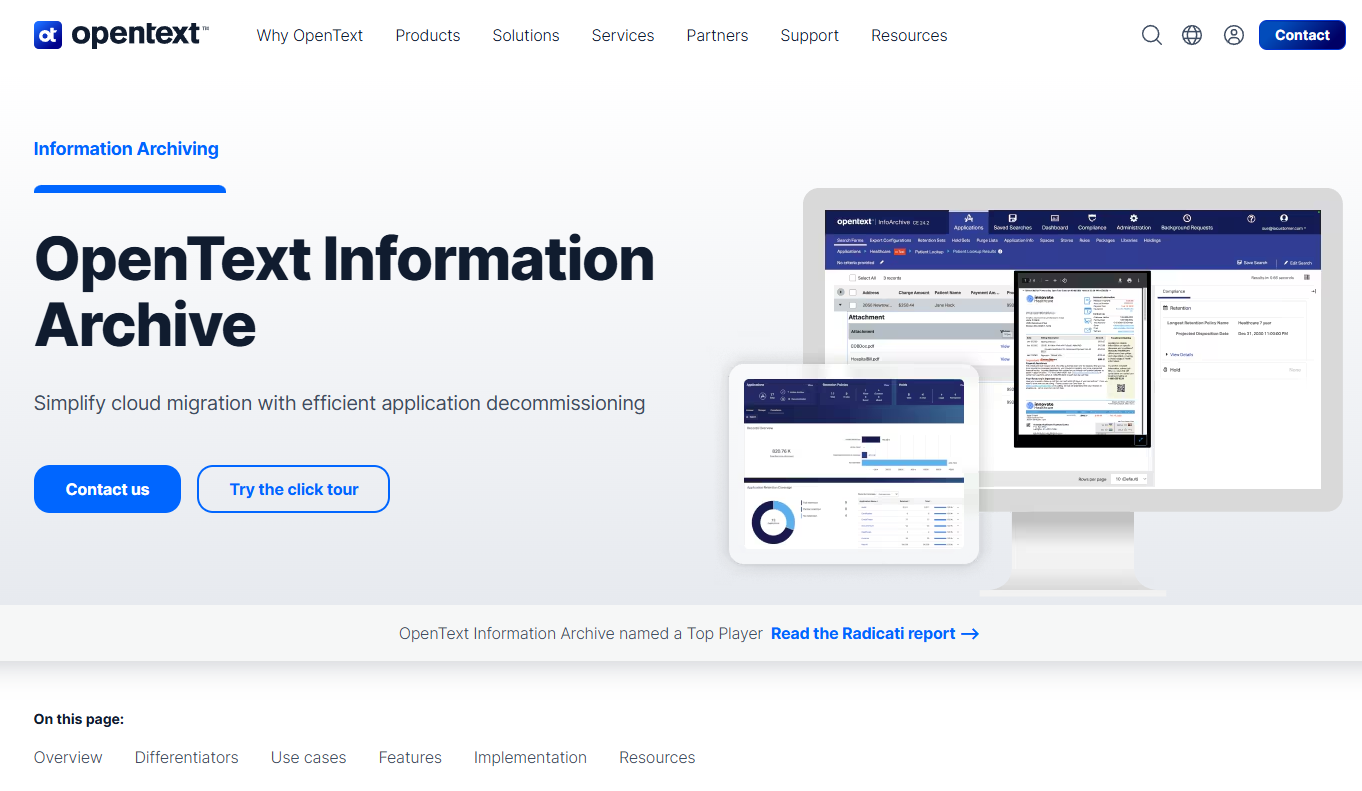
OpenText Information Archive is a modern data archiving platform for compliantly managing structured and unstructured information across application decommissioning, cloud migration, and long-term retention programs. The platform supports flexible deployment across OpenText Cloud, on-premises, and hybrid environments, making it one of the broader enterprise archiving options currently available. Its Content Aviator capability brings GenAI-powered natural-language search to archived data, which changes what nontechnical stakeholders can do after a legacy system is retired.
Best for: Large organizations consolidating archived business records from multiple retired applications while keeping historical information accessible to finance, compliance, and support teams.
Key features
- Centralized archiving of structured and unstructured data
- GenAI natural-language and full-text search via Content Aviator
- Event-based retention, legal holds, and immutable audit trails
- Cloud, on-premises, and hybrid deployment options
- Access controls with role-based permissions and auditability
Why choose OpenText Information Archive: This platform suits enterprises that need a broad archiving layer covering more than one source system. The GenAI search capability reduces the dependency on specialists to locate historical records after shutdown.
OpenText Information Archive pricing: OpenText directs buyers to contact sales for commercial packaging. No standard plan tiers appear on the product page.
G2 rating: 4.5/5
2. OpenText Core Archive for SAP Solutions
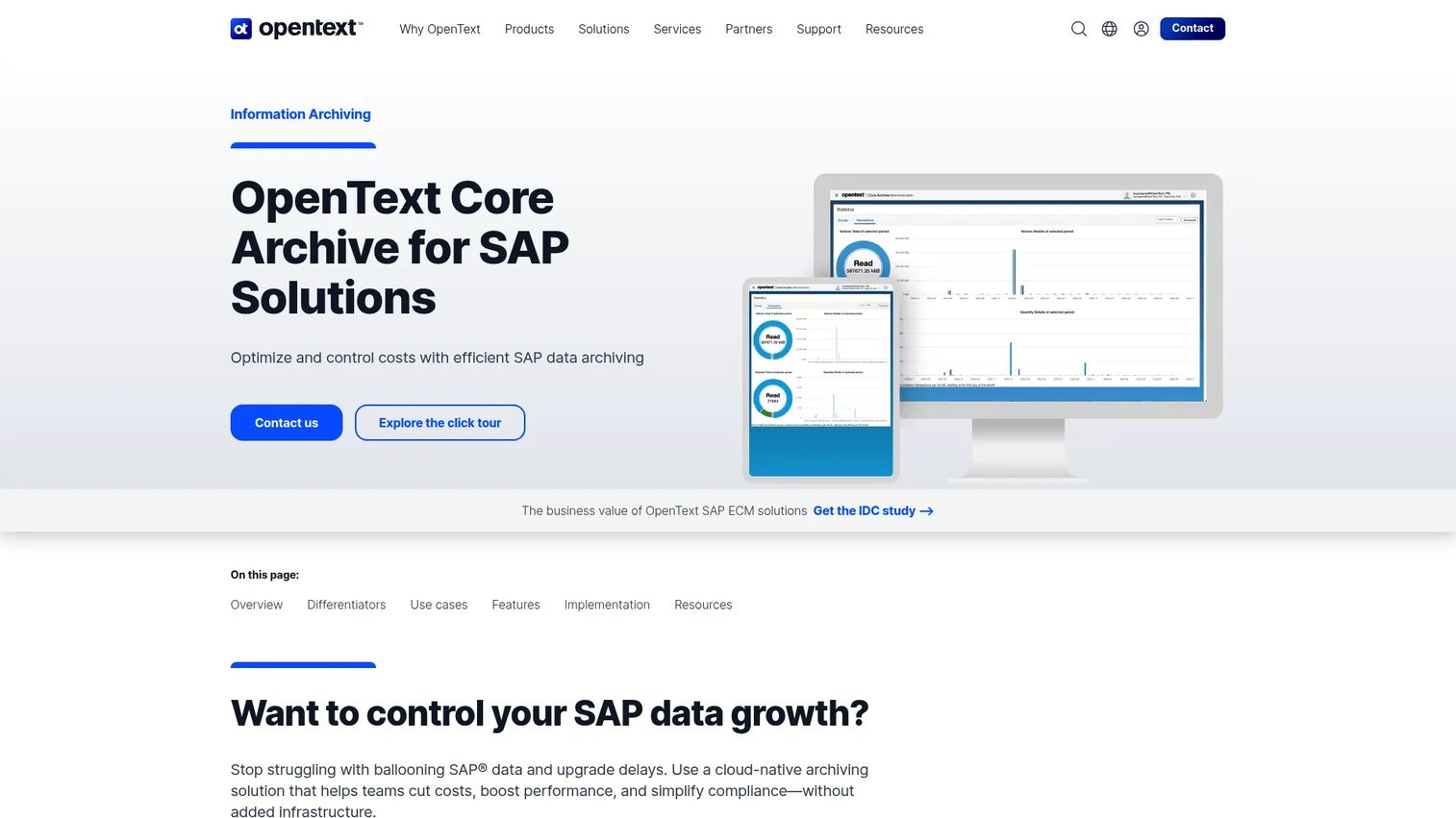
OpenText Core Archive for SAP Solutions is a cloud-native archiving platform for SAP data and document management. It integrates with SAP ArchiveLink, SAP WebDAV ILM, and CMIS, and provides direct document access through SAP GUI and SAP Fiori. Teams running S/4HANA migrations, RISE with SAP programs, or SAP retirement projects use it to reduce data footprint while maintaining governed access to historical business records. Support for full-text indexing and document pipelines covers both SAP and non-SAP content within an SAP-driven environment.
Best for: Large enterprises reducing SAP data volume during S/4HANA transformation or retiring a legacy SAP environment while keeping historical records accessible through familiar SAP interfaces.
Key features
- SAP ArchiveLink, WebDAV ILM, and CMIS integration
- Direct access through SAP GUI and SAP Fiori
- Compliance controls: Secure retention, legal holds, and audit trails
- Support for SAP S/4HANA, SAP BTP, and RISE with SAP
- Enterprise scanning, document pipelines, and full-text indexing
Why choose OpenText Core Archive for SAP Solutions: SAP retirement projects carry specialized dependencies. The archive must preserve business context in a form that SAP users can navigate after the source environment is decommissioned.
OpenText Core Archive for SAP Solutions pricing: OpenText publishes SKU-based pricing rather than conventional plan tiers. The published price list shows storage archiving from $141.42/month per 500 GB, transaction volume from $408.51/month, and a one-time migration volume charge of $3,029.63 per 500 GB. Verify current SKU availability and applicable volume tiers with OpenText directly.
3. Archon Suite
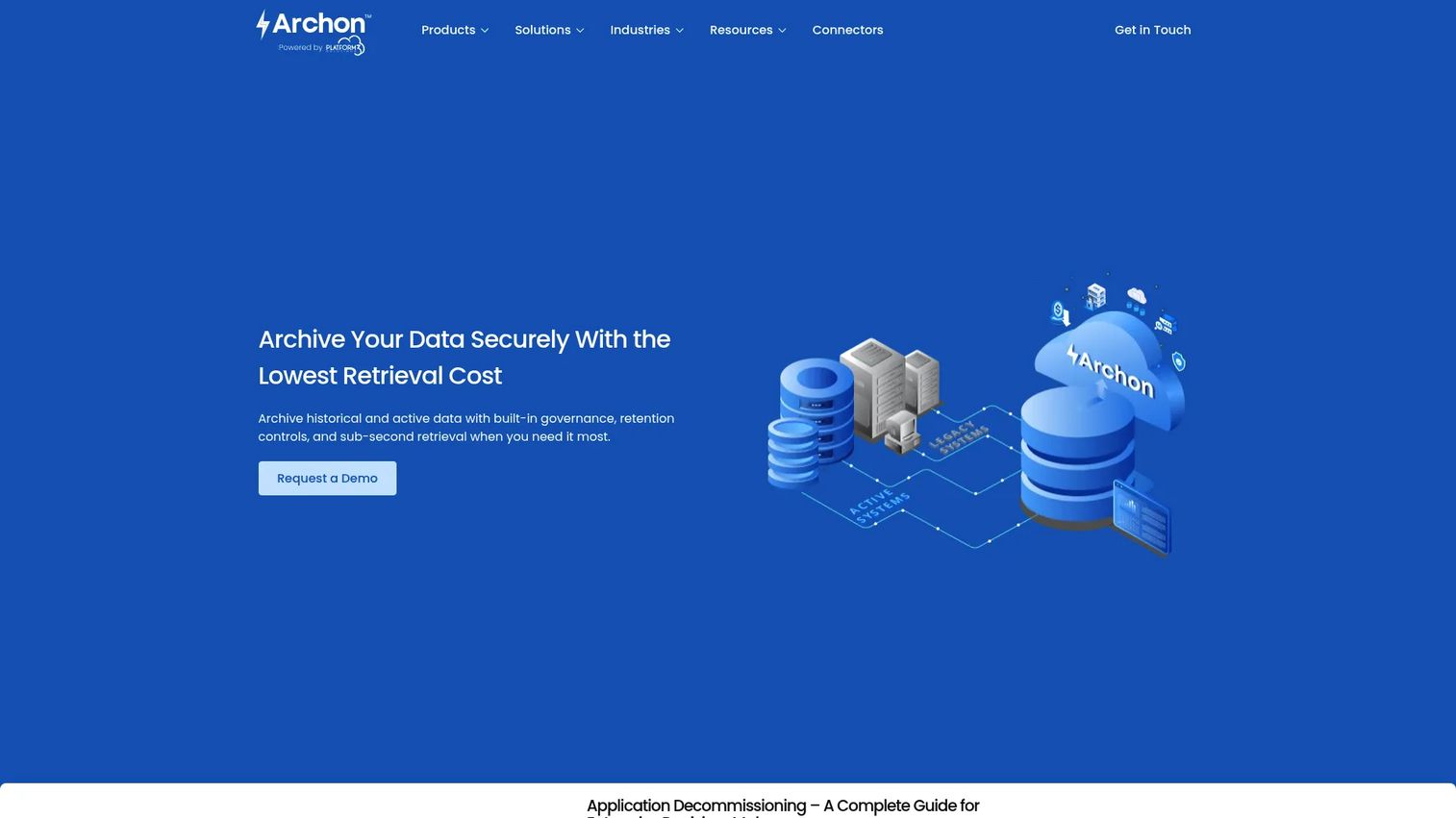
Archon Suite is an enterprise data archiving platform for analyzing, ingesting, storing, governing, and retrieving data from legacy and modern systems. It uses immutable, WORM-compliant archival with tiered hot, warm, cold, and deep-archive storage to match retrieval frequency to cost. Metadata-driven SQL and cross-application search supports e-discovery workflows. Its ETL ingestion layer connects to enterprise systems via batch, real-time, change data capture, and direct database connectors, which matters when source systems use heterogeneous schemas or distributed data structures. For product managers responsible for application portfolio management, Archon's attention to data lineage and defensible deletion makes it worth evaluating when governance is a primary requirement.
Best for: Large enterprises decommissioning legacy applications while preserving compliant, searchable access to historical data with traceable retention and deletion evidence.
Key features
- Immutable WORM-compliant archival with encryption and redaction
- Tiered hot, warm, cold, and deep-archive storage with compression
- Metadata-driven SQL and cross-application search with e-discovery workflows
- Automated retention, legal holds, and defensible disposition
- Archon ETL ingestion via batch, real-time, CDC, and enterprise connectors
Why choose Archon Suite: Choose this platform when the archive must demonstrate that data was retained, held, or deleted according to a documented policy. The metadata search and cross-application query capability also means support and compliance teams can work independently without engineering involvement.
Archon Suite pricing: Archon does not display pricing on its product pages and asks buyers to contact sales for commercial terms. G2 reviewers have not reported pricing ranges for this product.
G2 rating: 5.0/5
4. Solix Common Data Platform
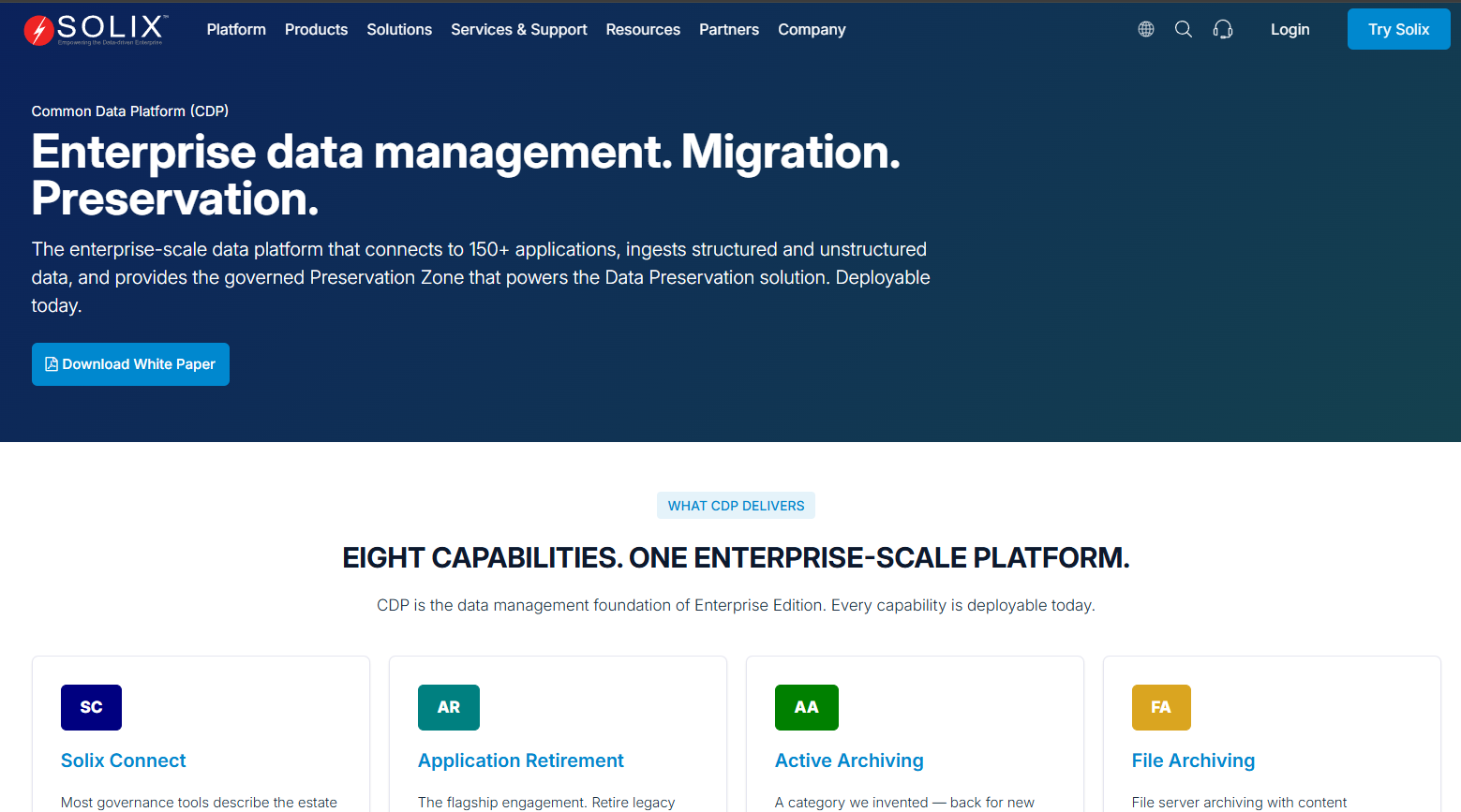
Solix Common Data Platform is an enterprise-scale data management platform for preserving, governing, archiving, and AI-activating structured, semi-structured, and unstructured data. Its Governed Preservation Zone handles retention management and legal-hold support, while its Data Lake+ layer stores diverse data types for downstream use. The platform connects to 150+ source applications via bulk, streaming, and change-data-capture ingestion. For organizations managing broad modernization programs, Solix positions itself as a consistent preservation layer that applies uniform governance standards across multiple application retirement projects. Its natural-language querying of preserved data is comparable to what GenAI-augmented search tools provide in adjacent cloud compliance and data governance categories.
Best for: Enterprises pursuing broad modernization programs that combine application retirement with archive access, data governance, and cloud migration across many source systems.
Key features
- Application retirement with natural-language querying of preserved data
- Active, file, email, and database archiving from 150+ source applications
- Data privacy, sensitive-data discovery, and masking
- Governed Preservation Zone with retention management and legal-hold support
- Unified Data Lake+ for structured, semi-structured, and unstructured data
Why choose Solix Common Data Platform: This platform fits organizations that view application retirement as part of a larger data preservation program rather than a one-off project. A consistent ingestion and governance layer across multiple retired systems reduces the engineering overhead of inventing a new archive process for each decommissioning effort.
Solix Common Data Platform pricing: Solix promotes a 30-day free trial and directs buyers to contact sales for commercial terms. Formal plan names and prices are not available on the product pages reviewed.
G2 rating: 4.1/5
5. JiVS Information Management Platform
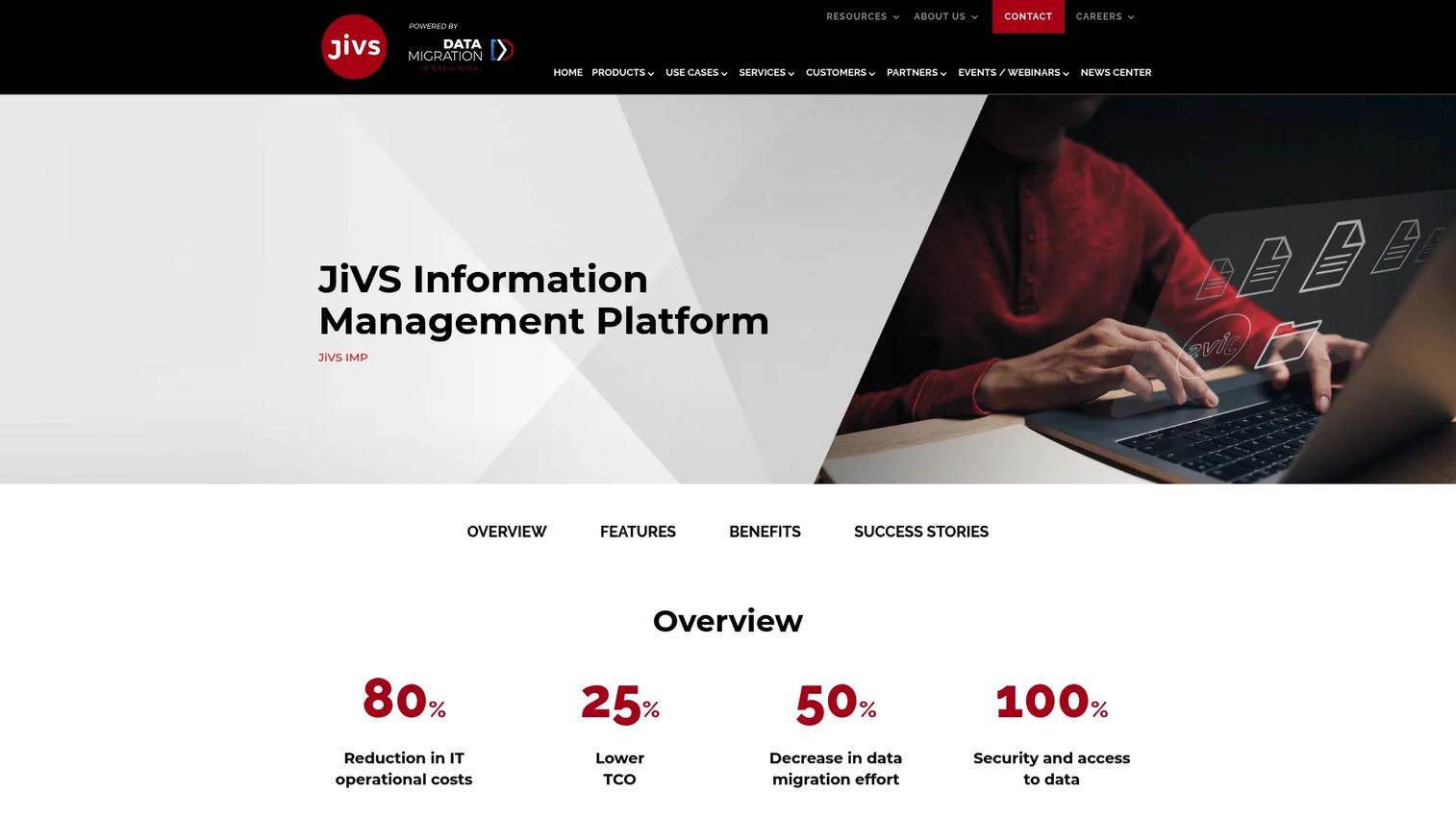
JiVS Information Management Platform is an end-to-end information management platform for data migration, application retirement, mergers and acquisitions, compliance, and data quality improvement. Its system-independent architecture preserves business objects across SAP and non-SAP source systems, making it relevant when a retirement project spans heterogeneous environments or when cross-system relationships must survive the migration. JiVS handles both structured and unstructured data, supports secure and compliant information lifecycle management, and includes data quality analysis and enrichment tools that help teams identify what is safe to archive versus what needs remediation before decommissioning. Pricing and functional scope are defined on a project-specific basis.
Best for: Organizations with complex transformation programs that require business-object context preserved across multiple source systems, including SAP, non-SAP, and hybrid environments.
Key features
- Unified management of structured and unstructured data
- Data migration and historization across SAP and non-SAP systems
- Secure, compliant information lifecycle management
- Data quality analysis, optimization, and enrichment
- System-independent architecture for heterogeneous estates
Why choose JiVS Information Management Platform: Choose JiVS when the retirement project involves more than a simple database export. Cross-system business objects, attached documents, and data quality issues all affect what users can retrieve after decommissioning. Defining migration scope and retrieval requirements before the project begins is the most important step teams often skip.
JiVS Information Management Platform pricing: JiVS prices on a project-specific basis and offers subscription and service arrangements. Contact JiVS directly to discuss scope, volume, and commercial terms.
G2 rating: 5.0/5
6. IBM InfoSphere Optim Archive
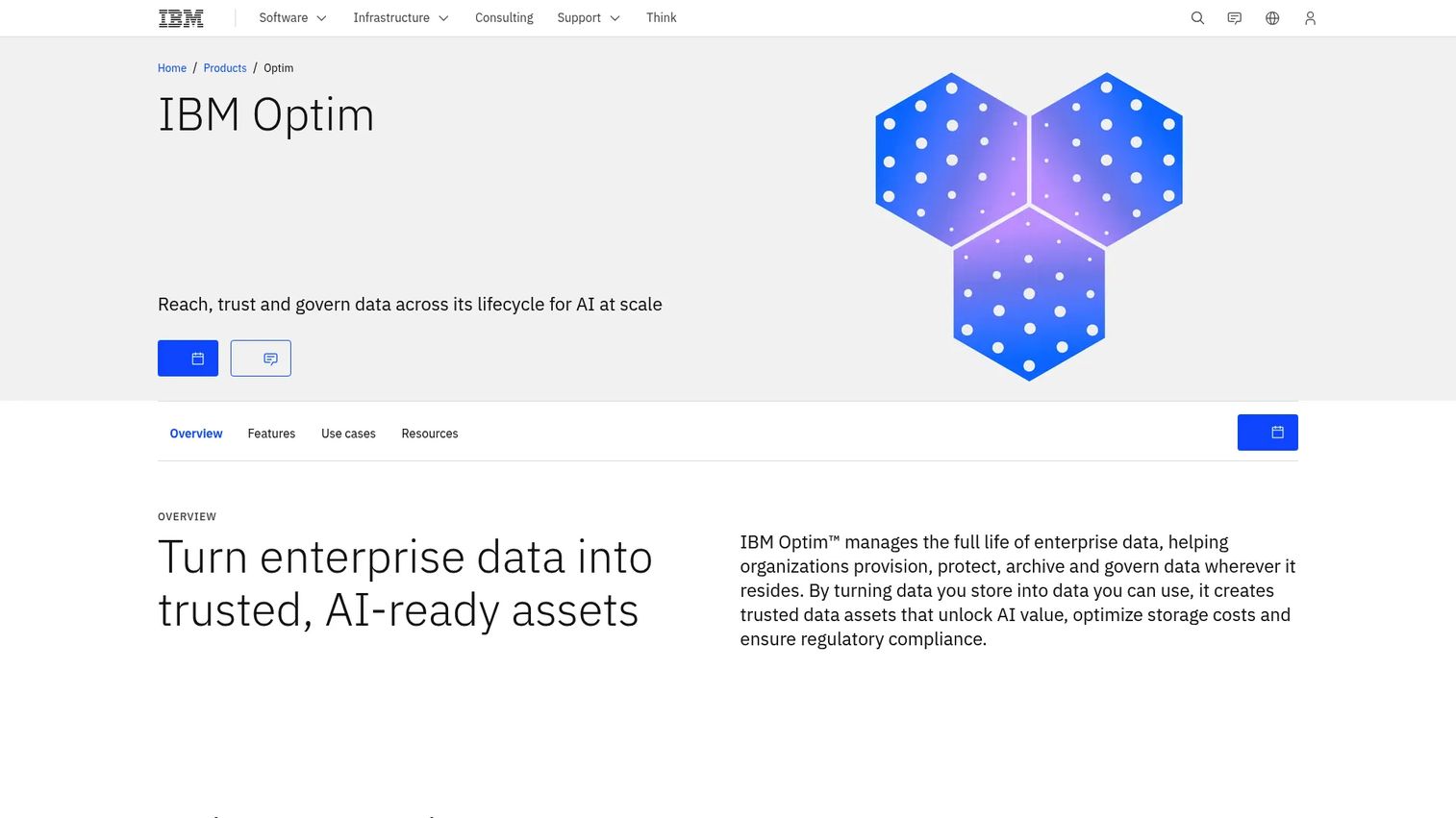
IBM InfoSphere Optim Archive is an enterprise data-archiving solution for preserving, governing, searching, and selectively restoring historical relational data. Its open-format encrypted archives retain referential integrity, which means parent-child relationships and cross-table dependencies survive the archiving process. Users can browse and query archived data on demand without restoring it to the source database, and selective restoration to the original or an alternate database is supported. IBM offers Solution and Enterprise editions. The Enterprise edition adds deeper governance and capacity-based licensing using TB metrics. Asset lifecycle management teams within large IBM environments often evaluate Optim alongside IBM's broader data governance portfolio.
Best for: Large organizations with mature IBM data-management estates that need archive referential integrity, policy-driven retention, and compliant disposal for structured relational data.
Key features
- Open-format encrypted archives with preserved referential integrity
- On-demand browsing and querying of archived data without restoration
- Full or selective restoration to source or alternate databases
- Policy-driven retention and compliant disposal
- Application-independent access and containerized deployment
Why choose IBM InfoSphere Optim Archive: This platform fits organizations already operating within IBM information management environments. Before assuming existing IBM contracts cover the archive capabilities needed, confirm entitlement, support lifecycle, and roadmap compatibility with your IBM account team.
IBM InfoSphere Optim Archive pricing: IBM offers Solution and Enterprise editions but does not display prices on the product pages. The Enterprise edition uses PVU and TB-based licensing metrics. Contact IBM to confirm current packaging and applicable license terms.
G2 rating: 4.1/5
7. Informatica Data Archive
Informatica Data Archive is enterprise data archiving software for archiving inactive data, supporting application retirement, managing retention, and preserving access to archived business information. It archives data to the same database, a separate database, or an immutable Data Vault, which is queryable using standard SQL. The Data Discovery Portal provides search and reporting access to Data Vault data without requiring SQL skills, which matters for support and compliance users who need to retrieve historical records after decommissioning. Informatica also supports legal hold, tagging, sensitive-data masking, and application retirement workflows. Organizations already invested in Informatica's broader cloud data security and data integration tooling often find the archive aligns with their existing skill sets and integration patterns.
Best for: Teams already using Informatica's data-management tooling who need archiving aligned with existing governance, integration, and compliance workflows.
Key features
- Archives to same database, separate database, or immutable Data Vault
- Compressed Data Vault storage queryable with standard SQL
- Data Discovery Portal search and Data Visualization reporting for archived data
- Legal hold, tagging, and retention of archived records
- Sensitive-data masking and application retirement workflows
Why choose Informatica Data Archive: Platform fit and existing skills are the primary drivers here. Teams should assess whether the Data Discovery Portal provides retrieval that nontechnical stakeholders can use without engineering support. A technically complete archive still creates a support burden if routine history questions require a SQL query.
Informatica Data Archive pricing: Informatica describes pricing as volume-based and directs buyers to sales for quotes. Contact Informatica directly to discuss data volumes, deployment model, and applicable licensing.
G2 rating: 4.1/5
Considerations when choosing structured data archiving software
Preserve business context, not only database rows
An archive that stores raw rows without schemas, metadata, or parent-child relationships creates a retrieval problem for every future audit or support request. Run a realistic retrieval scenario during evaluation: Can a support manager find a closed account, trace related transactions, and export the evidence without reopening the retired system? If the answer is no at proof-of-concept stage, it will still be no after decommissioning.
Define retrieval users and service expectations before selecting a platform
Auditors, support agents, and finance analysts need different views of the same archived data. Document the user groups, their common queries, required export formats, role-based permissions, and acceptable response times before comparing platforms. This becomes the acceptance-criteria checklist that protects engineering capacity during the migration.
Validate retention, legal hold, and deletion workflows with evidence
Review how each platform handles policy changes, legal holds, deletion exceptions, and record disposition. Ask vendors to demonstrate that a deletion event produces an audit trail. Avoid commitments based on stated features. Test with a representative dataset and confirm the output meets what a compliance or legal review would actually accept.
Match deployment model to estate constraints
Cloud, hybrid, and on-premises deployment each carry different implications for data residency, network architecture, internal security requirements, and operational staffing. A hybrid approach suits organizations where source systems remain on premises but archive access is moving toward cloud delivery. Map your constraints before comparing vendor deployment claims, since the wrong deployment model can introduce the same maintenance burden the retirement project was meant to reduce.
Budget for migration and validation work, not just licensing
License cost is a fraction of the total project investment. Migration discovery, data mapping, test cycles, user acceptance, integration updates, and retirement documentation all require time and often external expertise. Require vendors to explain how migration validation works and what evidence they produce. The critical acceptance question is whether the archive contains the expected records and can reproduce the retrieval evidence users require.
Conclusion
Structured data archiving is a business-continuity decision. The platform you select must let teams retire expensive applications while preserving governed, searchable access to historical information for the users who still need it.
Choose OpenText Information Archive for broad enterprise archiving across structured and unstructured content. Choose OpenText Core Archive for SAP Solutions when SAP transformation drives the program. Archon Suite suits organizations where schema preservation, metadata governance, and defensible deletion are the primary evaluation criteria. Solix Common Data Platform and JiVS Information Management Platform fit broader transformation programs that span multiple source systems. IBM InfoSphere Optim Archive and Informatica Data Archive make sense when existing enterprise platform investments shape the implementation path.
Before scheduling vendor evaluations, build a retirement requirements matrix. List source applications, record types, retrieval users, retention policies, access controls, and acceptance tests for each retired system. That document becomes the criteria against which every vendor demo should be measured, and it protects the project from scope creep once migration work begins.
Start your journey with Guideflow today!
FAQs
Structured data archiving software moves inactive or historical records from operational databases and applications into a governed archive that remains searchable and accessible after the source system is retired. A proper archive retains schemas, metadata, data relationships, retention rules, and access controls, rather than storing raw rows without context. This distinction determines whether users can actually retrieve meaningful business information after the operational application is decommissioned.
Backups support recovery after an outage or data corruption event and are designed to restore a system to a previous state. Structured archives support long-term access, retention governance, and application retirement, preserving data in a searchable, governed format for finance, support, and compliance workflows. A backup is not a substitute for an archive when the goal is keeping historical records accessible after the source system is shut down.
Yes. Application retirement programs use a structured archive to preserve historical records while shutting down the application, its infrastructure, licenses, and ongoing maintenance obligations. Teams must validate retrieval requirements, user access paths, and acceptance criteria before shutdown. A legacy application is only safely retired when users can retrieve the history they need from the archive without reopening the old system.
Identify inactive transactional data, customer history, financial records, audit evidence, and any data subject to retention policies or legal obligations. The specific answer depends on the source system, the workflows that depend on historical records, and applicable legal or operational requirements. Defining this scope is the first planning step and should happen before migration discovery begins, not after.
Search quality after retirement depends on indexing, retained metadata, preserved data relationships, role-based access, and the search interface available to nontechnical users. Test common user queries during a proof of concept. Specifically, confirm that support and compliance staff can find and export the records they regularly request without engineering involvement. That user-acceptance test is more useful than a vendor's feature list.
Strong archiving platforms retain schemas, metadata, and parent-child relationships, but capability varies by platform and by how the source system structured its data. Test cross-table queries, parent-child record retrieval, and any attached documents or linked objects during evaluation. Do not assume relationship preservation; confirm it with a representative sample of data from the actual source system.
The deployment decision turns on source-system location, data residency requirements, internal security policy, integration architecture, operational staffing capacity, and total cost of ownership. A hybrid approach often works when source systems remain on premises but archive access should be available through cloud delivery. Map those constraints before comparing vendor deployment capabilities, since a mismatched deployment model can introduce new operational overhead rather than reduce it.
Duration is driven by application complexity, data volume, data quality, retention scope, the number of integrations that must be updated, stakeholder validation requirements, and the number of reporting workflows that must continue after decommissioning. Projects range from a few months for a single, well-documented system to multi-year programs for complex ERP or CRM estates. Require vendors to walk through a realistic migration timeline based on your specific source systems rather than a generic estimate.
Defensible deletion is the ability to prove that a record was deleted according to a defined retention policy at the appropriate time, with an auditable evidence trail. The archive must document what was deleted, when, under which policy rule, and whether any legal hold exception applied. This evidence protects the organization if a deletion decision is later questioned in litigation or a regulatory audit.
A data warehouse is built for analytics and reporting on current or recent operational data, typically optimized for query performance and business intelligence workloads. A structured archive is built for long-term retention, governance, and retrieval of historical records after the operational application is retired. The two serve different jobs and are not interchangeable, though both may coexist in a mature contract lifecycle management or data governance program.