You saved a competitor pricing page before the planning meeting. A customer thread before discovery synthesis. A technical doc during release prep. Now you cannot find any of them.
The bookmarks bar became a research library by accident, and it does not work as one. According to Dataintelo (2025), cloud-based solutions now account for 68.5% of enterprise bookmark manager market revenue, which tells you something: Knowledge workers have stopped relying on browser folders and started treating saved links as infrastructure worth maintaining.
The problem is not saving. It is retrieval. A PM who cannot pull up the evidence behind a roadmap decision during a planning call is effectively working from memory. A research library that cannot be searched, tagged, or shared is just a pile of tabs with a different name.
This guide compares 8 bookmark manager tools across different workflows, from browser-native organization to self-hosted archives, so you can build a system that survives changing priorities and supports the research retrieval your role actually requires.
What's inside
This guide is for product managers who need a searchable research library, not another pile of saved tabs. Tools were selected and evaluated based on:
- Search quality and retrieval speed across title, tag, and full text
- Organization model fit for cross-functional PM work (collections, tags, smart lists)
- Cross-device and cross-browser availability
- Data ownership, export options, and link preservation
TL;DR
- Best overall for product research libraries: Raindrop.io, for cross-platform collections, tags, full-text search, and duplicate cleanup
- Best for self-hosted team archives: Linkwarden, for shared workspaces, full-page preservation, and open-source control
- Best for Apple-first reading capture: GoodLinks, for offline reading, highlights, and iCloud sync across Mac and iPhone
- Best for flexible Apple link management: Anybox, for smart lists, nested tags, and mixed content types
- Best for lightweight online collections: Booky, for private or public bookmark sets without heavy configuration
- Best read-later tool: Instapaper, for distraction-free article reading rather than long-term reference management
- Best free browser option: Chrome, for folders and Google Account sync when research stays small and browser-centric
- Best minimal archive: Pinboard, for fast, text-first bookmarking with durable tag-based retrieval
What is bookmark manager software?
A bookmark manager is software that saves, organizes, searches, syncs, and sometimes archives web links so users can retrieve information later.
Browser bookmarks handle the basics. A dedicated bookmark manager earns its place when saved links become research evidence: Something a product manager needs to find again during a planning call, share with a design partner, or preserve against link rot.
Core bookmark manager capabilities
Standard capabilities across the category include:
- Saving webpages from a browser extension, mobile share sheet, bookmarklet, or native browser action
- Organizing links with folders, collections, tags, nested categories, or attached notes
- Searching titles, URLs, tags, and in some tools the full text of saved page content
- Editing, moving, sorting, and deleting bookmarks
- Syncing saved links across browsers, desktop apps, and mobile devices
- Importing and exporting bookmark libraries in standard formats
- Sharing collections or maintaining a team research workspace
- Detecting duplicate bookmarks or broken links that no longer resolve
Browser bookmarks versus dedicated bookmark managers
| Feature | Browser bookmarks | Dedicated bookmark manager |
|---|---|---|
| Organization | Folders and bookmarks bar | Collections, tags, smart lists, notes |
| Search | Title and URL only | Title, tag, domain, and sometimes full text |
| Cross-browser access | Single browser or same-account sync | Any browser, plus mobile and desktop apps |
| Sharing | Manual export | Shared collections with permissions |
| Link preservation | None | Archived copies on some paid plans |
Browser bookmarks suit a small, stable set of frequently visited pages. A dedicated tool becomes worth the switch when research must stay searchable across devices or be shared with others.
Bookmark manager versus read-later app
A read-later app prioritizes article formatting, offline access, and highlights. A bookmark manager prioritizes long-term retrieval across varied content types, from PDFs to product pages to community threads. Some tools, like Instapaper, do one job well. Others, like Raindrop.io, cover both.
When to use a bookmark manager
Build a searchable product research library
During a discovery sprint, a PM might save competitor pages, customer feedback threads, analyst reports, and feature documentation across a dozen different sessions. The system earns its place not during saving, but when you need to pull up the evidence behind a product bet before a planning conversation. Tagging by source type (customer evidence, competitor evidence, technical reference) makes that retrieval fast without requiring a perfect folder hierarchy.
Keep launch references current across teams
A shared collection for a product launch can hold messaging docs, help center links, analyst pages, and support materials in one place. Assign an owner to the collection and set a review cadence. Without that, launch collections quietly become archives of outdated links that still shape product decisions.
Preserve critical links beyond the browser
Competitor pricing pages change. Product announcements get deleted. URLs break. For research that informs roadmap or positioning decisions, preserving a copy of the page at the time you saved it is the difference between durable evidence and a dead link. Some tools archive a readable copy of every saved page, which matters when that evidence will still be relevant two quarters from now.
Bookmark manager comparison
The right tool depends primarily on two factors: Whether your library is personal or shared, and whether you need to retrieve varied content types or mainly read articles. A PM building a long-lived reference library should prioritize search depth, tagging flexibility, device availability, and export options. Someone saving articles to read on a commute should prioritize reading experience instead.
| # | Product | Best for | Key differentiator | Pricing | G2 rating |
|---|---|---|---|---|---|
| 1 | Raindrop.io | Cross-platform research libraries | Collections, full-text search, archiving, cleanup | Free plan available | 4.2/5 |
| 2 | Linkwarden | Self-hosted and collaborative archives | Open-source preservation, full-text search, shared workspaces | From $3/mo (Cloud Yearly) | Not listed |
| 3 | GoodLinks | Apple-focused reading and bookmark capture | Universal Apple purchase, offline reading, iCloud sync | $9.99 one-time | Not listed |
| 4 | Anybox | Apple users needing flexible link organization | Smart lists, nested tags, notes, mixed content types | Free tier available | Not listed |
| 5 | Booky | Lightweight private online collections | Private or public collections, browser extensions | Free plan available | 5.0/5 |
| 6 | Instapaper | Focused article reading queue | Clean reader view, offline reading, highlights | Free plan available | 4.4/5 |
| 7 | Chrome | Free browser-native bookmark management | Built-in folders, sync, sorting, bookmarks bar | Free | Not listed |
| 8 | Pinboard | Minimal, durable link archiving | Fast tag-based search, privacy focus, no ads | From $22/year | Not listed |
Best 8 bookmark manager tools for 2026
1. Raindrop.io
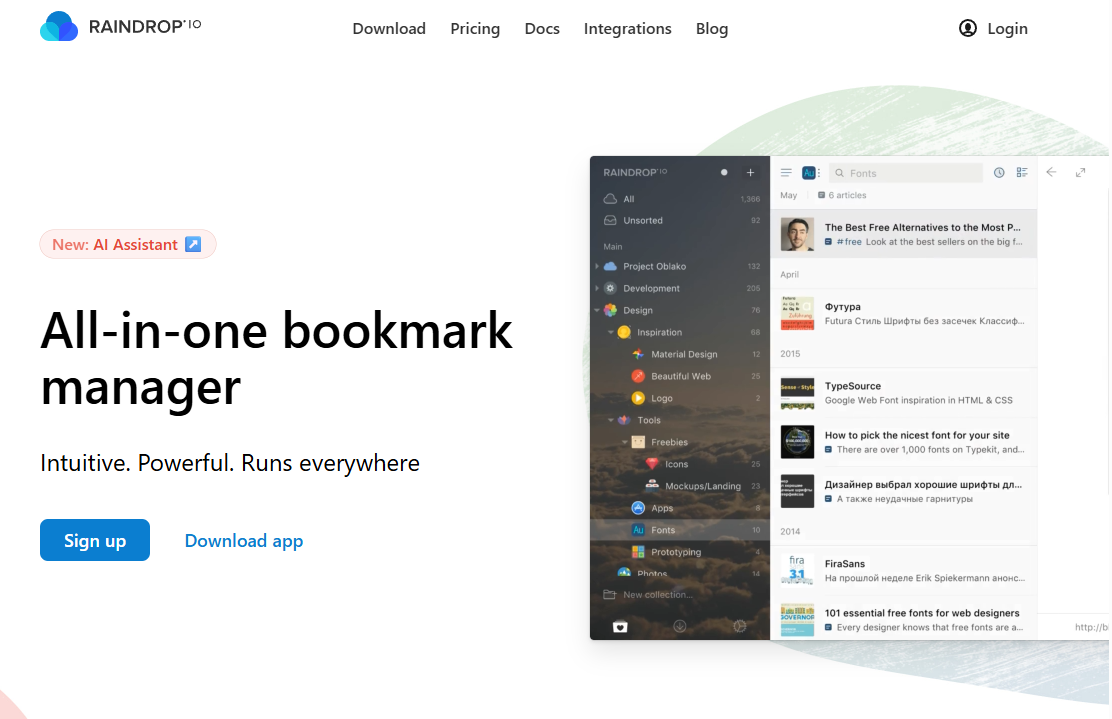
Raindrop.io is an all-in-one bookmark manager built for saving, organizing, annotating, and sharing web content across every major platform. It handles bookmarks, files, highlights, notes, and shared collections from a single interface. Browser extensions cover Chrome, Firefox, Safari, and Edge, and native apps are available on Mac, iOS, Android, and Windows.
Best for: Product managers who need a cross-device research library with real search, tagging, and optional archiving.
Key features
- Unlimited bookmarks and collections on the free plan
- Tags, filters, icons, and visual or list collection views
- Full-text search and web archive on Pro
- Duplicate and broken link detection on Pro
- AI assistant and tag suggestions on Pro
Why choose Raindrop.io: It fits the broadest range of PM research workflows, from personal discovery libraries to collections shared selectively with design or research partners. The organization model (collections plus tags) maps well to product area groupings without forcing a rigid folder hierarchy.
Raindrop.io pricing: The free plan covers unlimited bookmarks, collections, highlights, and device sync. Pro adds full-text search, web archiving, AI features, link cleanup, and daily backups. The Pro price was not displayed numerically on the pricing page at time of verification; check raindrop.io/pro/buy for the current rate before committing.
G2 rating: 4.2/5
2. Linkwarden
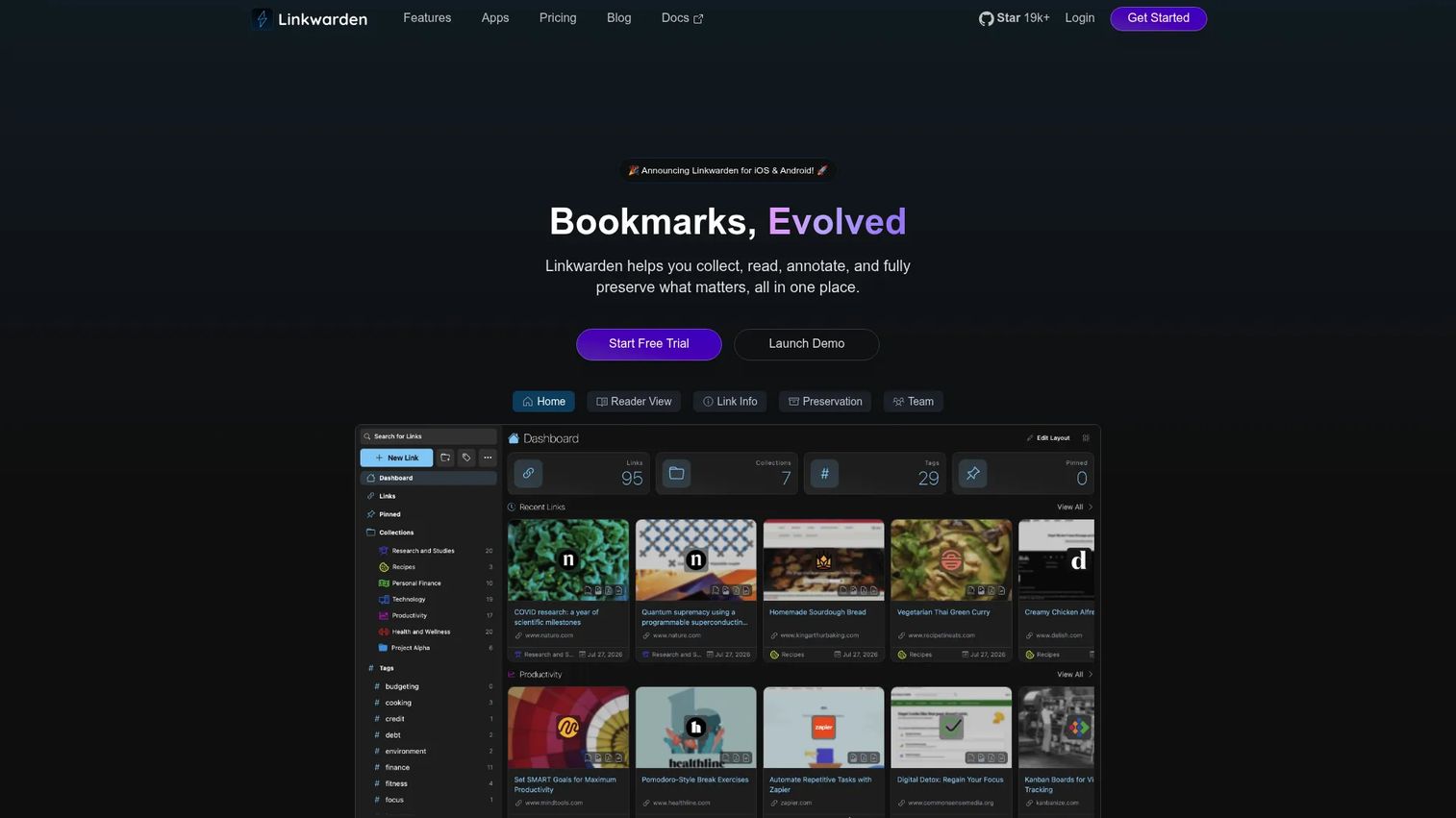
Linkwarden is an open-source collaborative bookmark manager that preserves full copies of saved pages in readable, screenshot, PDF, and webpage formats. Teams use it to build shared research archives where page content is durable even after the original URL changes or disappears. It can be self-hosted for teams with infrastructure ownership requirements, or accessed through the cloud plan.
Best for: Product ops teams and PMs who need collaborative research archives with full-page preservation and strong data ownership.
Key features
- Full-page preservation: Readable format, screenshot, PDF, and webpage
- AI-powered tagging and advanced search across saved content
- Shared collections with workspace permissions
- RSS feeds, browser extension, import and export, and mobile apps
- Open-source deployment option for self-hosting
Why choose Linkwarden: The self-hosting path suits teams with compliance or data-residency requirements. Even on the cloud plan, preserving a competitor pricing page or product announcement at the time it was saved is straightforwardly useful for roadmap and positioning work.
Linkwarden pricing: The Cloud Yearly plan runs $3 per month (billed annually) and includes all features plus 30,000 links per user. A 14-day free trial is available. Self-hosting is free with your own infrastructure. Verify current terms at linkwarden.app/pricing.
3. GoodLinks
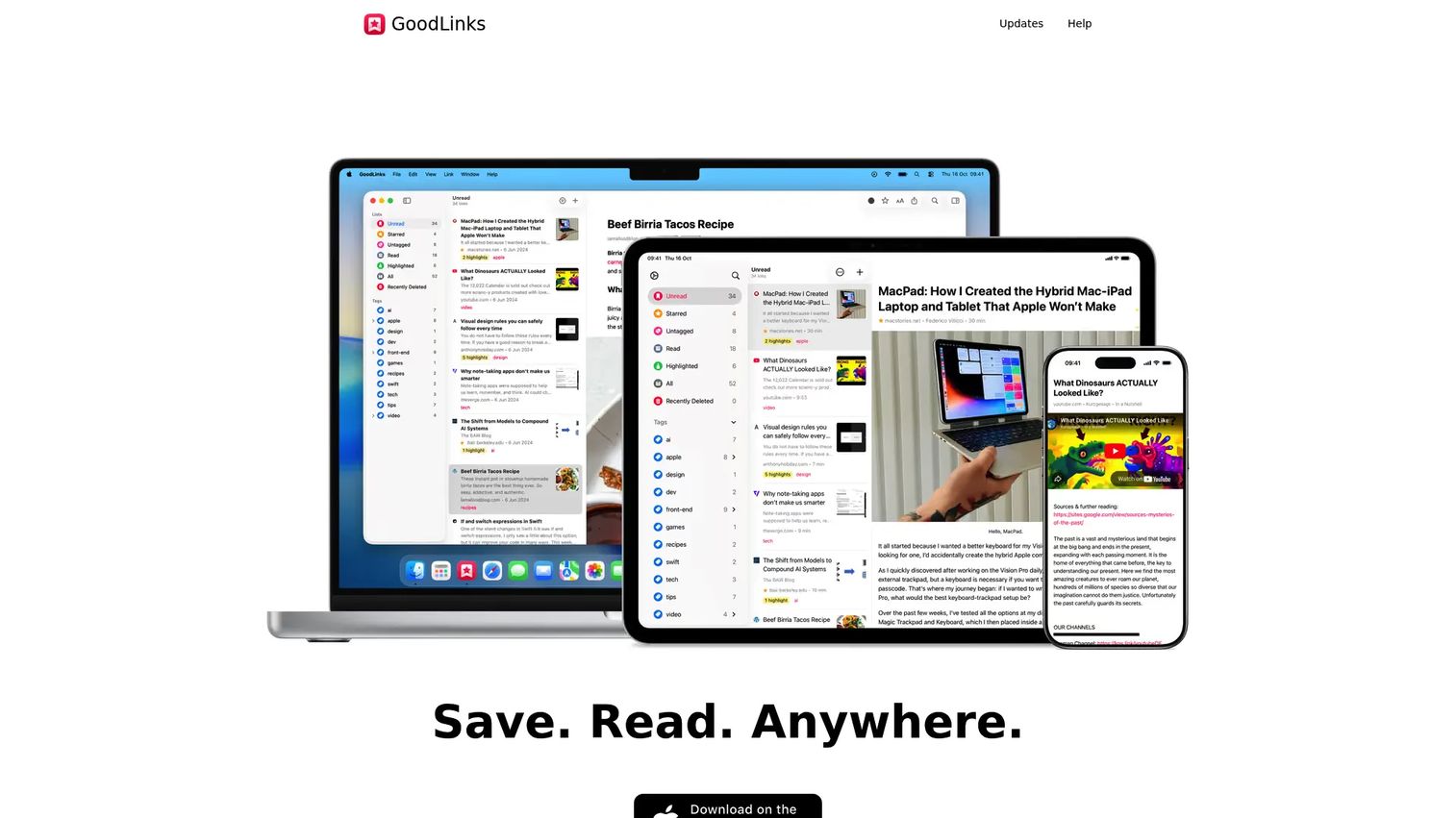
GoodLinks is an article-saving and bookmark app built exclusively for Apple devices, available on iOS, iPadOS, and macOS. It is the right fit when the primary job is capturing long-form research for offline reading and annotation, not building a shared team library. The reading experience is clean, customizable, and ad-free.
Best for: Individual PMs who do most of their reading on Mac, iPhone, or iPad and want a private offline reading workflow.
Key features
- Ad-free reader mode with customizable typography
- Highlights, notes, color coding, and Markdown export
- Tags, starred articles, and full-text search
- iCloud sync across iOS, iPadOS, and macOS
- Browser extensions and custom shortcuts
Why choose GoodLinks: Choose it when the job is reading and annotating research articles rather than organizing a broad library of product pages, docs, and media. It is not a fit for shared team collections or cross-browser environments outside Apple.
GoodLinks pricing: GoodLinks costs $9.99 as a one-time purchase, covering current features and feature upgrades for one year. Later premium features may require an additional upgrade. Verify current pricing and upgrade terms at goodlinks.app before purchasing.
4. Anybox
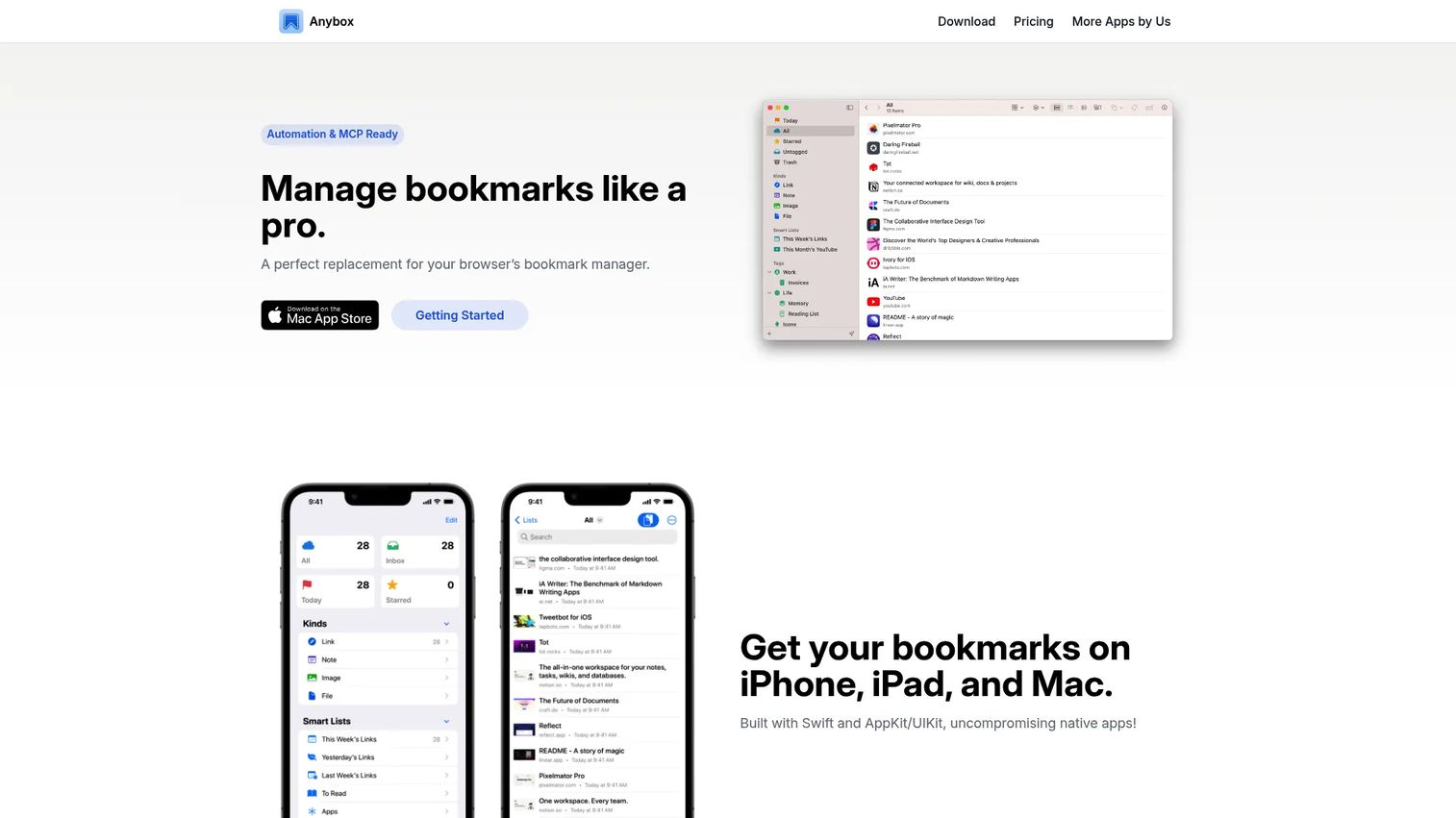
Anybox is a native bookmark manager for macOS, iOS, and iPadOS. It handles links, notes, files, and mixed reference material, which makes it useful when a PM saves more than articles. Smart lists auto-filter saved content by tag, domain, or type, so active discovery work stays separate from evergreen reference material without manual sorting.
Best for: Apple-based PMs who want granular tagging, smart lists, and fast capture across mixed content types.
Key features
- Nested tags and smart lists for automatic filtering
- Quick Save for capturing links and browser tabs
- Anydock floating bookmarks bar for frequent links
- Archiving as Web Archive, PDF, or screenshot
- Browser extensions for Chrome, Edge, Firefox, and Safari
Why choose Anybox: It fits a personal research operating system for PMs who want to separate active discovery (tagged "customer signal" or "competitor change") from stable references, with smart lists doing the work automatically.
Anybox pricing: The free plan includes up to 50 saved links and 12 Anydock slots. Pro runs $1.99 per month (billed monthly) or $14.99 per year. A lifetime upgrade is also available. Verify current pricing at anybox.app.
5. Booky
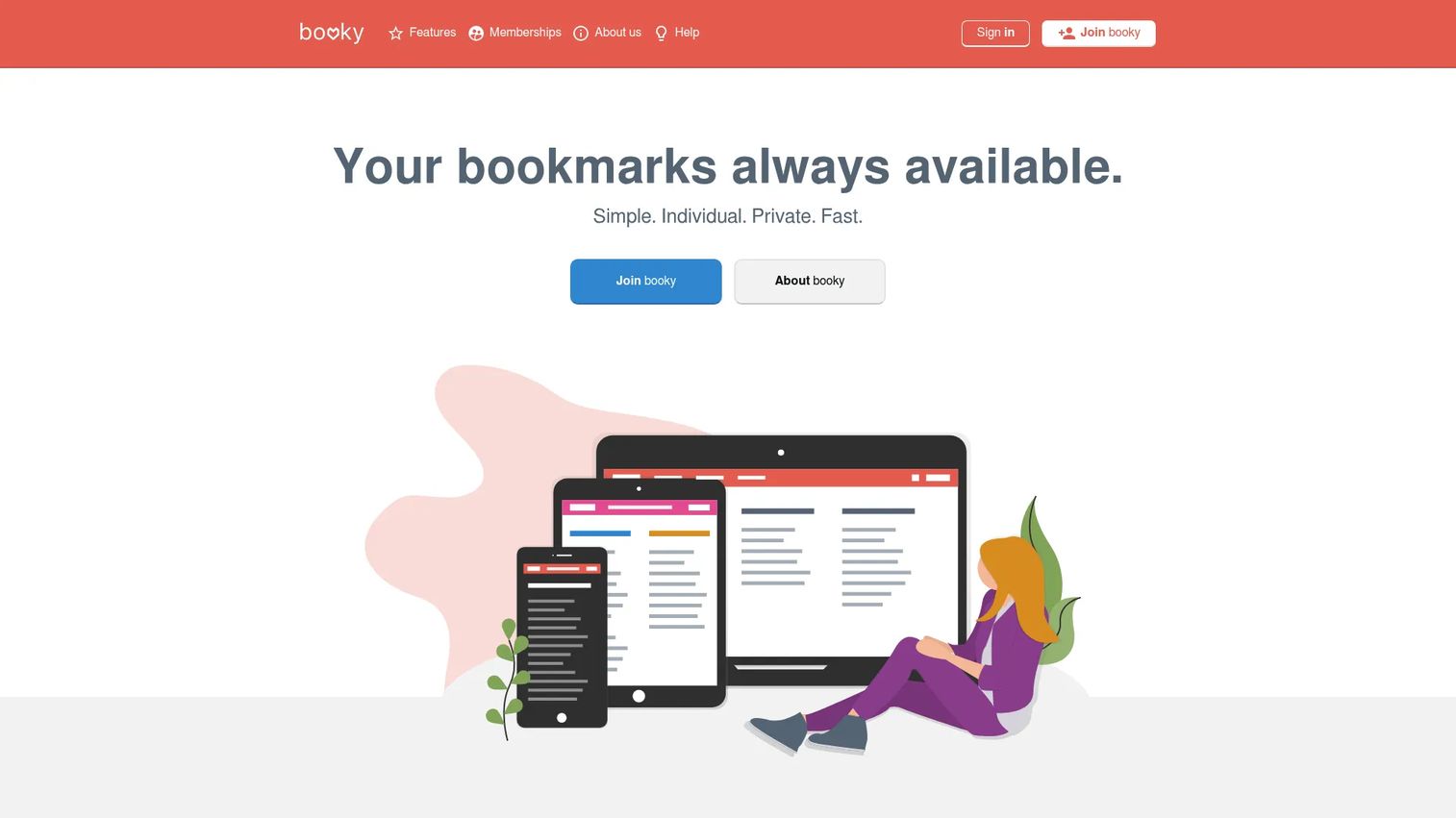
Booky is a cloud-based bookmark manager built around private and public collections organized into categories. It is available from any browser without installation, and extensions are available for major browsers. The setup is minimal, which suits PMs who want a more organized version of browser bookmarks without building a complex personal knowledge system.
Best for: PMs who want lightweight private web-based collections for organizing bookmarked links into project or discovery sets.
Key features
- Private and public collections with customizable design
- Categories and bookmark notes
- Browser extensions and bookmarklet
- Bookmark search across saved links
- Import and export tools
Why choose Booky: It works when the goal is simple collection management, not deep search or archiving. Creating a private collection per discovery initiative and then publishing a read-only version for stakeholder sharing is a practical workflow for cross-functional review.
Booky pricing: The regular membership is free and includes core bookmark management. Supporter membership starts at €1 per month and adds public collection sharing and additional features. Verify current terms at booky.io/supporter.
G2 rating: 5.0/5
6. Instapaper
Instapaper is a read-later service built for saving web articles and reading them later in a clean, distraction-reduced format. It syncs across devices, works offline, and supports highlights and notes. The distinction from a full bookmark manager matters: Instapaper is optimized for article consumption, not for organizing a broad reference library of varied content types.
Best for: PMs who collect long-form market reports and essays and want a clean offline reading workflow, separate from their main research library.
Key features
- Distraction-free reader view with typography controls
- Offline reading and cross-device sync
- Highlights, notes, and folders
- Full-text search and permanent archive on Premium
- Kindle Digest delivery on Premium
Why choose Instapaper: Use it for long market reports, essays, and articles you need to read carefully. Keep competitor pages, product documentation, and cross-functional references in a broader bookmark manager instead. The two tools do different jobs and work well in parallel.
Instapaper pricing: The free plan includes saving and reading with basic organization. Premium runs $6 per month or $60 per year and adds full-text search, a permanent archive, PDF reading, audio playlists, and Kindle Digests. Verify current terms at instapaper.com/docs/premium/overview.
G2 rating: 4.4/5
7. Chrome
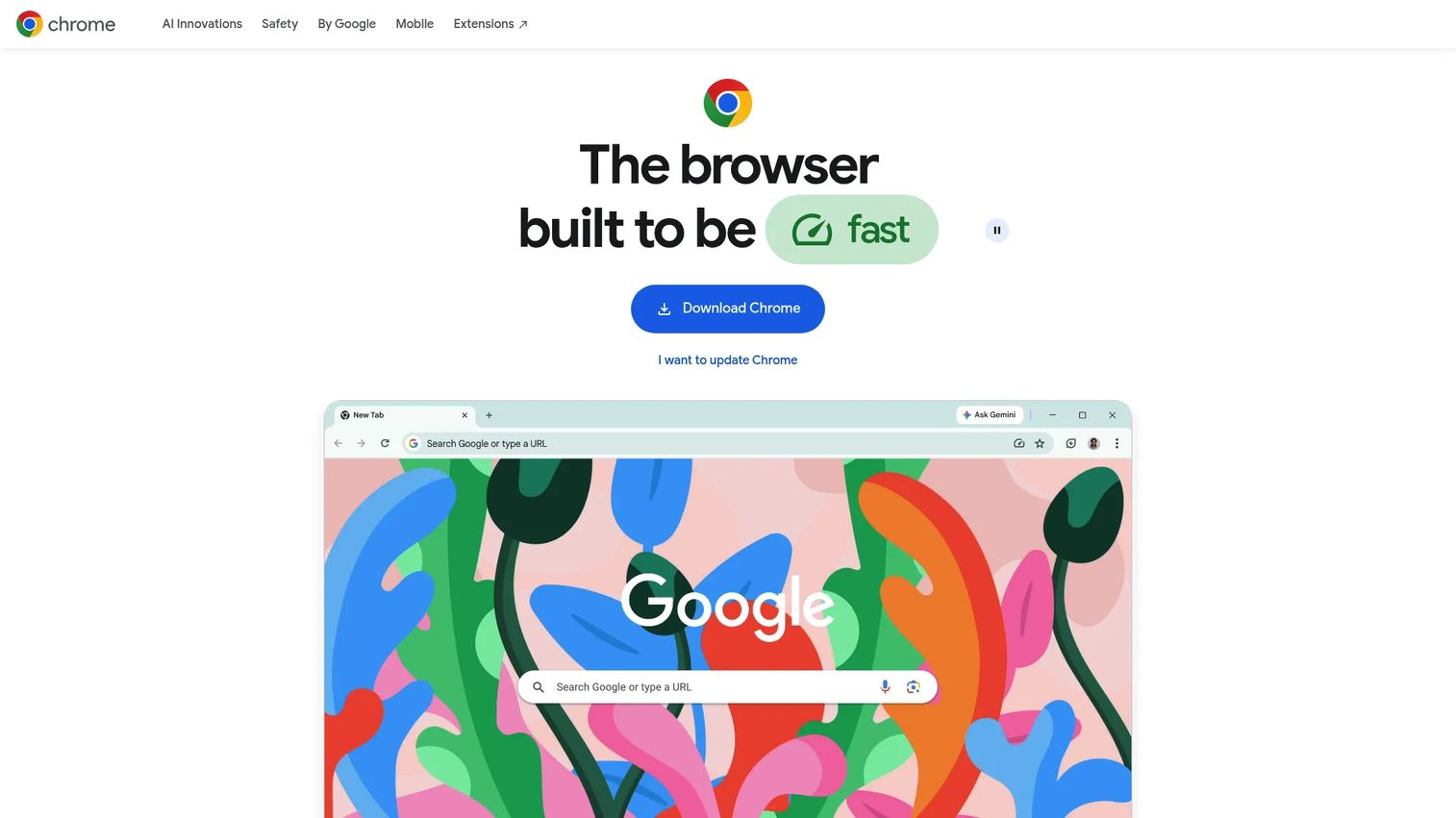
Chrome includes a built-in bookmark manager that handles folder creation, manual organization, search, sorting, and bookmarks bar access. It syncs across signed-in devices through a Google Account at no cost. For PMs who work exclusively in Chrome on linked devices and whose research library stays small, it is a workable baseline.
Best for: PMs who need basic free browser organization for a small set of frequently used links.
Key features
- Built-in bookmark saving and folder creation
- Search, sort, move, and edit controls
- Google Account sync across signed-in devices
- Bookmarks bar for quick access to recurring links
Why choose Chrome: It is the right starting point, not the right endpoint. Chrome handles simple folder-based organization well. When saved research needs tags, notes, shared collections, or durable page archiving, a dedicated bookmark manager tool covers what Chrome does not.
Chrome pricing: Free with Chrome, which requires a Google Account for sync.
8. Pinboard
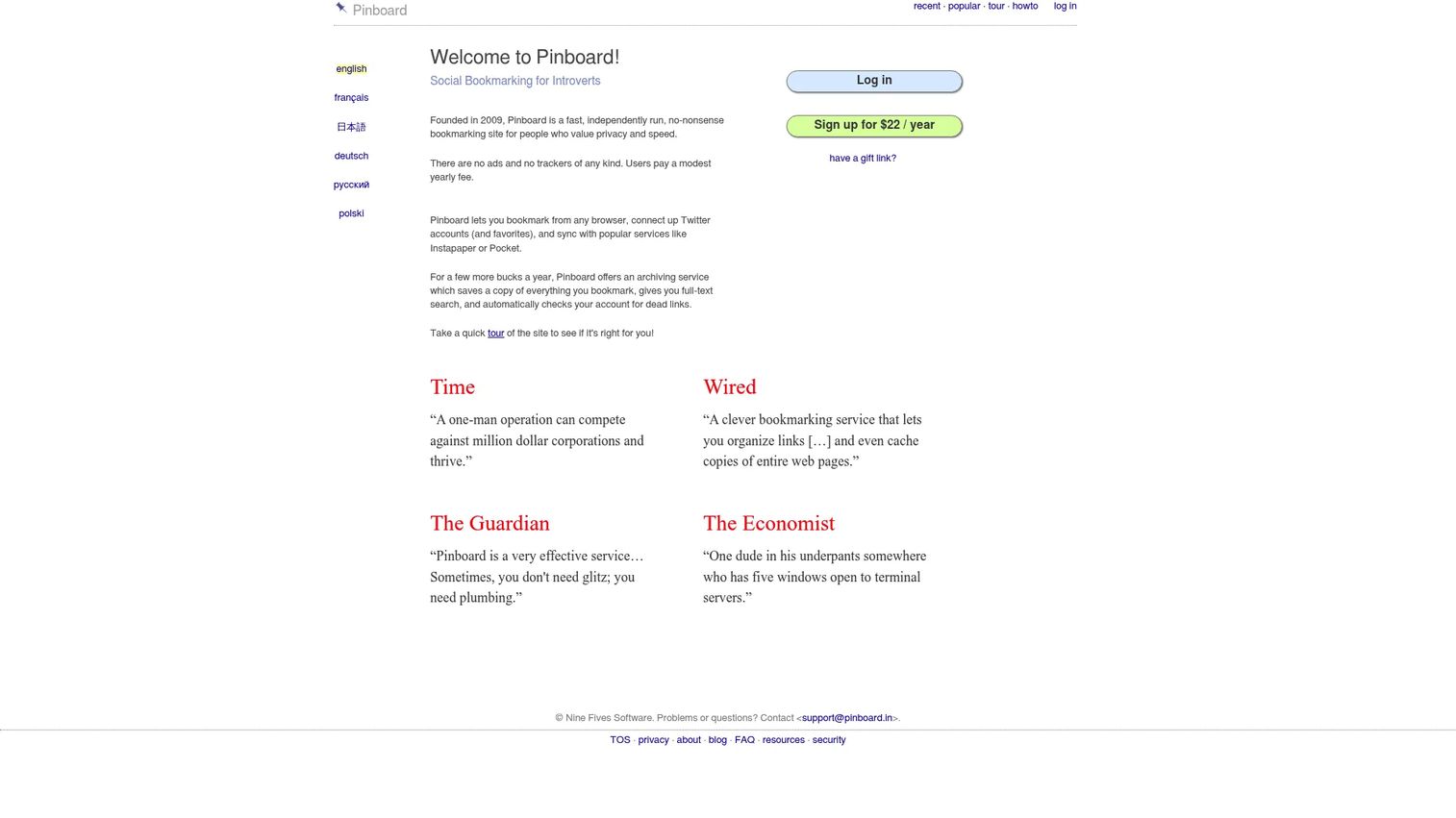
Pinboard is a fast, privacy-focused bookmarking and web-archiving service. The interface is intentionally minimal: You save links, apply tags, and search later. No ads, no tracking, and no algorithmic feeds. For PMs who want a durable archive that stays out of the way, the text-first design is the point rather than a limitation.
Best for: PMs who prefer a minimal, long-lived tag-based archive over visual collections and shared workspaces.
Key features
- Tag-based bookmark organization and fast search
- Optional web archiving with full-text search
- Privacy focus: No ads, no tracking
- Exportable user data in standard formats
Why choose Pinboard: It fits a PM who wants research to accumulate quietly under a small, stable tag taxonomy (discovery, competitor, pricing, activation, release) without a folder tree that needs reorganization every quarter. It is not the right tool for teams that need visual browsing, shared workspaces, or collaborative editing.
Pinboard pricing: A regular account costs $22 per year and covers bookmarking with tag search. Adding archiving and full-text search costs $39 per year. Multi-year discounts are available. Verify current rates at pinboard.in/signup.
Considerations when choosing a bookmark manager
Search quality matters more than capture speed
You will save links faster than you will search for them. The system earns its place during retrieval, not saving. Evaluate whether the tool searches only titles and URLs, or whether it searches tags, notes, and full page content. For PM research that spans discovery, roadmap, and launch work, full-text search becomes genuinely useful when you need to find a specific data point six months after saving the source.
Pick an organization model your team will maintain
Folders work for a small, stable library. Tags work better when one link belongs to multiple contexts (a competitor page that is also a pricing reference, for example). Collections and smart lists help when work shifts across products, personas, and release cycles. Choose the model that matches how your team actually retrieves information, not how you imagine you will file it at the time of saving.
Verify data ownership and export options
Check whether you can export bookmarks, metadata, notes, and archived page content. Understand what happens to that archive when you cancel a plan or migrate to a different tool. Self-hosted options like Linkwarden put storage control in your hands; cloud tools vary widely on export completeness and data portability.
Match collaboration to the real workflow
A shared research repository needs collection ownership, clear naming rules, and a standard for what belongs there. A shared collection that becomes a dumping ground for unreviewed links is worse than individual libraries because it looks authoritative while surfacing outdated evidence. Assign owners and set a quarterly cleanup cadence before inviting the team.
Account for release cadence and library decay
Research libraries rot on a similar timeline to product documentation. Competitor pricing pages change. Product announcements disappear. Assign a review cadence to critical collections: Competitor research before planning, launch references before release prep. Delete stale links deliberately rather than letting outdated evidence quietly influence product decisions.
Conclusion
Most product managers reach for a bookmark manager when browser folders stop working. The smarter move is choosing the right tool before the research pile becomes unmanageable.
Raindrop.io fits the widest range of PM workflows: Cross-platform, searchable, and capable of growing from personal library to selectively shared collection. Linkwarden is the stronger fit when teams need preserved pages, shared workspaces, and data ownership. GoodLinks and Anybox suit individual Apple-first workflows. Booky handles lightweight online collections. Instapaper works when the primary job is reading articles carefully rather than building a reference library. Chrome remains the free starting point. Pinboard suits minimalists who want a durable archive under a stable tag taxonomy.
The practical next step: Export your current browser bookmarks, create four high-level collections (customer evidence, competitor research, roadmap references, launch and enablement links), import only active material, and test retrieval for one real product decision before migrating everything. That test reveals faster than any feature comparison whether the system will hold up under actual PM work.
Start your journey with Guideflow today!
FAQs
The best fit depends on whether the library is personal or shared, and whether you need varied content types or mainly articles. Raindrop.io covers the broadest range for individual and small-team PM research, with collections, tags, full-text search on Pro, and cross-platform support. Linkwarden is the stronger pick for teams that need shared workspaces and preserved page archives.
Chrome is enough for a small set of recurring pages organized into a few folders. A dedicated tool becomes more useful when saved links need tags, notes, full-text search, cross-browser availability, link sharing with colleagues, or archived copies of pages that may change. For PM research spanning discovery, roadmap, and launch work, browser bookmarks alone typically create retrieval problems within a few months.
Start by importing first, then run duplicate and broken link detection before attempting any reorganization. Use a limited tag taxonomy rather than a deep folder hierarchy; four to six high-level tags cover most PM research contexts. Create an inbox collection for unsorted links and schedule a weekly review. Do not try to create a perfect structure before testing how you actually retrieve information.
Most dedicated bookmark managers offer browser extensions, web access, mobile apps, or desktop apps to cover cross-device access. Chrome syncs through a Google Account across signed-in devices. Apple-focused tools like GoodLinks and Anybox use iCloud sync across Mac, iPhone, and iPad. Verify that the tool supports your specific browser and device combination before migrating your library.
A bookmark manager is built for long-term retrieval across many link types: Product pages, PDFs, documentation, community threads, and articles. A read-later app is built for article reading, with offline access, clean formatting, highlights, and notes optimized for focused consumption. Instapaper is a read-later app. Raindrop.io covers both jobs. Using both in parallel, one for reading queues and one for the reference library, is a common PM workflow.
Privacy depends on where your data lives and what controls the tool offers. Self-hosted tools like Linkwarden put you in control of storage, backups, and access. Cloud tools vary: Pinboard operates with no ads and no tracking but stores data on its servers. For any cloud tool, check the export options, data retention policy, and what happens to archived page copies if you close the account. Browser extension permissions are also worth reviewing before installing.
Some can. Raindrop.io includes duplicate and broken link detection on the Pro plan, which is particularly useful after importing years of browser bookmarks. Not all tools offer this capability, and some that do gate it behind paid tiers. Verify the feature against the tool's current documentation before choosing it as a buying criterion.
Yes, when the collection supports a defined research or launch workflow with clear ownership. A shared collection with named owners, a simple naming convention, and a quarterly cleanup cadence works well for competitive research or launch references. A shared folder with no governance turns into an unreviewed pile of links that looks authoritative but surfaces outdated evidence. Structure the shared library around specific projects rather than giving everyone access to a general inbox.