Your campaign calendar looks organized on Monday. By Thursday it's collapsed. Approvals are buried in Slack threads, creative assets live in one tool, publish dates in another, and nobody is sure what actually shipped last week.
According to HubSpot (2026), 49.4% of marketing teams reuse the same content across platforms, which means coordination breakdowns hit twice as hard. The problem isn't knowing what to publish. The problem is that the production chain, the approvals, and the scheduling sit in separate systems, and every handoff creates a gap.
Content calendar tools exist to close that gap. The right one depends on where your workflow actually breaks: Planning, approvals, publishing, or reporting.
This guide covers 14 content calendar tools so you can shortlist based on your specific bottleneck, not feature volume.
What's inside
This guide compares free and paid content calendar software for 2026, covering social media scheduling, editorial planning, content approvals, and campaign visibility.
- Who this is for: Growth marketers, social teams, content ops leads, agencies, and marketing generalists
- How tools were selected: Planning depth, workflow fit, publishing support, collaboration features, and reporting
- What you'll get: A comparison table, best-for labels, verified pricing notes, and a buying checklist
Pricing and G2 ratings were verified against each vendor's live pricing page and current G2 listing.
TL;DR
- Best overall for social-first teams: Planable combines calendar planning, approvals, and publishing in one workflow, making it the strongest pick for agencies and social-heavy teams
- Best for campaign-connected workflows: Asana ties content work to campaign timelines, task owners, and reporting dashboards
- Best for flexible editorial planning: Notion works best for docs-first teams; Airtable fits teams that think in databases and filtered views
- Best for social scheduling at scale: Hootsuite, Sprout Social, SocialPilot, and Buffer each suit different budget and reporting requirements
- Best free or lightweight starting point: Google Calendar handles simple shared scheduling; Zapier automates content workflows across tools you already use
What are content calendar tools?
Content calendar tools are software platforms that help marketing teams plan, schedule, assign, approve, publish, and track content across channels from a shared calendar view.
A strong content calendar isn't just a date picker. It's the operating layer that connects the brief to the published post, the approval to the scheduled send, and the campaign theme to the individual asset.
Core types of content calendar tools
Different teams reach for different categories:
- Social-first calendar tools: Purpose-built for scheduling, publishing, and reviewing social content (Planable, Buffer, Hootsuite, Sprout Social, SocialPilot)
- Editorial planning tools: Flexible databases or docs for managing blog topics, SEO briefs, and newsletter calendars (Notion, Airtable, CoSchedule)
- Project management tools: Work management platforms adapted for content operations (Asana, ClickUp, ProofHub)
- Template and database tools: Spreadsheet-style platforms with calendar views and custom fields (Airtable, Notion)
- Lightweight calendar and automation tools: Simple scheduling or cross-tool connectors (Google Calendar, Zapier)
Key features to look for
- Calendar views organized by channel and campaign
- Status fields for production stages (draft, review, approved, scheduled)
- Approval workflows with comments and version history
- Social scheduling and direct publishing to required channels
- Asset management and file attachments
- Analytics, reporting fields, and performance tracking
- Integrations with CRM, design tools, CMS, and project management
- Templates for repeatable campaign and content workflows
The most useful question to ask before buying: What does this tool replace in my current workflow?
When to use content calendar tools
Coordinate campaigns across channels
When a product launch requires a blog post, social posts, email sequence, and paid creative to ship in sync, a shared calendar prevents duplicate work and missed deadlines. Without one, channel owners default to their own tools, and nothing publishes in the right order.
Manage approvals without chasing Slack threads
Agencies, regulated teams, and larger marketing functions need to track who reviewed what, and when. Approval workflows with built-in comments, status fields, and version history replace the approval-screenshot problem. If your team regularly asks "did legal sign off on this?", you need a tool with a formal approval layer.
Track publishing performance after launch
A calendar should help your team learn from what shipped. Performance fields, campaign tags, social analytics, and UTM notes inside the calendar let you run retrospective planning from real data, not memory.
Content calendar tools comparison
Use the table below to shortlist based on your primary need. All pricing and G2 ratings were verified in November 2026.
| # | Product | Best for | Key differentiator | Pricing | G2 rating |
|---|---|---|---|---|---|
| 1 | Planable | Social-first teams and agencies | Calendar, approvals, and publishing in one workflow | From $33/workspace/month | 4.6/5 |
| 2 | Asana | Marketing project management | Campaign work tied to tasks and timelines | From $10.99/user/month | 4.4/5 |
| 3 | Notion | Flexible editorial planning | Docs, databases, and custom workflows | From $10/member/month | 4.6/5 |
| 4 | Canva | Design-led social planning | Create assets and schedule posts in one workspace | From $144/year per person | 4.7/5 |
| 5 | Buffer | Lean social scheduling | Simple queue-based publishing | From $5/month per channel | 4.3/5 |
| 6 | Hootsuite | Multi-channel social teams | Scheduling, inbox, and social reporting | From $99/user/month | 4.3/5 |
| 7 | Sprout Social | Enterprise social insights | Publishing, listening, and engagement reporting | From $199/seat/month | 4.4/5 |
| 8 | ClickUp | Content operations | Tasks, docs, automations, and calendar views | From $9/user/month | 4.6/5 |
| 9 | Airtable | Database-driven calendars | Custom content databases with filtered views | From $20/collaborator/month | 4.6/5 |
| 10 | CoSchedule | Marketing calendar ownership | Calendar-first campaign and content planning | From $29/month | 4.4/5 |
| 11 | SocialPilot | Budget-conscious social teams | Social scheduling, approvals, and client management | From $25.50/month | 4.5/5 |
| 12 | ProofHub | Team collaboration and approvals | Tasks, proofing, discussions, and shared calendars | From $45/month | 4.6/5 |
| 13 | Google Calendar | Simple free planning | Shared dates and lightweight team visibility | Free (personal) | 4.7/5 |
| 14 | Zapier | Calendar automation | Connects content workflows across existing tools | From $19.99/month | 4.5/5 |
Best 14 content calendar tools for 2026
1. Planable
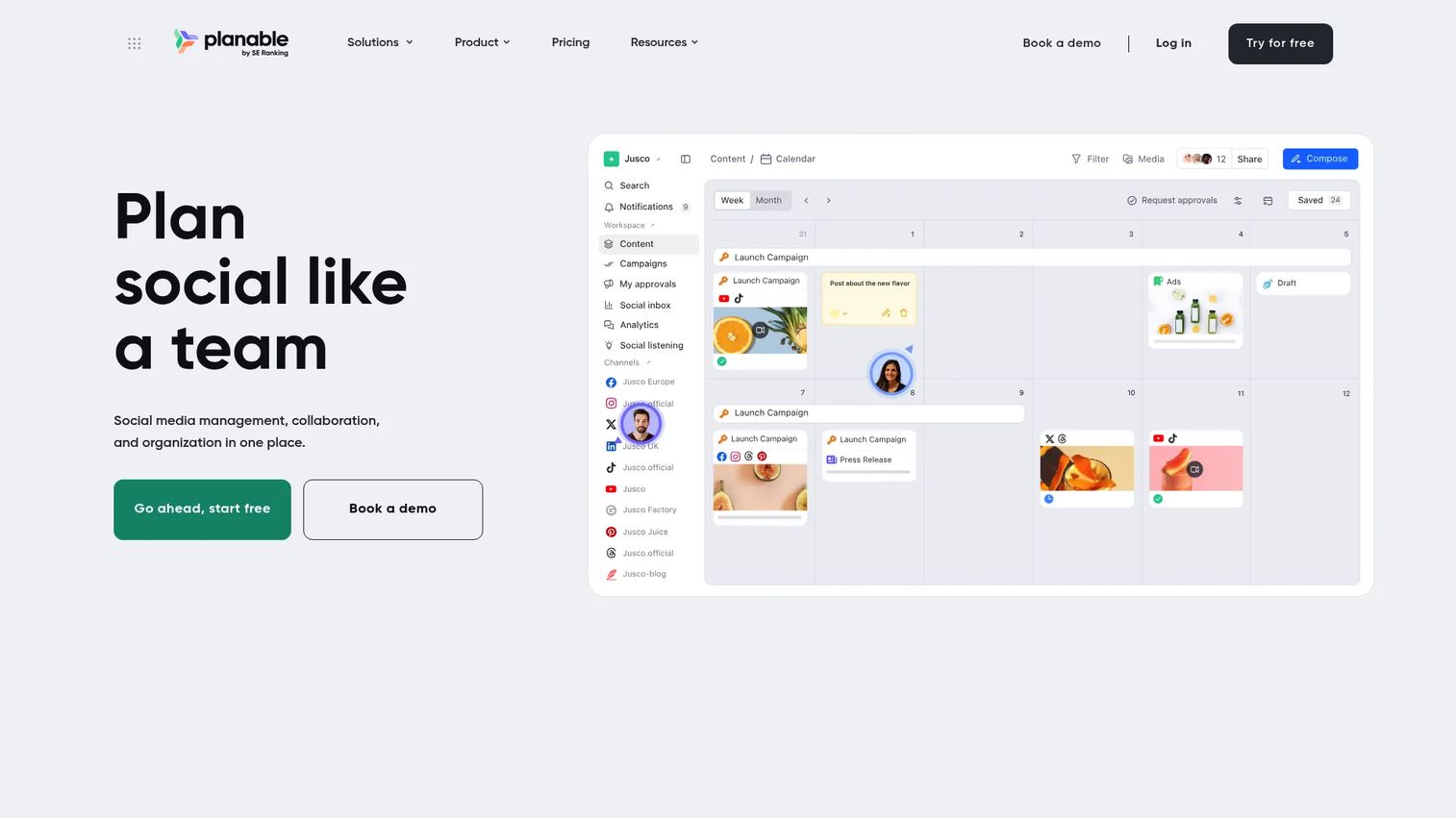
Planable is a collaboration-first social media management platform built around a shared content calendar. It covers creating, reviewing, approving, scheduling, and publishing content across major social platforms, all from one workspace. The platform is especially well suited to agencies and marketing teams managing multiple brands or clients that need a clean approval trail.
Best for: Social media teams and agencies that need calendar planning, approval workflows, and publishing in one tool.
Key features
- Multi-channel content calendar with Feed, Calendar, Grid, and List views
- Approval workflows with multi-level review options
- Client collaboration and feedback tools
- Social scheduling and direct publishing
- Campaigns, labels, and media library
Why choose Planable: Choose Planable when approval cycles are the bottleneck. It removes the approval-screenshot problem and gives every stakeholder a clear place to comment, approve, or request changes.
Planable pricing: The first 50 posts are free with no time limit. Basic starts at $33 per workspace per month (60 posts, 4 social pages); Pro is $49 per workspace per month (150 posts, 10 social pages). Enterprise pricing requires contacting sales.
G2 rating: 4.6/5
2. Asana
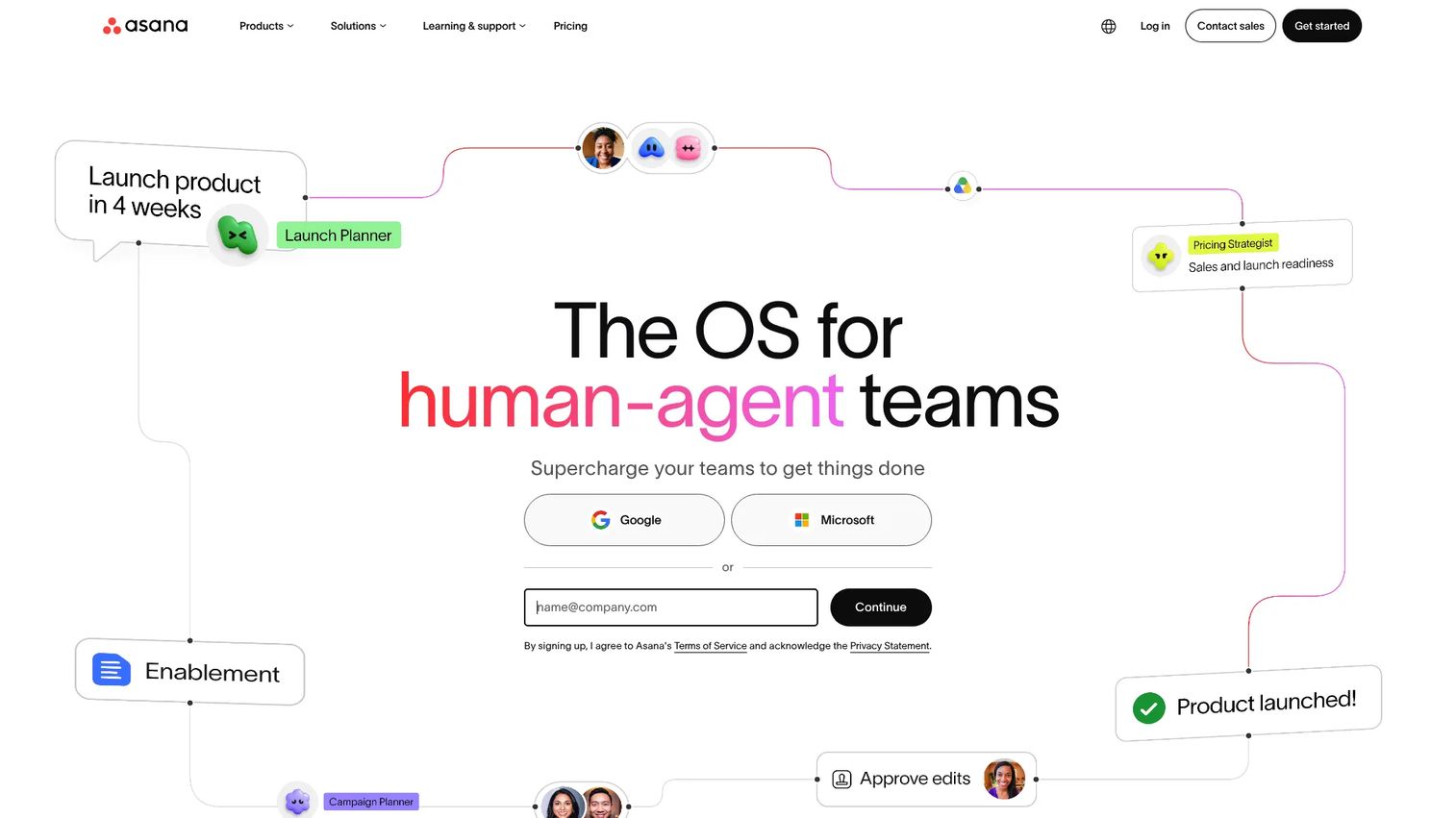
Asana is a work management platform that marketing teams adapt for content calendars, campaign timelines, and cross-functional launch coordination. It connects individual content tasks to broader campaign goals, owner visibility, and reporting dashboards. The platform includes AI features, templates, and automation rules that reduce manual status updates.
Best for: Marketing teams that need content planning tied directly to campaign management and task ownership.
Key features
- Calendar and timeline views with Gantt-style project tracking
- Task dependencies and owner assignments
- Custom fields for content type, channel, and status
- Approval and proofing workflows
- Marketing templates and portfolio reporting
Why choose Asana: Asana works best when content is part of a larger marketing operation. If your editorial calendar sits inside a launch plan with cross-functional dependencies, Asana handles that structure better than a dedicated social scheduler.
Asana pricing: Personal plan is free for up to two users. Starter is $10.99 per user per month billed annually ($13.49 monthly). Advanced is $24.99 per user per month billed annually. Enterprise pricing requires contacting sales.
G2 rating: 4.4/5
3. Notion
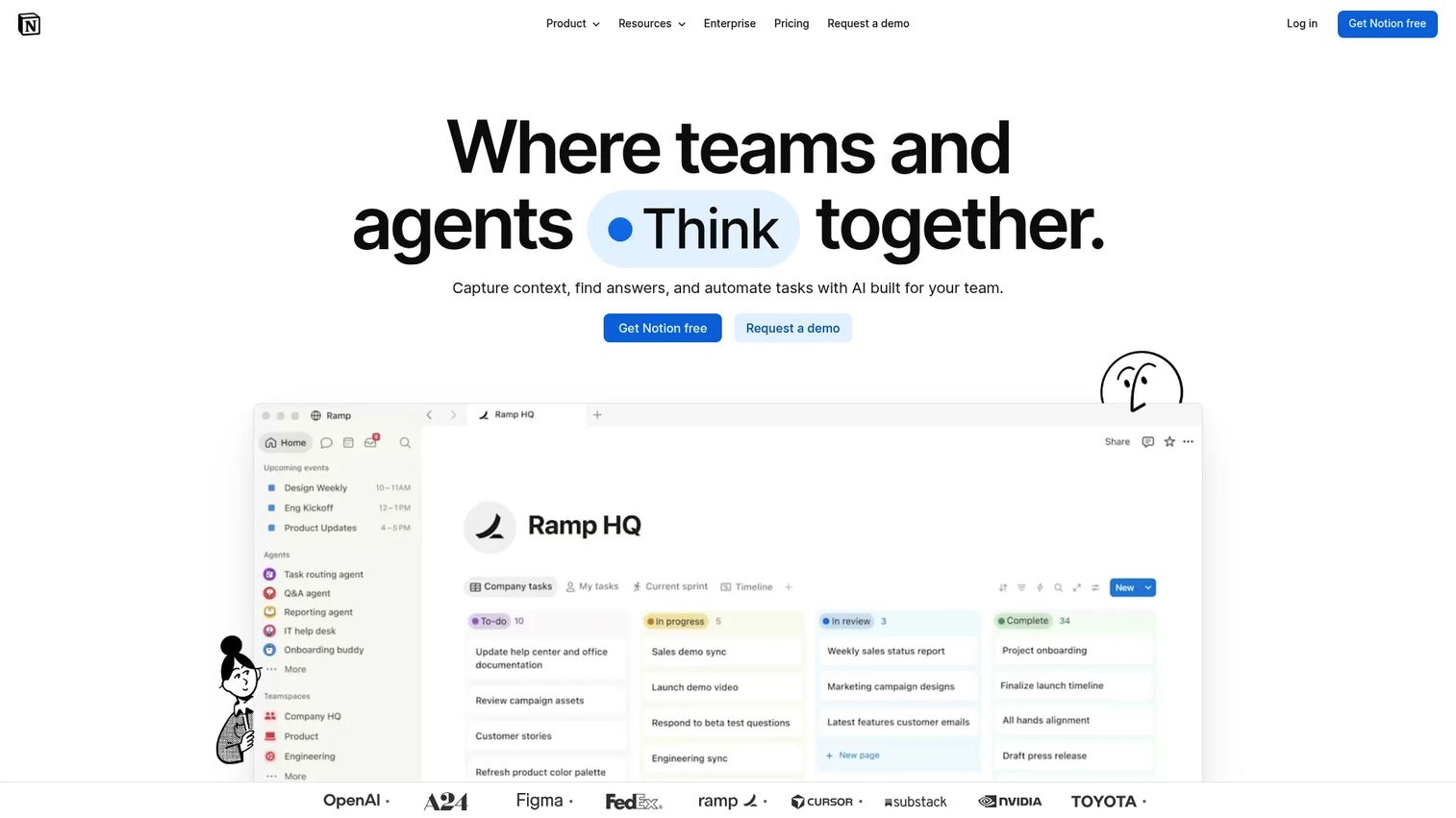
Notion is a flexible workspace where teams build editorial calendars, content brief databases, publishing schedules, and strategy docs side by side. Its database views, including calendar, gallery, and table, let content teams switch between planning formats without duplicating data. The template marketplace gives smaller teams a fast starting point.
Best for: Content teams that want customizable editorial planning without the overhead of a rigid project management platform.
Key features
- Calendar database views with filtering and grouping
- Content brief templates and linked documents
- Custom properties: Status, channel, owner, publish date
- Template marketplace with editorial and blog calendar templates
- AI-powered search and workspace answers
Why choose Notion: Notion suits editorial teams, creators, and startups that want a planning system that adapts to their process. It's less structured than a dedicated work management tool, which is an advantage for teams that iterate on their workflow frequently.
Notion pricing: Free for individuals. Plus is $10 per member per month; Business is $20 per member per month. Enterprise pricing is custom. Annual billing saves up to 20%.
G2 rating: 4.6/5
4. Canva
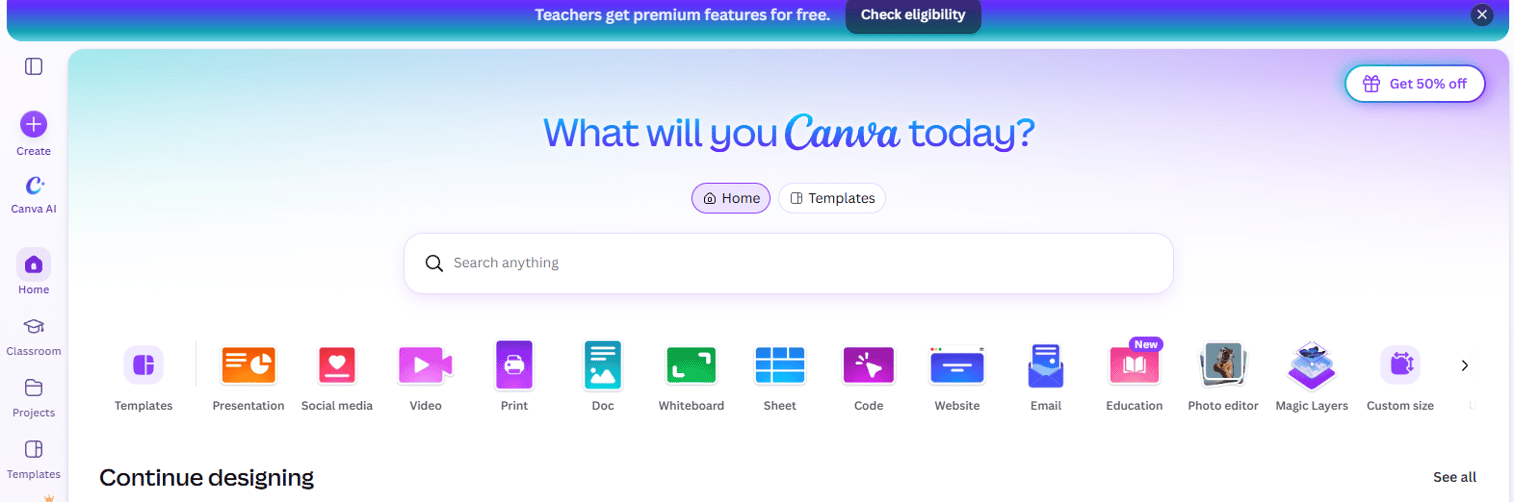
Canva is a visual design platform with a built-in Content Planner for creating and scheduling social posts from one workspace. Marketing teams that already build assets in Canva can schedule directly to social channels without exporting files into a separate tool. The Brand Kit keeps visual consistency across posts.
Best for: Design-led social teams that want to create assets and schedule posts without tool handoffs.
Key features
- Content Planner calendar for social scheduling
- Direct publishing to major social channels
- Brand Kit for consistent colors, fonts, and logos
- 1,000+ design templates for social formats
- Social analytics for published posts
Why choose Canva: Choose Canva when creative production slows the calendar down. If your team spends time exporting assets from one tool and uploading them to a scheduler, Canva removes that step entirely.
Canva pricing: Free plan available. Pro is $144 per person per year; Business is $250 per person per year. Enterprise pricing requires contacting sales.
G2 rating: 4.7/5
5. Buffer
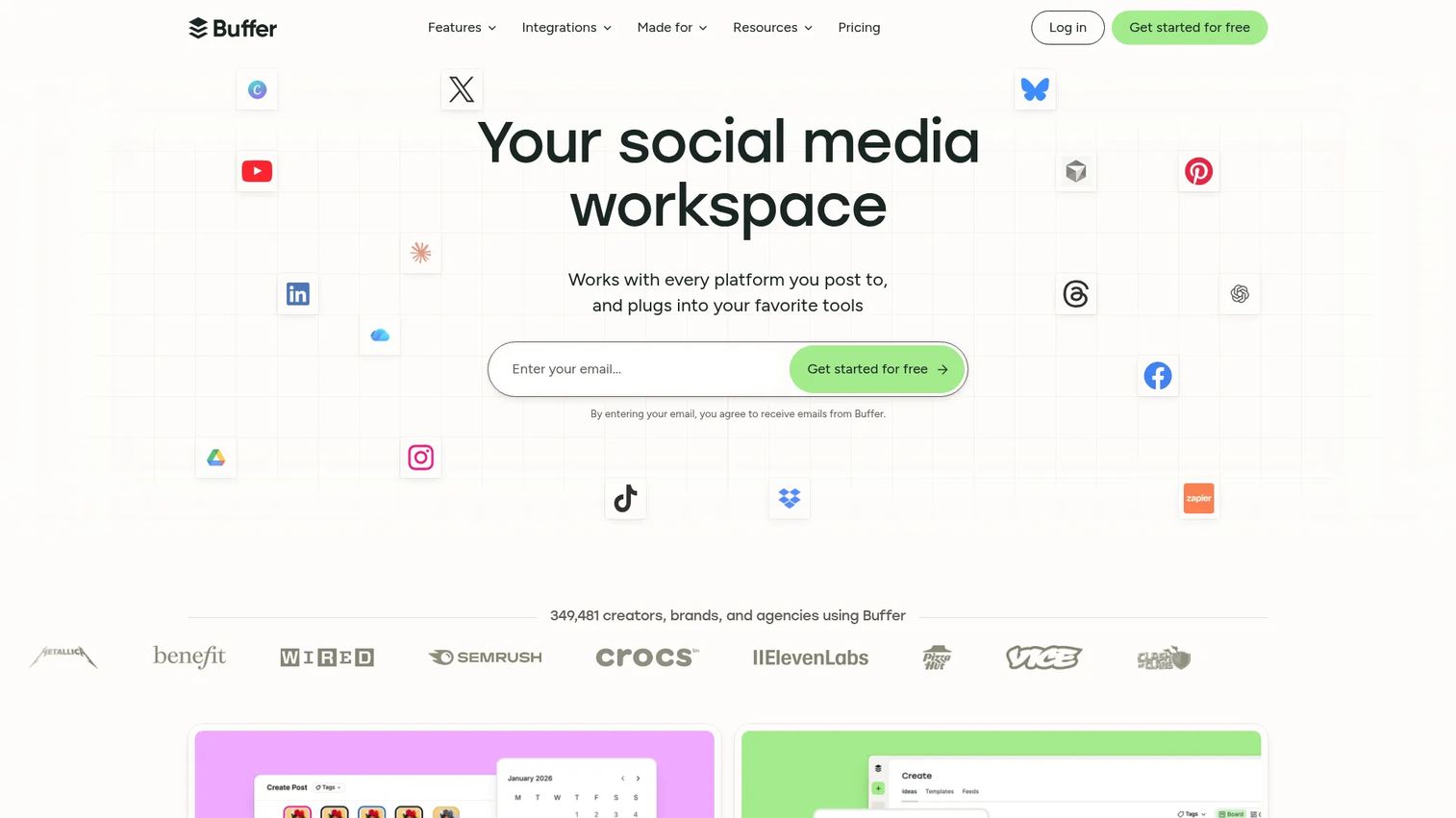
Buffer is a social media scheduling tool focused on publishing consistency for small teams and solo marketers. It supports a publishing queue, basic analytics, and an AI Assistant for content creation. The per-channel pricing model keeps costs predictable for teams that only manage a small number of accounts.
Best for: Small teams and solo marketers that need straightforward social scheduling without workflow complexity.
Key features
- Social media publishing queue and calendar view
- AI Assistant for post drafts and content ideas
- Channel-by-channel scheduling
- Basic engagement analytics per post
- Link-in-bio landing page tool
Why choose Buffer: Buffer is the right pick when the calendar problem is mostly about publishing consistency. It doesn't cover editorial production, approvals, or campaign management, but it handles scheduled social publishing with minimal setup.
Buffer pricing: Free plan covers up to 3 channels. Essentials is $5 per month per channel (billed monthly); Team is $10 per month per channel. Both paid plans offer unlimited scheduled posts and additional analytics.
G2 rating: 4.3/5
6. Hootsuite

Hootsuite is a mature social media management platform covering scheduling, publishing, engagement, monitoring, and reporting. Teams managing multiple channels, stakeholders, and performance reporting will find the unified inbox and analytics dashboards useful. AI-powered content generation is included on paid plans.
Best for: Social media teams managing multiple channels that need publishing, engagement management, and reporting depth.
Key features
- Social content planner and bulk scheduling
- Unified social inbox for all channel messages
- Analytics dashboards with competitive benchmarking
- Social listening and sentiment analysis
- Team permissions and approval workflows
Why choose Hootsuite: Choose Hootsuite when social content planning is tied to engagement management and stakeholder reporting. The price point means it's more than a small team needs if they only want a simple publishing calendar.
Hootsuite pricing: No free plan; a 14-day free trial is available. Standard is $99 per user per month billed annually; Professional is $199; Advanced is $399. Enterprise pricing is custom.
G2 rating: 4.3/5
7. Sprout Social
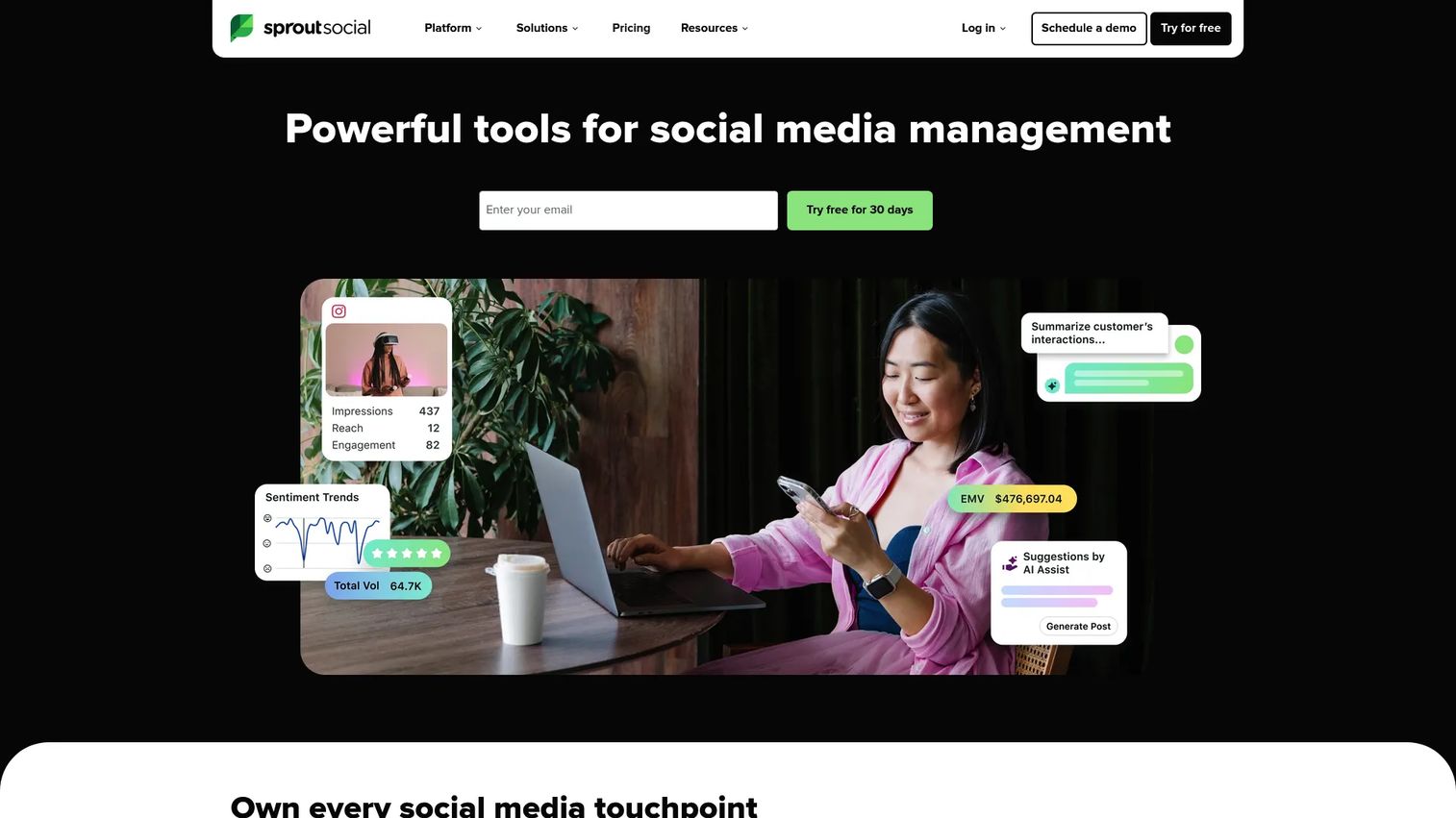
Sprout Social is a social media management platform built for teams that need deeper analytics, listening, and cross-channel reporting alongside their content calendar. The Smart Inbox consolidates all incoming messages and mentions, while the publishing calendar handles scheduling and approval workflows. A 30-day free trial is available on all plans.
Best for: Mid-market and enterprise social teams that need publishing tied to engagement tracking and reporting.
Key features
- Publishing calendar with approval workflows
- Social listening and trend monitoring
- Smart Inbox for unified engagement
- Reporting dashboards with performance benchmarks
- Review management
Why choose Sprout Social: Choose Sprout Social when leadership expects social content to connect directly to engagement metrics and pipeline reporting. The entry price is high for small teams, but the reporting depth justifies it for social-heavy organizations.
Sprout Social pricing: No free plan; a 30-day free trial is available. Standard is $199 per seat per month; Professional is $299; Advanced is $399. All prices are billed annually. Enterprise pricing is tailored.
G2 rating: 4.4/5
8. ClickUp
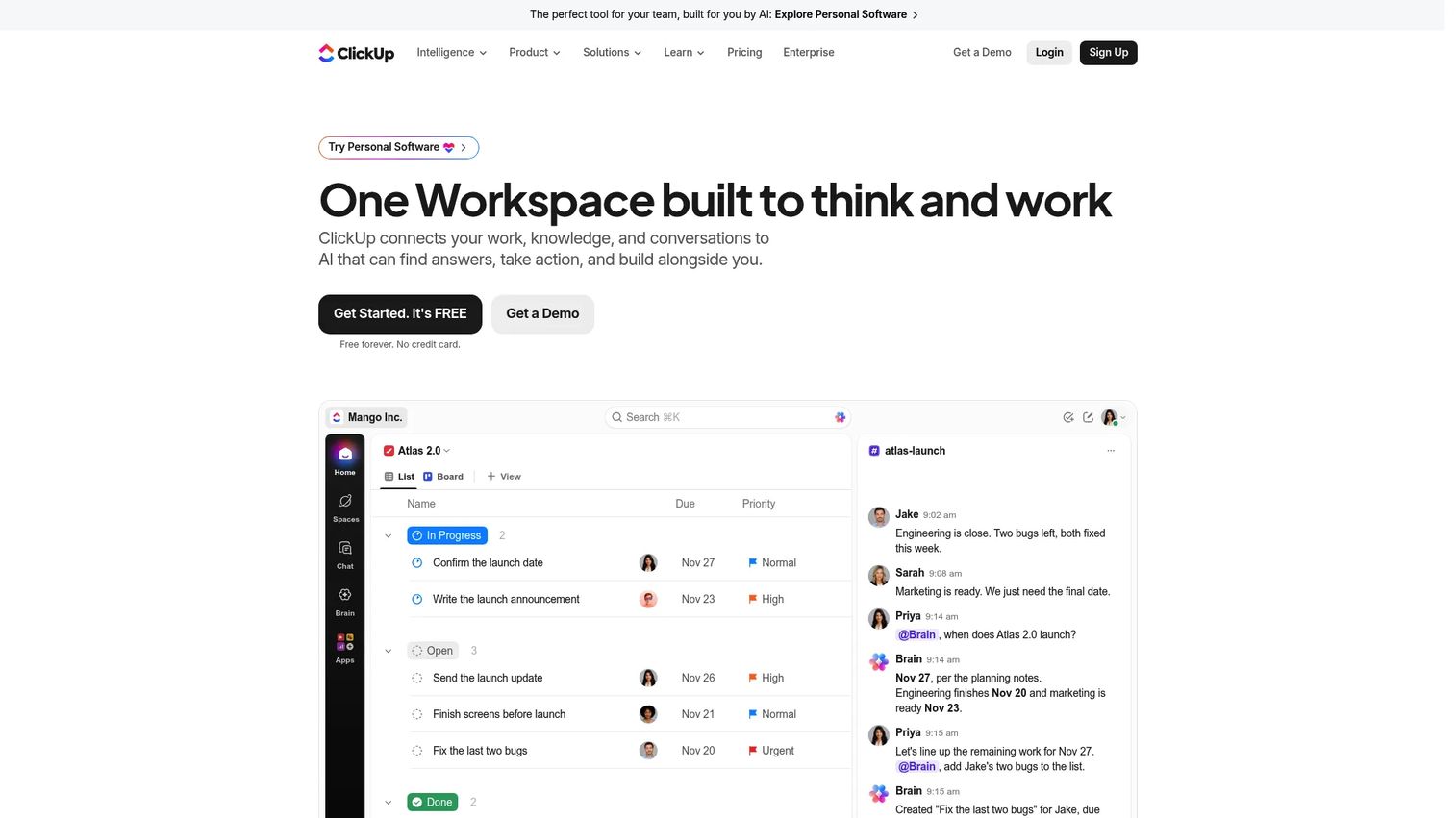
ClickUp is a work management platform that handles content calendars, campaign workflows, and cross-functional tasks from one workspace. It includes Docs, Whiteboards, Goals, and Dashboards alongside calendar and board views, making it a consolidation option for teams running multiple lightweight tools. AI is available as a platform add-on.
Best for: Content operations teams that need customizable workflows across marketing projects and want to reduce tool count.
Key features
- Calendar, board, and list views for content workflows
- Docs and task management in one workspace
- Custom fields for status, channel, owner, and brief
- Workflow automations and integration support
- Dashboards for tracking content output and campaign progress
Why choose ClickUp: Choose ClickUp when the content calendar is part of a broader workflow problem. It can replace several planning tools if the team commits to consistent setup, but it requires upfront configuration to match a specific workflow.
ClickUp pricing: Free Forever plan available. Core is $9 per user per month billed annually; Business is $17; Max is $100. Enterprise pricing is custom.
G2 rating: 4.6/5
9. Airtable
Airtable is an AI-powered app platform built around flexible databases. For content teams, it works as a custom content calendar where each record can hold briefs, assets, status fields, channel assignments, and campaign tags. The calendar view, filtered views, and Interface builder let teams shape the tool around their actual workflow rather than adapting to a fixed structure.
Best for: Teams that want a highly customizable content database with calendar views and filtered reporting.
Key features
- Calendar view with filtering and grouping
- Custom fields: Status, channel, owner, campaign, publish date
- Filtered views for different channels or team members
- Automations for status updates and notifications
- Interface builder for custom dashboards
Why choose Airtable: Choose Airtable when you need one content record to show up across campaign views, channel filters, and production stages. It fits content ops teams that think in databases and want to query their calendar the same way they query a dataset.
Airtable pricing: Free plan available. Team is $20 per collaborator per month billed annually; Business is $45. Enterprise Scale pricing is custom.
G2 rating: 4.6/5
10. CoSchedule
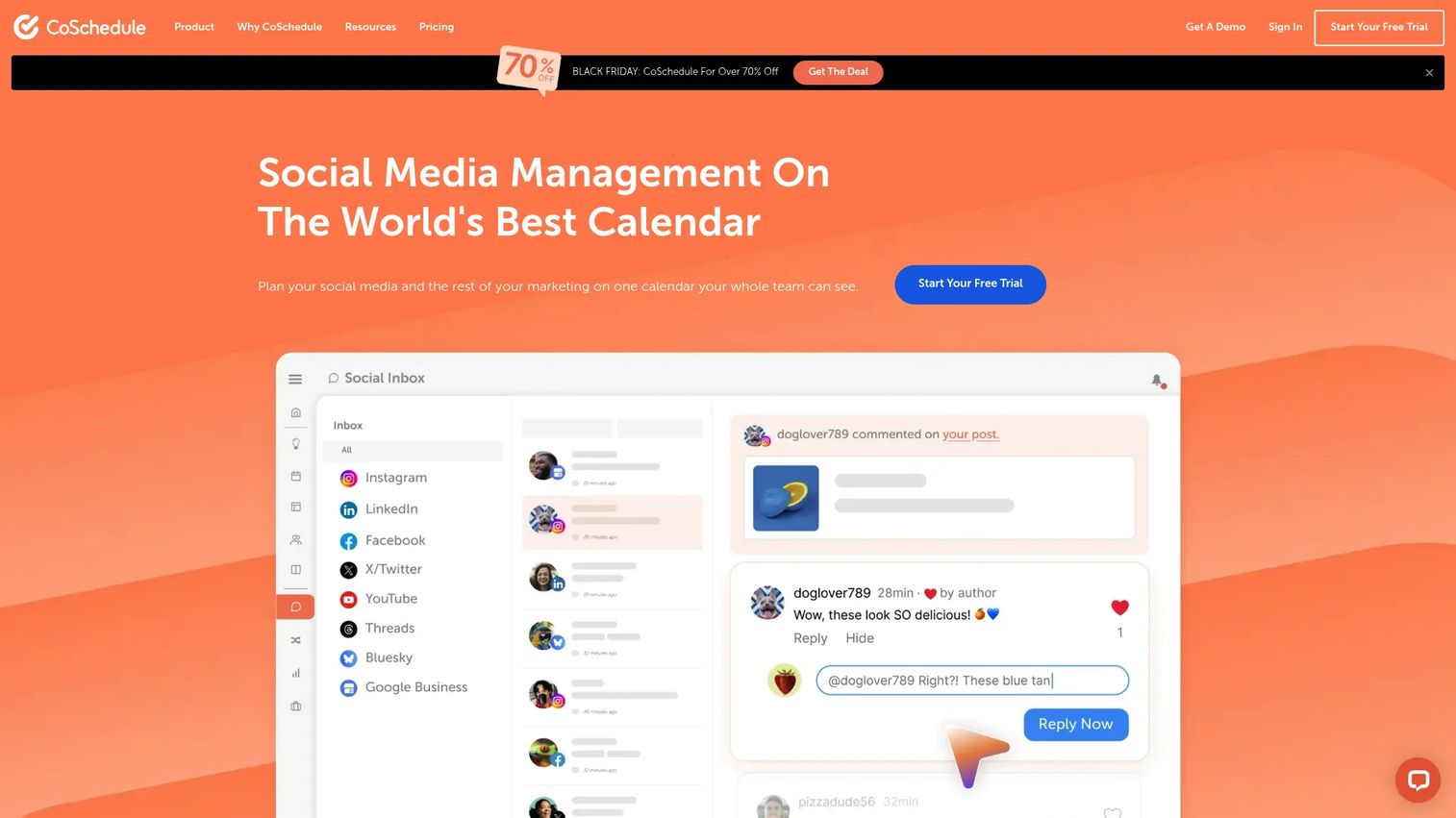
CoSchedule is a marketing calendar platform built specifically for campaign planning, content scheduling, and social publishing. It includes ReQueue, an automation feature that reschedules top-performing content to fill gaps in the social calendar. The AI tools support campaign and project planning within the calendar interface.
Best for: Marketing teams that want a dedicated campaign and content calendar rather than a repurposed project management tool.
Key features
- Drag-and-drop marketing calendar
- Social scheduling and direct publishing
- ReQueue social automation for evergreen content
- Campaign planning and project management tools
- AI social and campaign assistant
Why choose CoSchedule: Choose CoSchedule when the marketing calendar is the primary operating system for your team. It gives content and campaign work a more purpose-built structure than a generic project board, and ReQueue handles evergreen scheduling without manual rescheduling.
CoSchedule pricing: A free plan is available for scheduling up to 15 posts on 1 profile. Starter is $29 per month billed annually; Professional is $49 per month billed annually. Suite plans start at $69 per month with custom options.
G2 rating: 4.4/5
11. SocialPilot

SocialPilot is a social media management platform aimed at agencies, small businesses, and marketing teams that need practical publishing and approval features without enterprise-tier pricing. White-label reporting and client management tools make it particularly relevant for agencies handling multiple accounts.
Best for: Agencies and small teams that need affordable social scheduling, client approvals, and multi-account management.
Key features
- Social media scheduling and content calendar
- AI content creation and post suggestions
- Client approval workflows
- Analytics and white-label reporting
- Bulk scheduling and team collaboration
Why choose SocialPilot: Choose SocialPilot when you need Hootsuite-level social publishing features at a lower price point. The client management tools and white-label reports make it especially practical for agencies managing several brands simultaneously.
SocialPilot pricing: No free plan; a 14-day free trial is available. Essentials starts at $25.50 per month billed annually (7 social accounts). Standard is $42.50; Premium is $85; Ultimate is $170. Enterprise pricing requires contacting sales.
G2 rating: 4.5/5
12. ProofHub
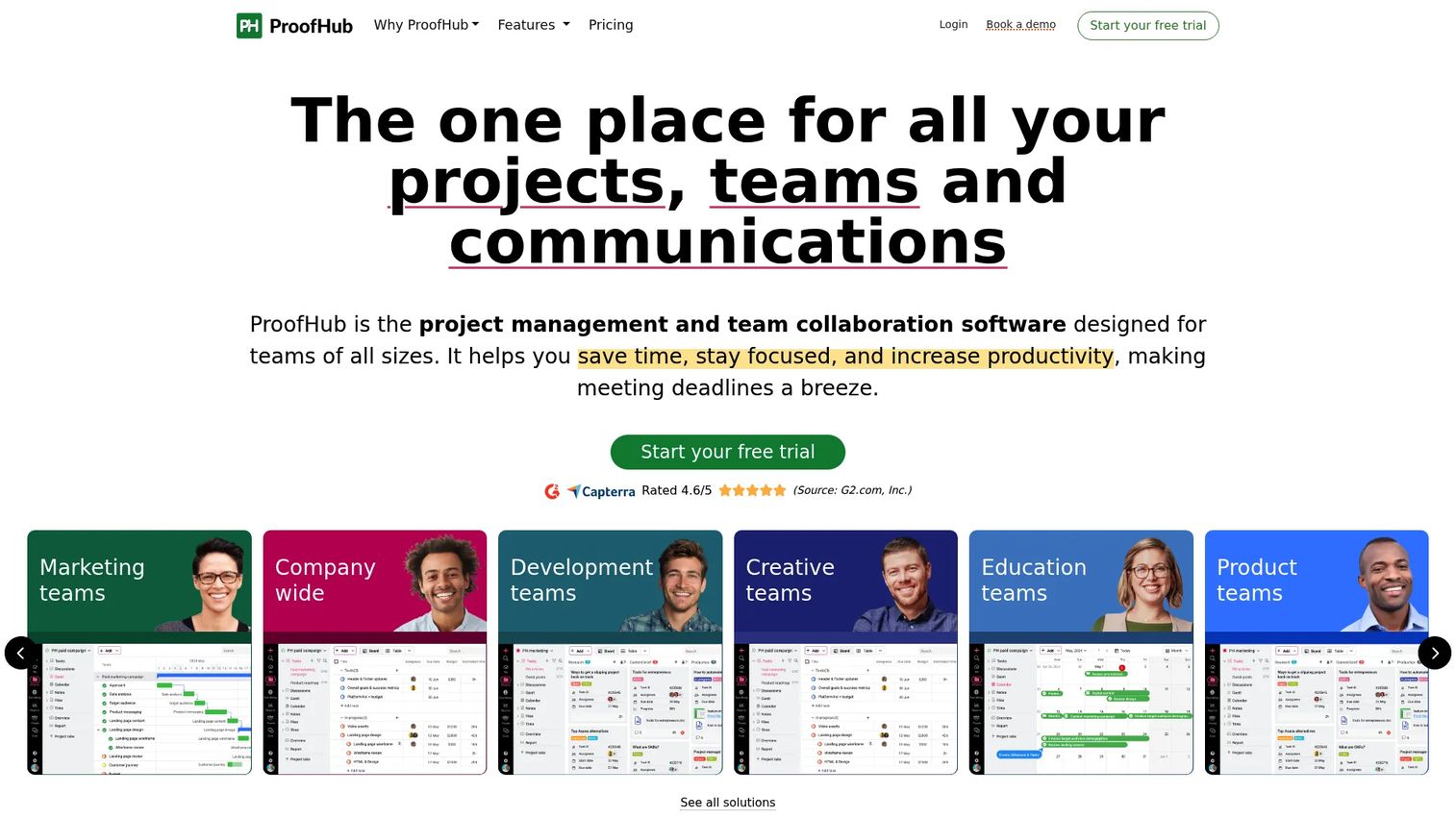
ProofHub is a project management and team collaboration platform with flat, non-per-user pricing. It combines calendars, task management, file proofing, annotations, and team discussions in one workspace. The proofing tools let reviewers annotate files directly rather than leaving feedback in a separate thread.
Best for: Teams that need content calendars alongside proofing, structured discussions, and task-level collaboration.
Key features
- Project calendar and Gantt chart views
- File proofing with annotations and approval tracking
- Task management with assignments and due dates
- Team discussions, chat, and notes
- Custom roles, permissions, and white labeling
Why choose ProofHub: Choose ProofHub when approval and content review matter as much as scheduling. The flat pricing model benefits teams with more than 10 users, since per-seat costs stop scaling.
ProofHub pricing: No free plan; a 14-day free trial is available. Essential is $45 per month billed annually (40 projects, 15GB storage); Ultimate Control is $89 per month billed annually (unlimited projects, 100GB storage). Both plans include unlimited users.
G2 rating: 4.6/5
13. Google Calendar
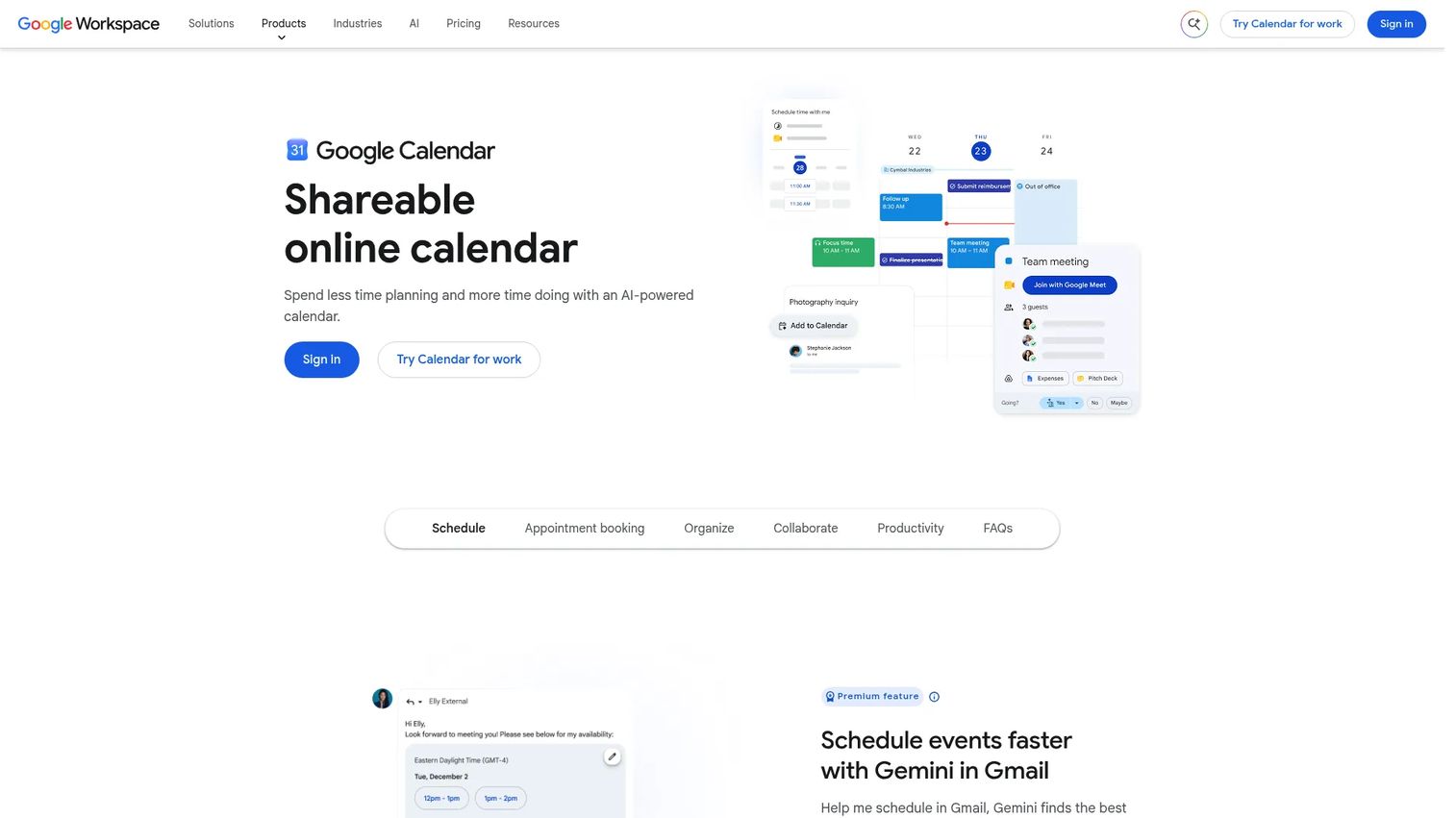
Google Calendar is a shared scheduling tool that many small teams use as a lightweight content calendar. It handles shared dates, recurring events, reminders, and basic team visibility. It doesn't publish content, manage approvals, or track production stages, but it costs nothing with a personal Google account.
Best for: Solo marketers and small teams that need a free shared publishing calendar with no additional workflow requirements.
Key features
- Shared calendars with team permissions
- Recurring events for consistent publishing cadences
- Event attachments for linking briefs or assets
- Working hours and time insights
- Full integration with Gmail and Google Meet
Why choose Google Calendar: Choose Google Calendar when the team needs date visibility more than workflow management. It's the right starting layer for a small team, but most content operations outgrow it once approvals and production stages enter the picture.
Google Calendar pricing: Free with any personal Google account. Business features come with Google Workspace: Starter is $7 per user per month; Standard is $14; Plus is $22. Enterprise pricing requires contacting sales.
G2 rating: 4.7/5
14. Zapier
Zapier is an automation platform that connects more than 9,000 apps through no-code workflows. For content teams, it fills the gap between a calendar tool, a brief form, a CMS, and a notification system. Rather than replacing a content calendar, Zapier automates the handoffs between the tools already in use.
Best for: Marketing teams that want to automate content calendar updates and notifications across an existing stack.
Key features
- No-code workflow automation across 9,000+ apps
- Multi-step Zaps with filters, paths, and scheduling
- Calendar triggers for date-based automations
- Webhooks for custom integrations
- Zapier Tables and Forms for lightweight data capture
Why choose Zapier: Choose Zapier when your team already has a calendar system but manual status updates keep breaking the process. It connects form submissions, CMS drafts, approval status changes, and calendar entries so the right people get notified without manual copy-paste.
Zapier pricing: Free plan includes 100 tasks per month with two-step Zaps. Professional starts at $19.99 per month; Team starts at $69 per month. Enterprise pricing requires contacting sales.
G2 rating: 4.5/5
Considerations when choosing content calendar tools
Start with the calendar's job
Before evaluating features, name what the tool actually needs to do. Social scheduling, editorial planning, campaign management, and approval tracking are different jobs. A tool optimized for one often underperforms at another, and adding a second tool to compensate is how the spreadsheet returns.
Check what it replaces
Growth marketers have a standing objection to new tools: Does this replace something we already pay for? Map the tool against your current stack. The best content calendar adds planning depth, removes a spreadsheet, or replaces a scheduler you're already paying for.
Match collaboration to the review cycle
A two-person team needs quick comments and shared visibility. An agency handling client approvals needs multi-level workflows, permissions, and a client-facing view. The collaboration model should match the actual review process, not a theoretical one.
Verify publishing and analytics depth
Some tools plan content but don't publish to social channels. Others schedule posts but don't connect to editorial production. Test whether the tool publishes to your required channels, and check whether the analytics it provides are ones your reporting workflow can use.
Price for adoption, not the sticker price
Per-seat costs, publishing limits, analytics tiers, and automation add-ons change the total cost significantly. Sprout Social at $199 per seat is a different conversation for a team of two versus a team of twelve. Flat-rate tools like ProofHub invert that math. Run the actual headcount through the pricing model before comparing.
Conclusion
The right content calendar tool depends on where your workflow breaks most often.
For social-first teams and agencies, Planable offers the clearest path from draft to scheduled post with built-in approvals. Hootsuite, Sprout Social, and SocialPilot all handle social publishing with more depth than a basic scheduler, at different price points. Buffer fits lean teams that want publishing consistency without the overhead.
For campaign-connected workflows, Asana, ClickUp, and ProofHub handle content work inside a broader project structure. ProofHub's flat pricing makes it compelling for larger teams tired of watching per-seat costs climb.
Notion and Airtable both serve editorial planning, but they serve different instincts. Notion works for teams that write briefs and plans as documents. Airtable suits teams that filter, sort, and query their content data like a database. CoSchedule sits between them: Purpose-built for marketing calendars but closer to a scheduler than a full project tool.
Google Calendar handles basic shared visibility for free. Zapier is the connective layer for teams whose calendar already works but whose handoffs don't.
Pick the tool that eliminates your actual bottleneck, whether that's planning, approvals, publishing, or reporting, and shortlist from there.
FAQs
The answer depends on the team's primary bottleneck. Planable suits social-first marketing teams that need approval workflows built into the calendar. Asana fits project-heavy teams where content connects to broader campaign operations. Notion works for flexible editorial planning, and Airtable suits teams that want a database-driven content calendar with filtered views.
Google Calendar is free with any Google account and handles shared dates and basic team visibility. Notion's free plan covers individual use and small team collaboration. Asana's Personal plan is free for up to two users. Buffer's free plan covers up to three social channels. CoSchedule also offers a free tier for up to 15 scheduled posts.
A content calendar covers all planned content across channels, including social posts, email campaigns, video, paid creative, and blog articles. An editorial calendar typically focuses specifically on publishing topics, deadlines, writers, editors, and the editorial production workflow. Many teams use the terms interchangeably, but editorial calendars usually mean blog or newsletter planning.
Some do, and some don't. Social media scheduling tools like Planable, Buffer, Hootsuite, Sprout Social, SocialPilot, and CoSchedule publish directly to social channels. Project management tools like Asana and ClickUp plan and track work but don't publish posts. Canva schedules directly from its design interface. Check whether direct publishing to your required channels is included before buying.
Planable is built for agencies managing multiple brands with client collaboration and approval workflows. SocialPilot includes white-label reporting and client management at a lower price point than enterprise social tools. ProofHub adds proofing and annotation tools alongside its calendar. Asana works for agencies that need to manage content alongside broader client project delivery.
Notion, Airtable, Asana, ClickUp, and CoSchedule all handle blog and SEO workflows well. Editorial calendars for blog content usually need fields for keyword targets, writers, editors, production stages, publish dates, and links to drafts. Notion and Airtable are the most flexible for custom field structures. Asana and ClickUp add task dependencies, which helps when blog production involves multiple contributors.
Project management tools are better for briefs, production stages, owner assignments, and multi-step approvals. Social media schedulers are better for direct publishing, channel previews, engagement tracking, and social analytics. Teams with complex production workflows often use both: A project tool for pre-production and a scheduler for publishing. The goal is to reduce the number of tools, not add one of each.
The most important features depend on where the workflow breaks. For planning: Calendar views, campaign tags, and status fields. For production: Briefs, task assignments, and dependencies. For approvals: Comment threads, version history, and permission levels. For publishing: Direct scheduling to required channels. For reporting: Analytics fields, performance tracking, and integration with attribution tools. Start with your actual bottleneck rather than a general feature checklist.