Your agent answered the same "how do I update billing settings?" ticket for the sixth time this week. The help center article exists. Customers skip it. The screenshots are two product releases behind. The macro still requires a paragraph of explanation before the customer knows what to click.
The underlying problem is not a lack of documentation. Standard operating procedures exist somewhere, usually in a Notion page, an old Google Doc, or an agent's memory. The problem is speed: Turning a messy recurring process into a reusable, accurate SOP takes time most support teams do not have.
AI SOP generators change that equation. According to the CCIA (2025), 68% of U.S. workers using generative AI at work reported saving at least three to four hours per week. For support teams managing dozens of recurring workflows, that time compounds fast.
This guide compares 11 AI SOP generator tools, covering prompt-based drafters, governed SOP platforms, knowledge base software, training tools, and visual workflow capture options for support teams that need SOPs customers can actually follow.
What's inside
This guide is for support leaders and frontline agents at SaaS companies who need faster, more reliable process documentation.
Tools were selected based on:
- Ability to generate or structure SOPs from prompts, notes, or workflow captures
- Fit for support team use cases: Help center docs, macros, agent onboarding, customer training
- Editing, assignment, and sharing options
- Pricing and G2 ratings, verified against live sources
TL;DR
- Best for visual, interactive support SOPs: Guideflow, for clickable product workflows embedded in help center articles, macros, chatbot replies, and onboarding flows
- Best for governed SOP platforms: Waybook, Trainual, SweetProcess, or Whale, depending on whether you need playbooks, training paths, or task accountability
- Best for fast AI drafting: ChatGPT or Claude, for turning rough notes into first-draft SOPs
- Best for workspace documentation: Notion AI, Confluence, or Google Docs, for teams already living in those environments
- Best for external knowledge bases: Document360, for support content that lives in a customer-facing help center
What is an AI SOP generator?
An AI SOP generator is software that uses artificial intelligence to turn process inputs, such as prompts, notes, transcripts, screenshots, or recorded workflows, into structured standard operating procedures.
A standard operating procedure is a documented, step-by-step guide for completing a repeatable task. For support teams, SOPs cover everything from "how to escalate a P1 bug" to "how to walk a customer through resetting billing permissions."
Manual SOP writing is slow. AI changes the drafting step by generating a usable structure from rough inputs, so teams spend time refining rather than starting from scratch.
Key capabilities to look for:
- Prompt-to-SOP drafting from notes, descriptions, or transcripts
- Workflow capture with screenshots or recordings
- Role-based steps with clear ownership
- Editing, approval, and versioning workflows
- Export to PDF, Word, Markdown, or knowledge base formats
- Training assignment and completion tracking
- Analytics showing whether the SOP gets used
AI SOP generators vs. SOP management platforms: A generator creates or drafts the SOP. SOP management software handles storage, approvals, assignments, training delivery, and tracking. Many tools on this list do both, but it is worth knowing which job you are hiring the tool for.
For customer support, the most common gap is not writing the SOP. It is making the SOP findable, current, and formatted in a way users actually engage with. A support team documenting a multi-step product setup workflow needs something different from a team writing a refund policy.
When to use an AI SOP generator
Turn repeated tickets into reusable procedures
When agents answer the same question repeatedly, that is an SOP waiting to be written. Recurring workflows such as integration troubleshooting, billing permission changes, and refund approvals can be captured once and distributed as agent-facing procedures or customer-facing guides. The AI drafting step cuts the time from "we should document this" to "here is the first draft" from hours to minutes.
Onboard agents without shadowing every process
New agents absorb tribal knowledge through shadowing, which does not scale. SOPs for ticket triage rules, macro usage, QA standards, and escalation paths let new team members follow a documented path from day one. AI tools help managers convert informal knowledge into structured onboarding materials faster than writing each SOP by hand.
Keep help center workflows current after product changes
Outdated screenshots are the most common reason customers abandon self-serve documentation. Good SOP tools make it fast to edit individual steps, reassign ownership, and republish. For business process documentation software, the maintenance problem is as important as the creation step.
AI SOP generator tools comparison
The table below covers 11 tools ranked by relevance for customer support use cases. Pricing and G2 ratings are from verified live sources as of November 2026.
| # | Product | Best for | Key differentiator | Pricing | G2 rating |
|---|---|---|---|---|---|
| 1 | Waybook | SOP playbooks and training for growing teams | AI creation plus progress tracking | From $99/mo | 3.5/5 |
| 2 | ChatGPT | Fast first drafts from rough notes | Flexible prompt-based SOP drafting | Free plan available | 4.6/5 |
| 3 | Notion AI | SOPs inside team workspaces | AI writing inside docs and databases | Free plan; from $10/member/mo | 4.6/5 |
| 4 | Guideflow | Visual support SOPs for product workflows | Clickable guided demos for support documentation | Free plan; from $35/mo | 5.0/5 |
| 5 | Trainual | Agent onboarding and training SOPs | Process docs tied to role-based training | From $3/user/mo | 4.7/5 |
| 6 | SweetProcess | Recurring back-office procedure documentation | SOPs, policies, and task workflows in one plan | From $82.50/mo | 4.3/5 |
| 7 | Confluence | Enterprise team documentation | Structured SOPs inside Atlassian workspaces | Free plan; from $5.42/user/mo | 4.1/5 |
| 8 | Document360 | Customer-facing knowledge bases | AI-powered help center with SOP-style content | Custom pricing | 4.7/5 |
| 9 | Google Docs | Simple collaborative SOP drafts | Familiar docs with Gemini AI assistance | Free; Workspace from $7/user/mo | 4.6/5 |
| 10 | Whale | SOPs plus employee training delivery | AI-assisted playbooks with quizzes and mobile access | Free plan; from $249/mo | 4.8/5 |
| 11 | Claude | Long-form SOP drafting and refinement | Strong text generation for complex procedures | Free plan; from $20/mo | 4.7/5 |
Best 11 AI SOP generator tools for support teams in 2026
1. Waybook
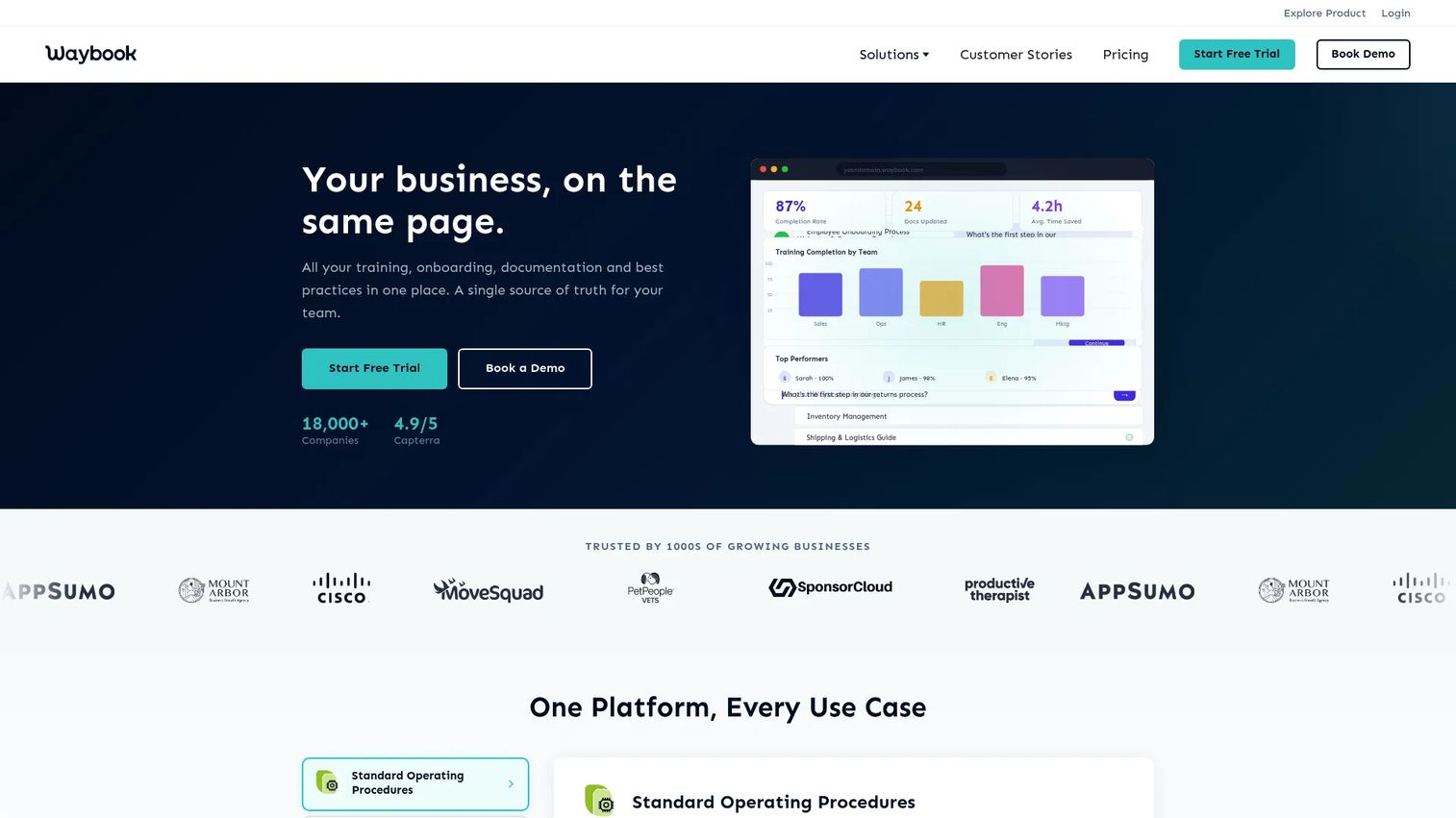
Waybook is a business playbook platform for centralizing SOPs, process documentation, onboarding, and company knowledge. It combines an AI content writer with structured playbooks, so support teams can go from a rough process description to an assigned, trackable SOP inside one tool. The AI knowledge assistant helps agents find answers inside documented content without searching manually.
Best for: Support operations teams that need SOP creation, assignment, and team accountability in one place.
Key features
- AI SOP creation from prompts or existing content
- Structured playbooks with version control
- Learning paths, tests, and assessments
- Progress tracking and completion reporting
- 7-day free trial
Why choose Waybook: Choose it when SOPs need to become trackable operating processes, not just documents. It fits scaling teams where manager visibility into agent knowledge gaps matters as much as content creation.
Waybook pricing: Plans start at $99/month for 20 seats billed annually (Core), with Pro at $198/month for 20 seats. Enterprise pricing is available on request. A 7-day free trial is available.
G2 rating: 3.5/5
2. ChatGPT
ChatGPT is not dedicated SOP software, but it is one of the fastest ways to turn a bullet list of process notes into a structured draft. Paste a rough description of a support escalation workflow, and it returns a formatted SOP in seconds. Teams use it to get from "someone should write this down" to a usable first draft, then move the content into a governed system.
Best for: Support managers who need quick first drafts before moving SOPs into a storage or publishing workflow.
Key features
- Prompt-based SOP drafting from notes or transcripts
- Custom formats and role-specific instructions
- Revision and refinement in conversation
- Template generation for recurring SOP types
- File and document uploads for context
Why choose ChatGPT: It is the fastest option for first drafts. It does not replace a storage, review, or publishing system, so teams still need a home for the finished SOP.
G2 rating: 4.6/5
3. Notion AI
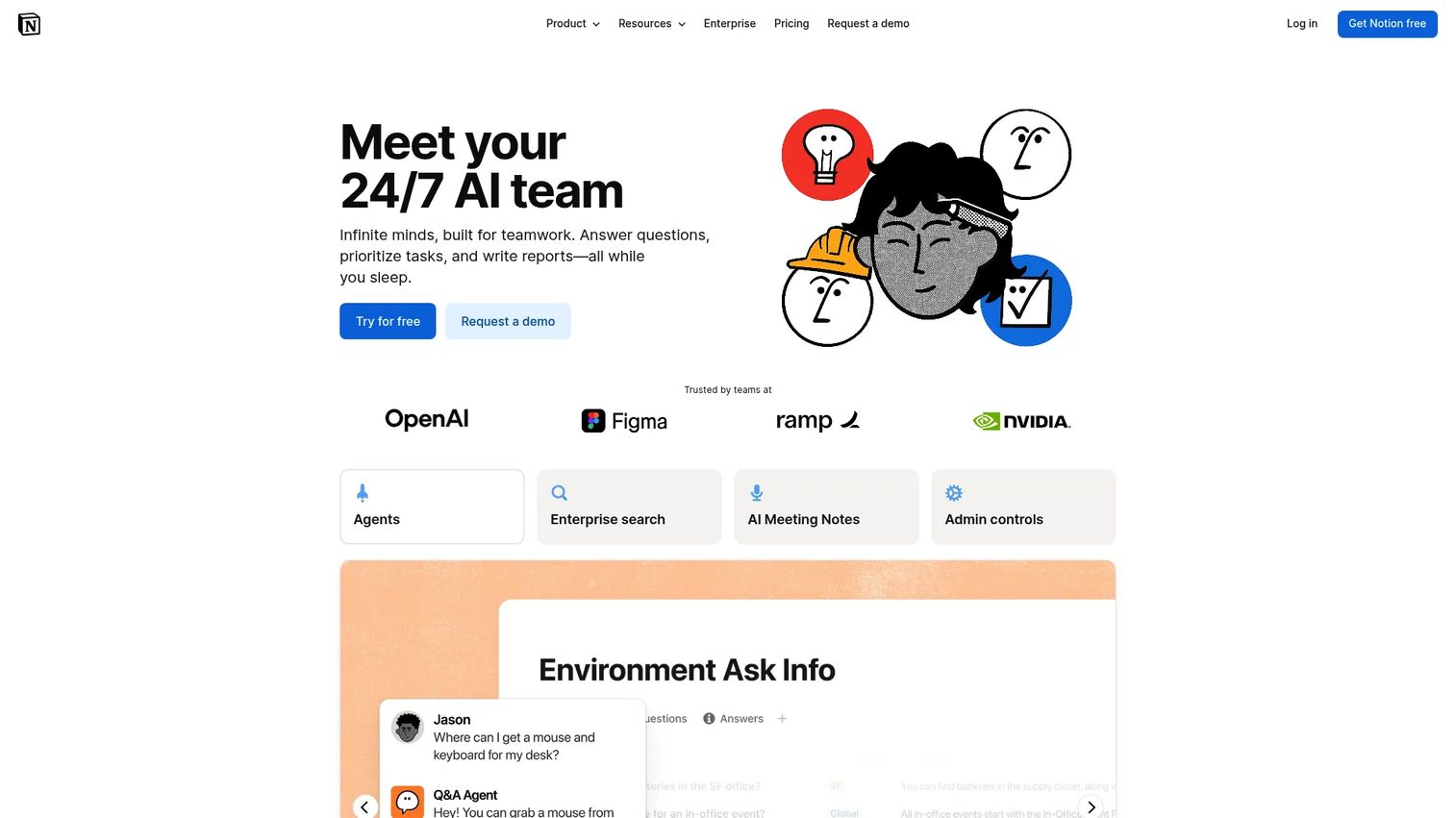
Notion AI brings AI writing, search, and automation into the workspace where many support teams already manage docs, projects, and internal knowledge. Teams can draft SOPs, summarize meeting notes into procedure updates, rewrite agent-facing instructions for clarity, and organize content into databases. The Notion Agent can run multi-step tasks using workspace context, which is useful for recurring documentation maintenance.
Best for: Support teams that manage internal SOPs, meeting notes, and process docs inside Notion.
Key features
- AI writing, rewriting, and summarization in Notion pages
- Enterprise Search across Notion and connected apps
- AI Meeting Notes for capturing process changes
- Database creation and autofill for structured SOP libraries
- Custom Agents for automating recurring documentation workflows
Why choose Notion AI: Choose it when SOPs live alongside project notes, sprint planning, and customer feedback. The AI is most useful when the team is already in Notion. It is not a training or assignment platform, so teams that need completion tracking will need a separate tool.
Notion AI pricing: Notion has a free plan at $0 per member per month. The Plus plan is $10 per member per month (monthly billing). Business is $20 per member per month. Enterprise pricing is custom. AI features are bundled into the Business plan; Custom Agents use Notion credits at $10 per 1,000 credits per month.
G2 rating: 4.6/5
4. Guideflow
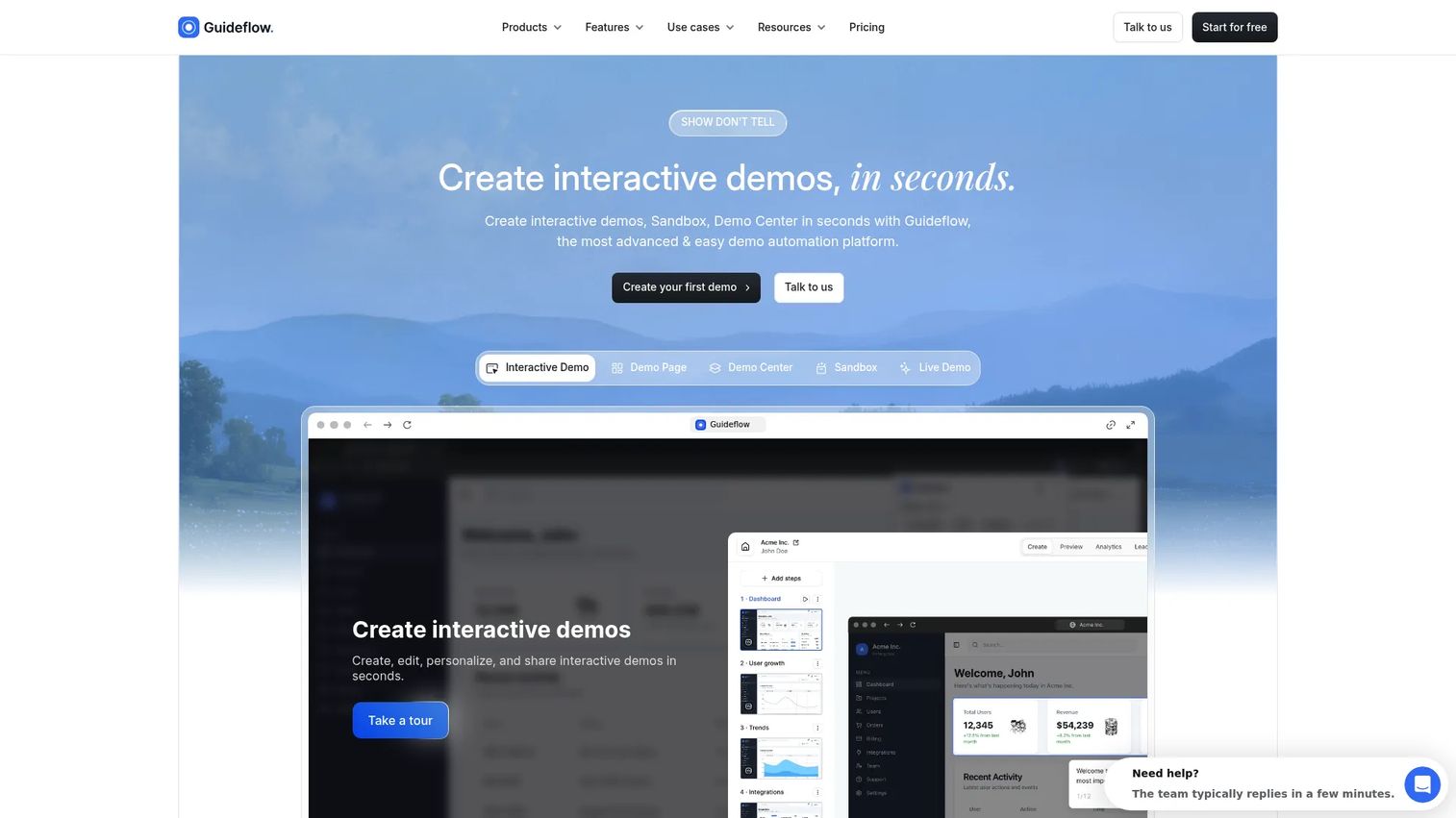
Guideflow is a demo automation platform that lets support teams turn product workflows into guided, clickable interactive demos rather than static text documents. When a support SOP needs to show users what to click inside the product, Guideflow converts a browser-based capture into a step-by-step guided experience that customers or agents can follow at their own pace.
This is not a text-based SOP generator. Guideflow fits the gap between "we wrote a 12-step article" and "users still open tickets." A clickable guide embedded in a help center article, macro reply, or chatbot response delivers materially higher engagement than a screenshot-heavy doc.
Practical support applications include embedding a billing-permissions demo inside a help center article, linking a guided troubleshooting flow from a ticket macro, sending a setup walkthrough after a failed integration ticket, and organizing multiple product guides in a Demo Center for a customer-facing support hub. Teams can also use the sandbox format when users need to explore product workflows freely without a guided path.
Step-level analytics show exactly where users drop off inside a guide, so support managers can spot which steps generate follow-up tickets and fix them.
Best for: SaaS support teams that need visual, clickable SOPs for product workflows embedded in help center content, macros, and onboarding resources.
Key features
- Browser-based workflow capture with no-code editing
- Guided clickable demos with tooltips, branching, and CTAs
- Embeds for help centers, ticket replies, macros, and chatbot flows
- Step-level analytics and drop-off tracking
- Personalization and AI voiceover across guides
Why choose Guideflow: When static screenshots and long text SOPs are not deflecting enough tickets, Guideflow gives support teams a way to show customers exactly what to do instead of describing it. Use the analyze features to see where users struggle before they open a ticket.
Guideflow pricing: A free plan is available with up to 5 guideflows. The Solo plan is $35/month billed annually ($40/month billed monthly). The Growth plan is $499/month billed annually. Advanced is $1,499/month billed annually. Enterprise starts at $2,999/month.
G2 rating: 5.0/5
Start your journey with Guideflow today!
5. Trainual
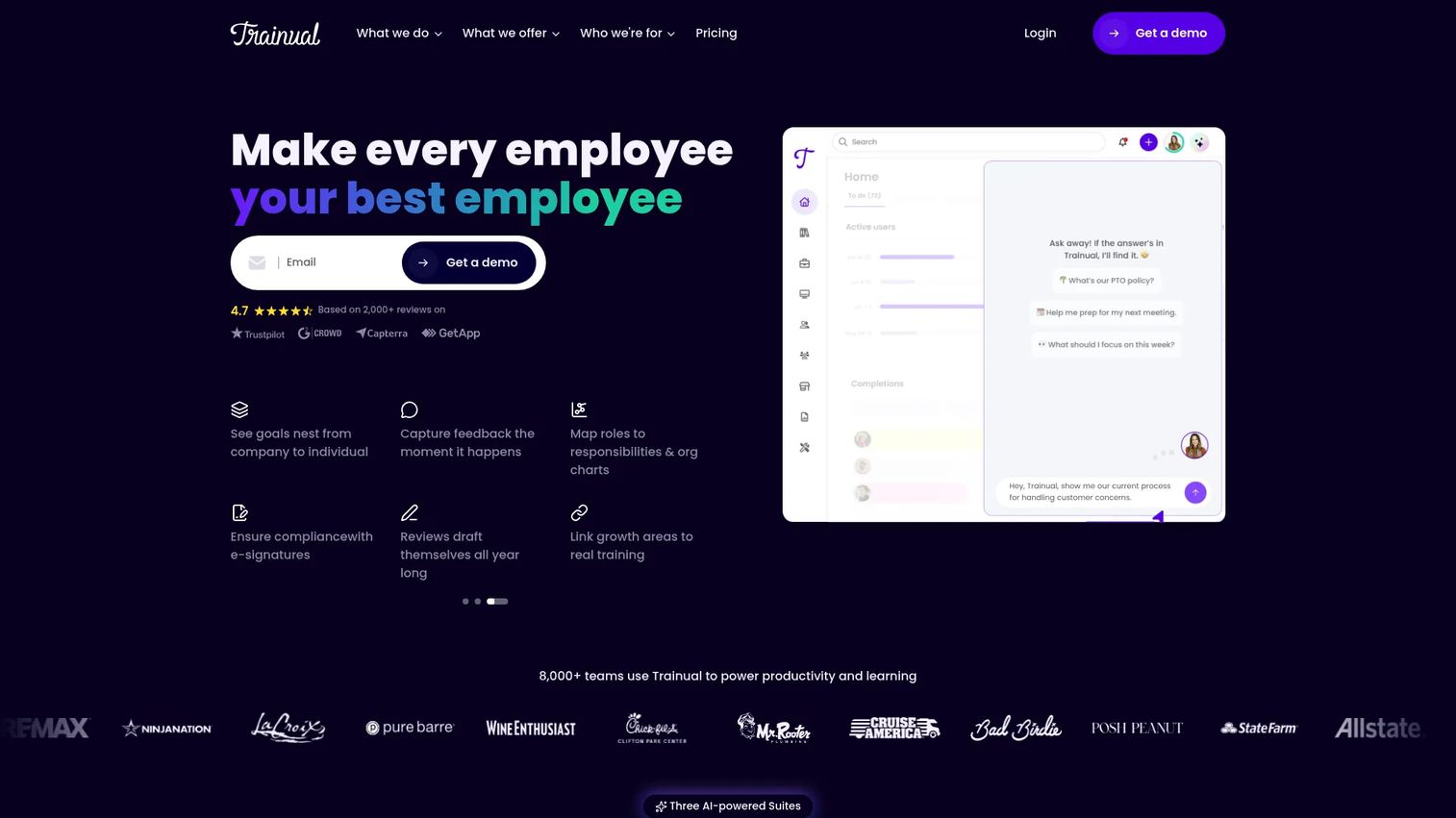
Trainual is built for documenting how a business runs and assigning that knowledge to employees as training. For support teams, it covers agent onboarding, role-based responsibilities, ticket handling standards, QA guidelines, and recurring process documentation. It connects each SOP to a training path, so new agents do not just read the doc, they complete it.
Best for: Support teams that need SOPs connected to employee onboarding and role-based training paths.
Key features
- AI-assisted process documentation and knowledge search
- Training paths, quizzes, and completion tracking
- Roles, responsibilities, and org charts
- Accountability reporting for managers
- Integrations with common HR and payroll tools
Why choose Trainual: Choose it for internal agent onboarding and recurring operations training. It is less focused on customer-facing interactive guidance and more on making internal processes teachable at scale.
Trainual pricing: Core starts at $3 per user per month billed annually. Pro is $4 per user per month, and Premium is $5 per user per month. Enterprise requires contacting Trainual directly.
G2 rating: 4.7/5
6. SweetProcess
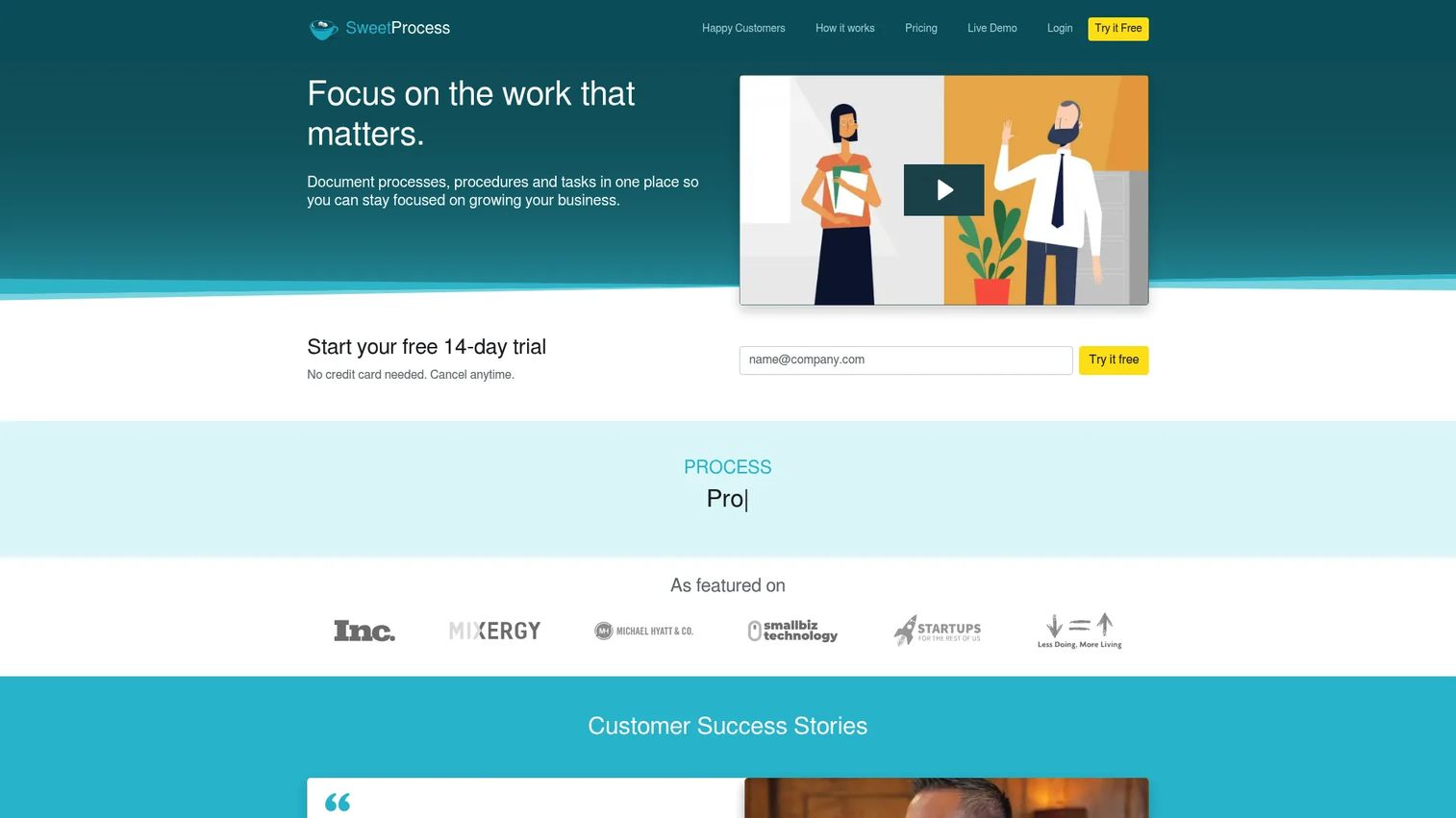
SweetProcess helps teams document procedures, policies, and recurring workflows in a single platform. It is designed for teams that want clear internal instructions without the overhead of a large knowledge base buildout. Support teams use it to document escalation paths, refund approval workflows, QA review steps, and agent handoff routines.
Best for: Support teams documenting repeatable back-office and agent-facing workflows.
Key features
- Procedure and policy documentation with step-by-step structure
- Task assignment and tracking for recurring workflows
- Internal knowledge base creation
- Team collaboration and process templates
- 14-day free trial
Why choose SweetProcess: It covers everything from escalation procedures to QA checklists inside one plan with no feature gating. The straightforward structure makes it easy for non-technical support managers to maintain.
SweetProcess pricing: One all-inclusive plan at $82.50/month for teams with up to 10 members, billed annually. Each additional member adds $4.17/month. A 14-day free trial is available.
G2 rating: 4.3/5
7. Confluence
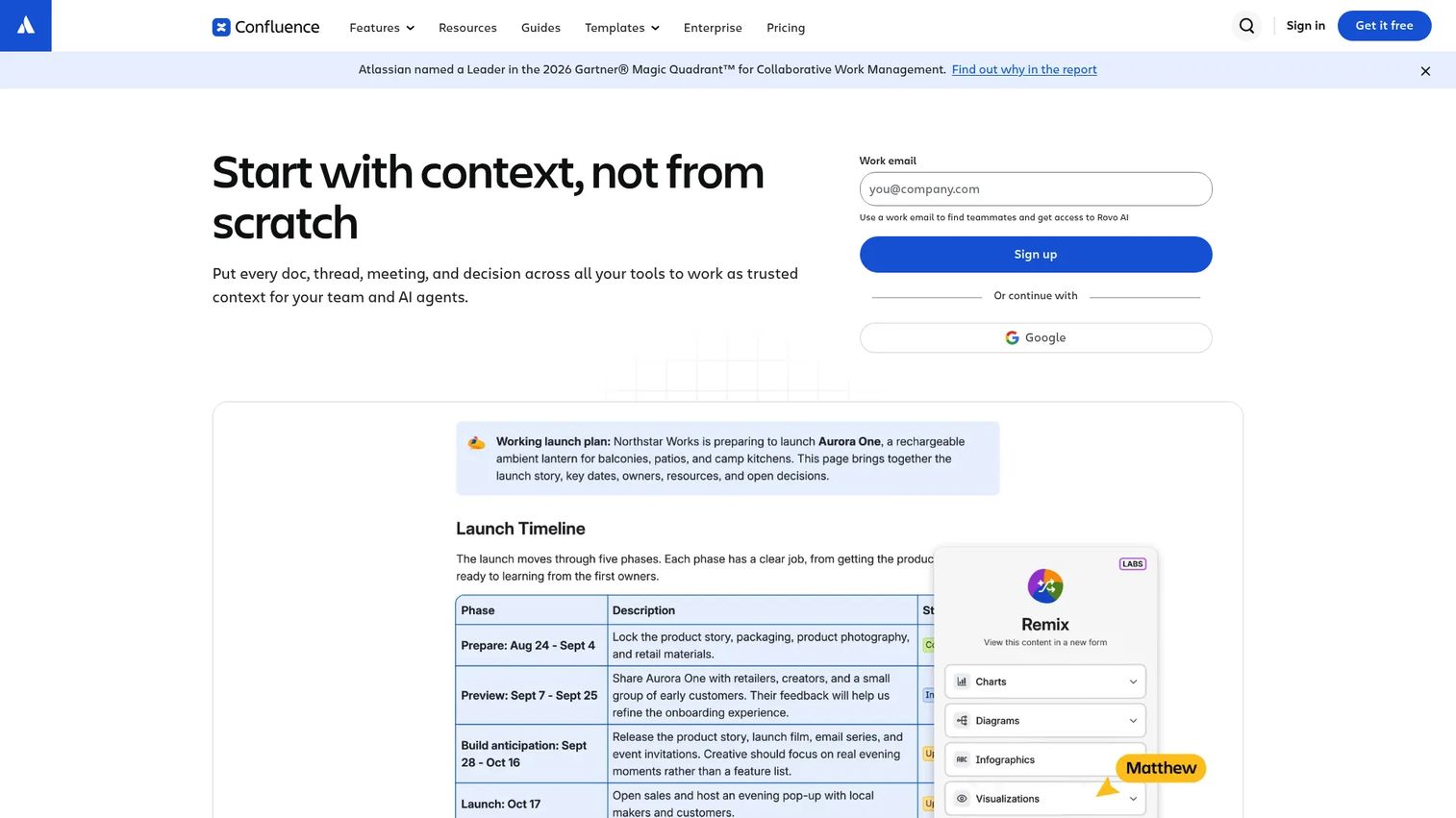
Confluence is a collaborative documentation workspace used across product, engineering, and support teams. For support, it is most useful when SOPs need tight links to product specifications, incident reports, and engineering escalations. Rovo AI helps generate and edit content, and the Jira integration keeps support documentation connected to active product work.
Best for: Support teams in Atlassian-heavy companies that need SOPs connected to product and engineering knowledge.
Key features
- Real-time editing, commenting, and page versioning
- Rovo AI for content creation, summarization, and automation
- Whiteboards and databases for structured knowledge organization
- Jira integration for linking SOPs to active issues
- Templates, permissions, and app integrations
Why choose Confluence: Choose it when support escalation paths need to reference product bugs, release notes, or engineering runbooks that also live in Confluence. It is not a training assignment tool, so teams that need agent completion tracking need a supplement.
Confluence pricing: Free for up to 10 users. Standard is $5.42 per user per month (monthly billing). Premium is $10.44 per user per month. Enterprise pricing requires contacting Atlassian.
G2 rating: 4.1/5
8. Document360
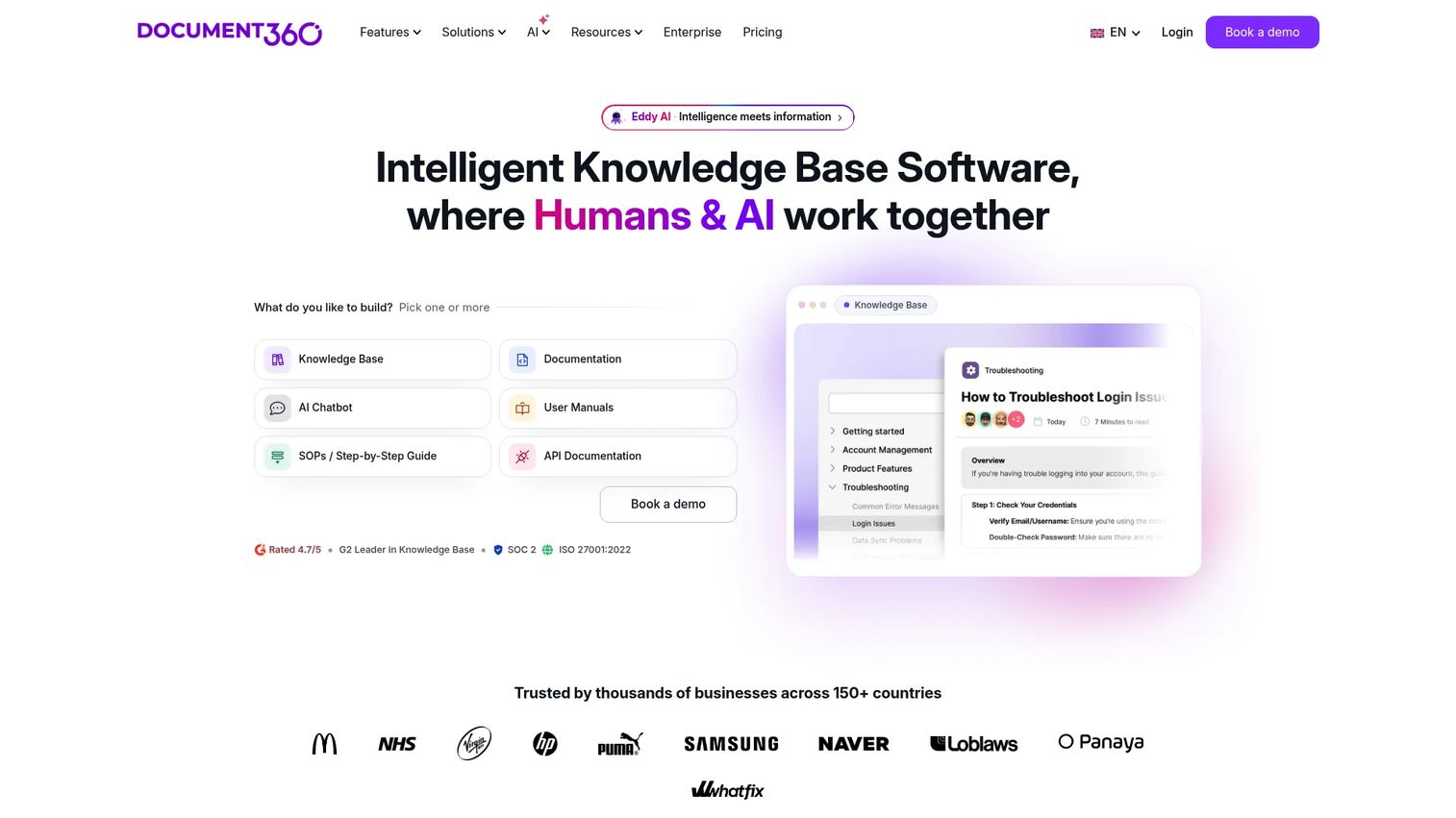
Document360 is built for knowledge bases and customer-facing documentation. When a support SOP belongs in a searchable help center rather than an internal wiki, Document360 provides the structure for publishing, versioning, and governing that content. Its AI search and AI chatbot make it easier for customers and agents to find the right procedure without reading through every article.
Best for: Support teams turning internal SOPs into searchable, customer-facing help center content.
Key features
- AI Search and AI Chatbot for self-serve navigation
- Custom workflow builder and approval workflows
- Article analytics and content performance reporting
- SSO, SCIM, and role-based access controls
- Integrations with Zendesk, Slack, Salesforce, and GitHub
Why choose Document360: Choose it when the SOP output belongs in a branded, governed help center. It is a strong fit for support teams managing content governance across multiple product areas or regions.
Document360 pricing: Pricing is configured based on workspaces, languages, team accounts, and AI usage. Contact Document360 for a quote. G2 reviewers report a range from smaller team plans to enterprise contracts.
G2 rating: 4.7/5
9. Google Docs
Google Docs is where many support teams draft SOPs before they go anywhere else. It is familiar, collaborative, and free for personal use. The Gemini AI assistant can help outline, rewrite, and summarize process documentation directly inside a doc. For small teams that do not need a dedicated SOP platform, it covers the drafting and review steps well.
Best for: Small support teams that need fast SOP drafts without adding a dedicated platform to their stack.
Key features
- Real-time collaboration with comments and version history
- Gemini-assisted drafting, rewriting, and summarization
- Templates for recurring document types
- Microsoft Word import and PDF export
- Drive sharing with granular permissions
Why choose Google Docs: Choose it for lightweight drafting and collaborative review. Teams will still need a separate system for training assignment, analytics, and customer-facing publishing once the SOP is complete.
Google Docs pricing: Free with a personal Google Account. Google Workspace plans add organizational features, starting at $7 per user per month (Starter, monthly billing). Enterprise pricing requires contacting Google.
G2 rating: 4.6/5
10. Whale
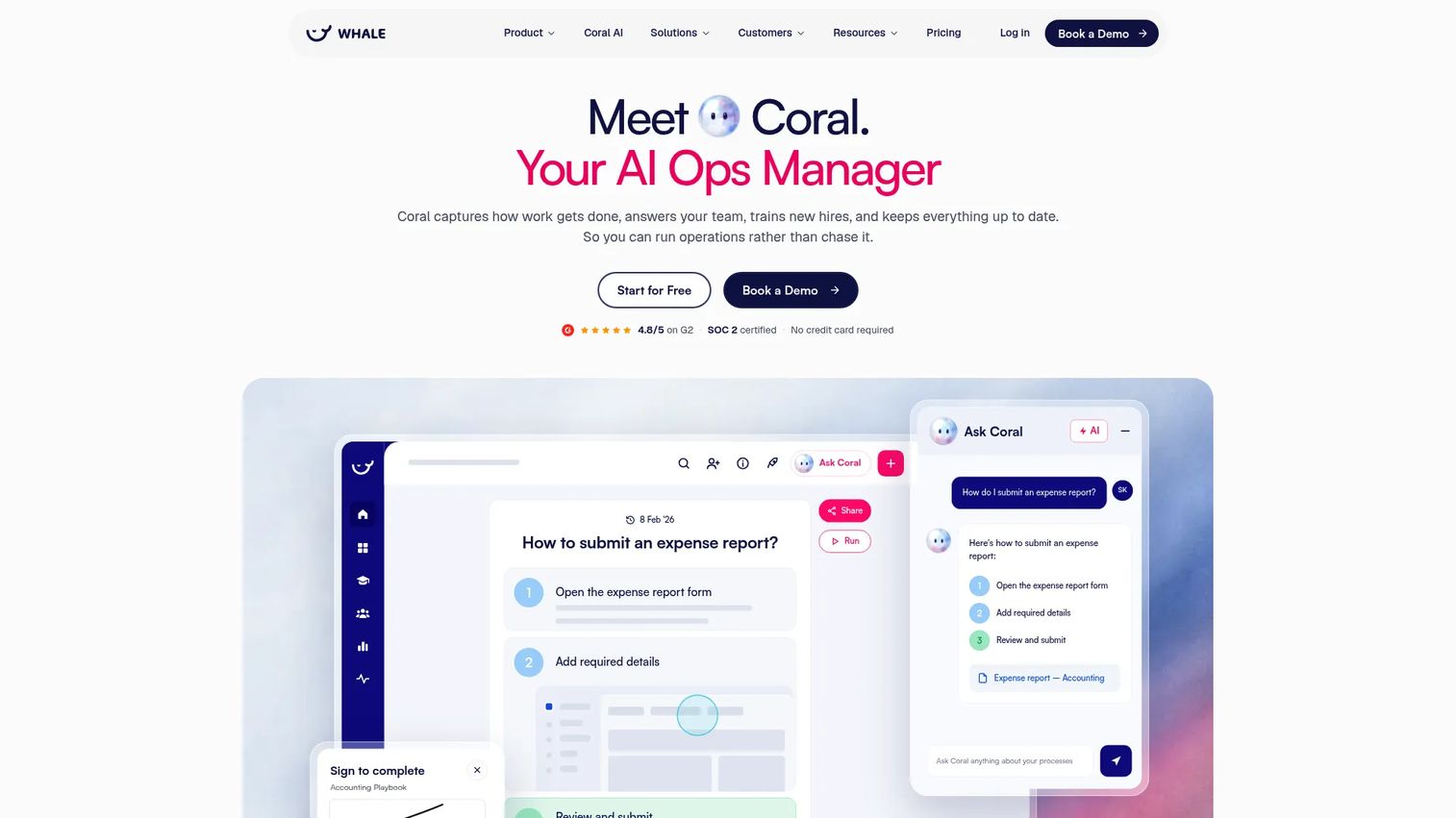
Whale combines AI-assisted SOP creation with training delivery, making it one of the more complete options for support teams that need both documentation and agent development in one place. Its Coral AI assistant answers questions with sourced answers from the knowledge base, and its video-to-SOP conversion feature can turn a screen recording into a written procedure automatically.
Best for: Support teams that need SOPs plus structured training delivery, quizzes, and mobile access for frontline agents.
Key features
- AI-assisted SOP creation and video-to-SOP conversion
- Training flows with AI-generated quizzes and completion tracking
- Coral AI assistant with sourced knowledge base answers
- QR-code sharing and mobile access for field agents
- Analytics for SOP usage and knowledge gaps
Why choose Whale: Choose it for agent enablement where SOPs need to be tested and tracked, not just written. The video-to-SOP feature is particularly useful for support ops teams that already record process walkthroughs.
Whale pricing: A free plan is available for one creator and up to 10 members. Scale is $249/month billed annually. Advance is $499/month billed annually. Enterprise pricing is custom.
G2 rating: 4.8/5
11. Claude

Claude is a general AI assistant from Anthropic, well suited for drafting and refining long, nuanced process documents. For support teams dealing with complex escalation procedures, compliance-adjacent policies, or multi-step troubleshooting SOPs, Claude handles long-context drafting better than most prompt tools. Teams paste in notes, transcripts, or policy details, and Claude produces a structured draft with consistent tone.
Best for: Support teams drafting complex SOPs from long notes, policy documents, or process transcripts that require careful writing.
Key features
- Long-form SOP drafting from documents, notes, or descriptions
- Text and image analysis for process capture
- Extended thinking for multi-step, nuanced procedures
- Projects for organizing ongoing SOP drafts
- Google Workspace integration for connected workflows
Why choose Claude: Choose it when the SOP requires policy nuance, careful phrasing, or long-context understanding. Like ChatGPT, it generates drafts rather than managing them, so teams still need a publishing and governance layer for finished SOPs.
Claude pricing: A free plan is available. Pro is $20/month. Max plans are $100/month and $200/month. Team is $25 per person per month (annual) or $30 per person per month (monthly, minimum 5 members). Enterprise pricing requires contacting Anthropic.
G2 rating: 4.7/5
Considerations when choosing an AI SOP generator
Match the tool to the SOP type
Prompt-based AI tools work well for first drafts and policy-style SOPs that are mostly text. Workflow capture and interactive formats work better when the SOP depends on a product screen or a multi-click process. Choosing the wrong format for the job means customers still open tickets after reading the doc.
Check how SOPs are maintained
Support SOPs rot when product screens change. Evaluate editing speed, version history, and whether the tool makes it easy to update one step without rebuilding the whole document. Look for ownership assignment and review reminders, not just initial creation.
Decide where the SOP will live
Some SOPs belong in internal agent-facing systems. Others belong in help centers, macro responses, chatbot flows, or customer onboarding sequences. The right tool depends on the distribution path, not just the creation step. Refer to the best knowledge base software guide if external publishing is the primary need.
Measure whether the SOP gets used
For support teams, an SOP that nobody reads does not reduce tickets. Look for analytics showing views, completion, or drop-off data. Tools like Guideflow provide step-level drop-off inside interactive guides, while platforms like Document360 and Whale offer article-level and training-completion analytics.
Verify pricing against your support headcount
Some tools price per seat, which adds up fast across agents, managers, and admin users. SweetProcess and Waybook price per workspace tier with seat thresholds. Whale and Trainual price per user. Calculate the cost for your full team, including read-only contributors, before committing.
Conclusion
The right AI SOP generator for a support team depends on what the SOP has to do after it is written.
For governed internal process platforms, Waybook, Trainual, SweetProcess, or Whale each cover SOP creation alongside training, task tracking, and agent accountability. Trainual and Whale lean toward training delivery. SweetProcess and Waybook lean toward process documentation.
For fast drafting without a platform commitment, ChatGPT and Claude turn rough notes into structured first drafts in minutes. Both require a separate system for storage, review, and publishing.
For teams already in existing workspaces, Notion AI, Confluence, and Google Docs add AI assistance without requiring a stack change.
For customer-facing knowledge bases, Document360 handles publishing, governance, and AI customer service software integrations well.
For support teams where static text and screenshots are not deflecting enough tickets, Guideflow provides a more direct path: Capture the product workflow, turn it into a guided clickable experience, embed it in the help center or macro, and use analytics to see where users drop off. When customers need to see what to click rather than read about it, that is where Guideflow fits.
Start your journey with Guideflow today!
FAQs
An AI SOP generator is software that uses artificial intelligence to convert process inputs, such as notes, prompts, transcripts, or recorded workflows, into structured standard operating procedures. The AI handles the initial structure and formatting, so teams spend time refining rather than writing from scratch.
An AI generator creates or drafts the SOP from raw inputs. SOP software typically manages the storage, approval workflows, training assignment, tracking, and ongoing governance of that content. Many tools in this list do both, but it is worth identifying which job matters most before choosing.
Yes, particularly for first drafts. Paste a description of the process, a list of steps, or a transcript, and both tools return a structured SOP quickly. Teams still need a review, ownership, publishing, and maintenance workflow for the finished document.
The answer depends on the SOP type. For fast text drafts, ChatGPT or Claude. For governed internal process platforms with training, Trainual or Whale. For external help center content, Document360. For interactive, clickable workflows that show customers what to do inside the product, Guideflow. No single tool wins every support use case.
Both types serve different jobs. Internal SOPs guide agents through ticket triage, escalation paths, macro usage, and QA standards. Customer-facing SOPs belong in help center articles, onboarding resources, chatbot flows, and macro replies. The best teams maintain both and choose tools that fit each distribution channel.
Review SOPs after product releases, policy changes, recurring ticket spikes, or quality issues flagged in reviews. High-impact SOPs, the ones tied to your top ticket drivers, need a named owner and a review cadence tied to your product release schedule. Low-traffic SOPs can run on a quarterly audit.
Structured step formatting, easy editing and versioning, screenshot or visual guidance support, sharing and permissions controls, analytics on usage or drop-off, and integration with help center or ticketing tools. For customer-facing SOPs, the ability to embed guides directly in help center articles or ticket replies moves from nice-to-have to essential. See the best AI customer service agents guide for related tooling context.
They can help reduce repetitive tickets when the SOP is accurate, findable, and formatted in a way users engage with. The gap is usually the last part: Text-heavy articles and stale screenshots get skipped. SOPs that show users what to click, rather than describe it, tend to perform better for multi-step product workflows. Track your top recurring ticket categories before and after publishing a new SOP to measure the actual impact.