One spoofed invoice to a finance approver. One malicious attachment opened by an engineer. One credential-harvesting link landing in a customer-support inbox. Any of these can create a security incident, delay a procurement cycle, or expose customer data before your team even knows something went wrong.
Email remains the primary attack surface for phishing, business email compromise, malware, account takeover, and outbound data leakage. According to Kaspersky's 2025 Email Threat Landscape report, 81% of businesses faced email attacks in 2025, and 45% of all email sent globally was spam. The threat volume keeps rising, but the tools available to address it have also matured significantly.
For PMs involved in security reviews, enterprise readiness decisions, or cross-functional vendor evaluations, picking the right secure email gateway affects product reliability, customer trust, and your organization's ability to close deals with security-conscious buyers.
This guide compares 10 secure email gateway and cloud ema il security platforms for 2026, with verified pricing, G2 ratings, deployment architecture, and buyer-fit guidance.
What's inside
This guide is for security leaders, IT administrators, and product or engineering managers co-evaluating email security tools alongside their security teams.
Items were selected based on four criteria:
- Threat coverage: Phishing, BEC, malware, account takeover, and outbound controls
- Deployment fit: MX-record gateway, API-based, or hybrid options for Microsoft 365 and Google Workspace
- Operational overhead: Implementation effort, false-positive management, administration, and integrations
- Price transparency: Entry pricing where vendors publish it, plus custom-quote context where applicable
TL;DR
- Best overall for enterprise threat protection: Proofpoint Core Email Protection for deep behavioral detection with API or inline deployment
- Best for Microsoft-first organizations: Microsoft Defender for Office 365, starting at $2/user/month (Plan 1, billed annually)
- Best for email resilience and governance: Mimecast Advanced Email Security for teams that need continuity, archiving, and policy control alongside protection
- Best for API-first cloud email: Check Point Email Security for Microsoft 365 and Google Workspace without MX-record changes
- Best for SMBs and MSPs: Barracuda Email Protection with a published entry price of $5/user/month (Advanced tier)
- Best for behavioral BEC defense: Abnormal AI for cloud-mailbox protection against impersonation and account compromise
What is a secure email gateway?
A secure email gateway (SEG) is an email-security control that inspects inbound and outbound messages to detect or block threats including spam, phishing, business email compromise, malware, malicious links, dangerous attachments, spoofing, and sensitive-data leakage.
How secure email gateways work
Email flows through a gateway or is analyzed by an API integration. The platform checks sender reputation, authentication signals, links, attachments, message content, behavioral anomalies, and threat intelligence feeds. It then applies a policy action: Deliver, quarantine, rewrite a URL, add a warning banner, encrypt, block, or remove a message after delivery. Security teams investigate alerts and tune policies based on false positives and observed attack patterns.
Core capabilities to look for
- Anti-phishing and impersonation detection
- Business email compromise protection
- Malware and ransomware scanning
- URL rewriting and click-time inspection
- Attachment sandboxing
- Data loss prevention and outbound scanning
- Post-delivery remediation
- Email authentication enforcement (SPF, DKIM, DMARC)
- SIEM and SOAR integrations
- Microsoft 365 and Google Workspace coverage
MX record versus API integration
| Deployment model | How it works | Best fit | Watch for |
|---|---|---|---|
| MX gateway | Routes mail through a security layer before delivery | Teams needing inline policy enforcement and traditional gateway controls | Mail-flow changes, failover planning, routing complexity |
| API integration | Connects to cloud email through platform APIs | Microsoft 365 and Google Workspace teams wanting in-mailbox visibility and post-delivery response | API permissions, feature coverage, mailbox-platform dependency |
| Hybrid deployment | Combines inline and API-based protection | Larger teams with layered controls and complex requirements | Higher cost, policy overlap |
Anti-spam filtering is one SEG capability. Modern buyers also need detection for BEC, compromised accounts, QR-code phishing, and threats that change after initial delivery, none of which a basic spam filter addresses.
When to use a secure email gateway
Protect Microsoft 365 or Google Workspace beyond baseline filtering
Native tools provide meaningful protection, but many teams add specialist controls when they need richer behavioral analysis, stronger phishing defense, advanced reporting, or post-delivery response. The question is not whether to supplement native controls, but which controls match your risk profile and operational capacity.
Reduce phishing, BEC, and account-takeover exposure
BEC attacks use legitimate-looking content rather than obvious malware. Evaluating behavioral context, impersonation signals, relationship analysis, and response workflows separates high-quality platforms from basic spam filters. A security incident also creates downstream effects: Product disruption, engineering escalations, elevated support volume, and procurement risk on enterprise deals.
Enforce outbound data and policy controls
Outbound scanning, encryption, and DLP matter wherever customer data or regulated information passes through email. For PMs supporting enterprise readiness reviews, a demonstrable outbound control posture reduces the surface area security questionnaires probe. This is an operational-security requirement, not a checkbox.
Secure email gateway comparison
Product labels vary across this category. Some tools are traditional MX-based gateways, some are API-based cloud email security platforms, and several support both deployment models. The table below reflects verified pricing and G2 ratings as of October 2026.
| # | Product | Best for | Key differentiator | Pricing | G2 rating |
|---|---|---|---|---|---|
| 1 | Proofpoint Core Email Protection | Enterprise threat protection | Behavioral AI with API and inline deployment | Custom pricing | 4.6/5 |
| 2 | Mimecast Advanced Email Security | Resilience, governance, and policy control | MX and API protection with continuity options | Custom pricing | 4.4/5 |
| 3 | Microsoft Defender for Office 365 | Microsoft-first organizations | Native Microsoft 365 security and investigation | From $2/user/month (Plan 1, annual) | 4.5/5 |
| 4 | Check Point Email Security | API-first cloud email | Microsoft 365 and Google Workspace, no MX change | Custom pricing | 4.6/5 |
| 5 | Barracuda Email Protection | SMBs and MSPs | Flexible API, inline, and MX deployment | From $5/user/month (Advanced, monthly) | 4.4/5 |
| 6 | Abnormal AI | Behavioral BEC defense | AI-native behavioral detection and post-delivery remediation | Custom pricing | 4.7/5 |
| 7 | IRONSCALES | Phishing response and security awareness | Adaptive AI detection with a free Starter tier | Custom pricing (Starter: Free) | 4.7/5 |
| 8 | Cisco Secure Email | Existing Cisco environments | Unified gateway and API deployment with Cisco integrations | Custom pricing | N/A on G2 |
| 9 | Hornetsecurity 365 Total Protection | Microsoft 365 bundled protection | Email security, backup, continuity, and compliance modules | Custom pricing | 4.6/5 |
| 10 | SpamTitan | MSPs and smaller IT teams | Multi-tenant, MSP-friendly email filtering | From $17/month (10 users, monthly) | 4.5/5 |
Best 10 secure email gateway tools for 2026
1. Proofpoint Core Email Protection
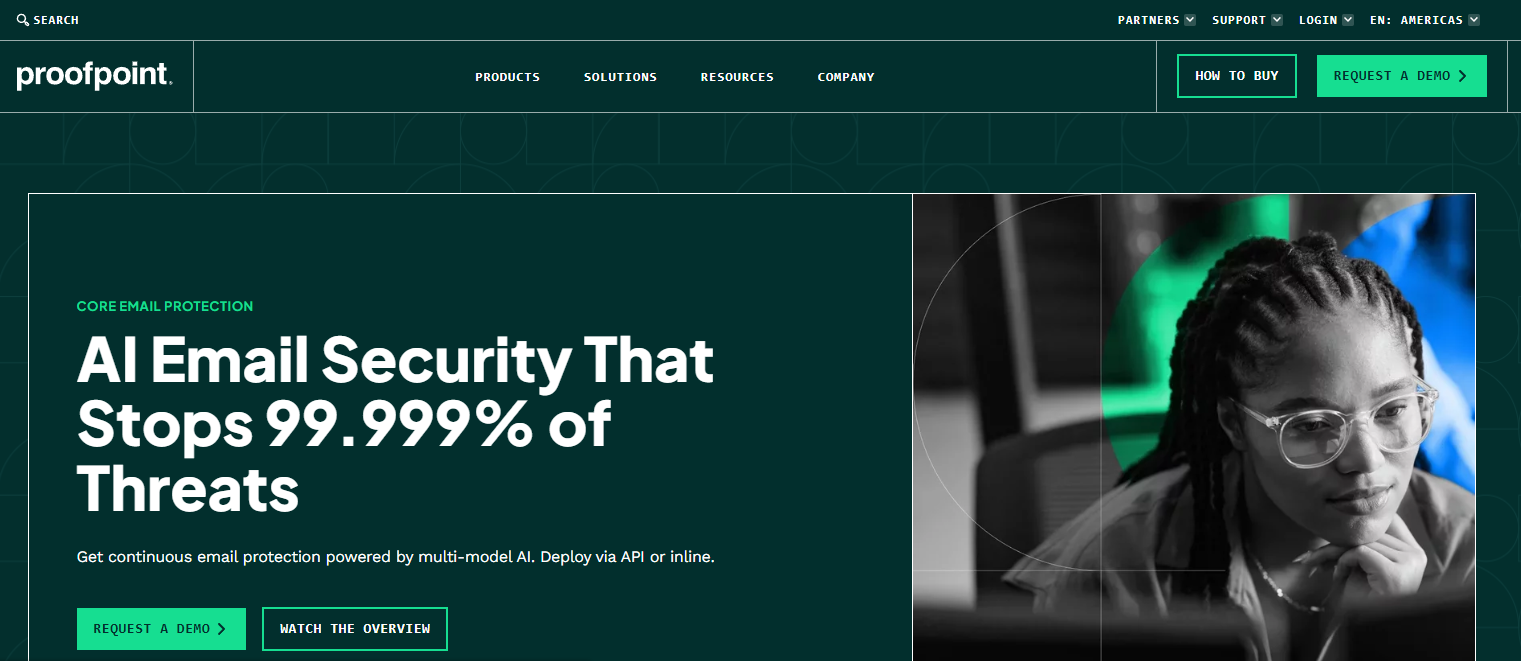
Proofpoint Core Email Protection is an enterprise email-security platform that combines AI-powered threat detection with flexible deployment across API-based and inline gateway models. It protects Microsoft 365 and Google Workspace against phishing, BEC, ransomware, malicious URLs, and account compromise, with pre-delivery, post-delivery, and click-time coverage. Large organizations with security operations teams and high-value targets are the primary fit.
Best for: Large organizations with security analysts who need deep investigation workflows and broad threat-lifecycle coverage.
Key features
- Multi-model behavioral AI detection across inbound and outbound email
- API-based and inline gateway deployment options
- URL and attachment sandboxing with click-time protection
- Post-delivery message remediation
- Unified threat visibility across Microsoft 365 and Google Workspace
Why choose Proofpoint: It suits security teams that need to detect targeted attacks across the full email lifecycle, not just at the perimeter. The combination of behavioral detection, flexible deployment, and investigation depth makes it a strong anchor for complex enterprise environments.
Proofpoint pricing: Proofpoint routes all purchases through its sales team. Contact Proofpoint directly for a quote. The pricing model is enterprise-contract based, so you should budget for professional services and implementation alongside the license.
G2 rating: 4.6/5
2. Mimecast Advanced Email Security
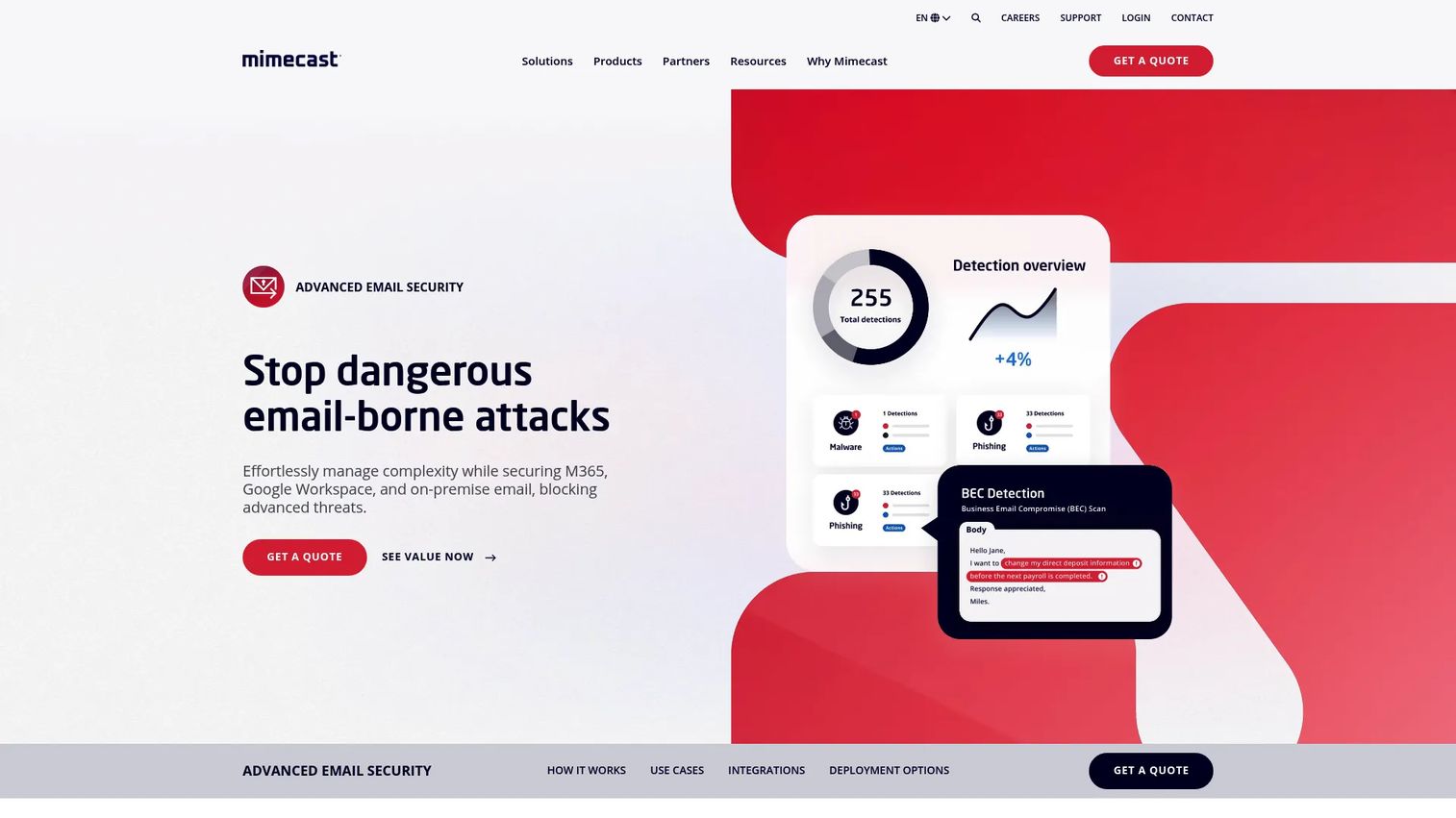
Mimecast Advanced Email Security is an AI-powered email-security platform for Microsoft 365, Google Workspace, on-premises, and hybrid environments. Its detection layer includes anomaly detection with social graphing, sandboxing, on-click protection, and computer vision to catch evasive threats. Mimecast also offers archiving and continuity options through its broader product suite, which makes it relevant when email resilience and governance sit alongside protection in the evaluation.
Best for: Organizations that need enterprise-grade threat protection combined with business continuity and long-term email management requirements.
Key features
- AI-powered threat detection with social graphing and anomaly analysis
- Sandboxing, on-click URL protection, and computer vision
- MX-based and API-based deployment
- Granular user segmentation and policy controls
- SIEM and XDR integrations for threat remediation workflows
Why choose Mimecast: It fits environments where email security cannot be evaluated separately from resilience and auditability. If your security review also touches archiving, e-discovery, or continuity planning, Mimecast consolidates those concerns into a single vendor relationship.
Mimecast pricing: Mimecast requires a quote for all packages. Reach out through its pricing page at mimecast.com/get-a-quote. Pricing varies by user count, deployment model, and which resilience modules you include.
G2 rating: 4.4/5
3. Microsoft Defender for Office 365
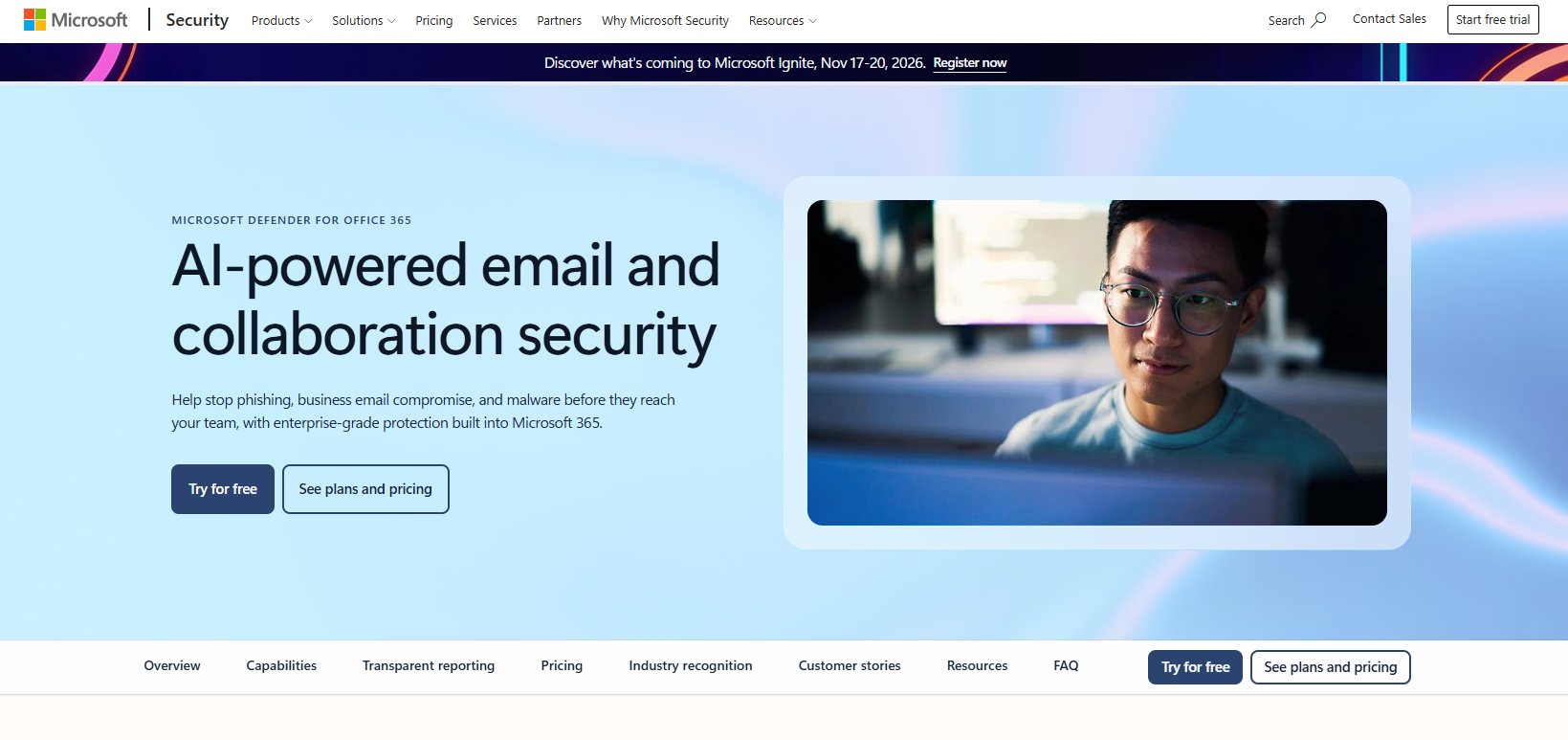
Microsoft Defender for Office 365 is Microsoft's native email and collaboration security layer for Microsoft 365. It extends protection across email, Microsoft Teams, SharePoint, and OneDrive, covering malicious links, QR-code threats, zero-day malware in attachments, and targeted phishing. Plan 1 provides core protection; Plan 2 adds threat hunting, automated investigation and response, attack simulation training, and cross-domain XDR capabilities.
Best for: Organizations standardized on Microsoft 365 that want integrated protection without adding another vendor to the security stack.
Key features
- Safe Links protection including QR-code threat detection
- Safe Attachments detonation for zero-day malware
- Anti-phishing policies for impersonation and spoofing
- Threat Explorer investigation console
- Automated investigation and response (Plan 2)
Why choose Microsoft Defender for Office 365: Reducing vendor sprawl has real value when your identity, endpoint, and cloud workloads already run on Microsoft. The investigation workflow integrates directly into the Microsoft Defender portal, which shortens the context-switching load on security analysts. Advanced response capabilities are gated to Plan 2, so confirm your licensing tier covers what you need before assuming full coverage.
Microsoft Defender for Office 365 pricing: Plan 1 is $2.00/user/month billed annually. Plan 2 is $5.00/user/month billed annually. Both require an annual subscription that auto-renews. Protection is also bundled into eligible Microsoft 365 enterprise plans, so check your existing licensing before purchasing a standalone add-on.
G2 rating: 4.5/5
4. Check Point Email Security
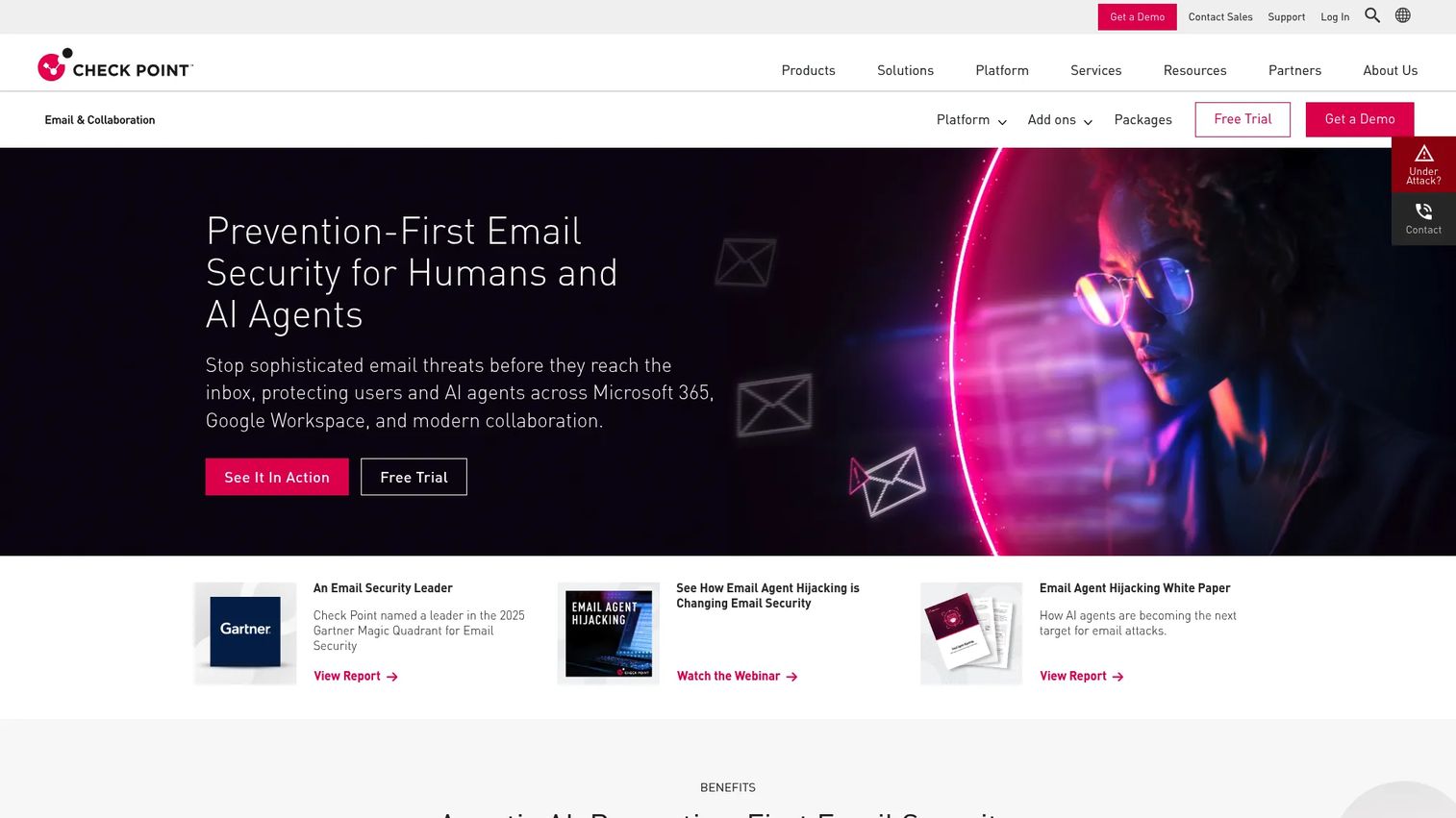
Check Point Email Security is a prevention-first cloud email security platform for Microsoft 365 and Google Workspace. It deploys via API, which means no MX-record changes and no mail-flow disruption during rollout. Pre-delivery protection covers incoming, outgoing, and internal email. Detection includes AI-powered phishing and BEC prevention, anti-impersonation, attachment sandboxing with content disarm and reconstruction, URL sandboxing, QR-code protection, and DLP.
Best for: Cloud-email organizations that want to add pre-delivery protection without touching DNS or routing configuration.
Key features
- API-based deployment for Microsoft 365 and Google Workspace
- AI-powered phishing, BEC, and anti-impersonation detection
- Attachment sandboxing and content disarm and reconstruction
- URL sandboxing and rewriting
- QR-code protection and DLP
Why choose Check Point Email Security: The API-first approach lowers rollout complexity, which matters when cross-functional alignment on a mail-flow change would take weeks. Buyers should verify API permissions, response control depth, and how the platform handles internal email threats before assuming feature parity with a traditional gateway.
Check Point Email Security pricing: All four packages (Advanced Protect or Complete Protect, for email only or email and collaboration) are quote-based. Optional add-ons include archiving, incident response as a service, and DMARC management. Contact Check Point through its plans-and-packages page for a quote.
G2 rating: 4.6/5
5. Barracuda Email Protection
Barracuda Email Protection is a layered email-security platform that supports API, inline, and MX-record deployment, giving teams flexibility rather than locking them into a single architecture. It covers spam, malware, phishing, ransomware, and BEC, with behavioral AI and real-time URL analysis on its Integrated Email Protection tier. Account takeover protection, domain fraud controls (SPF, DKIM, DMARC), cloud-to-cloud backup for Microsoft 365 data, and email continuity round out the bundle.
Best for: SMBs and MSPs that need multiple deployment paths, a published entry price, and broad email-security coverage without building an extensive security-operations program.
Key features
- API, inline, and MX-record deployment options
- Behavioral AI and intent analysis for phishing and BEC
- Account takeover protection and suspicious-login detection
- Email encryption and data-loss prevention
- Cloud-to-cloud backup for Microsoft 365 data
Why choose Barracuda: The architecture flexibility is the differentiator. A team evaluating MX routing today can shift to an API-based deployment later without switching vendors. Examine user minimums, required service support, and what features actually appear at the Advanced versus Premium tiers before committing.
Barracuda pricing: The Advanced tier starts at $5/user/month billed monthly, available through Barracuda's Marco purchasing page. Premium and Premium Plus tiers require a sales conversation. Pricing at higher tiers varies by user count and whether you add Microsoft 365 data protection or archiving.
G2 rating: 4.4/5
6. Abnormal AI
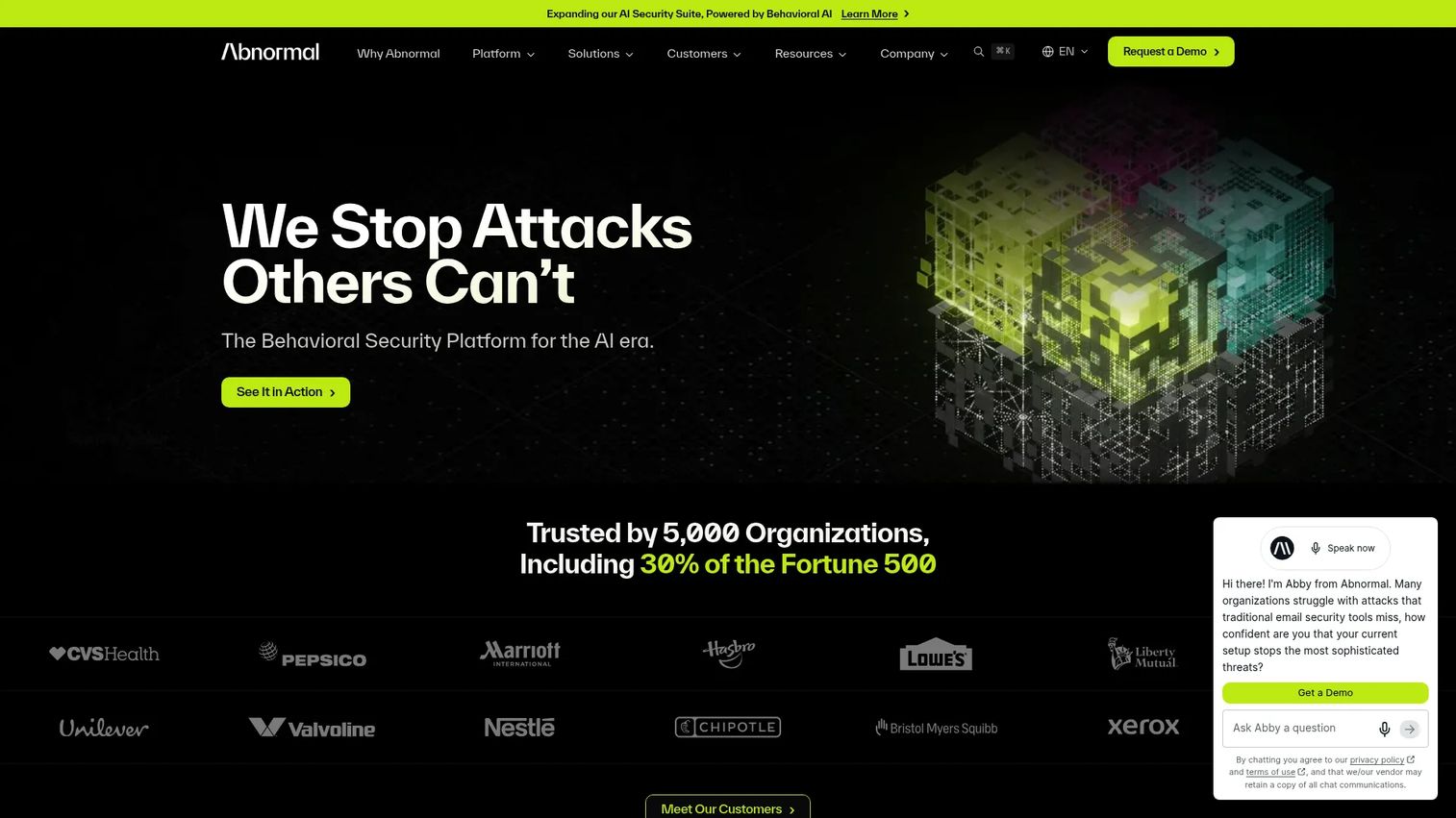
Abnormal AI is a behavioral AI security platform focused on email, identity, and AI-environment security. Its email detection layer builds behavioral baselines for users and accounts, then flags deviations that indicate phishing, impersonation, BEC, or account compromise inside Microsoft 365 and Google Workspace. The Detection 360 capability supports investigation and remediation. The platform also extends to messaging security for Slack, Microsoft Teams, and Zoom, and includes custom AI models and DLP rules.
Best for: Teams prioritizing behavioral analysis for targeted social-engineering attacks, impersonation, and fraud that bypass signature-based or rule-based controls.
Key features
- AI-native behavioral detection across email and messaging platforms
- BEC and impersonation detection with relationship-context analysis
- Account-takeover protection with anomalous-activity flagging
- API-based deployment for Microsoft 365 and Google Workspace
- Post-delivery remediation through Detection 360
Why choose Abnormal AI: It fits environments where the highest-priority threat is a socially engineered attack that looks indistinguishable from a legitimate message. If your risk profile is weighted toward fraud and executive impersonation rather than commodity malware, Abnormal's behavioral approach addresses that gap directly.
Abnormal AI pricing: All plans are quote-based. Contact Abnormal through abnormal.ai/pricing. No free tier or self-serve trial was confirmed on the official pricing page.
G2 rating: 4.7/5
7. IRONSCALES
IRONSCALES is an AI-powered email security platform that combines phishing prevention, adaptive detection, agentic AI remediation, and security-awareness training in a single offering. It integrates with Microsoft 365 and Google Workspace via API and includes DMARC management and email DLP. A Starter tier is available at no charge, making it accessible for smaller teams evaluating email security without a budget commitment.
Best for: Teams that want phishing defense alongside user-reported phishing workflows, automated SOC remediation, and integrated security awareness training.
Key features
- AI-powered phishing, BEC, and impersonation detection
- Agentic AI autonomous remediation and SOC automation
- User-reported phishing workflows with human-in-the-loop signal
- Security awareness training and phishing simulation testing
- DMARC management and monitoring
Why choose IRONSCALES: The combination of automated detection and structured employee reporting creates a feedback loop that improves detection over time. For lean security teams, turning employee reports into remediation signals reduces triage overhead. Verify which features live in paid tiers before comparing it against heavier enterprise platforms.
IRONSCALES pricing: IRONSCALES offers a free Starter tier. Paid plans (Email Essentials, Email Protect, Email Protect 360, Complete Protect, and Human Risk Management options) are all quote-based. Pricing varies by plan and user count; contact IRONSCALES through ironscales.com/pricing for specifics.
G2 rating: 4.7/5
8. Cisco Secure Email
Cisco Secure Email is a gateway-oriented enterprise email security platform with AI-driven threat detection, unified inline gateway and API-based deployment, and deep integration with the broader Cisco security portfolio. It covers anti-spam, antivirus, URL filtering, malware defense, data loss prevention, email encryption, and centralized reporting. Essentials, Advantage, and Premier bundles address different protection depths.
Best for: Organizations already invested in Cisco security architecture, or those requiring traditional gateway controls with network-security consistency.
Key features
- AI-driven email threat detection with pre-delivery protection
- Unified inline gateway and API-based deployment
- Anti-spam, antivirus, and URL filtering
- Data loss prevention and email encryption
- Centralized reporting, message tracking, and quarantine management
Why choose Cisco Secure Email: Stack alignment reduces procurement friction and simplifies security governance when Cisco is already an approved enterprise standard. Teams should weigh the administration overhead of a traditional gateway against lighter API-only options if they are evaluating primarily for Microsoft 365 or Google Workspace coverage.
Cisco Secure Email pricing: Cisco offers Essentials, Advantage, and Premier tiers priced per user with 1-, 3-, or 5-year term options. Numeric prices are not published; contact Cisco for a quote. No free tier was confirmed on the official licensing page.
G2 rating: Cisco Secure Email did not have a verified G2 rating available at publication. Capterra shows 4.6/5 based on 25 reviews as a reference point.
9. Hornetsecurity 365 Total Protection
Hornetsecurity 365 Total Protection is a Microsoft 365-focused security suite that layers email protection, backup, compliance, and governance into a tiered offering. Plan 1 covers spam, malware protection, email encryption, and signatures. Plans 2, 3, and 4 add advanced threat protection, email continuity, compliant archiving, backup and recovery for Microsoft 365 mailboxes, Teams, OneDrive and SharePoint, permission management, security awareness training, Teams protection, and an AI Email Security Analyst.
Best for: Microsoft 365 organizations that want a consolidated approach to mailbox security, backup, continuity, and compliance from a single vendor.
Key features
- Spam and malware protection, email encryption, and signatures
- Advanced threat protection and email continuity (Plan 2 and above)
- Backup and recovery for Microsoft 365 mailboxes, Teams, OneDrive, and SharePoint
- Compliant email archiving and permission management
- Security awareness training and AI Email Security Analyst
Why choose Hornetsecurity: Consolidating email security, backup, and compliance into one platform simplifies vendor management and can reduce total cost compared to assembling those capabilities separately. Verify which protections belong to each plan before committing, since the feature split across the four tiers is significant.
Hornetsecurity 365 Total Protection pricing: All four plans are quote-based. The official product page lists plan names and feature breakdowns but no numeric prices. Contact Hornetsecurity for current pricing by user count and plan.
G2 rating: 4.6/5
10. SpamTitan
SpamTitan is an email security and filtering platform from TitanHQ, designed for MSPs and smaller IT teams that need manageable gateway protection with multi-tenant administration. It covers spam, phishing, malware, ransomware, and malicious links through multi-layered filtering, dual anti-virus scanning, behavioral analysis, and attachment sandboxing. Inbound and outbound scanning, data leak prevention rules, and quarantine management round out the feature set.
Best for: MSPs and smaller organizations seeking email filtering with predictable operational ownership and MSP-oriented multi-tenant administration.
Key features
- Multi-layered anti-spam and anti-phishing protection
- Attachment sandboxing and behavioral analysis
- Dual anti-virus scanning
- Inbound and outbound email scanning with data leak prevention
- Multi-tenant administration for MSP environments
Why choose SpamTitan: It fits teams that need practical mail filtering without building or maintaining an enterprise security-operations program around it. Evaluate reporting depth, cloud-platform coverage, and response automation before assuming it matches the threat-detection maturity of larger enterprise platforms.
SpamTitan pricing: SpamTitan Cloud starts at $17/month for 10 users on a monthly subscription, or $121/year for 10 users on an annual plan. Pricing scales with user count across Cloud, Private Cloud, and Gateway deployment options. Contact TitanHQ for current per-user rates above the 10-user baseline.
G2 rating: 4.5/5
Considerations when choosing a secure email gateway
Deployment architecture and mail-flow ownership
Decide whether you need MX routing, API-based mailbox integration, or hybrid coverage before shortlisting vendors. Document who owns DNS changes, API permissions, failover planning, and ongoing policy administration. This is not just a technical decision: It affects implementation timelines and which teams need to be involved from day one.
Microsoft 365 and Google Workspace fit
Confirm that the vendor supports your email platform, licensing tier, identity model, and investigation workflow. A platform with deep Microsoft 365 integration may have shallower coverage for Google Workspace, and vice versa. Verify feature parity across your actual environment before treating a demo as representative.
Detection quality and false-positive management
Ask vendors to demonstrate detection for BEC, QR-code phishing, reply-to manipulation, and compromised internal accounts. A low false-positive rate matters as much as detection breadth: High false-positive loads create alert fatigue and force administrators to spend time releasing legitimate messages rather than investigating threats.
Post-delivery response and SOC integrations
Email threats can change after delivery. A link that was clean at delivery may become malicious hours later. Check whether the platform can search mailboxes, retract delivered messages, enrich alerts with threat context, and push relevant evidence into SIEM or SOAR workflows for application security testing and incident response.
Total cost of ownership
Compare user pricing, user minimums, feature gating, and what sits in separate modules. Archiving, encryption, continuity, and professional services all add to the headline per-user number. A lower entry price can become expensive once you account for the modules your organization requires and the implementation overhead of a full deployment.
Conclusion
No single platform wins across every dimension. The right choice depends on your email platform, threat profile, internal security capacity, and total cost constraints.
Proofpoint Core Email Protection is the strongest starting point for large organizations that need deep behavioral detection and enterprise investigation workflows. Mimecast Advanced Email Security is worth shortlisting when resilience, archiving, and governance shape the decision alongside protection. Microsoft Defender for Office 365 is the first platform to evaluate for Microsoft-first environments, with a published entry price of $2/user/month.
Check Point Email Security and Abnormal AI are strong considerations for cloud-email teams that prefer API-based architecture. Barracuda Email Protection and SpamTitan are practical options for SMBs and MSPs balancing coverage with operational simplicity. IRONSCALES brings a free Starter tier and built-in security awareness training, which suits teams that want both protection and employee education in a single budget line.
Build a weighted scorecard that reflects your actual threat model, run a proof of concept with real phishing and BEC scenarios, and include security operations, IT, compliance, and procurement stakeholders in the evaluation from the start. The implementation overhead compounds quickly when security tooling is selected in isolation.
You can also explore our roundups of related business continuity software and best AI cybersecurity solutions to build out your broader security stack.
Start your journey with Guideflow today!
FAQs
A secure email gateway is an email-security control that inspects inbound and outbound messages to detect or block spam, phishing, malware, BEC, spoofing, malicious links, dangerous attachments, and sensitive-data leakage. It sits between the internet and your email environment, either routing mail through an inspection layer or connecting to cloud mailboxes via API. Modern gateways go well beyond spam filtering to address behavioral threats, account compromise, and post-delivery risks.
Mail either passes through an MX-routed inspection layer before delivery or is scanned in-mailbox through an API connection. The platform checks sender reputation, authentication records, message content, links, and attachments, then applies a policy action: Deliver, quarantine, rewrite a URL, add a warning, encrypt, block, or retract a message after delivery. Security teams then investigate flagged messages and refine policies to reduce false positives over time.
Anti-spam filtering is one component of a secure email gateway. A modern SEG also detects targeted phishing, BEC, account compromise, malicious attachments, outbound data leakage, and threats that arrive clean and turn malicious after delivery. A spam filter catches bulk unsolicited mail; an SEG is designed for the targeted, socially engineered attacks that bypass simple filtering rules.
Native controls provide a meaningful baseline but organizations often add third-party protection when they need deeper behavioral detection, stronger BEC defense, additional remediation controls, or richer security operations integrations. According to Barracuda's 2025 Email Threats Report, nearly half of companies have not configured a DMARC policy, which suggests that default configurations frequently leave gaps a specialist platform can close.
MX-based tools inspect mail in transit by routing it through a security layer before it reaches the destination mailbox. API-based tools connect to cloud email platforms through native APIs to inspect mailbox content, detect threats in internal and already-delivered mail, and support post-delivery remediation. MX gateways require DNS changes; API tools typically do not, which can reduce implementation complexity and stakeholder coordination overhead.
BEC requires more than simple spam rules because the messages typically use legitimate sender domains and contain no malicious payload. Strong platforms detect BEC through behavioral signals, sender and recipient relationship context, impersonation detection, content analysis, and response workflows. No platform guarantees 100% detection, so organizations should pair technical controls with process controls such as out-of-band verification for financial transactions.
Run scenarios covering reply-to manipulation, credential phishing pages, QR-code phishing, malicious attachments with evasive payloads, lookalike domains, compromised internal accounts sending outbound mail, false positives on legitimate bulk email, outbound DLP on sensitive data patterns, and remediation speed from detection to mailbox retraction. Testing only inbound commodity threats leaves blind spots in the evaluation.
Entry pricing ranges from free (IRONSCALES Starter) to $2/user/month (Microsoft Defender for Office 365 Plan 1) to $5/user/month (Barracuda Advanced). Most enterprise platforms, including Proofpoint, Mimecast, Check Point, Abnormal AI, and Cisco, require a sales quote. Total cost rises when you add DLP, archiving, encryption, continuity, implementation services, and the staffing overhead of ongoing policy management. Calculate total cost across your actual feature requirements and user count before comparing headline prices.
Quishing is phishing delivered through QR codes embedded in email. The QR code links to a malicious URL, but the email body may contain no suspicious text or links for traditional filters to flag. Several platforms in this list, including Microsoft Defender for Office 365, Check Point Email Security, and others, specifically document QR-code threat detection. When evaluating vendors, ask for a demonstration of QR-code detection using a real test payload rather than accepting a feature-list claim.