You shipped a feature on Friday. It broke something on Saturday. By Monday, nobody could agree on what actually changed, when it went live, or how to roll it back cleanly.
That gap between "we merged the code" and "it works reliably in production" is where most teams lose sleep. Deployment software exists to close it. The global software market reached USD 823.92 billion in 2025 and is projected to hit USD 921.14 billion in 2026, growing at an 11.60% CAGR through 2035, according to Precedence Research (2026). More software means more releases, and more releases mean the software deployment process becomes a cross-functional operating layer, not just DevOps plumbing.
For product managers, this matters because deployment choices shape release cadence, activation, and how much of your team's time gets swallowed by rollback anxiety. A weak deployment pipeline slows every experiment you want to run. A strong one lets you ship onboarding fixes, test features safely, and recover fast when something breaks. If your product depends on frequent, low-risk releases, the deployment vs release distinction and your tooling around it directly affect retention and support load.
The right platform reduces the friction between engineering and everyone downstream. If you also care about what happens after code ships, pair your deployment stack with strong application performance monitoring tools and clear governance from audit management software so accountability stays clean as your release volume grows.
What's inside
This guide is for product managers, engineering leads, and anyone who owns release outcomes but does not want to become a DevOps specialist. We evaluated deployment software on four criteria that matter most to product teams: release automation and pipeline control, support for safe deployment strategies like blue green and canary, environment control and rollback planning, and how well each tool coordinates work across engineering, product, and operations. Each pick below is a real, category-fit platform with verified pricing and ratings. We skipped anything that could not orchestrate or meaningfully support a modern deployment pipeline.
TL;DR
- Best for enterprise deployment orchestration: Octopus Deploy, for repeatable release automation, runbooks, and environment promotion at scale.
- Best for Windows endpoints: PDQ Deploy, for silent software and patch distribution across on-prem Windows fleets.
- Best for deployment inside your planning stack: Atlassian, for connecting release coordination to Jira, Bitbucket, and Confluence.
- Best for post deployment monitoring: Sumo Logic, for the log and telemetry visibility that makes safe release management possible.
- Best all-in-one DevSecOps platform: GitLab, for teams wanting build, test, and deploy under one roof.
- Best for Microsoft-standardized teams: Azure DevOps, for pipelines, approvals, and enterprise governance.
- Best for extensibility: Jenkins, for teams that need deep pipeline customization and a huge plugin ecosystem.
What is deployment software?
Deployment software is a category of DevOps deployment tools that automates the process of moving application code from a build artifact into running environments (staging, production, or endpoints) in a controlled, repeatable, and reversible way. It handles the mechanics of packaging, promotion, release orchestration, and rollback so teams can ship frequently without manual, error-prone steps.
At its core, deployment software turns a fragile, tribal-knowledge task into a documented, automated deployment pipeline. It sits downstream of continuous integration and often overlaps with CI/CD workflows, but its specific job is delivery: getting the right version into the right environment safely.
Key capabilities to expect from modern deployment software:
- Release automation: Package artifacts and promote them through environments without manual copy-paste steps.
- Deployment strategies: Support for blue green deployment, canary deployment, and rolling deployment to control risk during a release.
- Environment management: Consistent configuration and environment parity across staging and production so what you tested is what you ship.
- Rollback and recovery: One-click or automated rollback planning to revert a bad release fast.
- Approvals and governance: Gated promotions, role-based access, and audit trails for safe release management.
- Post deployment monitoring hooks: Integration with observability so you know whether a release is healthy after it goes live.
- Infrastructure as code: Declarative, versioned environment definitions that make deployments reproducible.
The category spans on-prem endpoint tools, cloud-native delivery platforms, and open-source automation servers. Cloud-based deployment held the largest revenue share in 2024 according to Technavio (2026), and cloud deployment now accounts for roughly 60% to 70% of the U.S. software market per MarkNtel Advisors (2026). That shift is exactly why deployment tooling has become a strategic decision, not an afterthought.
When to use deployment software
Ship frequently without breaking things
If your team releases weekly or daily, manual deployment stops scaling fast. Deployment software gives you a repeatable software release process, so a new hire can ship on day one and a senior engineer stops babysitting production pushes. This is where continuous deployment pays off: every merged change flows through the same tested path.
Reduce rollback anxiety on risky releases
When a feature touches billing, auth, or a core workflow, you want a safety net. Blue green deployment and canary deployment let you expose changes to a fraction of traffic first, measure impact, then promote or revert. Good deployment software makes rollback planning a button, not a fire drill.
Coordinate releases across teams
Product, engineering, and operations rarely share one view of what is shipping and when. Deployment software with approvals and clear environment promotion becomes the shared source of truth. It reduces the "who deployed what" confusion that turns a small incident into an all-hands scramble. Pairing this with strong contract lifecycle management software and audit management practices keeps governance clean as you scale.
Comparison table
Here is a side-by-side view of the seven deployment software platforms, sorted by relevance to teams choosing tooling in 2026. Pricing and ratings reflect verified, current values.
| # | Product | Intent | Key differentiation | Pricing | G2 rating |
|---|---|---|---|---|---|
| 1 | Octopus Deploy | Enterprise CD and orchestration | Runbooks, environment promotion, release snapshots | Free; Professional from $4,330/yr | 4.5/5 |
| 2 | PDQ Deploy | Windows endpoint deployment | Silent software and patch distribution | Standard $1,950 per admin/yr; free mode | 4.7/5 |
| 3 | Atlassian | Deployment inside planning stack | Jira, Bitbucket, Confluence integration | Free; Standard from $7.91/user/mo | 4.4/5 |
| 4 | Sumo Logic | Post deployment observability | Log analytics, metrics, security monitoring | Free; Essentials from $0.15/credit | 4.3/5 |
| 5 | GitLab | All-in-one DevSecOps | Single platform for build, test, deploy | Free; Premium $29/user/mo | 4.5/5 |
| 6 | Azure DevOps | Microsoft ecosystem CI/CD | Pipelines, boards, test plans, approvals | Flexible licensing | 4.2/5 |
| 7 | Jenkins | Extensible automation | Open-source, huge plugin ecosystem | Free, open-source | 4.4/5 |
1. Octopus Deploy
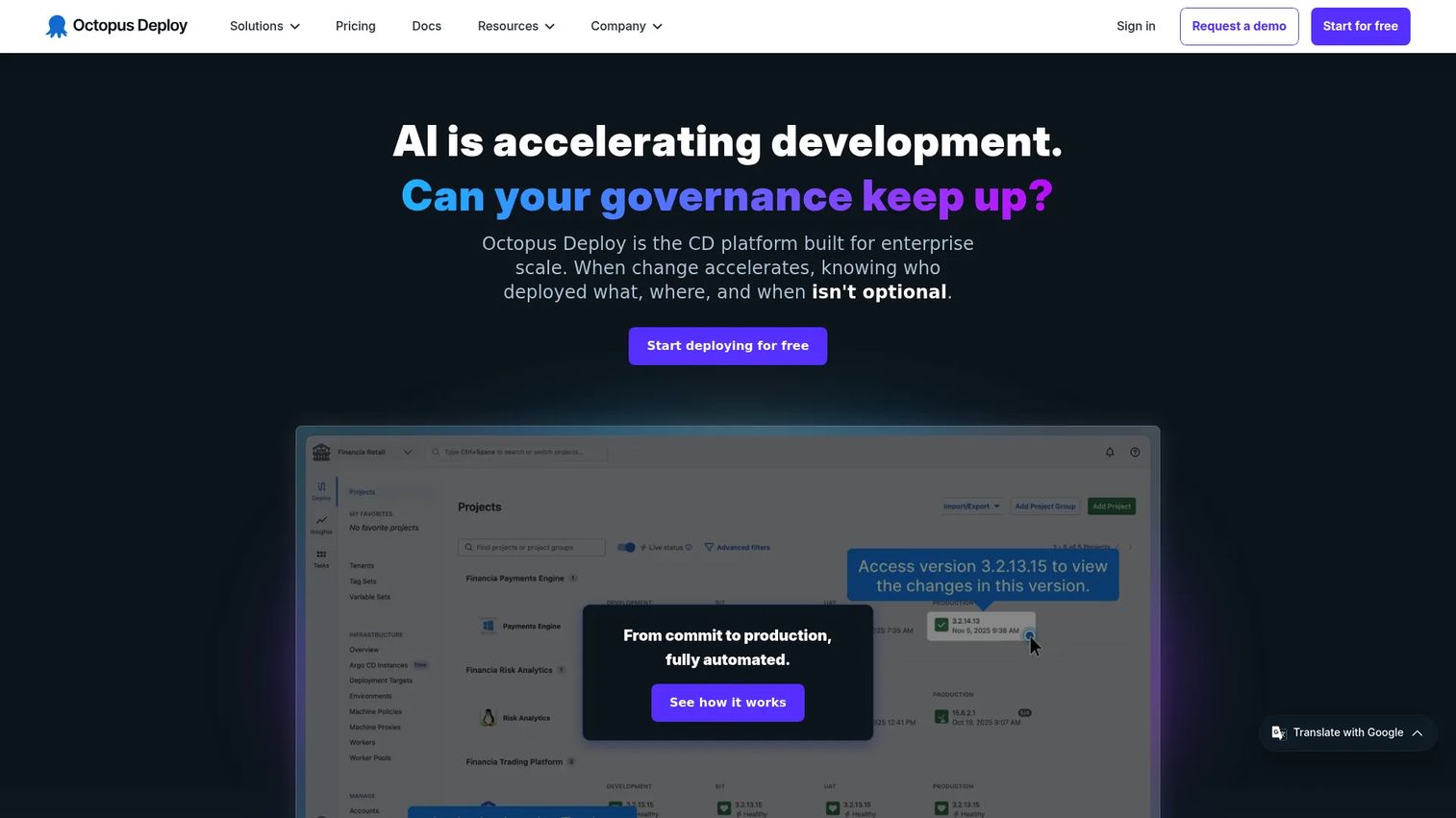
Octopus Deploy is a continuous delivery and deployment automation platform built for teams that need repeatable, auditable releases across many environments. It sits after your build server and owns the delivery half of CI/CD: packaging artifacts, promoting them through environments, and orchestrating complex, multi-step deployments. It is one of the few tools purpose-built specifically for the deployment stage rather than bolting delivery onto a broader CI product.
Best for: Teams that need enterprise-grade CD, runbooks, and deployment orchestration at scale.
Key strengths
- Release snapshotting and config variables: Every release captures its exact configuration and secrets, so a promotion to production matches what you tested.
- Runbook automation: Codify routine operational tasks like restarts, backups, and rollback planning so they run consistently, not from memory.
- Environment promotion with RBAC and SSO: Move a release cleanly from dev to production with role-based approvals and a full audit trail.
Why choose Octopus Deploy: If your release process is genuinely complex, many environments, tenants, and gated approvals, Octopus is built for exactly that reality. It supports blue green deployment, canary deployment, and rolling deployment patterns without forcing you to hand-roll scripts. Product teams like it because environment promotion and rollback become visible, governed steps rather than tribal knowledge.
Octopus Deploy pricing: Octopus offers a Free plan that includes 10 projects, 10 tenants, 10 machines, 1 space, 10 users, and 5 concurrent tasks. The Professional plan starts at $4,330 USD per year. Enterprise pricing is custom through sales. The free tier is generous enough for small teams to run a real deployment pipeline before committing budget.
2. PDQ Deploy
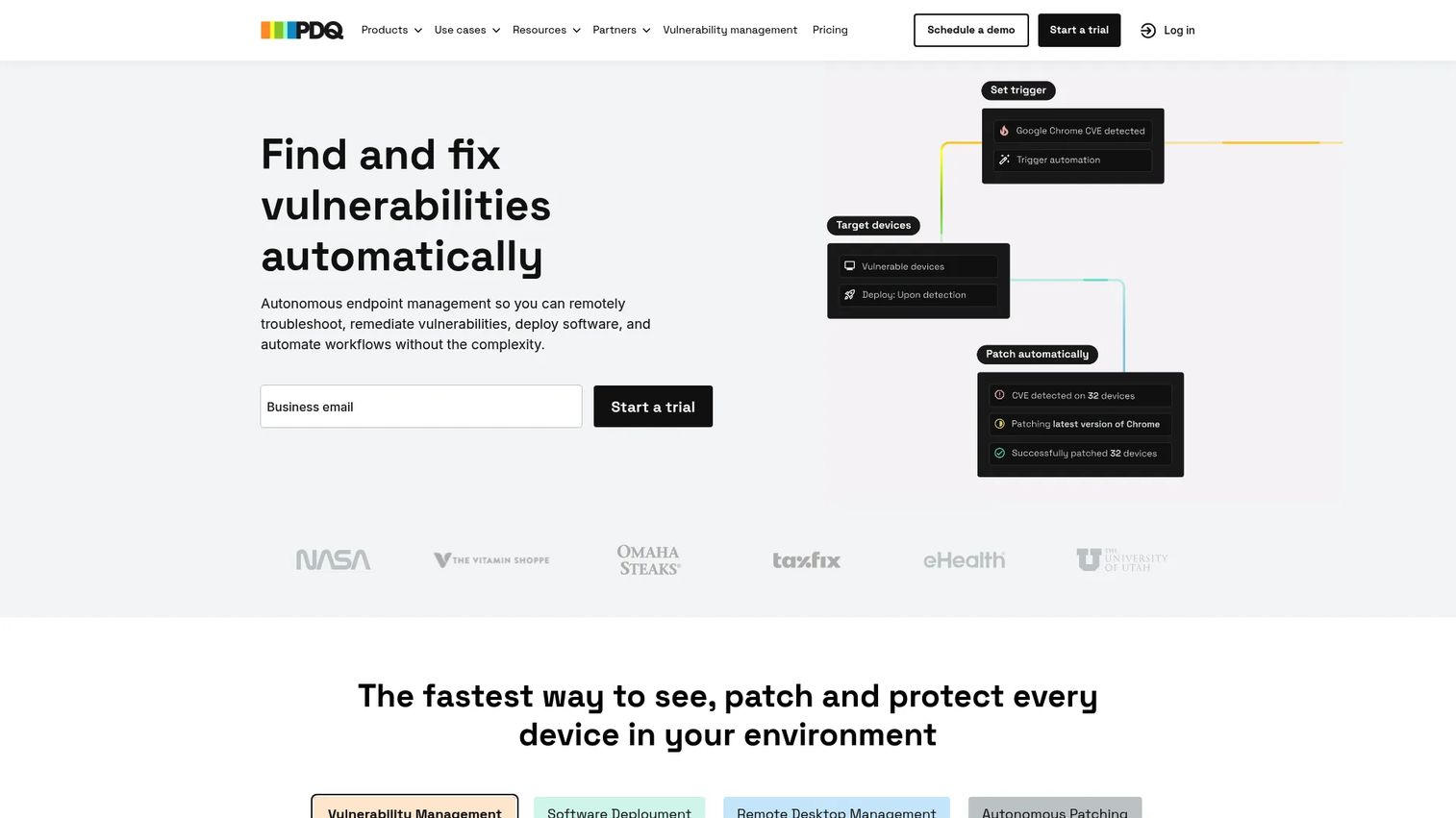
PDQ Deploy is a Windows software deployment tool for IT admins, offered as part of PDQ's on-prem Deploy & Inventory product. Where the other tools on this list target application delivery to servers and cloud environments, PDQ focuses on pushing software, patches, and scripts silently across fleets of Windows machines. It is the right choice when "deployment" means getting software onto endpoints, not shipping a web app.
Best for: IT teams managing on-prem Windows device software deployment and patching.
Key strengths
- Silent deployment across many machines: Push software and patches to hundreds of Windows computers at once with no user interruption.
- Multi-step packages and scheduling: Chain install steps, reboots, and scripts, then schedule them to run off-hours.
- Free mode plus Enterprise licensing: Start with a free mode and scale into full central-server support as your fleet grows.
Why choose PDQ Deploy: For Windows-heavy environments, PDQ solves a specific and painful problem: keeping endpoints patched and consistent without manual visits. It pairs naturally with PDQ Inventory for targeting. This is not a DevOps deployment pipeline tool, and that focus is its strength for the endpoint use case.
PDQ Deploy pricing: PDQ's on-prem Deploy & Inventory product is sold as a Standard plan at $1,950 per admin per year, with volume discounts available. PDQ offers a free 14-day trial and a free mode for PDQ Deploy, so you can validate the workflow before buying.
3. Atlassian
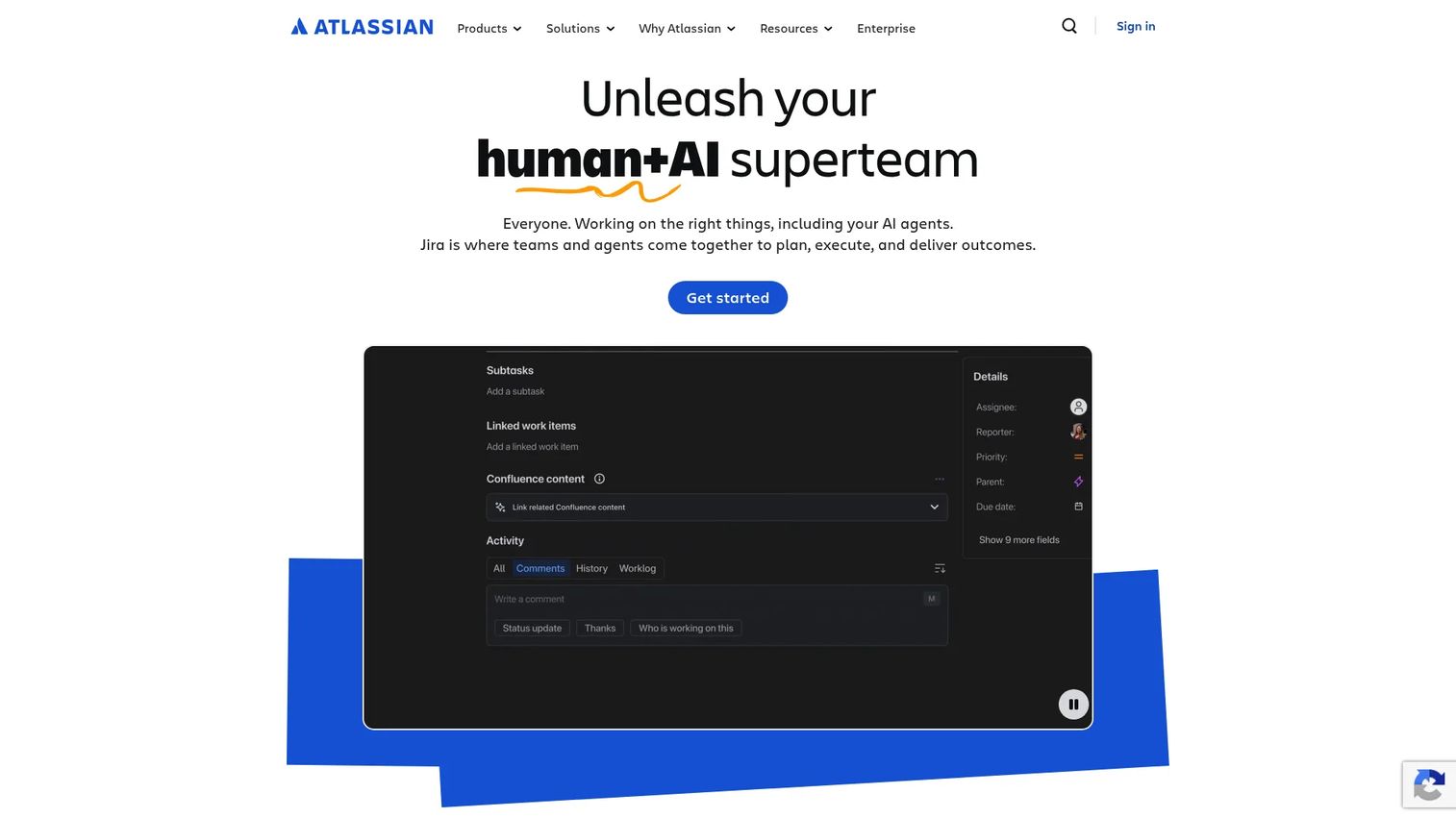
Atlassian is a software platform for team collaboration, planning, service management, and software development. For deployment, its value is adjacency: connecting release coordination to the planning tools your team already lives in. When deployments are tracked in Jira, tied to code in Bitbucket, and documented in Confluence, the deployment vs release conversation happens where the work does.
Best for: Teams needing a broad collaboration and work-management suite that keeps deployment planning next to the roadmap.
Key strengths
- Jira planning and tracking: Tie deployments to issues, epics, and releases so product and engineering share one view.
- Bitbucket and pipelines integration: Connect source control and CI/CD adjacency directly to your planning workflow.
- Confluence knowledge sharing: Keep runbooks, deployment checklists, and post-incident notes in one searchable place.
Why choose Atlassian: If your bottleneck is coordination rather than raw deployment mechanics, Atlassian shines. It gives product managers deployment governance and release visibility without adding a separate tool the team has to learn. The Rovo AI layer adds search and agents across your work. It is less a standalone deployment engine and more the connective tissue around one.
Atlassian pricing: Jira, the core planning product, offers a Free plan for up to 10 users. The Standard plan is $7.91 per user per month, and Premium is $14.54 per user per month, with monthly and annual billing options. Enterprise is annual-only through sales. Atlassian's pricing is product-specific rather than a single suite-wide number.
4. Sumo Logic
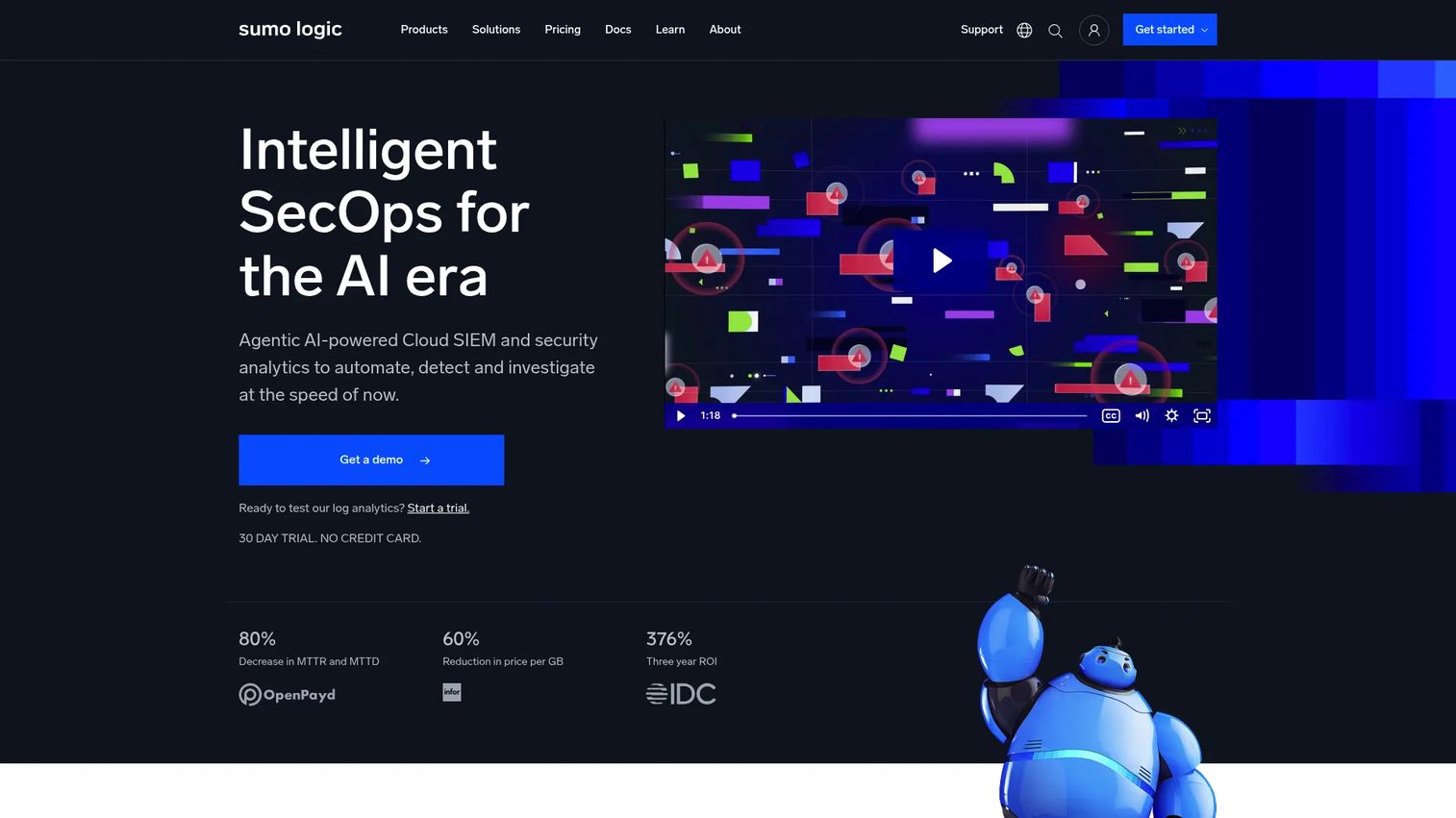
Sumo Logic is a cloud-native log analytics and observability platform for DevSecOps teams. It is not a deployment engine, and that is the point: it is the monitoring layer that tells you whether a deployment was actually safe. Post deployment monitoring is where most release risk lives, and Sumo Logic gives teams the logs, metrics, and traces to catch problems before customers do.
Best for: Teams needing centralized log analytics, observability, and security monitoring to support deployment decisions.
Key strengths
- Cloud log management and analytics: Aggregate logs across services to spot errors the moment a release goes live.
- Metrics, traces, dashboards, and alerting: Watch key health signals during a canary deployment and get alerted on regressions.
- Security and SIEM capabilities: Catch compliance and security issues introduced by a release, not just functional bugs.
Why choose Sumo Logic: A deployment pipeline without post deployment monitoring is flying blind. Sumo Logic closes that loop, feeding health signals back into your release decisions so you can promote or roll back with evidence. Teams use it alongside their deployment tool of choice rather than instead of one. It works best as the observability half of a safe release management practice.
Sumo Logic pricing: Sumo Logic uses a credits-based model. Free accounts include 20 daily credits, 7-day log retention, and up to three users. Paid tiers start with Essentials at $0.15 per credit, Enterprise Operations at $0.2125, Enterprise Security at $0.225, and Enterprise Suite at $0.25 per credit. The free tier is enough to instrument a small service and prove the value.
5. GitLab
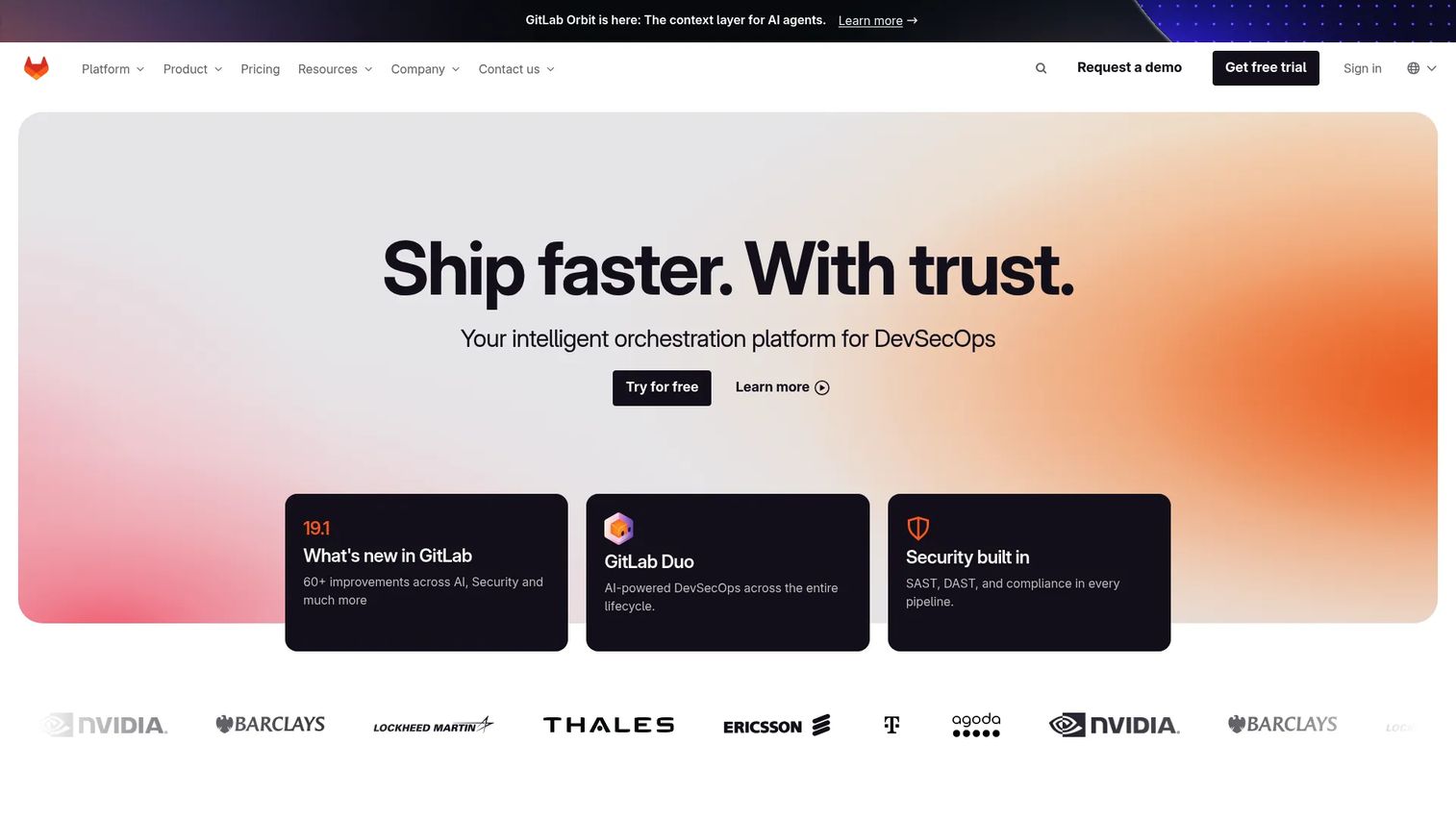
GitLab is an intelligent DevSecOps platform for planning, building, securing, testing, deploying, and maintaining software. Its appeal is consolidation: source control, CI/CD pipelines, security scanning, and deployment automation live in one platform. For teams tired of stitching together five tools, GitLab handles the full path from commit to production, including environments and deployment strategies.
Best for: Teams wanting a single platform for DevSecOps and AI-assisted software delivery.
Key strengths
- Planning and source code management: Own the roadmap, code, and merge requests in one place, tied to deployments.
- Built-in CI/CD pipelines: Define your deployment pipeline as code and support rolling deployment, canary, and blue green patterns.
- Security testing, compliance, and observability: Shift security left and keep governance close to the release process.
Why choose GitLab: If your team values one platform over best-of-breed sprawl, GitLab reduces integration overhead and gives product managers a clean line of sight from planning to release automation. Environments, approvals, and infrastructure as code all live in the same tool. That single-platform model is exactly what many mid-market teams want when consolidating their DevOps deployment tools.
GitLab pricing: GitLab.com offers a Free plan at $0 per user per month. Premium is $29 per user per month billed annually, and Ultimate is contact-sales for teams needing advanced security and compliance. The free tier includes real CI/CD, so small teams can run production deployments without paying.
6. Azure DevOps
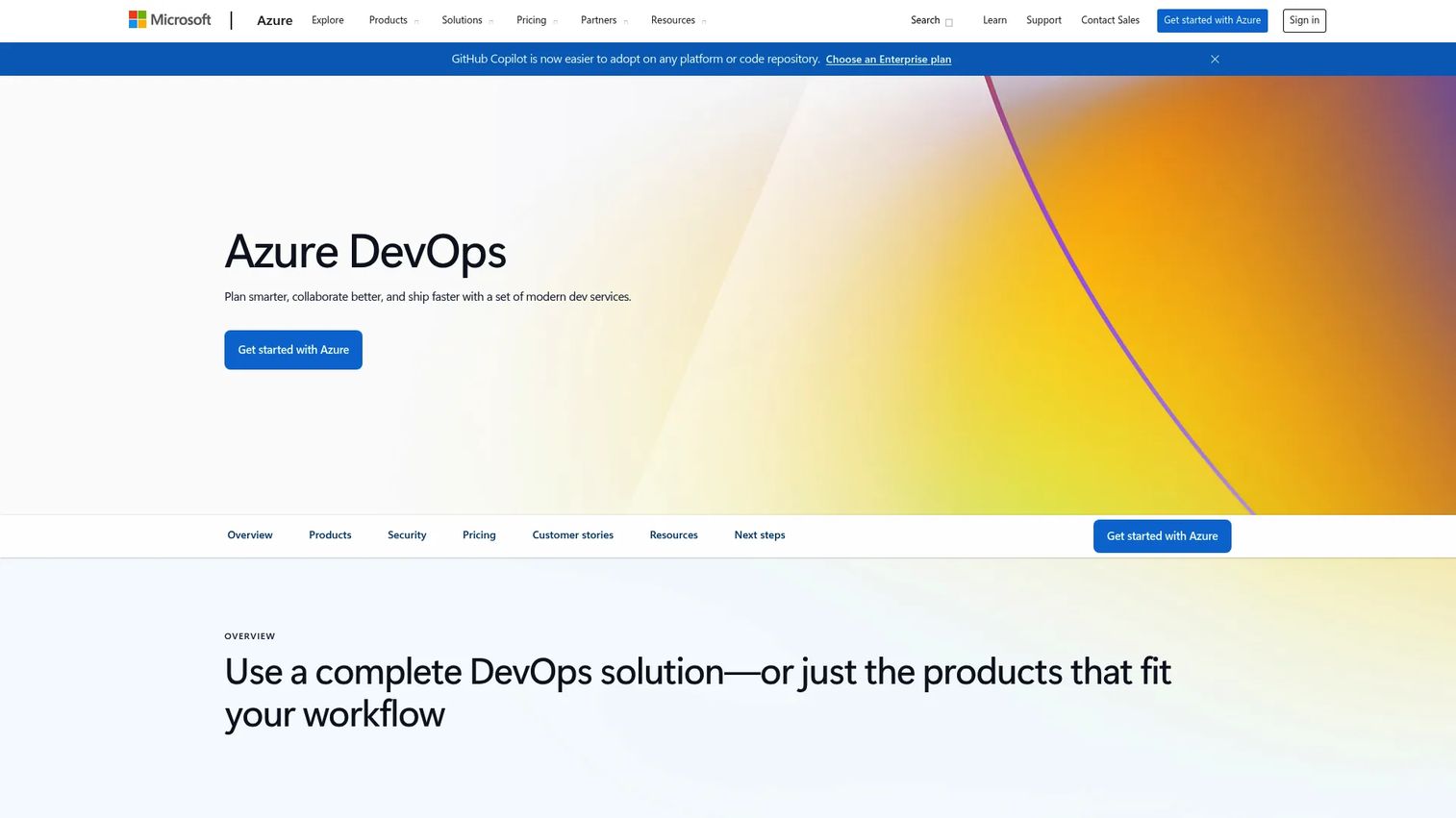
Azure DevOps is Microsoft's set of modern dev services for planning, coding, testing, and CI/CD. For teams already standardized on Microsoft tooling, it is the natural home for pipelines, release management, and environment controls. Azure Pipelines deploys across languages, platforms, and clouds, so it is not limited to Microsoft stacks despite the ecosystem fit.
Best for: Teams that want an integrated Microsoft DevOps suite for planning, source control, CI/CD, and testing.
Key strengths
- Azure Pipelines for CI/CD: Build and deploy across languages and clouds, with support for canary and rolling deployment strategies.
- Azure Boards for planning: Configurable Kanban boards keep product and engineering aligned on what ships.
- Approvals and environment controls: Gate promotions with checks and approvals for enterprise governance and cross-team coordination.
Why choose Azure DevOps: If your organization runs on Microsoft, Azure DevOps removes friction: identity, source control, and deployment all share the same governance model. Its approval gates and environment checks make it strong for regulated teams that need auditable, controlled releases. It works best where enterprise governance and cross-team coordination matter as much as raw speed.
Azure DevOps pricing: Microsoft describes flexible licensing across bundles and individual services, with options for both teams and individual pipeline needs. A public single price number was not listed on the product page reviewed, so confirm current tiers directly with Microsoft for your team size and usage.
7. Jenkins
Jenkins is an open-source automation server for continuous integration and continuous deployment. It is the veteran of this list, and it stays relevant because of one thing: extensibility. With thousands of plugins and Pipeline as code, Jenkins can automate almost any deployment workflow you can describe. Teams that need total control over their deployment pipeline still reach for it.
Best for: Teams that want a highly extensible, self-hosted CI/CD automation server.
Key strengths
- Extensible plugin ecosystem: Thousands of plugins connect Jenkins to nearly any tool, cloud, or deployment strategy.
- Pipeline as code: Define your entire deployment pipeline in version-controlled code for reproducibility.
- Distributed build execution: Scale builds and deployments across many agents for large workloads.
Why choose Jenkins: Jenkins fits teams that want to own and shape their deployment workflow completely, and that have the engineering capacity to maintain a self-hosted server. Because it is open-source and free, there is no license cost, and its flexibility means it can support blue green deployment, canary deployment, and infrastructure as code patterns through plugins. It rewards teams that value control and customization over an opinionated, managed experience.
Jenkins pricing: Jenkins is a community-driven open-source project. There is no license fee. Your costs are the infrastructure you run it on and the engineering time to configure and maintain it. That model makes it appealing to teams with the expertise to operate their own tooling.
Considerations before you choose
Picking deployment software is less about feature checklists and more about matching the tool to your release reality. Use this checklist to narrow the field.
Deployment strategy support
Confirm the tool natively supports the strategies you actually need: blue green deployment for zero-downtime cutovers, canary deployment for gradual exposure, and rolling deployment for incremental updates. If you have to script these from scratch, factor in the maintenance cost.
Environment parity and rollback planning
Your staging environment should mirror production closely enough that "it worked in staging" means something. Look for tools that enforce environment parity and make rollback planning a first-class, tested action rather than an improvised scramble during an incident.
CI/CD fit and pipeline ownership
Decide whether you want an all-in-one platform or a best-of-breed deployment layer on top of an existing CI tool. Some teams want one system for build, test, and deploy; others want a focused deployment engine that plugs into their current CI/CD. Both are valid depending on your team's maturity.
Governance, approvals, and monitoring
For regulated or high-stakes releases, gated approvals, role-based access, and audit trails matter as much as speed. And no deployment stack is complete without post deployment monitoring, so verify the tool integrates cleanly with your observability layer. Strong contract management and audit management software practices help keep the paper trail defensible.
Conclusion
The right deployment software depends on what "deployment" means for your team. Octopus Deploy is the strongest pick for complex, multi-environment release automation and orchestration. PDQ Deploy owns Windows endpoint distribution. Atlassian keeps deployment planning next to your roadmap, GitLab consolidates the whole DevSecOps lifecycle, and Azure DevOps fits Microsoft-standardized enterprises. Sumo Logic supplies the post deployment monitoring that makes any of them safer, and Jenkins gives extensibility-hungry teams total control.
Your next step is simple: map your release cadence, environment complexity, and rollback needs, then start a free trial with the one or two tools that match. The deciding factors are almost always the same, how well the tool handles CI/CD, rollback planning, and post deployment monitoring. Nail those, and your software release process stops being a source of anxiety and starts being a competitive advantage. For related tooling that supports safe releases, explore the best AI code generation tools and AI security posture management tools.
Start your journey with Guideflow today!
FAQs
Deployment software automates moving application code or packages from a build artifact into running environments in a controlled, repeatable, reversible way. It handles packaging, promotion, release orchestration, and rollback so teams ship frequently without manual, error-prone steps. A focused deployment tool is enough for delivery-only needs, while a broader platform makes sense when you want build, test, and deploy in one place.
Deployment is the technical act of moving code into an environment; release is making that functionality available to users. You can deploy code to production without releasing it, using feature flags or dark launches, then release it on your own schedule. Keeping the deployment vs release distinction clear is the foundation of safe release management and lower-risk continuous deployment.
For DevOps teams wanting one platform, GitLab covers planning, CI/CD, security, and deployment together. For dedicated deployment orchestration on top of an existing build server, Octopus Deploy is purpose-built for complex, multi-environment releases. Jenkins suits teams that want maximum extensibility and are comfortable self-hosting.
PDQ Deploy is built specifically for silent software and patch distribution across on-prem Windows fleets. It targets endpoint deployment, getting software onto machines, rather than shipping web applications through a deployment pipeline. If your job is keeping Windows devices patched and consistent, it is the clearest fit on this list.
CI/CD is the broader practice of continuous integration and continuous delivery or deployment. Deployment software owns the delivery half: taking a tested build artifact and promoting it safely into environments. Some tools like GitLab and Azure DevOps cover the entire CI/CD pipeline, while others like Octopus Deploy focus specifically on the deployment stage after your CI build finishes.
Prioritize support for the deployment strategies you use, blue green deployment, canary deployment, and rolling deployment, plus strong environment parity, rollback planning, and approvals. Verify it integrates with your CI/CD and post deployment monitoring stack. Match the tool to your team's maturity: an all-in-one platform for consolidation, or a focused engine that layers onto existing tooling.
Not always. Many CI platforms include deployment features, and a small team may not need a separate tool. But when your release process grows complex, many environments, gated approvals, and multiple deployment strategies, a dedicated deployment layer like Octopus Deploy adds control and governance that a general-purpose CI tool may not match. Start with what you have and add specialized tooling when the software deployment process outgrows it.
Blue green deployment runs two identical environments and switches traffic between them for instant, low-risk cutovers and easy rollback. Canary deployment exposes a new version to a small slice of users first, so you can measure health before full promotion. Good deployment software supports both natively, and pairing them with post deployment monitoring is what makes each strategy actually safe.