
Your app is live. Traffic is flowing. Somewhere in that stream, a request is trying SQL injection against your login form, and another is probing your API for an unauthenticated endpoint.
You need a filter at Layer 7. That is what web application firewall software does. But the moment you start evaluating options, the problem stops being "which WAF blocks attacks" and becomes "which WAF fits my architecture, my team, and my security review."
That gap is where most WAF decisions stall. Cloud-based WAFs now account for roughly 64% of total WAF revenue, with hybrid deployments projected to grow at a 15.57% CAGR through 2031, according to Radware (2024). Deployment model is no longer a footnote. It is the first fork in the road.
For presales engineers and technical buyers, the friction is specific. You are not learning what a WAF is. You are matching threat coverage, deployment fit, policy tuning, and operational overhead to a real system, then defending that choice through security review and procurement. This guide is built for that job.
What is WAF software?
Web application firewall software is a security layer that inspects and filters HTTP and HTTPS traffic between users and your web applications and APIs, blocking malicious requests before they reach your origin.
A WAF operates at Layer 7, the application layer. That placement matters. A network firewall sees packets and ports. A web app firewall sees the actual request: the URL, the headers, the payload, the API call. It can tell the difference between a normal login and one carrying a SQL injection string.
Most WAF security products cover a common set of threats:
- OWASP Top 10 attacks: SQL injection, cross-site scripting (XSS), path traversal, and injection flaws
- API abuse: schema violations, unauthorized endpoint access, and malformed requests
- Bot traffic: credential stuffing, scraping, and automated abuse
- DDoS mitigation: absorbing or filtering volumetric and application-layer floods
- Custom rule enforcement: blocking traffic patterns specific to your app
WAF software ships in several deployment forms, and this is usually the deciding factor:
| Deployment model | How it works | Best fit |
|---|---|---|
| Cloud WAF | Delivered at the edge, traffic routed through the provider | Fast rollout, distributed apps, teams wanting low ops overhead |
| Reverse proxy WAF | Sits in front of origin servers, inspects then forwards | Self-hosted stacks, full control over the proxy layer |
| On-prem WAF | Appliance or software inside your own network | Data residency needs, air-gapped or tightly controlled environments |
| Managed WAF | Vendor tunes and operates rules on your behalf | Lean security teams, teams wanting offloaded operations |
The right form depends less on a feature list and more on where your apps run, who owns policy, and how fast you need to respond when something new hits.
What's inside
This guide is for presales engineers, solutions consultants, and technical buyers who need to compare WAF software and survive the scrutiny that follows.
We selected these seven tools based on:
- Deployment breadth: cloud, on-prem, reverse proxy, container, and managed fit
- Threat coverage: OWASP Top 10, API protection, bot and DDoS mitigation
- Policy control: tuning depth, default modes, and false-positive management
- Operational reality: who owns the rules and how the tool fits an existing stack
We included open-source, cloud-native, enterprise, and managed options so the list reflects real architectural choices, not one vendor category.
TL;DR
Short on time? Here are the picks by scenario:
- Best for open-source transparency: BunkerWeb, a security-focused reverse proxy with an auditable open-source core
- Best for enterprise deployment breadth: F5, for consistent policy across hybrid and multicloud
- Best for cloud-first teams: Cloudflare, edge-delivered WAF with integrated bot and DDoS protection
- Best for detection rigor: open-appsec, machine-learning WAF with default and tuned policy modes
- Best for an integrated security stack: Fortinet, when you already run its infrastructure
- Best for managed protection depth: Imperva, for mature web, API, and data security coverage
- Best for Google Cloud workloads: Google Cloud Armor, native WAF and DDoS enforcement
When to use WAF software
WAF software earns its place at specific operational moments. Here are the three that drive most buying decisions.
Protect public web apps and APIs from common attack traffic
Any app exposed to the internet takes automated probing within hours of going live. A web application firewall filters that noise at Layer 7 before it reaches your code.
Operational triggers:
- You launched a public app or API with real user data behind it
- You need OWASP Top 10 coverage without rewriting application code
- Your API surface is growing faster than your ability to secure each endpoint
Centralize policy control across hybrid environments
Teams running apps in cloud, on-prem, and containers face a portability problem. Rules written for one environment do not automatically apply to another. Over 65% of enterprises are integrating WAFs into their infrastructure to prevent breaches and secure web traffic, per Reanin (2025), and consistency across those environments is the hard part.
Operational triggers:
- You manage the same app across multiple deployment targets
- Different teams write conflicting rules for the same traffic
- Audits require one place to prove policy is enforced everywhere
Reduce manual response during active attack periods
When an attack ramps, manual mitigation does not scale. WAF software with rate limiting, bot detection, and automated rules absorbs the surge so your team is not firefighting rule changes at 2 a.m.
Operational triggers:
- You have faced credential stuffing or scraping campaigns
- DDoS mitigation is a board-level or contractual requirement
- Your on-call team spends too much time reacting to traffic anomalies
A note on Layer 7 and API coverage: not every WAF treats APIs the same way. If your traffic is API-heavy, confirm the tool supports schema awareness and API-specific rules, not just web page protection.
Comparison table
Here is a compact view of the seven WAF software options, sorted by relevance to open-source, cloud, and enterprise buyers. Pricing and ratings reflect verified public data where available.
| # | Product | Best for | Key differentiator | Pricing | G2 rating |
|---|---|---|---|---|---|
| 1 | BunkerWeb | Self-hosted, open-source WAF | Security-focused reverse proxy with OWASP CRS | Open-source free; PRO and cloud available | Not available |
| 2 | F5 | Enterprise hybrid and multicloud | App delivery plus security across environments | Contact sales | Not available |
| 3 | Cloudflare | Cloud-first, edge-delivered | Integrated WAF, bot, DDoS at internet scale | Free; Pro $20/mo (annual) | 4.5/5 |
| 4 | open-appsec | Detection rigor, ML-based | Machine-learning WAF with default/tuned modes | Free Community; paid by request | Not available |
| 5 | Fortinet | Integrated security stack | Fabric spanning network, endpoint, and SOC | Request a quote | 4.4/5 |
| 6 | Imperva | Managed protection depth | Web, API, bot, DDoS, and data security | Contact us; free trial | 4.3/5 |
| 7 | Google Cloud Armor | Google Cloud workloads | Native WAF and DDoS for GCP apps | Standard $0.75 / 1M requests | 4.0/5 |
1. BunkerWeb
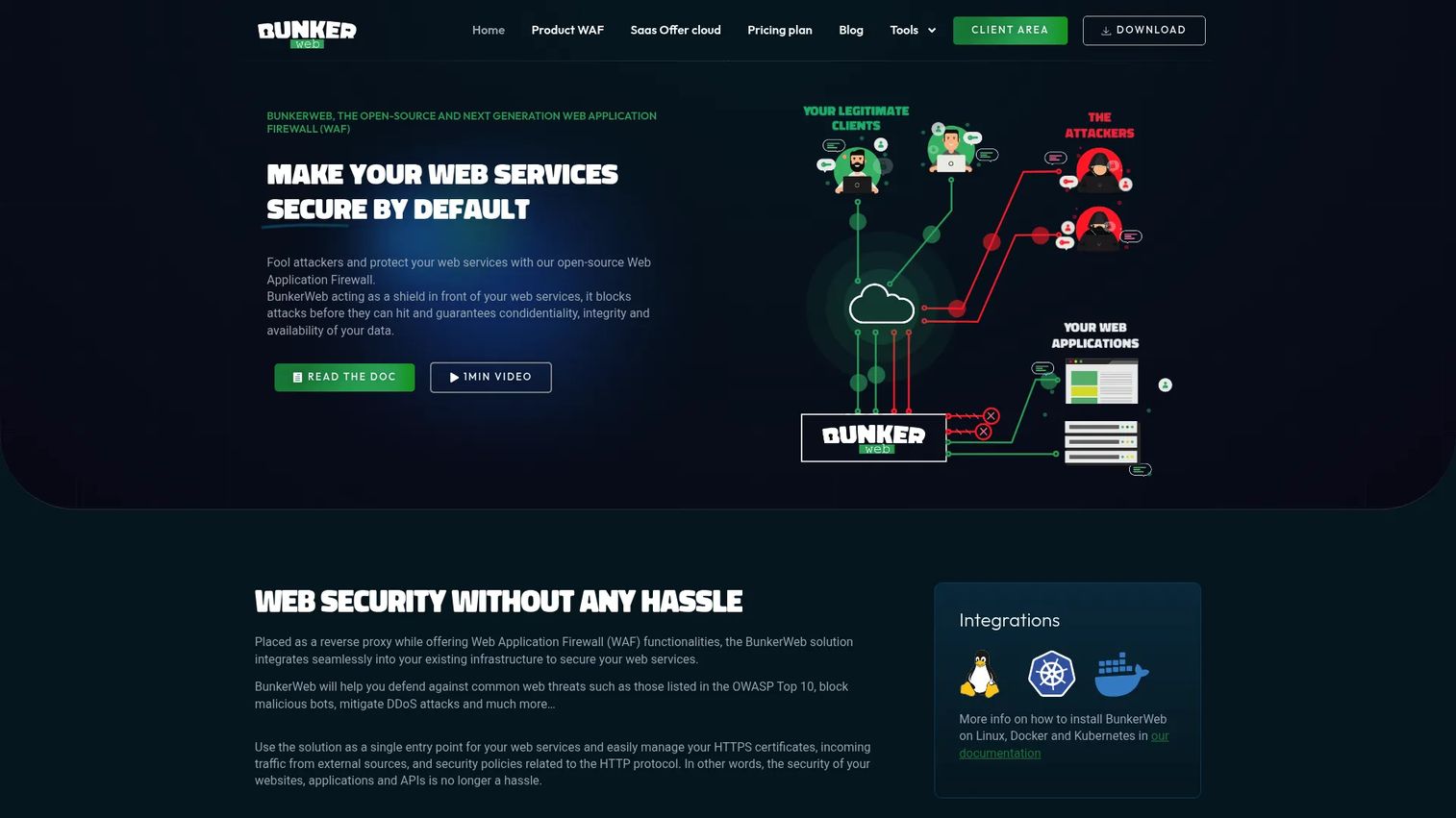
BunkerWeb is an open-source web application security platform built as a reverse proxy with security-focused defaults. It wraps ModSecurity and the OWASP Core Rule Set, automates HTTPS with Let's Encrypt, and gives self-hosting teams a WAF they can read, audit, and modify. For teams that treat auditability as a security requirement, the open-source core is the draw.
BunkerWeb fits the reverse proxy WAF pattern cleanly. Traffic hits BunkerWeb first, gets inspected, then forwards to your origin. That placement gives you control over the security layer without handing traffic to a third-party edge.
Best for: Teams that want to self-host a security-focused reverse proxy with a fully auditable open-source option.
Key strengths
- Reverse proxy with security-focused defaults
- HTTPS and Let's Encrypt automation built in
- ModSecurity WAF with OWASP Core Rule Set
Why choose BunkerWeb: If your security posture depends on inspecting the code that protects you, an open-source WAF removes the black box. BunkerWeb suits teams comfortable owning their proxy layer and wanting managed and PRO options as they scale.
BunkerWeb pricing: The open-source version is free. A PRO version and cloud offering are available, including a one-month free trial code, though public numeric pricing is not published on the vendor site.
On governance and auditability: Because the core is open-source under AGPLv3, security teams can review rule logic and confirm behavior directly, which matters when a compliance reviewer asks how the WAF actually decides what to block.
2. F5
F5 is an enterprise application delivery and security platform covering apps and APIs across hybrid and multicloud environments. Beyond WAF, it handles traffic management, DDoS protection, and AI security, which is why large organizations reach for it when they need consistent policy across many environments rather than a single-point tool.
F5's strength is breadth. If your apps live across on-prem data centers, multiple clouds, and edge locations, F5 aims to enforce one policy model across all of them. That consistency is the pitch for enterprise security teams tired of reconciling rules per environment.
Best for: Large organizations needing application delivery, security, and traffic management across hybrid and multicloud environments.
Key strengths
- Application delivery and traffic management
- Application security including WAF and DDoS protection
- AI security and inference protection
Why choose F5: When your architecture spans several environments and your security review demands provable, consistent policy, F5's platform depth is the reason enterprises choose it over narrower tools.
F5 pricing: Public product pricing is not listed on the F5 site. F5 directs buyers to contact sales, with free 30-day trials and licensing or subscription models available.
On enterprise trust signals: F5 is a long-standing name in application delivery and security, which carries weight in enterprise procurement and security diligence where vendor track record is part of the evaluation.
3. Cloudflare
Cloudflare delivers WAF software from its global edge network, inspecting Layer 7 traffic before it reaches your origin. Its application security combines WAF, bot management, DDoS protection, and CDN in one platform, which makes it a natural fit for teams already routing traffic through Cloudflare's edge. Cloud-based WAF is projected to lead with 62.3% market share in 2026, per Coherent Market Insights, and Cloudflare sits squarely in that shift.
Because protection happens at the edge, deployment is fast. You point DNS at Cloudflare, enable WAF rules, and traffic gets filtered globally without you managing appliances. For cloud-first teams, that operational simplicity is the appeal.
Best for: Teams needing integrated web security, performance, and edge platform services at internet scale.
Key strengths
- WAF and bot management
- DDoS protection
- CDN and edge compute with Workers
Why choose Cloudflare: If your priority is a WAF in the cloud that deploys fast and bundles bot and DDoS mitigation, Cloudflare's edge model removes most of the operational setup. It suits teams that value speed to protection over on-prem control.
Cloudflare pricing: Cloudflare offers a Free plan at $0/month. Pro is $20/mo billed annually (or $25/mo monthly), Business is $200/mo billed annually (or $250/mo monthly), and Contract pricing is custom. Note that some Cloudflare products use separate or usage-based pricing.
On cloud-first operational simplicity: With no appliances to rack and rules managed from a dashboard, small teams can stand up meaningful protection quickly, which is why Cloudflare shows up so often in early cloud security stacks.
4. open-appsec
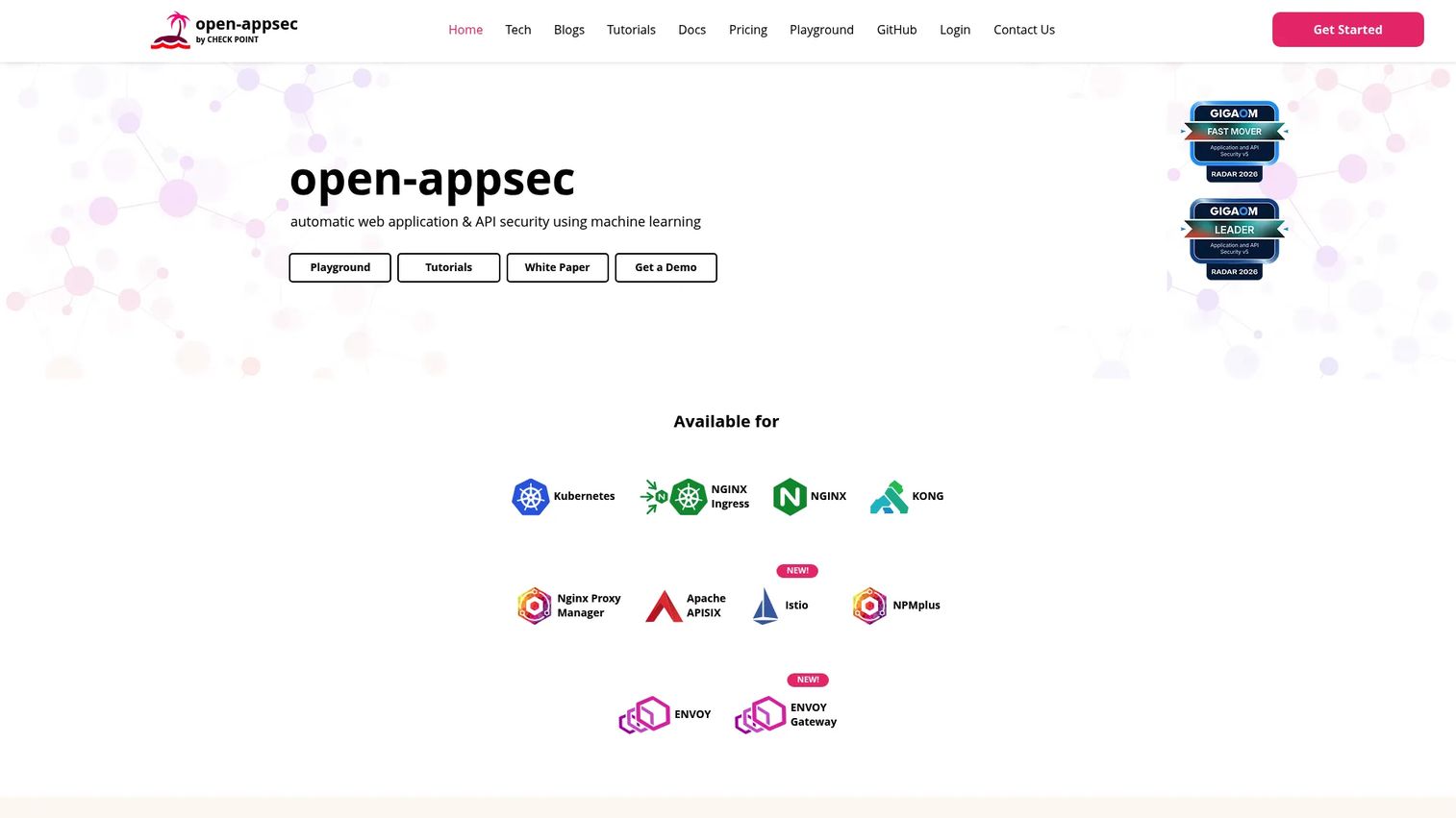
open-appsec is an open-source, machine-learning-based web application and API security platform. Instead of relying only on static signatures, it uses ML to detect OWASP Top 10 and zero-day threats, which appeals to teams that care about detection methodology and want to reason about how threats are caught. It also handles API discovery, OpenAPI schema validation, and anti-bot controls.
The tool's design speaks to technical evaluators. You can run default policies or tune them, and the ML approach aims to reduce the manual signature maintenance that traditional rule sets demand. For presales teams that get grilled on detection rigor, that is a strong story.
Best for: Teams needing open-source WAF and API security with SaaS management and Kubernetes or gateway integrations.
Key strengths
- ML-based WAF against OWASP Top 10 and zero-day threats
- API discovery, malicious content blocking, and OpenAPI schema validation
- Intrusion prevention, anti-bot, file security, and rate limiting
Why choose open-appsec: If your evaluation weighs detection approach and reproducible threat coverage over vendor slogans, the ML model and open-source foundation give you something to test and defend.
open-appsec pricing: A free Community Edition is available. Premium and Enterprise editions are priced by request through the vendor's form, with no public numeric pricing shown.
On detection approach and policy modes: The default versus tuned policy modes let teams start with sensible protection and dial in confidence over time, which helps balance coverage against false positives on custom apps.
5. Fortinet
Fortinet is a broad cybersecurity and networking vendor offering security fabric products for enterprises, service providers, and government. Its portfolio spans next-generation firewalls, SD-WAN and SASE, and security operations tools like SIEM, SOAR, and EDR. For organizations already running Fortinet infrastructure, adding WAF capability within the same fabric keeps operations and policy in one ecosystem.
The pitch here is integration. If your network, endpoint, and cloud security already run on Fortinet, aligning your web app firewall with that stack reduces the number of consoles and vendors your team juggles.
Best for: Organizations seeking a broad enterprise cybersecurity platform spanning network, endpoint, cloud, and SOC use cases.
Key strengths
- Next-generation firewall products
- Secure SD-WAN and SASE offerings
- Security operations products such as SIEM, SOAR, EDR, and sandboxing
Why choose Fortinet: When you already operate a Fortinet security fabric, adding WAF coverage within that ecosystem keeps policy, telemetry, and operations consolidated rather than fragmented across vendors.
Fortinet pricing: Fortinet does not expose public pricing for a general platform tier. The vendor directs buyers to request a quote based on products and scale.
On integrated security stack fit: The value grows with the size of your existing Fortinet footprint, since shared telemetry across network, endpoint, and application layers gives your SOC a more unified view.
6. Imperva
Imperva is a cybersecurity vendor focused on application, data, bot, DDoS, and API protection. Its WAF runs in both cloud and on-premises deployments, and it pairs application security with a Data Security Fabric for discovery, classification, and risk analytics. For enterprises wanting a mature vendor with protection depth across web and data layers, Imperva is a common shortlist entry.
The breadth is the point. Beyond blocking OWASP Top 10 attacks, Imperva adds bot protection, API security, and malicious file upload defense, which suits teams that want application and data protection under one roof.
Best for: Enterprises needing centralized web, API, bot, DDoS, and data security protection.
Key strengths
- Web Application Firewall for cloud and on-premises deployments
- Data Security Fabric for discovery, classification, and risk analytics
- Application security including bot protection, API security, and malicious file upload protection
Why choose Imperva: If your requirements span both application defense and data security, Imperva's combined coverage means fewer point tools and a single vendor for protection depth across layers.
Imperva pricing: Imperva's Data Security Fabric plans, Data Assure, Data Secure, and Data 360, are all listed as Contact Us with no public starting price. The WAF product page offers a free trial.
On managed security and protection breadth: For lean teams, Imperva's managed options offload rule operations while still covering web, API, and data threats, which reduces the day-to-day tuning burden on your staff.
7. Google Cloud Armor
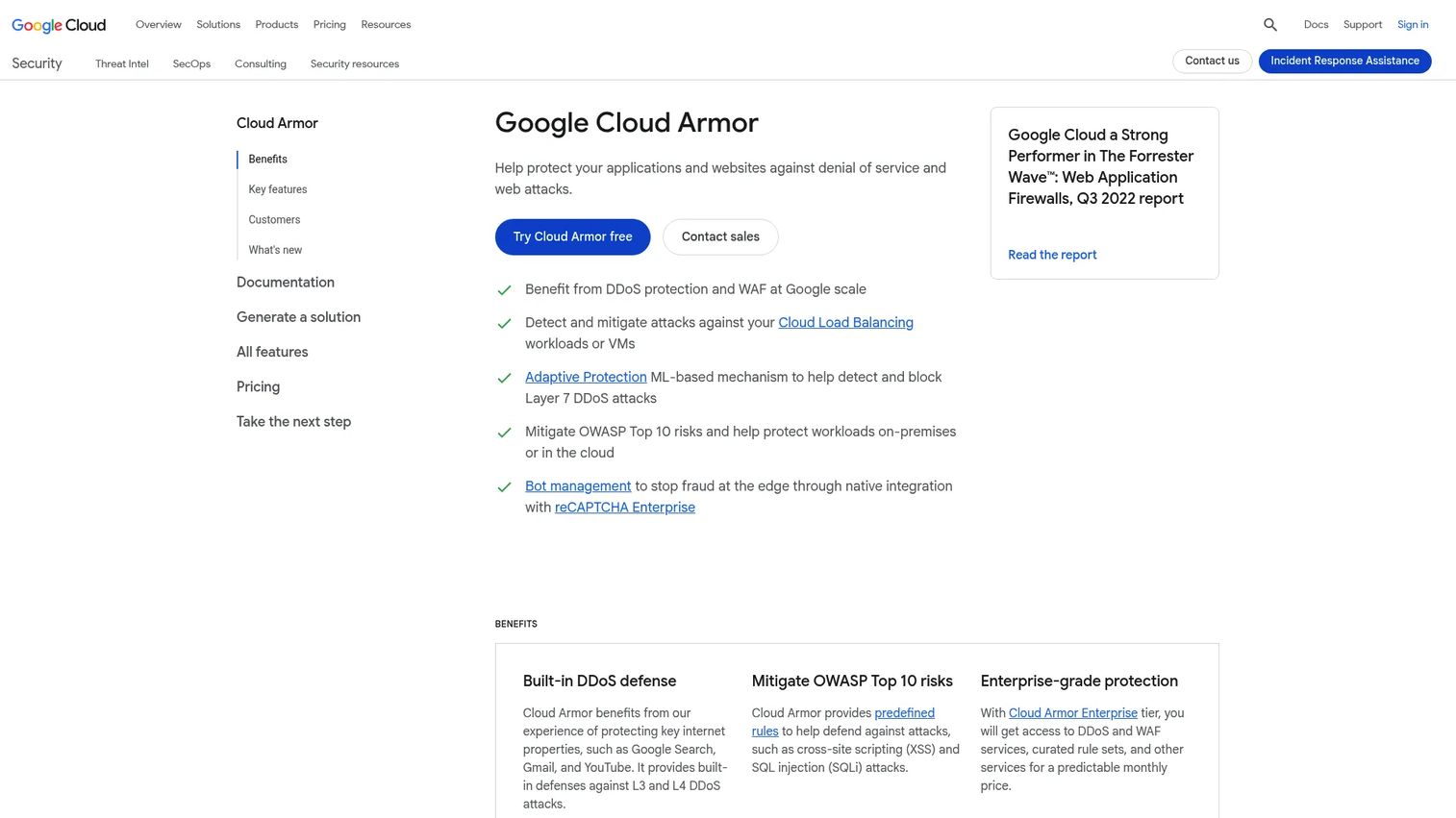
Google Cloud Armor is Google Cloud's managed DDoS protection and web application firewall service for internet-facing apps. It delivers OWASP Top 10 protection, rate limiting, and security policies at Google's edge, and it is built to align natively with Google Cloud workloads. For teams already running on GCP, that native fit removes integration friction.
The appeal is ecosystem alignment. If your apps run behind Google Cloud load balancers, Cloud Armor plugs into that path with policy enforcement that fits how you already deploy, rather than bolting on a separate vendor's edge.
Best for: Teams on Google Cloud needing managed WAF and DDoS protection for public applications.
Key strengths
- DDoS protection
- Web application firewall with OWASP Top 10 protection
- Rate limiting and security policies
Why choose Google Cloud Armor: When your workloads already run on Google Cloud, native WAF and DDoS enforcement keeps security policy inside the same platform you deploy and monitor from.
Google Cloud Armor pricing: Cloud Armor Standard is $0.75 per 1,000,000 requests for globally scoped security policies. Cloud Armor Enterprise is available as Paygo at roughly $0.27 per hour and Annual at roughly $4.11 per hour, with bundled requests and protected resources.
On cloud ecosystem fit: The usage-based model and native GCP integration mean you pay for what you route and manage policy without adding a separate security console, which fits teams standardized on Google Cloud.
Considerations before you buy
A WAF that looks strong in a datasheet can still fail your architecture. Run these checks before you commit.
Deployment model fit
Match the WAF form to where your apps actually run. Cloud WAF suits distributed apps and fast rollout. Reverse proxy and on-prem suit self-hosted or data-residency needs. Hybrid setups need policy that ports across environments, so confirm portability early.
API and Layer 7 coverage
If your traffic is API-heavy, generic web protection is not enough. Verify schema awareness, OpenAPI validation, and API-specific rules. Ask how the tool handles unauthenticated endpoints and malformed requests, not just page-level attacks.
Policy tuning and false positives
Every WAF needs tuning against your real traffic. Ask about default modes, learning periods, and how the tool surfaces false positives. Custom apps and unusual workflows tend to trip generic rules, so budget time for policy review.
Operational ownership
Decide who owns the rules. A managed WAF offloads operations to the vendor. A self-hosted or open-source WAF keeps control in your team. Match that ownership model to your team's capacity and your security review's expectations.
Integration and governance
Confirm the WAF fits your existing stack: logging, SIEM, CI/CD, and alerting. Check how policy changes are versioned and audited, since procurement and security review will ask how you prove enforcement over time.
Conclusion
WAF software is rarely won on a feature slogan. It is won on fit.
If you want open-source transparency and control over your proxy layer, BunkerWeb and open-appsec give you auditable, testable protection. If you need enterprise breadth across hybrid and multicloud, F5 and Imperva bring depth across web, API, and data layers. For cloud-first speed, Cloudflare and Google Cloud Armor deliver edge-native WAF, DDoS, and bot mitigation with minimal setup. And when you already run a broader security fabric, Fortinet keeps everything in one ecosystem.
The pattern across all seven: deployment model, threat coverage, policy tuning, and operational fit decide the winner, not the marketing. Start by mapping where your apps run and who owns the rules, then shortlist the two or three tools that match that reality and put them through a real evaluation against your own traffic.
For presales teams, that hands-on validation is what survives security review and procurement. Whatever you evaluate, if you also need to help buyers experience a product before they commit, Guideflow turns your product into self-serve interactive demos and sandboxes for technical validation, proof-of-concept evaluation, and security review environments.
Start your journey with Guideflow today!
FAQs
WAF software stops common web application attacks: SQL injection, cross-site scripting, path traversal, bot abuse, and some API abuse patterns. It inspects HTTP and HTTPS traffic at Layer 7 and filters malicious requests before they reach your app. It does not replace secure coding, but it reduces exposure to the OWASP Top 10 and automated probing.
Cloud WAF can protect APIs, but coverage varies by product. Check whether the tool supports API-specific rules, OpenAPI schema validation, and schema awareness rather than only page-level protection. The right choice depends on your API traffic patterns and how much of your surface is API-driven versus browser-driven.
A reverse proxy sits in front of origin servers and routes or load-balances traffic. A WAF focuses on inspecting and filtering malicious application-layer requests. Some products, like a reverse proxy WAF, combine both roles, sitting in the traffic path and applying security rules before forwarding requests.
For hybrid environments, prioritize policy portability, consistent rule management, and support across cloud, on-prem, containers, and edge. This is a deployment-fit question more than a single-feature one. Tools built for multicloud consistency tend to fit better than point products tied to one environment.
Tuning depends on the product, its default mode, your app complexity, and your false-positive tolerance. Expect some policy review and alert hygiene, especially for custom apps and API-heavy traffic. Machine-learning and default-plus-tuned modes can shorten this, but budget time to validate rules against your real traffic before enforcing blocks.
Ask about deployment model, your app and API mix, traffic volume, false-positive tolerance, and who owns policy after purchase. Confirm how fast the team can respond to new threats, and how the WAF integrates with your logging, SIEM, and CI/CD. Governance and integration questions usually decide whether the tool survives security review.